
Memory Exercises Pictures Kims Game This presentation includes























- Slides: 86
Memory Exercises Pictures – Kim’s Game
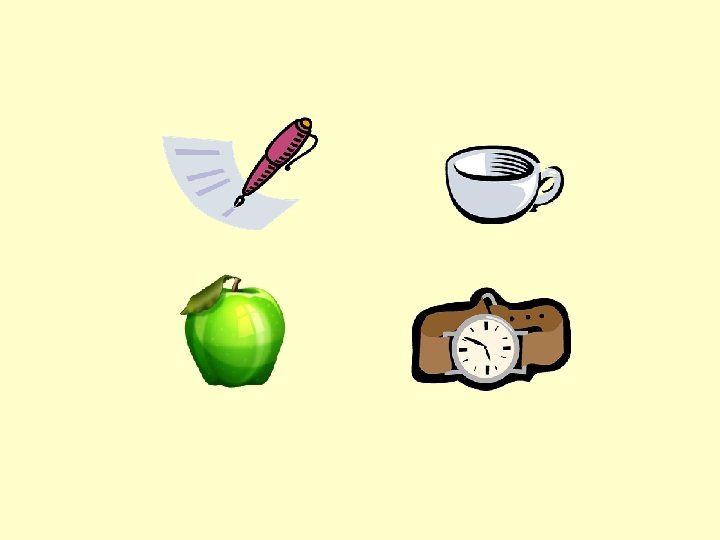
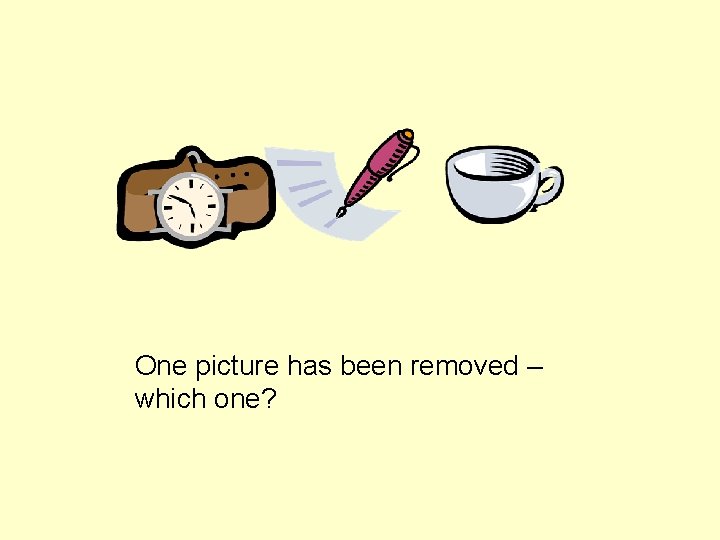
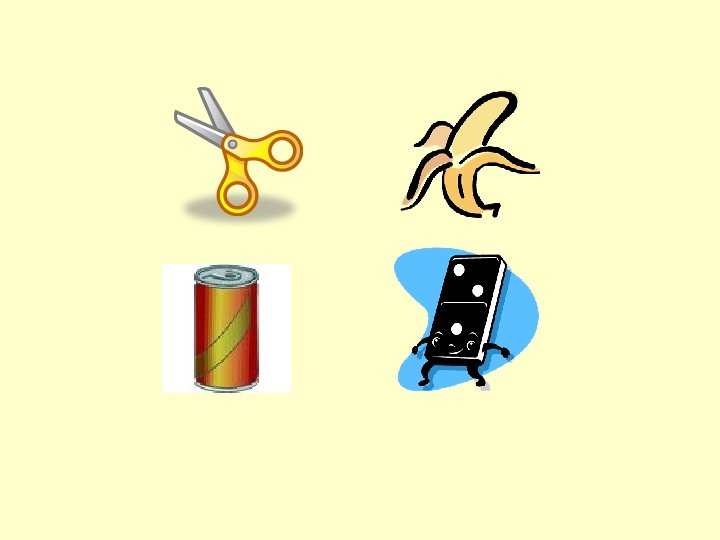
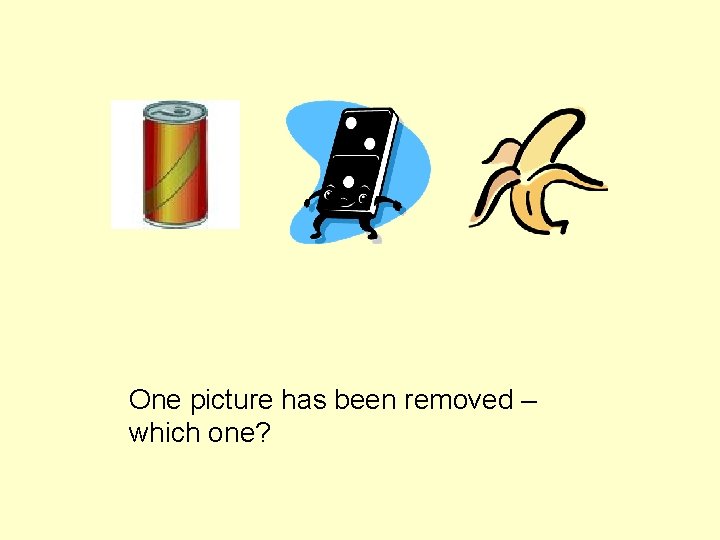
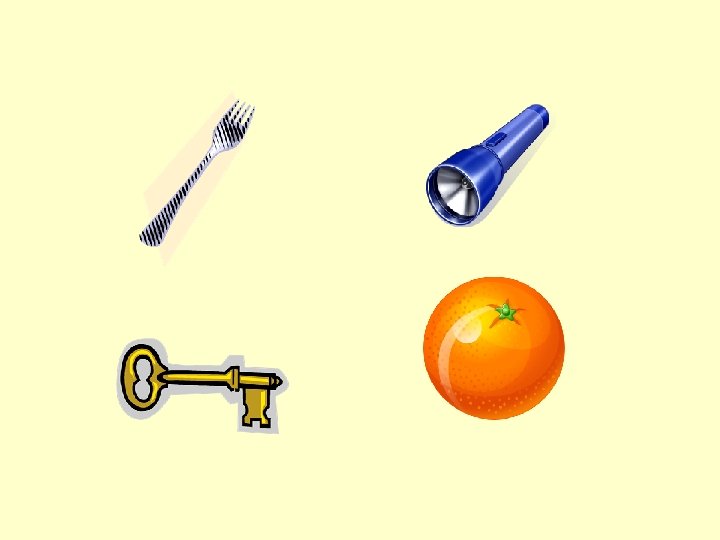
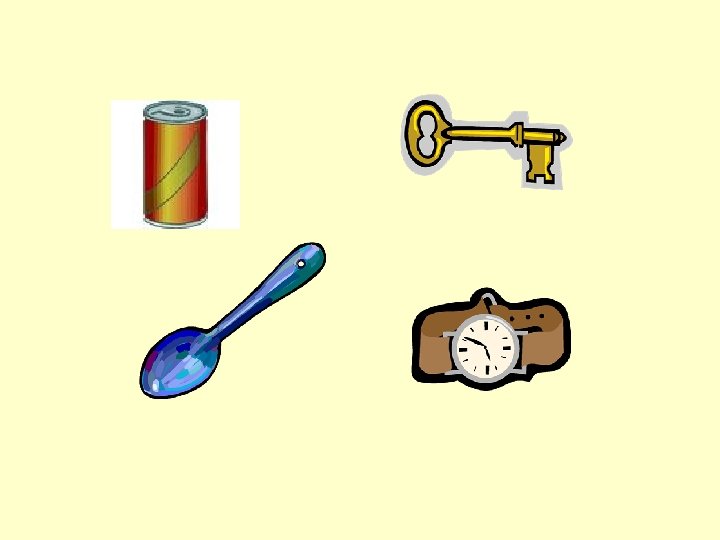
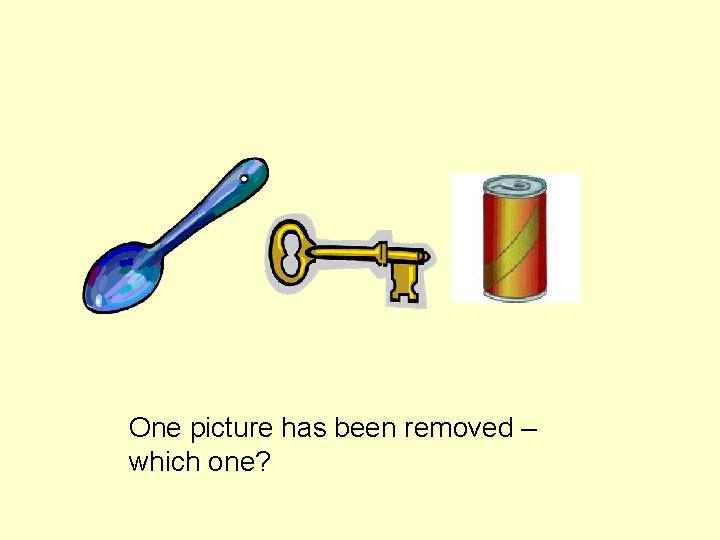
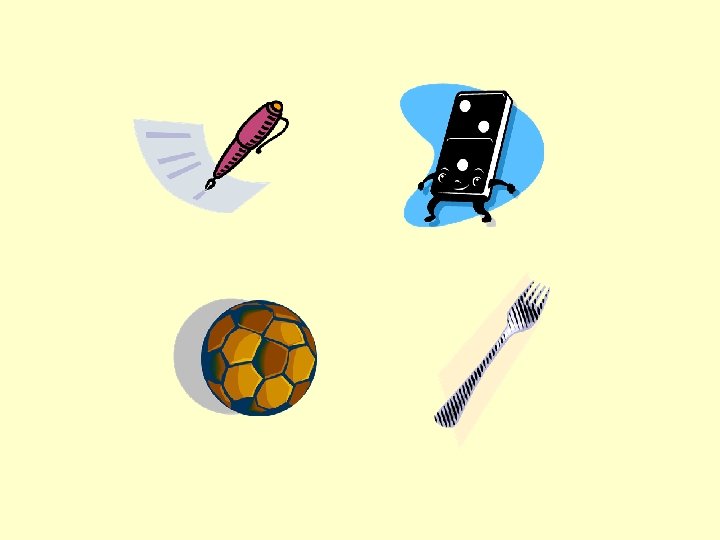
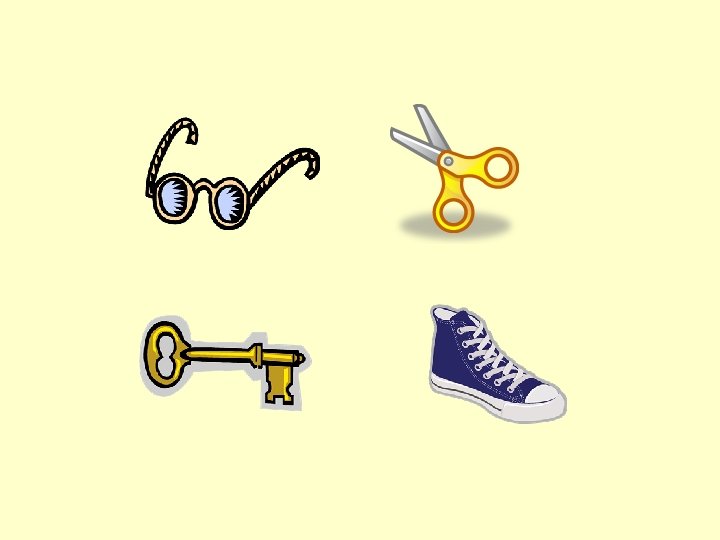
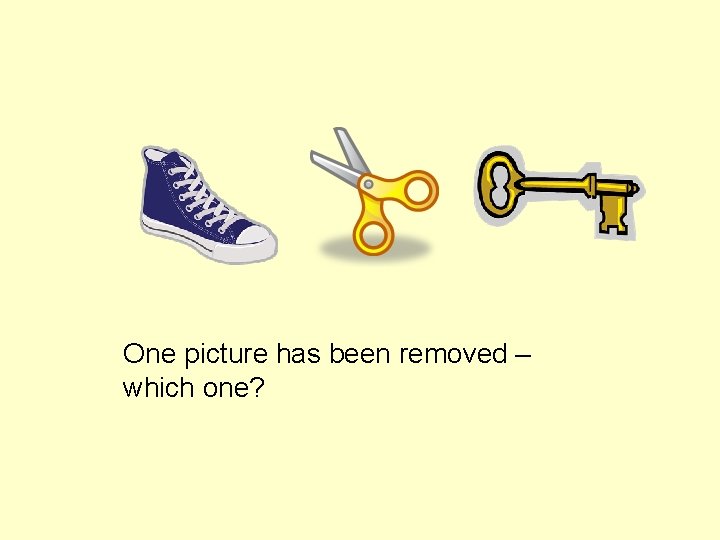
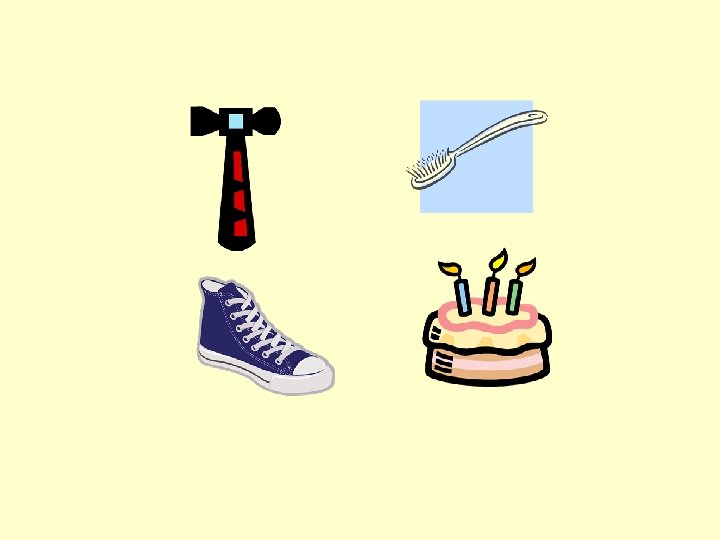
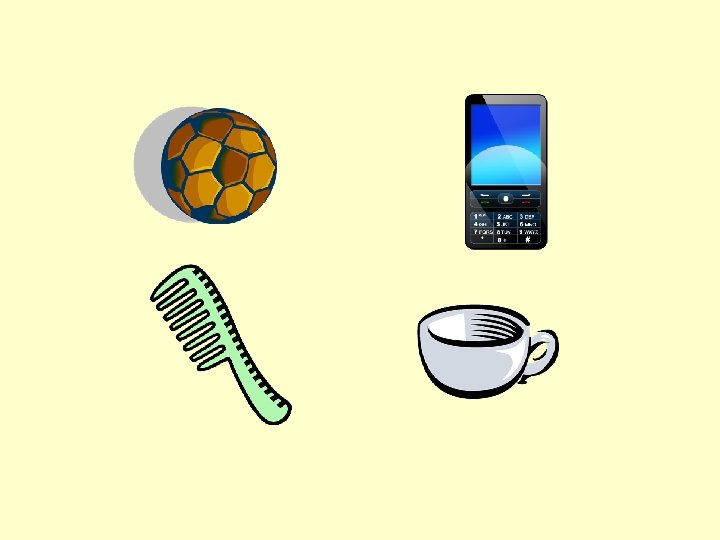
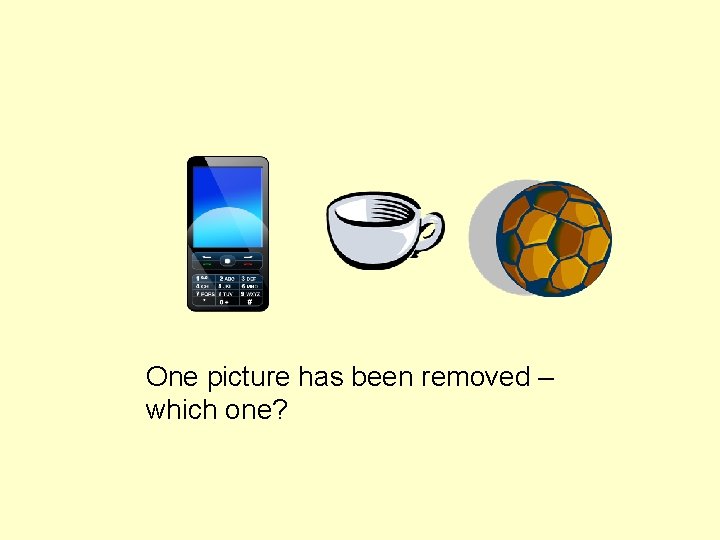
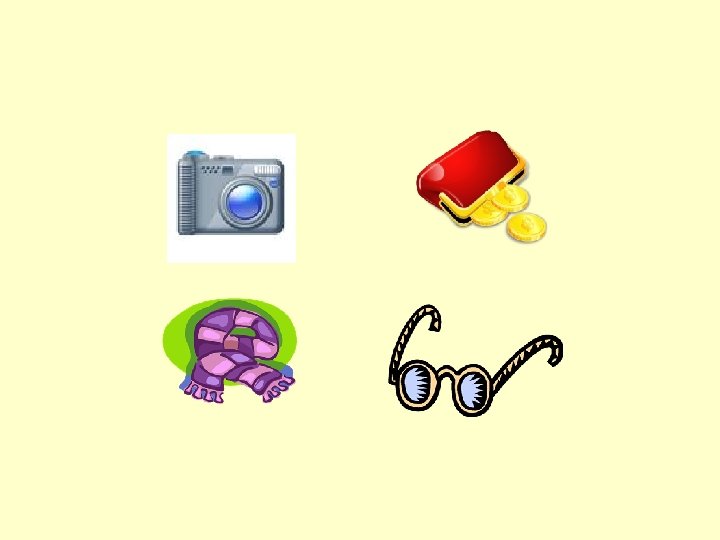
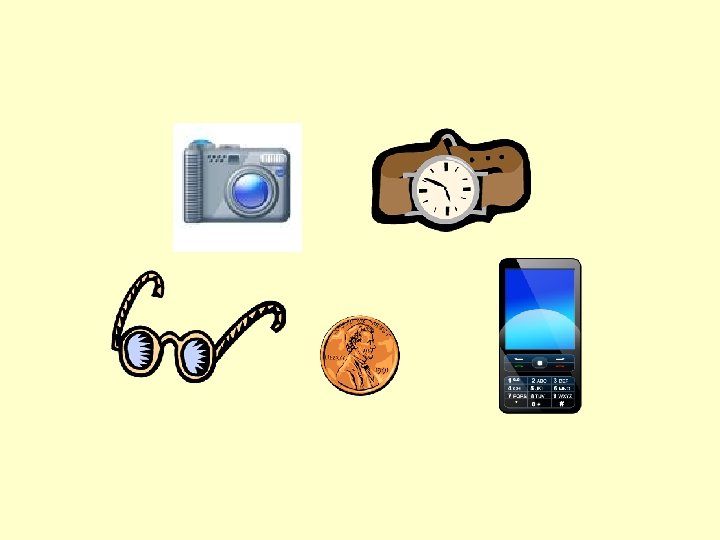
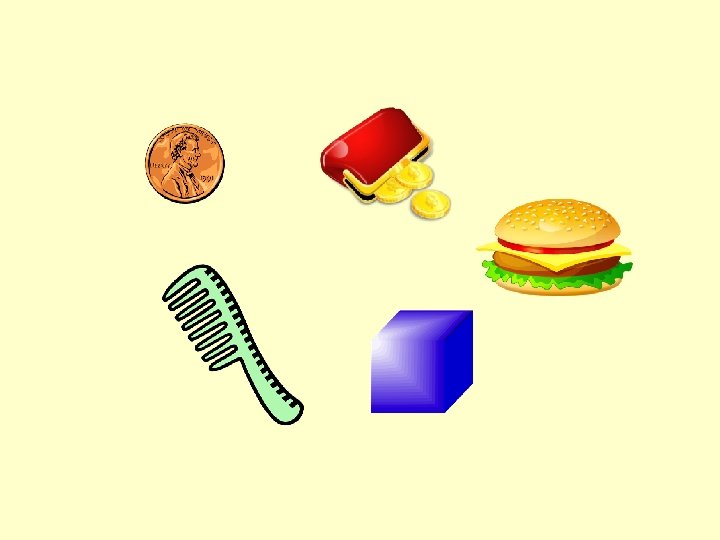
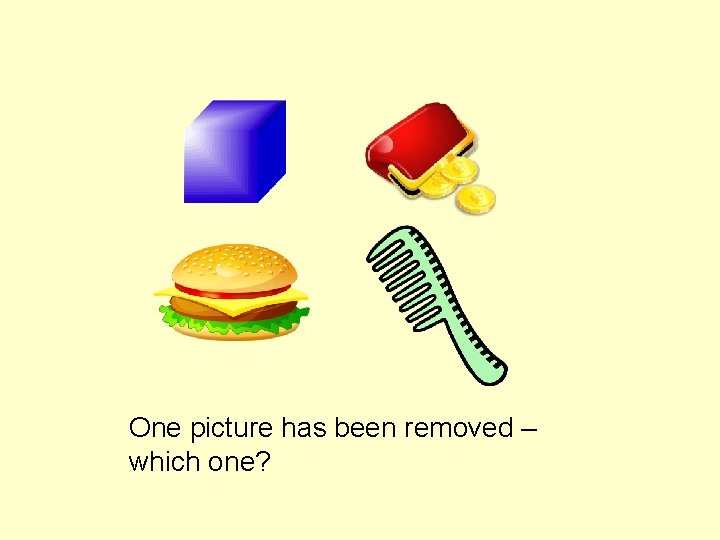
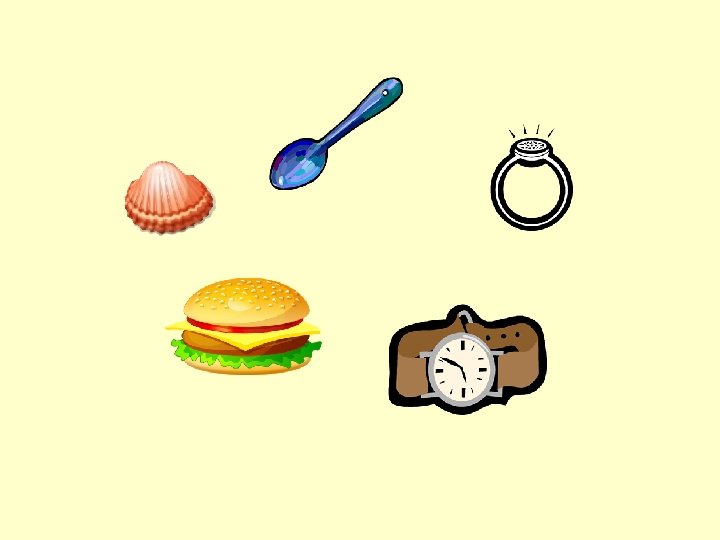
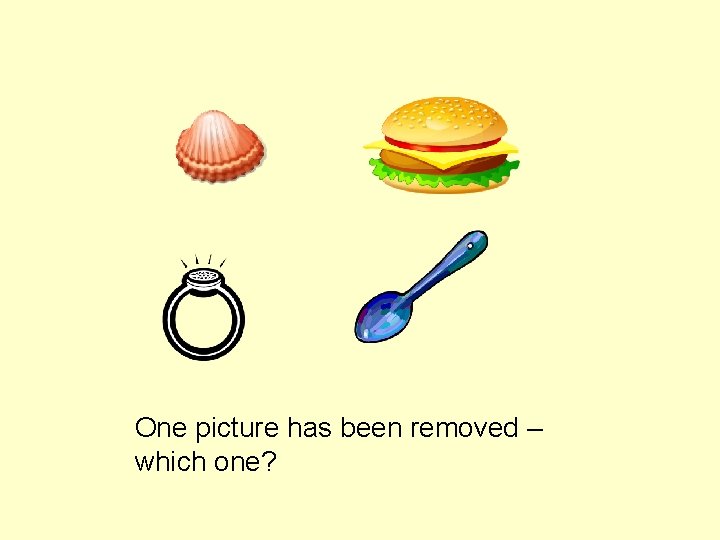
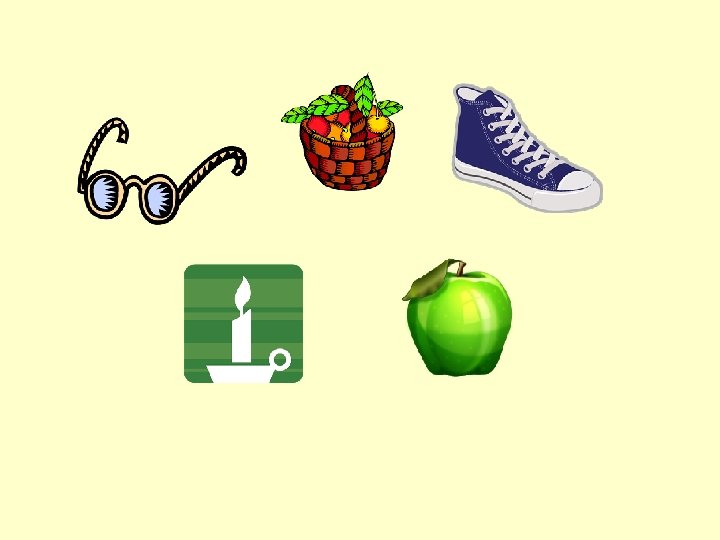
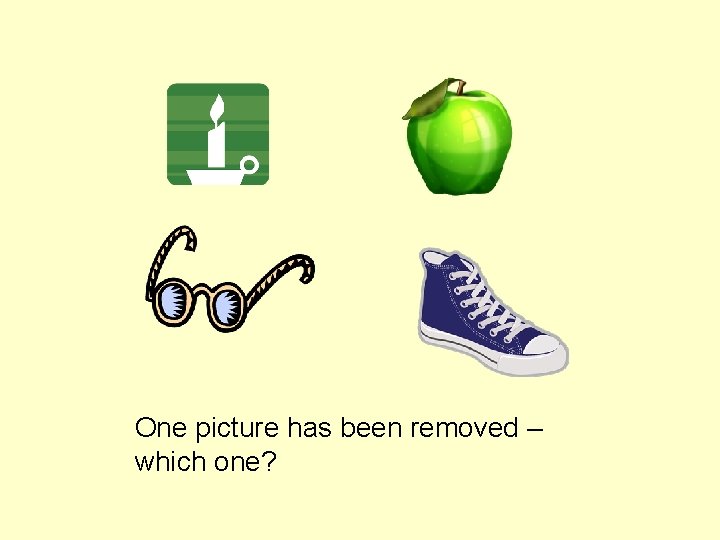
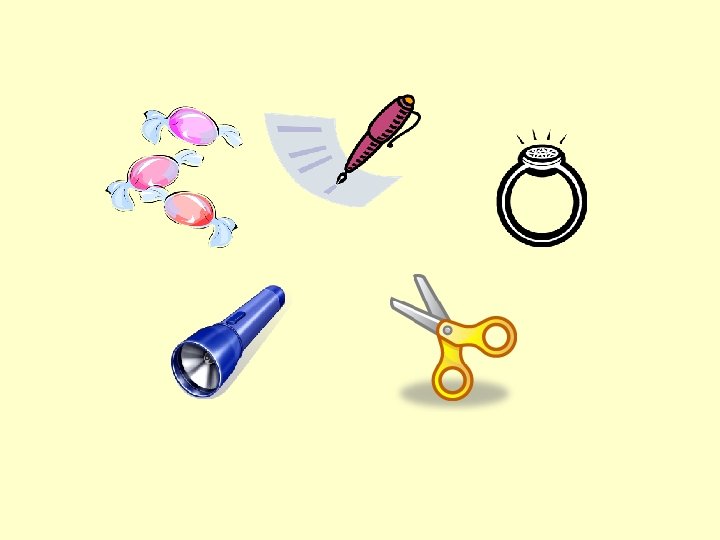
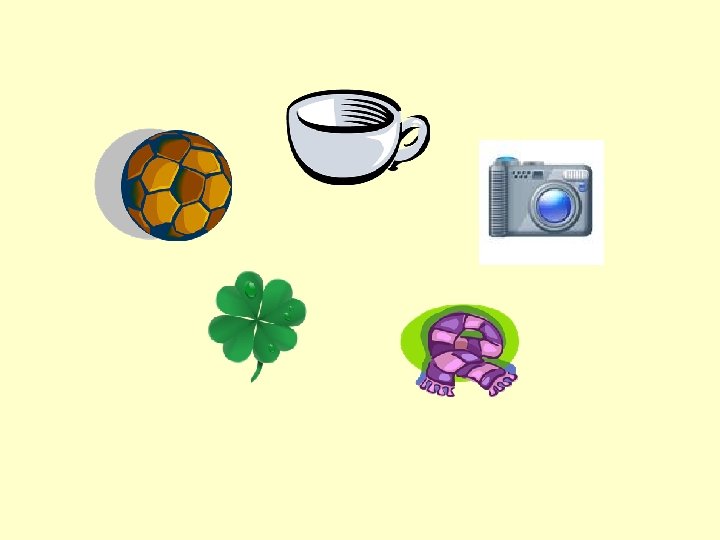
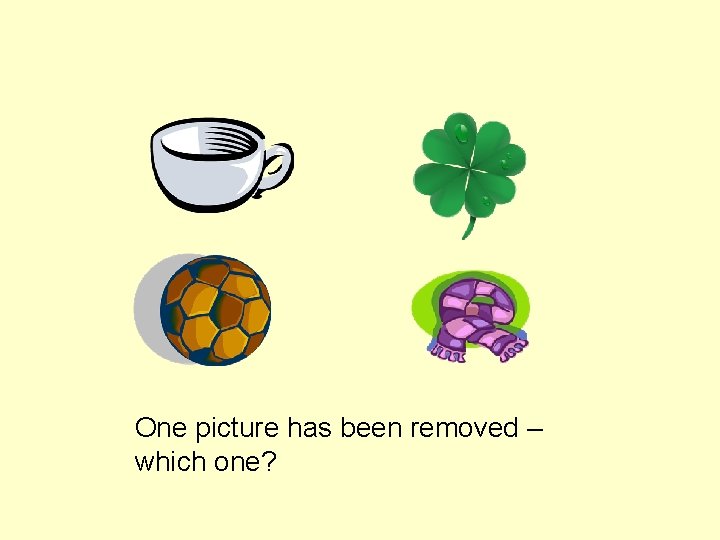
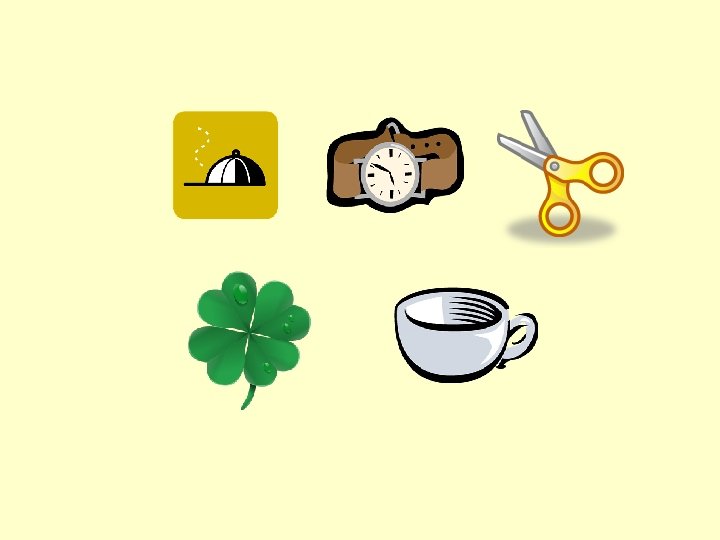
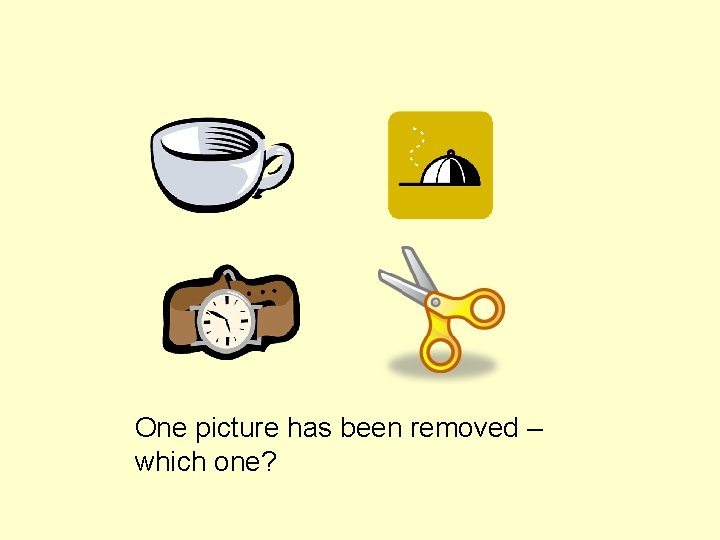
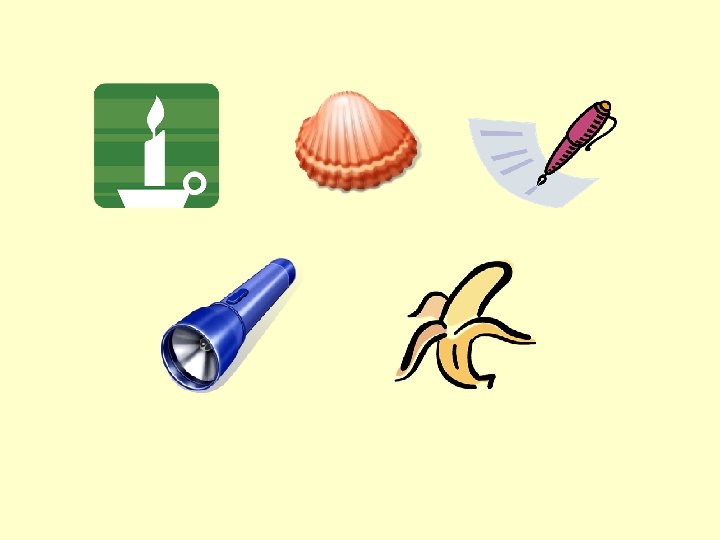
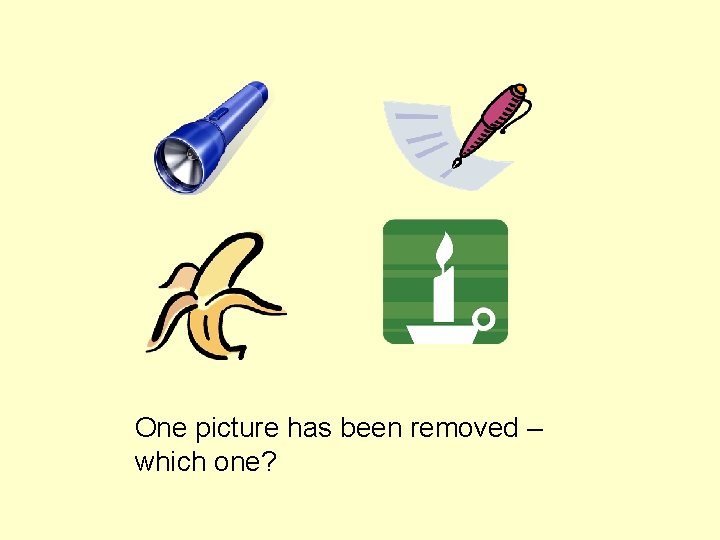
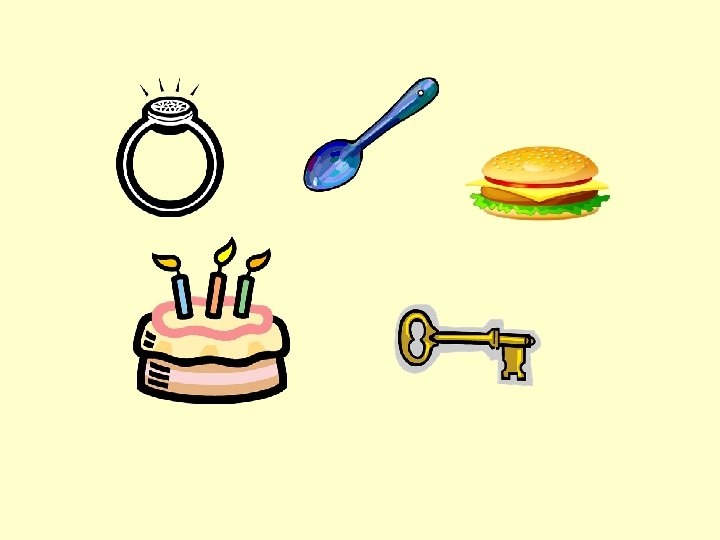
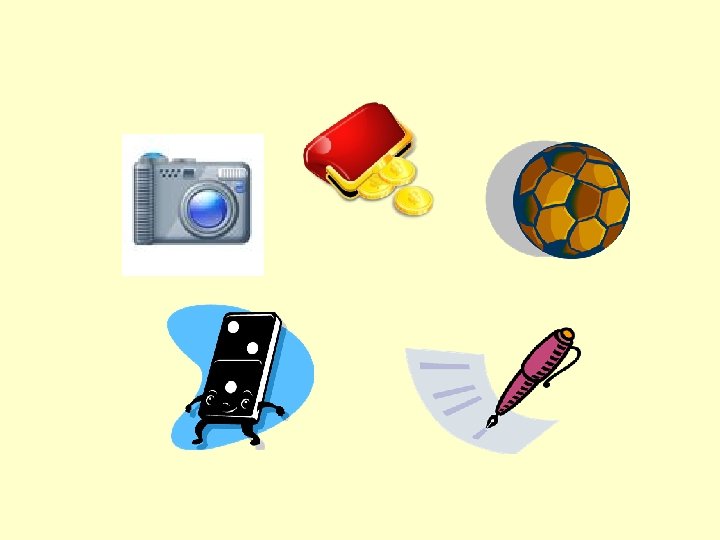
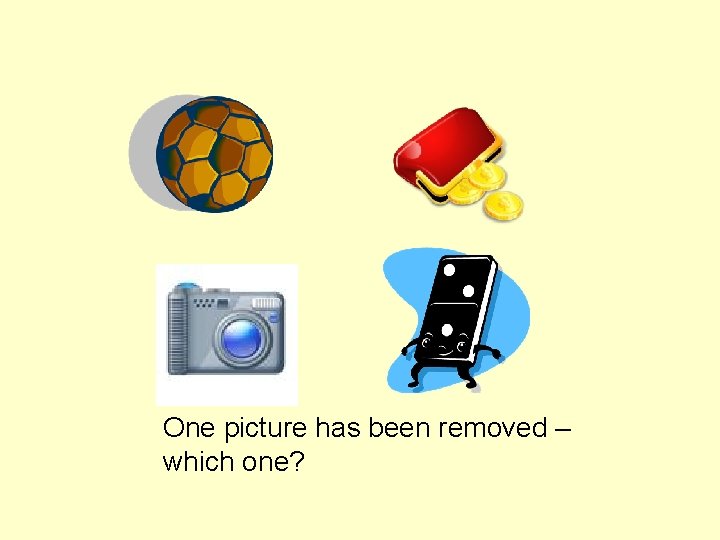
This presentation includes screens with a number of pictures, starting with 4 and increasing to 5. When the student has memorised the pictures on a slide, left click to move on to the blank screen, then, move to the next slide, and ask the student to identify the missing item (the position of the items has been changed). Time limits can be set both for the memorising, and for the delay before showing the slide with the picture missing. Left click again to check the answer. Left click to go on to the next screen.
If the student can do the task for a certain number of pictures with no difficulty, change the timings and/or step up to the next level. There is a separate Power. Point with 6 and 7 pictures. When they experience difficulty, explore strategies, such as verbal rehearsal, visualisation and making links between pictures (e. g. making them into a story). The background colour can be changed to suit the individual student. Select `format’ from the toolbar, click `background’ then click on the down arrow underneath the picture of a graph, select `more colours’ then select the preferred colour, press `OK’ then press `apply to all’.
4 Pictures
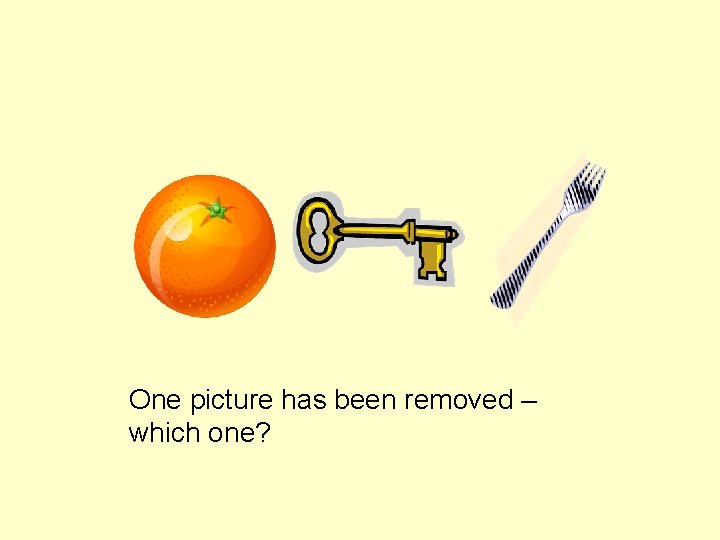
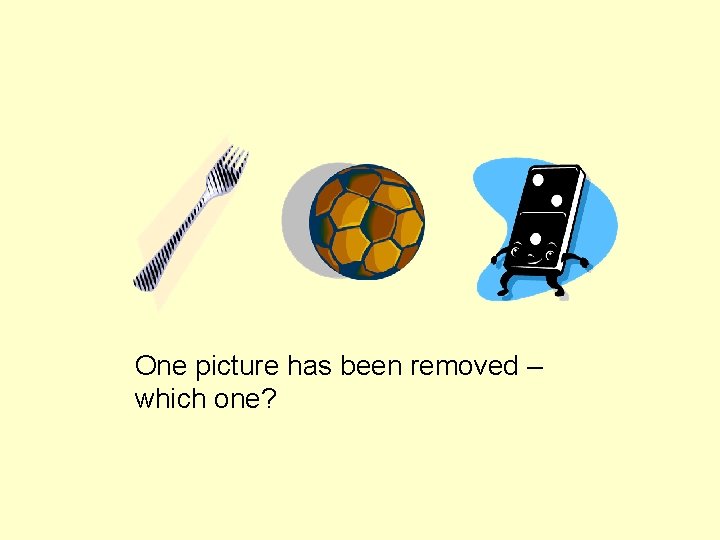
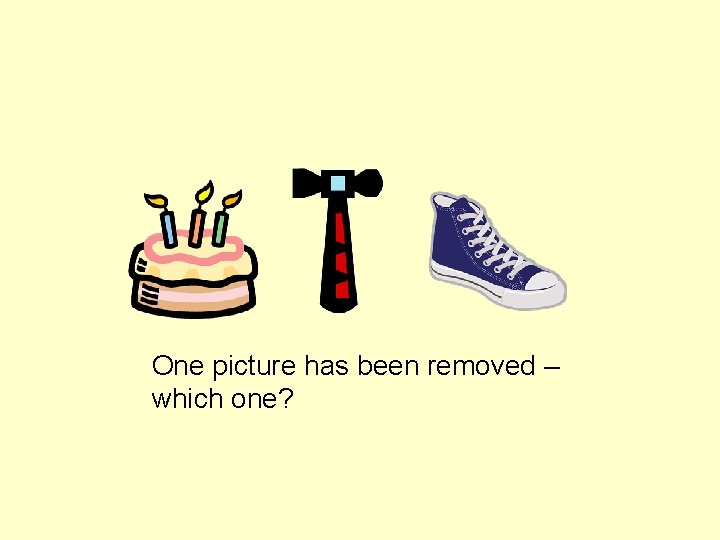
One picture has been removed – which one?
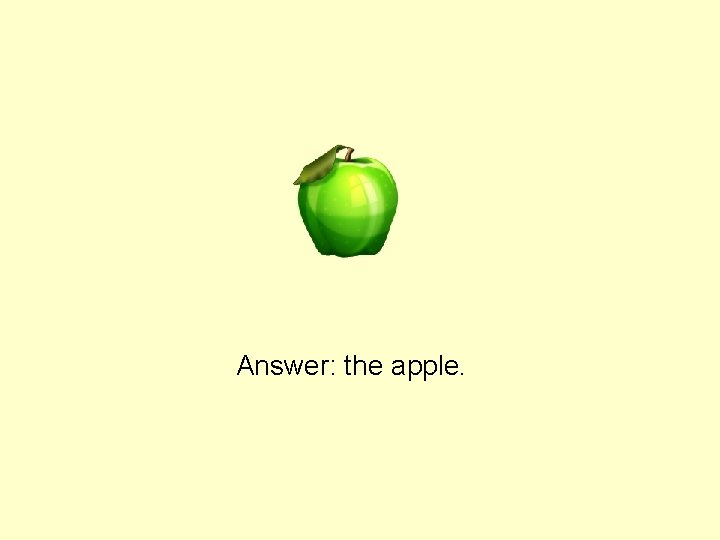
Answer: the apple.
One picture has been removed – which one?
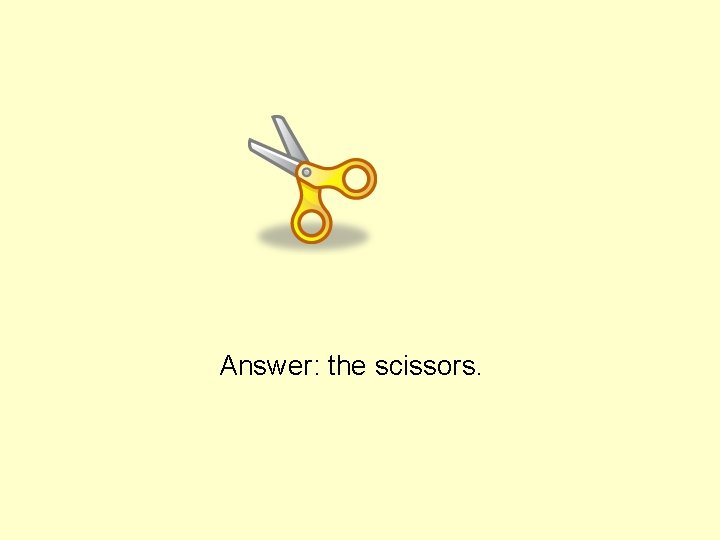
Answer: the scissors.
One picture has been removed – which one?
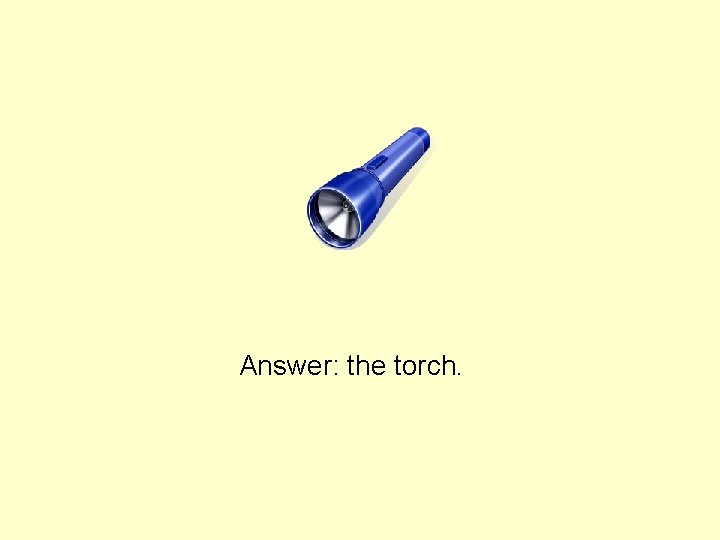
Answer: the torch.
One picture has been removed – which one?
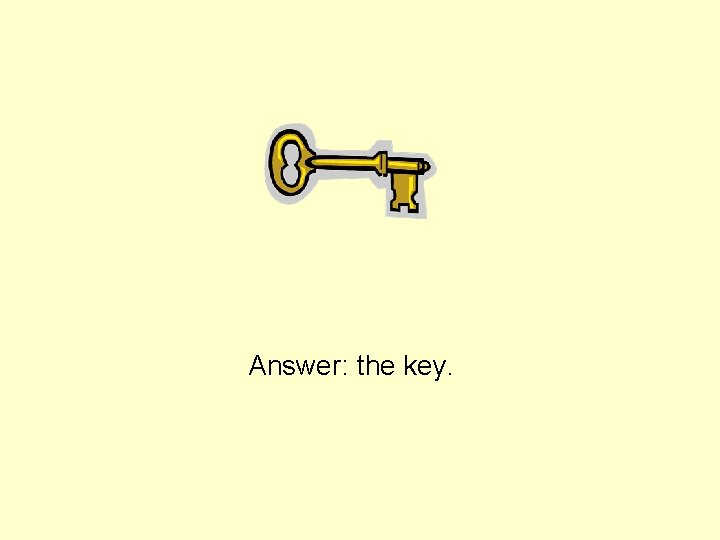
Answer: the key.
One picture has been removed – which one?
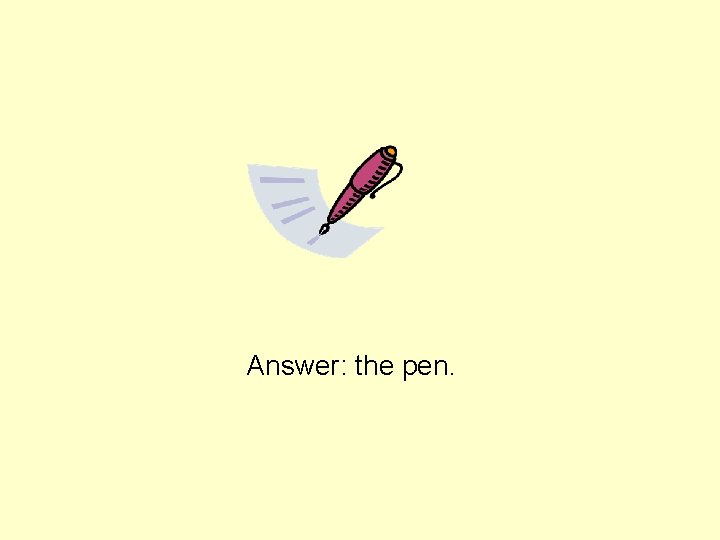
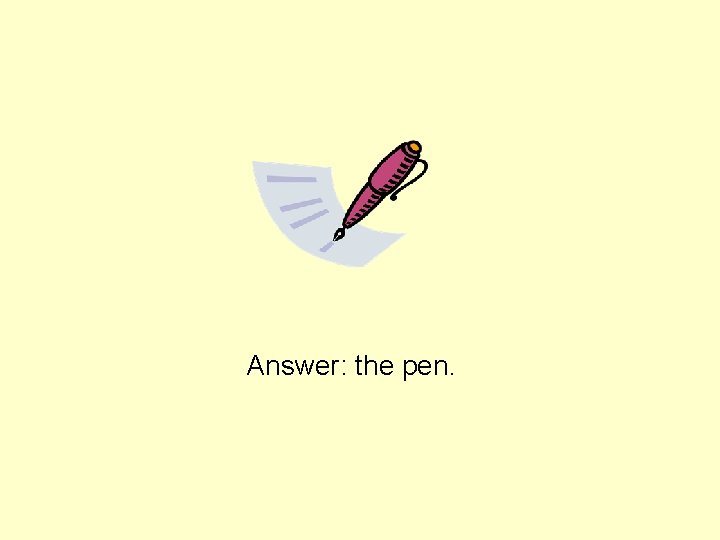
Answer: the pen.
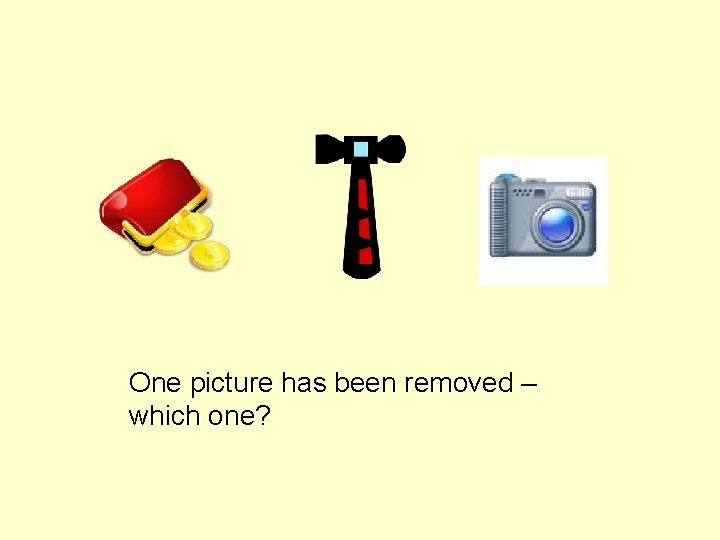
One picture has been removed – which one?
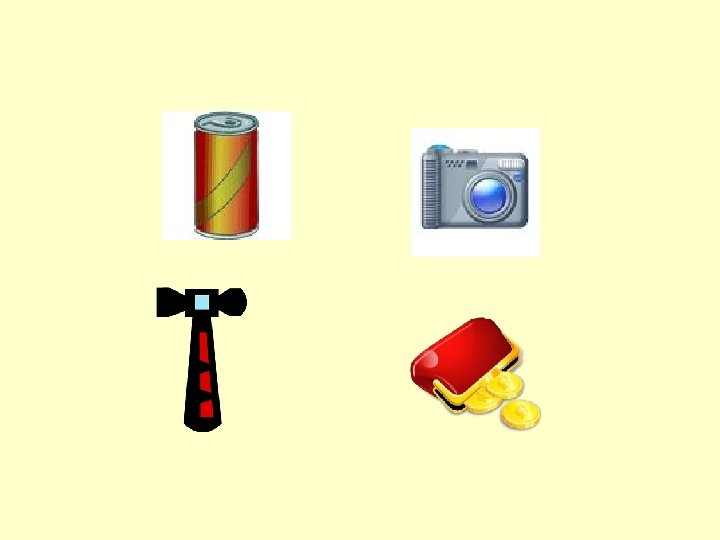
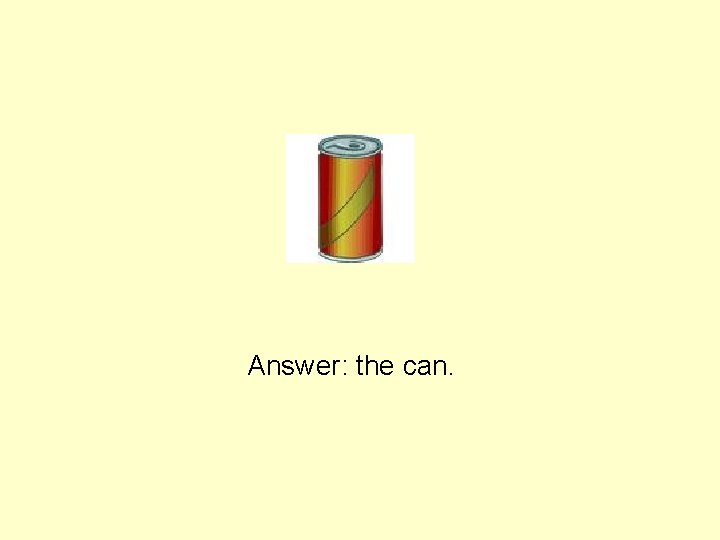
Answer: the can.
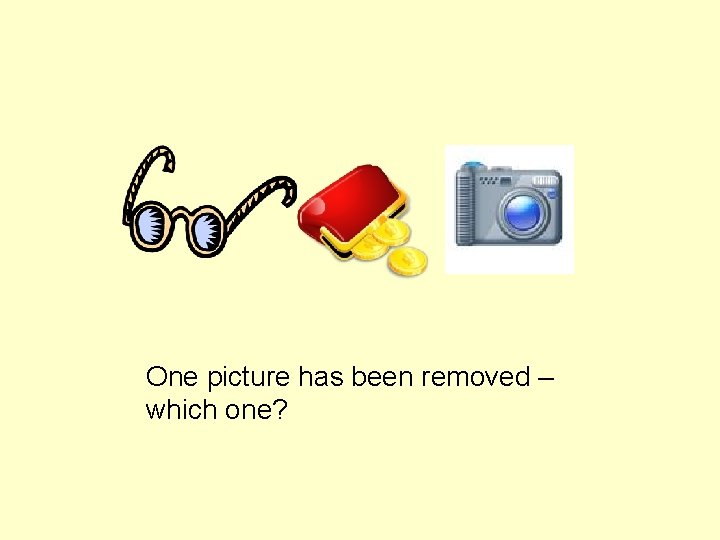
One picture has been removed – which one?
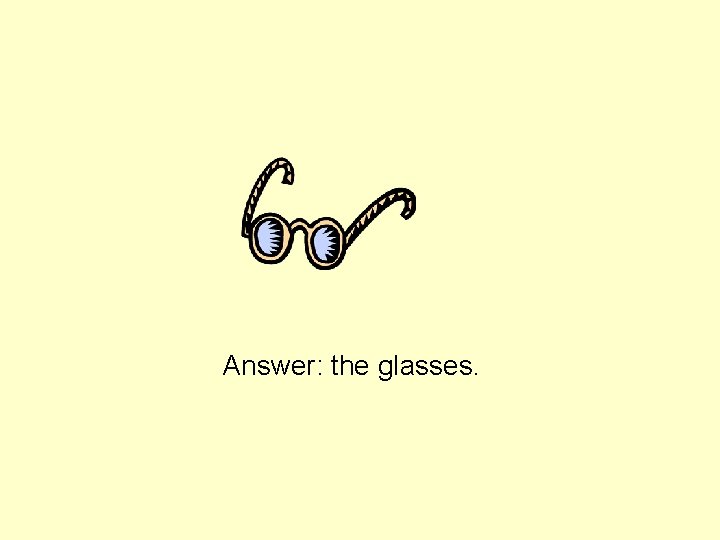
Answer: the glasses.
One picture has been removed – which one?
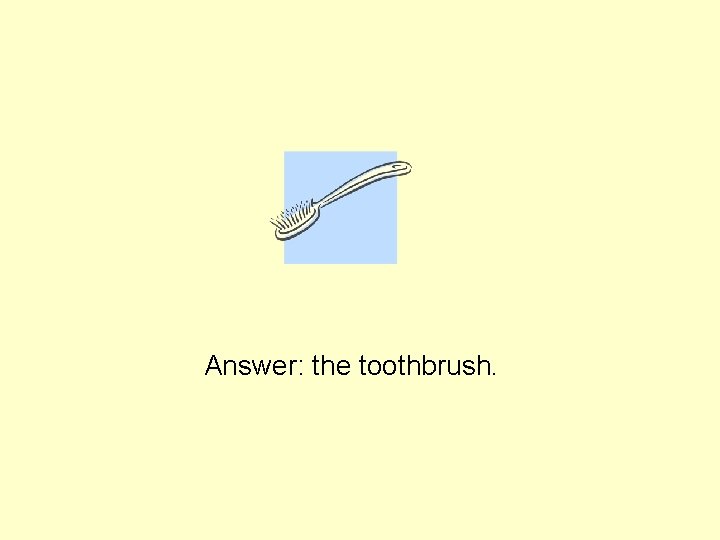
Answer: the toothbrush.
One picture has been removed – which one?
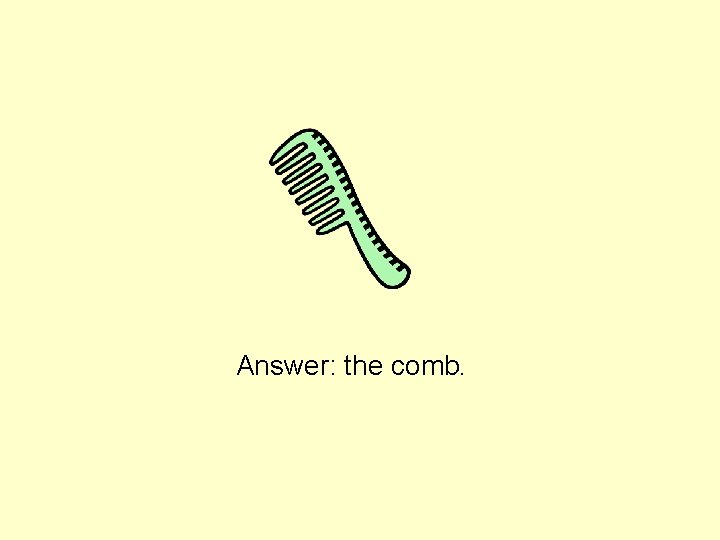
Answer: the comb.
One picture has been removed – which one?
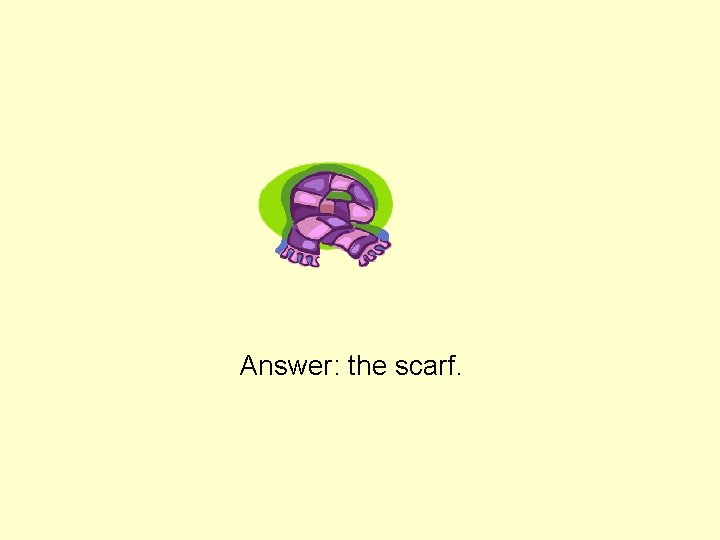
Answer: the scarf.
5 Pictures
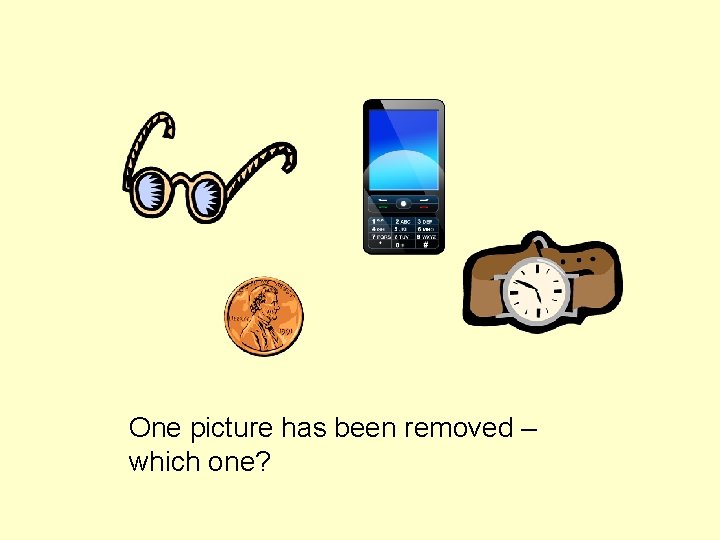
One picture has been removed – which one?
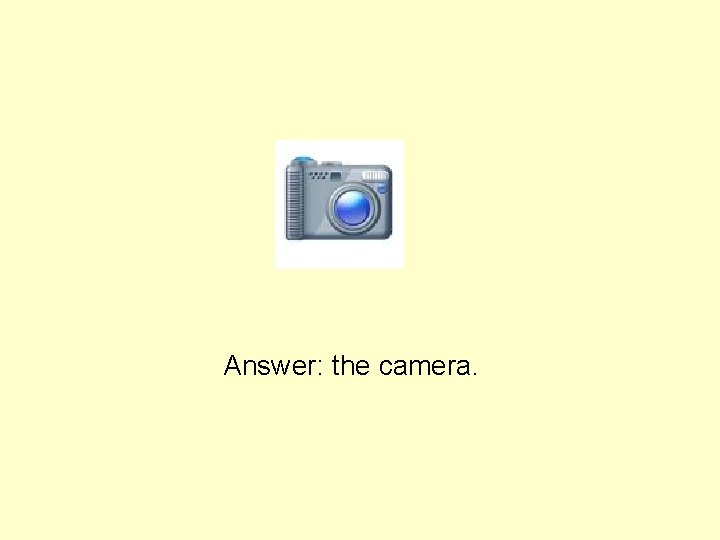
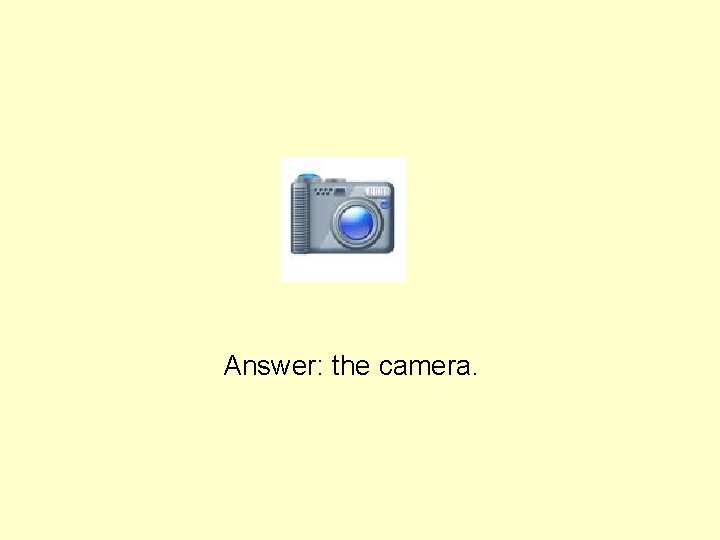
Answer: the camera.
One picture has been removed – which one?
Answer: the coin.
One picture has been removed – which one?
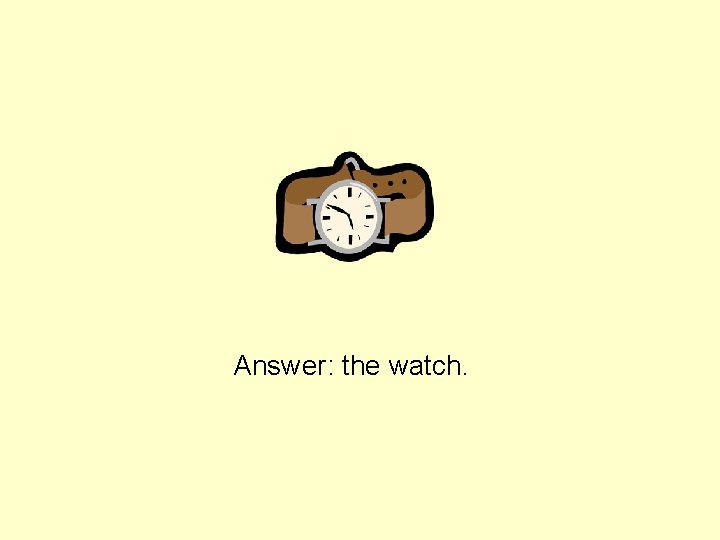
Answer: the watch.
One picture has been removed – which one?
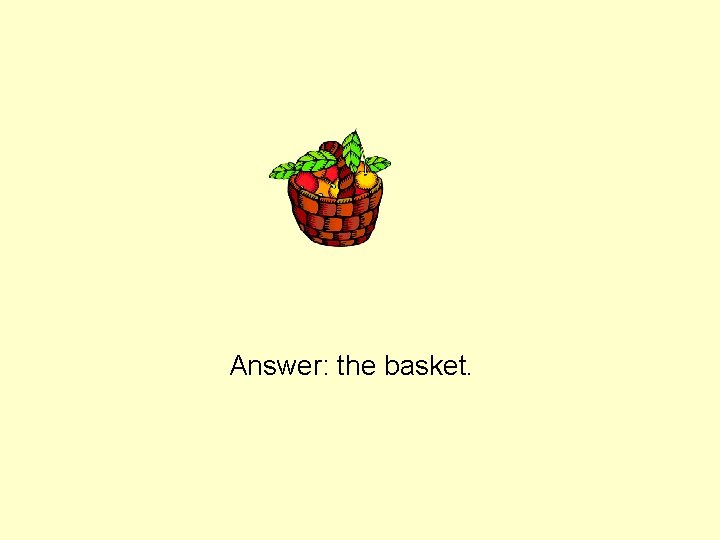
Answer: the basket.
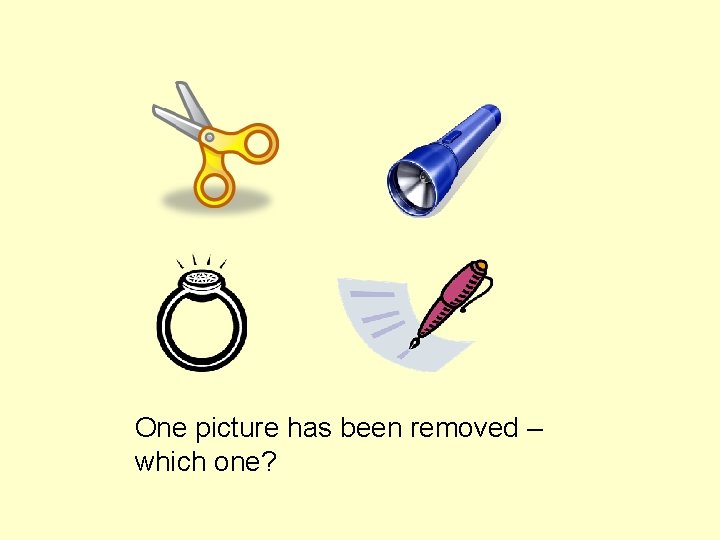
One picture has been removed – which one?
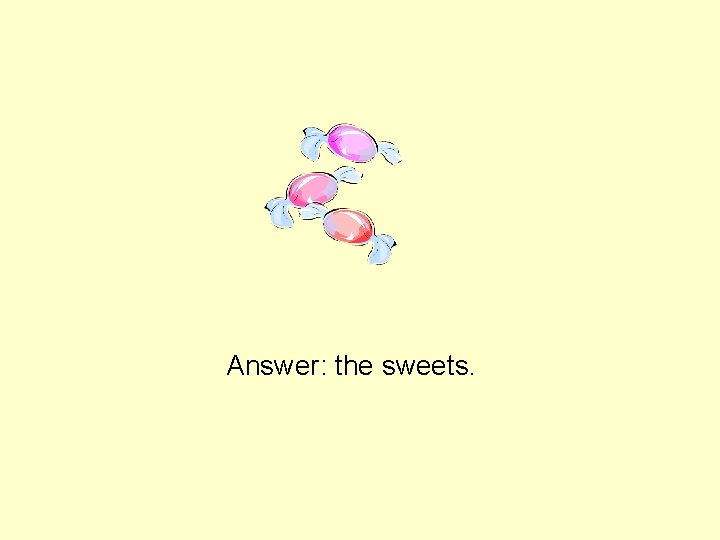
Answer: the sweets.
One picture has been removed – which one?
Answer: the camera.
One picture has been removed – which one?
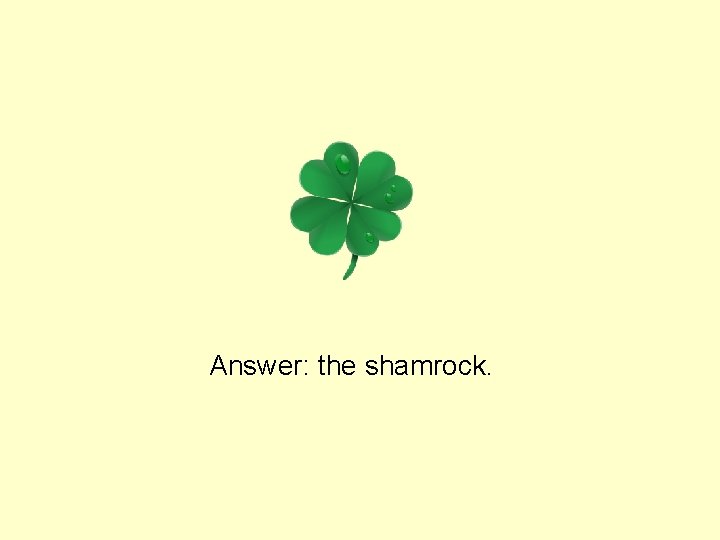
Answer: the shamrock.
One picture has been removed – which one?
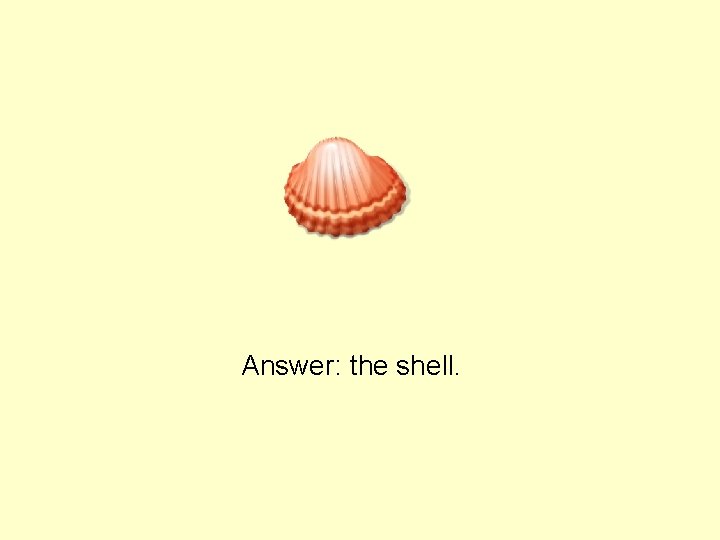
Answer: the shell.
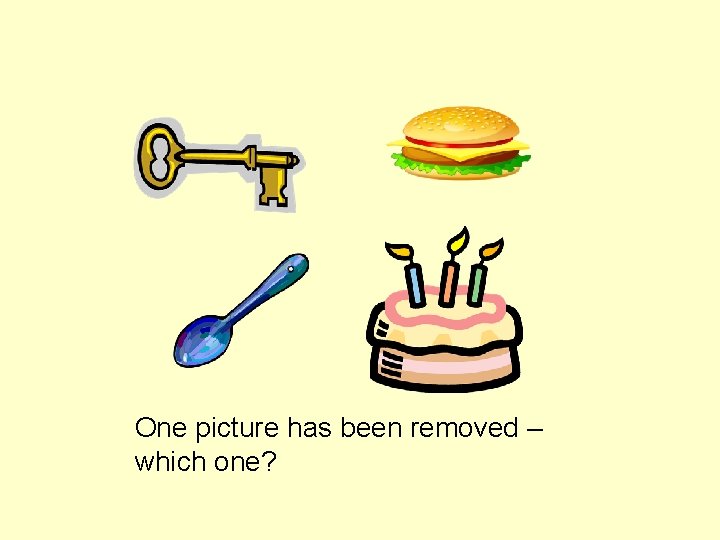
One picture has been removed – which one?
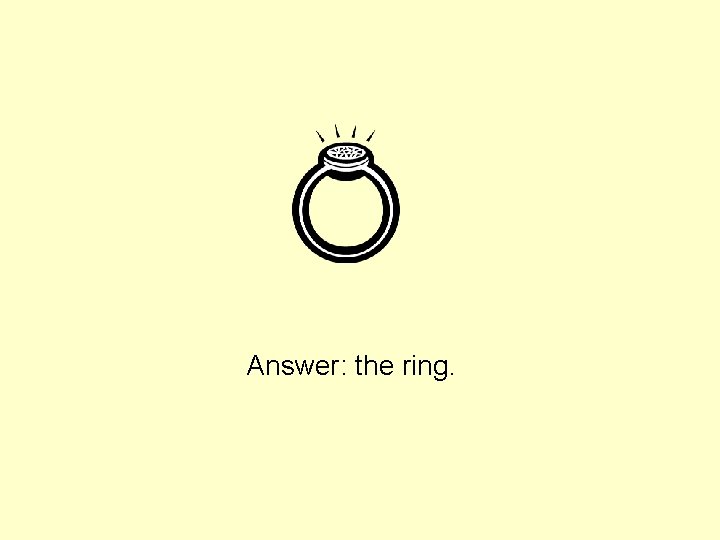
Answer: the ring.
One picture has been removed – which one?
Answer: the pen.