
Media Types Information Systems can contain the following


- Slides: 36
Media Types • Information Systems can contain the following types of media: • Sound, graphics, video & text
Sound • Sound files can be very useful when developing an information system. • Sound files can hold e. g. : • recordings of – Facts / information e. g. click here – Explanations of complex ideas – Music click here – Sound effects : click here
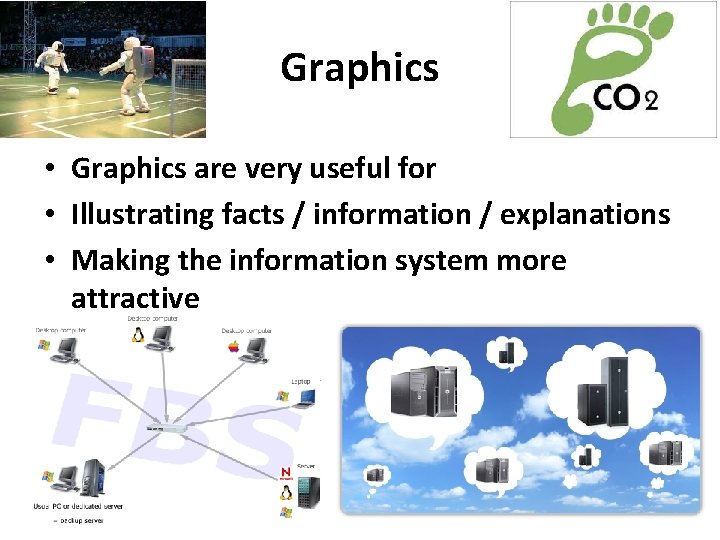
Graphics • Graphics are very useful for • Illustrating facts / information / explanations • Making the information system more attractive
Video • Video clips are very useful • They combine moving images and sound and can illustrate very complex ideas • They can make the information in a system readily accessible to everyone e. g. – Here is a video clip of Asimo the robot • You can even link to a video clip on the internet – http: //asimo. honda. com/asimotv/
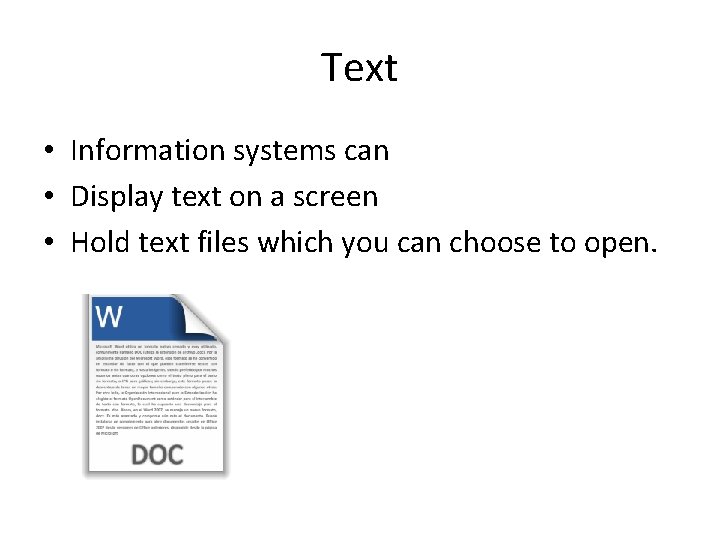
Text • Information systems can • Display text on a screen • Hold text files which you can choose to open.
Text files • Text files can be saved in many formats • You need to know about these: txt , rtf • A. txt filehas none of the information about the formatting of the document such – text style, alignment, fonts, sizes • Because it lacks formatting information – a. txt file will be smaller than a Rich Text file – will need less storage space and – be quicker to transmit across a network. • You can open a. txt file using any text editing or word processing program.
Rich Text Format (RTF) • A file saved in. rtf has all the formatting information which a. txt file lacks as well as the actual text. • It includes all the information about styles, fonts, sizes, paragraphing and indentation • It will be larger than an equivalent. txt file
The need for compression • Graphic, Sound and Video files can be very large indeed. Video files can be Gigabytes in size. • They take up lots of storage space. • They can take a long time to transmit across a network. • So they need to be compressed:
Factors affecting the file size and quality of graphics files • Resolution • Colour depth
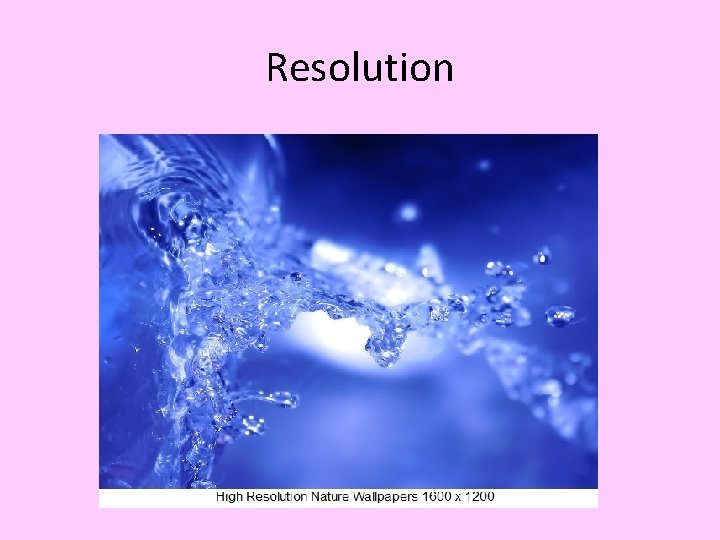
Resolution • The resolution is the number of pixels that make up an image e. g • 1280 x 1024 • 1600 x 1200 • 1920 x 1200 The higher the resolution the better quality of the graphic + the greater the file size.
Resolution
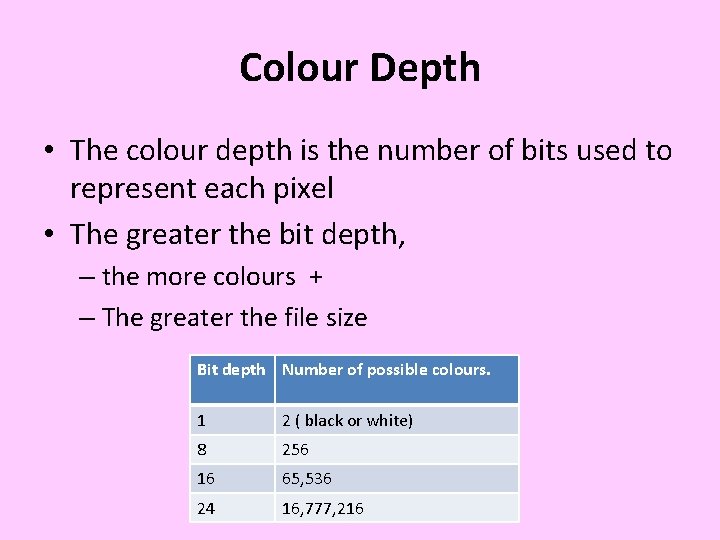
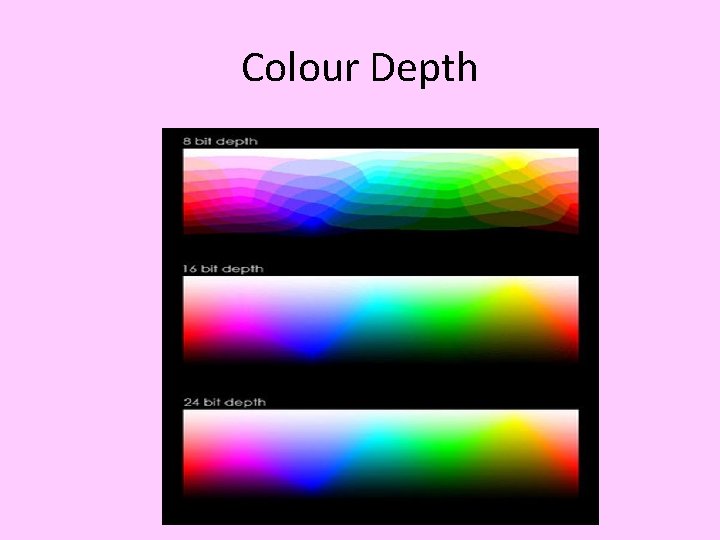
Colour Depth • The colour depth is the number of bits used to represent each pixel • The greater the bit depth, – the more colours + – The greater the file size Bit depth Number of possible colours. 1 2 ( black or white) 8 256 16 65, 536 24 16, 777, 216
Colour Depth
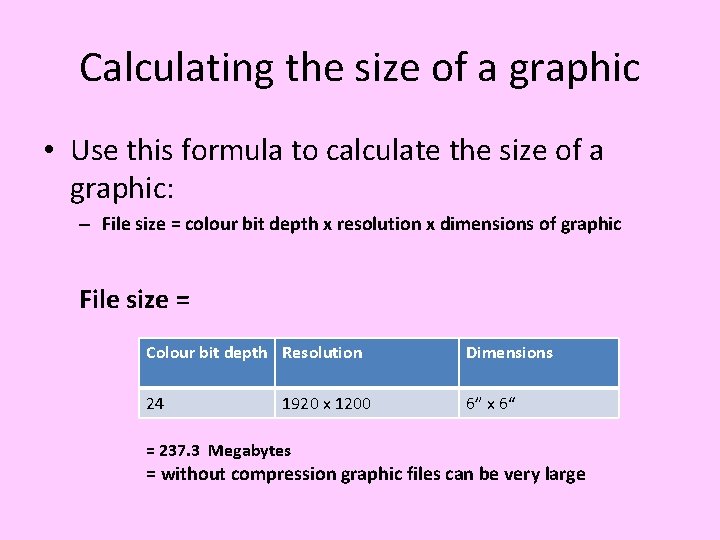
Calculating the size of a graphic • Use this formula to calculate the size of a graphic: – File size = colour bit depth x resolution x dimensions of graphic File size = Colour bit depth Resolution Dimensions 24 6” x 6“ 1920 x 1200 = 237. 3 Megabytes = without compression graphic files can be very large
Graphic Files • You need to know about the following graphic files: . BMP, . GIF, . JPEG, . PNG
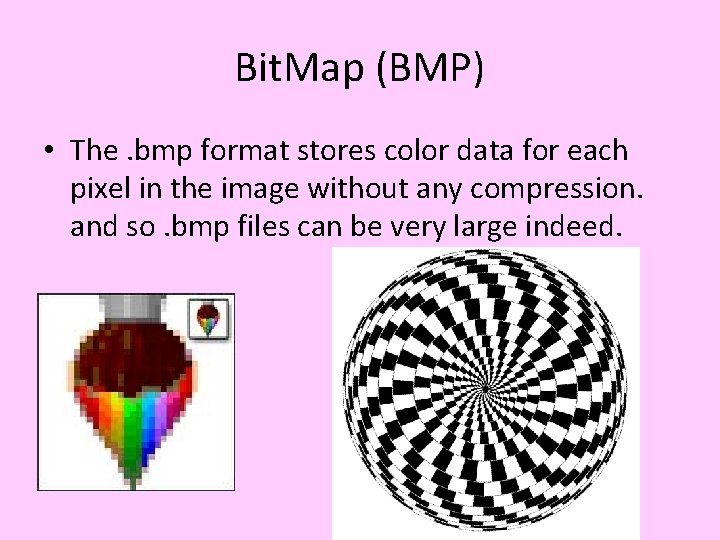
Bit. Map (BMP) • The. bmp format stores color data for each pixel in the image without any compression. and so. bmp files can be very large indeed.
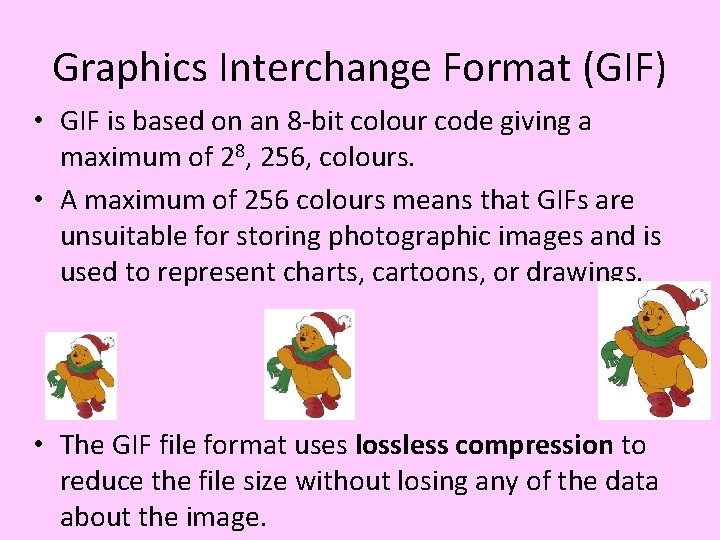
Graphics Interchange Format (GIF) • GIF is based on an 8 -bit colour code giving a maximum of 28, 256, colours. • A maximum of 256 colours means that GIFs are unsuitable for storing photographic images and is used to represent charts, cartoons, or drawings. • The GIF file format uses lossless compression to reduce the file size without losing any of the data about the image.
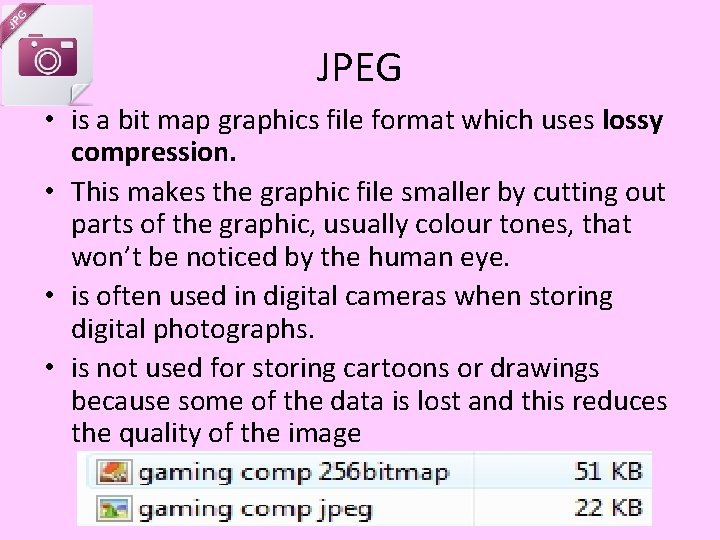
JPEG • is a bit map graphics file format which uses lossy compression. • This makes the graphic file smaller by cutting out parts of the graphic, usually colour tones, that won’t be noticed by the human eye. • is often used in digital cameras when storing digital photographs. • is not used for storing cartoons or drawings because some of the data is lost and this reduces the quality of the image
Portable Network Graphics {PNG} • PNG compresses files • Like GIF format it uses lossless compression • It can compress graphics even more than the GIF format { a PNG file can be up to 25% smaller than the equivalent GIF file} • Because they are lossless and smaller = very useful for sending across a network. • it can have a bit depth of up to 48 bits = range of 248 colours.
Factors affecting the file size and quality of sound files • Sampling rate: – E. g. 44. 1 k. Hz • Bit depth – E. g. 8 bits, 16 bits • Time ( seconds)
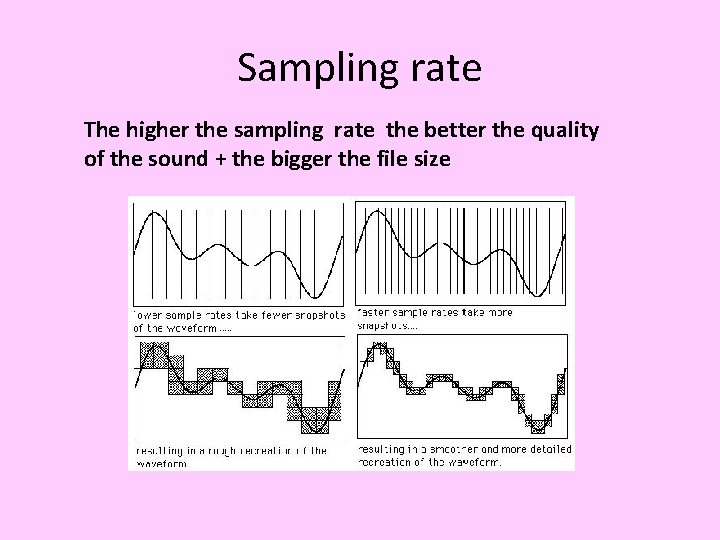
Sampling Rate • The sampling rate is the number of samples of a sound wave taken each second. • This is measured in k. Hz ( thousands per second) • E. g. 44. 1 k. Hz = 44, 100 samples per second
Sampling rate The higher the sampling rate the better the quality of the sound + the bigger the file size
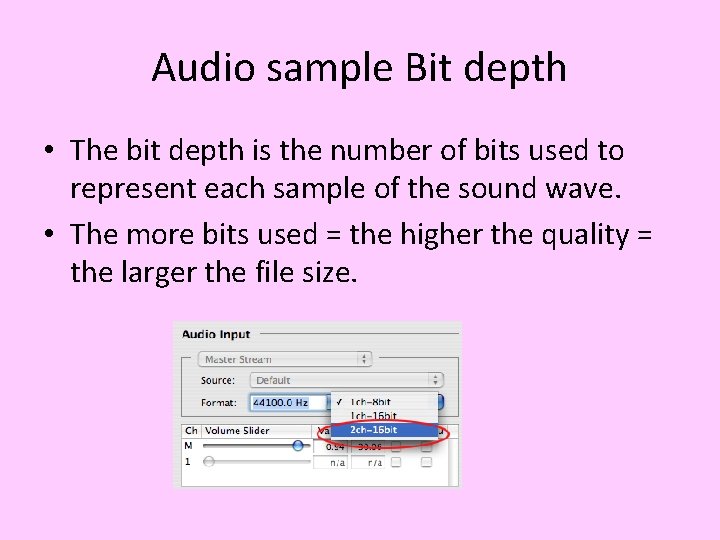
Audio sample Bit depth • The bit depth is the number of bits used to represent each sample of the sound wave. • The more bits used = the higher the quality = the larger the file size.
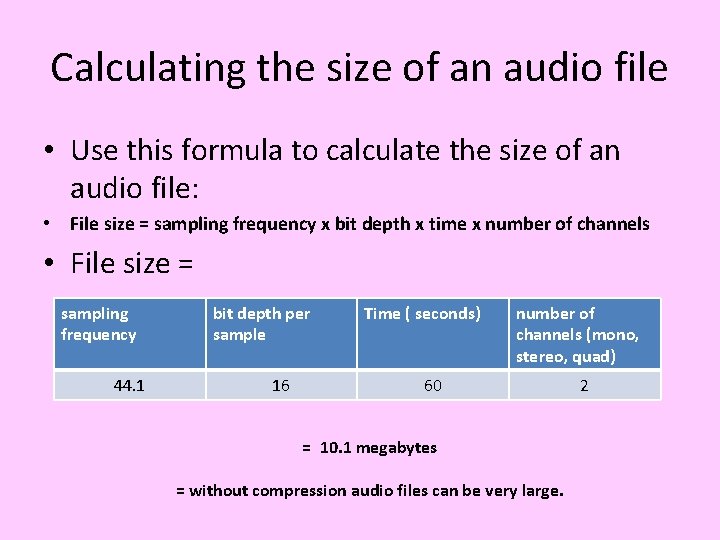
Calculating the size of an audio file • Use this formula to calculate the size of an audio file: • File size = sampling frequency x bit depth x time x number of channels • File size = sampling frequency 44. 1 bit depth per sample 16 Time ( seconds) number of channels (mono, stereo, quad) 60 = 10. 1 megabytes = without compression audio files can be very large. 2
Audio Files • You need to know about these audio file formats: WAV , MP 3
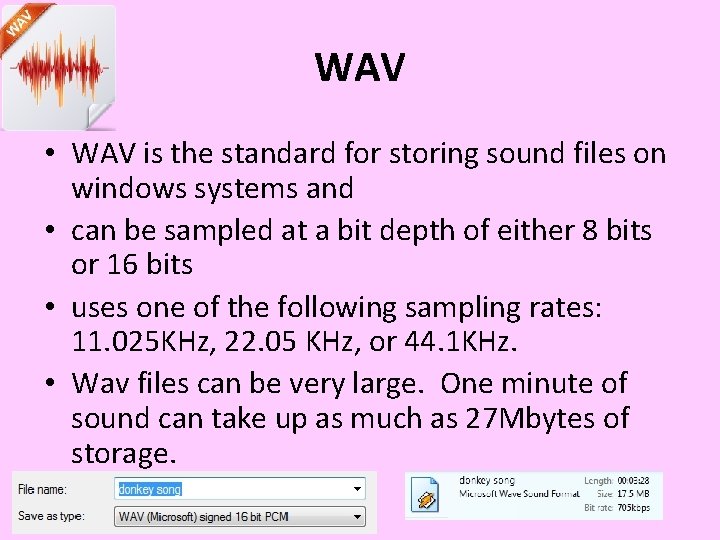
WAV • WAV is the standard for storing sound files on windows systems and • can be sampled at a bit depth of either 8 bits or 16 bits • uses one of the following sampling rates: 11. 025 KHz, 22. 05 KHz, or 44. 1 KHz. • Wav files can be very large. One minute of sound can take up as much as 27 Mbytes of storage.
MP 3 is a file format for compressing sound files. It cuts out parts of the sound that human ears cannot hear. It reduces the file size without a noticeable loss of quality
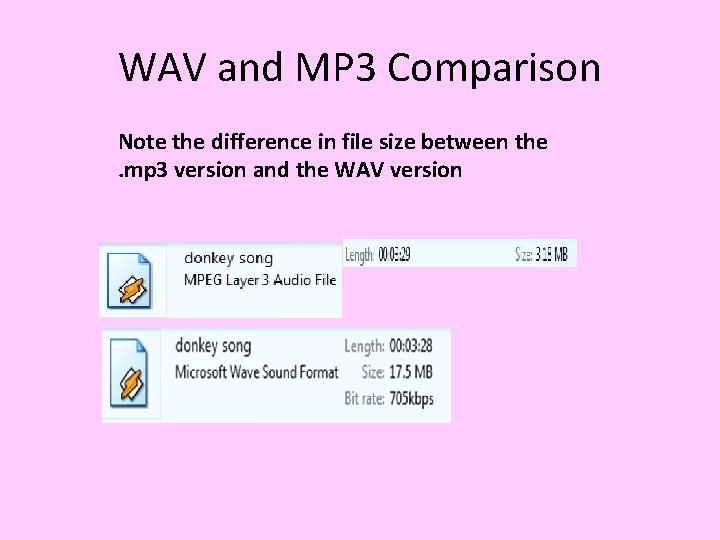
WAV and MP 3 Comparison Note the difference in file size between the. mp 3 version and the WAV version
Factors affecting the file size and quality of video files • Resolution of each image(frame) • Frame rate: the number of frames per second • Time: in seconds
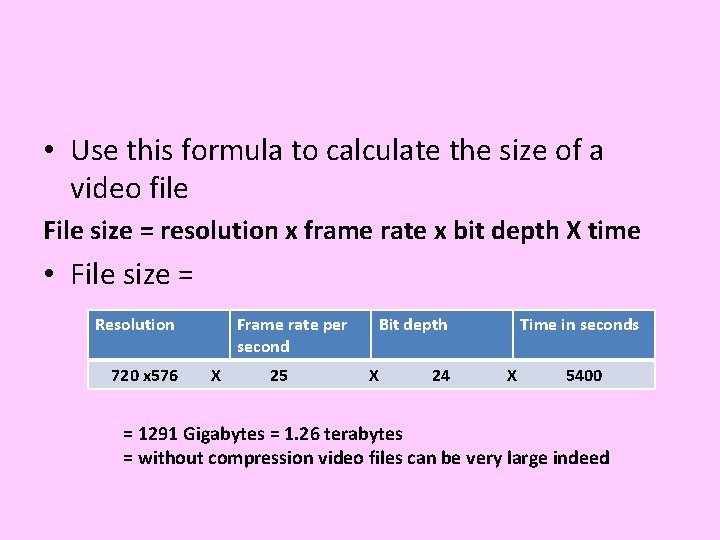
• Use this formula to calculate the size of a video file File size = resolution x frame rate x bit depth X time • File size = Resolution 720 x 576 Frame rate per second X 25 Bit depth X 24 Time in seconds X 5400 = 1291 Gigabytes = 1. 26 terabytes = without compression video files can be very large indeed
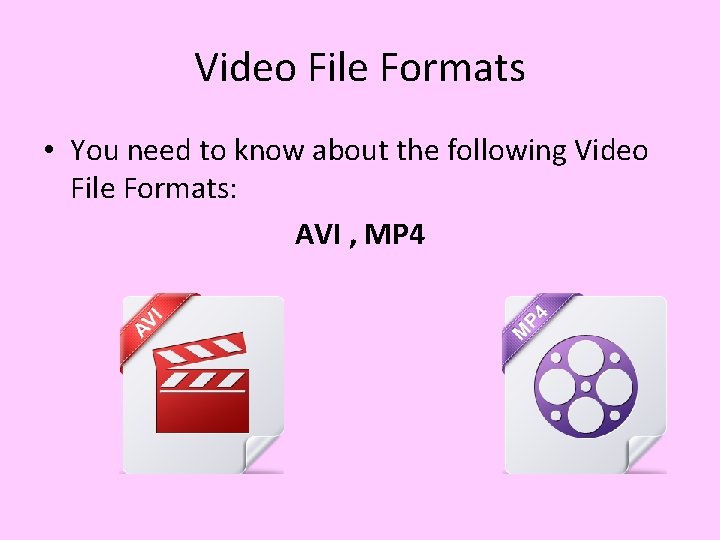
Video File Formats • You need to know about the following Video File Formats: AVI , MP 4
Audio Video Interleave format (. AVI) • AVIThe Audio Video Interleave format was developed by Microsoft and is commonly used in Windows applications like Media Player. This format does not have built-in compression.
Avi • AVI files contain the audio and video data in one file. This allows synchronous audio/video playback of a file. • AVI is a container format, meaning it can contain video audio compressed using many different combinations of codecs.
MPEG 4 • MPEG-4 is an(audio and video) compression method designed specially for low-bandwidth (less than 1. 5 MBit/sec bitrate) video/audio encoding purposes. • MPEG-4 can deliver high-quality audio and video over the Internet to desktops, laptops, tablets &smartphones
Comparison of AVI & Mpeg 4 • Both AVI and MPEG are lossy formats which sacrifices quality for file size. 2. • Both AVI and MPEG can contain both audio and video data in a file container • The quality of a video file is not dependent on the type of container file format as it is dependent on the type of codec contained within the container file format. • H. 264 video codec frequently used with the MP 4 container is thought to be one of the highest-quality video standards available.