
MCAS Test Security and Administration Protocols For New
- Slides: 92
MCAS Test Security and Administration Protocols: For New Staff The Office of Student Assessment Services January 30, 2020
Presenters • David Ragsdale, Test Security Specialist • Dan Wiener, Administrator of Inclusive Assessment • Jodie Zalk, Test Administration Coordinator • District Perspective: Deborah White, Principal of Nessacus Regional Middle School, Central Berkshire Regional School District (located in Dalton) Massachusetts Department of Elementary and Secondary Education 2
Logistics for This Session • Questions may be asked at any time using the Questions feature on the Go. To. Webinar screen. o Questions about a specific student should be sent by email to mcas@doe. mass. edu. o Some questions may be covered during the course of the presentation. o We will answer some questions at the end of this session. o After the session, we will email questions and answers to participants. • This session is being recorded and will be available online in about one week at the MCAS Resource Center. Massachusetts Department of Elementary and Secondary Education 3
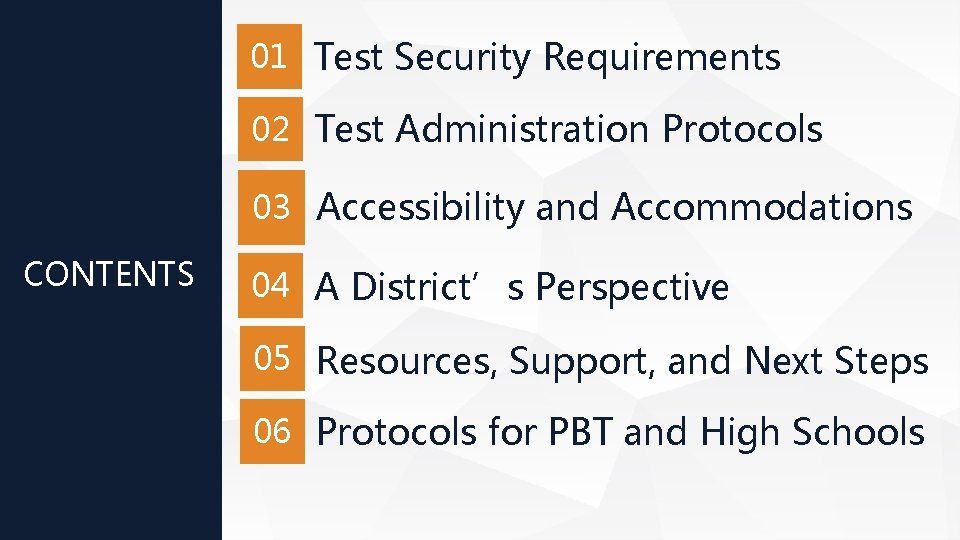
01 Test Security Requirements 02 Test Administration Protocols 03 Accessibility and Accommodations CONTENTS 04 A District’s Perspective 05 Resources, Support, and Next Steps 06 Protocols for PBT and High Schools
01 Test Security Requirements
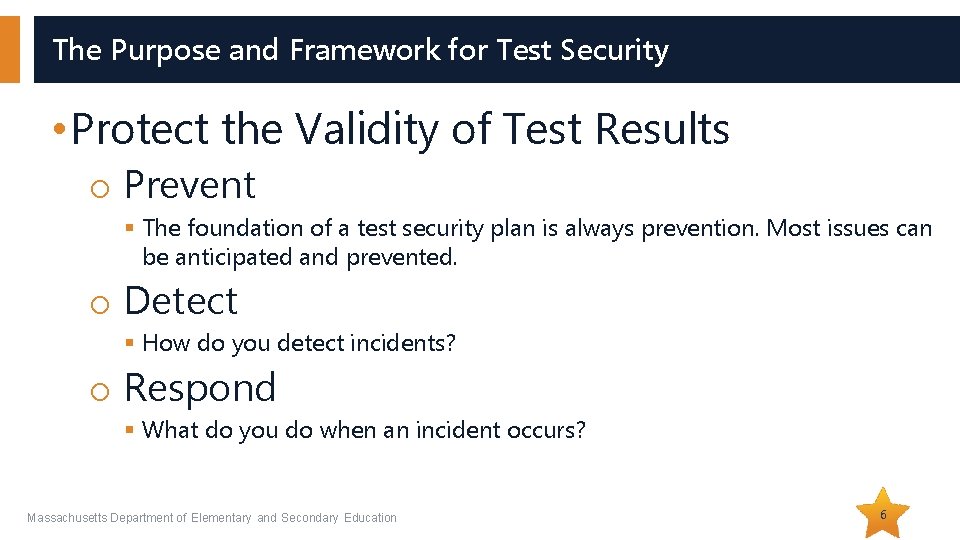
The Purpose and Framework for Test Security • Protect the Validity of Test Results o Prevent § The foundation of a test security plan is always prevention. Most issues can be anticipated and prevented. o Detect § How do you detect incidents? o Respond § What do you do when an incident occurs? Massachusetts Department of Elementary and Secondary Education 6
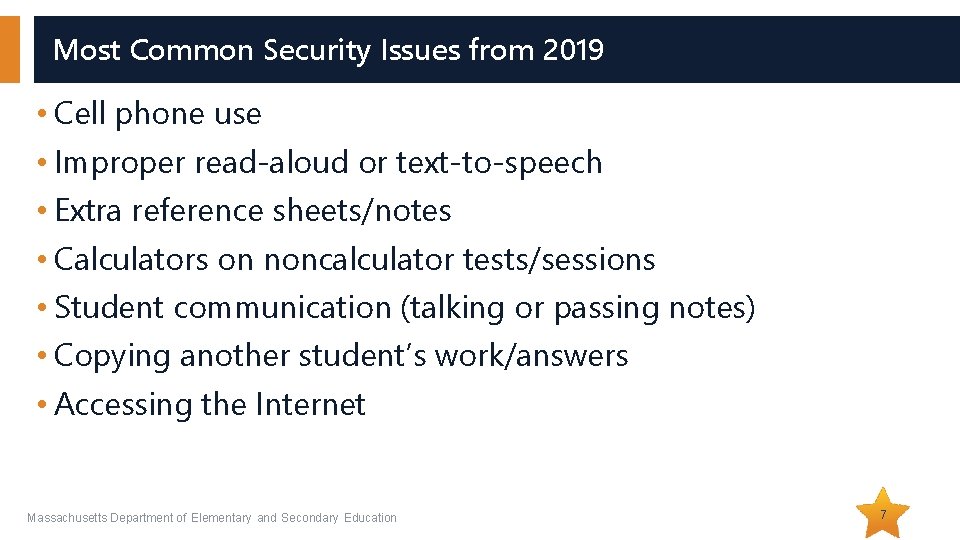
Most Common Security Issues from 2019 • Cell phone use • Improper read-aloud or text-to-speech • Extra reference sheets/notes • Calculators on noncalculator tests/sessions • Student communication (talking or passing notes) • Copying another student’s work/answers • Accessing the Internet Massachusetts Department of Elementary and Secondary Education 7
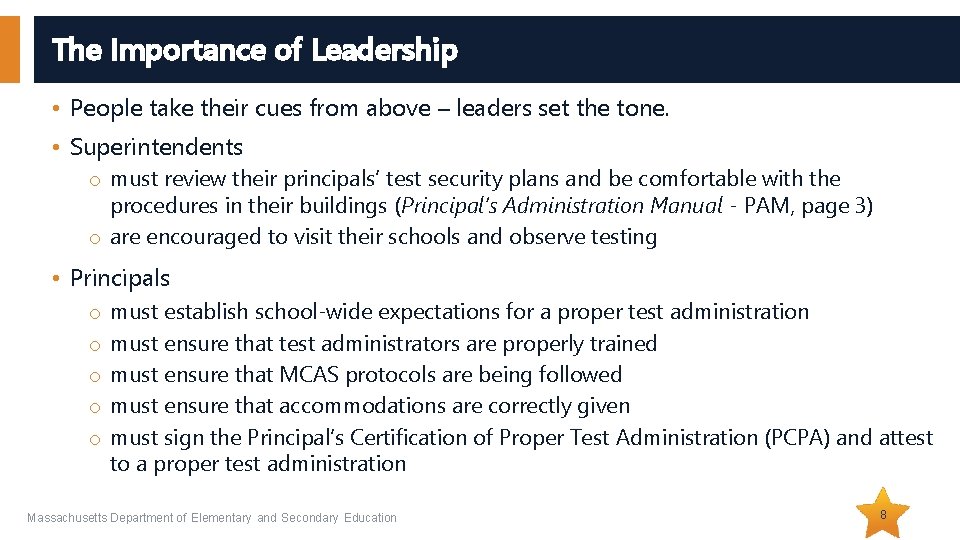
The Importance of Leadership • People take their cues from above – leaders set the tone. • Superintendents o must review their principals’ test security plans and be comfortable with the procedures in their buildings (Principal’s Administration Manual - PAM, page 3) o are encouraged to visit their schools and observe testing • Principals o o o must establish school-wide expectations for a proper test administration must ensure that test administrators are properly trained must ensure that MCAS protocols are being followed must ensure that accommodations are correctly given must sign the Principal’s Certification of Proper Test Administration (PCPA) and attest to a proper test administration Massachusetts Department of Elementary and Secondary Education 8
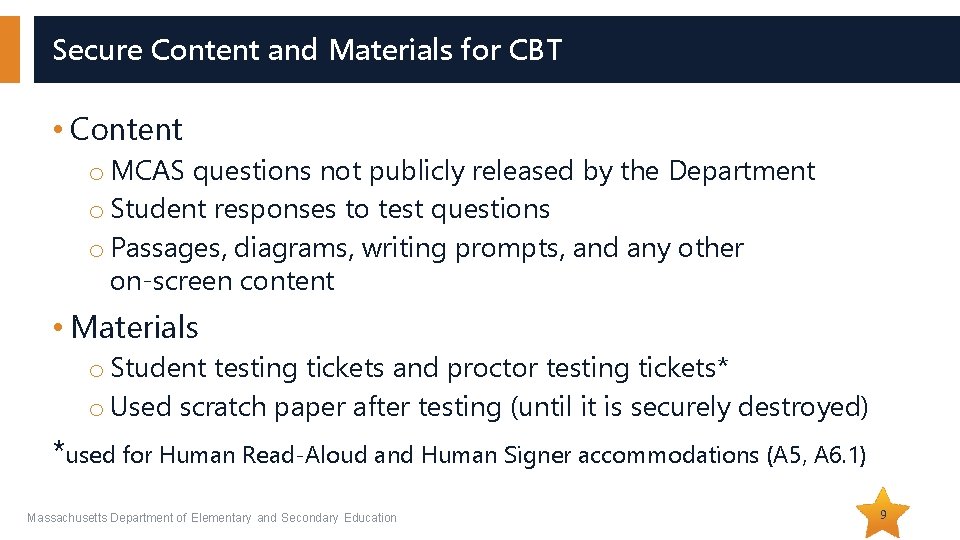
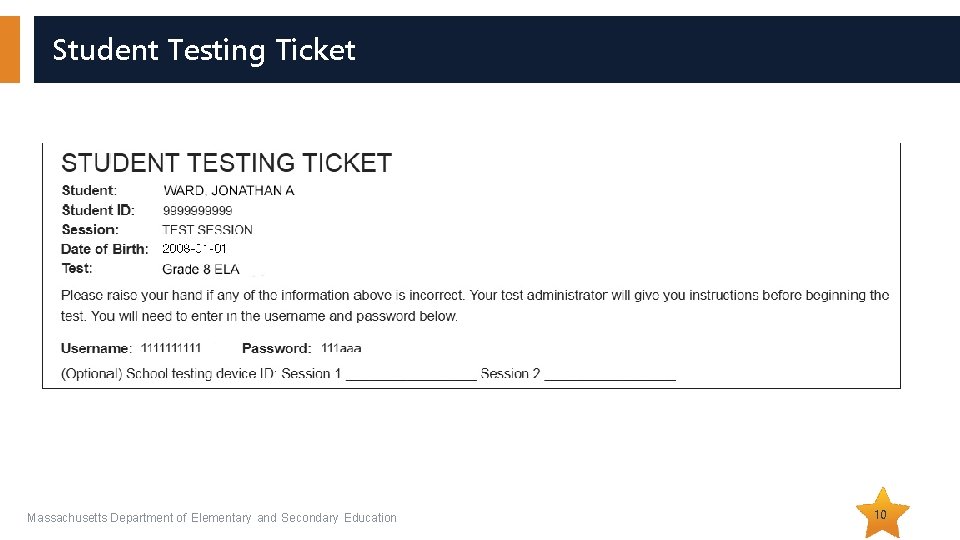
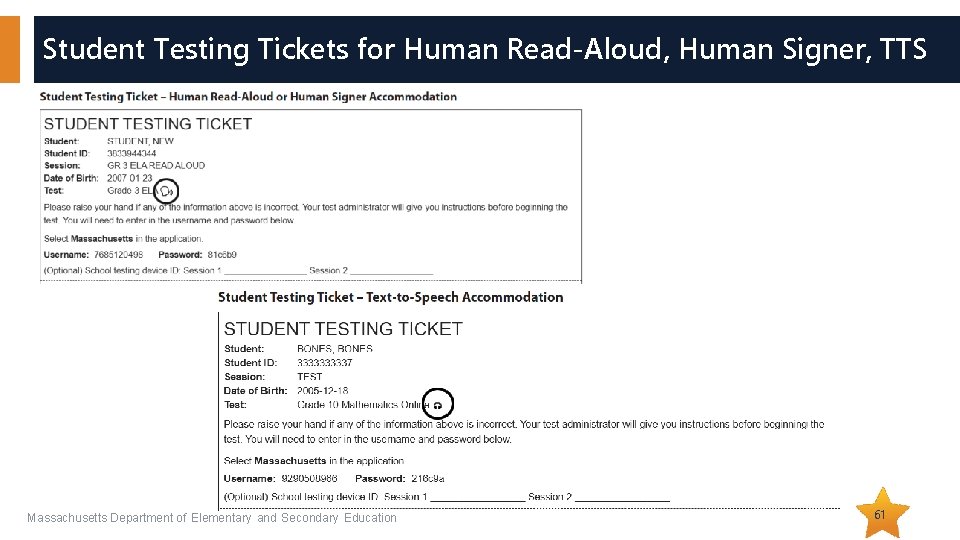
Secure Content and Materials for CBT • Content o MCAS questions not publicly released by the Department o Student responses to test questions o Passages, diagrams, writing prompts, and any other on-screen content • Materials o Student testing tickets and proctor testing tickets* o Used scratch paper after testing (until it is securely destroyed) *used for Human Read-Aloud and Human Signer accommodations (A 5, A 6. 1) Massachusetts Department of Elementary and Secondary Education 9
Student Testing Ticket Massachusetts Department of Elementary and Secondary Education 10
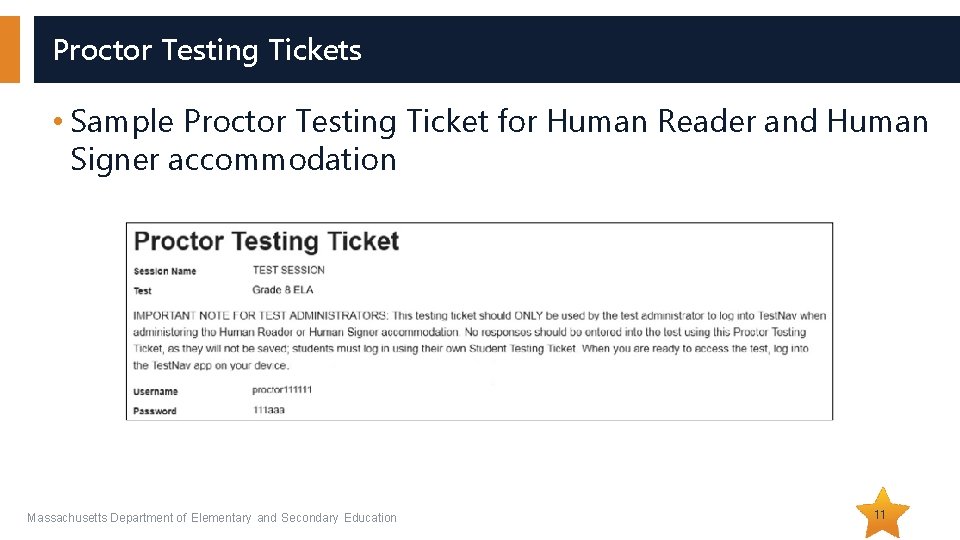
Proctor Testing Tickets • Sample Proctor Testing Ticket for Human Reader and Human Signer accommodation Massachusetts Department of Elementary and Secondary Education 11
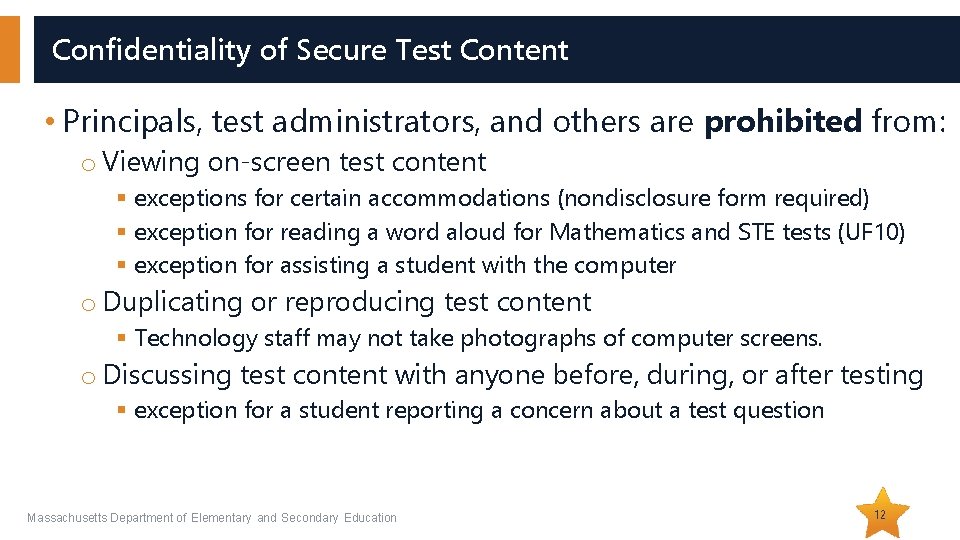
Confidentiality of Secure Test Content • Principals, test administrators, and others are prohibited from: o Viewing on-screen test content § exceptions for certain accommodations (nondisclosure form required) § exception for reading a word aloud for Mathematics and STE tests (UF 10) § exception for assisting a student with the computer o Duplicating or reproducing test content § Technology staff may not take photographs of computer screens. o Discussing test content with anyone before, during, or after testing § exception for a student reporting a concern about a test question Massachusetts Department of Elementary and Secondary Education 12
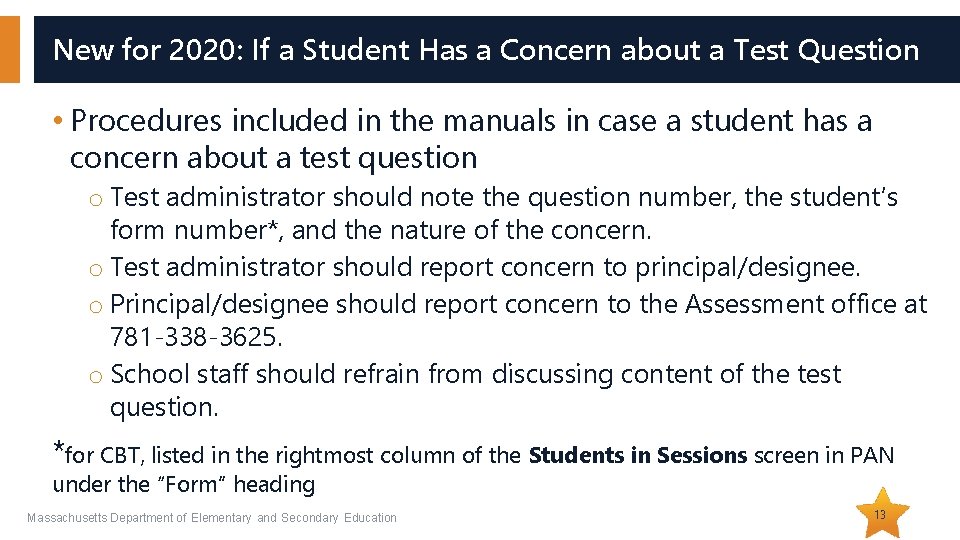
New for 2020: If a Student Has a Concern about a Test Question • Procedures included in the manuals in case a student has a concern about a test question o Test administrator should note the question number, the student’s form number*, and the nature of the concern. o Test administrator should report concern to principal/designee. o Principal/designee should report concern to the Assessment office at 781 -338 -3625. o School staff should refrain from discussing content of the test question. *for CBT, listed in the rightmost column of the Students in Sessions screen in PAN under the “Form” heading Massachusetts Department of Elementary and Secondary Education 13
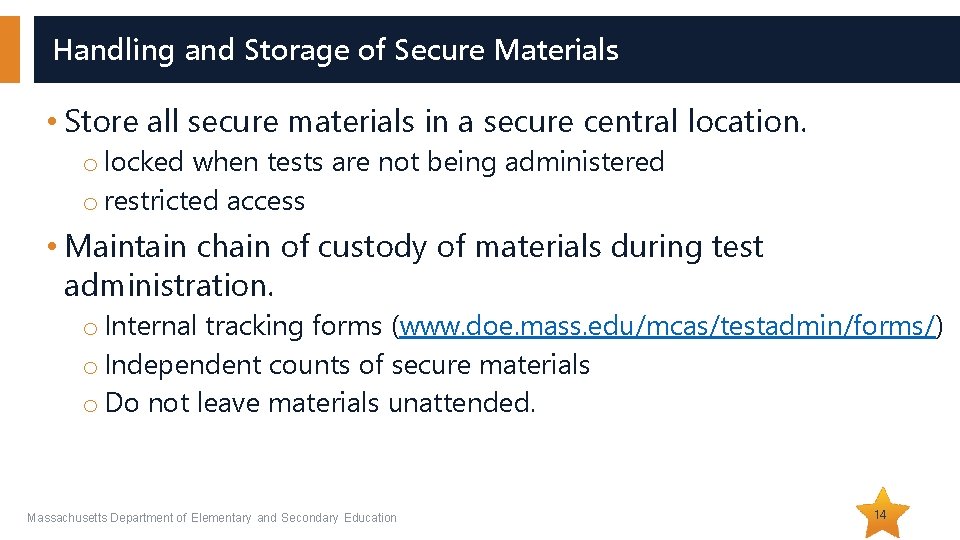
Handling and Storage of Secure Materials • Store all secure materials in a secure central location. o locked when tests are not being administered o restricted access • Maintain chain of custody of materials during test administration. o Internal tracking forms (www. doe. mass. edu/mcas/testadmin/forms/) o Independent counts of secure materials o Do not leave materials unattended. Massachusetts Department of Elementary and Secondary Education 14
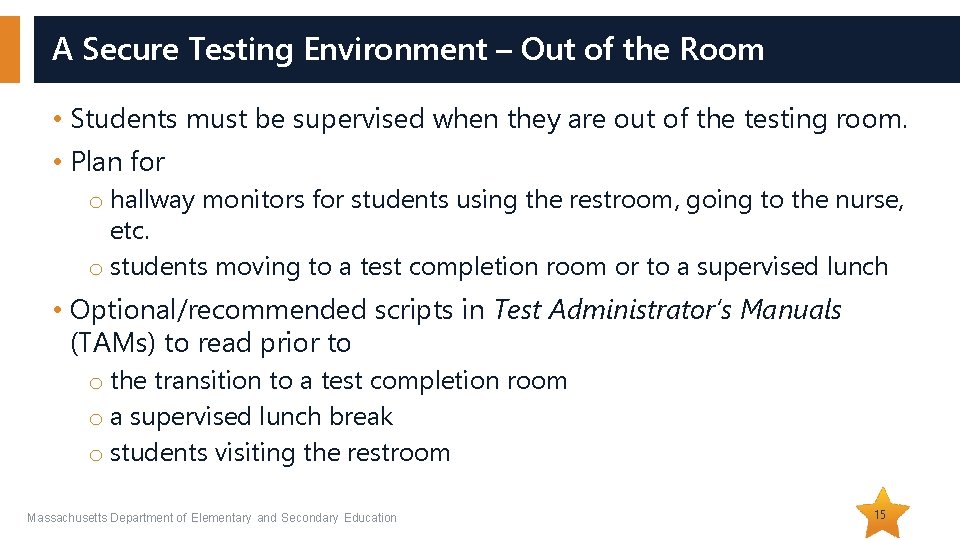
A Secure Testing Environment – Out of the Room • Students must be supervised when they are out of the testing room. • Plan for o hallway monitors for students using the restroom, going to the nurse, etc. o students moving to a test completion room or to a supervised lunch • Optional/recommended scripts in Test Administrator’s Manuals (TAMs) to read prior to o the transition to a test completion room o a supervised lunch break o students visiting the restroom Massachusetts Department of Elementary and Secondary Education 15
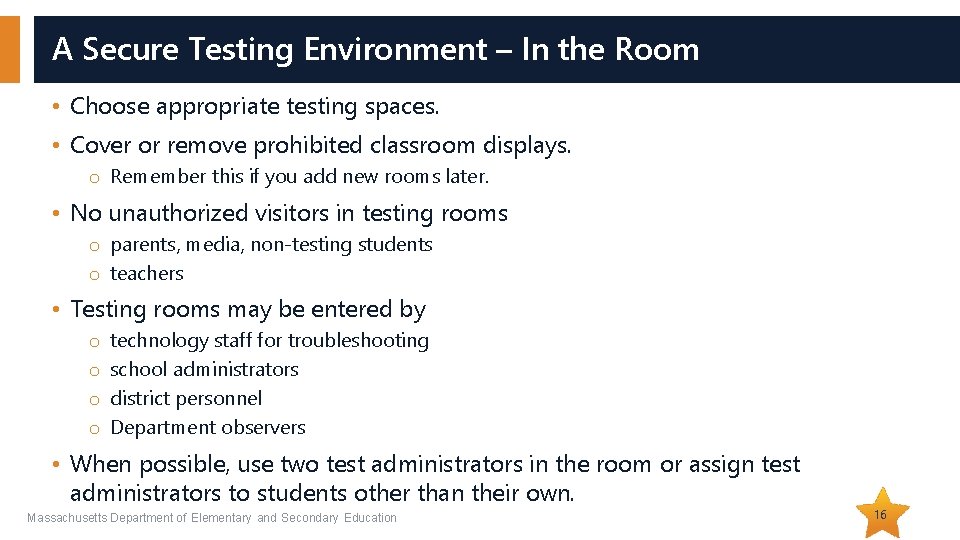
A Secure Testing Environment – In the Room • Choose appropriate testing spaces. • Cover or remove prohibited classroom displays. o Remember this if you add new rooms later. • No unauthorized visitors in testing rooms o parents, media, non-testing students o teachers • Testing rooms may be entered by o o technology staff for troubleshooting school administrators district personnel Department observers • When possible, use two test administrators in the room or assign test administrators to students other than their own. Massachusetts Department of Elementary and Secondary Education 16
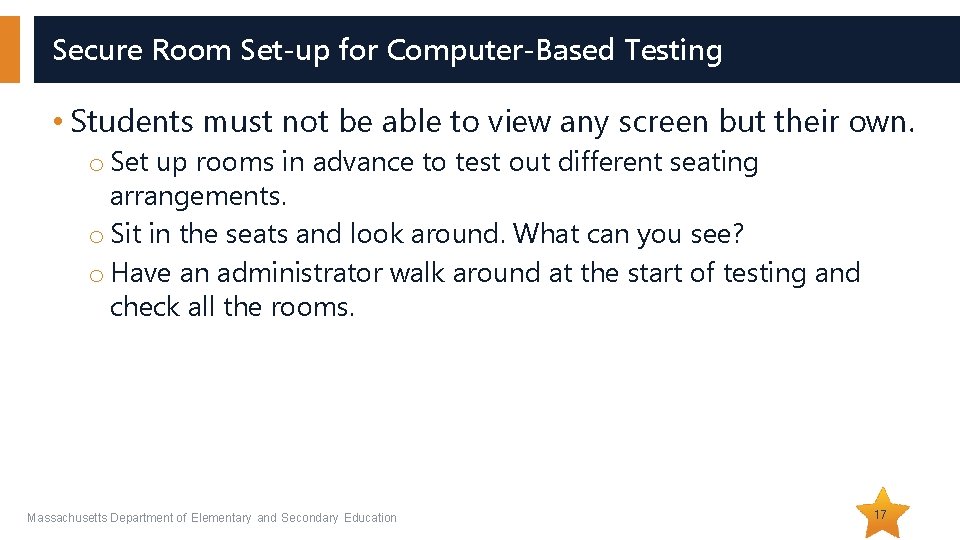
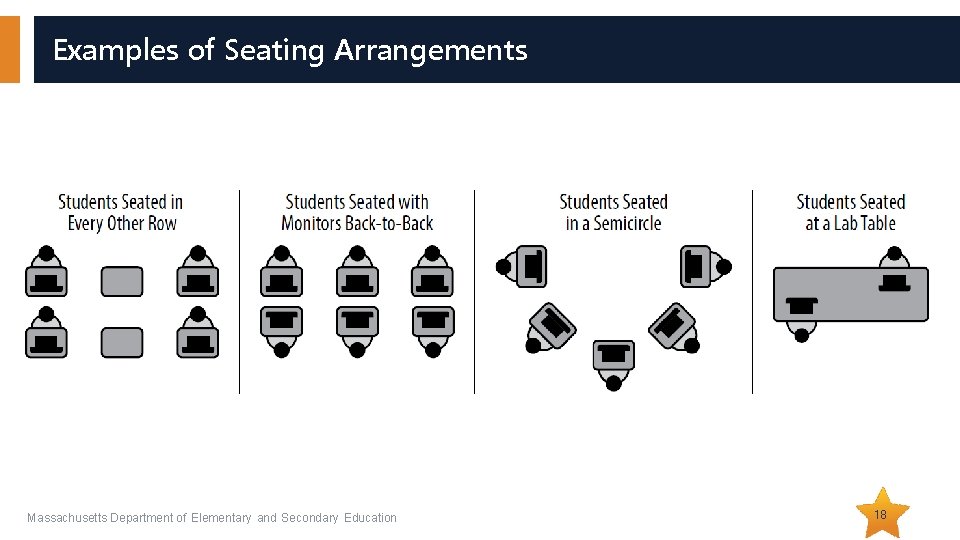
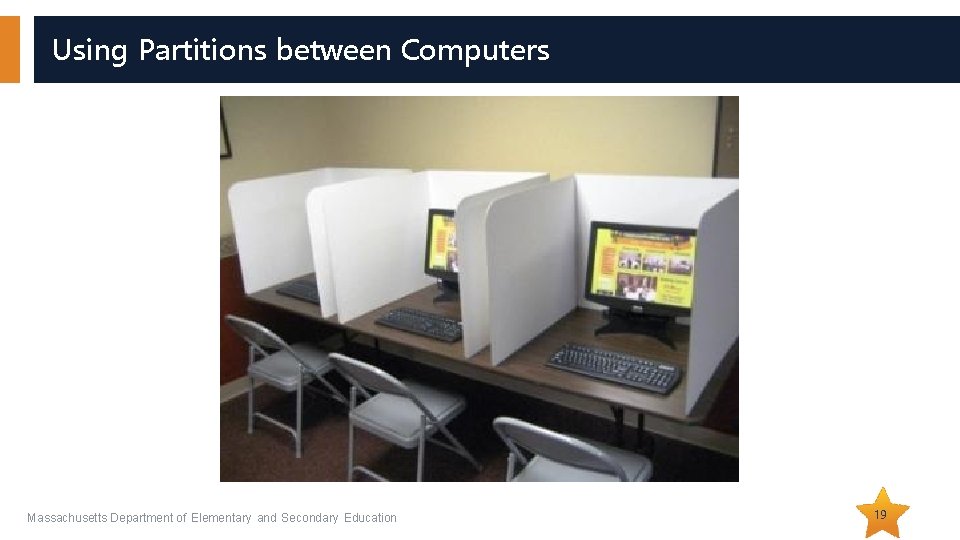
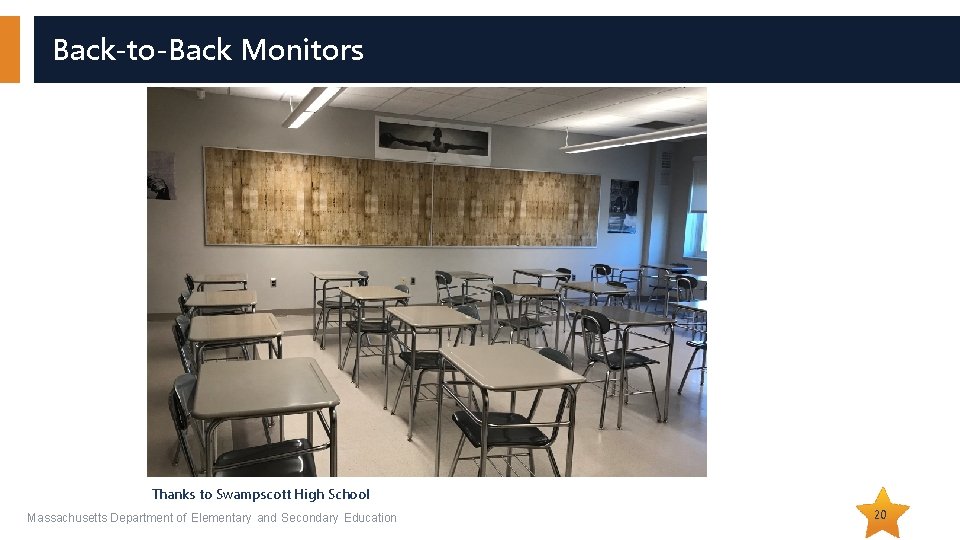
Secure Room Set-up for Computer-Based Testing • Students must not be able to view any screen but their own. o Set up rooms in advance to test out different seating arrangements. o Sit in the seats and look around. What can you see? o Have an administrator walk around at the start of testing and check all the rooms. Massachusetts Department of Elementary and Secondary Education 17
Examples of Seating Arrangements Massachusetts Department of Elementary and Secondary Education 18
Using Partitions between Computers Massachusetts Department of Elementary and Secondary Education 19
Back-to-Back Monitors Thanks to Swampscott High School Massachusetts Department of Elementary and Secondary Education 20
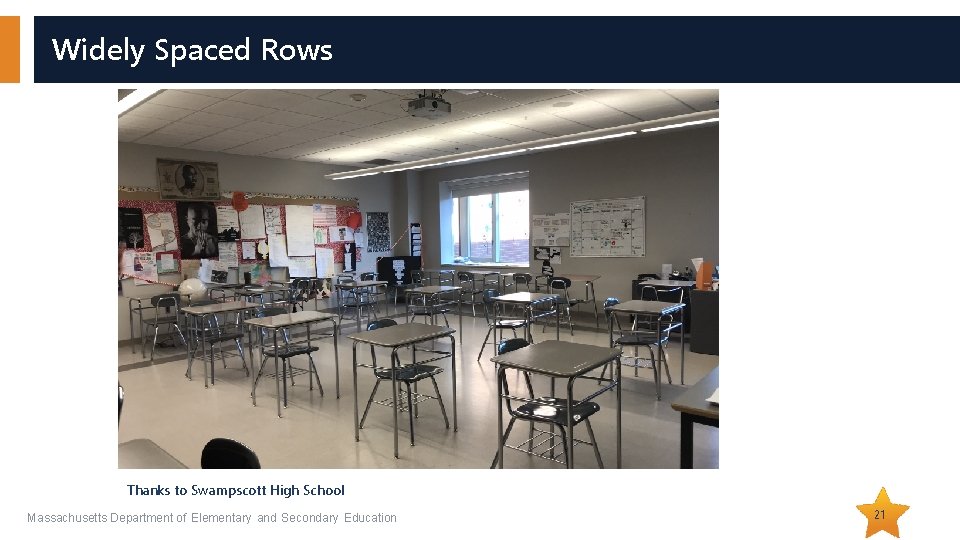
Widely Spaced Rows Thanks to Swampscott High School Massachusetts Department of Elementary and Secondary Education 21
Prohibited Materials • Make sure students understand that they are not allowed to have o cell phones and other electronic devices (e. g. , music players, e-readers, smart watches) o calculators on noncalculator tests and sessions o notes or reference material beyond what they’re given, such as additional reference sheets, graphic organizers, multiplication grids (exceptions for certain accommodations) o dictionaries • A poster showing examples of prohibited materials is available for download and printing (www. doe. mass. edu/mcas/testadmin/forms/) Massachusetts Department of Elementary and Secondary Education 22
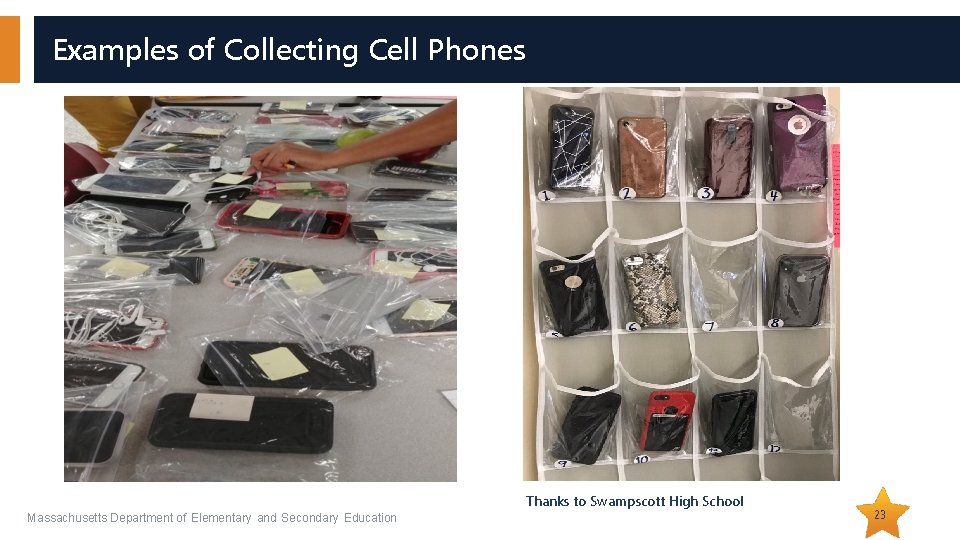
Examples of Collecting Cell Phones Thanks to Swampscott High School Massachusetts Department of Elementary and Secondary Education 23
Training Test Administrators and Other Personnel • All individuals involved in MCAS administration must participate in a school-provided training session. o MCAS test security requirements (Part I of the PAM) o MCAS test administration protocols (Part III of the PAM) o School-specific procedures and logistics • Sample slides for training test administrators will again be available (www. doe. mass. edu/mcas/testadmin/). Massachusetts Department of Elementary and Secondary Education 24
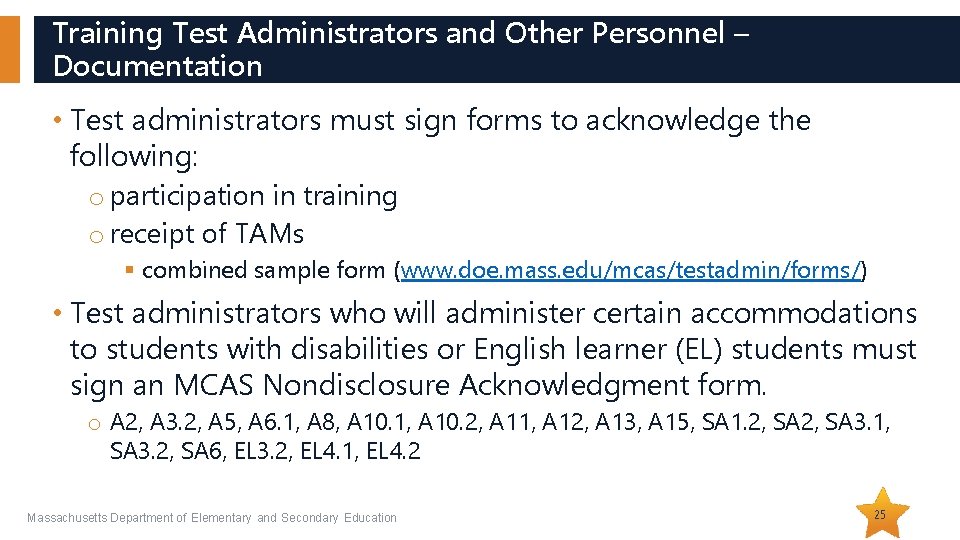
Training Test Administrators and Other Personnel – Documentation • Test administrators must sign forms to acknowledge the following: o participation in training o receipt of TAMs § combined sample form (www. doe. mass. edu/mcas/testadmin/forms/) • Test administrators who will administer certain accommodations to students with disabilities or English learner (EL) students must sign an MCAS Nondisclosure Acknowledgment form. o A 2, A 3. 2, A 5, A 6. 1, A 8, A 10. 1, A 10. 2, A 11, A 12, A 13, A 15, SA 1. 2, SA 3. 1, SA 3. 2, SA 6, EL 3. 2, EL 4. 1, EL 4. 2 Massachusetts Department of Elementary and Secondary Education 25
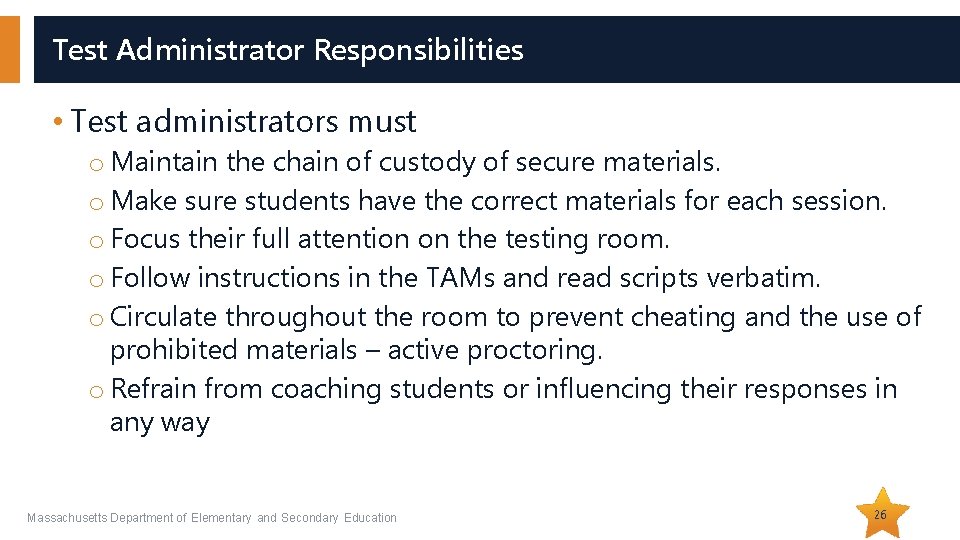
Test Administrator Responsibilities • Test administrators must o Maintain the chain of custody of secure materials. o Make sure students have the correct materials for each session. o Focus their full attention on the testing room. o Follow instructions in the TAMs and read scripts verbatim. o Circulate throughout the room to prevent cheating and the use of prohibited materials – active proctoring. o Refrain from coaching students or influencing their responses in any way Massachusetts Department of Elementary and Secondary Education 26
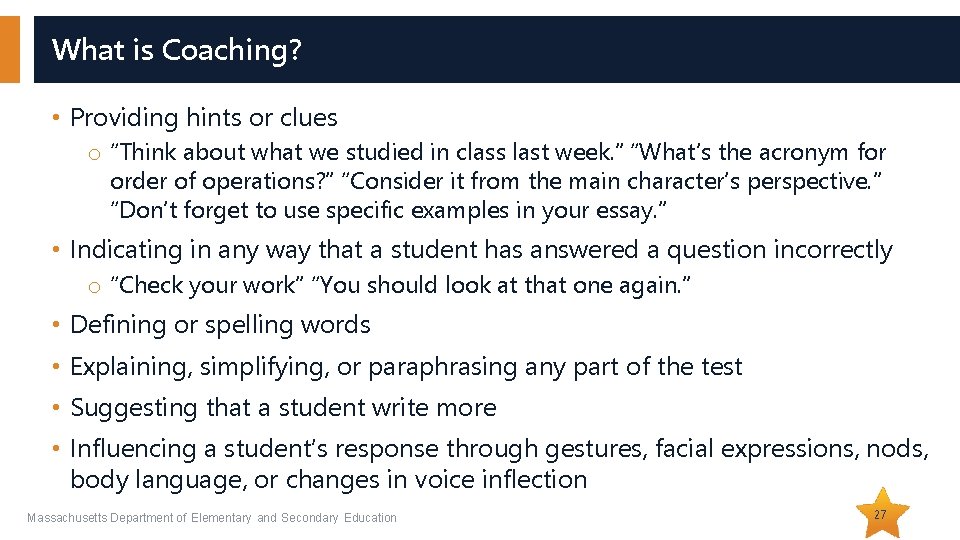
What is Coaching? • Providing hints or clues o “Think about what we studied in class last week. ” “What’s the acronym for order of operations? ” “Consider it from the main character’s perspective. ” “Don’t forget to use specific examples in your essay. ” • Indicating in any way that a student has answered a question incorrectly o “Check your work” “You should look at that one again. ” • Defining or spelling words • Explaining, simplifying, or paraphrasing any part of the test • Suggesting that a student write more • Influencing a student’s response through gestures, facial expressions, nods, body language, or changes in voice inflection Massachusetts Department of Elementary and Secondary Education 27
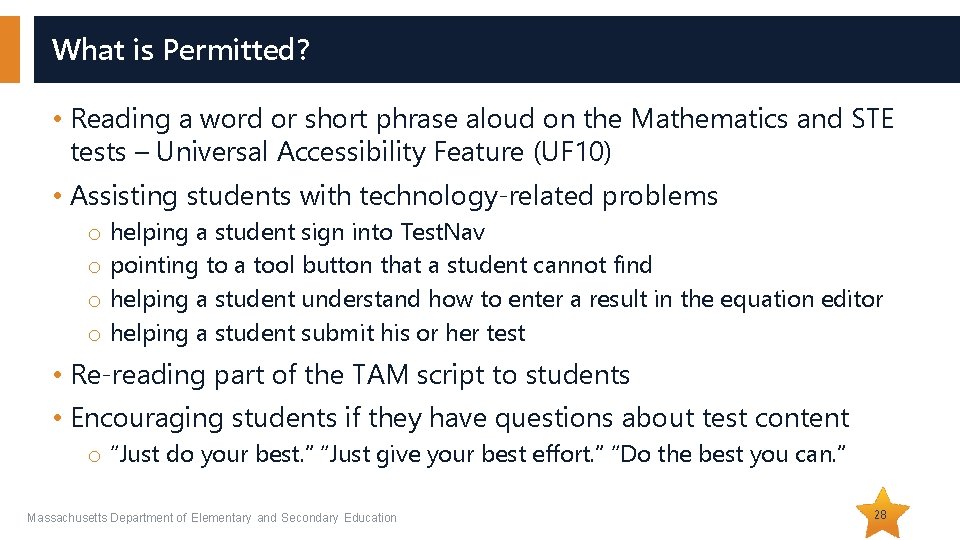
What is Permitted? • Reading a word or short phrase aloud on the Mathematics and STE tests – Universal Accessibility Feature (UF 10) • Assisting students with technology-related problems o helping a student sign into Test. Nav o pointing to a tool button that a student cannot find o helping a student understand how to enter a result in the equation editor o helping a student submit his or her test • Re-reading part of the TAM script to students • Encouraging students if they have questions about test content o “Just do your best. ” “Just give your best effort. ” “Do the best you can. ” Massachusetts Department of Elementary and Secondary Education 28
Test Security Requirements for Students • Students’ results may be invalidated if they engage in any of the following activities: o duplicating any portion of secure test content o accessing prohibited materials such as cell phones or other electronic devices o communicating with other students (e. g. , talking, whispering, writing notes) o looking at any other student’s computer screen or answer booklet o asking for or receiving help from anyone (except for reporting a concern about a test question to a test administrator) o providing help to another student o consulting notes, books, or instructional materials during testing • See sample form for students and a sample letter to send to parents (recommended for grades 6– 8 and 10) at www. doe. mass. edu/mcas/testadmin/forms/ Massachusetts Department of Elementary and Secondary Education 29
Steps to Take After a Security Incident or Irregularity • Call the Department at 781 -338 -3625. • Gather information about the incident if necessary. o Talk to the test administrator(s) involved. o Talk to any students involved. o Preserve documents (e. g. , notes confiscated). o If reporting a read-aloud violation, determine how much of the test was read. o If reporting a calculator violation, determine which items were solved with the calculator. • Submit a report if instructed to. • Take any local action that is appropriate. Massachusetts Department of Elementary and Secondary Education 30
02 Test Administration Protocols
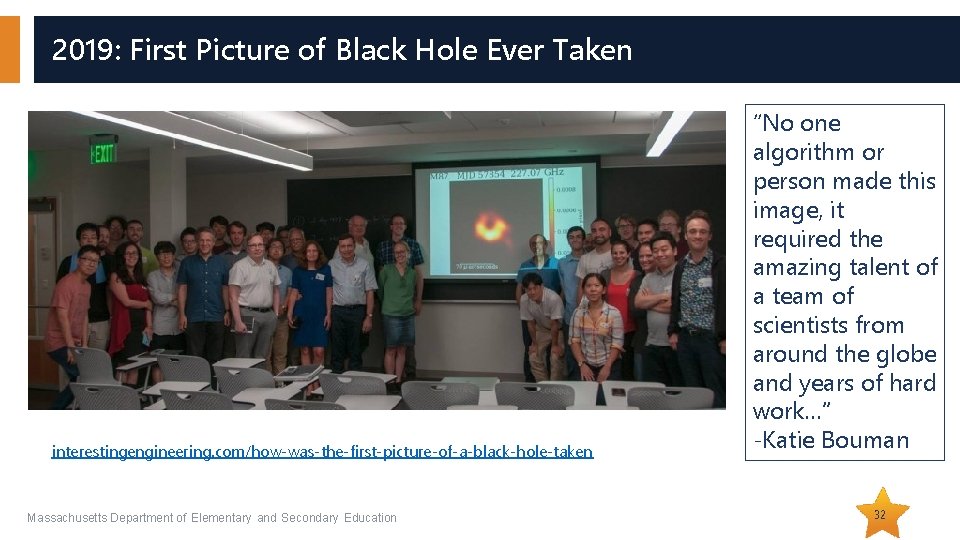
2019: First Picture of Black Hole Ever Taken interestingengineering. com/how-was-the-first-picture-of-a-black-hole-taken Massachusetts Department of Elementary and Secondary Education “No one algorithm or person made this image, it required the amazing talent of a team of scientists from around the globe and years of hard work…” -Katie Bouman 32
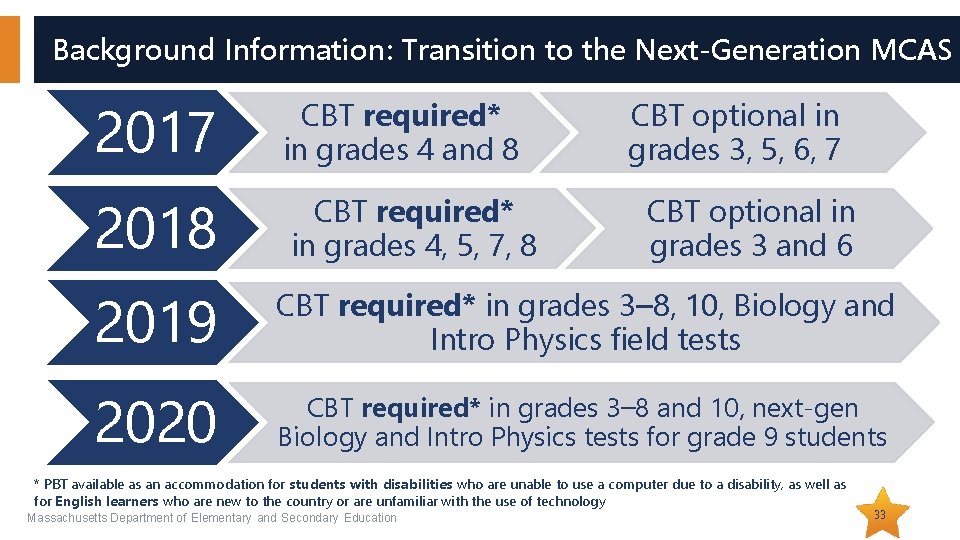
Background Information: Transition to the Next-Generation MCAS 2017 CBT required* in grades 4 and 8 2018 CBT required* in grades 4, 5, 7, 8 CBT optional in grades 3, 5, 6, 7 CBT optional in grades 3 and 6 2019 CBT required* in grades 3– 8, 10, Biology and Intro Physics field tests 2020 CBT required* in grades 3– 8 and 10, next-gen Biology and Intro Physics tests for grade 9 students * PBT available as an accommodation for students with disabilities who are unable to use a computer due to a disability, as well as for English learners who are new to the country or are unfamiliar with the use of technology Massachusetts Department of Elementary and Secondary Education 33
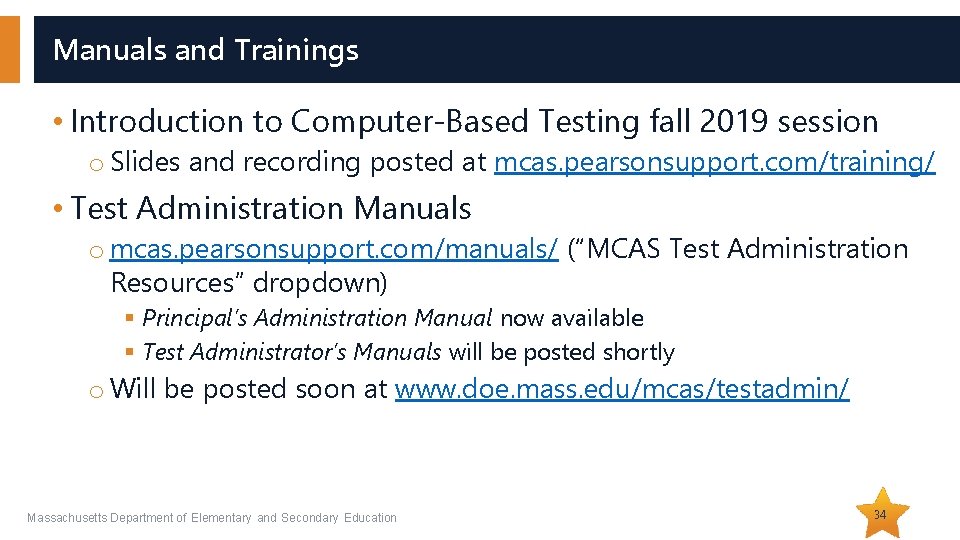
Manuals and Trainings • Introduction to Computer-Based Testing fall 2019 session o Slides and recording posted at mcas. pearsonsupport. com/training/ • Test Administration Manuals o mcas. pearsonsupport. com/manuals/ (“MCAS Test Administration Resources” dropdown) § Principal’s Administration Manual now available § Test Administrator’s Manuals will be posted shortly o Will be posted soon at www. doe. mass. edu/mcas/testadmin/ Massachusetts Department of Elementary and Secondary Education 34
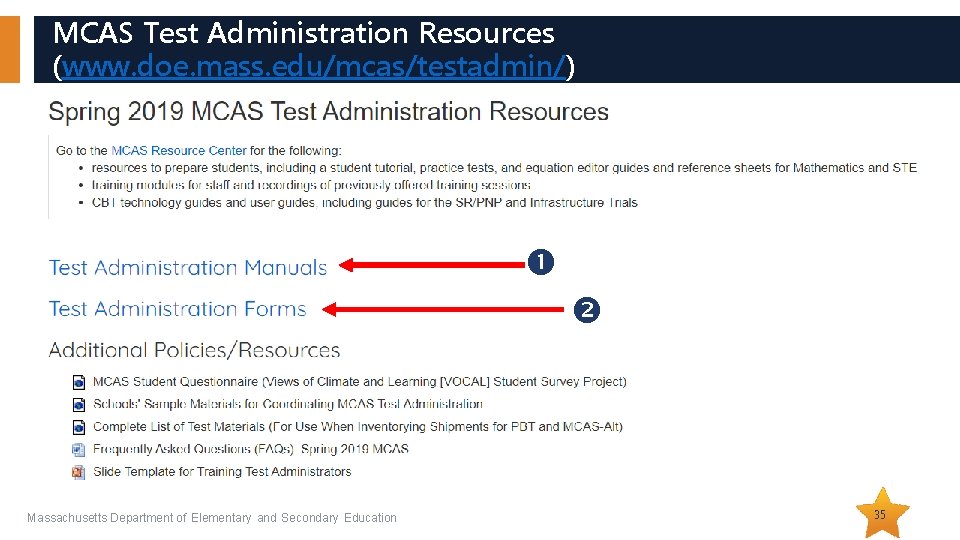
MCAS Test Administration Resources (www. doe. mass. edu/mcas/testadmin/) Massachusetts Department of Elementary and Secondary Education 35
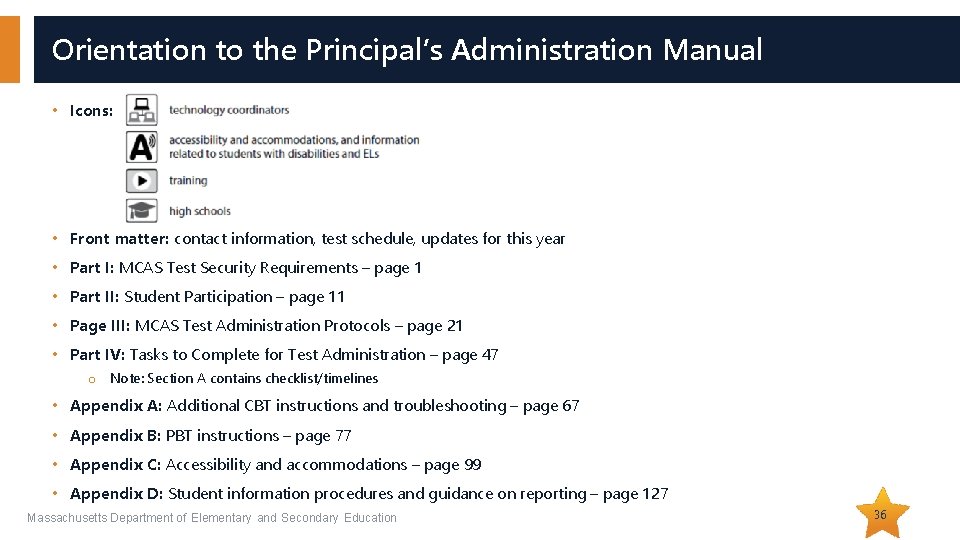
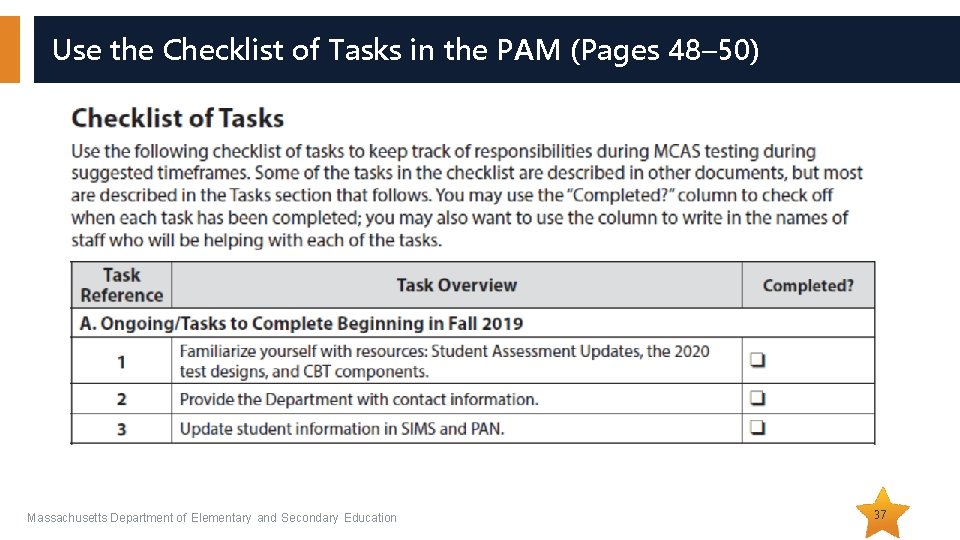
Orientation to the Principal’s Administration Manual • Icons: • Front matter: contact information, test schedule, updates for this year • Part I: MCAS Test Security Requirements – page 1 • Part II: Student Participation – page 11 • Page III: MCAS Test Administration Protocols – page 21 • Part IV: Tasks to Complete for Test Administration – page 47 o Note: Section A contains checklist/timelines • Appendix A: Additional CBT instructions and troubleshooting – page 67 • Appendix B: PBT instructions – page 77 • Appendix C: Accessibility and accommodations – page 99 • Appendix D: Student information procedures and guidance on reporting – page 127 Massachusetts Department of Elementary and Secondary Education 36
Use the Checklist of Tasks in the PAM (Pages 48– 50) Massachusetts Department of Elementary and Secondary Education 37
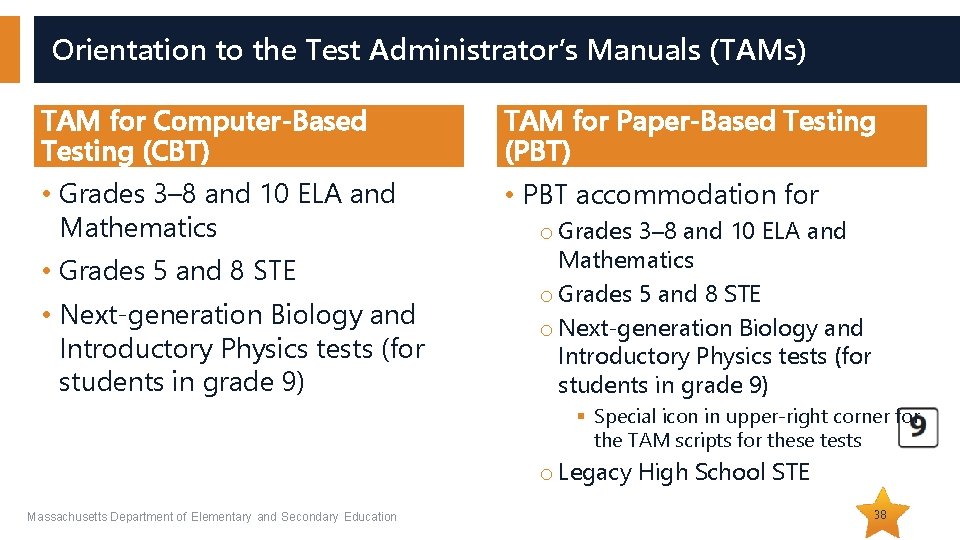
Orientation to the Test Administrator’s Manuals (TAMs) TAM for Computer-Based Testing (CBT) TAM for Paper-Based Testing (PBT) • Grades 3– 8 and 10 ELA and Mathematics • PBT accommodation for • Grades 5 and 8 STE • Next-generation Biology and Introductory Physics tests (for students in grade 9) o Grades 3– 8 and 10 ELA and Mathematics o Grades 5 and 8 STE o Next-generation Biology and Introductory Physics tests (for students in grade 9) § Special icon in upper-right corner for the TAM scripts for these tests o Legacy High School STE Massachusetts Department of Elementary and Secondary Education 38
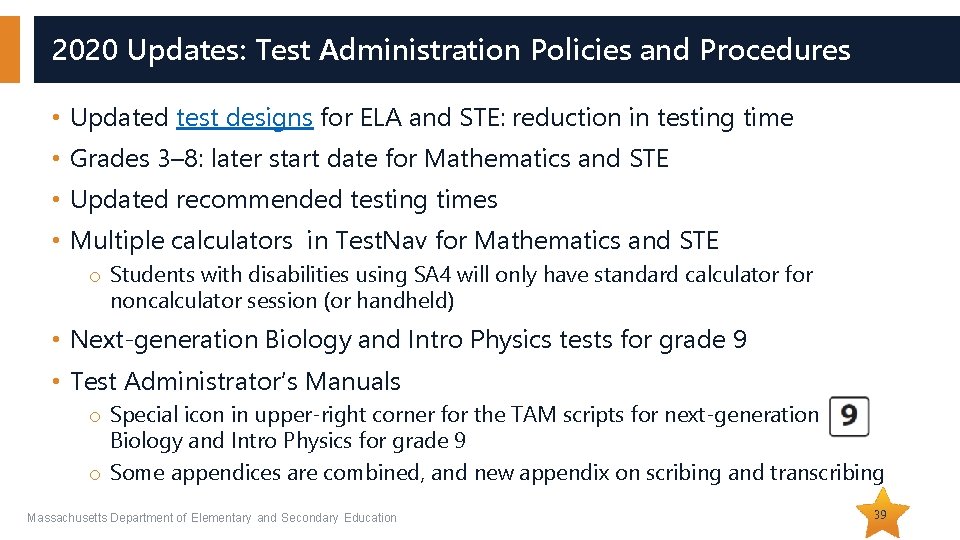
2020 Updates: Test Administration Policies and Procedures • Updated test designs for ELA and STE: reduction in testing time • Grades 3– 8: later start date for Mathematics and STE • Updated recommended testing times • Multiple calculators in Test. Nav for Mathematics and STE o Students with disabilities using SA 4 will only have standard calculator for noncalculator session (or handheld) • Next-generation Biology and Intro Physics tests for grade 9 • Test Administrator’s Manuals o Special icon in upper-right corner for the TAM scripts for next-generation Biology and Intro Physics for grade 9 o Some appendices are combined, and new appendix on scribing and transcribing Massachusetts Department of Elementary and Secondary Education 39
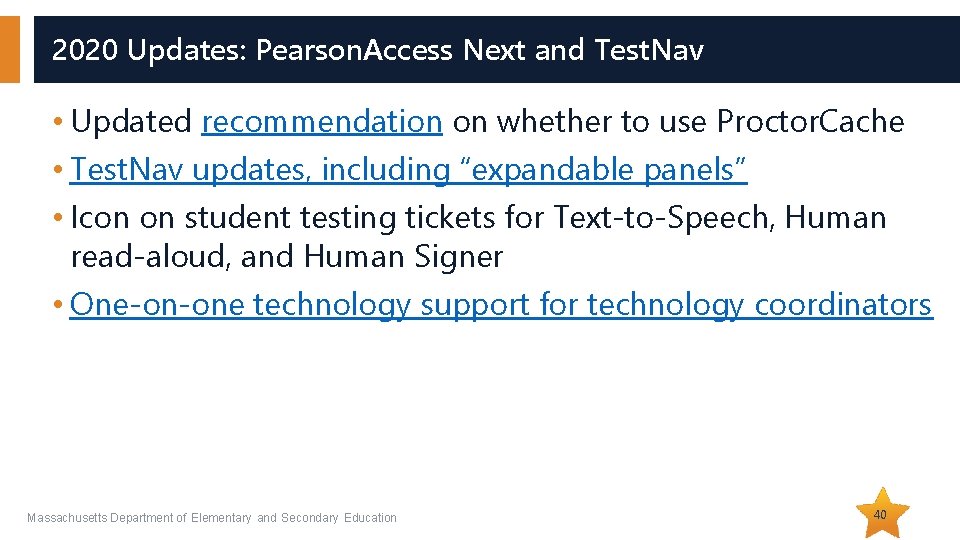
2020 Updates: Pearson. Access Next and Test. Nav • Updated recommendation on whether to use Proctor. Cache • Test. Nav updates, including “expandable panels” • Icon on student testing tickets for Text-to-Speech, Human read-aloud, and Human Signer • One-on-one technology support for technology coordinators Massachusetts Department of Elementary and Secondary Education 40
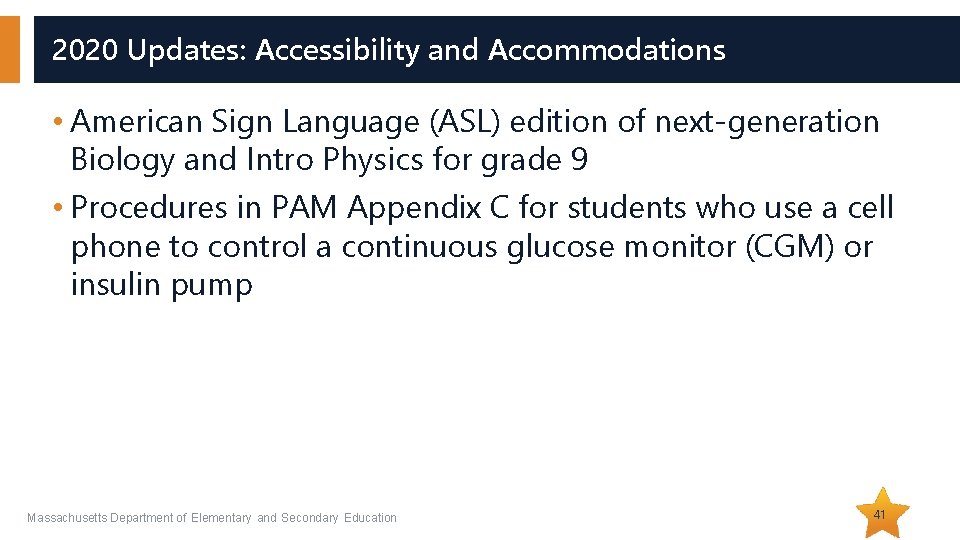
2020 Updates: Accessibility and Accommodations • American Sign Language (ASL) edition of next-generation Biology and Intro Physics for grade 9 • Procedures in PAM Appendix C for students who use a cell phone to control a continuous glucose monitor (CGM) or insulin pump Massachusetts Department of Elementary and Secondary Education 41
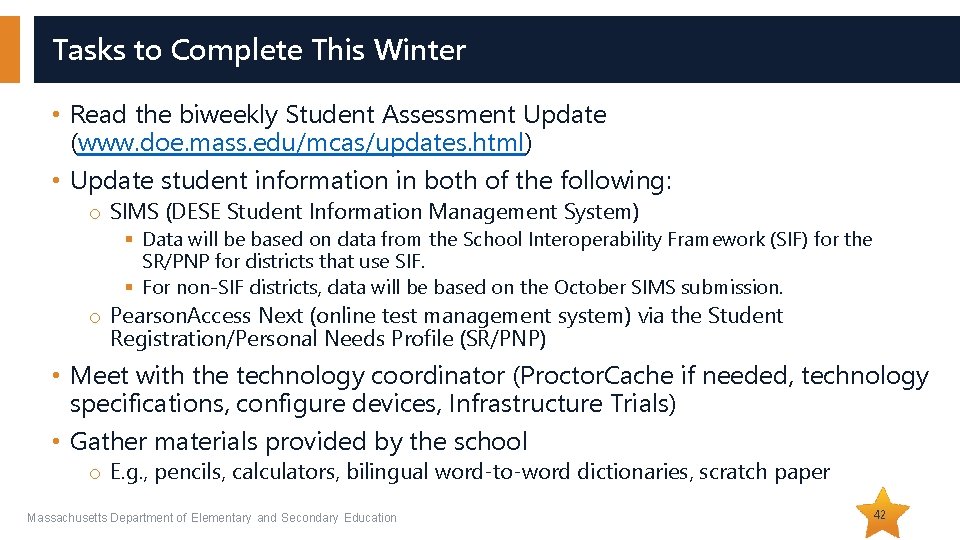
Tasks to Complete This Winter • Read the biweekly Student Assessment Update (www. doe. mass. edu/mcas/updates. html) • Update student information in both of the following: o SIMS (DESE Student Information Management System) § Data will be based on data from the School Interoperability Framework (SIF) for the SR/PNP for districts that use SIF. § For non-SIF districts, data will be based on the October SIMS submission. o Pearson. Access Next (online test management system) via the Student Registration/Personal Needs Profile (SR/PNP) • Meet with the technology coordinator (Proctor. Cache if needed, technology specifications, configure devices, Infrastructure Trials) • Gather materials provided by the school o E. g. , pencils, calculators, bilingual word-to-word dictionaries, scratch paper Massachusetts Department of Elementary and Secondary Education 42
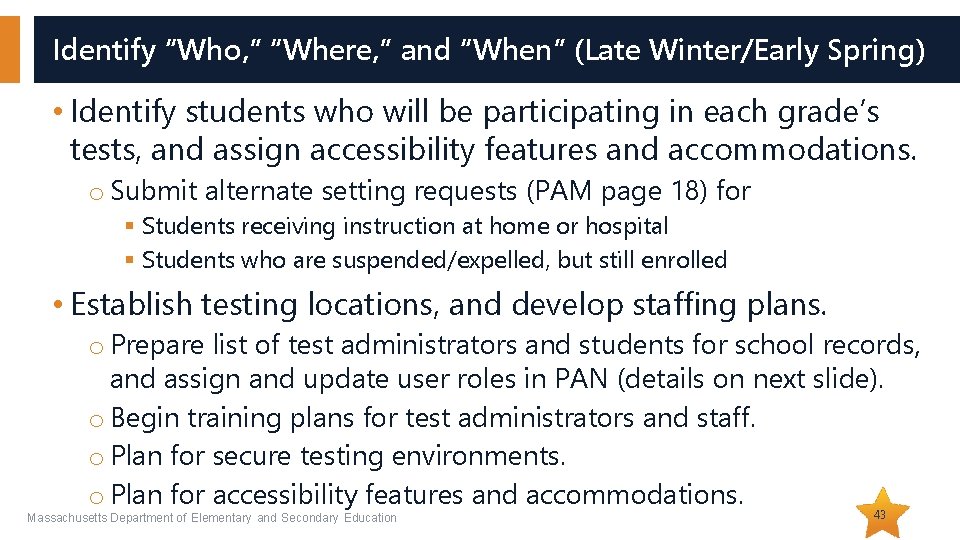
Identify “Who, ” “Where, ” and “When” (Late Winter/Early Spring) • Identify students who will be participating in each grade’s tests, and assign accessibility features and accommodations. o Submit alternate setting requests (PAM page 18) for § Students receiving instruction at home or hospital § Students who are suspended/expelled, but still enrolled • Establish testing locations, and develop staffing plans. o Prepare list of test administrators and students for school records, and assign and update user roles in PAN (details on next slide). o Begin training plans for test administrators and staff. o Plan for secure testing environments. o Plan for accessibility features and accommodations. Massachusetts Department of Elementary and Secondary Education 43
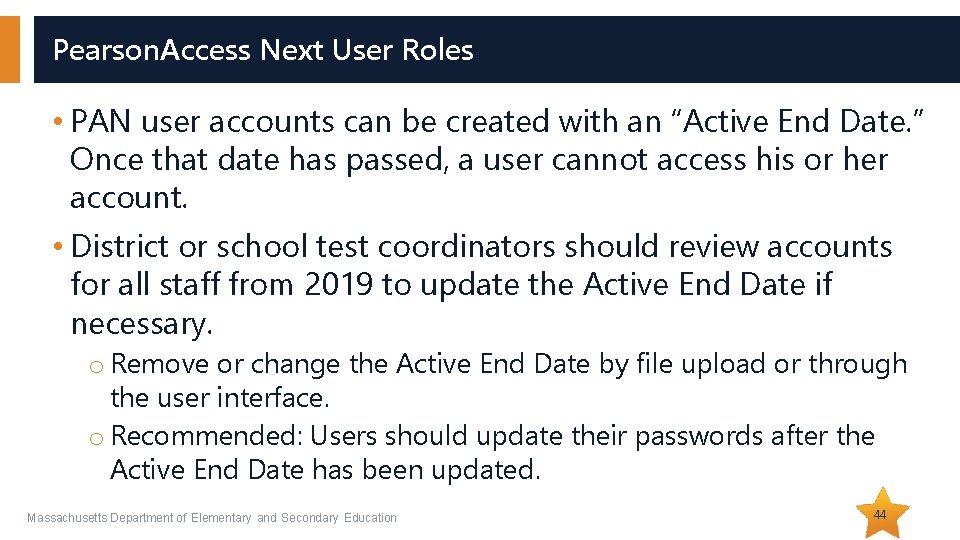
Pearson. Access Next User Roles • PAN user accounts can be created with an “Active End Date. ” Once that date has passed, a user cannot access his or her account. • District or school test coordinators should review accounts for all staff from 2019 to update the Active End Date if necessary. o Remove or change the Active End Date by file upload or through the user interface. o Recommended: Users should update their passwords after the Active End Date has been updated. Massachusetts Department of Elementary and Secondary Education 44
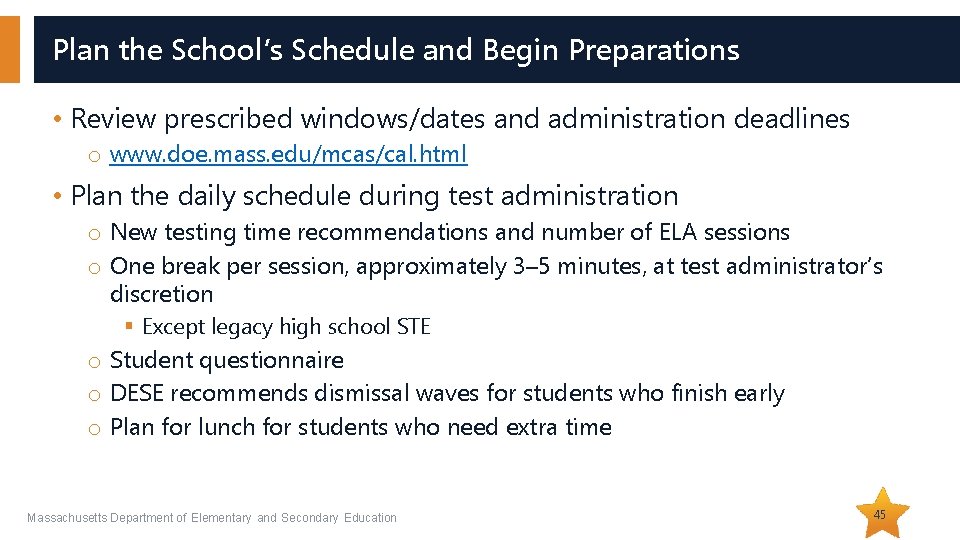
Plan the School’s Schedule and Begin Preparations • Review prescribed windows/dates and administration deadlines o www. doe. mass. edu/mcas/cal. html • Plan the daily schedule during test administration o New testing time recommendations and number of ELA sessions o One break per session, approximately 3– 5 minutes, at test administrator’s discretion § Except legacy high school STE o Student questionnaire o DESE recommends dismissal waves for students who finish early o Plan for lunch for students who need extra time Massachusetts Department of Elementary and Secondary Education 45
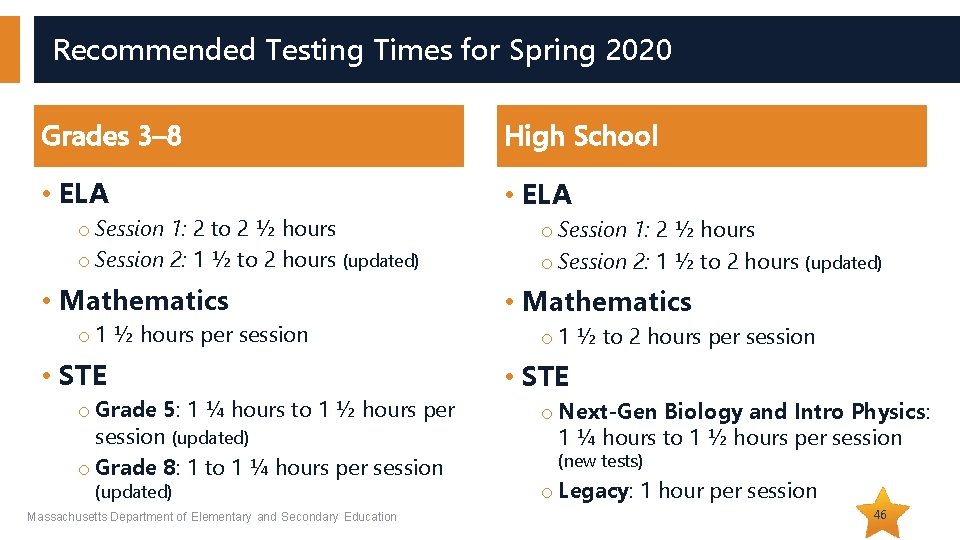
Recommended Testing Times for Spring 2020 Grades 3– 8 High School • ELA o Session 1: 2 to 2 ½ hours o Session 2: 1 ½ to 2 hours (updated) • Mathematics o 1 ½ hours per session • STE o Grade 5: 1 ¼ hours to 1 ½ hours per session (updated) o Grade 8: 1 to 1 ¼ hours per session (updated) Massachusetts Department of Elementary and Secondary Education o Session 1: 2 ½ hours o Session 2: 1 ½ to 2 hours (updated) • Mathematics o 1 ½ to 2 hours per session • STE o Next-Gen Biology and Intro Physics: 1 ¼ hours to 1 ½ hours per session (new tests) o Legacy: 1 hour per session 46
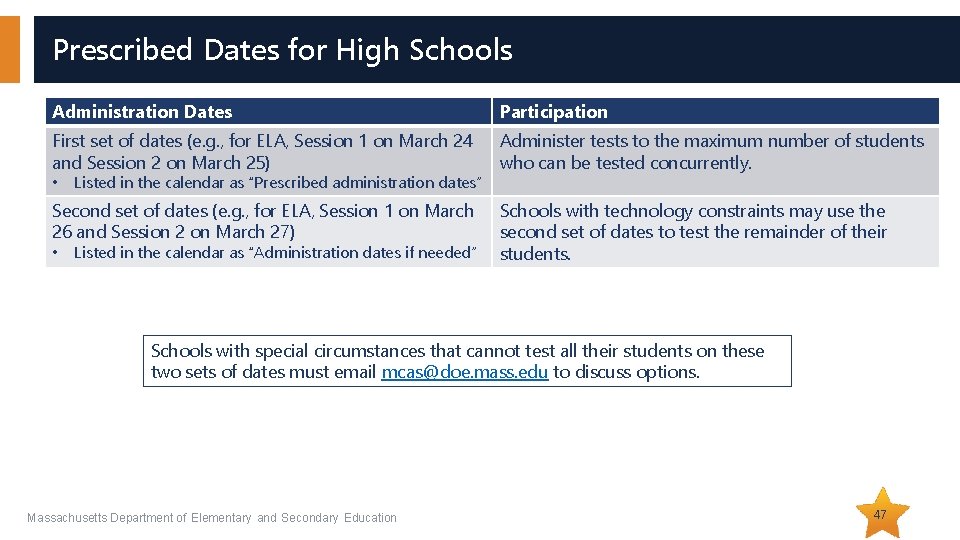
Prescribed Dates for High Schools Administration Dates Participation First set of dates (e. g. , for ELA, Session 1 on March 24 and Session 2 on March 25) Administer tests to the maximum number of students who can be tested concurrently. • Listed in the calendar as “Prescribed administration dates” Second set of dates (e. g. , for ELA, Session 1 on March 26 and Session 2 on March 27) • Listed in the calendar as “Administration dates if needed” Schools with technology constraints may use the second set of dates to test the remainder of their students. Schools with special circumstances that cannot test all their students on these two sets of dates must email mcas@doe. mass. edu to discuss options. Massachusetts Department of Elementary and Secondary Education 47
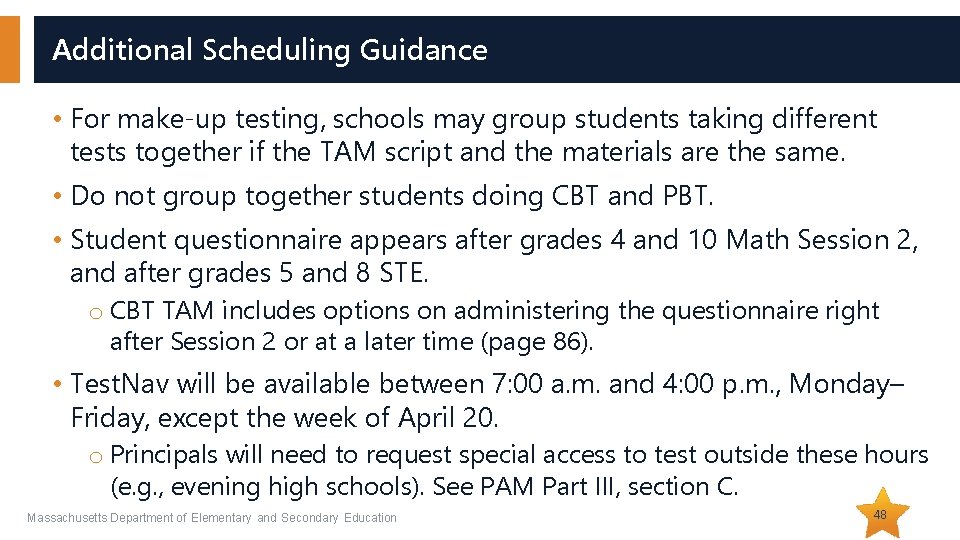
Additional Scheduling Guidance • For make-up testing, schools may group students taking different tests together if the TAM script and the materials are the same. • Do not group together students doing CBT and PBT. • Student questionnaire appears after grades 4 and 10 Math Session 2, and after grades 5 and 8 STE. o CBT TAM includes options on administering the questionnaire right after Session 2 or at a later time (page 86). • Test. Nav will be available between 7: 00 a. m. and 4: 00 p. m. , Monday– Friday, except the week of April 20. o Principals will need to request special access to test outside these hours (e. g. , evening high schools). See PAM Part III, section C. Massachusetts Department of Elementary and Secondary Education 48
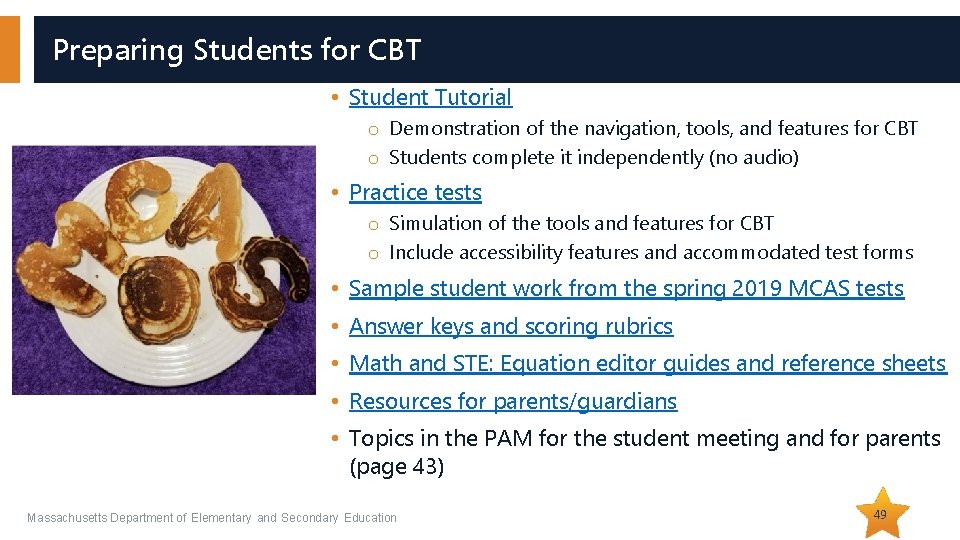
Preparing Students for CBT • Student Tutorial o Demonstration of the navigation, tools, and features for CBT o Students complete it independently (no audio) • Practice tests o Simulation of the tools and features for CBT o Include accessibility features and accommodated test forms • Sample student work from the spring 2019 MCAS tests • Answer keys and scoring rubrics • Math and STE: Equation editor guides and reference sheets • Resources for parents/guardians • Topics in the PAM for the student meeting and for parents (page 43) Massachusetts Department of Elementary and Secondary Education 49
Updated Practice Tests for 2020 Now Posted, Containing New Test. Nav Functionality for 2020 • Expandable Panels for ELA and Next-Gen Biology and Intro Physics o Functionality allows students to expand the left or right side of the screen to make it easier to read passages and/or write responses. • Multiple Calculators for Some Mathematics and STE Tests o Recommended: Students should use the calculator they typically use in the classroom. • Zoom o Students will be able to zoom in to make everything on their screen larger. • Highlight to Hear in Text-to-Speech o When students with the text-to-speech accommodation select text, a “Listen” button will appear alongside the highlighter options. o Students can click this “Listen” button to hear the selected text. Massachusetts Department of Elementary and Secondary Education 50
CBT Technology Preparations • Technology coordinators needed for set-up and troubleshooting. o See tasks on page 59 of the PAM in section F, step 2, and troubleshooting steps in Appendix A. o Recommended steps: § Participate in training sessions. § Schedule new one-on-one technology support. o Review the updated Proctor. Cache recommendation for 2020 o Schedule district support techs for testing days, whenever possible. o Prepare hardware (e. g. , power strips, extra devices, external keyboards for tablets). • Familiarize test administrators with Pearson. Access Next tasks. o List of modules and tasks to complete in Pearson. Access Next: See Part III, section F of the PAM. o Troubleshooting steps: See Appendix A of the PAM. • If there is a technology situation in which a student is waiting more than 15 minutes, then schedule the student to complete the session at another time (see details in PAM Appendix A). Massachusetts Department of Elementary and Secondary Education 51
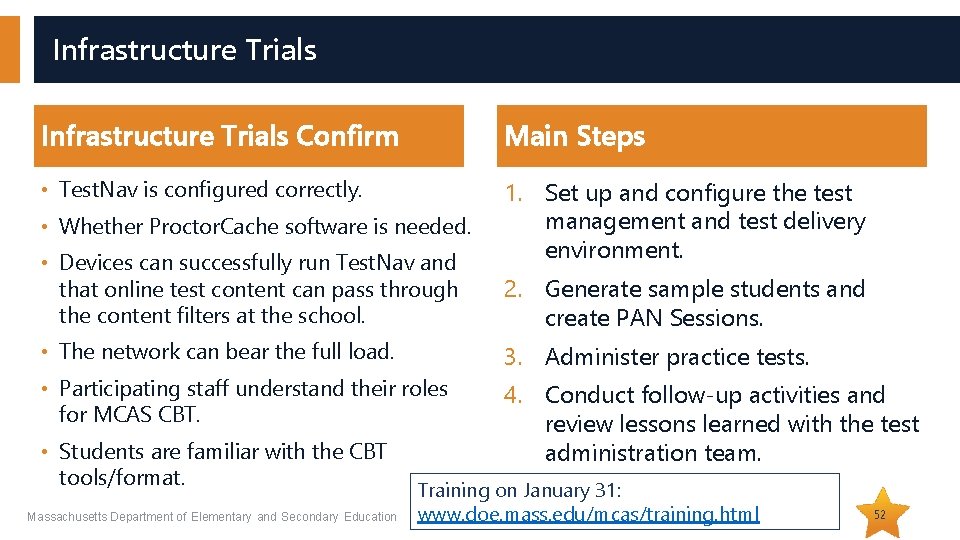
Infrastructure Trials Confirm Main Steps • Test. Nav is configured correctly. 1. Set up and configure the test management and test delivery environment. • Whether Proctor. Cache software is needed. • Devices can successfully run Test. Nav and that online test content can pass through the content filters at the school. 2. Generate sample students and create PAN Sessions. • The network can bear the full load. 3. Administer practice tests. • Participating staff understand their roles for MCAS CBT. 4. Conduct follow-up activities and review lessons learned with the test administration team. • Students are familiar with the CBT tools/format. Massachusetts Department of Elementary and Secondary Education Training on January 31: www. doe. mass. edu/mcas/training. html 52
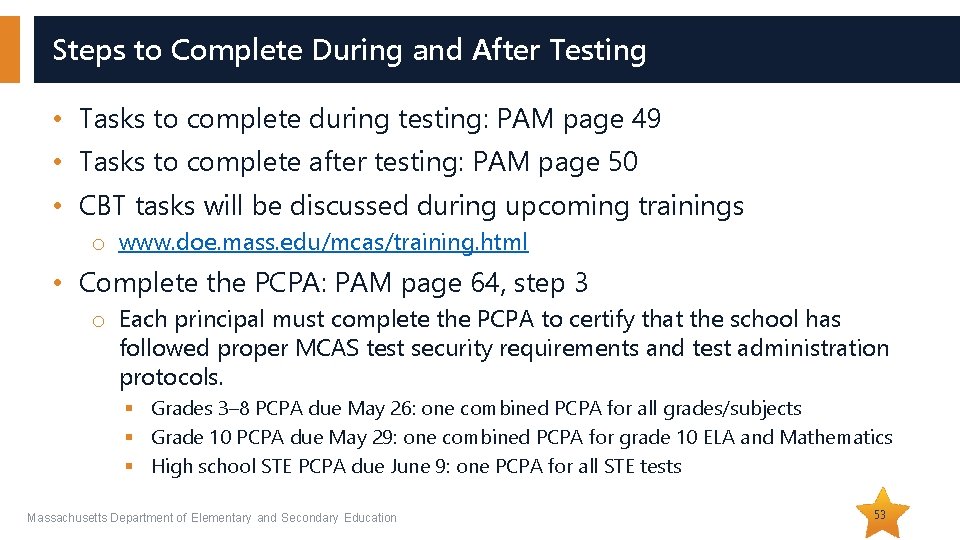
Steps to Complete During and After Testing • Tasks to complete during testing: PAM page 49 • Tasks to complete after testing: PAM page 50 • CBT tasks will be discussed during upcoming trainings o www. doe. mass. edu/mcas/training. html • Complete the PCPA: PAM page 64, step 3 o Each principal must complete the PCPA to certify that the school has followed proper MCAS test security requirements and test administration protocols. § Grades 3– 8 PCPA due May 26: one combined PCPA for all grades/subjects § Grade 10 PCPA due May 29: one combined PCPA for grade 10 ELA and Mathematics § High school STE PCPA due June 9: one PCPA for all STE tests Massachusetts Department of Elementary and Secondary Education 53
Questions & Answers (Use the “Questions” feature to ask questions. ) Massachusetts Department of Elementary and Secondary Education 54
03 Accessibility and Accommodations
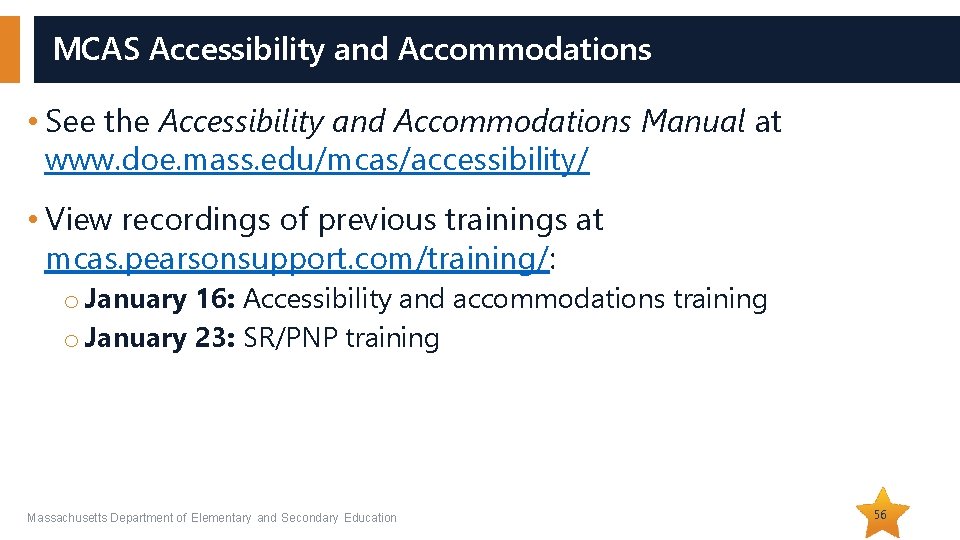
MCAS Accessibility and Accommodations • See the Accessibility and Accommodations Manual at www. doe. mass. edu/mcas/accessibility/ • View recordings of previous trainings at mcas. pearsonsupport. com/training/: o January 16: Accessibility and accommodations training o January 23: SR/PNP training Massachusetts Department of Elementary and Secondary Education 56
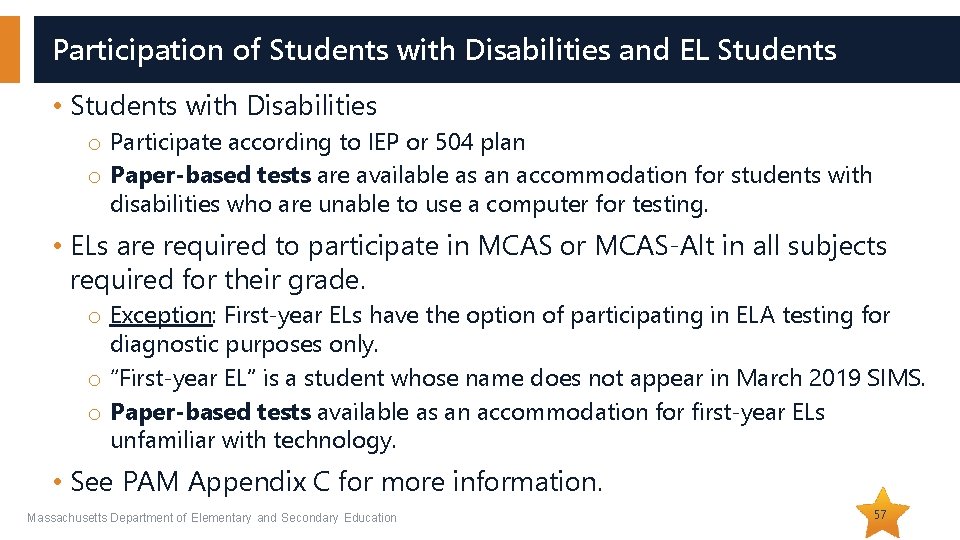
Participation of Students with Disabilities and EL Students • Students with Disabilities o Participate according to IEP or 504 plan o Paper-based tests are available as an accommodation for students with disabilities who are unable to use a computer for testing. • ELs are required to participate in MCAS or MCAS-Alt in all subjects required for their grade. o Exception: First-year ELs have the option of participating in ELA testing for diagnostic purposes only. o “First-year EL” is a student whose name does not appear in March 2019 SIMS. o Paper-based tests available as an accommodation for first-year ELs unfamiliar with technology. • See PAM Appendix C for more information. Massachusetts Department of Elementary and Secondary Education 57
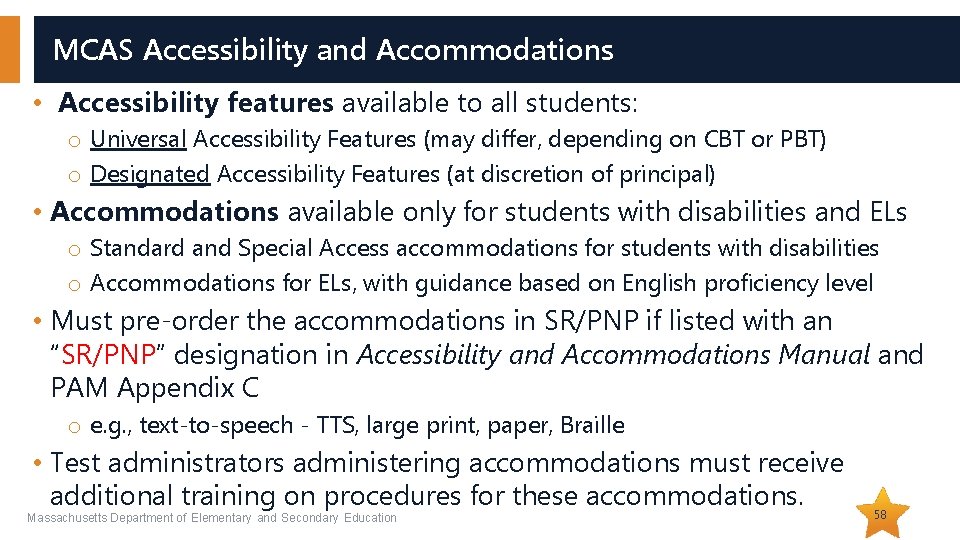
MCAS Accessibility and Accommodations • Accessibility features available to all students: o Universal Accessibility Features (may differ, depending on CBT or PBT) o Designated Accessibility Features (at discretion of principal) • Accommodations available only for students with disabilities and ELs o Standard and Special Access accommodations for students with disabilities o Accommodations for ELs, with guidance based on English proficiency level • Must pre-order the accommodations in SR/PNP if listed with an “SR/PNP” designation in Accessibility and Accommodations Manual and PAM Appendix C o e. g. , text-to-speech - TTS, large print, paper, Braille • Test administrators administering accommodations must receive additional training on procedures for these accommodations. Massachusetts Department of Elementary and Secondary Education 58
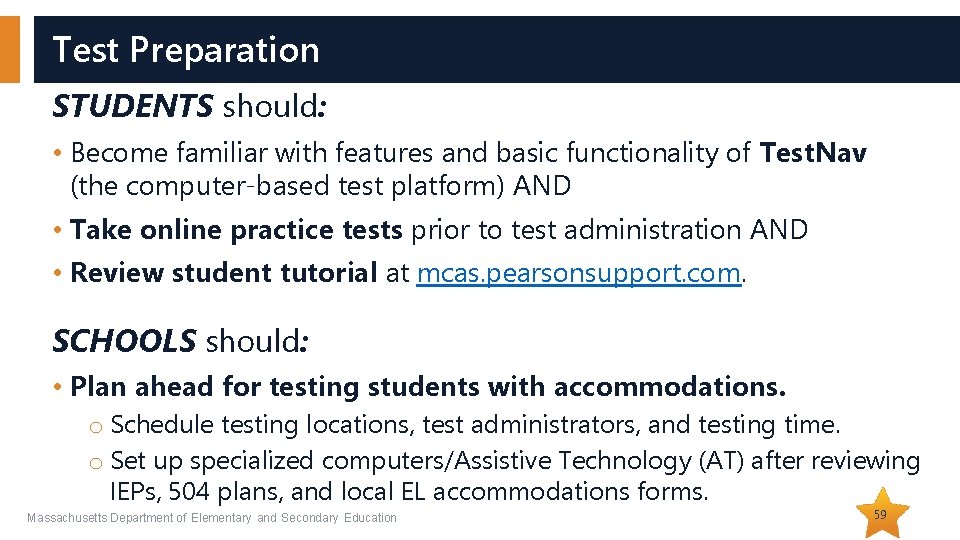
Test Preparation STUDENTS should: • Become familiar with features and basic functionality of Test. Nav (the computer-based test platform) AND • Take online practice tests prior to test administration AND • Review student tutorial at mcas. pearsonsupport. com. SCHOOLS should: • Plan ahead for testing students with accommodations. o Schedule testing locations, test administrators, and testing time. o Set up specialized computers/Assistive Technology (AT) after reviewing IEPs, 504 plans, and local EL accommodations forms. Massachusetts Department of Elementary and Secondary Education 59
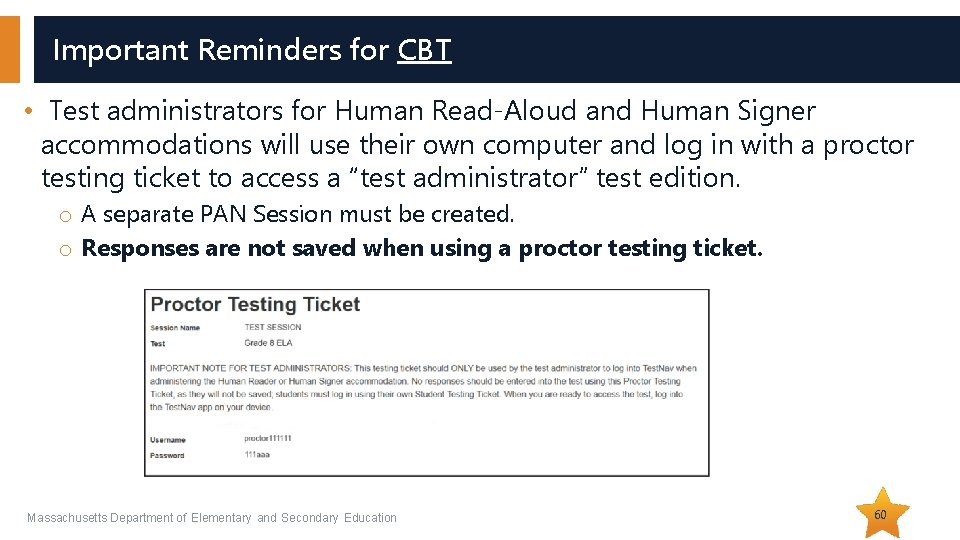
Important Reminders for CBT • Test administrators for Human Read-Aloud and Human Signer accommodations will use their own computer and log in with a proctor testing ticket to access a “test administrator” test edition. o A separate PAN Session must be created. o Responses are not saved when using a proctor testing ticket. Massachusetts Department of Elementary and Secondary Education 60
Student Testing Tickets for Human Read-Aloud, Human Signer, TTS Massachusetts Department of Elementary and Secondary Education 61
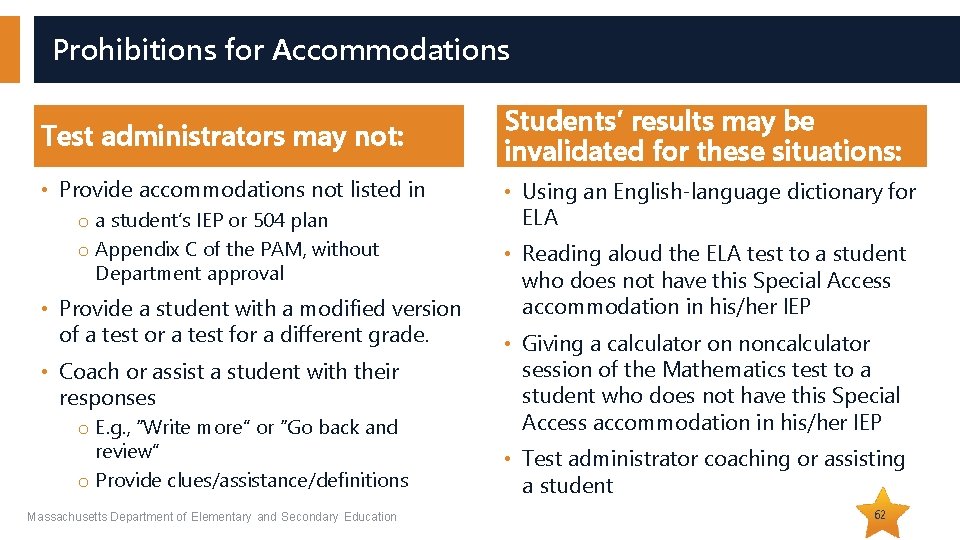
Prohibitions for Accommodations Test administrators may not: • Provide accommodations not listed in o a student’s IEP or 504 plan o Appendix C of the PAM, without Department approval • Provide a student with a modified version of a test or a test for a different grade. • Coach or assist a student with their responses o E. g. , “Write more” or “Go back and review” o Provide clues/assistance/definitions Massachusetts Department of Elementary and Secondary Education Students’ results may be invalidated for these situations: • Using an English-language dictionary for ELA • Reading aloud the ELA test to a student who does not have this Special Access accommodation in his/her IEP • Giving a calculator on noncalculator session of the Mathematics test to a student who does not have this Special Access accommodation in his/her IEP • Test administrator coaching or assisting a student 62
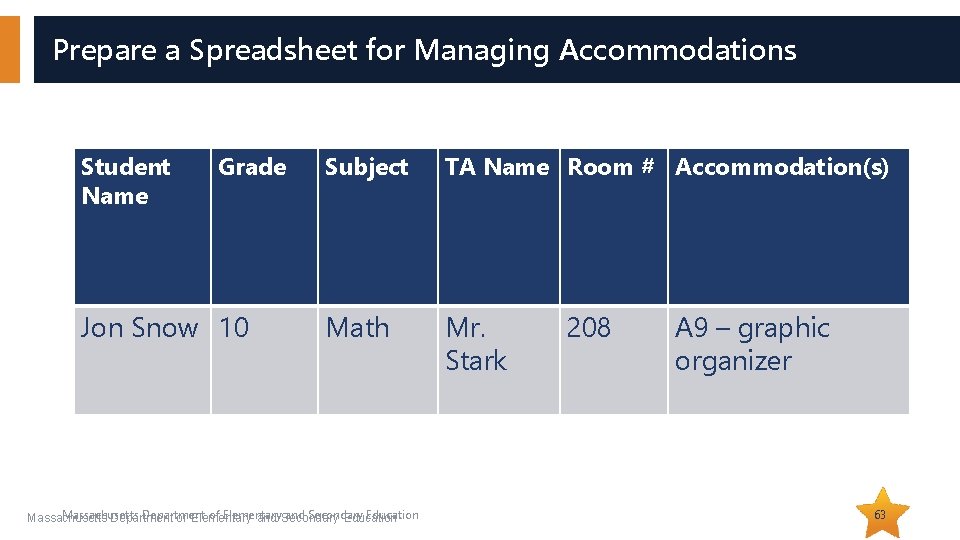
Prepare a Spreadsheet for Managing Accommodations Student Name Grade Jon Snow 10 Subject TA Name Room # Accommodation(s) Math Mr. Stark Massachusetts Department of Elementary and Secondary Education 208 A 9 – graphic organizer 63
Questions & Answers (Use the “Questions” feature to ask questions. ) Massachusetts Department of Elementary and Secondary Education 64
04 A District’s Perspective: Deborah White, Principal Nessacus Regional Middle School
Preparing for Computer Based Testing • Rely on Tech department to ensure computers are set up and the bandwidth is sufficient. • Have all students take practice tests (MCAS Resource Center). • Plan for staff to be available for glitches. o Students may need their test restarted or have other minor problems. o Have staff in hallways with access to restart the tests and troubleshoot other issues. • Over prepare! o Reduce stress for yourself and staff. o Ensure all staff are clear on the procedures: § Picking up materials § Locations for small groups and test administrators Massachusetts Department of Elementary and Secondary Education 66
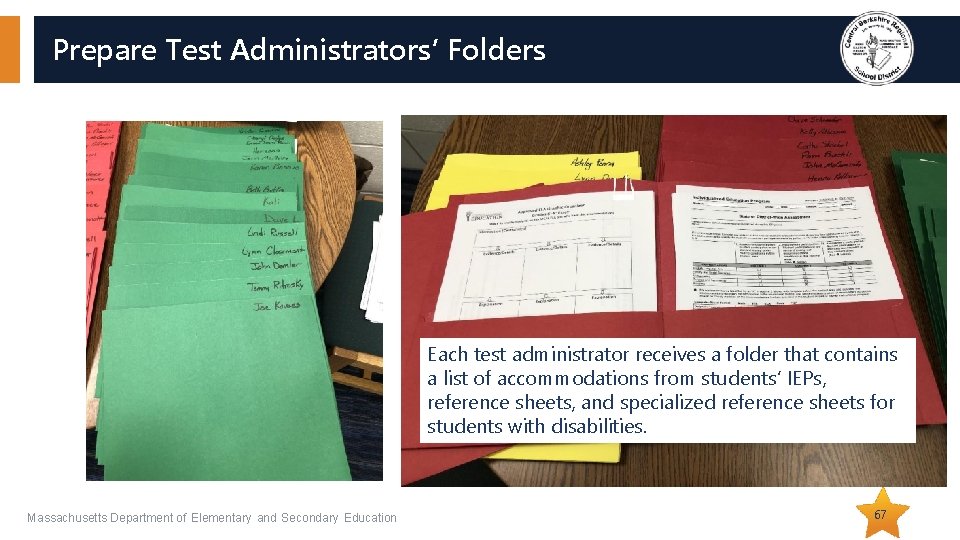
Prepare Test Administrators’ Folders Each test administrator receives a folder that contains a list of accommodations from students’ IEPs, reference sheets, and specialized reference sheets for students with disabilities. Massachusetts Department of Elementary and Secondary Education 67
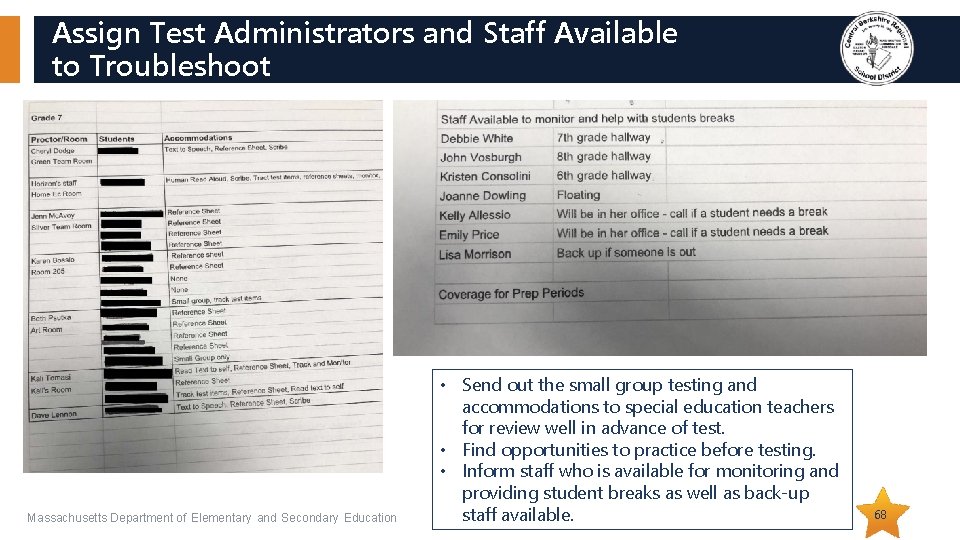
Assign Test Administrators and Staff Available to Troubleshoot Massachusetts Department of Elementary and Secondary Education • Send out the small group testing and accommodations to special education teachers for review well in advance of test. • Find opportunities to practice before testing. • Inform staff who is available for monitoring and providing student breaks as well as back-up staff available. 68
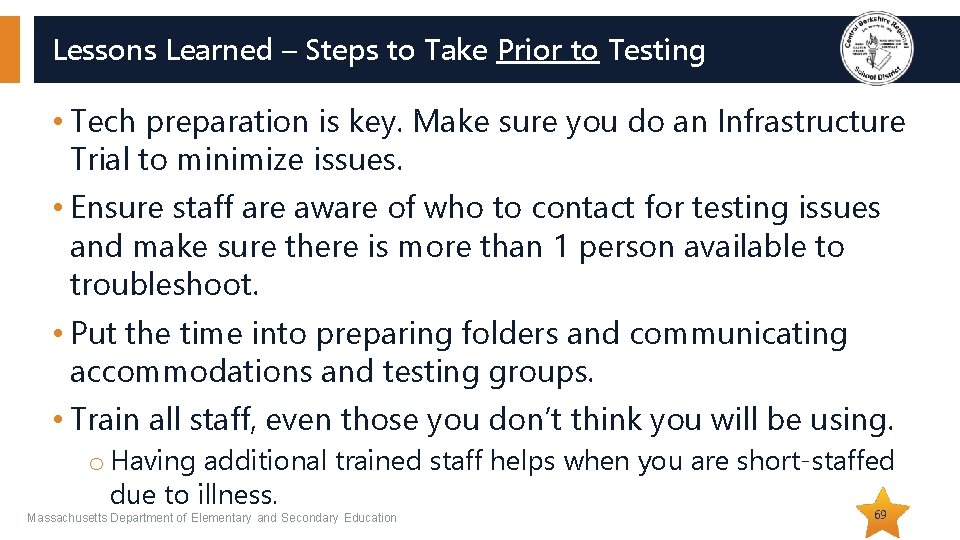
Lessons Learned – Steps to Take Prior to Testing • Tech preparation is key. Make sure you do an Infrastructure Trial to minimize issues. • Ensure staff are aware of who to contact for testing issues and make sure there is more than 1 person available to troubleshoot. • Put the time into preparing folders and communicating accommodations and testing groups. • Train all staff, even those you don’t think you will be using. o Having additional trained staff helps when you are short-staffed due to illness. Massachusetts Department of Elementary and Secondary Education 69
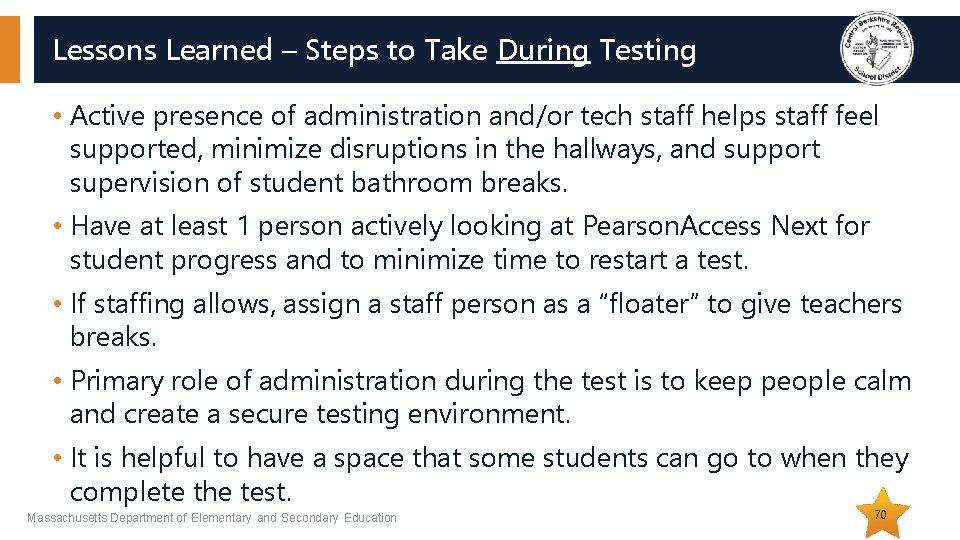
Lessons Learned – Steps to Take During Testing • Active presence of administration and/or tech staff helps staff feel supported, minimize disruptions in the hallways, and support supervision of student bathroom breaks. • Have at least 1 person actively looking at Pearson. Access Next for student progress and to minimize time to restart a test. • If staffing allows, assign a staff person as a “floater” to give teachers breaks. • Primary role of administration during the test is to keep people calm and create a secure testing environment. • It is helpful to have a space that some students can go to when they complete the test. Massachusetts Department of Elementary and Secondary Education 70
Questions & Answers (Use the “Questions” feature to ask questions. ) Massachusetts Department of Elementary and Secondary Education 71
05 Resources, Support, and Next Steps
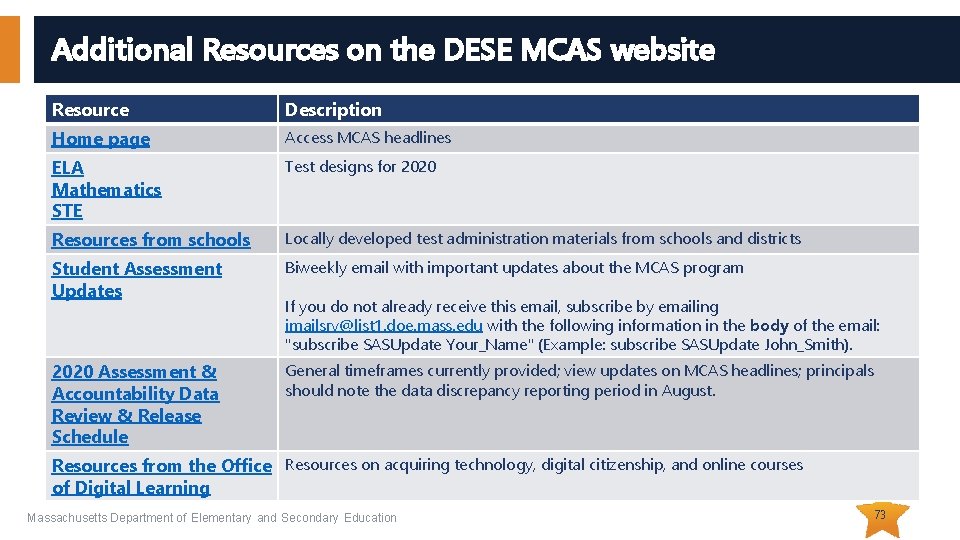
Additional Resources on the DESE MCAS website Resource Description Home page Access MCAS headlines ELA Mathematics STE Test designs for 2020 Resources from schools Locally developed test administration materials from schools and districts Student Assessment Updates Biweekly email with important updates about the MCAS program 2020 Assessment & Accountability Data Review & Release Schedule General timeframes currently provided; view updates on MCAS headlines; principals should note the data discrepancy reporting period in August. If you do not already receive this email, subscribe by emailing imailsrv@list 1. doe. mass. edu with the following information in the body of the email: "subscribe SASUpdate Your_Name" (Example: subscribe SASUpdate John_Smith). Resources from the Office Resources on acquiring technology, digital citizenship, and online courses of Digital Learning Massachusetts Department of Elementary and Secondary Education 73
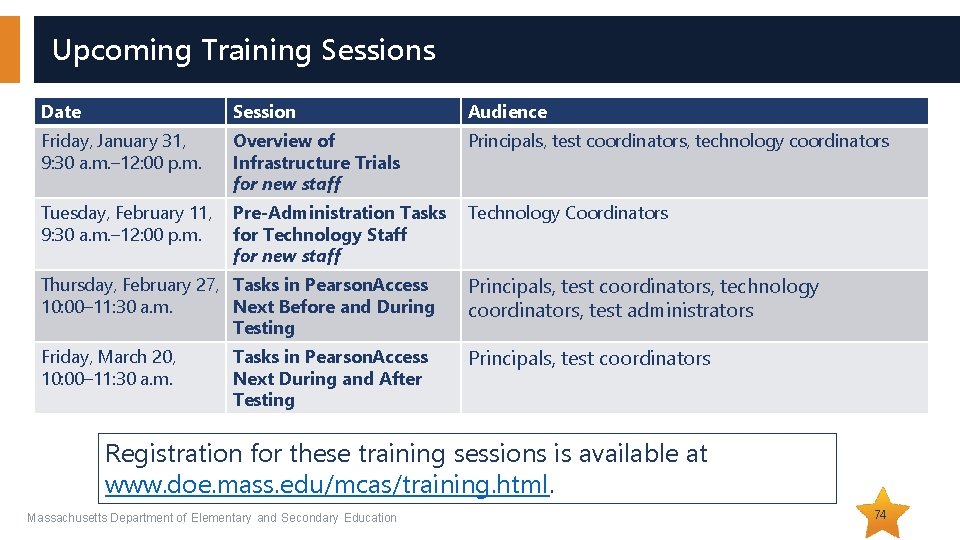
Upcoming Training Sessions Date Session Audience Friday, January 31, 9: 30 a. m. – 12: 00 p. m. Overview of Infrastructure Trials for new staff Principals, test coordinators, technology coordinators Tuesday, February 11, 9: 30 a. m. – 12: 00 p. m. Pre-Administration Tasks for Technology Staff for new staff Technology Coordinators Thursday, February 27, Tasks in Pearson. Access 10: 00– 11: 30 a. m. Next Before and During Testing Principals, test coordinators, technology coordinators, test administrators Friday, March 20, 10: 00– 11: 30 a. m. Principals, test coordinators Tasks in Pearson. Access Next During and After Testing Registration for these training sessions is available at www. doe. mass. edu/mcas/training. html. Massachusetts Department of Elementary and Secondary Education 74
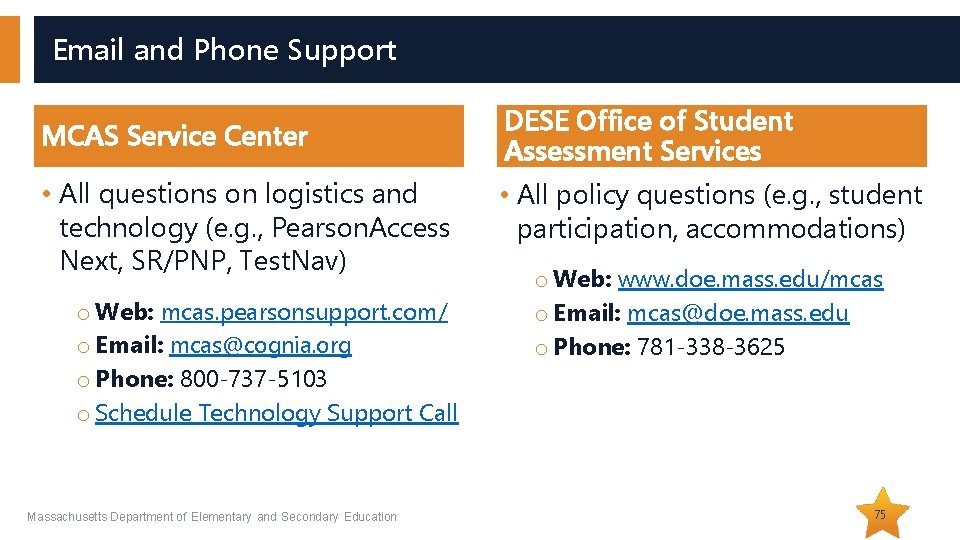
Email and Phone Support MCAS Service Center • All questions on logistics and technology (e. g. , Pearson. Access Next, SR/PNP, Test. Nav) o Web: mcas. pearsonsupport. com/ o Email: mcas@cognia. org o Phone: 800 -737 -5103 o Schedule Technology Support Call Massachusetts Department of Elementary and Secondary Education DESE Office of Student Assessment Services • All policy questions (e. g. , student participation, accommodations) o Web: www. doe. mass. edu/mcas o Email: mcas@doe. mass. edu o Phone: 781 -338 -3625 75
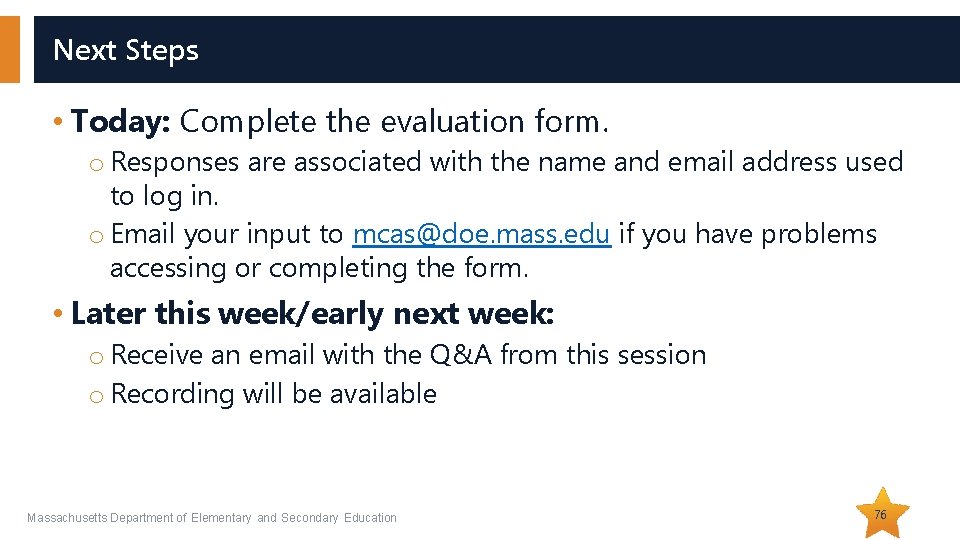
Next Steps • Today: Complete the evaluation form. o Responses are associated with the name and email address used to log in. o Email your input to mcas@doe. mass. edu if you have problems accessing or completing the form. • Later this week/early next week: o Receive an email with the Q&A from this session o Recording will be available Massachusetts Department of Elementary and Secondary Education 76
Additional Protocols for PBT 06 Legacy High School STE and PBT Accommodation for • Grades 3– 8 and 10 • Next-Generation High School STE
Receive Test Materials and Prepare Them for Distribution • Complete forms. o Internal tracking forms o Materials Summary • Can affix Student ID Labels to answer booklets. o Labels based on Oct. SIMS as well as SR/PNP updates Massachusetts Department of Elementary and Secondary Education 78
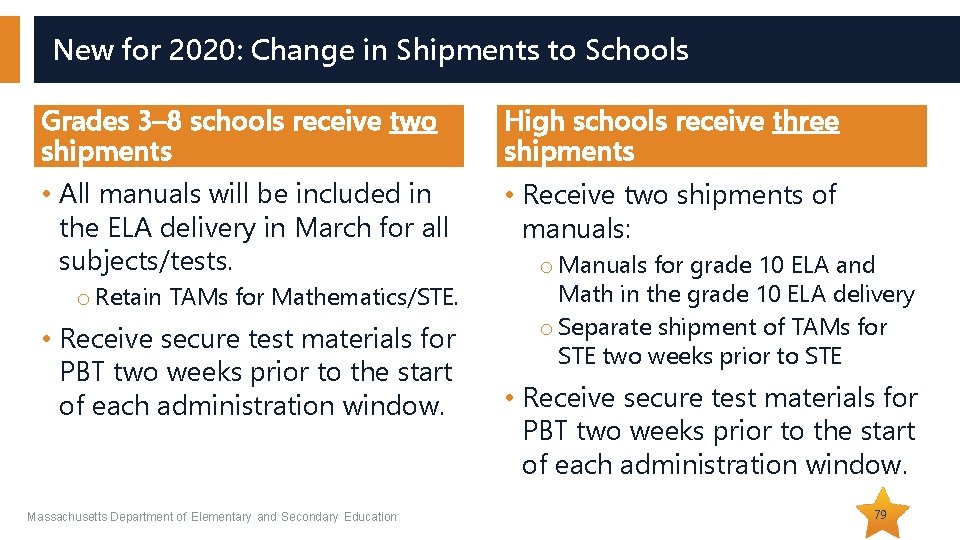
New for 2020: Change in Shipments to Schools Grades 3– 8 schools receive two shipments High schools receive three shipments • All manuals will be included in the ELA delivery in March for all subjects/tests. • Receive two shipments of manuals: o Retain TAMs for Mathematics/STE. • Receive secure test materials for PBT two weeks prior to the start of each administration window. Massachusetts Department of Elementary and Secondary Education o Manuals for grade 10 ELA and Math in the grade 10 ELA delivery o Separate shipment of TAMs for STE two weeks prior to STE • Receive secure test materials for PBT two weeks prior to the start of each administration window. 79
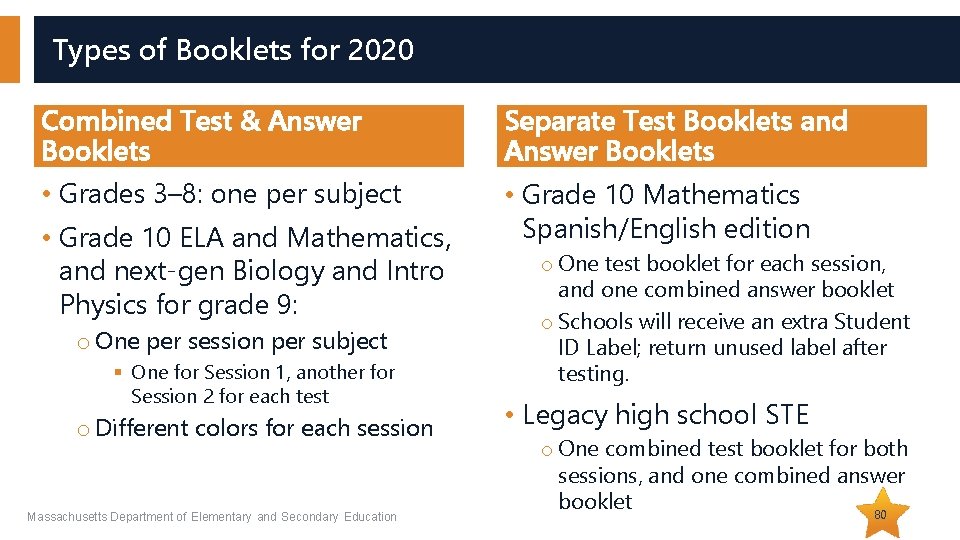
Types of Booklets for 2020 Combined Test & Answer Booklets Separate Test Booklets and Answer Booklets • Grades 3– 8: one per subject • Grade 10 Mathematics Spanish/English edition • Grade 10 ELA and Mathematics, and next-gen Biology and Intro Physics for grade 9: o One per session per subject § One for Session 1, another for Session 2 for each test o Different colors for each session Massachusetts Department of Elementary and Secondary Education o One test booklet for each session, and one combined answer booklet o Schools will receive an extra Student ID Label; return unused label after testing. • Legacy high school STE o One combined test booklet for both sessions, and one combined answer booklet 80
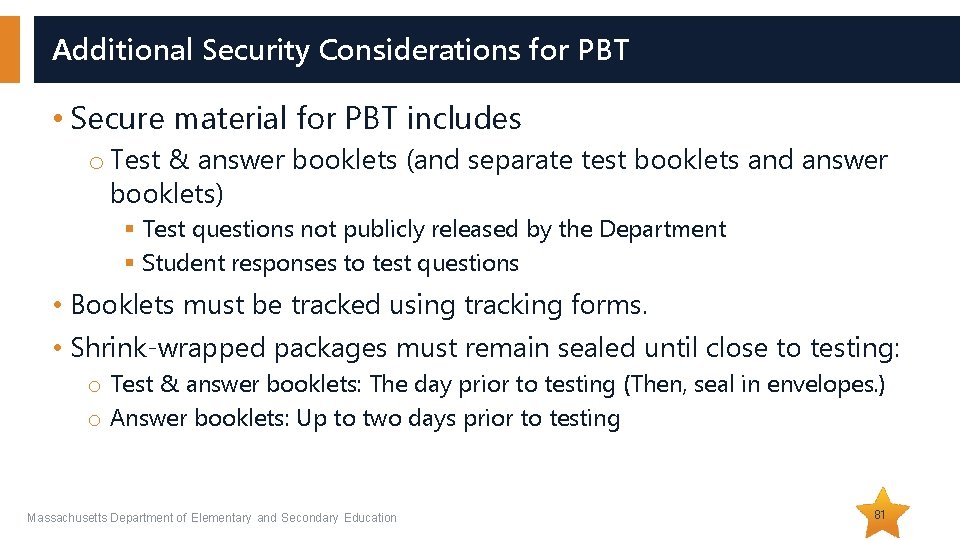
Additional Security Considerations for PBT • Secure material for PBT includes o Test & answer booklets (and separate test booklets and answer booklets) § Test questions not publicly released by the Department § Student responses to test questions • Booklets must be tracked using tracking forms. • Shrink-wrapped packages must remain sealed until close to testing: o Test & answer booklets: The day prior to testing (Then, seal in envelopes. ) o Answer booklets: Up to two days prior to testing Massachusetts Department of Elementary and Secondary Education 81
Additional Resources for Preparing Students for PBT • Released PBT questions o www. doe. mass. edu/mcas/testitems. html • Gridded response guidelines o mcas. pearsonsupport. com/student/ Massachusetts Department of Elementary and Secondary Education 82
Order Materials for Newly Enrolled Students • Use the overage included in the shipment of materials. o Approximately 6 percent for the legacy high school STE tests o New for 2020: Smaller overage for next-generation tests • Order additional materials if overage doesn’t cover your testing needs: www. mcasservicecenter. com • Materials are shipped for receipt on the following business day if the order is received before 12: 00 p. m. (two business days otherwise). • Remember to update the SR/PNP. Massachusetts Department of Elementary and Secondary Education 83
Important Reminders for Accommodations for PBT • Review and follow “Special Instructions” to avoid problems with scoring. • Use the Special Handling Envelope to return o large-print booklets § Note: large-print must be transcribed into standard booklet, and both must be returned in Special Handling Envelope. o typed responses, inside standard booklet • For legacy high school STE, transcribe students’ responses from their test booklet into their answer booklet. Massachusetts Department of Elementary and Secondary Education 84
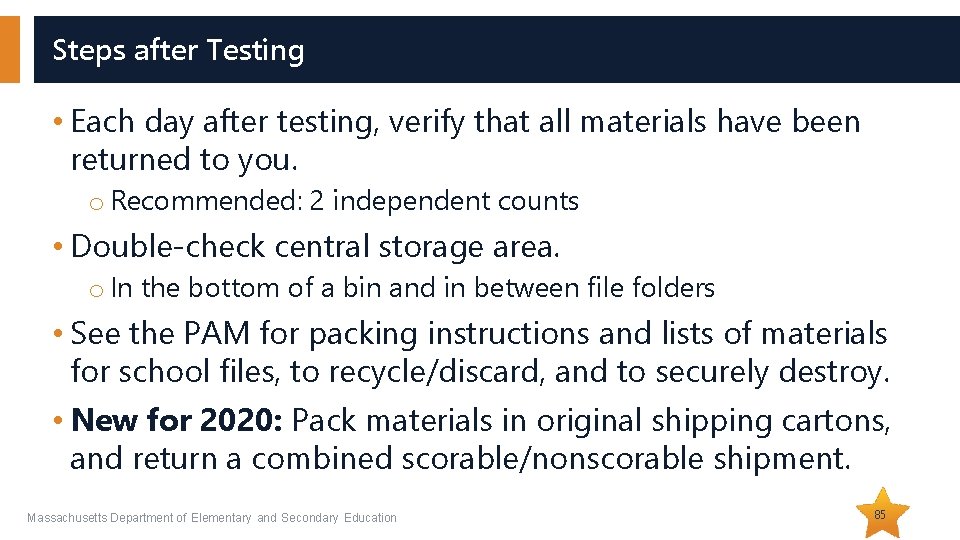
Steps after Testing • Each day after testing, verify that all materials have been returned to you. o Recommended: 2 independent counts • Double-check central storage area. o In the bottom of a bin and in between file folders • See the PAM for packing instructions and lists of materials for school files, to recycle/discard, and to securely destroy. • New for 2020: Pack materials in original shipping cartons, and return a combined scorable/nonscorable shipment. Massachusetts Department of Elementary and Secondary Education 85
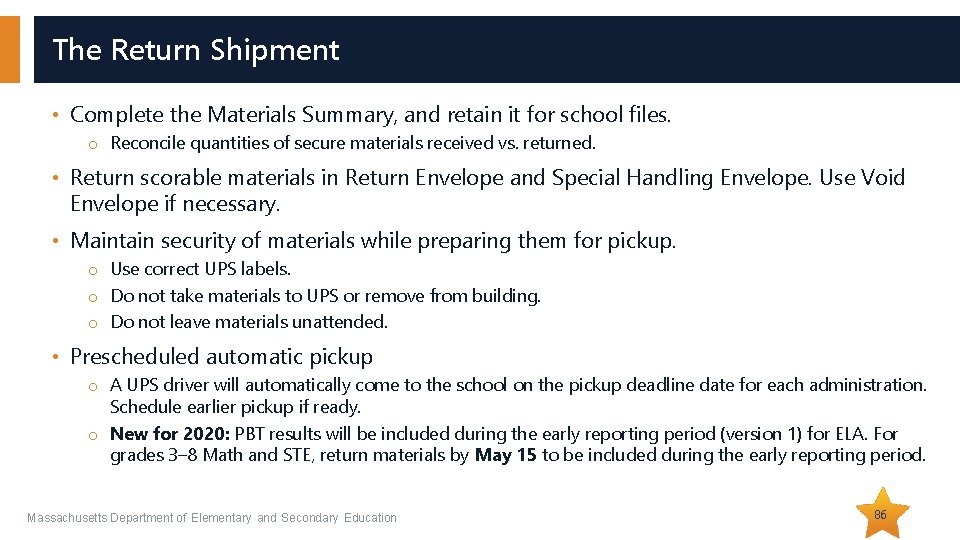
The Return Shipment • Complete the Materials Summary, and retain it for school files. o Reconcile quantities of secure materials received vs. returned. • Return scorable materials in Return Envelope and Special Handling Envelope. Use Void Envelope if necessary. • Maintain security of materials while preparing them for pickup. o Use correct UPS labels. o Do not take materials to UPS or remove from building. o Do not leave materials unattended. • Prescheduled automatic pickup o A UPS driver will automatically come to the school on the pickup deadline date for each administration. Schedule earlier pickup if ready. o New for 2020: PBT results will be included during the early reporting period (version 1) for ELA. For grades 3– 8 Math and STE, return materials by May 15 to be included during the early reporting period. Massachusetts Department of Elementary and Secondary Education 86
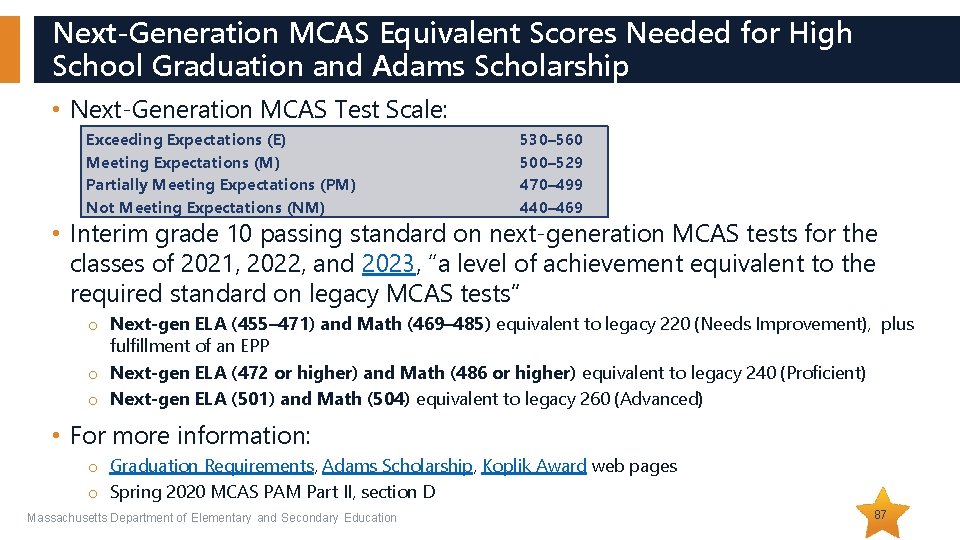
Next-Generation MCAS Equivalent Scores Needed for High School Graduation and Adams Scholarship • Next-Generation MCAS Test Scale: Exceeding Expectations (E) Meeting Expectations (M) Partially Meeting Expectations (PM) Not Meeting Expectations (NM) 530– 560 500– 529 470– 499 440– 469 • Interim grade 10 passing standard on next-generation MCAS tests for the classes of 2021, 2022, and 2023, “a level of achievement equivalent to the required standard on legacy MCAS tests” o Next-gen ELA (455– 471) and Math (469– 485) equivalent to legacy 220 (Needs Improvement), plus fulfillment of an EPP o Next-gen ELA (472 or higher) and Math (486 or higher) equivalent to legacy 240 (Proficient) o Next-gen ELA (501) and Math (504) equivalent to legacy 260 (Advanced) • For more information: o Graduation Requirements, Adams Scholarship, Koplik Award web pages o Spring 2020 MCAS PAM Part II, section D Massachusetts Department of Elementary and Secondary Education 87
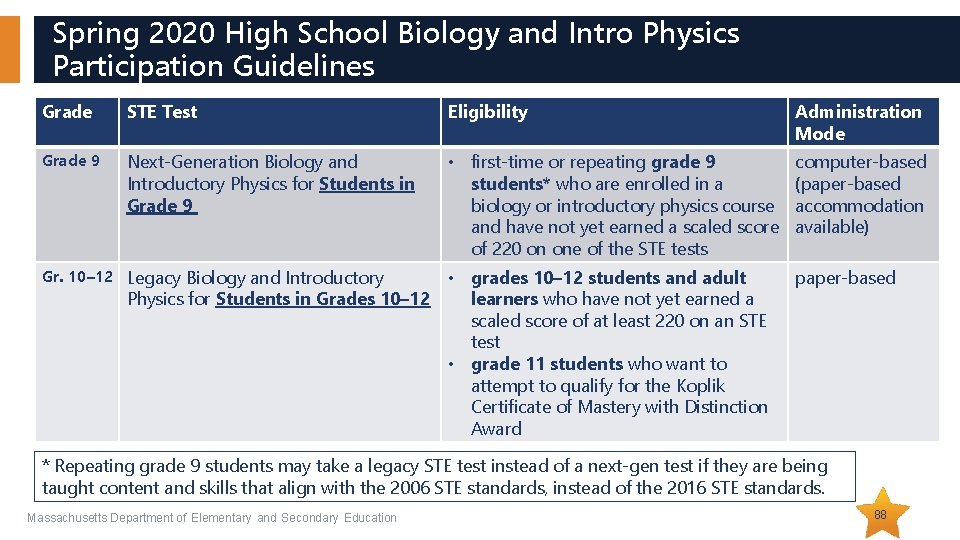
Spring 2020 High School Biology and Intro Physics Participation Guidelines Grade STE Test Eligibility Administration Mode Grade 9 Next-Generation Biology and Introductory Physics for Students in Grade 9 • first-time or repeating grade 9 students* who are enrolled in a biology or introductory physics course and have not yet earned a scaled score of 220 on one of the STE tests computer-based (paper-based accommodation available) Gr. 10– 12 Legacy Biology and Introductory • grades 10– 12 students and adult Physics for Students in Grades 10– 12 learners who have not yet earned a scaled score of at least 220 on an STE test • grade 11 students who want to attempt to qualify for the Koplik Certificate of Mastery with Distinction Award paper-based * Repeating grade 9 students may take a legacy STE test instead of a next-gen test if they are being taught content and skills that align with the 2006 STE standards, instead of the 2016 STE standards. Massachusetts Department of Elementary and Secondary Education 88
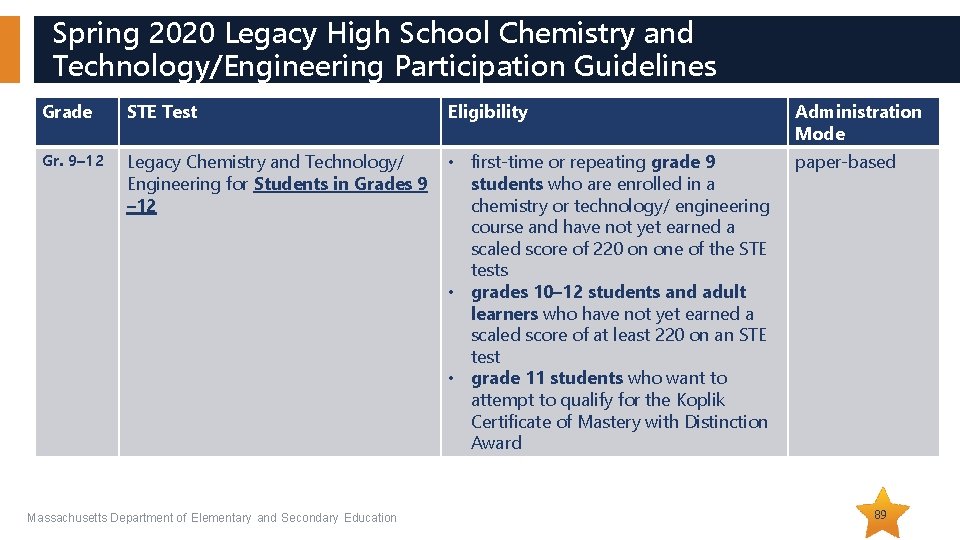
Spring 2020 Legacy High School Chemistry and Technology/Engineering Participation Guidelines Grade STE Test Eligibility Administration Mode Gr. 9– 12 Legacy Chemistry and Technology/ Engineering for Students in Grades 9 – 12 • first-time or repeating grade 9 students who are enrolled in a chemistry or technology/ engineering course and have not yet earned a scaled score of 220 on one of the STE tests • grades 10– 12 students and adult learners who have not yet earned a scaled score of at least 220 on an STE test • grade 11 students who want to attempt to qualify for the Koplik Certificate of Mastery with Distinction Award paper-based Massachusetts Department of Elementary and Secondary Education 89
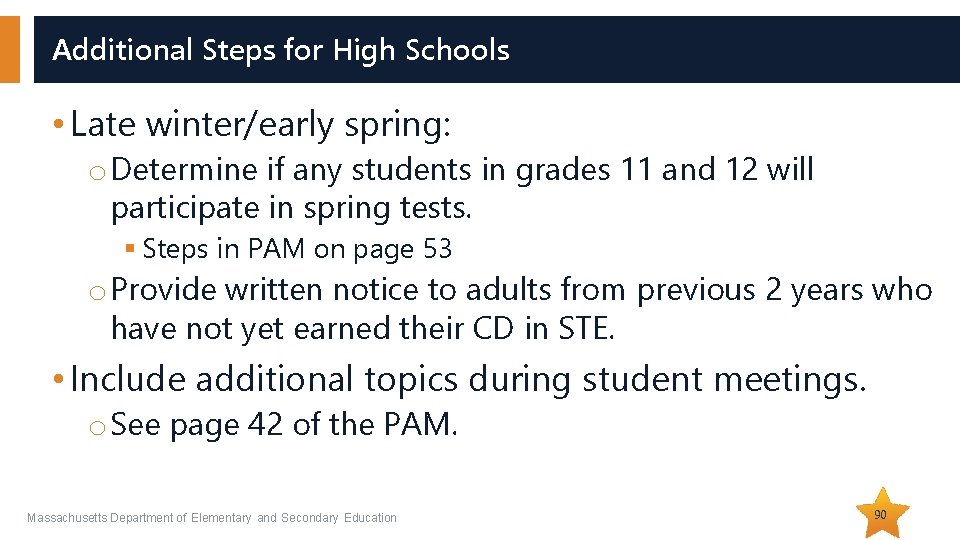
Additional Steps for High Schools • Late winter/early spring: o Determine if any students in grades 11 and 12 will participate in spring tests. § Steps in PAM on page 53 o Provide written notice to adults from previous 2 years who have not yet earned their CD in STE. • Include additional topics during student meetings. o See page 42 of the PAM. Massachusetts Department of Elementary and Secondary Education 90
Questions & Answers (Use the “Questions” feature to ask questions. ) Massachusetts Department of Elementary and Secondary Education 91
THANK YOU The Office of Student Assessment Services 781 -338 -3625 www. doe. mass. edu/mcas@doe. mass. edu 75 Pleasant Street, Malden, MA 02148