
MC Seminar HPUX Parameter Tuning on the Oracle














- Slides: 82
MC Seminar HP-UX Parameter Tuning on the Oracle DB Server 문 창 훈 미션크리티컬 지원팀 한국 HP 2004. 02. 19 © 2004 Hewlett-Packard Development Company, L. P. The information contained herein is subject to change without notice
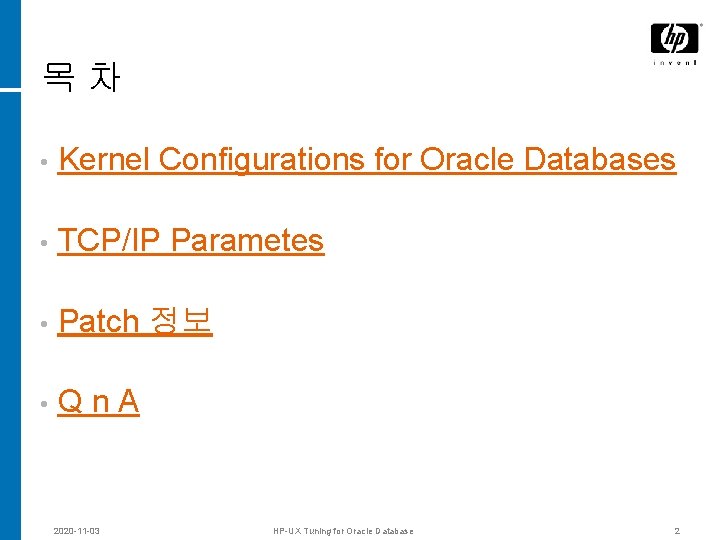
목 차 • Kernel Configurations for Oracle Databases • TCP/IP Parametes • Patch 정보 • Q n A 2020 -11 -03 HP-UX Tuning for Oracle Database 2
MC Seminar HP-UX Kernel Configurations for Oracle Databases
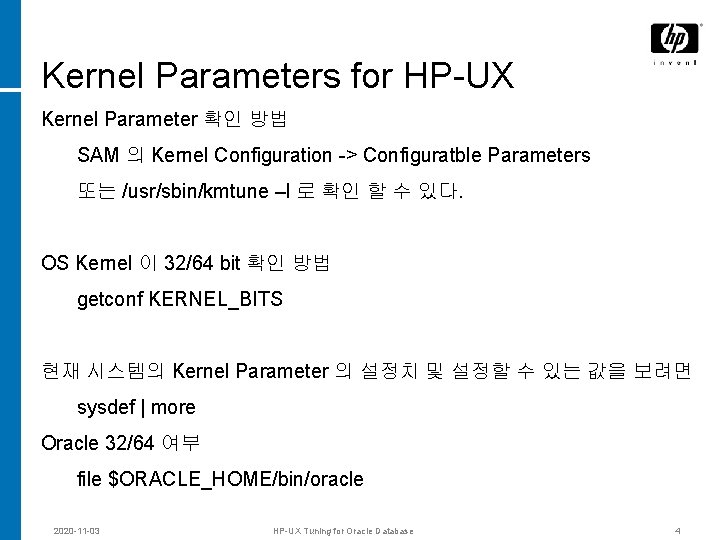
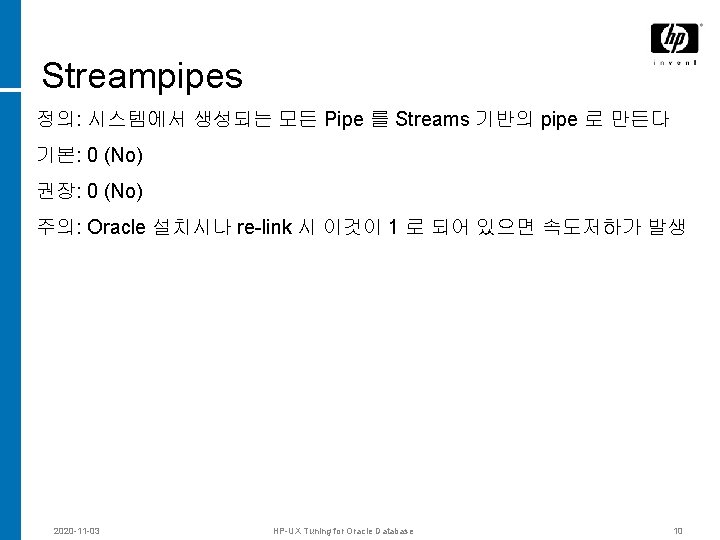
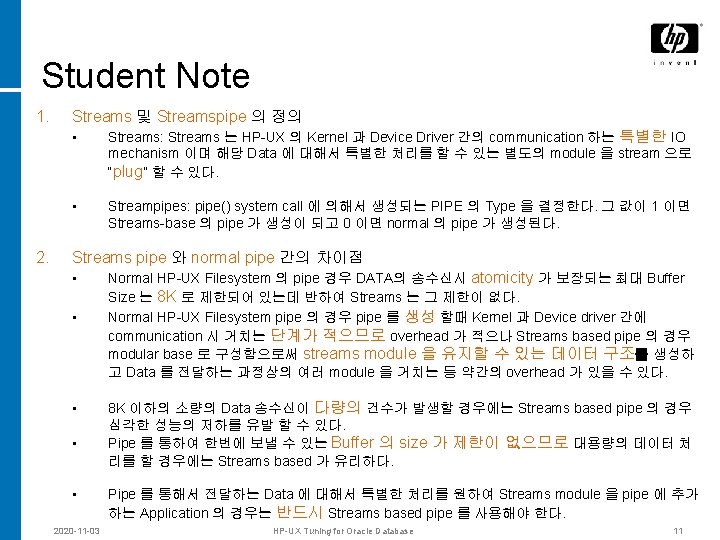
Kernel Parameters for HP-UX Kernel Parameter 확인 방법 SAM 의 Kernel Configuration -> Configuratble Parameters 또는 /usr/sbin/kmtune –l 로 확인 할 수 있다. OS Kernel 이 32/64 bit 확인 방법 getconf KERNEL_BITS 현재 시스템의 Kernel Parameter 의 설정치 및 설정할 수 있는 값을 보려면 sysdef | more Oracle 32/64 여부 file $ORACLE_HOME/bin/oracle 2020 -11 -03 HP-UX Tuning for Oracle Database 4
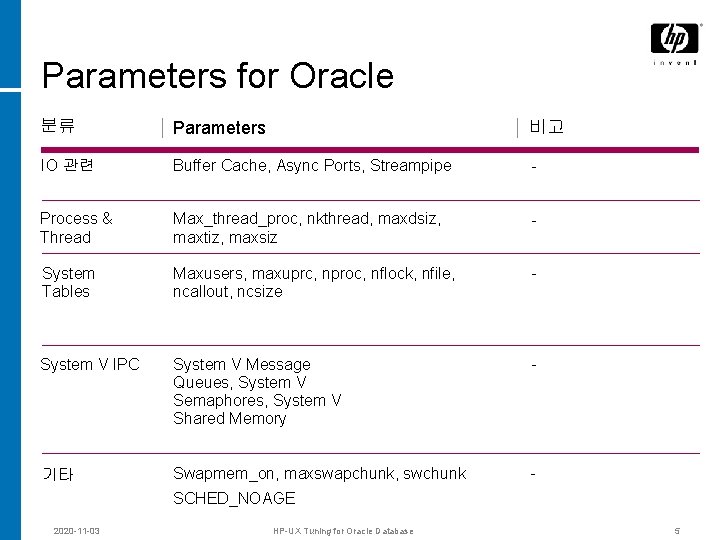
Parameters for Oracle 분류 Parameters 비고 IO 관련 Buffer Cache, Async Ports, Streampipe - Process & Thread Max_thread_proc, nkthread, maxdsiz, maxtiz, maxsiz - System Tables Maxusers, maxuprc, nproc, nflock, nfile, ncallout, ncsize - System V IPC System V Message Queues, System V Semaphores, System V Shared Memory - 기타 Swapmem_on, maxswapchunk, swchunk - SCHED_NOAGE 2020 -11 -03 HP-UX Tuning for Oracle Database 5
IO 관련 Parameters © 2004 Hewlett-Packard Development Company, L. P. The information contained herein is subject to change without notice
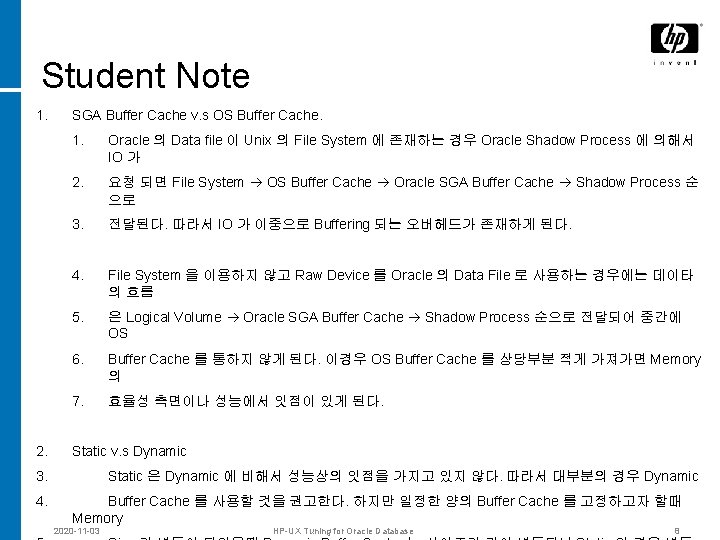
Student Note 1. 2. SGA Buffer Cache v. s OS Buffer Cache. 1. Oracle 의 Data file 이 Unix 의 File System 에 존재하는 경우 Oracle Shadow Process 에 의해서 IO 가 2. 요청 되면 File System OS Buffer Cache Oracle SGA Buffer Cache Shadow Process 순 으로 3. 전달된다. 따라서 IO 가 이중으로 Buffering 되는 오버헤드가 존재하게 된다. 4. File System 을 이용하지 않고 Raw Device 를 Oracle 의 Data File 로 사용하는 경우에는 데이타 의 흐름 5. 은 Logical Volume Oracle SGA Buffer Cache Shadow Process 순으로 전달되어 중간에 OS 6. Buffer Cache 를 통하지 않게 된다. 이경우 OS Buffer Cache 를 상당부분 적게 가져가면 Memory 의 7. 효율성 측면이나 성능에서 잇점이 있게 된다. Static v. s Dynamic 3. 4. Static 은 Dynamic 에 비해서 성능상의 잇점을 가지고 있지 않다. 따라서 대부분의 경우 Dynamic Buffer Cache 를 사용할 것을 권고한다. 하지만 일정한 양의 Buffer Cache 를 고정하고자 할때 Memory 2020 -11 -03 HP-UX Tuning for Oracle Database 8
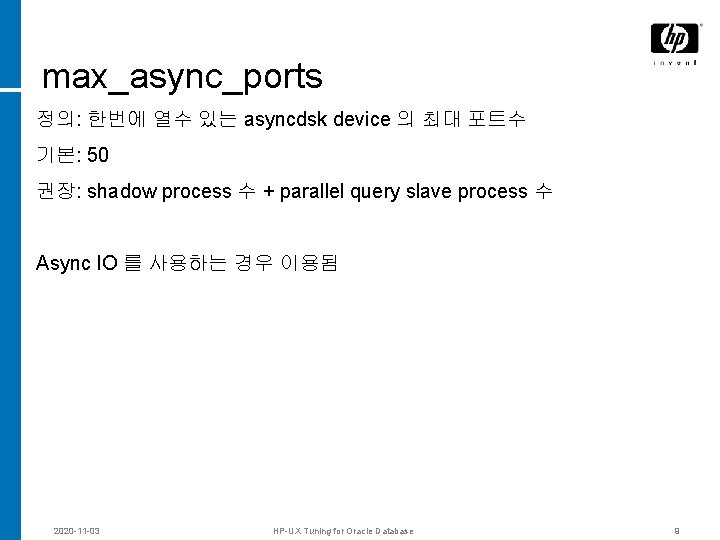
max_async_ports 정의: 한번에 열수 있는 asyncdsk device 의 최대 포트수 기본: 50 권장: shadow process 수 + parallel query slave process 수 Async IO 를 사용하는 경우 이용됨 2020 -11 -03 HP-UX Tuning for Oracle Database 9
Process 및 Thread © 2004 Hewlett-Packard Development Company, L. P. The information contained herein is subject to change without notice
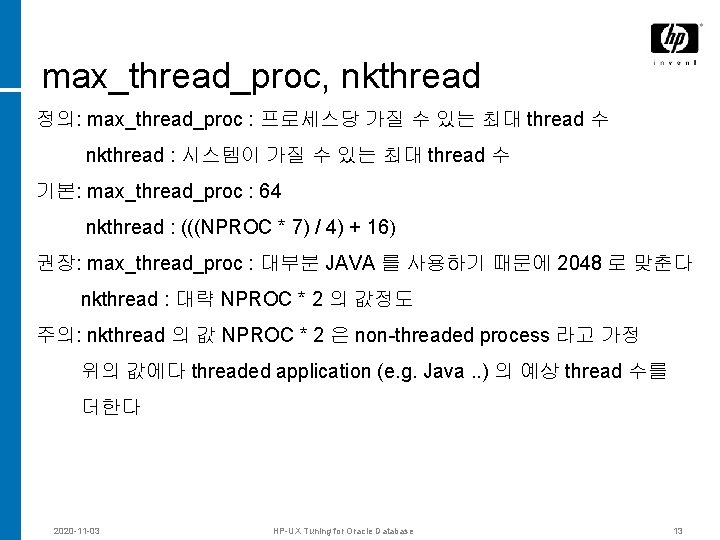
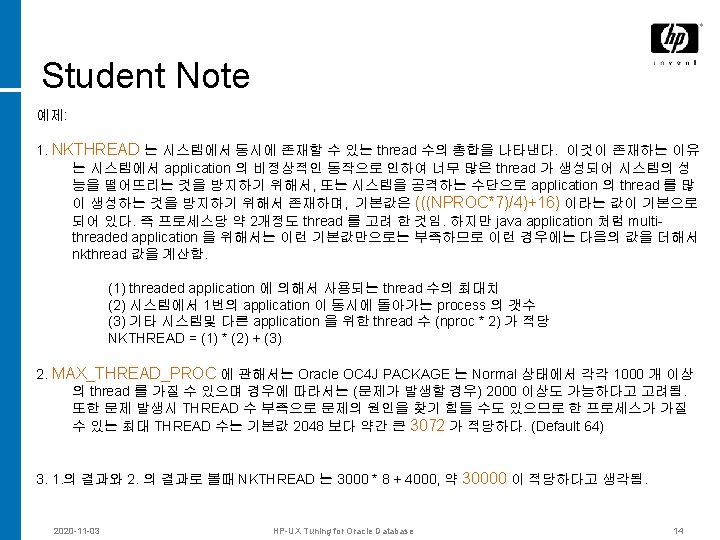
max_thread_proc, nkthread 정의: max_thread_proc : 프로세스당 가질 수 있는 최대 thread 수 nkthread : 시스템이 가질 수 있는 최대 thread 수 기본: max_thread_proc : 64 nkthread : (((NPROC * 7) / 4) + 16) 권장: max_thread_proc : 대부분 JAVA 를 사용하기 때문에 2048 로 맞춘다 nkthread : 대략 NPROC * 2 의 값정도 주의: nkthread 의 값 NPROC * 2 은 non-threaded process 라고 가정 위의 값에다 threaded application (e. g. Java. . ) 의 예상 thread 수를 더한다 2020 -11 -03 HP-UX Tuning for Oracle Database 13
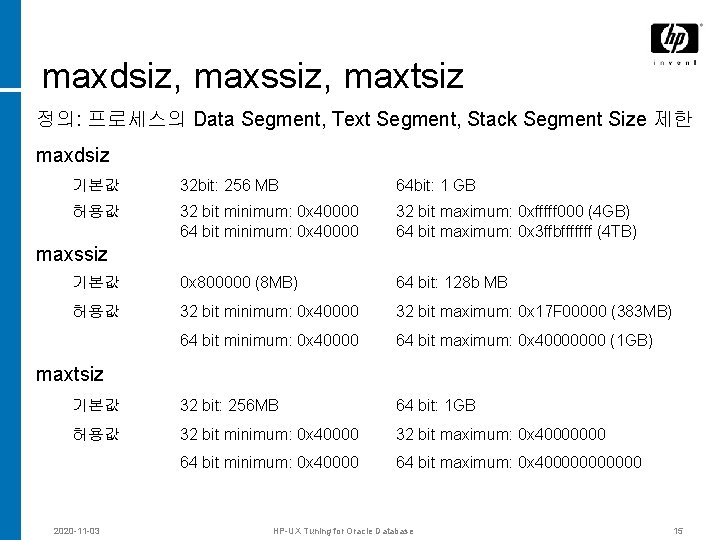
maxdsiz, maxssiz, maxtsiz 정의: 프로세스의 Data Segment, Text Segment, Stack Segment Size 제한 maxdsiz 기본값 32 bit: 256 MB 64 bit: 1 GB 허용값 32 bit minimum: 0 x 40000 64 bit minimum: 0 x 40000 32 bit maximum: 0 xfffff 000 (4 GB) 64 bit maximum: 0 x 3 ffbfffffff (4 TB) 기본값 0 x 800000 (8 MB) 64 bit: 128 b MB 허용값 32 bit minimum: 0 x 40000 32 bit maximum: 0 x 17 F 00000 (383 MB) 64 bit minimum: 0 x 40000 64 bit maximum: 0 x 40000000 (1 GB) 기본값 32 bit: 256 MB 64 bit: 1 GB 허용값 32 bit minimum: 0 x 40000 32 bit maximum: 0 x 40000000 64 bit minimum: 0 x 40000 64 bit maximum: 0 x 4000000 maxssiz maxtsiz 2020 -11 -03 HP-UX Tuning for Oracle Database 15
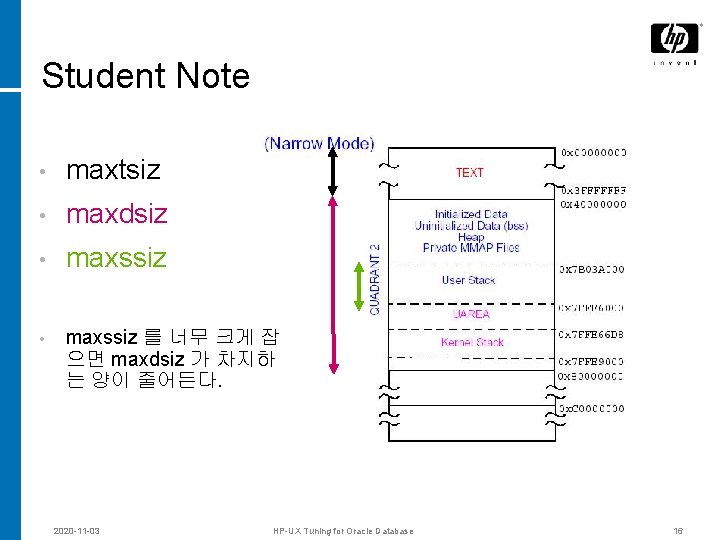
Student Note • maxtsiz • maxdsiz • maxssiz 를 너무 크게 잡 으면 maxdsiz 가 차지하 는 양이 줄어든다. 2020 -11 -03 HP-UX Tuning for Oracle Database 16
System Tables © 2004 Hewlett-Packard Development Company, L. P. The information contained herein is subject to change without notice
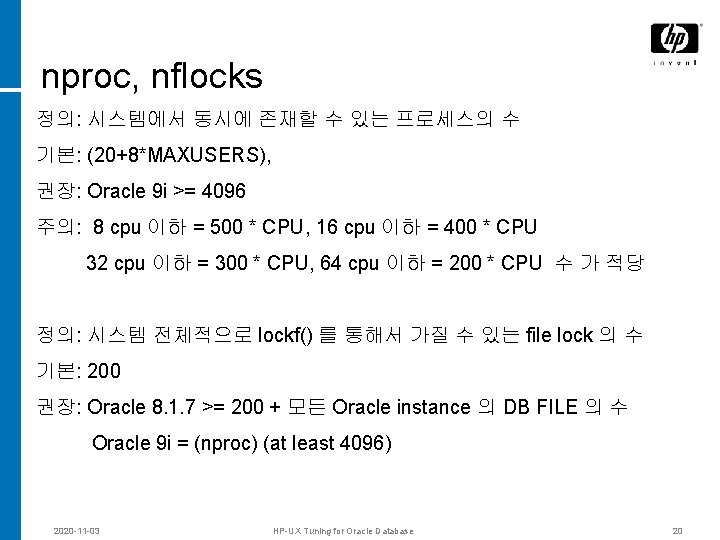
nproc, nflocks 정의: 시스템에서 동시에 존재할 수 있는 프로세스의 수 기본: (20+8*MAXUSERS), 권장: Oracle 9 i >= 4096 주의: 8 cpu 이하 = 500 * CPU, 16 cpu 이하 = 400 * CPU 32 cpu 이하 = 300 * CPU, 64 cpu 이하 = 200 * CPU 수 가 적당 정의: 시스템 전체적으로 lockf() 를 통해서 가질 수 있는 file lock 의 수 기본: 200 권장: Oracle 8. 1. 7 >= 200 + 모든 Oracle instance 의 DB FILE 의 수 Oracle 9 i = (nproc) (at least 4096) 2020 -11 -03 HP-UX Tuning for Oracle Database 20
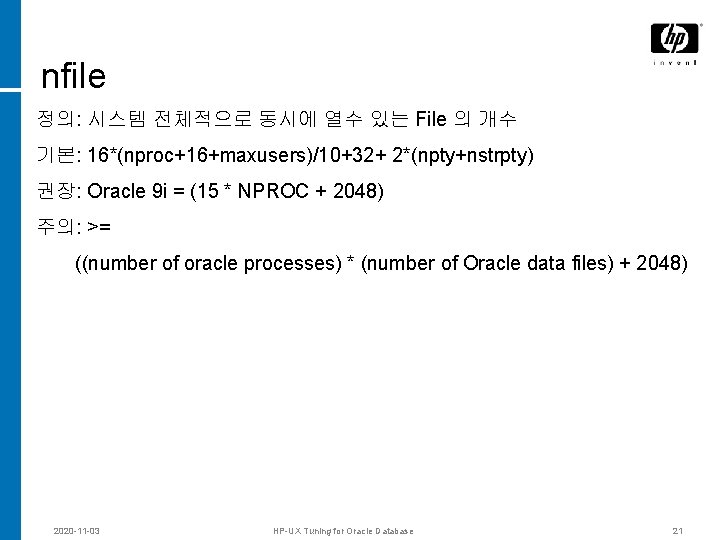
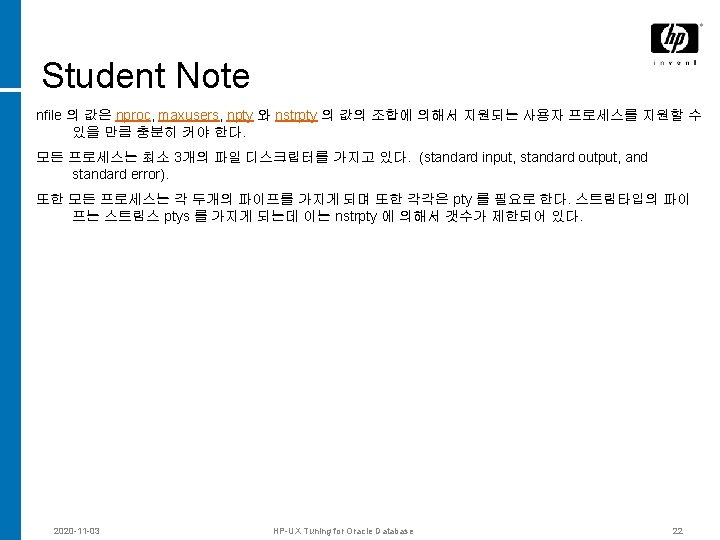
nfile 정의: 시스템 전체적으로 동시에 열수 있는 File 의 개수 기본: 16*(nproc+16+maxusers)/10+32+ 2*(npty+nstrpty) 권장: Oracle 9 i = (15 * NPROC + 2048) 주의: >= ((number of oracle processes) * (number of Oracle data files) + 2048) 2020 -11 -03 HP-UX Tuning for Oracle Database 21
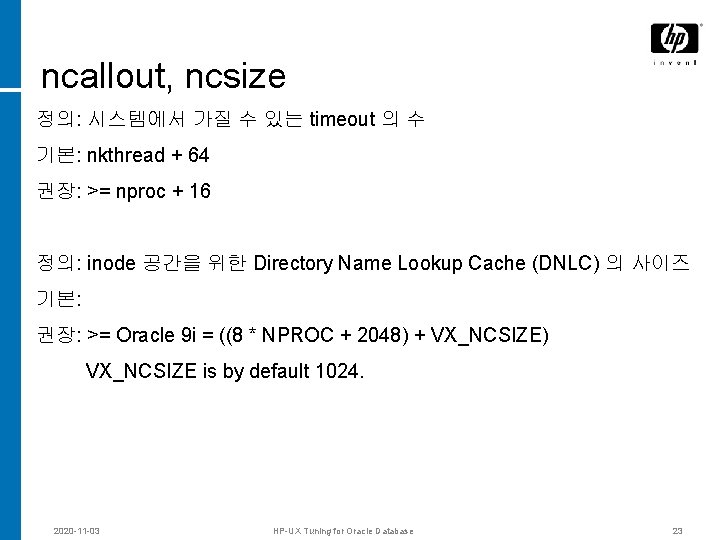
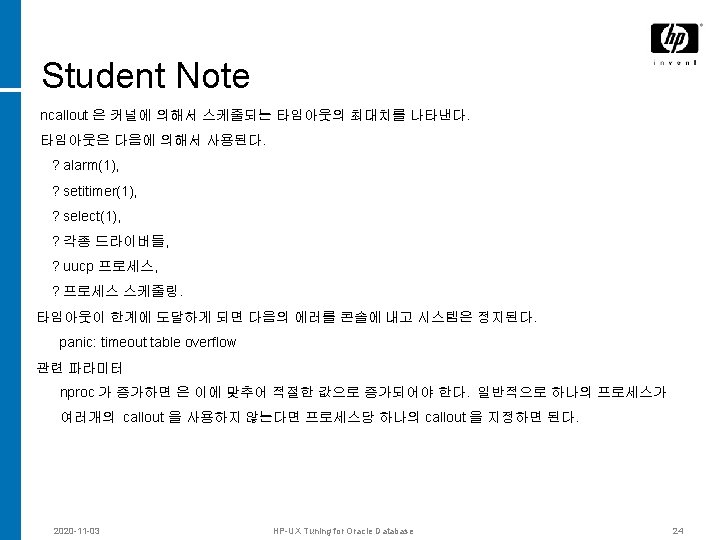
ncallout, ncsize 정의: 시스템에서 가질 수 있는 timeout 의 수 기본: nkthread + 64 권장: >= nproc + 16 정의: inode 공간을 위한 Directory Name Lookup Cache (DNLC) 의 사이즈 기본: 권장: >= Oracle 9 i = ((8 * NPROC + 2048) + VX_NCSIZE) VX_NCSIZE is by default 1024. 2020 -11 -03 HP-UX Tuning for Oracle Database 23
Sys V IPC © 2004 Hewlett-Packard Development Company, L. P. The information contained herein is subject to change without notice
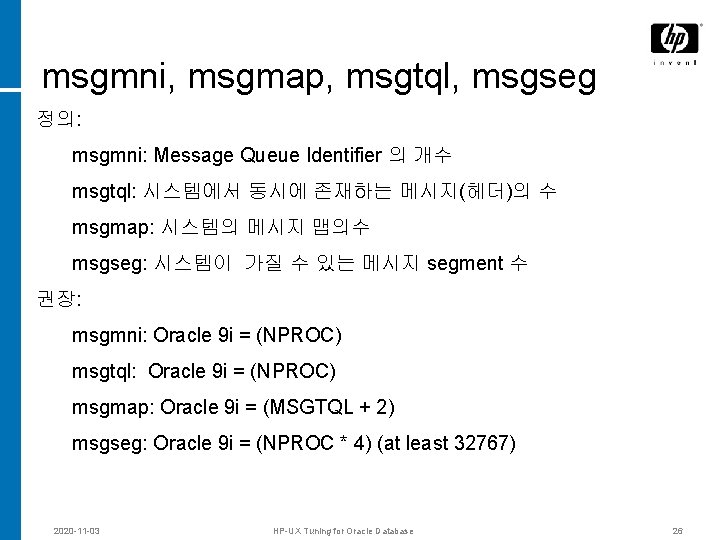
msgmni, msgmap, msgtql, msgseg 정의: msgmni: Message Queue Identifier 의 개수 msgtql: 시스템에서 동시에 존재하는 메시지(헤더)의 수 msgmap: 시스템의 메시지 맵의수 msgseg: 시스템이 가질 수 있는 메시지 segment 수 권장: msgmni: Oracle 9 i = (NPROC) msgtql: Oracle 9 i = (NPROC) msgmap: Oracle 9 i = (MSGTQL + 2) msgseg: Oracle 9 i = (NPROC * 4) (at least 32767) 2020 -11 -03 HP-UX Tuning for Oracle Database 26
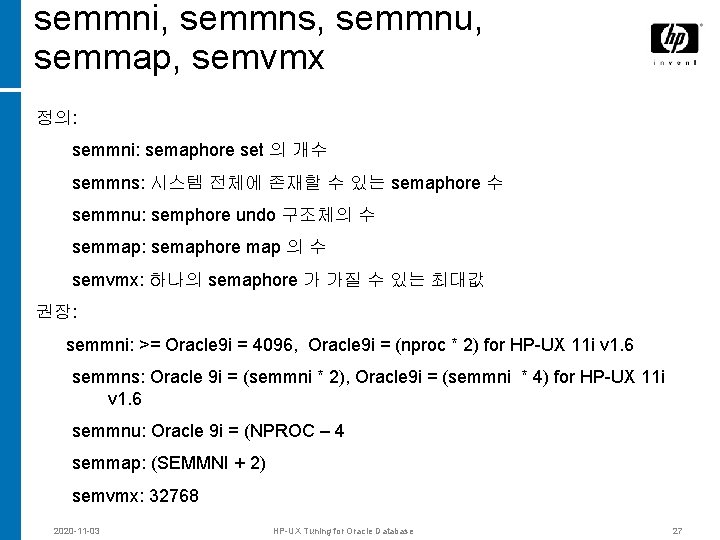
semmni, semmns, semmnu, semmap, semvmx 정의: semmni: semaphore set 의 개수 semmns: 시스템 전체에 존재할 수 있는 semaphore 수 semmnu: semphore undo 구조체의 수 semmap: semaphore map 의 수 semvmx: 하나의 semaphore 가 가질 수 있는 최대값 권장: semmni: >= Oracle 9 i = 4096, Oracle 9 i = (nproc * 2) for HP-UX 11 i v 1. 6 semmns: Oracle 9 i = (semmni * 2), Oracle 9 i = (semmni * 4) for HP-UX 11 i v 1. 6 semmnu: Oracle 9 i = (NPROC – 4 semmap: (SEMMNI + 2) semvmx: 32768 2020 -11 -03 HP-UX Tuning for Oracle Database 27
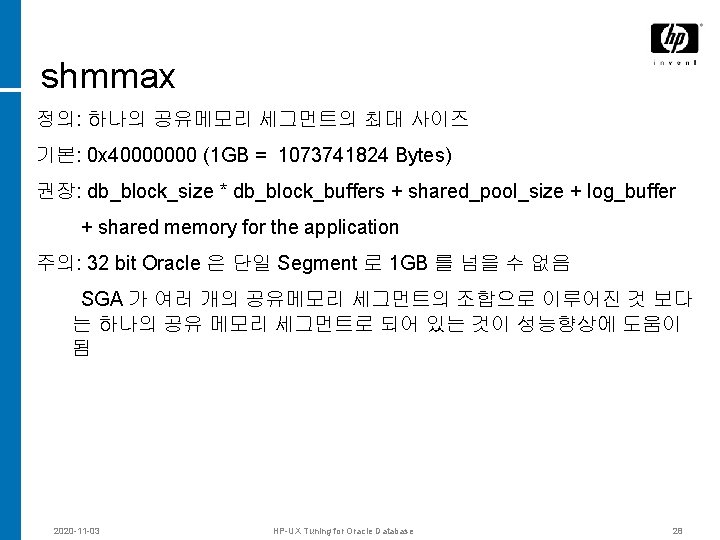
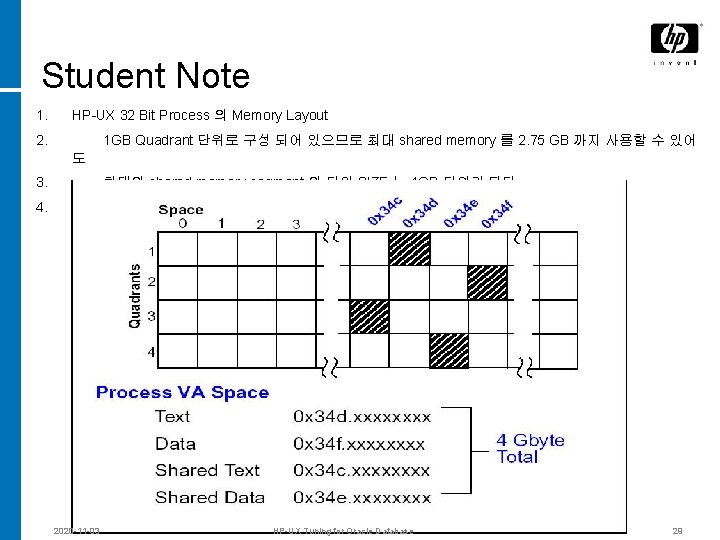
shmmax 정의: 하나의 공유메모리 세그먼트의 최대 사이즈 기본: 0 x 40000000 (1 GB = 1073741824 Bytes) 권장: db_block_size * db_block_buffers + shared_pool_size + log_buffer + shared memory for the application 주의: 32 bit Oracle 은 단일 Segment 로 1 GB 를 넘을 수 없음 SGA 가 여러 개의 공유메모리 세그먼트의 조합으로 이루어진 것 보다 는 하나의 공유 메모리 세그먼트로 되어 있는 것이 성능향상에 도움이 됨 2020 -11 -03 HP-UX Tuning for Oracle Database 28
Student Note 1. HP-UX 32 Bit Process 의 Memory Layout 2. 1 GB Quadrant 단위로 구성 되어 있으므로 최대 shared memory 를 2. 75 GB 까지 사용할 수 있어 도 3. 최대의 shared memory segment 의 단일 SIZE 는 1 GB 단위가 된다. 4. 2020 -11 -03 HP-UX Tuning for Oracle Database 29
기타 © 2004 Hewlett-Packard Development Company, L. P. The information contained herein is subject to change without notice
swapmem_on 정의: 메모리보다 적은 양의 SWAP 공간을 가질 수 있게 한다. 기본: 1 권장: 1 2020 -11 -03 HP-UX Tuning for Oracle Database 32
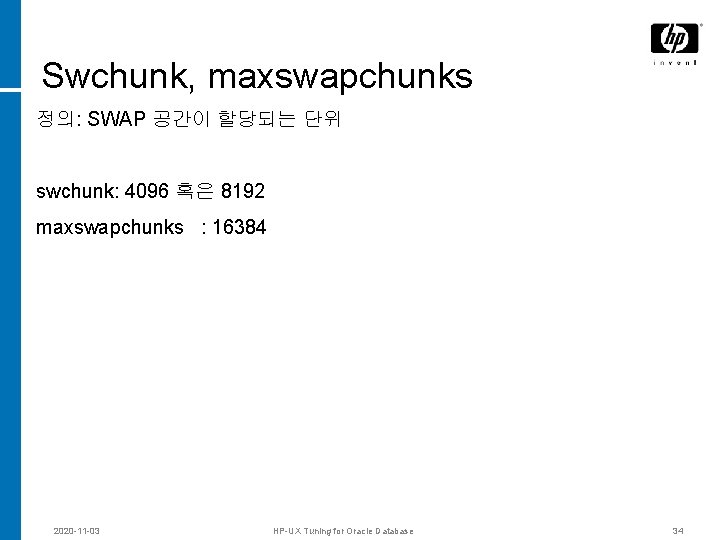
Swchunk, maxswapchunks 정의: SWAP 공간이 할당되는 단위 swchunk: 4096 혹은 8192 maxswapchunks : 16384 2020 -11 -03 HP-UX Tuning for Oracle Database 34
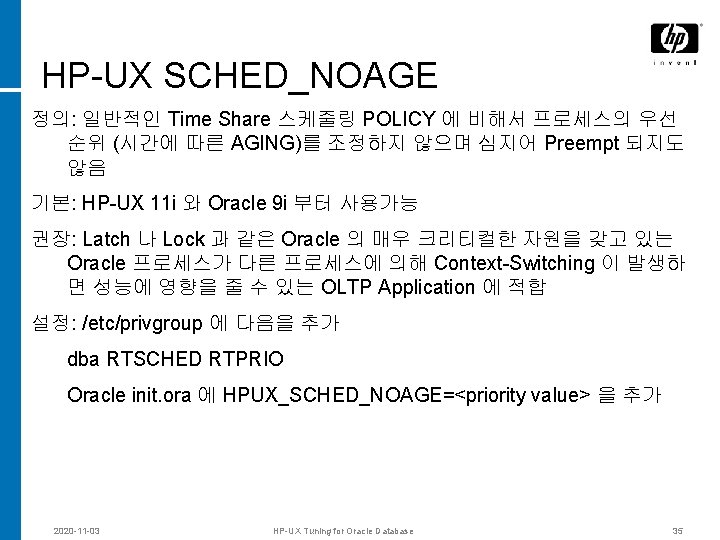
HP-UX SCHED_NOAGE 정의: 일반적인 Time Share 스케줄링 POLICY 에 비해서 프로세스의 우선 순위 (시간에 따른 AGING)를 조정하지 않으며 심지어 Preempt 되지도 않음 기본: HP-UX 11 i 와 Oracle 9 i 부터 사용가능 권장: Latch 나 Lock 과 같은 Oracle 의 매우 크리티컬한 자원을 갖고 있는 Oracle 프로세스가 다른 프로세스에 의해 Context-Switching 이 발생하 면 성능에 영향을 줄 수 있는 OLTP Application 에 적합 설정: /etc/privgroup 에 다음을 추가 dba RTSCHED RTPRIO Oracle init. ora 에 HPUX_SCHED_NOAGE=<priority value> 을 추가 2020 -11 -03 HP-UX Tuning for Oracle Database 35
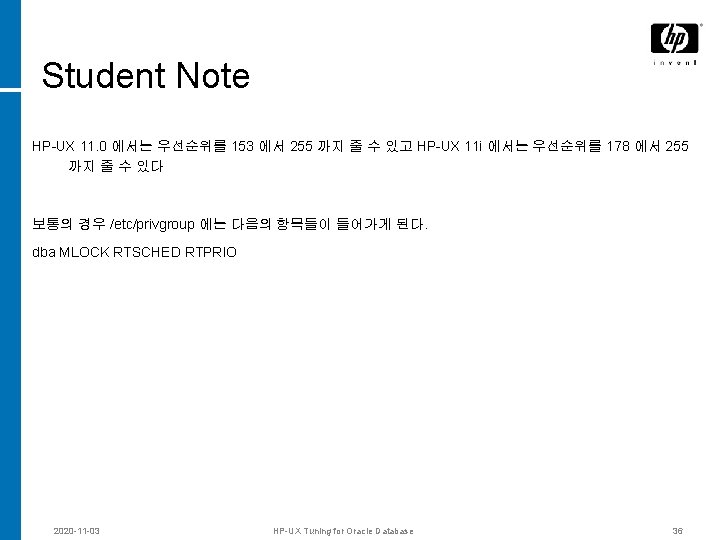
Student Note HP-UX 11. 0 에서는 우선순위를 153 에서 255 까지 줄 수 있고 HP-UX 11 i 에서는 우선순위를 178 에서 255 까지 줄 수 있다 보통의 경우 /etc/privgroup 에는 다음의 항목들이 들어가게 된다. dba MLOCK RTSCHED RTPRIO 2020 -11 -03 HP-UX Tuning for Oracle Database 36
MC Seminar TCP/IP Parameters for Oracle Databases
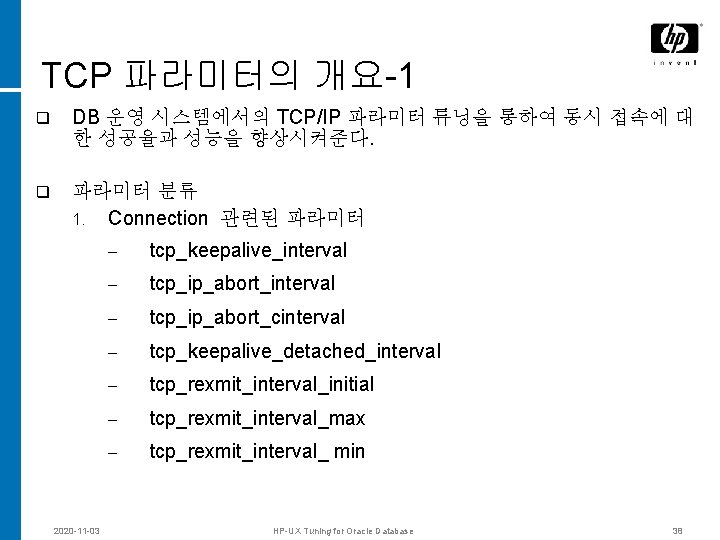
TCP 파라미터의 개요-1 q DB 운영 시스템에서의 TCP/IP 파라미터 튜닝을 통하여 동시 접속에 대 한 성공율과 성능을 향상시켜준다. q 파라미터 분류 1. Connection 관련된 파라미터 2020 -11 -03 – tcp_keepalive_interval – tcp_ip_abort_cinterval – tcp_keepalive_detached_interval – tcp_rexmit_interval_initial – tcp_rexmit_interval_max – tcp_rexmit_interval_ min HP-UX Tuning for Oracle Database 38
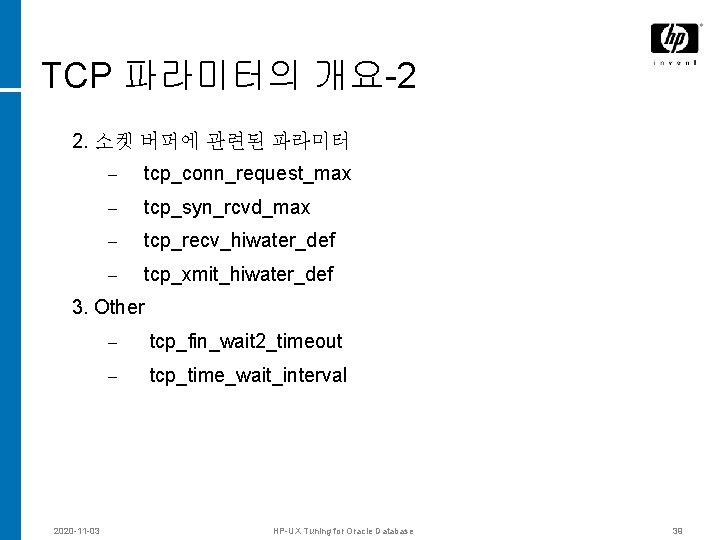
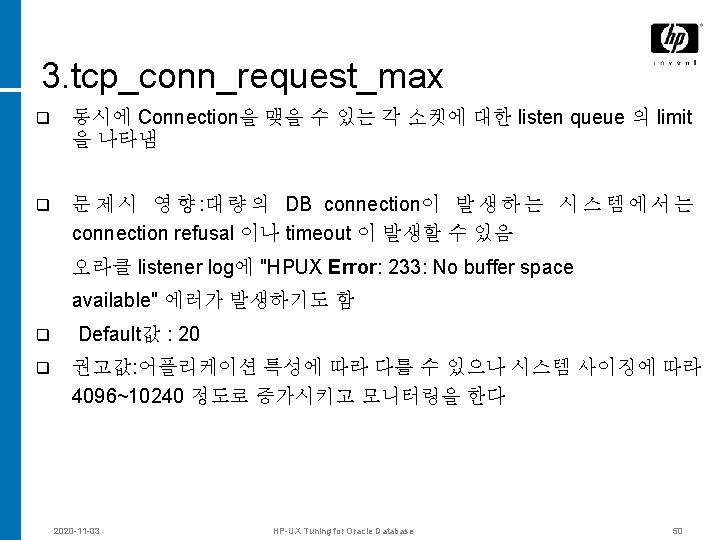
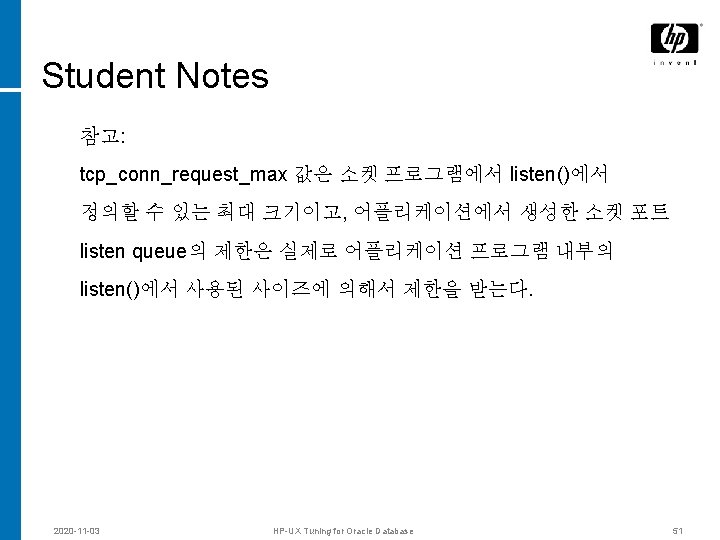
TCP 파라미터의 개요-2 2. 소켓 버퍼에 관련된 파라미터 – tcp_conn_request_max – tcp_syn_rcvd_max – tcp_recv_hiwater_def – tcp_xmit_hiwater_def 3. Other 2020 -11 -03 – tcp_fin_wait 2_timeout – tcp_time_wait_interval HP-UX Tuning for Oracle Database 39
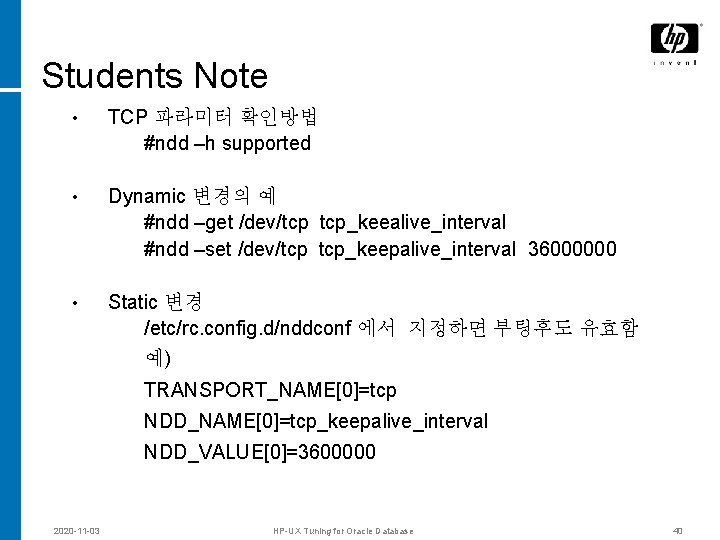
Students Note • TCP 파라미터 확인방법 #ndd –h supported • Dynamic 변경의 예 #ndd –get /dev/tcp tcp_keealive_interval #ndd –set /dev/tcp tcp_keepalive_interval 36000000 • Static 변경 /etc/rc. config. d/nddconf 에서 지정하면 부팅후도 유효함 예) TRANSPORT_NAME[0]=tcp NDD_NAME[0]=tcp_keepalive_interval NDD_VALUE[0]=3600000 2020 -11 -03 HP-UX Tuning for Oracle Database 40
Connection management © 2004 Hewlett-Packard Development Company, L. P. The information contained herein is subject to change without notice
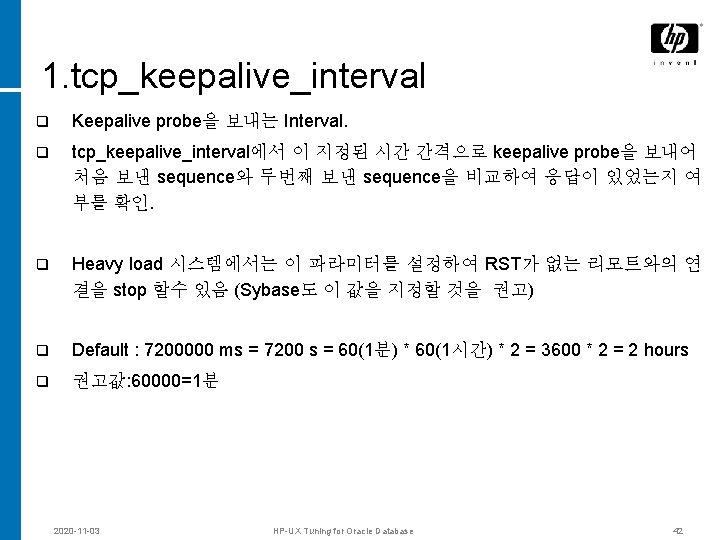
1. tcp_keepalive_interval q Keepalive probe을 보내는 Interval. q tcp_keepalive_interval에서 이 지정된 시간 간격으로 keepalive probe을 보내어 처음 보낸 sequence와 두번째 보낸 sequence을 비교하여 응답이 있었는지 여 부를 확인. q Heavy load 시스템에서는 이 파라미터를 설정하여 RST가 없는 리모트와의 연 결을 stop 할수 있음 (Sybase도 이 값을 지정할 것을 권고) q Default : 7200000 ms = 7200 s = 60(1분) * 60(1시간) * 2 = 3600 * 2 = 2 hours q 권고값: 60000=1분 2020 -11 -03 HP-UX Tuning for Oracle Database 42
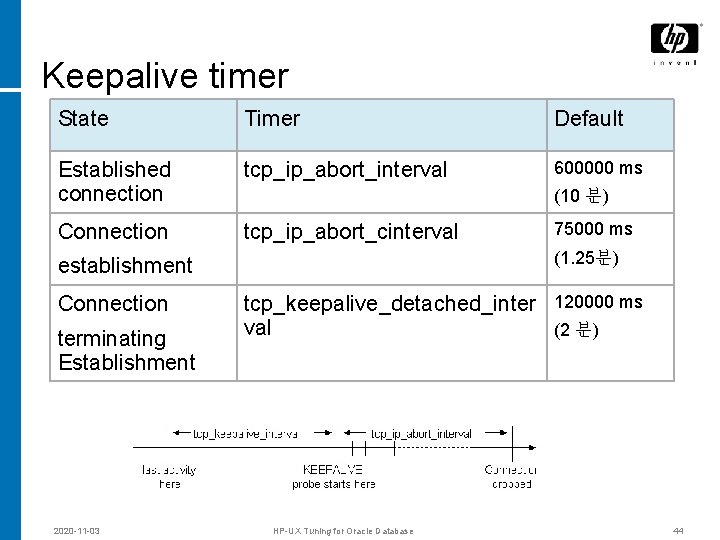
Keepalive timer State Timer Default Established connection tcp_ip_abort_interval 600000 ms Connection tcp_ip_abort_cinterval (10 분) (1. 25분) establishment Connection terminating Establishment 2020 -11 -03 75000 ms tcp_keepalive_detached_inter 120000 ms val (2 분) HP-UX Tuning for Oracle Database 44
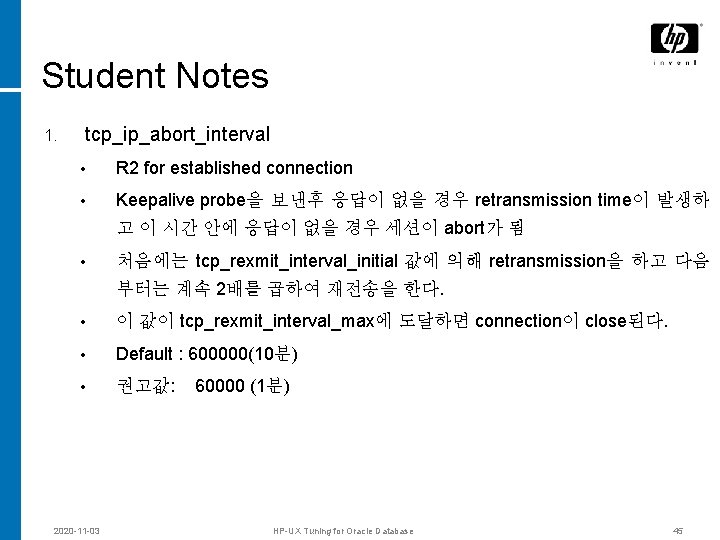
Student Notes 1. tcp_ip_abort_interval • R 2 for established connection • Keepalive probe을 보낸후 응답이 없을 경우 retransmission time이 발생하 고 이 시간 안에 응답이 없을 경우 세션이 abort가 됨 • 처음에는 tcp_rexmit_interval_initial 값에 의해 retransmission을 하고 다음 부터는 계속 2배를 곱하여 재전송을 한다. • 이 값이 tcp_rexmit_interval_max에 도달하면 connection이 close된다. • Default : 600000(10분) • 권고값: 60000 (1분) 2020 -11 -03 HP-UX Tuning for Oracle Database 45
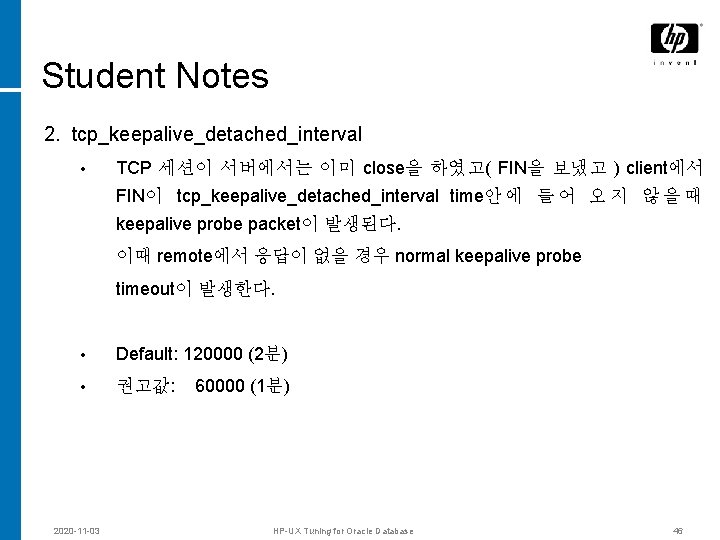
Student Notes 2. tcp_keepalive_detached_interval • TCP 세션이 서버에서는 이미 close을 하였고( FIN을 보냈고 ) client에서 FIN이 tcp_keepalive_detached_interval time안 에 들 어 오 지 않 을 때 keepalive probe packet이 발생된다. 이때 remote에서 응답이 없을 경우 normal keepalive probe timeout이 발생한다. • Default: 120000 (2분) • 권고값: 60000 (1분) 2020 -11 -03 HP-UX Tuning for Oracle Database 46
Transmission Timer © 2004 Hewlett-Packard Development Company, L. P. The information contained herein is subject to change without notice
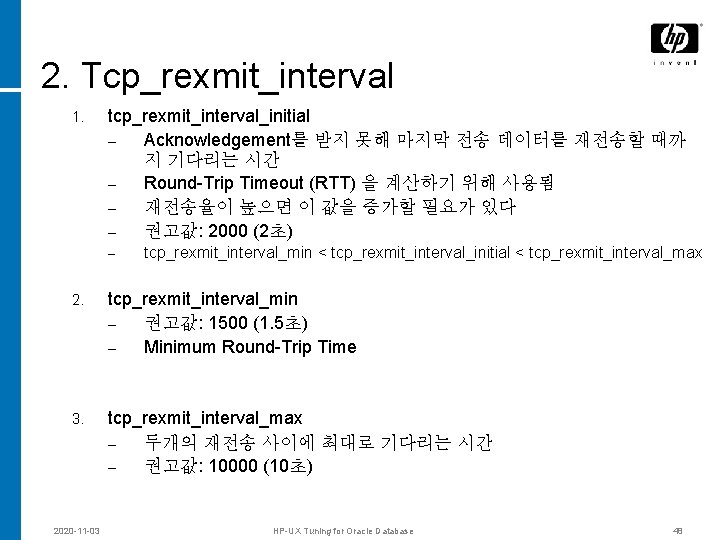
2. Tcp_rexmit_interval 1. tcp_rexmit_interval_initial – Acknowledgement를 받지 못해 마지막 전송 데이터를 재전송할 때까 지 기다리는 시간 – Round-Trip Timeout (RTT) 을 계산하기 위해 사용됨 – 재전송율이 높으면 이 값을 증가할 필요가 있다 – 권고값: 2000 (2초) – tcp_rexmit_interval_min < tcp_rexmit_interval_initial < tcp_rexmit_interval_max 2. tcp_rexmit_interval_min – 권고값: 1500 (1. 5초) – Minimum Round-Trip Time 3. tcp_rexmit_interval_max – 두개의 재전송 사이에 최대로 기다리는 시간 – 권고값: 10000 (10초) 2020 -11 -03 HP-UX Tuning for Oracle Database 48
Sockets © 2004 Hewlett-Packard Development Company, L. P. The information contained herein is subject to change without notice
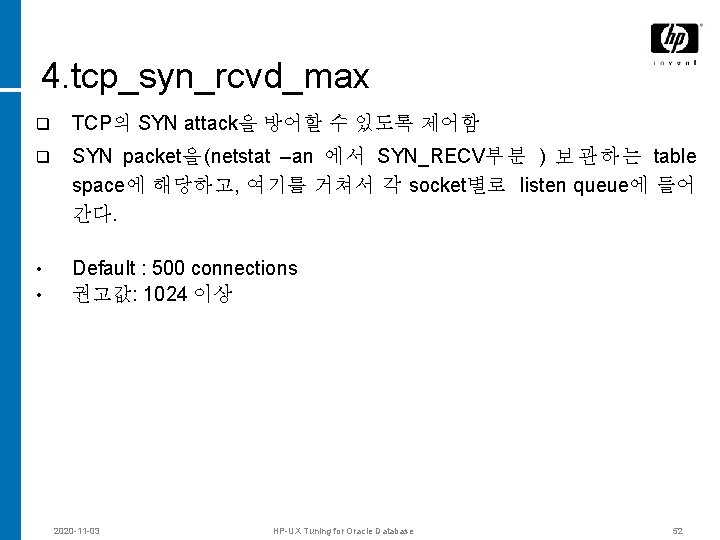
4. tcp_syn_rcvd_max q TCP의 SYN attack을 방어할 수 있도록 제어함 q SYN packet을 (netstat –an 에 서 SYN_RECV부 분 ) 보 관 하 는 table space에 해당하고, 여기를 거쳐서 각 socket별로 listen queue에 들어 간다. • Default : 500 connections 권고값: 1024 이상 • 2020 -11 -03 HP-UX Tuning for Oracle Database 52
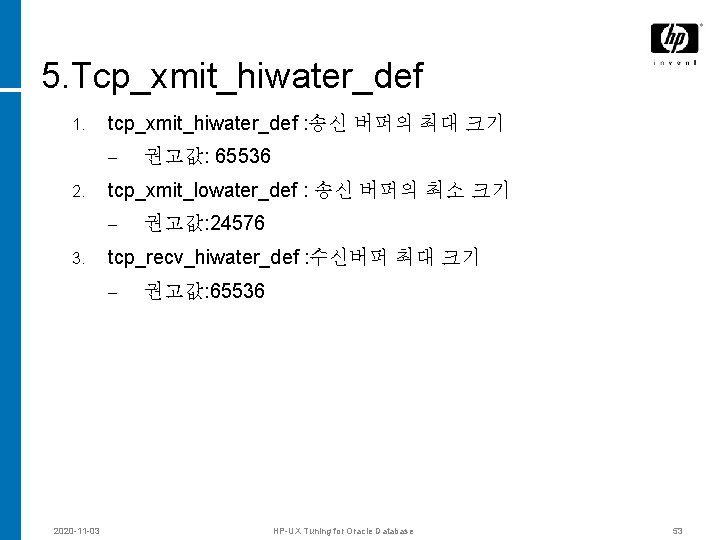
5. Tcp_xmit_hiwater_def 1. tcp_xmit_hiwater_def : 송신 버퍼의 최대 크기 – 2. tcp_xmit_lowater_def : 송신 버퍼의 최소 크기 – 3. 권고값: 24576 tcp_recv_hiwater_def : 수신버퍼 최대 크기 – 2020 -11 -03 권고값: 65536 HP-UX Tuning for Oracle Database 53
기타 © 2004 Hewlett-Packard Development Company, L. P. The information contained herein is subject to change without notice
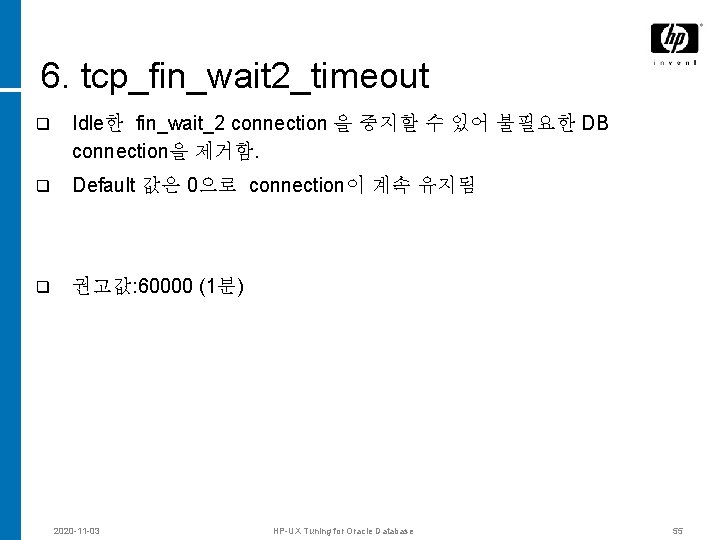
6. tcp_fin_wait 2_timeout q Idle한 fin_wait_2 connection 을 중지할 수 있어 불필요한 DB connection을 제거함. q Default 값은 0으로 connection이 계속 유지됨 q 권고값: 60000 (1분) 2020 -11 -03 HP-UX Tuning for Oracle Database 55
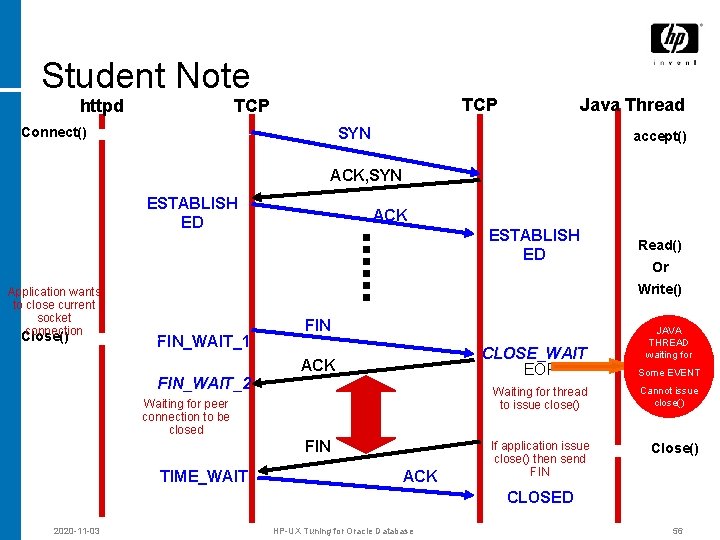
Student Note httpd TCP Connect() Java Thread SYN accept() ACK, SYN ESTABLISH ED Application wants to close current socket connection Close() ACK ESTABLISH ED Read() Or Write() FIN_WAIT_1 FIN CLOSE_WAIT EOF ACK FIN_WAIT_2 Waiting for peer connection to be closed FIN TIME_WAIT ACK JAVA THREAD waiting for Some EVENT Waiting for thread to issue close() Cannot issue close() If application issue close() then send FIN Close() CLOSED 2020 -11 -03 HP-UX Tuning for Oracle Database 56
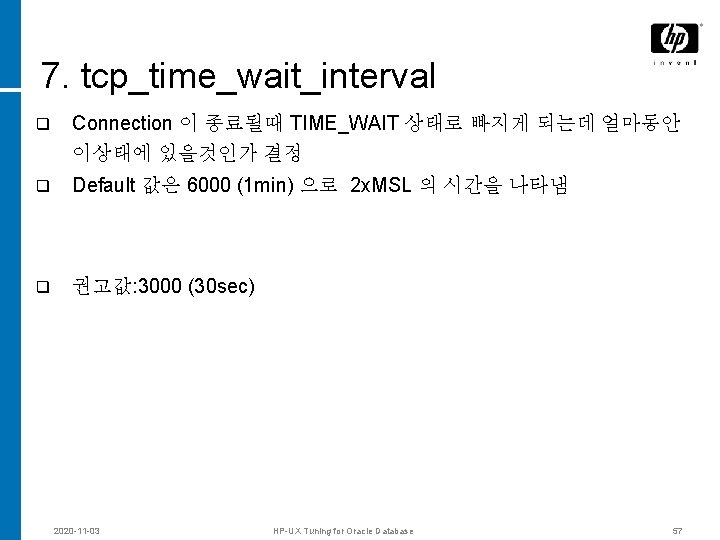
7. tcp_time_wait_interval q Connection 이 종료될때 TIME_WAIT 상태로 빠지게 되는데 얼마동안 이상태에 있을것인가 결정 q Default 값은 6000 (1 min) 으로 2 x. MSL 의 시간을 나타냄 q 권고값: 3000 (30 sec) 2020 -11 -03 HP-UX Tuning for Oracle Database 57
MC Seminar Patch 정보 for Oracle Databases
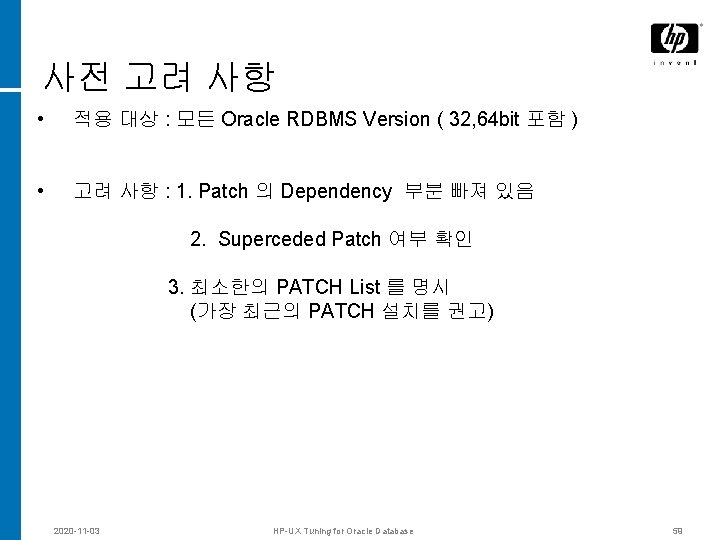
사전 고려 사항 • 적용 대상 : 모든 Oracle RDBMS Version ( 32, 64 bit 포함 ) • 고려 사항 : 1. Patch 의 Dependency 부분 빠져 있음 2. Superceded Patch 여부 확인 3. 최소한의 PATCH List 를 명시 (가장 최근의 PATCH 설치를 권고) 2020 -11 -03 HP-UX Tuning for Oracle Database 59
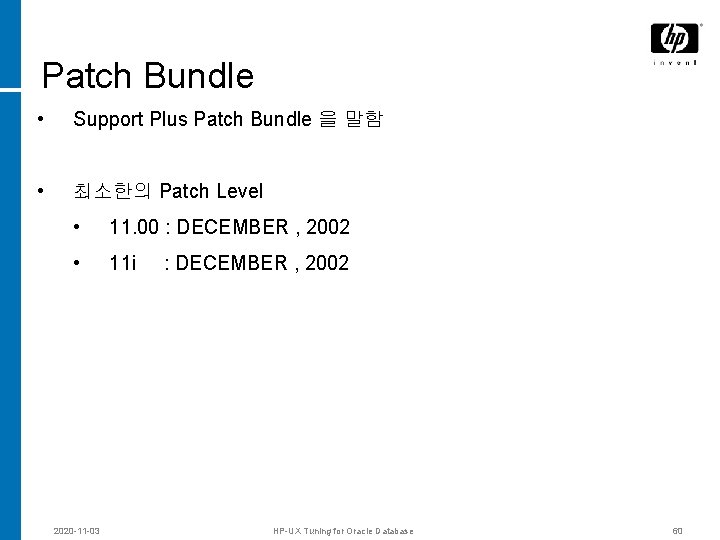
Patch Bundle • Support Plus Patch Bundle 을 말함 • 최소한의 Patch Level • 11. 00 : DECEMBER , 2002 • 11 i : DECEMBER , 2002 2020 -11 -03 HP-UX Tuning for Oracle Database 60
개별 Patch © 2004 Hewlett-Packard Development Company, L. P. The information contained herein is subject to change without notice
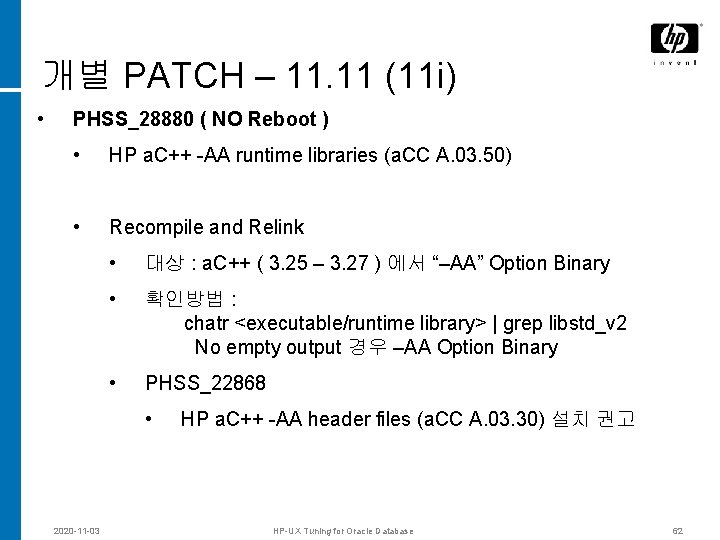
개별 PATCH – 11. 11 (11 i) • PHSS_28880 ( NO Reboot ) • HP a. C++ -AA runtime libraries (a. CC A. 03. 50) • Recompile and Relink • 대상 : a. C++ ( 3. 25 – 3. 27 ) 에서 “–AA” Option Binary • 확인방법 : chatr <executable/runtime library> | grep libstd_v 2 No empty output 경우 –AA Option Binary • PHSS_22868 • 2020 -11 -03 HP a. C++ -AA header files (a. CC A. 03. 30) 설치 권고 HP-UX Tuning for Oracle Database 62
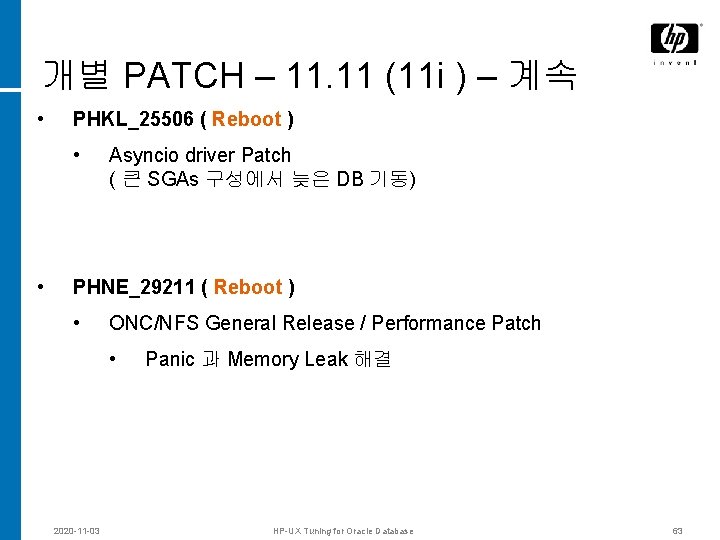
개별 PATCH – 11. 11 (11 i ) – 계속 • PHKL_25506 ( Reboot ) • • Asyncio driver Patch ( 큰 SGAs 구성에서 늦은 DB 기동) PHNE_29211 ( Reboot ) • ONC/NFS General Release / Performance Patch • 2020 -11 -03 Panic 과 Memory Leak 해결 HP-UX Tuning for Oracle Database 63
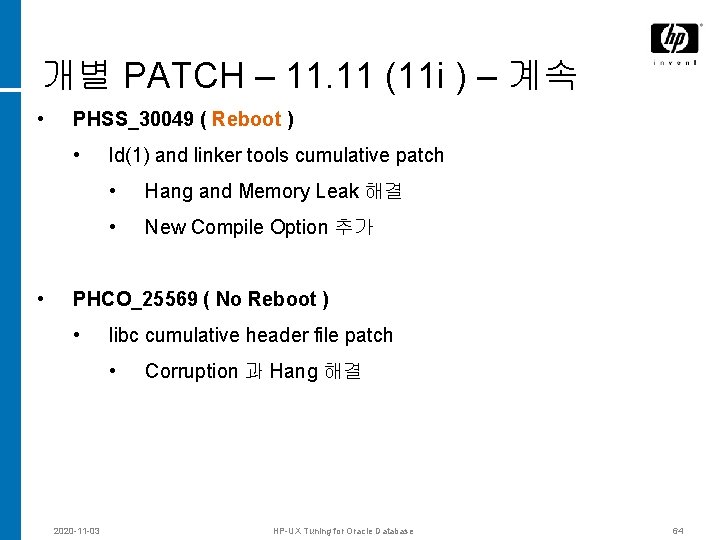
개별 PATCH – 11. 11 (11 i ) – 계속 • PHSS_30049 ( Reboot ) • • ld(1) and linker tools cumulative patch • Hang and Memory Leak 해결 • New Compile Option 추가 PHCO_25569 ( No Reboot ) • libc cumulative header file patch • 2020 -11 -03 Corruption 과 Hang 해결 HP-UX Tuning for Oracle Database 64
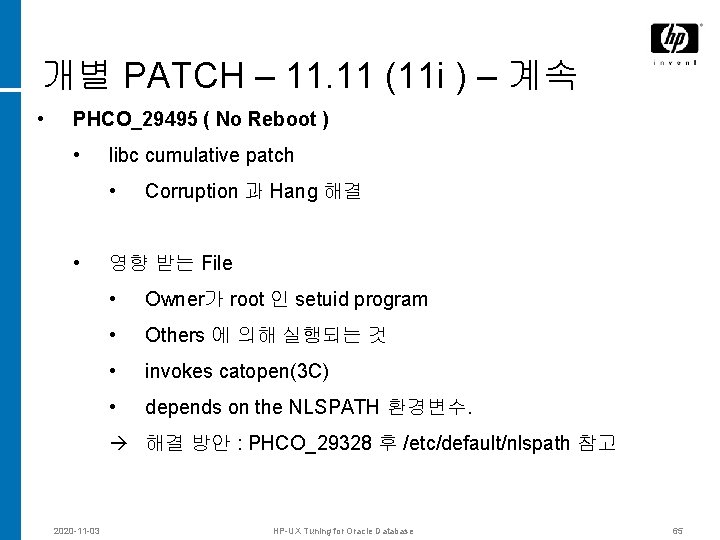
개별 PATCH – 11. 11 (11 i ) – 계속 • PHCO_29495 ( No Reboot ) • libc cumulative patch • • Corruption 과 Hang 해결 영향 받는 File • Owner가 root 인 setuid program • Others 에 의해 실행되는 것 • invokes catopen(3 C) • depends on the NLSPATH 환경변수. 해결 방안 : PHCO_29328 후 /etc/default/nlspath 참고 2020 -11 -03 HP-UX Tuning for Oracle Database 65
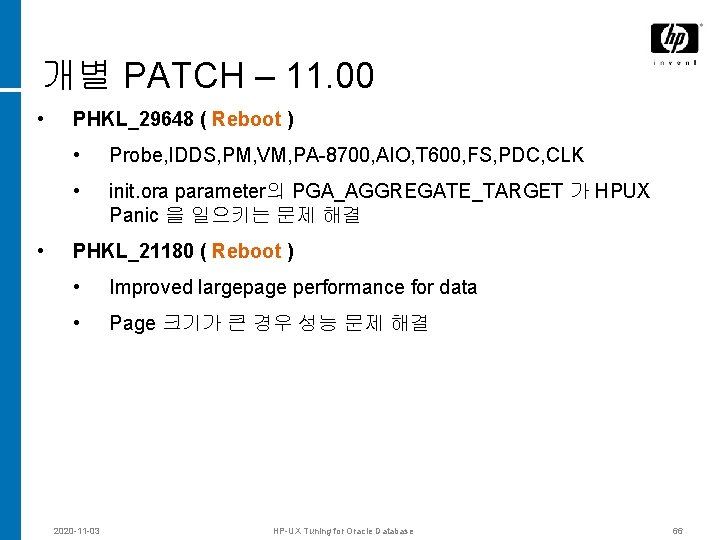
개별 PATCH – 11. 00 • • PHKL_29648 ( Reboot ) • Probe, IDDS, PM, VM, PA-8700, AIO, T 600, FS, PDC, CLK • init. ora parameter의 PGA_AGGREGATE_TARGET 가 HPUX Panic 을 일으키는 문제 해결 PHKL_21180 ( Reboot ) • Improved largepage performance for data • Page 크기가 큰 경우 성능 문제 해결 2020 -11 -03 HP-UX Tuning for Oracle Database 66
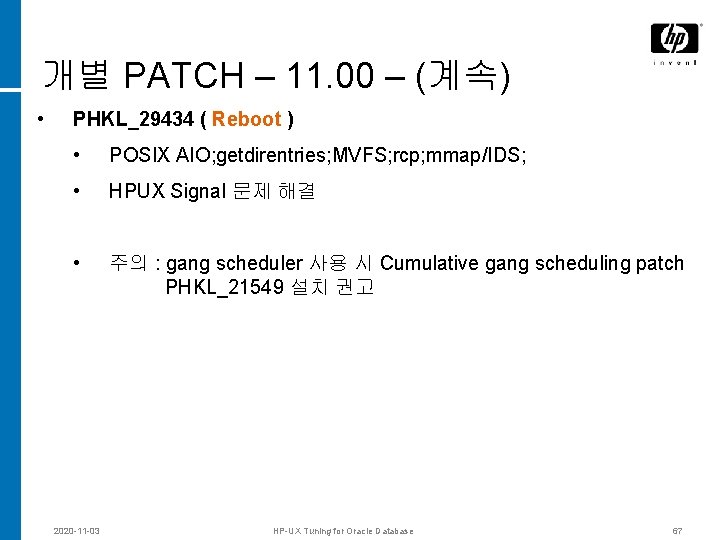
개별 PATCH – 11. 00 – (계속) • PHKL_29434 ( Reboot ) • POSIX AIO; getdirentries; MVFS; rcp; mmap/IDS; • HPUX Signal 문제 해결 • 2020 -11 -03 주의 : gang scheduler 사용 시 Cumulative gang scheduling patch PHKL_21549 설치 권고 HP-UX Tuning for Oracle Database 67
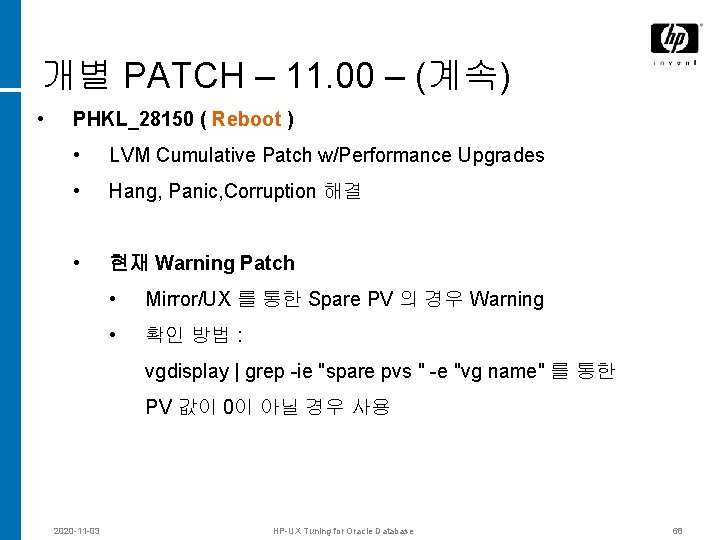
개별 PATCH – 11. 00 – (계속) • PHKL_28150 ( Reboot ) • LVM Cumulative Patch w/Performance Upgrades • Hang, Panic, Corruption 해결 • 현재 Warning Patch • Mirror/UX 를 통한 Spare PV 의 경우 Warning • 확인 방법 : vgdisplay | grep -ie "spare pvs " -e "vg name" 를 통한 PV 값이 0이 아닐 경우 사용 2020 -11 -03 HP-UX Tuning for Oracle Database 68
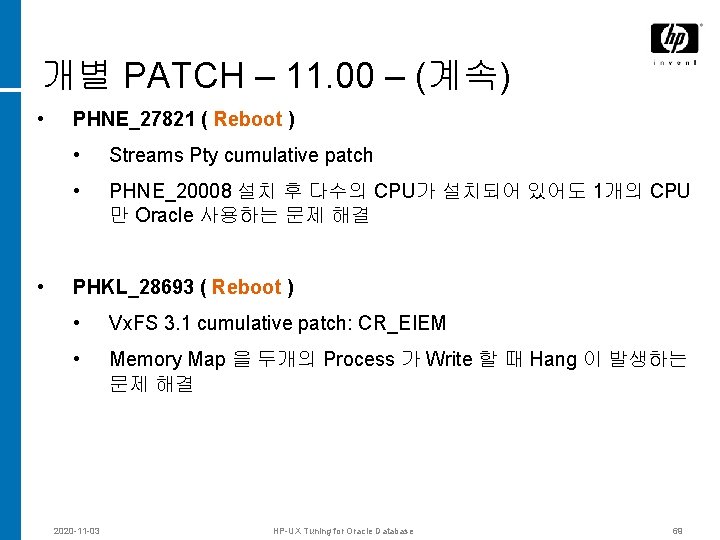
개별 PATCH – 11. 00 – (계속) • PHNE_27821 ( Reboot ) • Streams Pty cumulative patch • PHNE_20008 설치 후 다수의 CPU가 설치되어 있어도 1개의 CPU 만 Oracle 사용하는 문제 해결 • PHKL_28693 ( Reboot ) • Vx. FS 3. 1 cumulative patch: CR_EIEM • Memory Map 을 두개의 Process 가 Write 할 때 Hang 이 발생하는 문제 해결 2020 -11 -03 HP-UX Tuning for Oracle Database 69
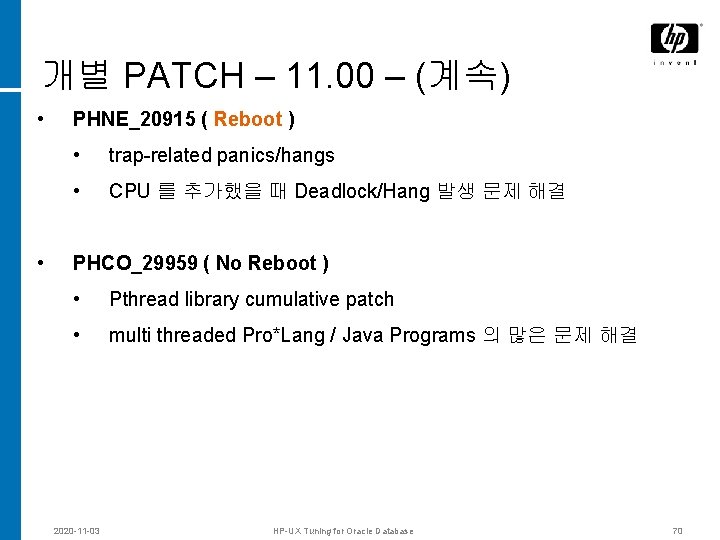
개별 PATCH – 11. 00 – (계속) • PHNE_20915 ( Reboot ) • trap-related panics/hangs • CPU 를 추가했을 때 Deadlock/Hang 발생 문제 해결 • PHCO_29959 ( No Reboot ) • Pthread library cumulative patch • multi threaded Pro*Lang / Java Programs 의 많은 문제 해결 2020 -11 -03 HP-UX Tuning for Oracle Database 70
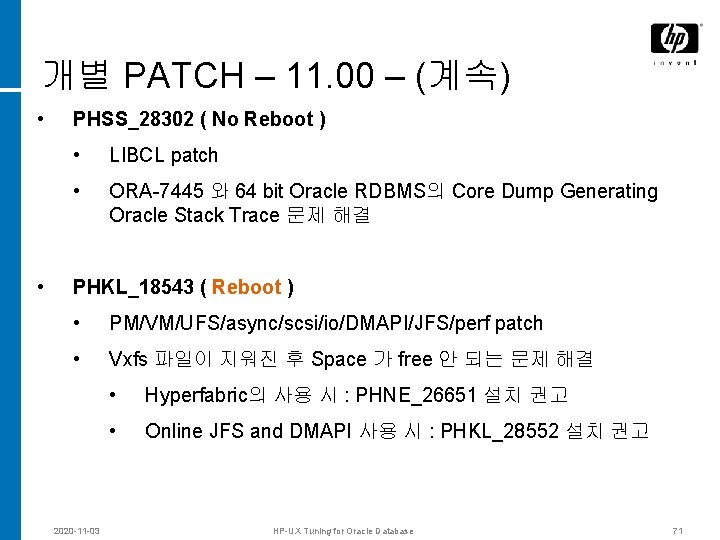
개별 PATCH – 11. 00 – (계속) • • PHSS_28302 ( No Reboot ) • LIBCL patch • ORA-7445 와 64 bit Oracle RDBMS의 Core Dump Generating Oracle Stack Trace 문제 해결 PHKL_18543 ( Reboot ) • PM/VM/UFS/async/scsi/io/DMAPI/JFS/perf patch • Vxfs 파일이 지워진 후 Space 가 free 안 되는 문제 해결 2020 -11 -03 • Hyperfabric의 사용 시 : PHNE_26651 설치 권고 • Online JFS and DMAPI 사용 시 : PHKL_28552 설치 권고 HP-UX Tuning for Oracle Database 71
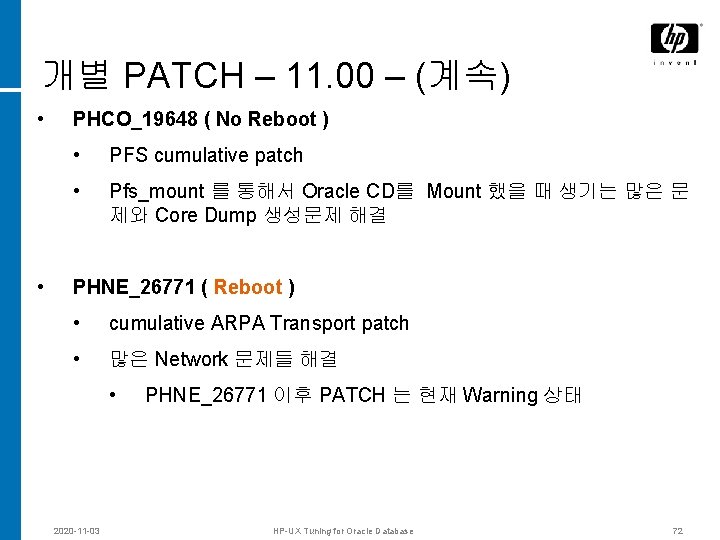
개별 PATCH – 11. 00 – (계속) • • PHCO_19648 ( No Reboot ) • PFS cumulative patch • Pfs_mount 를 통해서 Oracle CD를 Mount 했을 때 생기는 많은 문 제와 Core Dump 생성문제 해결 PHNE_26771 ( Reboot ) • cumulative ARPA Transport patch • 많은 Network 문제들 해결 • 2020 -11 -03 PHNE_26771 이후 PATCH 는 현재 Warning 상태 HP-UX Tuning for Oracle Database 72
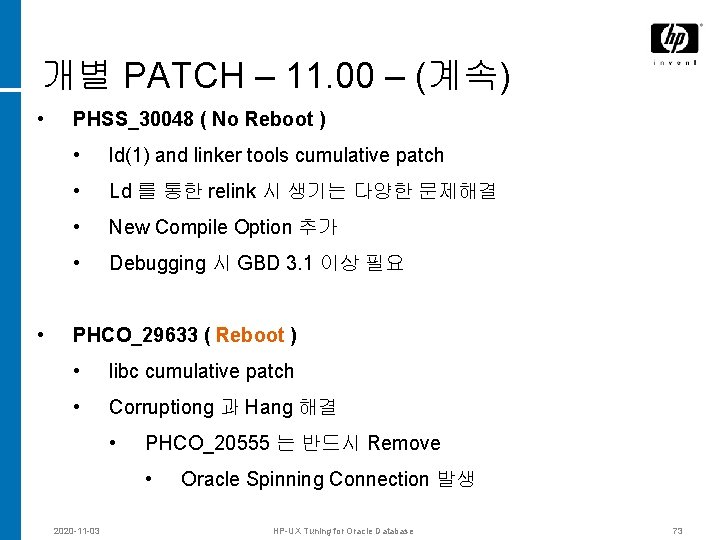
개별 PATCH – 11. 00 – (계속) • • PHSS_30048 ( No Reboot ) • ld(1) and linker tools cumulative patch • Ld 를 통한 relink 시 생기는 다양한 문제해결 • New Compile Option 추가 • Debugging 시 GBD 3. 1 이상 필요 PHCO_29633 ( Reboot ) • libc cumulative patch • Corruptiong 과 Hang 해결 • PHCO_20555 는 반드시 Remove • 2020 -11 -03 Oracle Spinning Connection 발생 HP-UX Tuning for Oracle Database 73
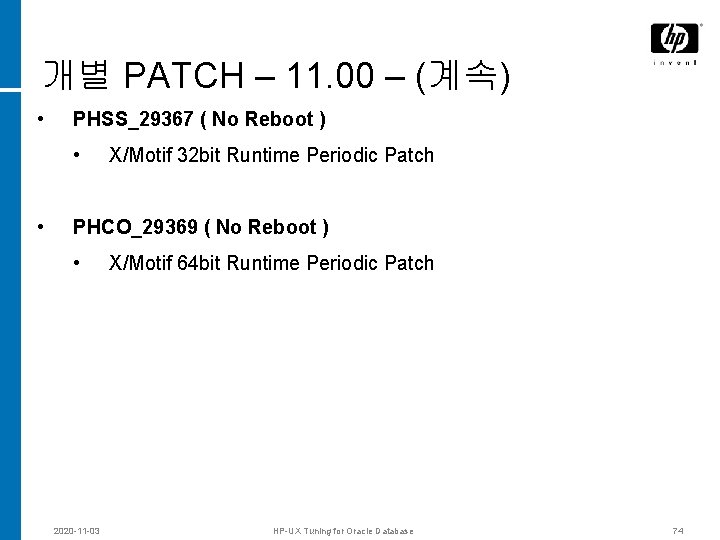
개별 PATCH – 11. 00 – (계속) • PHSS_29367 ( No Reboot ) • • X/Motif 32 bit Runtime Periodic Patch PHCO_29369 ( No Reboot ) • 2020 -11 -03 X/Motif 64 bit Runtime Periodic Patch HP-UX Tuning for Oracle Database 74
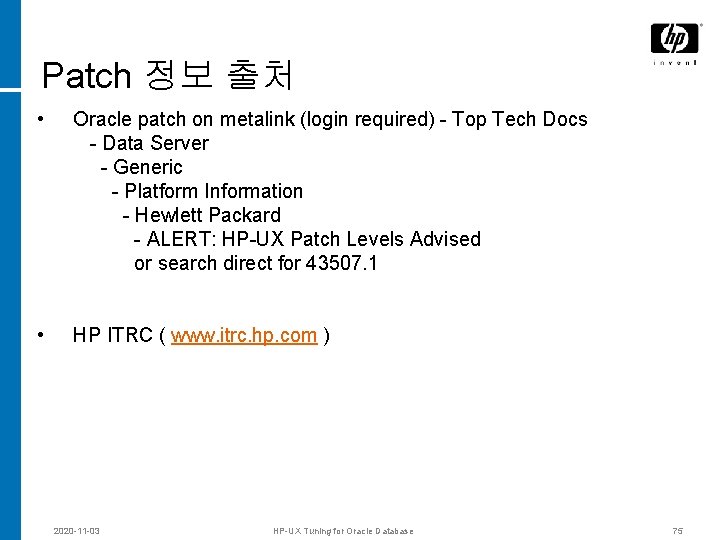
Patch 정보 출처 • Oracle patch on metalink (login required) - Top Tech Docs - Data Server - Generic - Platform Information - Hewlett Packard - ALERT: HP-UX Patch Levels Advised or search direct for 43507. 1 • HP ITRC ( www. itrc. hp. com ) 2020 -11 -03 HP-UX Tuning for Oracle Database 75
ASYNC IO © 2004 Hewlett-Packard Development Company, L. P. The information contained herein is subject to change without notice
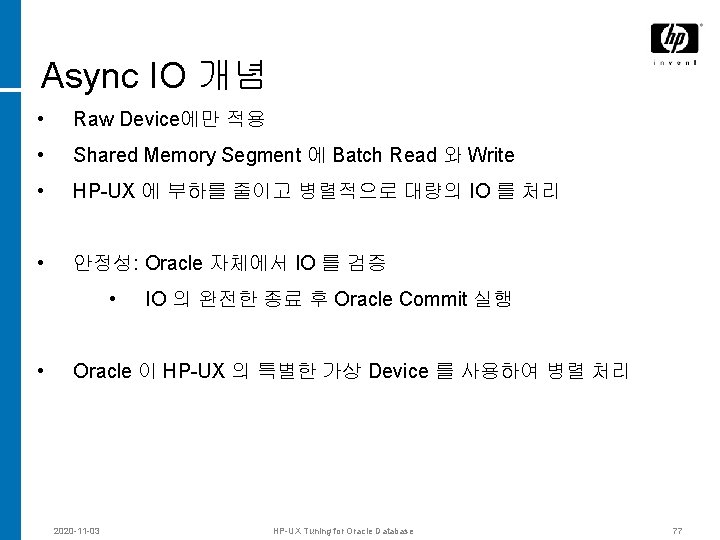
Async IO 개념 • Raw Device에만 적용 • Shared Memory Segment 에 Batch Read 와 Write • HP-UX 에 부하를 줄이고 병렬적으로 대량의 IO 를 처리 • 안정성: Oracle 자체에서 IO 를 검증 • • IO 의 완전한 종료 후 Oracle Commit 실행 Oracle 이 HP-UX 의 특별한 가상 Device 를 사용하여 병렬 처리 2020 -11 -03 HP-UX Tuning for Oracle Database 77
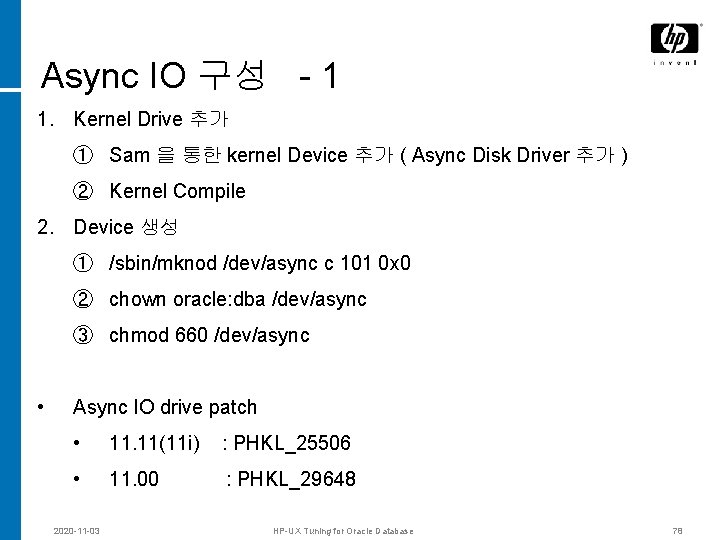
Async IO 구성 - 1 1. Kernel Drive 추가 ① Sam 을 통한 kernel Device 추가 ( Async Disk Driver 추가 ) ② Kernel Compile 2. Device 생성 ① /sbin/mknod /dev/async c 101 0 x 0 ② chown oracle: dba /dev/async ③ chmod 660 /dev/async • Async IO drive patch • 11. 11(11 i) : PHKL_25506 • 11. 00 : PHKL_29648 2020 -11 -03 HP-UX Tuning for Oracle Database 78
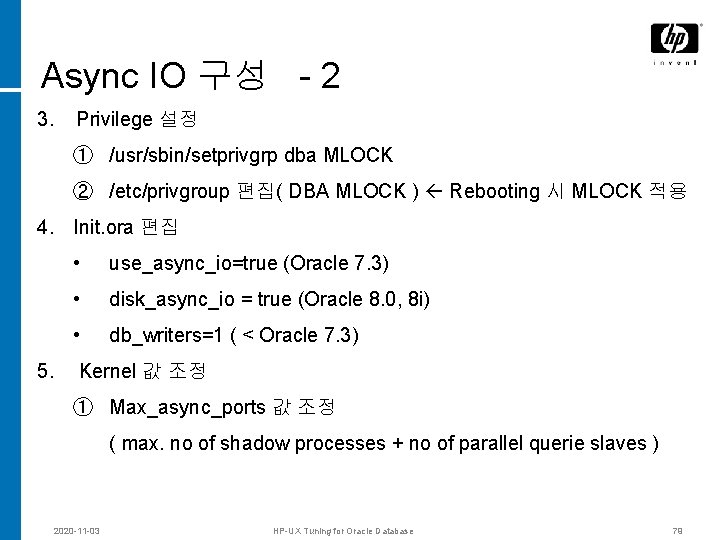
Async IO 구성 - 2 3. Privilege 설정 ① /usr/sbin/setprivgrp dba MLOCK ② /etc/privgroup 편집( DBA MLOCK ) Rebooting 시 MLOCK 적용 4. Init. ora 편집 • use_async_io=true (Oracle 7. 3) • disk_async_io = true (Oracle 8. 0, 8 i) • db_writers=1 ( < Oracle 7. 3) 5. Kernel 값 조정 ① Max_async_ports 값 조정 ( max. no of shadow processes + no of parallel querie slaves ) 2020 -11 -03 HP-UX Tuning for Oracle Database 79
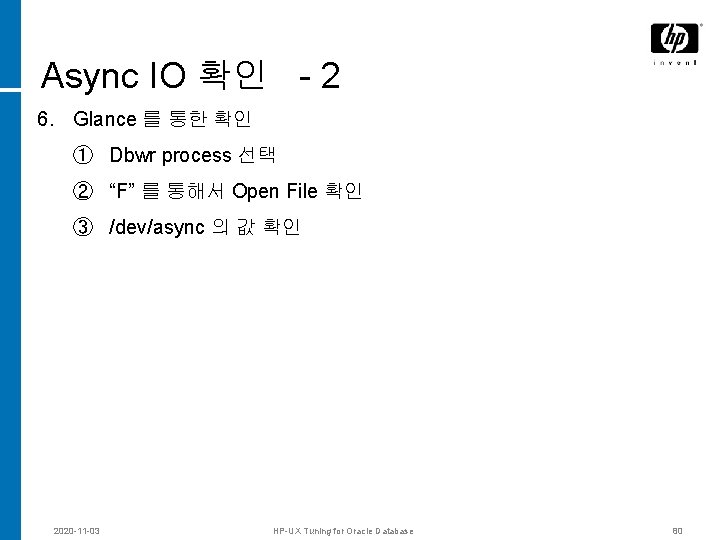
Async IO 확인 - 2 6. Glance 를 통한 확인 ① Dbwr process 선택 ② “F” 를 통해서 Open File 확인 ③ /dev/async 의 값 확인 2020 -11 -03 HP-UX Tuning for Oracle Database 80
Q & A 2020 -11 -03 HP-UX Tuning for Oracle Database 81