
Maya Internal Structure CIS 682 Programming Interfaces MEL
![Node node points (array) [0] point compound x (float) y (float) z (float) [1]](https://slidetodoc.com/presentation_image/8cb69198761fc7558e532e9f2e3537f5/image-9.jpg "Node node points (array) [0] point compound x (float) y (float) z (float) [1]")
- Slides: 23
Maya Internal Structure CIS 682
Programming Interfaces • MEL - Maya Embedded Language – Scripting language – Interpreted – Fast prototyping, slow execuation • C++ – Powerful, fast – Class libraries CIS 682
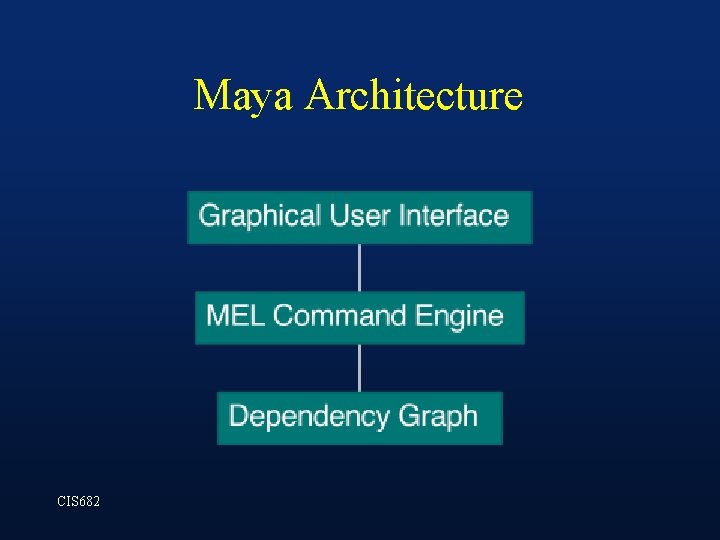
Maya Architecture CIS 682
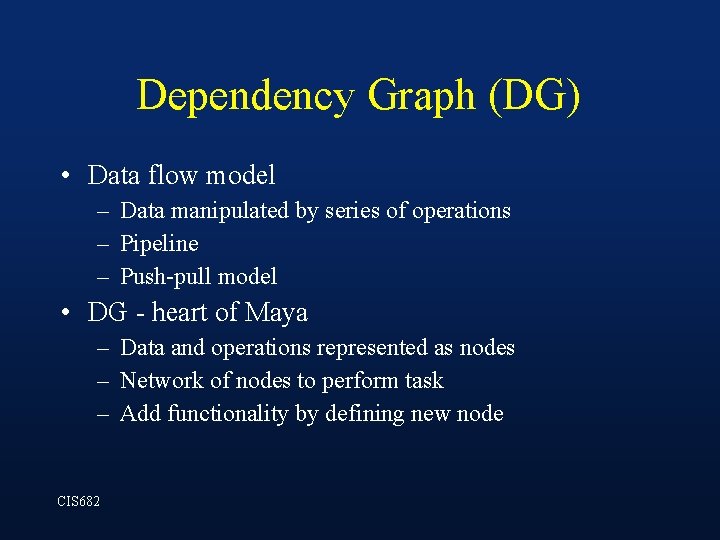
Dependency Graph (DG) • Data flow model – Data manipulated by series of operations – Pipeline – Push-pull model • DG - heart of Maya – Data and operations represented as nodes – Network of nodes to perform task – Add functionality by defining new node CIS 682
The Scene • Entire 3 D graphics state - the DG – – – Models Animations Textures Lights cameras • Programming interfaces hide much of DG complexity CIS 682
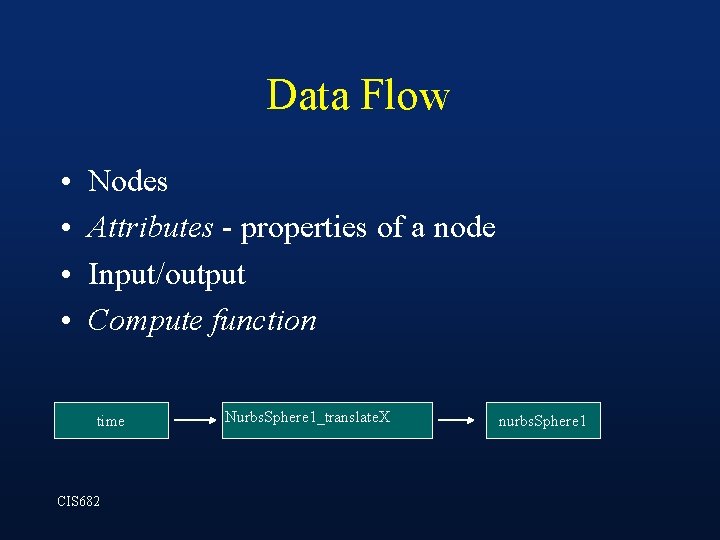
Data Flow • • Nodes Attributes - properties of a node Input/output Compute function time CIS 682 Nurbs. Sphere 1_translate. X nurbs. Sphere 1
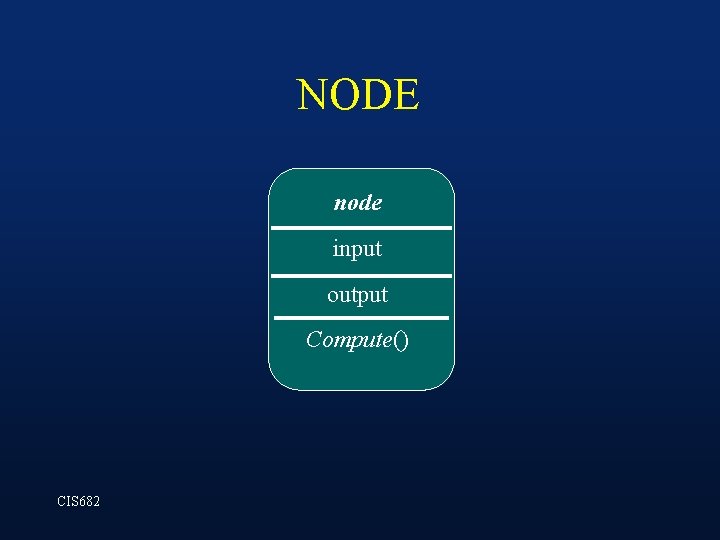
NODE node input output Compute() CIS 682
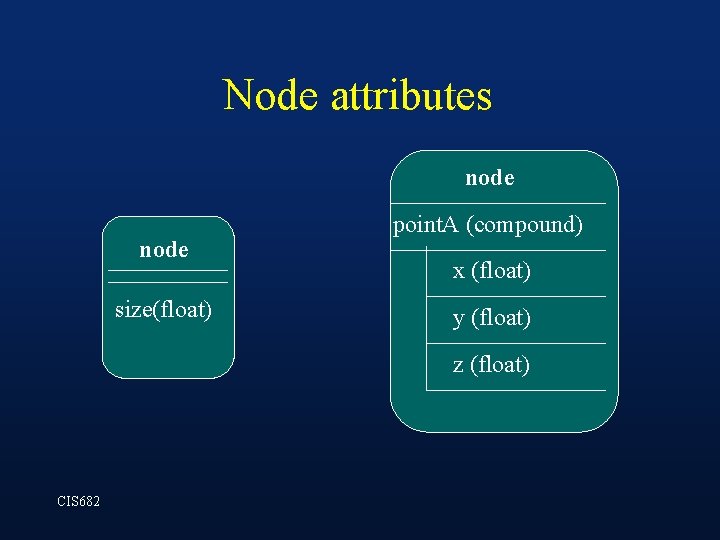
Node attributes node size(float) point. A (compound) x (float) y (float) z (float) CIS 682
Node node points (array) [0] point compound x (float) y (float) z (float) [1] point compound x (float) y (float) z (float) […] point compound CIS 682
Node Custom attributes can be added e. g. , mass, velocity Window->Attribute editor Attributes->Add Attributes CIS 682
Connecting attributes Window->General Editors->Connection editor OR MEL: connect. Attr sphere. tx cone. ty Driven keys as explained by technical group CIS 682
Compute Function • • Output = compute(input 0, …, input. N) Input and output attributes are LOCAL Black box Interface: input and output attributes CIS 682
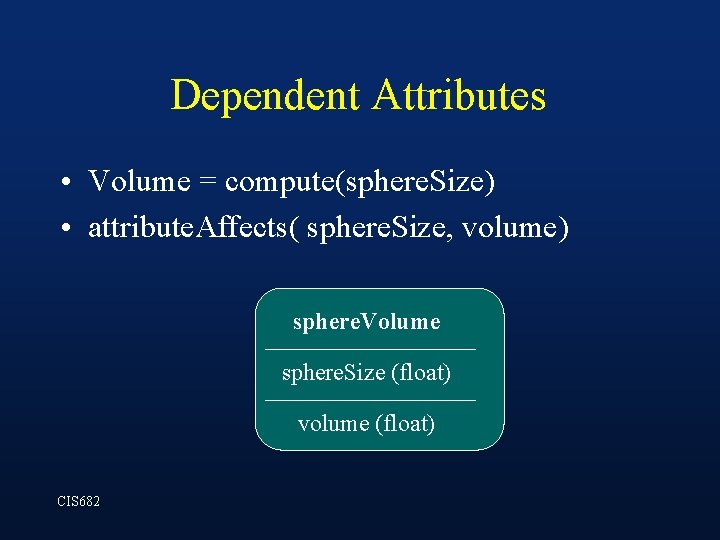
Dependent Attributes • Volume = compute(sphere. Size) • attribute. Affects( sphere. Size, volume) sphere. Volume sphere. Size (float) volume (float) CIS 682
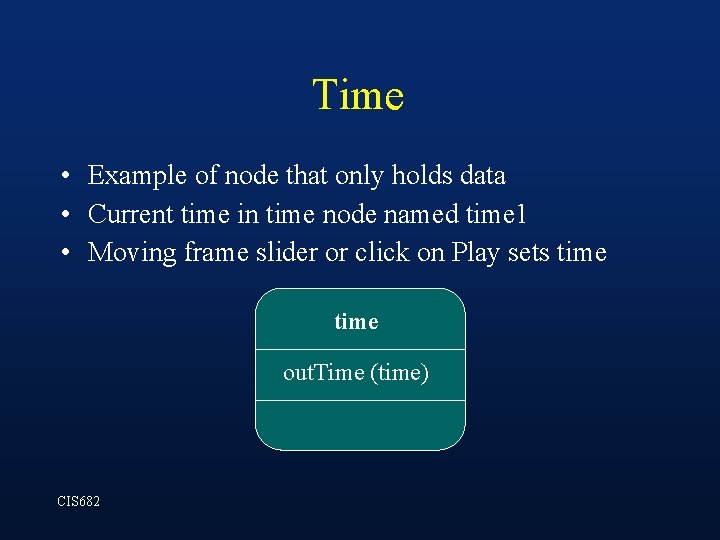
Time • Example of node that only holds data • Current time in time node named time 1 • Moving frame slider or click on Play sets time out. Time (time) CIS 682
Connecting Nodes • Connect nodes by connecting node attributes • Attribute can only connect to attribute of same type • Maya handles flow of data; node not ‘aware’ of connections • Connections: one-to-many mappings • When connections broken, node retains value CIS 682
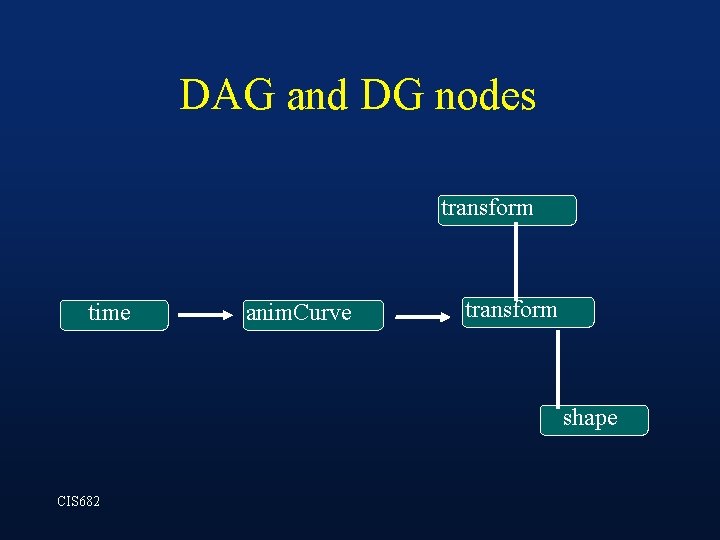
DAG nodes • Directed Acyclic Graph • DAG nodes form Shape-Transform hierarchy • DAG nodes are in DG - they are DG nodes – Some DAG nodes connect to non-DAG DG nodes – Some DAG nodes may not be connected to any non. DAG nodes • Maya shows either DAG hierarchy or connected DG nodes, not both simultaneously CIS 682
DAG and DG nodes transform time anim. Curve transform shape CIS 682
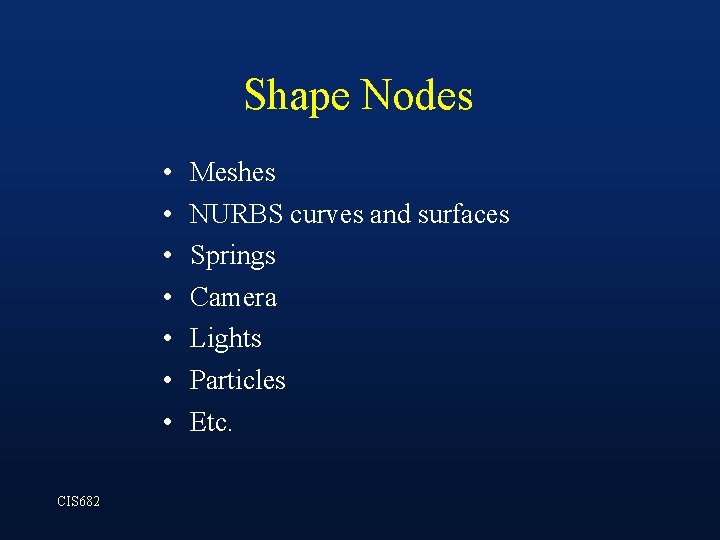
Shape Nodes • • CIS 682 Meshes NURBS curves and surfaces Springs Camera Lights Particles Etc.
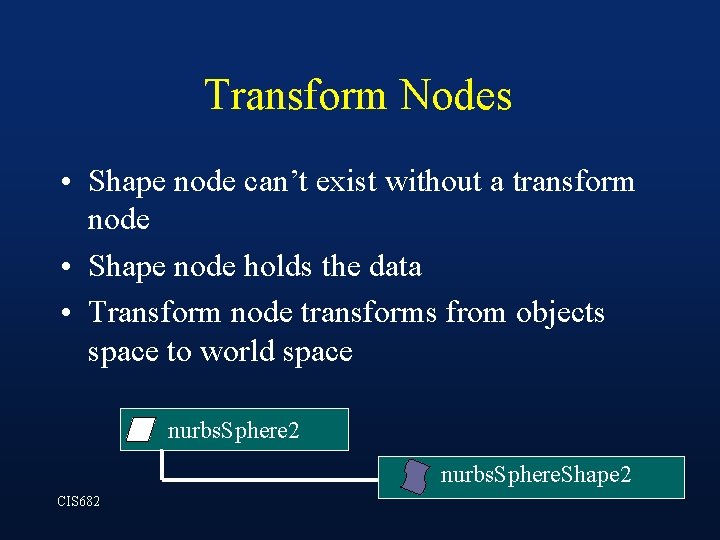
Transform Nodes • Shape node can’t exist without a transform node • Shape node holds the data • Transform node transforms from objects space to world space nurbs. Sphere 2 nurbs. Sphere. Shape 2 CIS 682
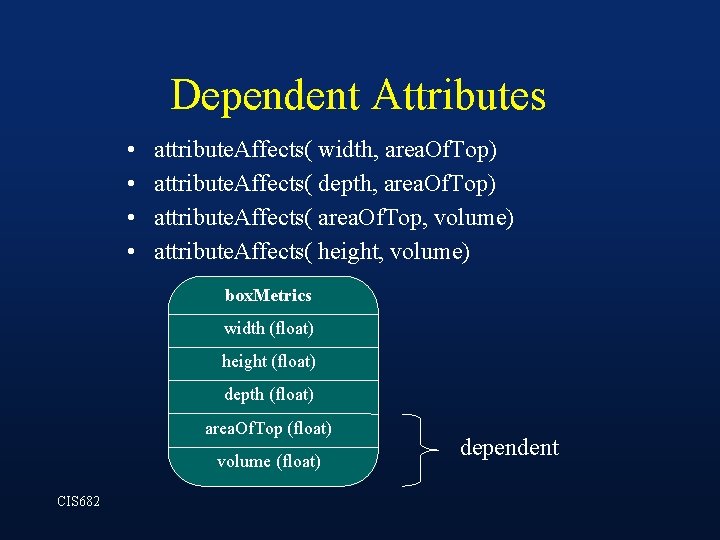
Dependent Attributes • • attribute. Affects( width, area. Of. Top) attribute. Affects( depth, area. Of. Top) attribute. Affects( area. Of. Top, volume) attribute. Affects( height, volume) box. Metrics width (float) height (float) depth (float) area. Of. Top (float) volume (float) CIS 682 dependent
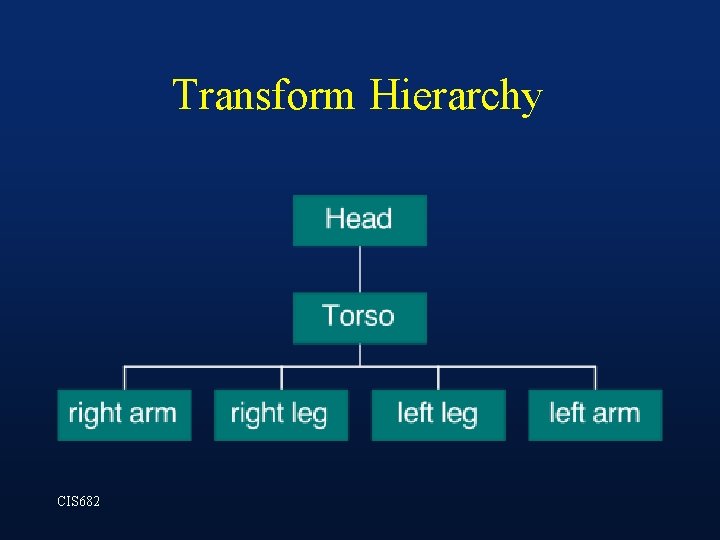
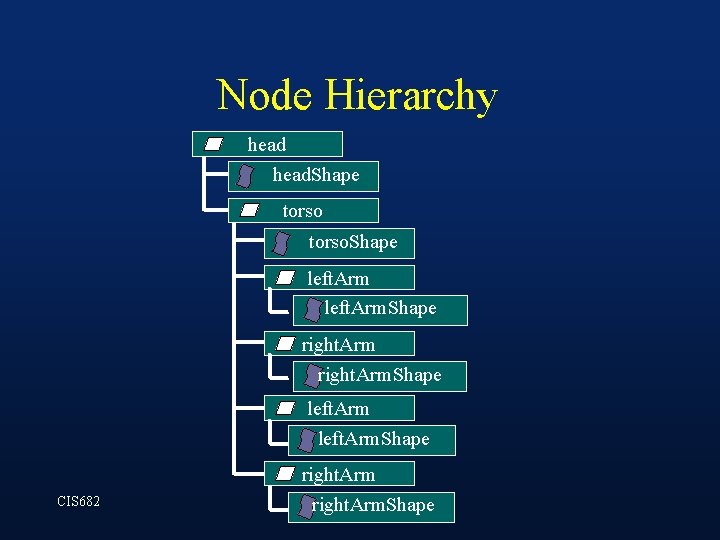
Transform Hierarchy CIS 682
Node Hierarchy head. Shape torso. Shape left. Arm. Shape right. Arm CIS 682 right. Arm. Shape
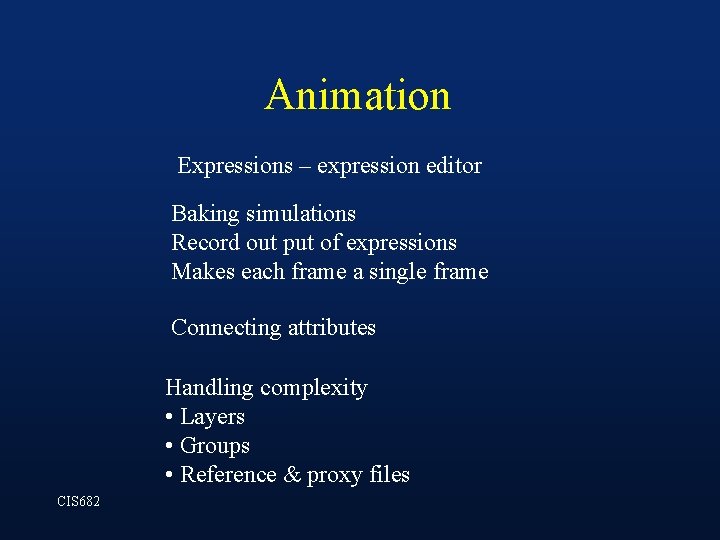
Animation Expressions – expression editor Baking simulations Record out put of expressions Makes each frame a single frame Connecting attributes Handling complexity • Layers • Groups • Reference & proxy files CIS 682