
Matrices A matrix is a collection of numbersscalars
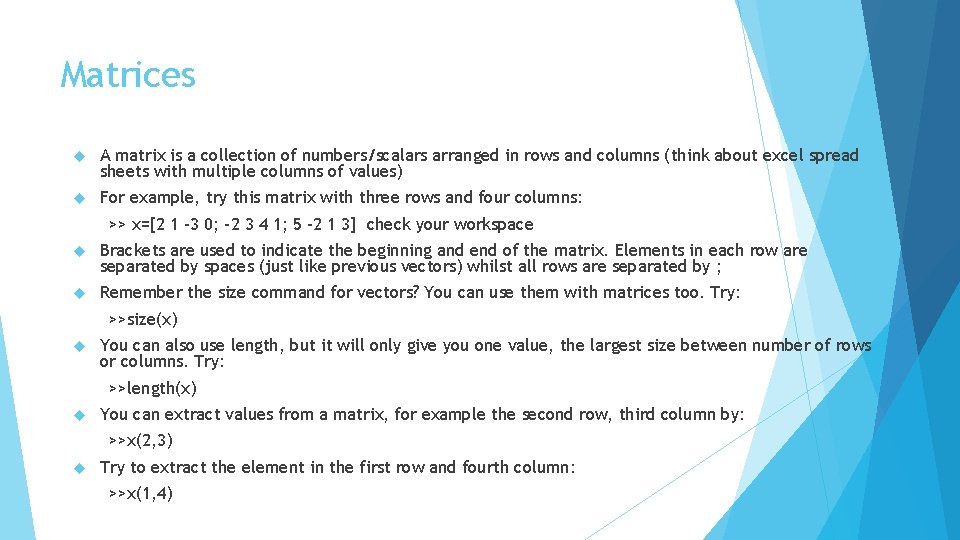
Matrices A matrix is a collection of numbers/scalars arranged in rows and columns (think about excel spread sheets with multiple columns of values) For example, try this matrix with three rows and four columns: >> x=[2 1 -3 0; -2 3 4 1; 5 -2 1 3] check your workspace Brackets are used to indicate the beginning and end of the matrix. Elements in each row are separated by spaces (just like previous vectors) whilst all rows are separated by ; Remember the size command for vectors? You can use them with matrices too. Try: >>size(x) You can also use length, but it will only give you one value, the largest size between number of rows or columns. Try: >>length(x) You can extract values from a matrix, for example the second row, third column by: >>x(2, 3) Try to extract the element in the first row and fourth column: >>x(1, 4)
Matrices A new matrix of the same size can be produced by multiplying the matrix by a number. Try: >>y=2*pi*x what happens? You can use the sum, min, max, etc the same as vectors, but the output is different. Try: >>sum(y) >>min(y) >>max(y) Sum now gives you the total sum of each column, min and max give subsequent min and max values of each column.
Arithmetic operations with matrices Like vectors, there are simple operations that can be performed on vectors. Try: >> s = [1 3 -2 5; 2 6 -3 0] >>s+4 >>s-3 >>s*2 >>s/5 Mathematical functions can also be applied. Try trigonometric functions sin, cos, tan: >>w= [ 0 pi/2 pi; pi/2 pi 3*pi/2 ; pi 3*pi/2 2*pi] >>sin(w) >>cos(w) >>tan(w) Unlike vectors, sqrt and exp work a bit differently, with true square root for matrices using the sqrtm() command, and true exponential using the exp() command.
Arithmetic operations with matrices Like vectors, we can perform certain operation, such as addition and subtraction. Try: >>x=[0. 2 -0. 1; 1. 3 0. 0; 2. 4 -1. 5] >>y=[0. 5 1. 0; 1. 2 1. 3; -2. 0 1. 3] >>x+y >>x-y Matrix multiplication is not defined in MATLAB for matrices of the same size (unless they are square matrices). Try: >>x*y However if you use the. command, like we did for vectors, you will get element by element multiplication. Try: >>x. *y Note this is also the case for the example of 2 x where if you want element by element you have to use the 2. ^x command.
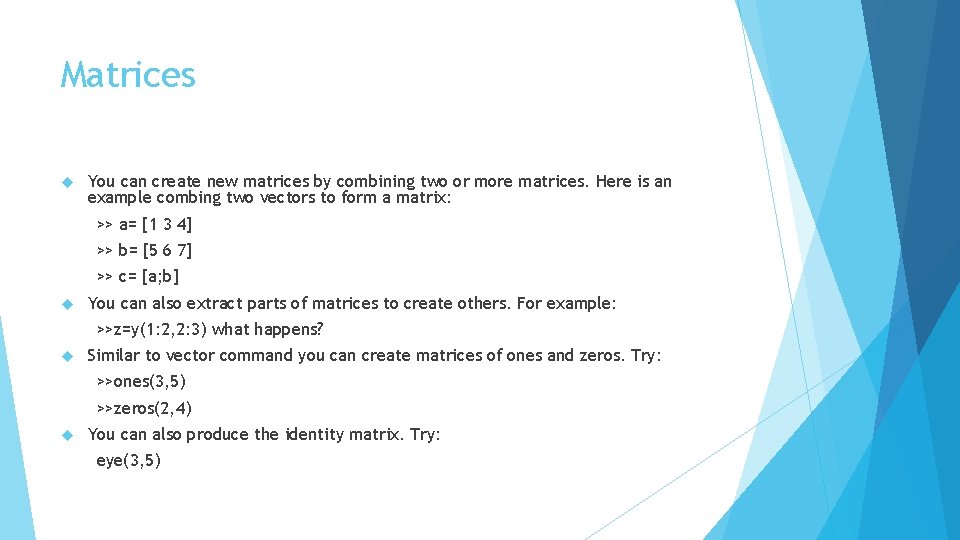
Matrices You can create new matrices by combining two or more matrices. Here is an example combing two vectors to form a matrix: >> a= [1 3 4] >> b= [5 6 7] >> c= [a; b] You can also extract parts of matrices to create others. For example: >>z=y(1: 2, 2: 3) what happens? Similar to vector command you can create matrices of ones and zeros. Try: >>ones(3, 5) >>zeros(2, 4) You can also produce the identity matrix. Try: eye(3, 5)
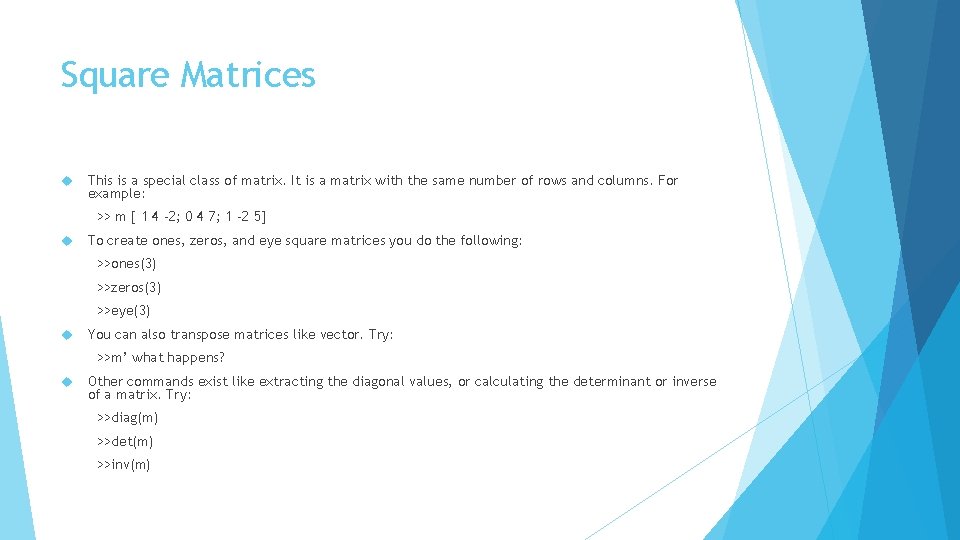
Square Matrices This is a special class of matrix. It is a matrix with the same number of rows and columns. For example: >> m [ 1 4 -2; 0 4 7; 1 -2 5] To create ones, zeros, and eye square matrices you do the following: >>ones(3) >>zeros(3) >>eye(3) You can also transpose matrices like vector. Try: >>m’ what happens? Other commands exist like extracting the diagonal values, or calculating the determinant or inverse of a matrix. Try: >>diag(m) >>det(m) >>inv(m)
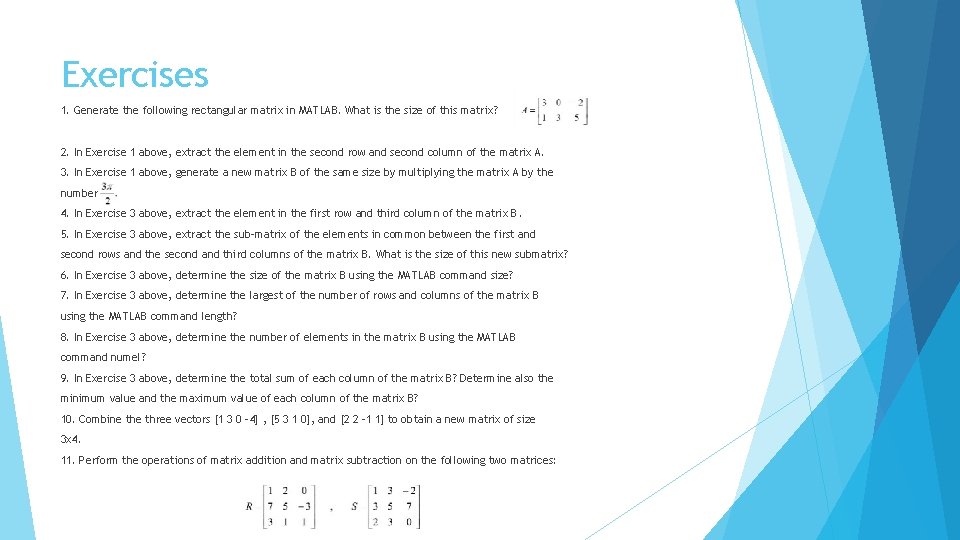
Exercises 1. Generate the following rectangular matrix in MATLAB. What is the size of this matrix? 2. In Exercise 1 above, extract the element in the second row and second column of the matrix A. 3. In Exercise 1 above, generate a new matrix B of the same size by multiplying the matrix A by the number 4. In Exercise 3 above, extract the element in the first row and third column of the matrix B. 5. In Exercise 3 above, extract the sub-matrix of the elements in common between the first and second rows and the second and third columns of the matrix B. What is the size of this new submatrix? 6. In Exercise 3 above, determine the size of the matrix B using the MATLAB command size? 7. In Exercise 3 above, determine the largest of the number of rows and columns of the matrix B using the MATLAB command length? 8. In Exercise 3 above, determine the number of elements in the matrix B using the MATLAB command numel? 9. In Exercise 3 above, determine the total sum of each column of the matrix B? Determine also the minimum value and the maximum value of each column of the matrix B? 10. Combine three vectors [1 3 0 -4] , [5 3 1 0], and [2 2 -1 1] to obtain a new matrix of size 3 x 4. 11. Perform the operations of matrix addition and matrix subtraction on the following two matrices:
- Slides: 7