
Matlab The language of technical computing Outline Introduction
Matlab The language of technical computing
Outline • Introduction • C++ vs. Matlab • Functions • Graphing • Matrix • Image processing toolbox • Neural network toolbox • Menu
Introduction • Things we like about Matlab • Things we don’t like about Matlab
Help command Help svd

C++ vs. Matlab int j; for i = 1: 2: N . for J = 1: N for (j=1; j<23; j=j+2) A(I, J) =(I+J-1); { end A[4][j]=3*j; } end
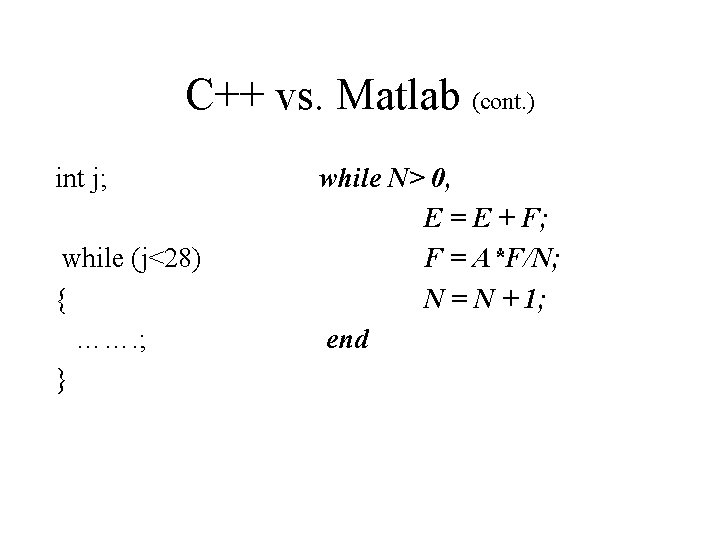
C++ vs. Matlab (cont. ) int j; while (j<28) { ……. ; } while N> 0, E = E + F; F = A*F/N; N = N + 1; end
![C++ vs. Matlab (cont. ) If (i==j) { A[i][j]=2; } else if (abs(i-j)!=1) {](http://slidetodoc.com/presentation_image_h2/b725e77116829b6c78f8203e3d0d49d0/image-7.jpg "C++ vs. Matlab (cont. ) If (i==j) { A[i][j]=2; } else if (abs(i-j)!=1) {")
C++ vs. Matlab (cont. ) If (i==j) { A[i][j]=2; } else if (abs(i-j)!=1) { ……. ; } if i == j A(i, j) = 2; elseif abs(i-j) ~= 1 A(i, j) = -1; else A(i, j) = 0; end
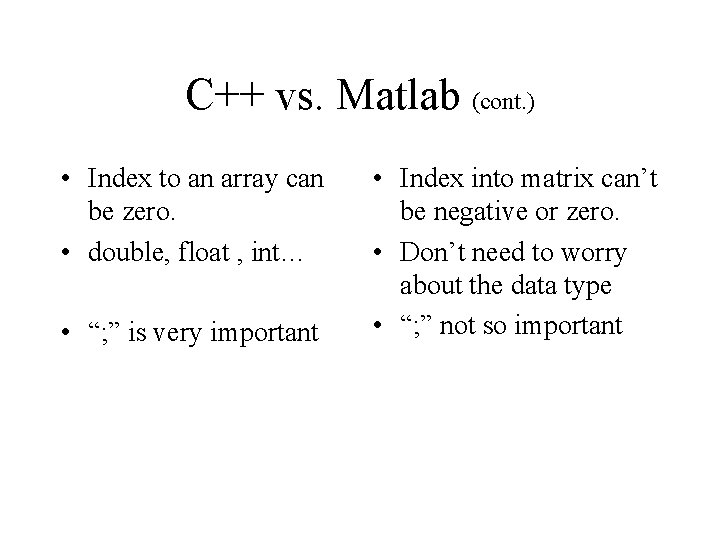
C++ vs. Matlab (cont. ) • Index to an array can be zero. • double, float , int… • “; ” is very important • Index into matrix can’t be negative or zero. • Don’t need to worry about the data type • “; ” not so important
![Functions double* stat(double *x) n = length(x); { } function [mean, stdev] = stat(x)](http://slidetodoc.com/presentation_image_h2/b725e77116829b6c78f8203e3d0d49d0/image-9.jpg "Functions double* stat(double *x) n = length(x); { } function [mean, stdev] = stat(x)")
Functions double* stat(double *x) n = length(x); { } function [mean, stdev] = stat(x) ……. ; mean = avg(x, n); return stdev; stdev =… function mean = avg(x, n) mean = sum(x)/n;
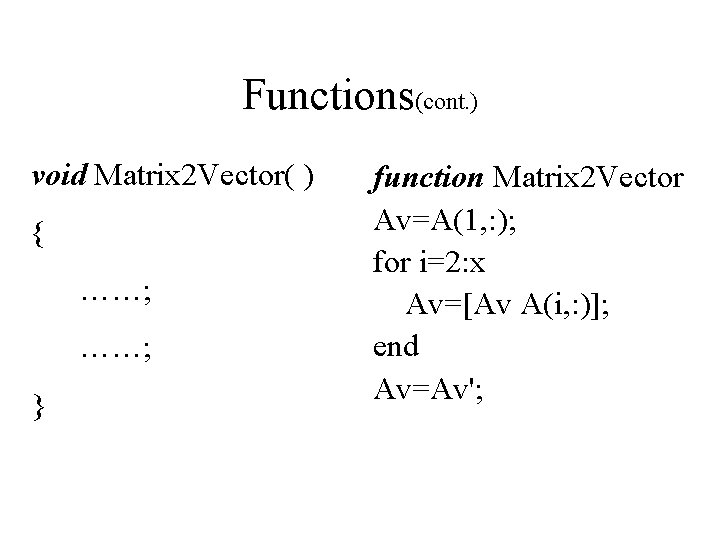
Functions(cont. ) void Matrix 2 Vector( ) { ……; } function Matrix 2 Vector Av=A(1, : ); for i=2: x Av=[Av A(i, : )]; end Av=Av';
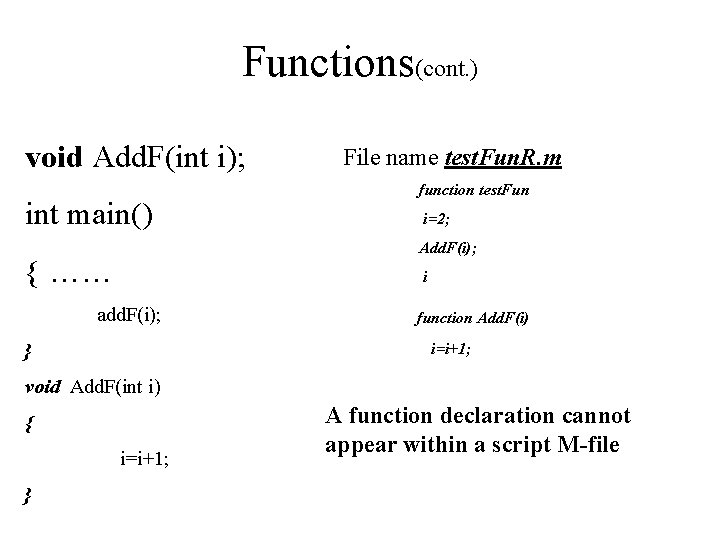
Functions(cont. ) void Add. F(int i); int main() File name test. Fun. R. m function test. Fun i=2; Add. F(i); { …… i add. F(i); } function Add. F(i) i=i+1; void Add. F(int i) { i=i+1; } A function declaration cannot appear within a script M-file
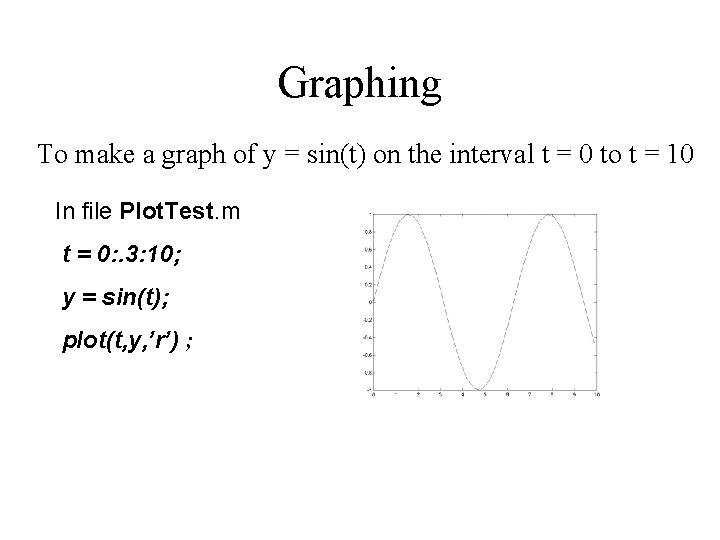
Graphing To make a graph of y = sin(t) on the interval t = 0 to t = 10 In file Plot. Test. m t = 0: . 3: 10; y = sin(t); plot(t, y, ’r’) ;
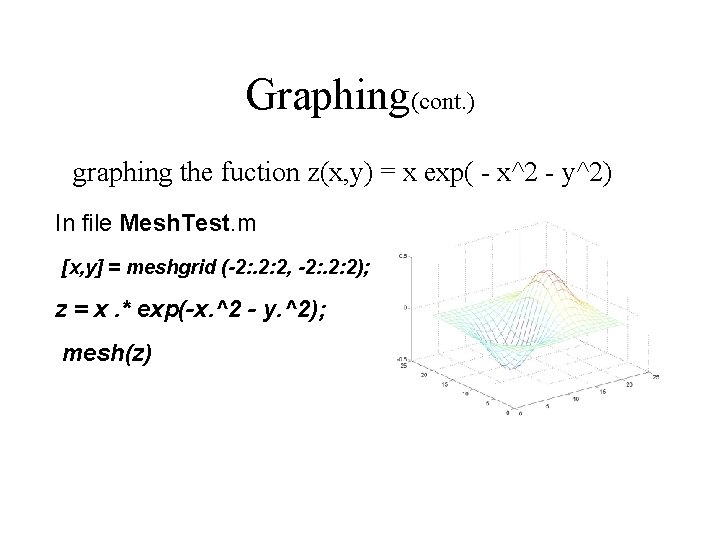
Graphing(cont. ) graphing the fuction z(x, y) = x exp( - x^2 - y^2) In file Mesh. Test. m [x, y] = meshgrid (-2: . 2: 2, -2: . 2: 2); z = x. * exp(-x. ^2 - y. ^2); mesh(z)
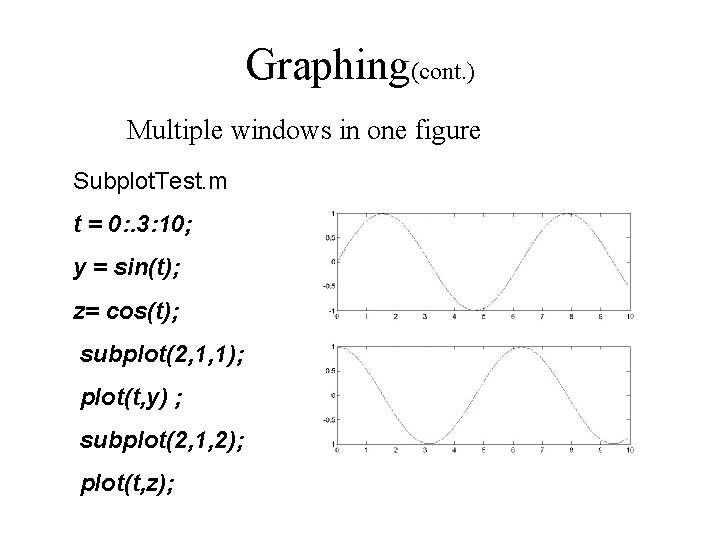
Graphing(cont. ) Multiple windows in one figure Subplot. Test. m t = 0: . 3: 10; y = sin(t); z= cos(t); subplot(2, 1, 1); plot(t, y) ; subplot(2, 1, 2); plot(t, z);
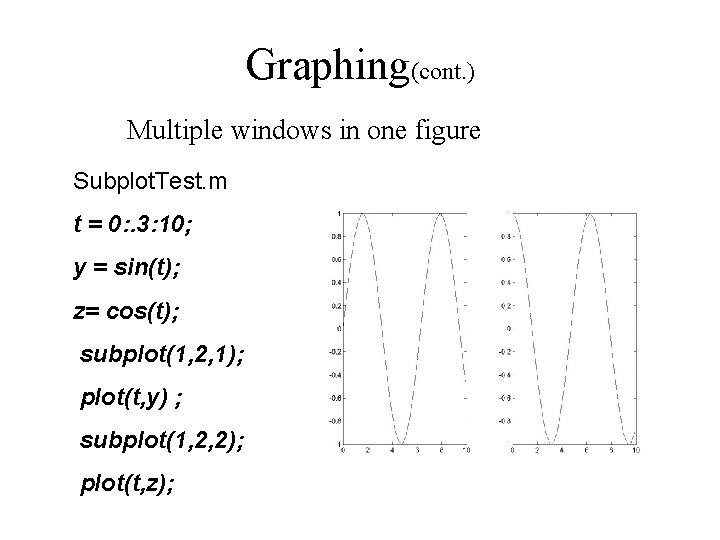
Graphing(cont. ) Multiple windows in one figure Subplot. Test. m t = 0: . 3: 10; y = sin(t); z= cos(t); subplot(1, 2, 1); plot(t, y) ; subplot(1, 2, 2); plot(t, z);
![Matrix >> A=[1 2 3; 3 2 1] >>b=A(1, : ) >> B=A' A=](http://slidetodoc.com/presentation_image_h2/b725e77116829b6c78f8203e3d0d49d0/image-16.jpg "Matrix >> A=[1 2 3; 3 2 1] >>b=A(1, : ) >> B=A' A=")
Matrix >> A=[1 2 3; 3 2 1] >>b=A(1, : ) >> B=A' A= b= B= 1 2 3 3 2 1 1 2 3 1 3 2 2 3 1
![Matrix Manipulation • Singular value decomposition---[U, S, V]=svd(A) • Eigenvalues and eigenvectors---[V, D] =](http://slidetodoc.com/presentation_image_h2/b725e77116829b6c78f8203e3d0d49d0/image-17.jpg "Matrix Manipulation • Singular value decomposition---[U, S, V]=svd(A) • Eigenvalues and eigenvectors---[V, D] =")
Matrix Manipulation • Singular value decomposition---[U, S, V]=svd(A) • Eigenvalues and eigenvectors---[V, D] = eig(A) • Orthogonal-triangular decomposition- [Q, R]=qr(A) • LU factorization --[L, U] = lu(A) • Matrix rank -- a=rank(A) • Condition number -- a=cond(A)
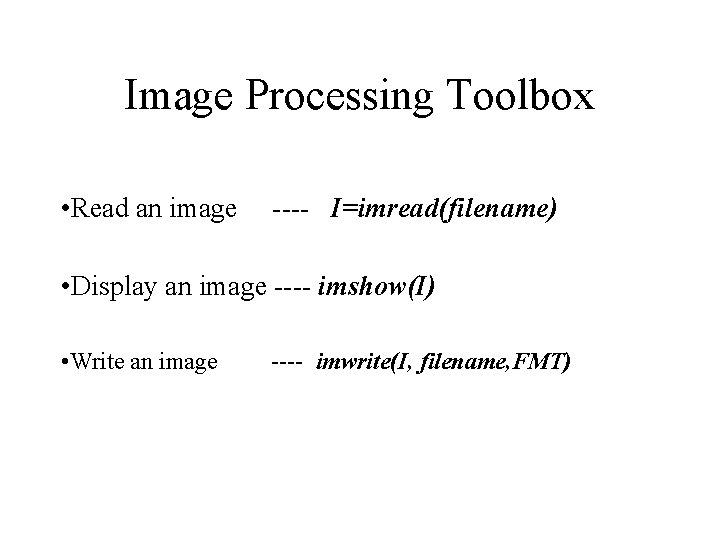
Image Processing Toolbox • Read an image ---- I=imread(filename) • Display an image ---- imshow(I) • Write an image ---- imwrite(I, filename, FMT)
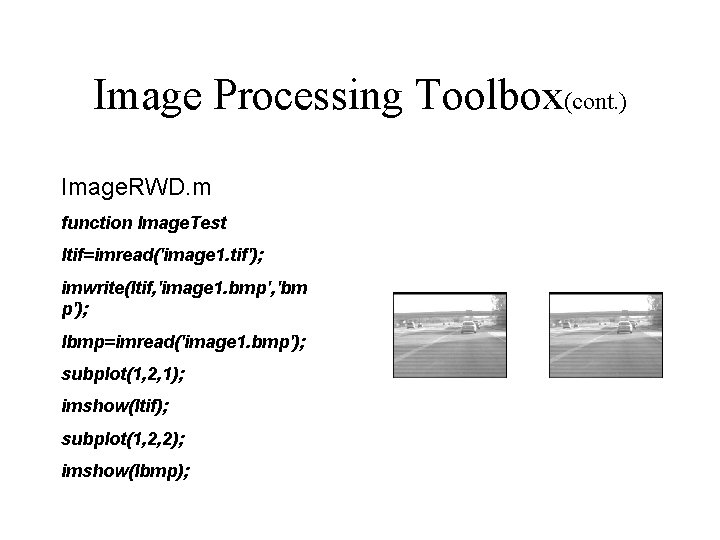
Image Processing Toolbox(cont. ) Image. RWD. m function Image. Test Itif=imread('image 1. tif'); imwrite(Itif, 'image 1. bmp', 'bm p'); Ibmp=imread('image 1. bmp'); subplot(1, 2, 1); imshow(Itif); subplot(1, 2, 2); imshow(Ibmp);
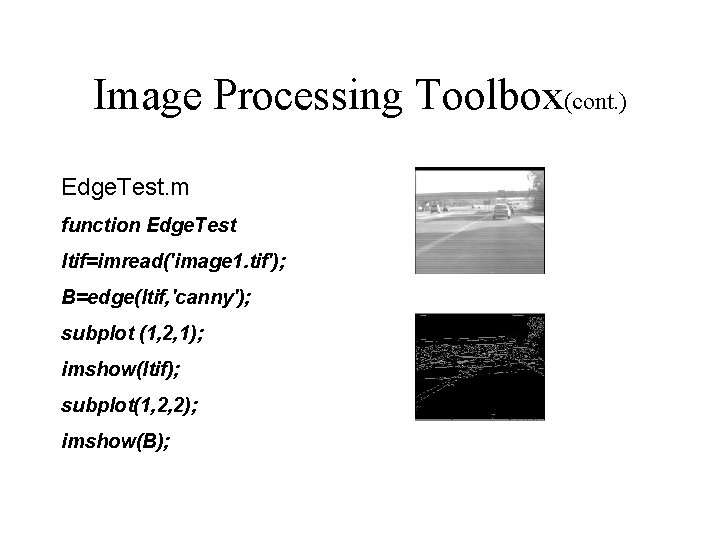
Image Processing Toolbox(cont. ) Edge. Test. m function Edge. Test Itif=imread('image 1. tif'); B=edge(Itif, 'canny'); subplot (1, 2, 1); imshow(Itif); subplot(1, 2, 2); imshow(B);
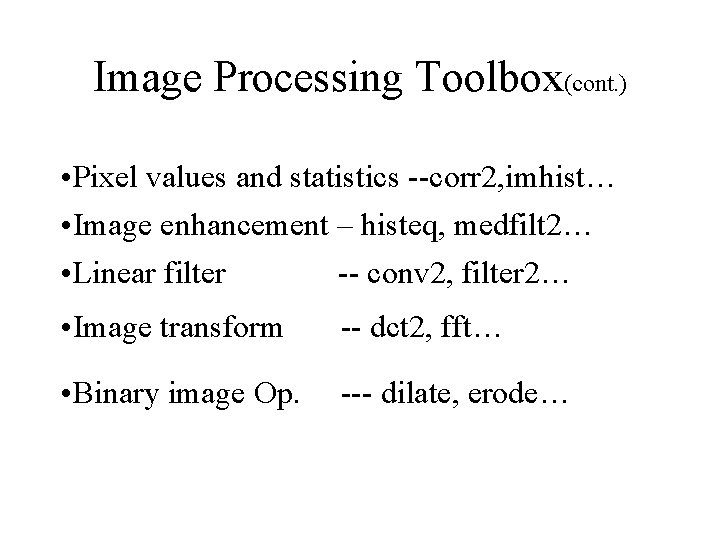
Image Processing Toolbox(cont. ) • Pixel values and statistics --corr 2, imhist… • Image enhancement – histeq, medfilt 2… • Linear filter -- conv 2, filter 2… • Image transform -- dct 2, fft… • Binary image Op. --- dilate, erode…
Neural Network • Feed-forward backpropagatoin • Hopfield Networks • Self-organizing maps • Radial Basis networks • ………………
![Neural Networks(cont. ) • Create feed-forward NN • Net=newff([-1 2; 0 5], [31], {‘tansig’,](http://slidetodoc.com/presentation_image_h2/b725e77116829b6c78f8203e3d0d49d0/image-23.jpg "Neural Networks(cont. ) • Create feed-forward NN • Net=newff([-1 2; 0 5], [31], {‘tansig’,")
Neural Networks(cont. ) • Create feed-forward NN • Net=newff([-1 2; 0 5], [31], {‘tansig’, ’purelin’}, ’traingd’); • Neural Model – tansig, logsig, purelin. • Training method –traingd, traingdm. • Training • [net, tr]=train(net, p, t) • net. train. Param. ? ? ; “show”, “lr”, “epochs”, “goal” • Simulation • A=sim(net, q);
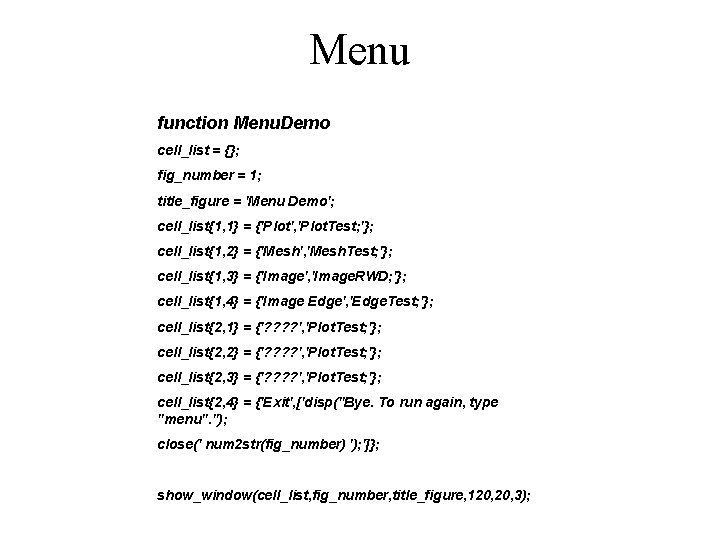
Menu function Menu. Demo cell_list = {}; fig_number = 1; title_figure = 'Menu Demo'; cell_list{1, 1} = {'Plot', 'Plot. Test; '}; cell_list{1, 2} = {'Mesh', 'Mesh. Test; '}; cell_list{1, 3} = {'Image', 'Image. RWD; '}; cell_list{1, 4} = {'Image Edge', 'Edge. Test; '}; cell_list{2, 1} = {'? ? ', 'Plot. Test; '}; cell_list{2, 2} = {'? ? ', 'Plot. Test; '}; cell_list{2, 3} = {'? ? ', 'Plot. Test; '}; cell_list{2, 4} = {'Exit', ['disp(''Bye. To run again, type "menu". ''); close(' num 2 str(fig_number) '); ']}; show_window(cell_list, fig_number, title_figure, 120, 3);
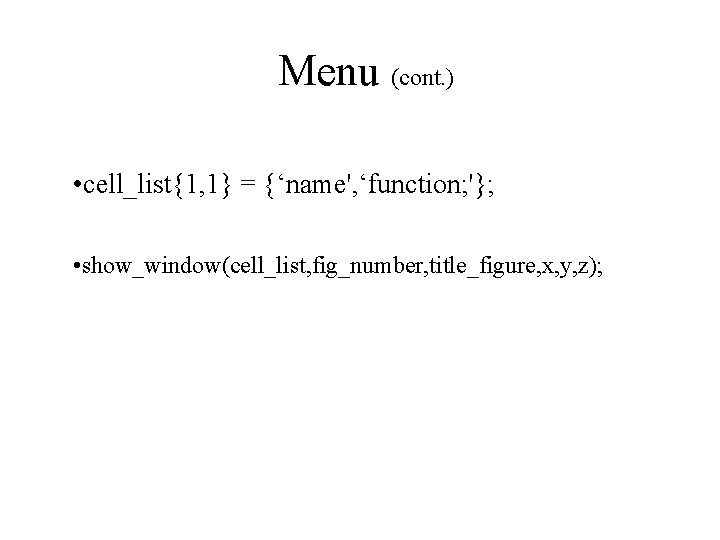
Menu (cont. ) • cell_list{1, 1} = {‘name', ‘function; '}; • show_window(cell_list, fig_number, title_figure, x, y, z);
- Slides: 25