
Matlab Matlab Main Toolboxmatlab l Control System Toolbox


Matlab常用 具箱 Matlab Main Toolbox——matlab主 具箱 l Control System Toolbox——控制系统 具 箱 l Communication Toolbox——通讯 具箱 l Financial Toolbox——财政金融 具箱 l System Identification Toolbox——系统辨识 具箱 l Fuzzy Logic Toolbox——模糊逻辑 具箱 l Higher-Order Spectral Analysis Toolbox— —高阶谱分析 具箱 l
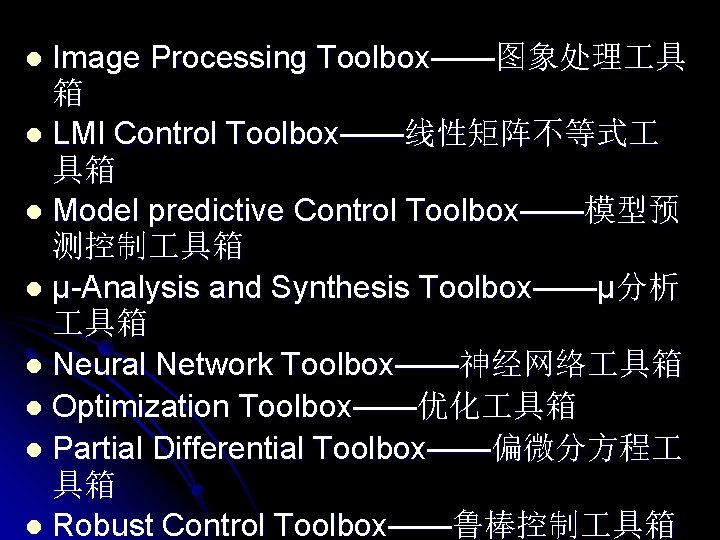
Image Processing Toolbox——图象处理 具 箱 l LMI Control Toolbox——线性矩阵不等式 具箱 l Model predictive Control Toolbox——模型预 测控制 具箱 l μ-Analysis and Synthesis Toolbox——μ分析 具箱 l Neural Network Toolbox——神经网络 具箱 l Optimization Toolbox——优化 具箱 l Partial Differential Toolbox——偏微分方程 具箱 l Robust Control Toolbox——鲁棒控制 具箱 l
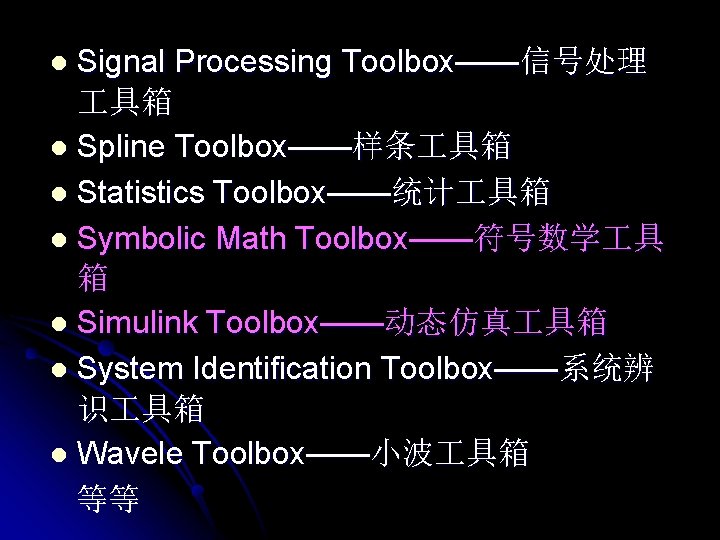
Signal Processing Toolbox——信号处理 具箱 l Spline Toolbox——样条 具箱 l Statistics Toolbox——统计 具箱 l Symbolic Math Toolbox——符号数学 具 箱 l Simulink Toolbox——动态仿真 具箱 l System Identification Toolbox——系统辨 识 具箱 l Wavele Toolbox——小波 具箱 等等 l


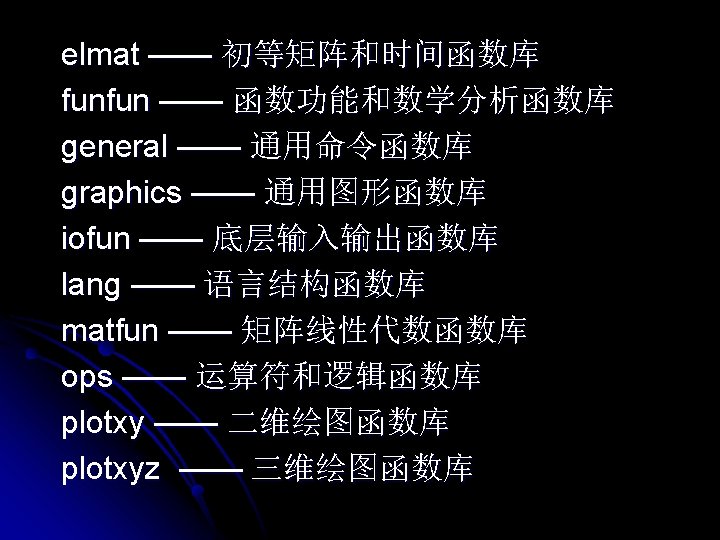
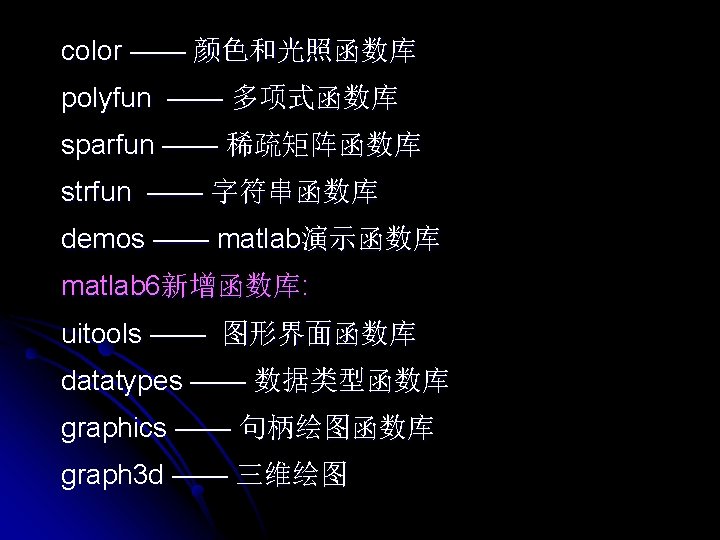
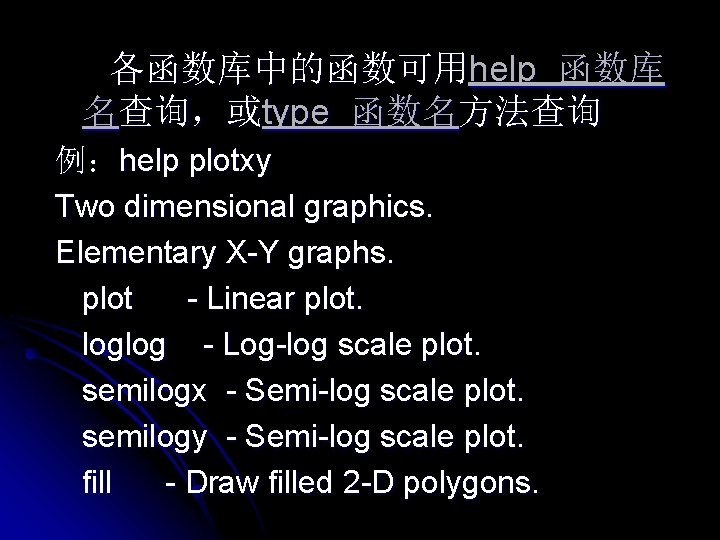
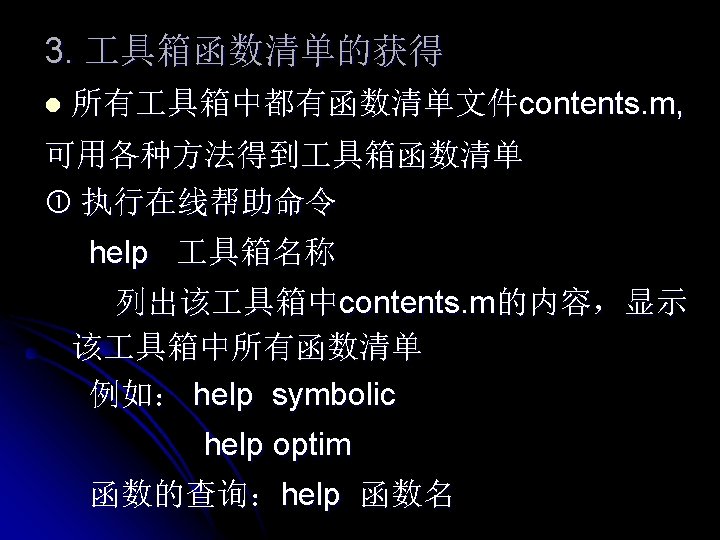
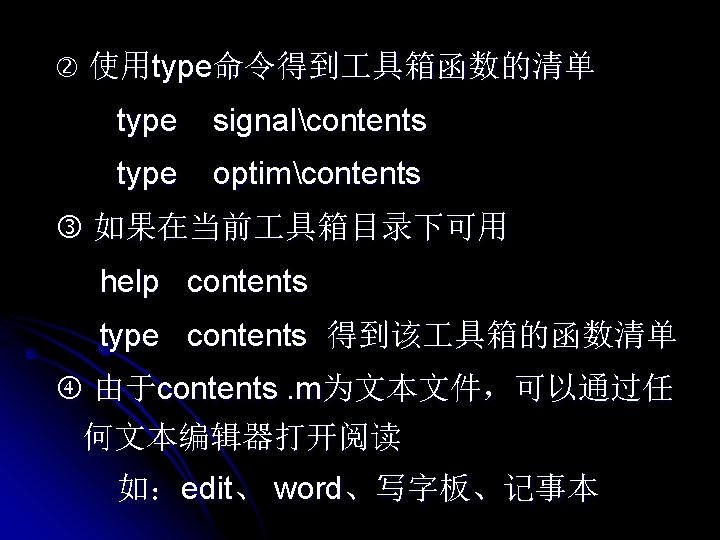
各函数库中的函数可用help 函数库 名查询,或type 函数名方法查询 例:help plotxy Two dimensional graphics. Elementary X-Y graphs. plot - Linear plot. loglog - Log-log scale plot. semilogx - Semi-log scale plot. semilogy - Semi-log scale plot. fill - Draw filled 2 -D polygons.
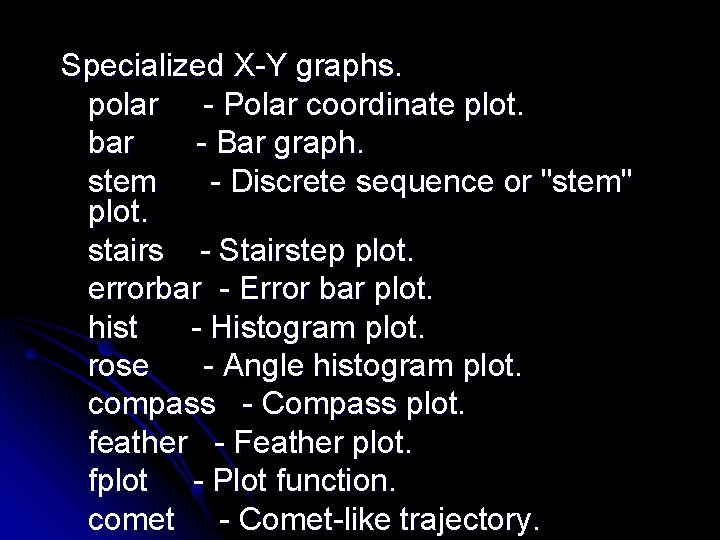
Specialized X-Y graphs. polar - Polar coordinate plot. bar - Bar graph. stem - Discrete sequence or "stem" plot. stairs - Stairstep plot. errorbar - Error bar plot. hist - Histogram plot. rose - Angle histogram plot. compass - Compass plot. feather - Feather plot. fplot - Plot function. comet - Comet-like trajectory.
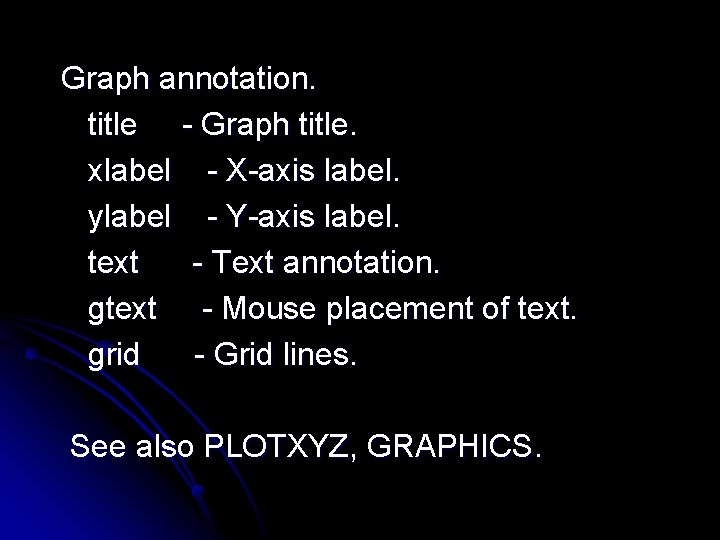
Graph annotation. title - Graph title. xlabel - X-axis label. ylabel - Y-axis label. text - Text annotation. gtext - Mouse placement of text. grid - Grid lines. See also PLOTXYZ, GRAPHICS.
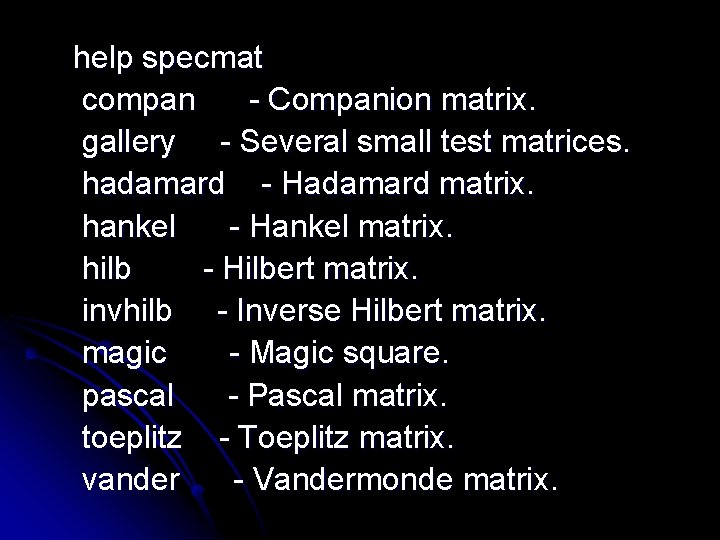
help specmat compan - Companion matrix. gallery - Several small test matrices. hadamard - Hadamard matrix. hankel - Hankel matrix. hilb - Hilbert matrix. invhilb - Inverse Hilbert matrix. magic - Magic square. pascal - Pascal matrix. toeplitz - Toeplitz matrix. vander - Vandermonde matrix.
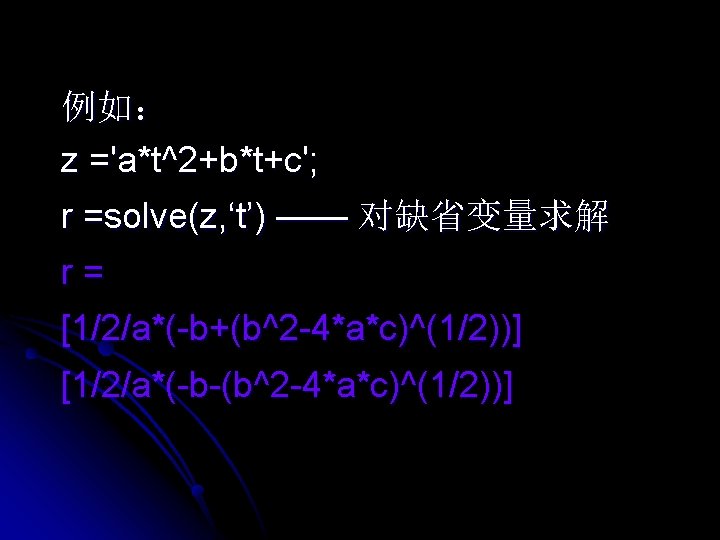
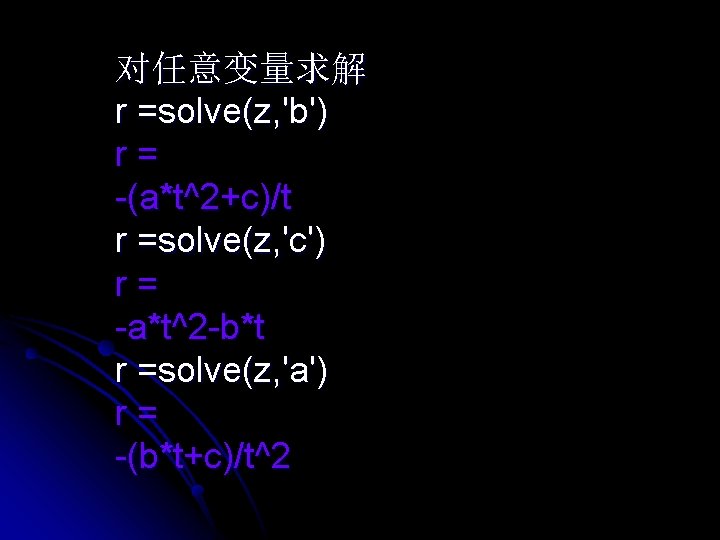
对任意变量求解 r =solve(z, 'b') r= -(a*t^2+c)/t r =solve(z, 'c') r= -a*t^2 -b*t r =solve(z, 'a') r= -(b*t+c)/t^2
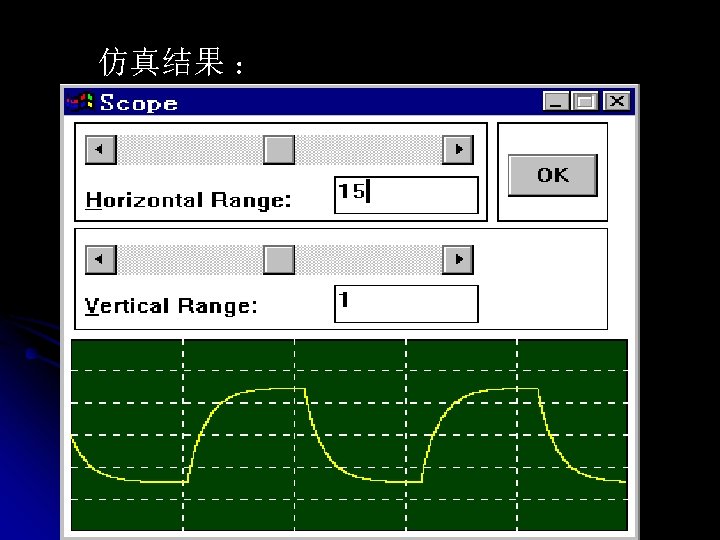
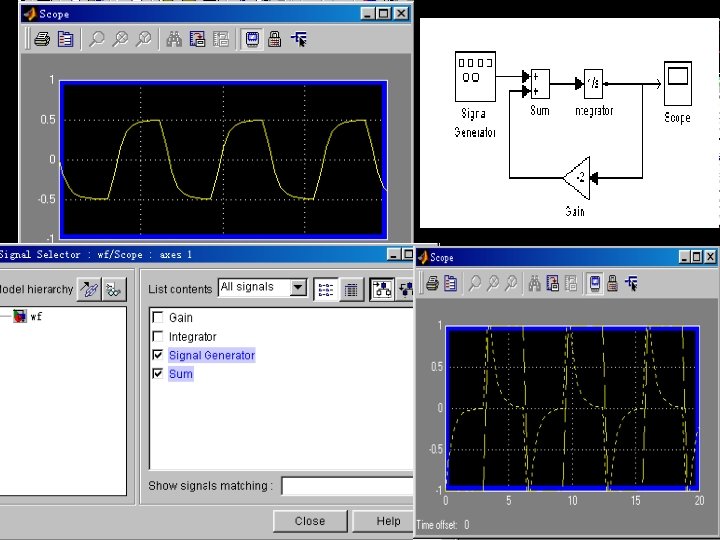
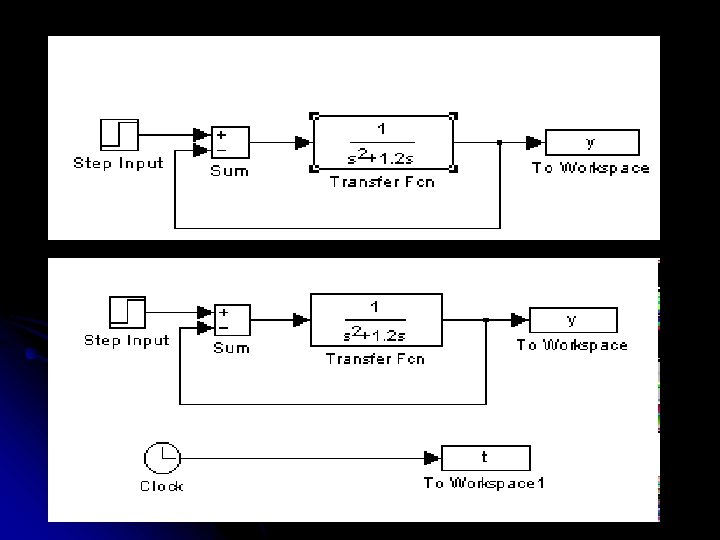
![[t, x, y]=sim('sim 5', 20); plot(t, y) plot(t, yout)](http://slidetodoc.com/presentation_image_h2/7a0671b00a9cb276f1bb21455ef3b91d/image-38.jpg "[t, x, y]=sim('sim 5', 20); plot(t, y) plot(t, yout)")
[t, x, y]=sim('sim 5', 20); plot(t, y) plot(t, yout)
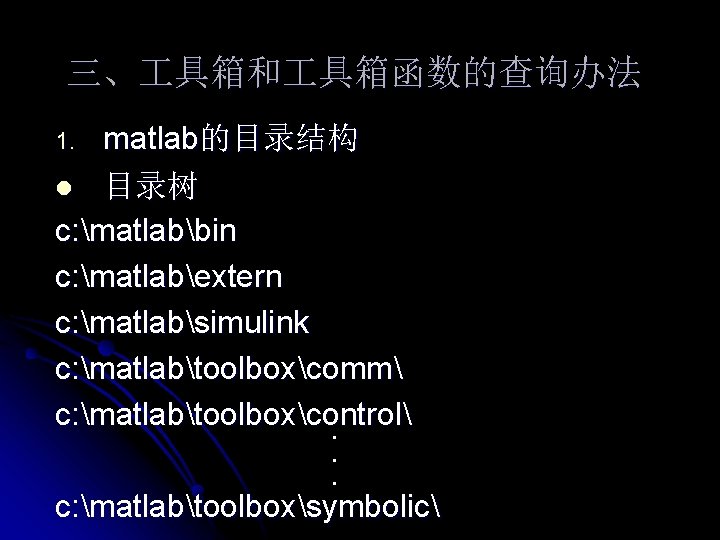
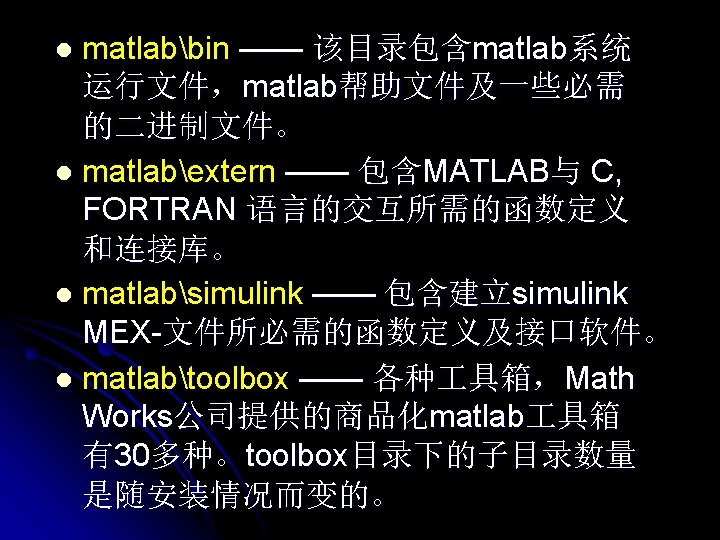
三、 具箱和 具箱函数的查询办法 matlab的目录结构 l 目录树 c: matlabbin c: matlabextern c: matlabsimulink c: matlabtoolboxcomm c: matlabtoolboxcontrol . . . c: matlabtoolboxsymbolic 1.
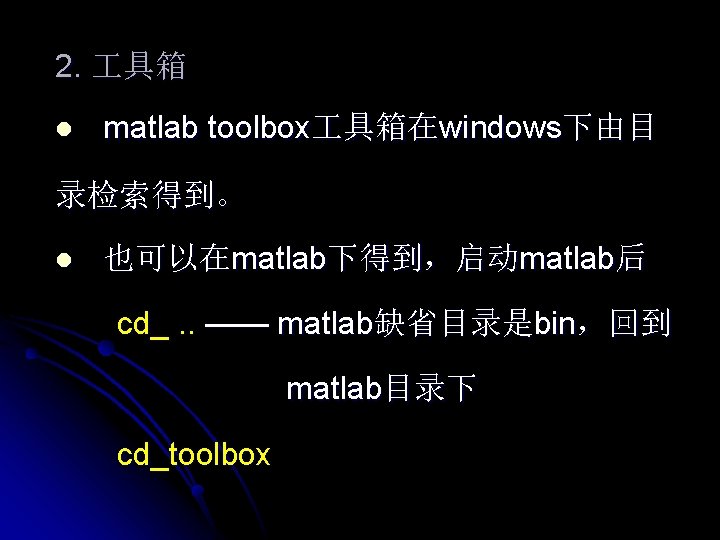
2. 具箱 l matlab toolbox 具箱在windows下由目 录检索得到。 l 也可以在matlab下得到,启动matlab后 cd_. . —— matlab缺省目录是bin,回到 matlab目录下 cd_toolbox
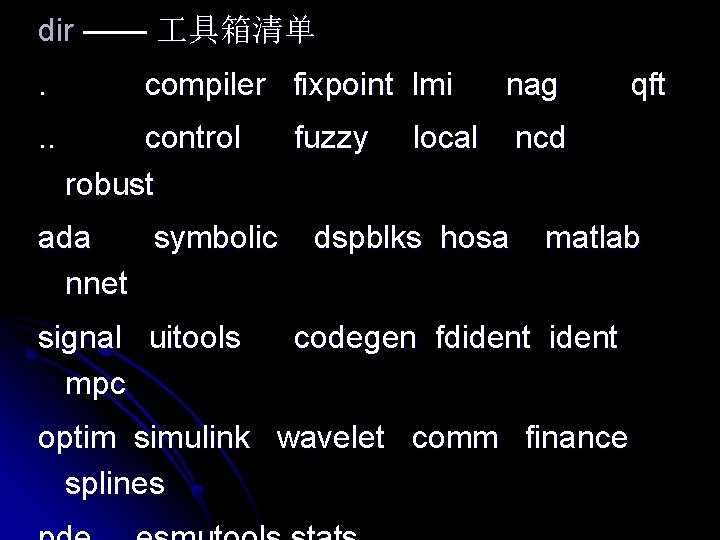
dir —— 具箱清单. . . compiler fixpoint lmi control robust ada symbolic nnet signal uitools mpc fuzzy nag local dspblks hosa qft ncd matlab codegen fdident optim simulink wavelet comm finance splines
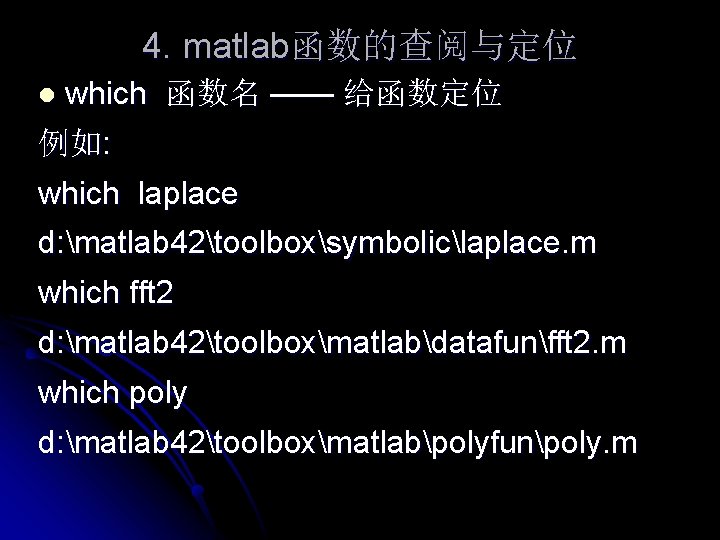
4. matlab函数的查阅与定位 l which 函数名 —— 给函数定位 例如: which laplace d: matlab 42toolboxsymboliclaplace. m which fft 2 d: matlab 42toolboxmatlabdatafunfft 2. m which poly d: matlab 42toolboxmatlabpolyfunpoly. m
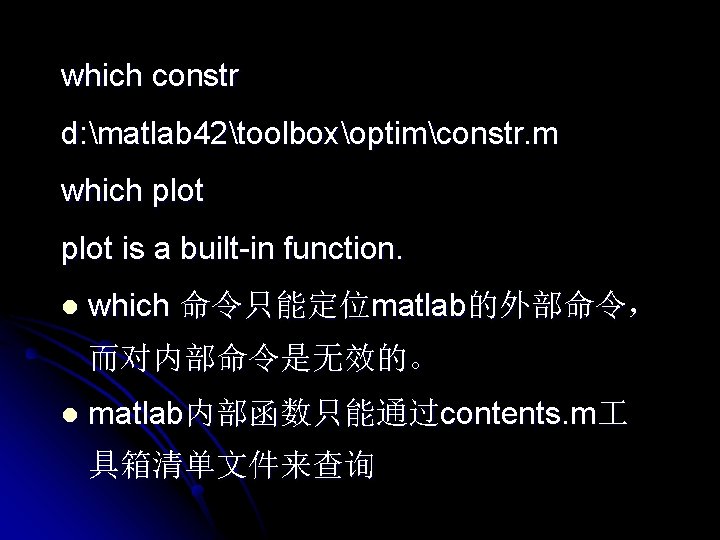
which constr d: matlab 42toolboxoptimconstr. m which plot is a built-in function. l which 命令只能定位matlab的外部命令, 而对内部命令是无效的。 l matlab内部函数只能通过contents. m 具箱清单文件来查询

实验补充 matlab函数的查询与定位 在matlab命令窗口键入peaks type peaks —— 得到peaks. m函数的清单 试确定下面matlab函数在 具箱中的位置 if nargin max disp surf isstudent meshgrid axis xlabel

- Slides: 48