
MATLAB M M n Mscript 01 m type


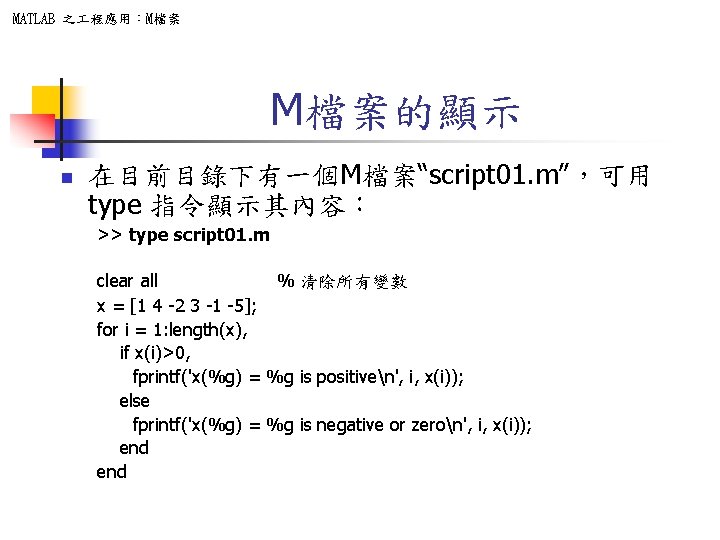
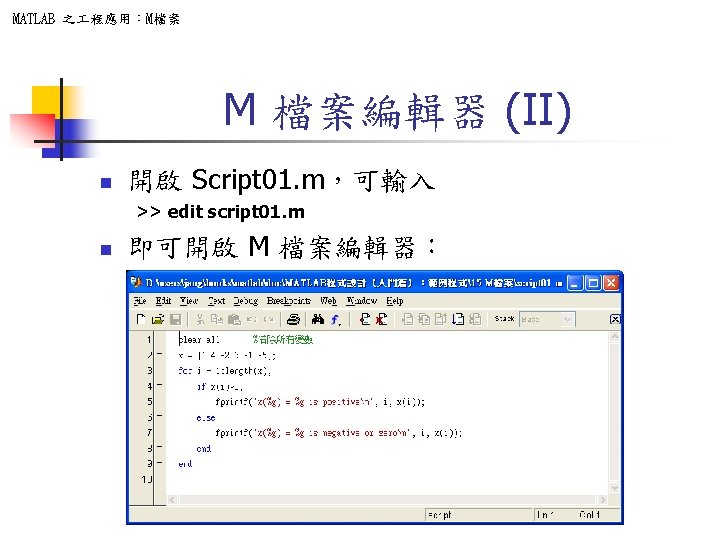
MATLAB 之 程應用:M檔案 M檔案的顯示 n 在目前目錄下有一個M檔案“script 01. m”,可用 type 指令顯示其內容: >> type script 01. m clear all % 清除所有變數 x = [1 4 -2 3 -1 -5]; for i = 1: length(x), if x(i)>0, fprintf('x(%g) = %g is positiven', i, x(i)); else fprintf('x(%g) = %g is negative or zeron', i, x(i)); end
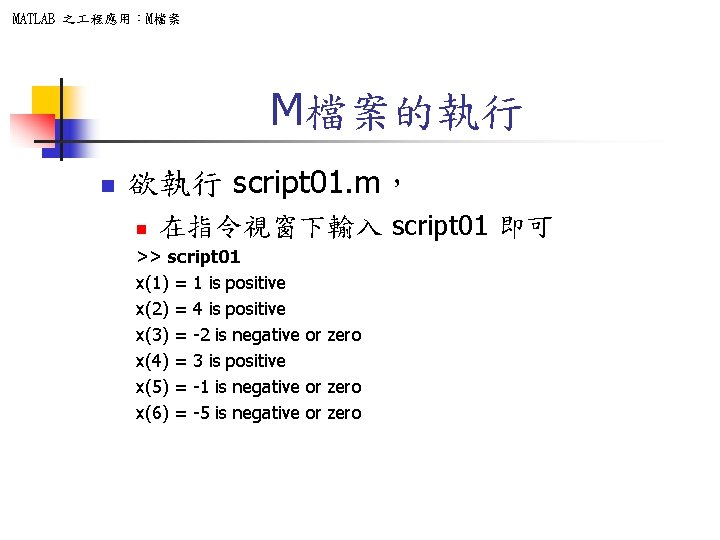
MATLAB 之 程應用:M檔案 M檔案的執行 n 欲執行 script 01. m, n 在指令視窗下輸入 script 01 即可 >> script 01 x(1) = 1 is positive x(2) = 4 is positive x(3) = -2 is negative or zero x(4) = 3 is positive x(5) = -1 is negative or zero x(6) = -5 is negative or zero
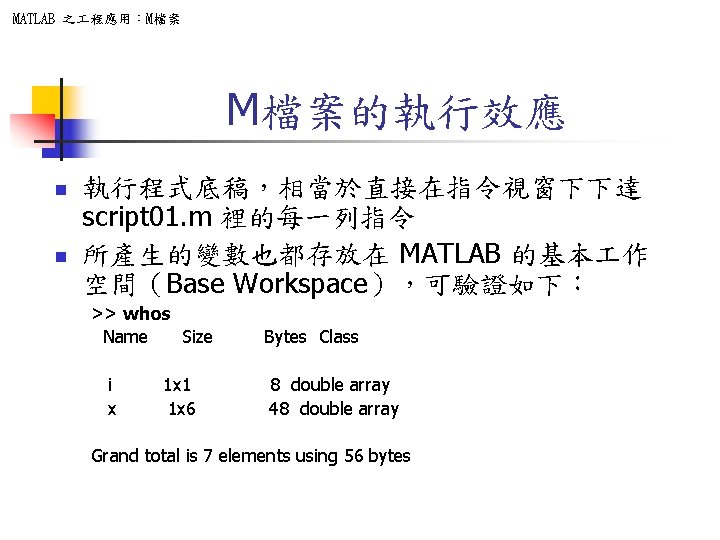
MATLAB 之 程應用:M檔案 M檔案的執行效應 n n 執行程式底稿,相當於直接在指令視窗下下達 script 01. m 裡的每一列指令 所產生的變數也都存放在 MATLAB 的基本 作 空間(Base Workspace),可驗證如下: >> whos Name Size Bytes Class i 1 x 1 8 double array x 1 x 6 48 double array Grand total is 7 elements using 56 bytes


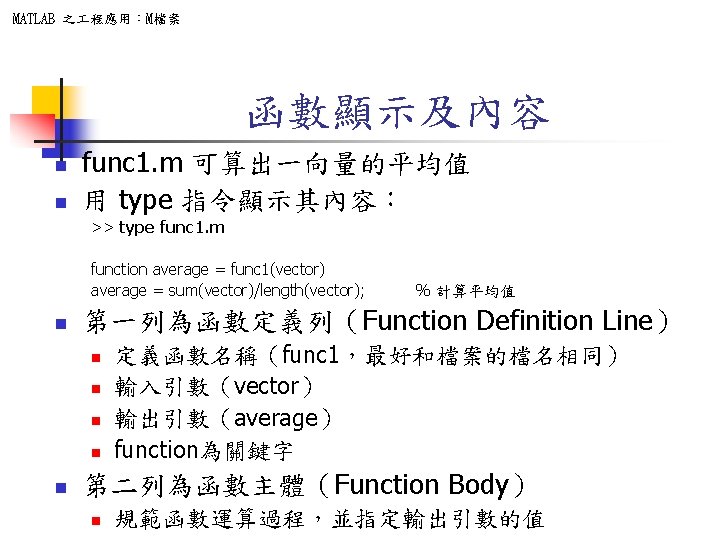
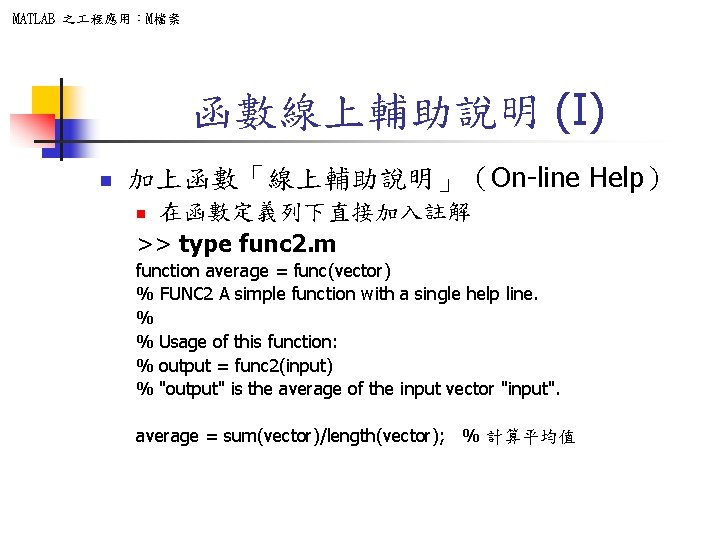
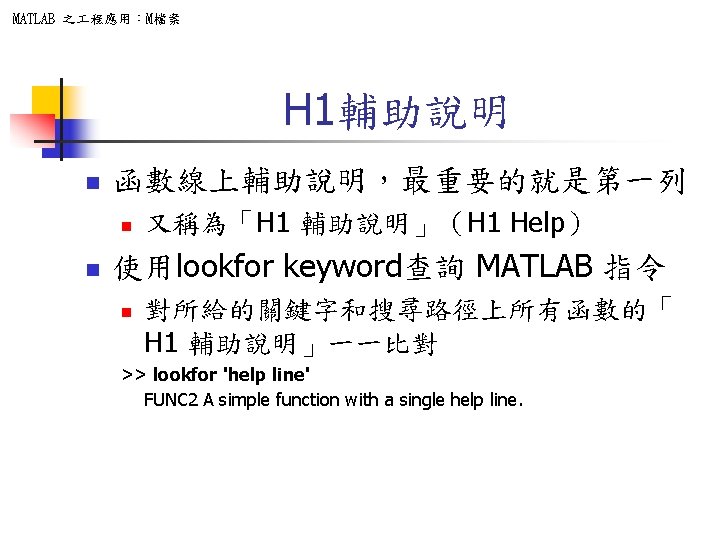
MATLAB 之 程應用:M檔案 函數線上輔助說明 (I) n 加上函數「線上輔助說明」(On-line Help) 在函數定義列下直接加入註解 >> type func 2. m n function average = func(vector) % FUNC 2 A simple function with a single help line. % % Usage of this function: % output = func 2(input) % "output" is the average of the input vector "input". average = sum(vector)/length(vector); % 計算平均值
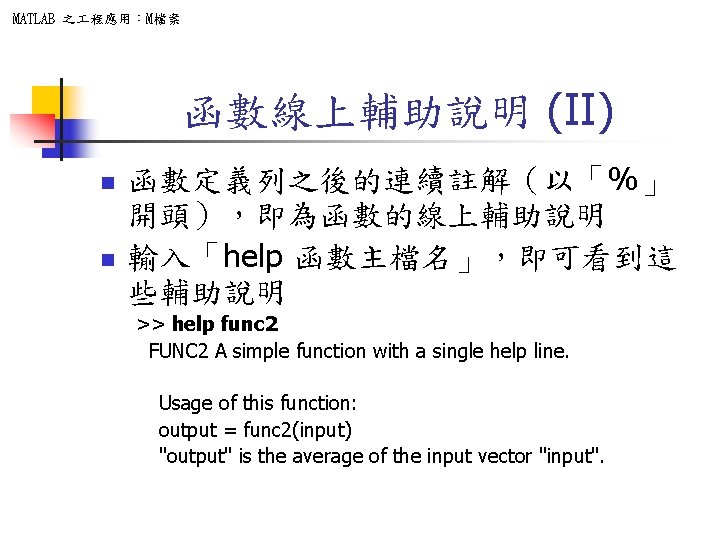
MATLAB 之 程應用:M檔案 函數線上輔助說明 (II) n n 函數定義列之後的連續註解(以「%」 開頭),即為函數的線上輔助說明 輸入「help 函數主檔名」,即可看到這 些輔助說明 >> help func 2 FUNC 2 A simple function with a single help line. Usage of this function: output = func 2(input) "output" is the average of the input vector "input".


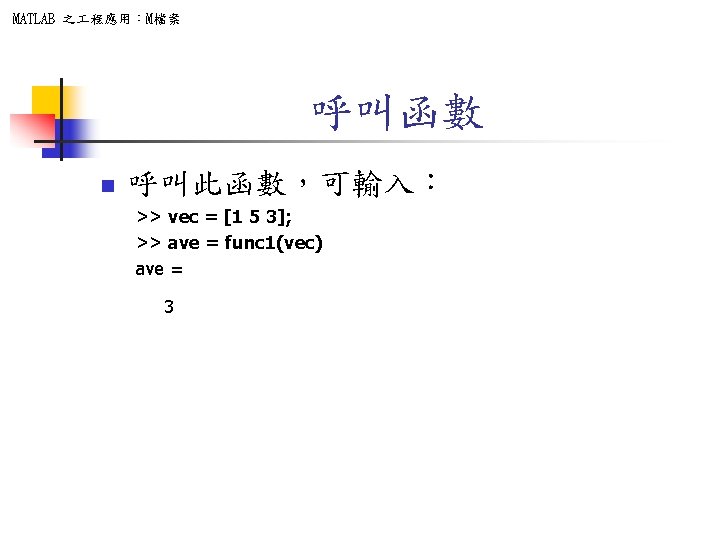
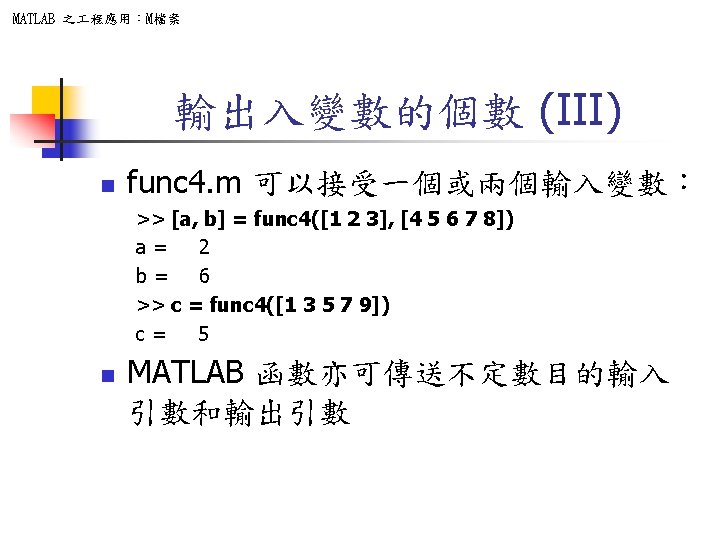
MATLAB 之 程應用:M檔案 函數的輸入和輸出 n n 一個函數可以有多輸入及輸出 func 3. m 可接受兩個輸入並產生兩個輸出 >> type func 3. m function [ave 1, ave 2] = func 3(vector 1, vector 2); ave 1 = sum(vector 1)/length(vector 1); ave 2 = sum(vector 2)/length(vector 2); n func 3. m 的呼叫方式 >> [a, b] = func 3([1 2 3], [4 5 6 7 8]) a = 2 b = 6
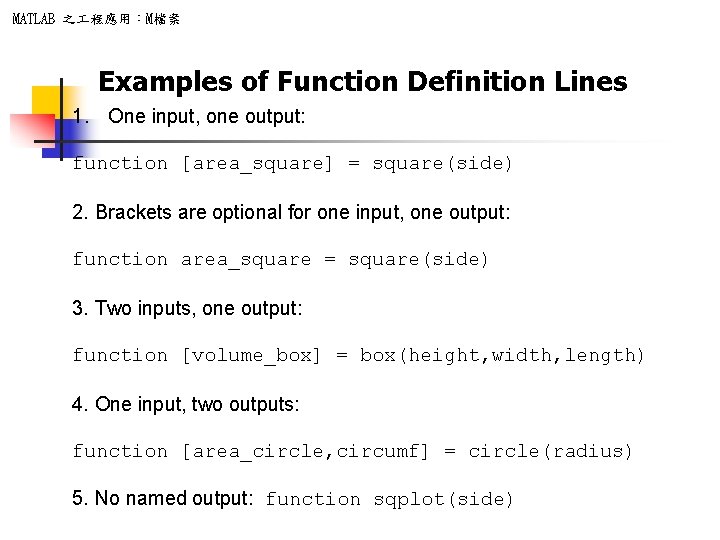
MATLAB 之 程應用:M檔案 Examples of Function Definition Lines 1. One input, one output: function [area_square] = square(side) 2. Brackets are optional for one input, one output: function area_square = square(side) 3. Two inputs, one output: function [volume_box] = box(height, width, length) 4. One input, two outputs: function [area_circle, circumf] = circle(radius) 5. No named output: function sqplot(side)
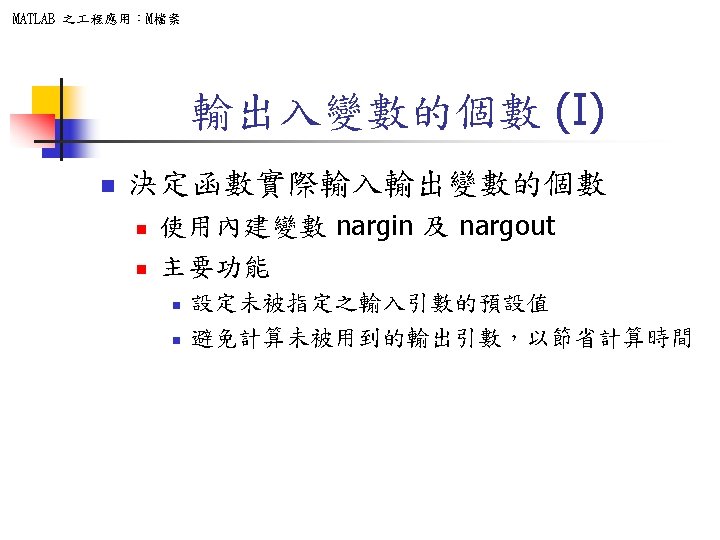
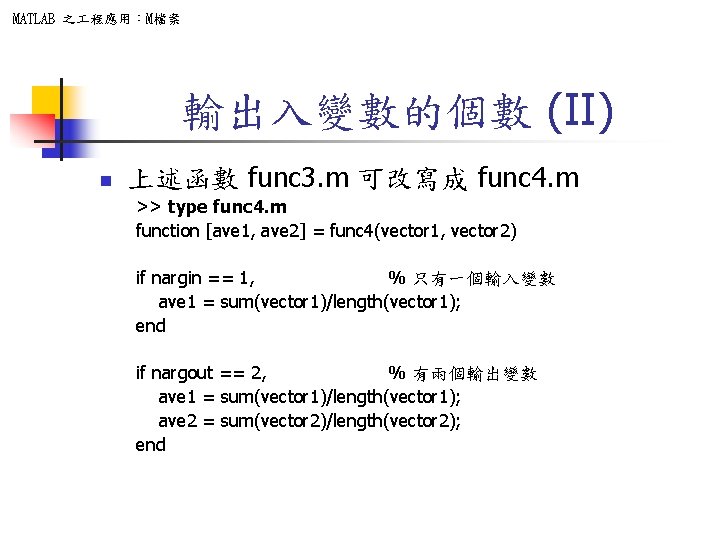
MATLAB 之 程應用:M檔案 輸出入變數的個數 (II) n 上述函數 func 3. m 可改寫成 func 4. m >> type func 4. m function [ave 1, ave 2] = func 4(vector 1, vector 2) if nargin == 1, % 只有一個輸入變數 ave 1 = sum(vector 1)/length(vector 1); end if nargout == 2, % 有兩個輸出變數 ave 1 = sum(vector 1)/length(vector 1); ave 2 = sum(vector 2)/length(vector 2); end
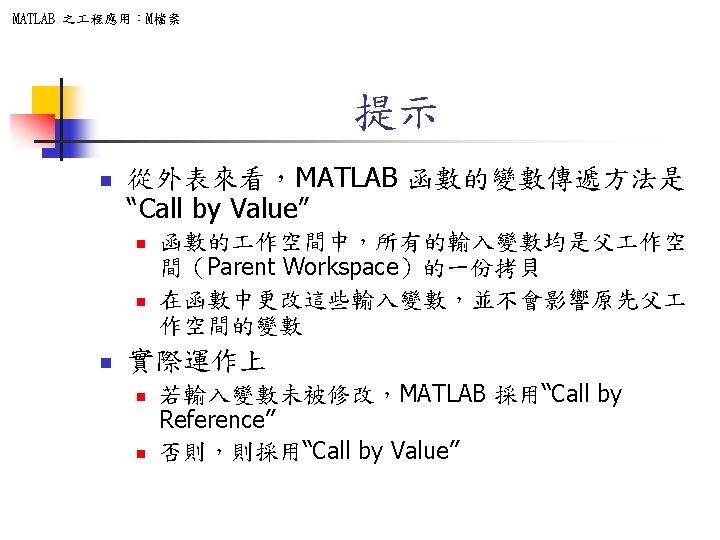
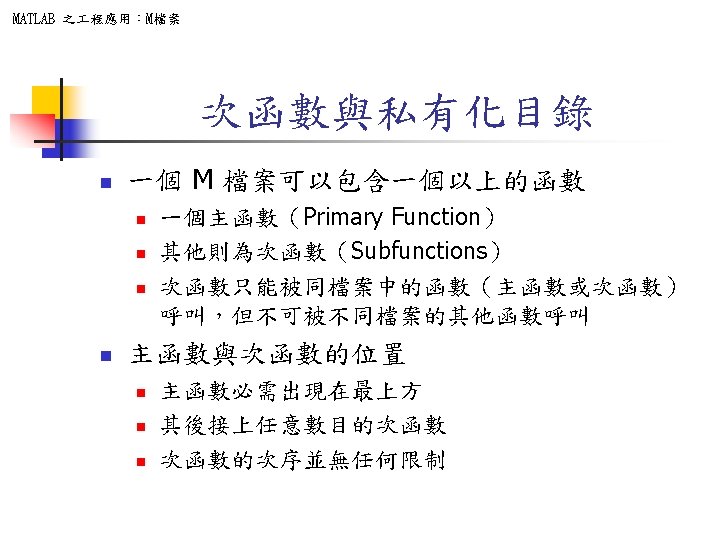
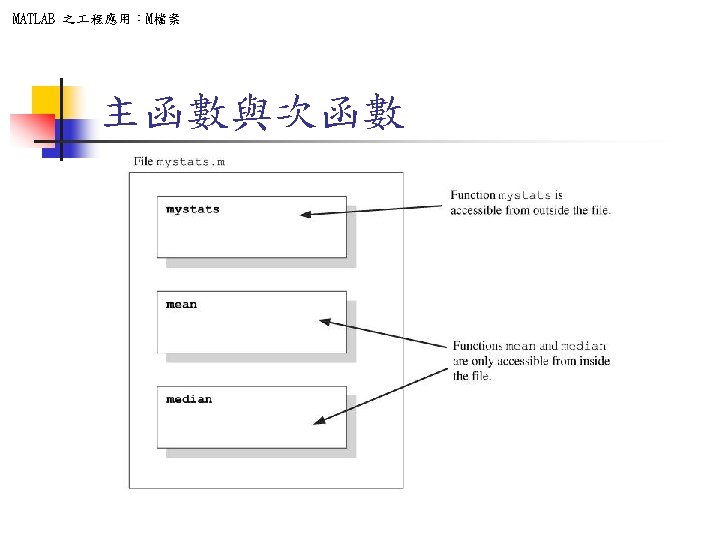
![MATLAB 之 程應用:M檔案 mystats. m function [avg, med]=mystats(u) n=length(u); avg=mean(u, n); med=median(u, n); function](http://slidetodoc.com/presentation_image_h/b87723103178dae543833267f989a214/image-29.jpg "MATLAB 之 程應用:M檔案 mystats. m function [avg, med]=mystats(u) n=length(u); avg=mean(u, n); med=median(u, n); function")
MATLAB 之 程應用:M檔案 mystats. m function [avg, med]=mystats(u) n=length(u); avg=mean(u, n); med=median(u, n); function a=mean(v, n) a=sum(v)/n; function m=median(v, n) w=sort(v); if rem(n, 2)==1 m=w((n+1)/2); else m=(w(n/2)+w(n/2+1))/2; end
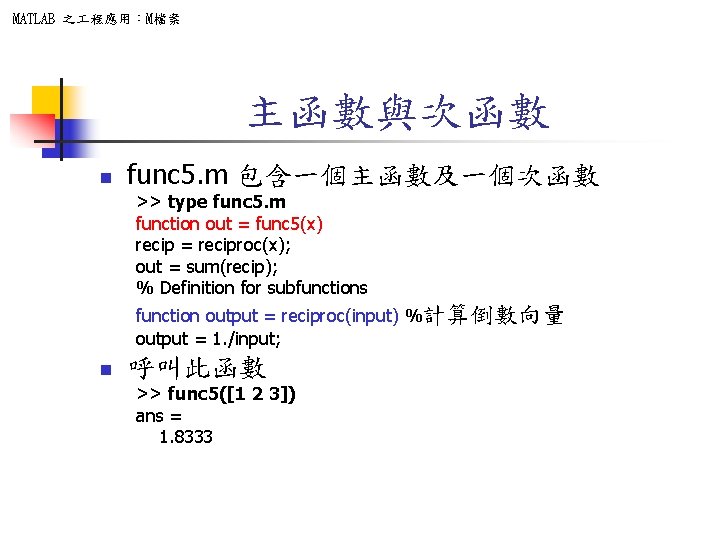
MATLAB 之 程應用:M檔案 主函數與次函數 n func 5. m 包含一個主函數及一個次函數 >> type func 5. m function out = func 5(x) recip = reciproc(x); out = sum(recip); % Definition for subfunctions function output = reciproc(input) %計算倒數向量 output = 1. /input; n 呼叫此函數 >> func 5([1 2 3]) ans = 1. 8333
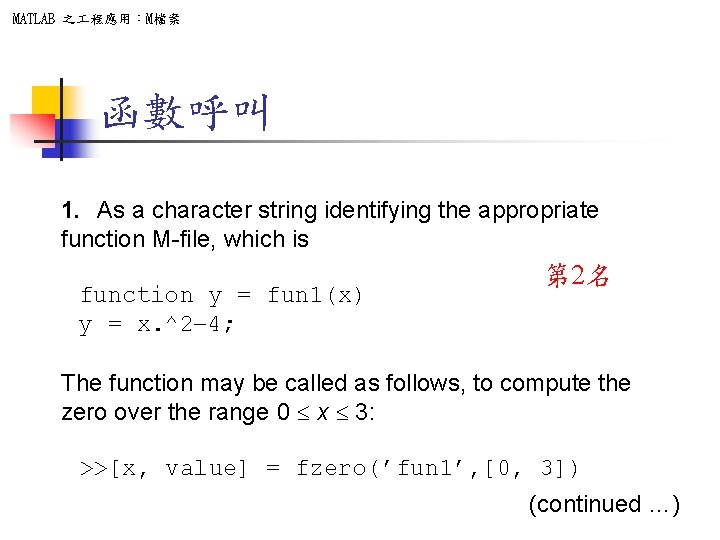
MATLAB 之 程應用:M檔案 函數呼叫 1. As a character string identifying the appropriate function M-file, which is function y = fun 1(x) y = x. ^2 -4; 第 2名 The function may be called as follows, to compute the zero over the range 0 £ x £ 3: >>[x, value] = fzero(’fun 1’, [0, 3]) (continued …)
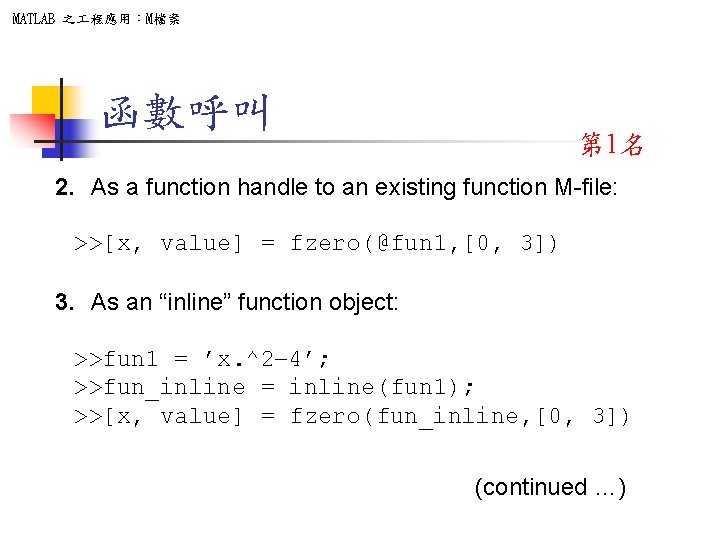
MATLAB 之 程應用:M檔案 函數呼叫 第 1名 2. As a function handle to an existing function M-file: >>[x, value] = fzero(@fun 1, [0, 3]) 3. As an “inline” function object: >>fun 1 = ’x. ^2 -4’; >>fun_inline = inline(fun 1); >>[x, value] = fzero(fun_inline, [0, 3]) (continued …)
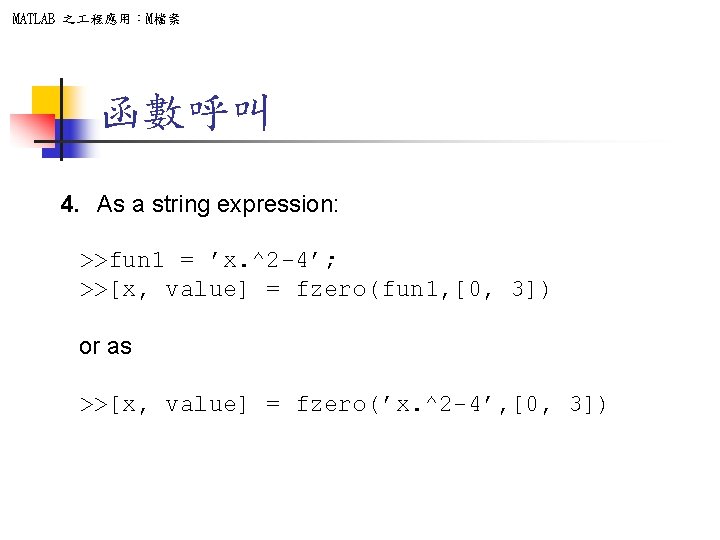
MATLAB 之 程應用:M檔案 函數呼叫 4. As a string expression: >>fun 1 = ’x. ^2 -4’; >>[x, value] = fzero(fun 1, [0, 3]) or as >>[x, value] = fzero(’x. ^2 -4’, [0, 3])
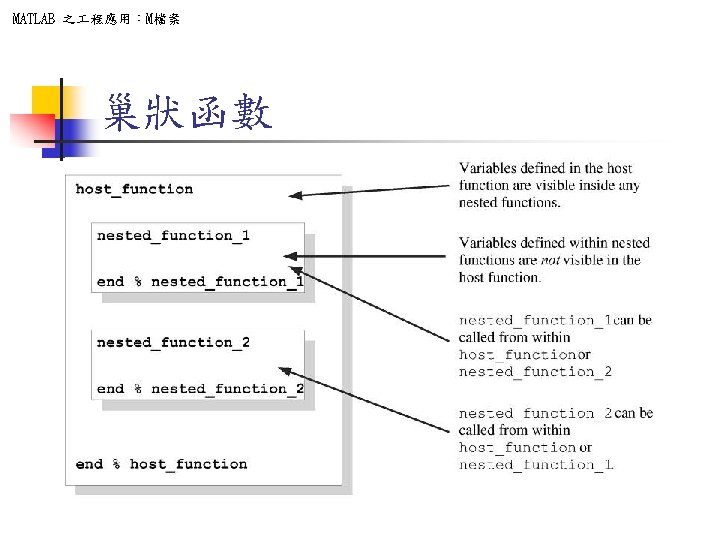
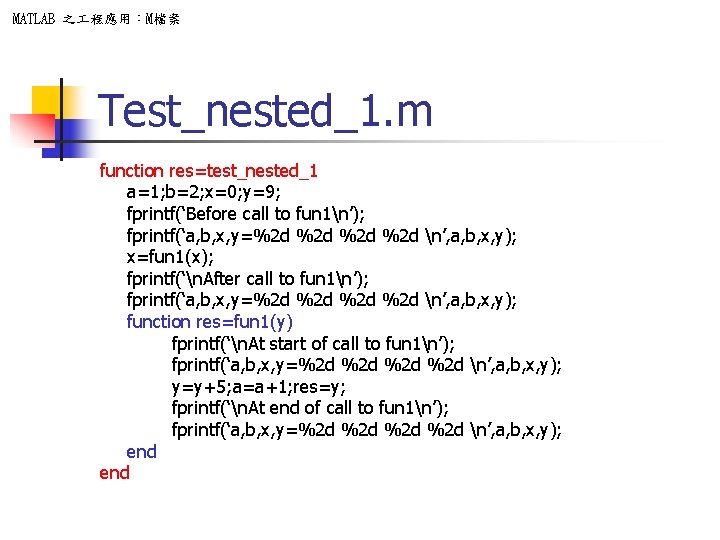
MATLAB 之 程應用:M檔案 Test_nested_1. m function res=test_nested_1 a=1; b=2; x=0; y=9; fprintf(‘Before call to fun 1n’); fprintf(‘a, b, x, y=%2 d %2 d n’, a, b, x, y); x=fun 1(x); fprintf(‘n. After call to fun 1n’); fprintf(‘a, b, x, y=%2 d %2 d n’, a, b, x, y); function res=fun 1(y) fprintf(‘n. At start of call to fun 1n’); fprintf(‘a, b, x, y=%2 d %2 d n’, a, b, x, y); y=y+5; a=a+1; res=y; fprintf(‘n. At end of call to fun 1n’); fprintf(‘a, b, x, y=%2 d %2 d n’, a, b, x, y); end
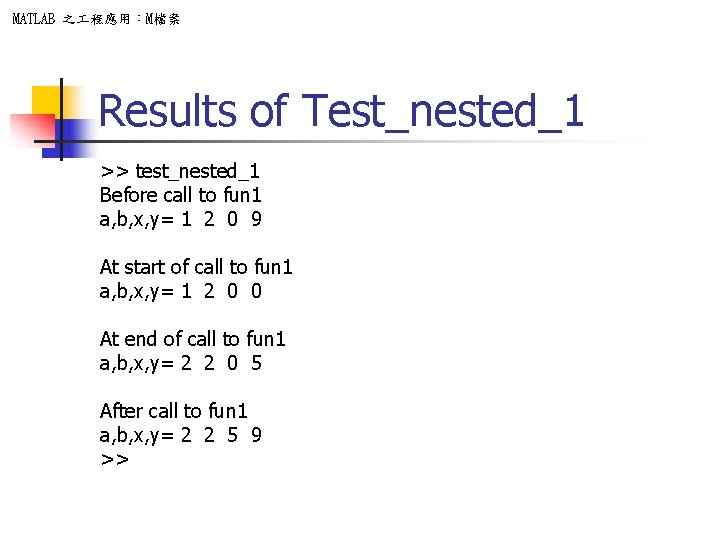
MATLAB 之 程應用:M檔案 Results of Test_nested_1 >> test_nested_1 Before call to fun 1 a, b, x, y= 1 2 0 9 At start of call to fun 1 a, b, x, y= 1 2 0 0 At end of call to fun 1 a, b, x, y= 2 2 0 5 After call to fun 1 a, b, x, y= 2 2 5 9 >>
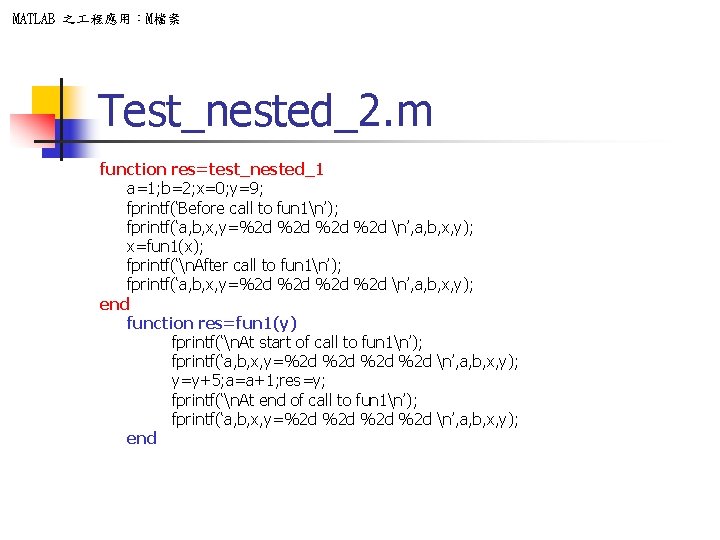
MATLAB 之 程應用:M檔案 Test_nested_2. m function res=test_nested_1 a=1; b=2; x=0; y=9; fprintf(‘Before call to fun 1n’); fprintf(‘a, b, x, y=%2 d %2 d n’, a, b, x, y); x=fun 1(x); fprintf(‘n. After call to fun 1n’); fprintf(‘a, b, x, y=%2 d %2 d n’, a, b, x, y); end function res=fun 1(y) fprintf(‘n. At start of call to fun 1n’); fprintf(‘a, b, x, y=%2 d %2 d n’, a, b, x, y); y=y+5; a=a+1; res=y; fprintf(‘n. At end of call to fun 1n’); fprintf(‘a, b, x, y=%2 d %2 d n’, a, b, x, y); end
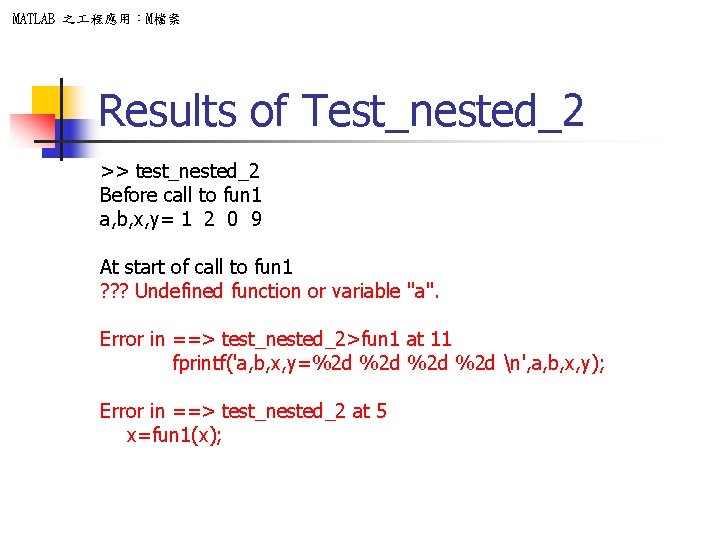
MATLAB 之 程應用:M檔案 Results of Test_nested_2 >> test_nested_2 Before call to fun 1 a, b, x, y= 1 2 0 9 At start of call to fun 1 ? ? ? Undefined function or variable "a". Error in ==> test_nested_2>fun 1 at 11 fprintf('a, b, x, y=%2 d %2 d n', a, b, x, y); Error in ==> test_nested_2 at 5 x=fun 1(x);
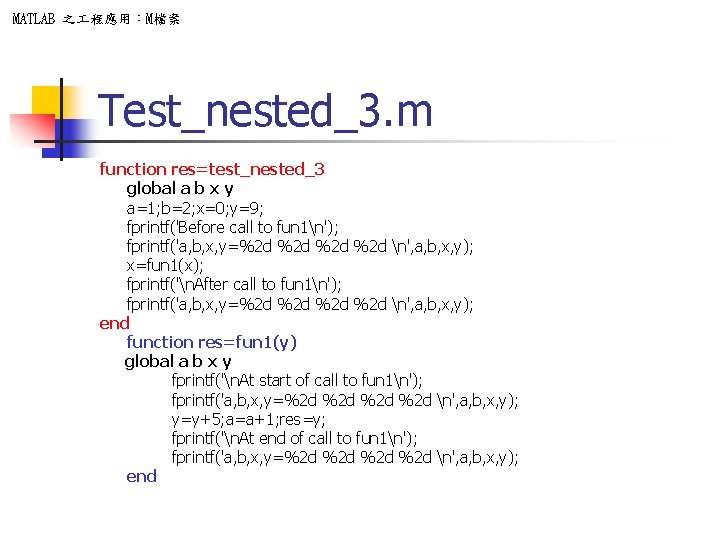
MATLAB 之 程應用:M檔案 Test_nested_3. m function res=test_nested_3 global a b x y a=1; b=2; x=0; y=9; fprintf('Before call to fun 1n'); fprintf('a, b, x, y=%2 d %2 d n', a, b, x, y); x=fun 1(x); fprintf('n. After call to fun 1n'); fprintf('a, b, x, y=%2 d %2 d n', a, b, x, y); end function res=fun 1(y) global a b x y fprintf('n. At start of call to fun 1n'); fprintf('a, b, x, y=%2 d %2 d n', a, b, x, y); y=y+5; a=a+1; res=y; fprintf('n. At end of call to fun 1n'); fprintf('a, b, x, y=%2 d %2 d n', a, b, x, y); end
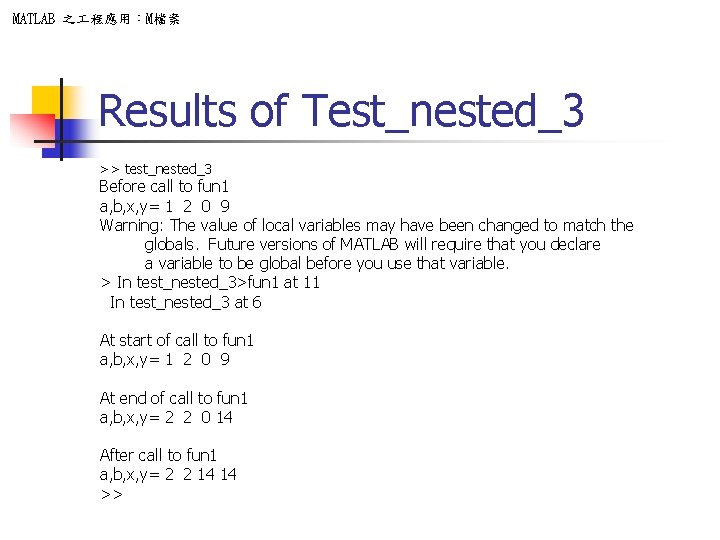
MATLAB 之 程應用:M檔案 Results of Test_nested_3 >> test_nested_3 Before call to fun 1 a, b, x, y= 1 2 0 9 Warning: The value of local variables may have been changed to match the globals. Future versions of MATLAB will require that you declare a variable to be global before you use that variable. > In test_nested_3>fun 1 at 11 In test_nested_3 at 6 At start of call to fun 1 a, b, x, y= 1 2 0 9 At end of call to fun 1 a, b, x, y= 2 2 0 14 After call to fun 1 a, b, x, y= 2 2 14 14 >>
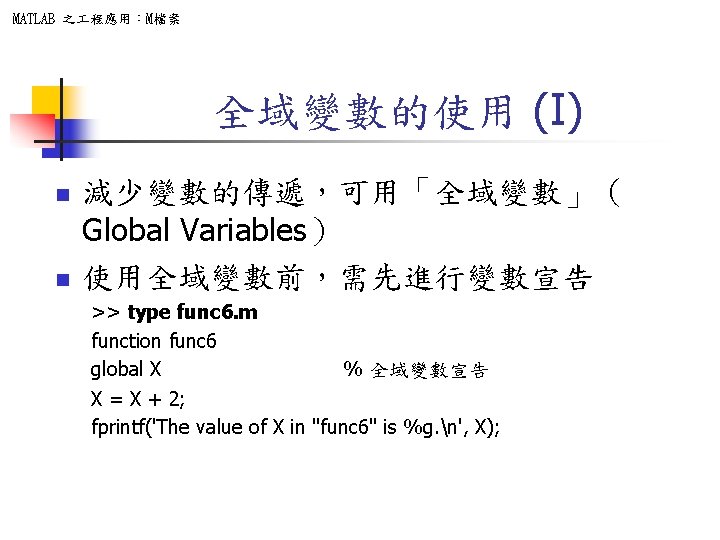
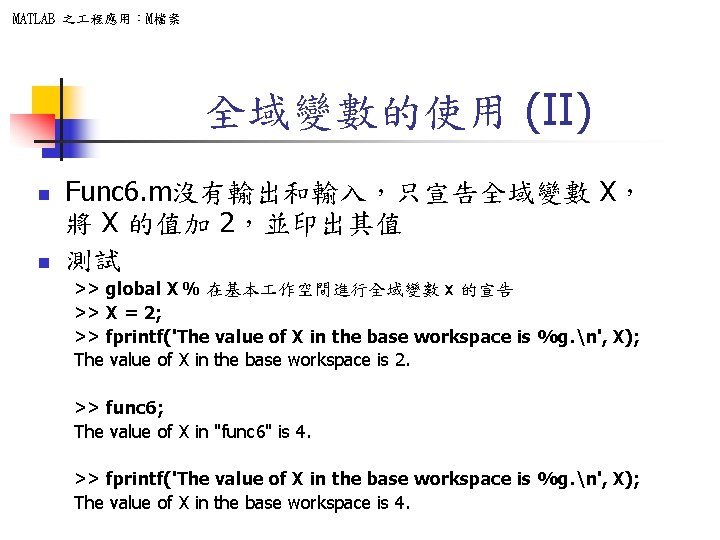
MATLAB 之 程應用:M檔案 全域變數的使用 (II) n n Func 6. m沒有輸出和輸入,只宣告全域變數 X, 將 X 的值加 2,並印出其值 測試 >> global X % 在基本 作空間進行全域變數 x 的宣告 >> X = 2; >> fprintf('The value of X in the base workspace is %g. n', X); The value of X in the base workspace is 2. >> func 6; The value of X in "func 6" is 4. >> fprintf('The value of X in the base workspace is %g. n', X); The value of X in the base workspace is 4.

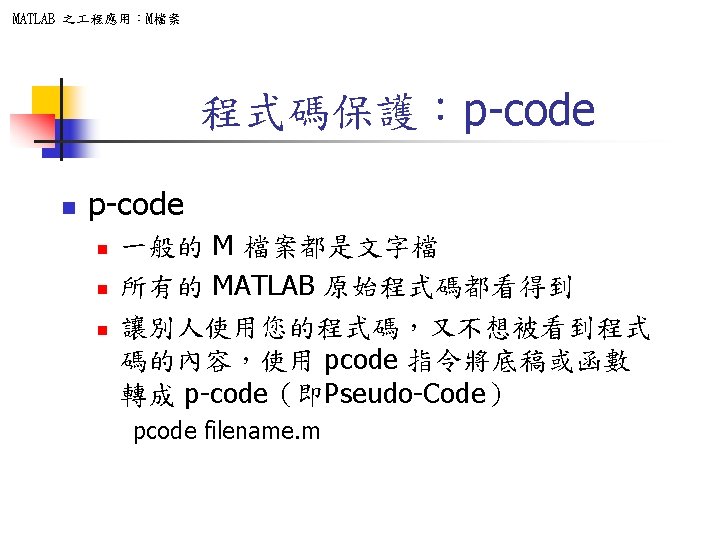
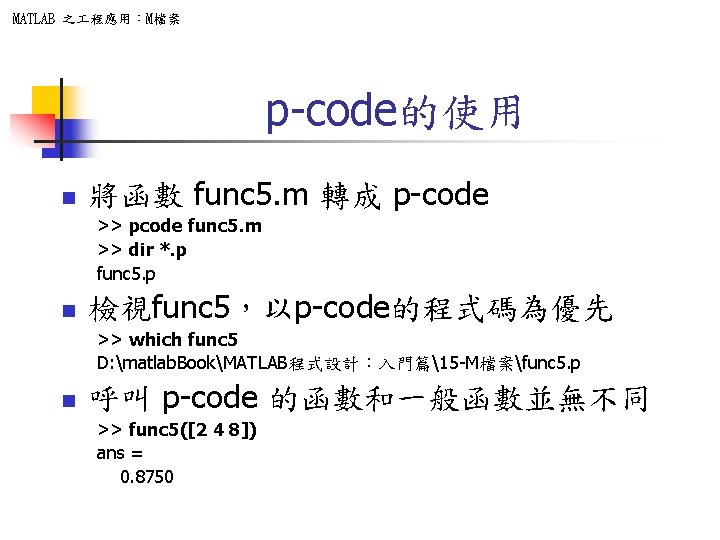
MATLAB 之 程應用:M檔案 p-code的使用 n 將函數 func 5. m 轉成 p-code >> pcode func 5. m >> dir *. p func 5. p n 檢視func 5,以p-code的程式碼為優先 >> which func 5 D: matlab. BookMATLAB程式設計:入門篇15 -M檔案func 5. p n 呼叫 p-code 的函數和一般函數並無不同 >> func 5([2 4 8]) ans = 0. 8750
- Slides: 49