
Matlab Fundamentals working with data Outline Announcements Homework
Matlab Fundamentals: working with data
Outline • Announcements – Homework I due 9/10, 5 PM by e-mail – remember--plain text, Subject=CIS 401 Homework • Matrix Multiplication • ND-arrays • Loading, saving, and plotting data
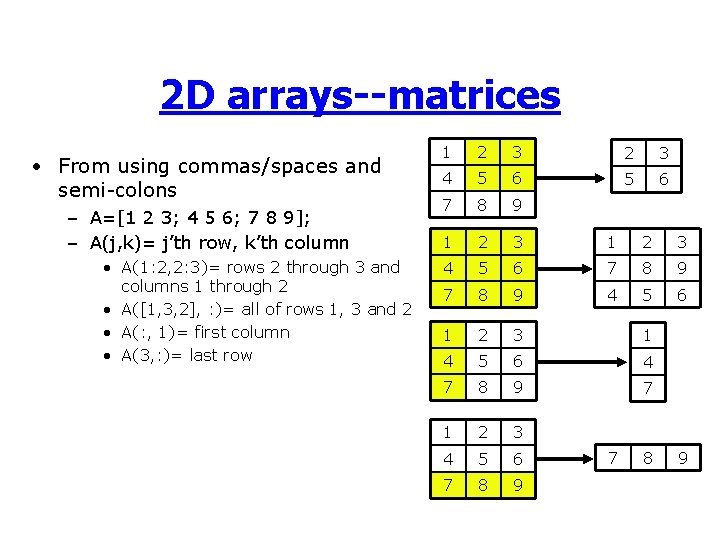
2 D arrays--matrices • From using commas/spaces and semi-colons – A=[1 2 3; 4 5 6; 7 8 9]; – A(j, k)= j’th row, k’th column • A(1: 2, 2: 3)= rows 2 through 3 and columns 1 through 2 • A([1, 3, 2], : )= all of rows 1, 3 and 2 • A(: , 1)= first column • A(3, : )= last row 1 2 3 4 5 6 7 8 9 4 5 6 1 2 3 1 4 5 6 4 7 8 9 7 1 2 3 4 5 6 7 8 9
Size matters • “A is m-by-n” means A has m rows and n columns • [m, n]=size(A) gets size of A • length(a) gets length of vectors (max of m and n). • A(1: 3, 2)=v, v better have length 3 • A(1: 2: 5, 2: 3)=B, B better be 3 -by-2
Matlab History • Matlab stands for “Matrix Laboratory” • Developed by from LAPACK--a series of routines for numerical linear algebra • Consequences – * is funny, / is even funnier – Matlab does linear algebra really well – Default type is double array
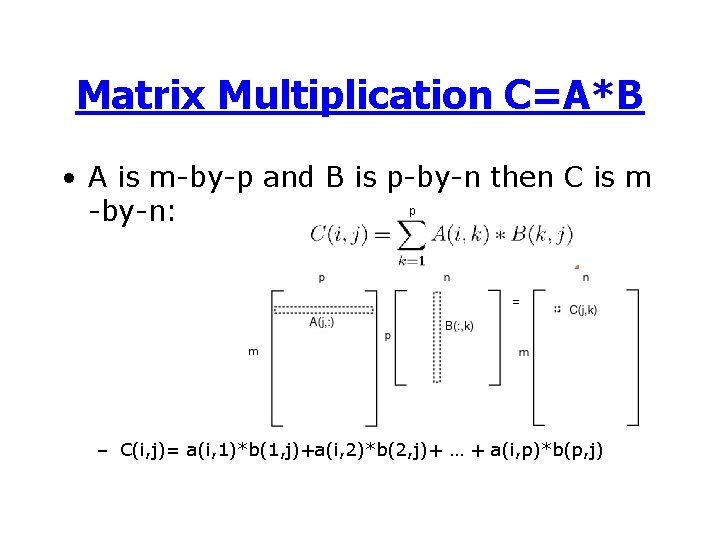
Matrix Multiplication C=A*B • A is m-by-p and B is p-by-n then C is m p -by-n: – C(i, j)= a(i, 1)*b(1, j)+a(i, 2)*b(2, j)+ … + a(i, p)*b(p, j)
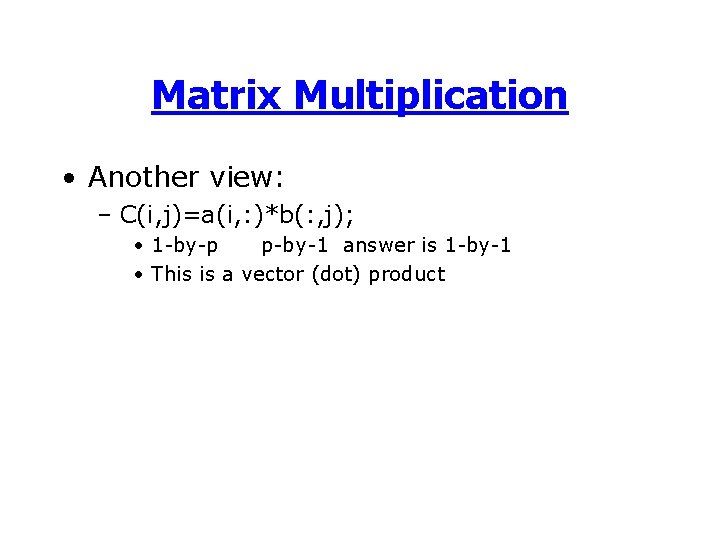
Matrix Multiplication • Another view: – C(i, j)=a(i, : )*b(: , j); • 1 -by-p p-by-1 answer is 1 -by-1 • This is a vector (dot) product
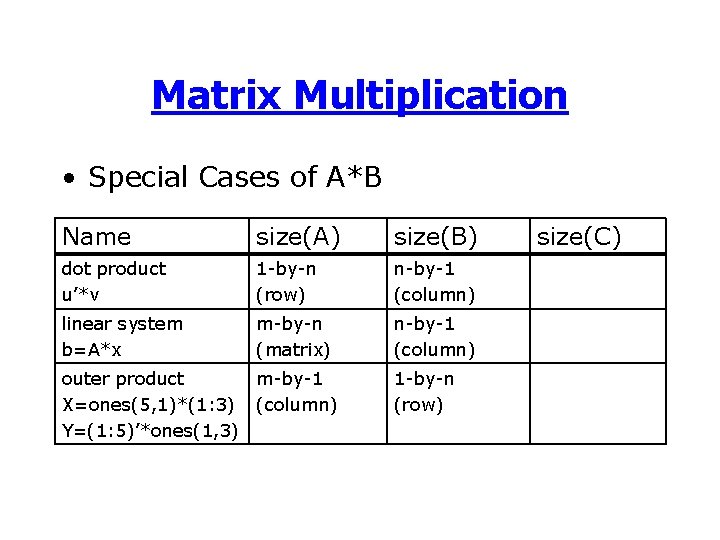
Matrix Multiplication • Special Cases of A*B Name size(A) size(B) dot product u’*v 1 -by-n (row) n-by-1 (column) linear system b=A*x m-by-n (matrix) n-by-1 (column) outer product m-by-1 X=ones(5, 1)*(1: 3) (column) Y=(1: 5)’*ones(1, 3) 1 -by-n (row) size(C)
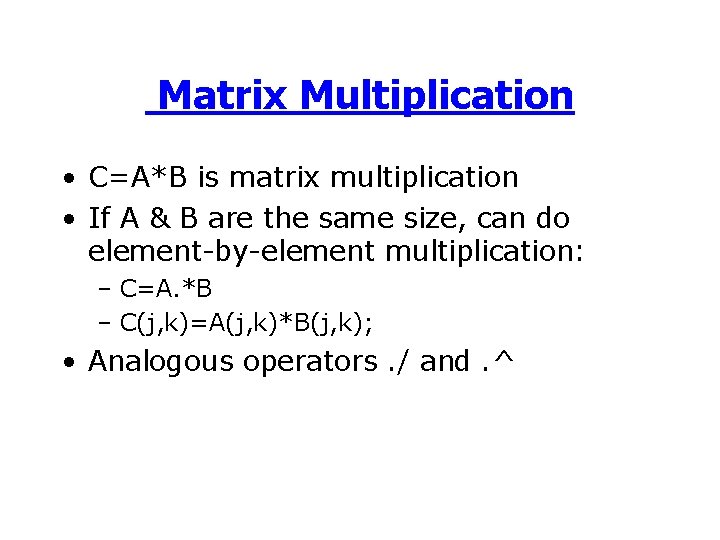
Matrix Multiplication • C=A*B is matrix multiplication • If A & B are the same size, can do element-by-element multiplication: – C=A. *B – C(j, k)=A(j, k)*B(j, k); • Analogous operators. / and. ^
Matrix Multiplication • We’ll defer matrix division for a while • matrix multiplication can be useful-even to those who hate LA – outer products are very handy – Vectorized ops much faster than writing loops

ND arrays • Until V 5, Matlab arrays could only be 2 D • Now has unlimited dimensions: – A=ones(2, 3, 2) – A is a 3 D array of ones, with 2 rows, 3 columns, and 2 layers – A(: , 1) is a 2 -by-3 matrix

Working with Data • Data is central to applied scientific computing Data Program Output Currents SSH Geostropic eq. U, V, plot Weather T, V, M Finite diff. T, V, M in future ATCGCGTA… Search for genes Location of genes Signal FFT Plot of spectrum Bioinfomatics Electronics
Getting Data into Matlab • Options – Cut & paste, or enter by hand – Read from a file
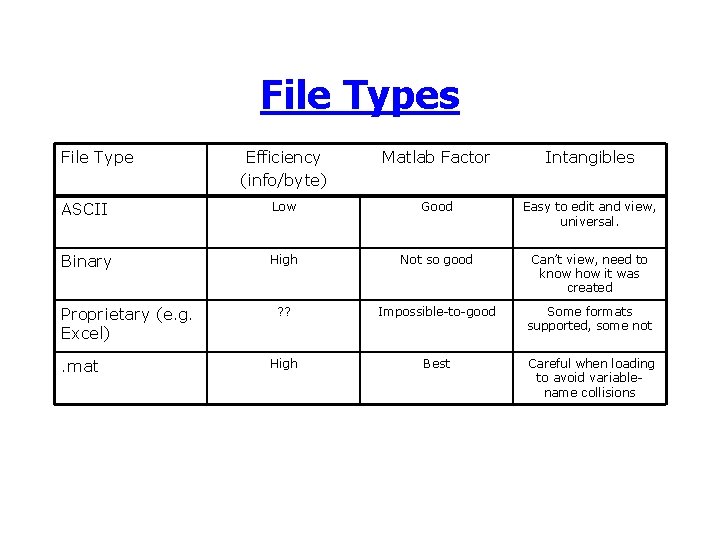
File Types File Type Efficiency (info/byte) Matlab Factor Intangibles ASCII Low Good Easy to edit and view, universal. Binary High Not so good Can’t view, need to know how it was created ? ? Impossible-to-good Some formats supported, some not High Best Careful when loading to avoid variablename collisions Proprietary (e. g. Excel). mat
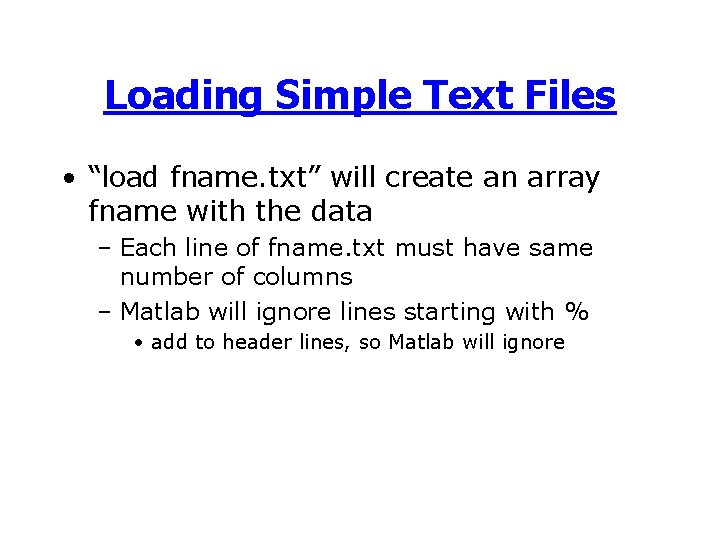
Loading Simple Text Files • “load fname. txt” will create an array fname with the data – Each line of fname. txt must have same number of columns – Matlab will ignore lines starting with % • add to header lines, so Matlab will ignore
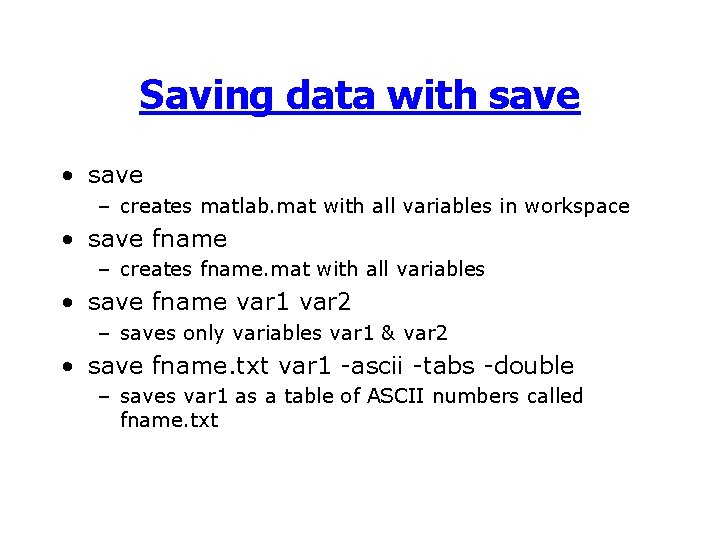
Saving data with save • save – creates matlab. mat with all variables in workspace • save fname – creates fname. mat with all variables • save fname var 1 var 2 – saves only variables var 1 & var 2 • save fname. txt var 1 -ascii -tabs -double – saves var 1 as a table of ASCII numbers called fname. txt

Tutorial 2 • Start with table of values in Excel 1. Make the file suitable for Matlab (e. g. a matrix) 2. Save as text 3. Load into Matlab 4. Rearrange the data with Matlab array operations 5. Save data to a. mat file 6. Create a plot of corn prices vs. time
Other help options • help fname – bare-bones help for function fname • helpwin – help info categorized and available through GUI • Help menu – More tutorial-like
Summary • Matrix mult: “Inner matrix dimensions must agree” • Load ASCII or. mat files with load • Save data to ASCII or. mat with save • Create simple plots with plot • Get help with help
- Slides: 19