
MATLAB Audio Reading Writing Recording and Playback Roger

MATLAB 程式設計入門篇 音訊讀寫、錄製與播放 (Audio Reading, Writing, Recording, and Playback) 張智星 (Roger Jang) 台大資訊系 多媒體檢索實驗室 CSIE/NTU, MIR Lab
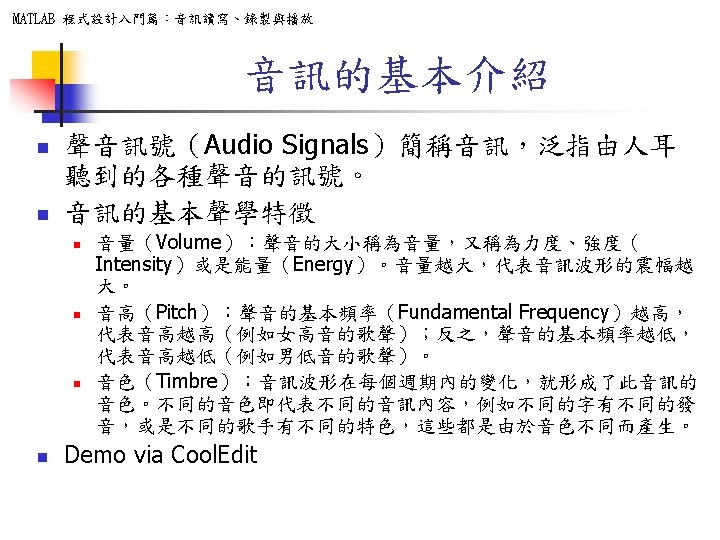
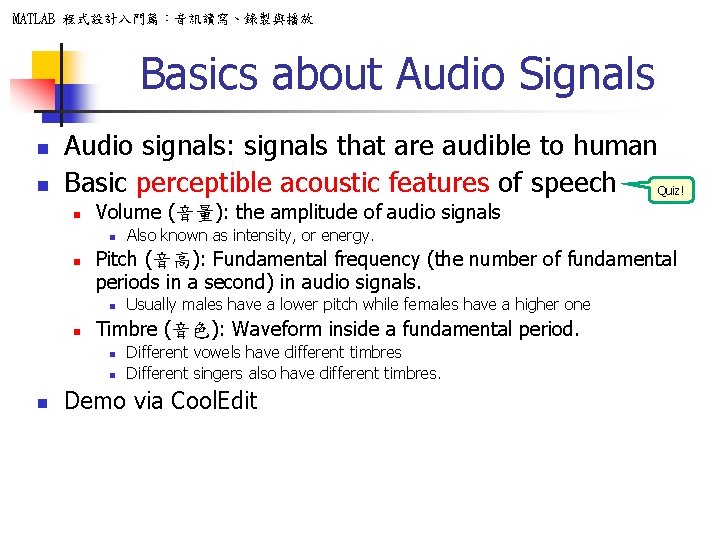
MATLAB 程式設計入門篇:音訊讀寫、錄製與播放 Basics about Audio Signals n n Audio signals: signals that are audible to human Basic perceptible acoustic features of speech Quiz! n Volume (音量): the amplitude of audio signals n n Pitch (音高): Fundamental frequency (the number of fundamental periods in a second) in audio signals. n n Usually males have a lower pitch while females have a higher one Timbre (音色): Waveform inside a fundamental period. n n n Also known as intensity, or energy. Different vowels have different timbres Different singers also have different timbres. Demo via Cool. Edit
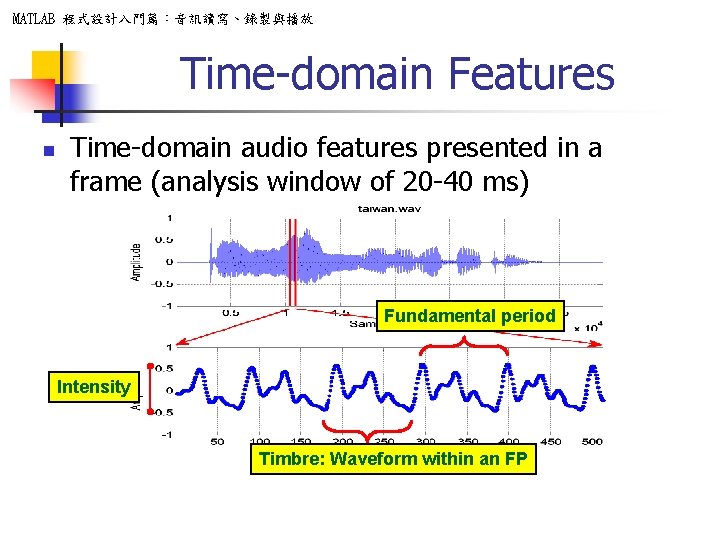
MATLAB 程式設計入門篇:音訊讀寫、錄製與播放 Time-domain Features n Time-domain audio features presented in a frame (analysis window of 20 -40 ms) Fundamental period Intensity Timbre: Waveform within an FP
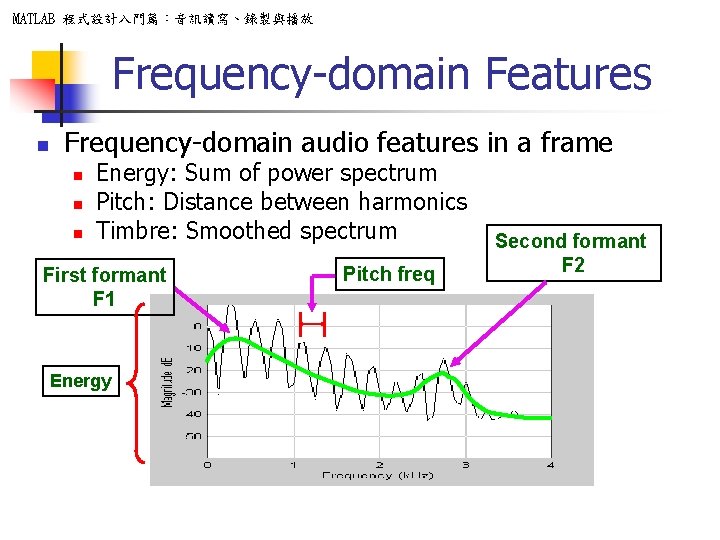
MATLAB 程式設計入門篇:音訊讀寫、錄製與播放 Frequency-domain Features n Frequency-domain audio features in a frame n n n Energy: Sum of power spectrum Pitch: Distance between harmonics Timbre: Smoothed spectrum First formant F 1 Energy Pitch freq Second formant F 2
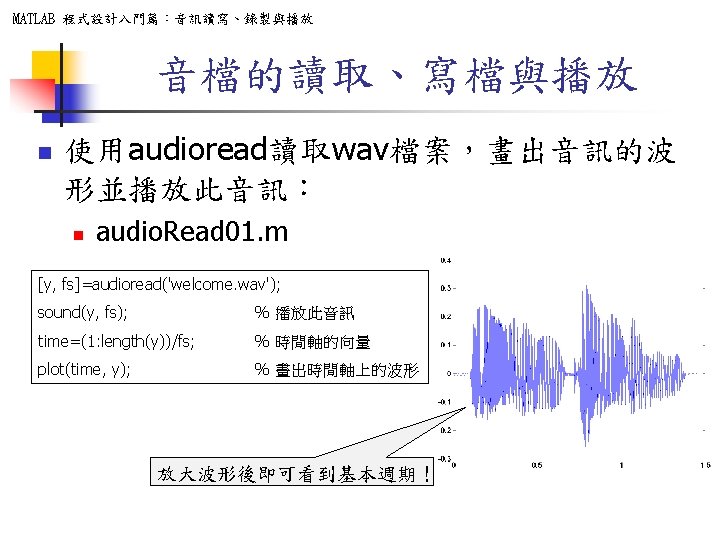
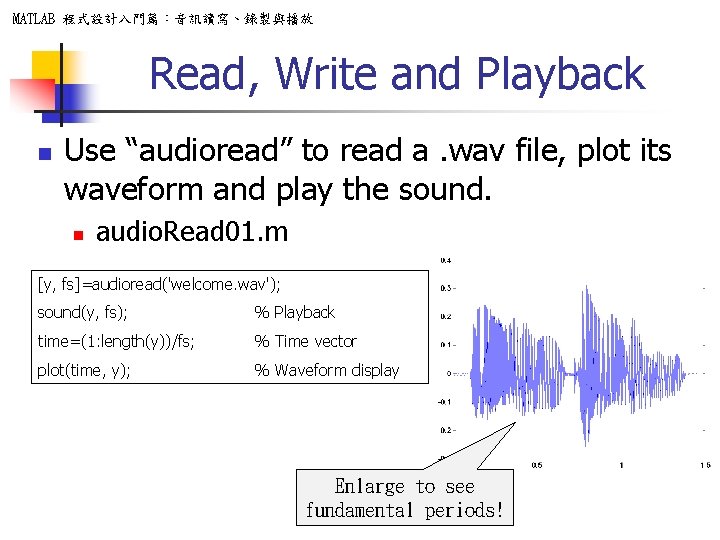
MATLAB 程式設計入門篇:音訊讀寫、錄製與播放 Read, Write and Playback n Use “audioread” to read a. wav file, plot its waveform and play the sound. n audio. Read 01. m [y, fs]=audioread('welcome. wav'); sound(y, fs); % Playback time=(1: length(y))/fs; % Time vector plot(time, y); % Waveform display Enlarge to see fundamental periods!
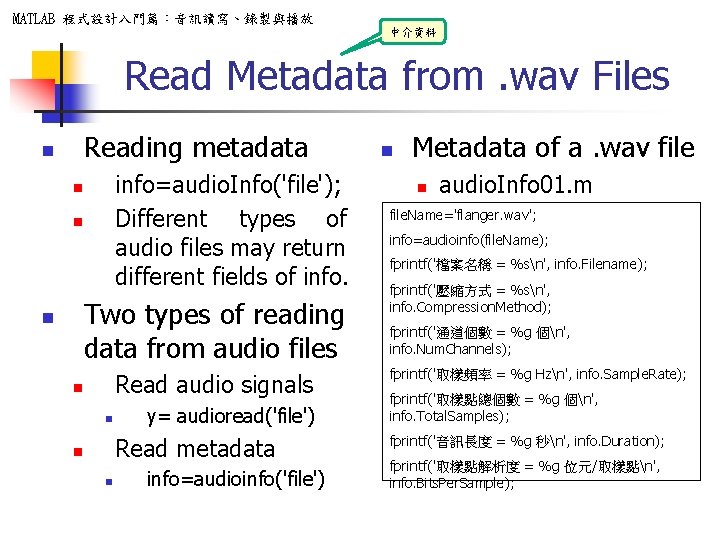
MATLAB 程式設計入門篇:音訊讀寫、錄製與播放 中介資料 Read Metadata from. wav Files Reading metadata n info=audio. Info('file'); Different types of audio files may return different fields of info. n n Two types of reading data from audio files n Read audio signals n n y= audioread('file') Read metadata n n info=audioinfo('file') n Metadata of a. wav file n audio. Info 01. m file. Name='flanger. wav'; info=audioinfo(file. Name); fprintf('檔案名稱 = %sn', info. Filename); fprintf('壓縮方式 = %sn', info. Compression. Method); fprintf('通道個數 = %g 個n', info. Num. Channels); fprintf('取樣頻率 = %g Hzn', info. Sample. Rate); fprintf('取樣點總個數 = %g 個n', info. Total. Samples); fprintf('音訊長度 = %g 秒n', info. Duration); fprintf('取樣點解析度 = %g 位元/取樣點n', info. Bits. Per. Sample);
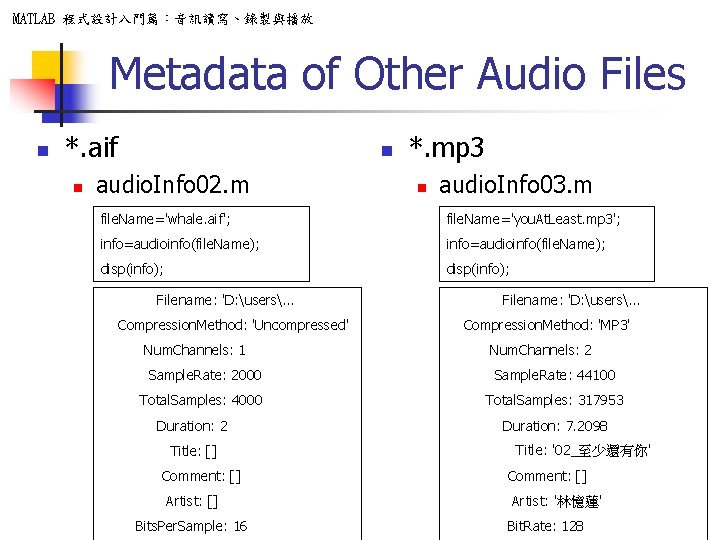
MATLAB 程式設計入門篇:音訊讀寫、錄製與播放 Metadata of Other Audio Files n *. aif n n audio. Info 02. m *. mp 3 n audio. Info 03. m file. Name='whale. aif'; file. Name='you. At. Least. mp 3'; info=audioinfo(file. Name); disp(info); Filename: 'D: users. . . Compression. Method: 'Uncompressed' Num. Channels: 1 Filename: 'D: users. . . Compression. Method: 'MP 3' Num. Channels: 2 Sample. Rate: 2000 Sample. Rate: 44100 Total. Samples: 4000 Total. Samples: 317953 Duration: 2 Title: [] Comment: [] Artist: [] Bits. Per. Sample: 16 Duration: 7. 2098 Title: '02_至少還有你' Comment: [] Artist: '林憶蓮' Bit. Rate: 128
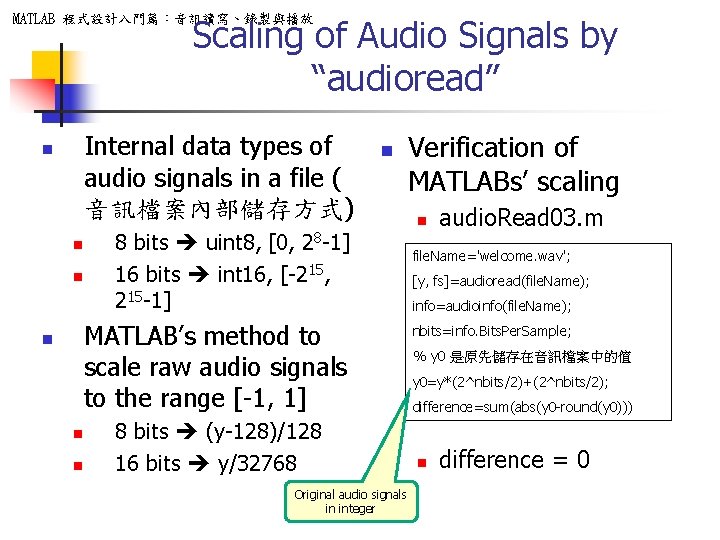
Scaling of Audio Signals by “audioread” MATLAB 程式設計入門篇:音訊讀寫、錄製與播放 Internal data types of audio signals in a file ( 音訊檔案內部儲存方式) n n 8 bits uint 8, [0, 28 -1] 16 bits int 16, [-215, 215 -1] MATLAB’s method to scale raw audio signals to the range [-1, 1] n n n 8 bits (y-128)/128 16 bits y/32768 Original audio signals in integer Verification of MATLABs’ scaling n audio. Read 03. m file. Name='welcome. wav'; [y, fs]=audioread(file. Name); info=audioinfo(file. Name); nbits=info. Bits. Per. Sample; % y 0 是原先儲存在音訊檔案中的值 y 0=y*(2^nbits/2)+(2^nbits/2); difference=sum(abs(y 0 -round(y 0))) n difference = 0
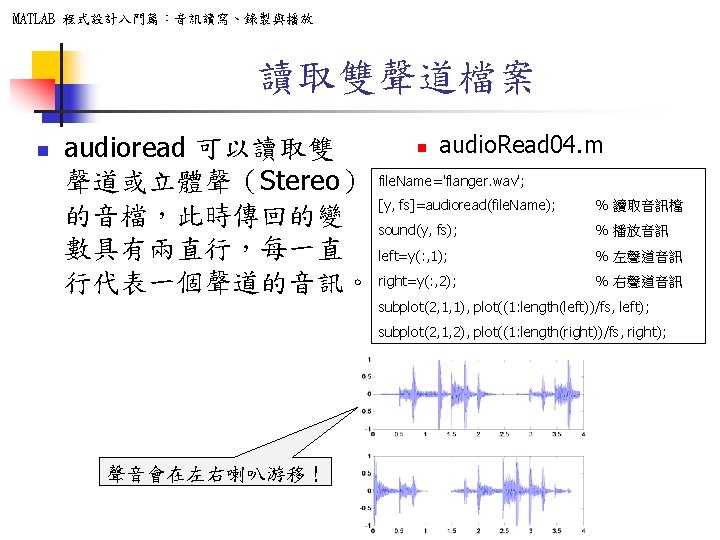
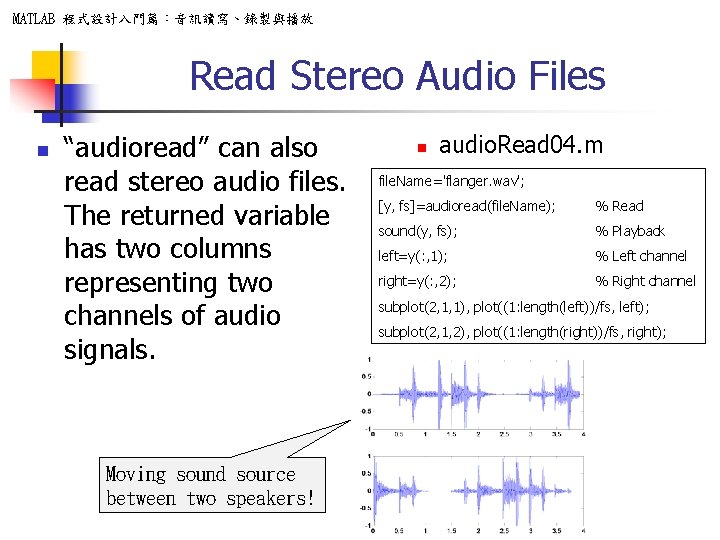
MATLAB 程式設計入門篇:音訊讀寫、錄製與播放 Read Stereo Audio Files n “audioread” can also read stereo audio files. The returned variable has two columns representing two channels of audio signals. Moving sound source between two speakers! n audio. Read 04. m file. Name='flanger. wav'; [y, fs]=audioread(file. Name); % Read sound(y, fs); % Playback left=y(: , 1); % Left channel right=y(: , 2); % Right channel subplot(2, 1, 1), plot((1: length(left))/fs, left); subplot(2, 1, 2), plot((1: length(right))/fs, right);
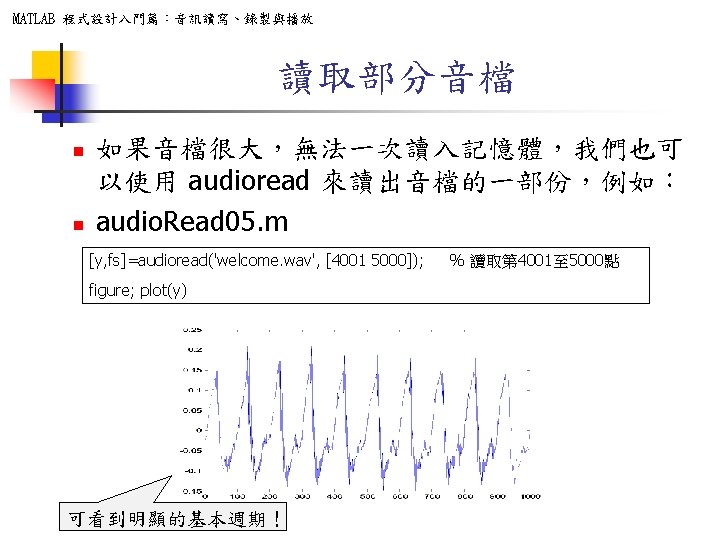

MATLAB 程式設計入門篇:音訊讀寫、錄製與播放 Read a Portion Only n n If the audio file is too big, we can read a portion from the whole file: audio. Read 05. m [y, fs]=audioread(‘welcome. wav’, [4001 5000]); figure; plot(y) Obvious fundamental periods! % Read data points 4001 to 5000
MATLAB 程式設計入門篇:音訊讀寫、錄製與播放 Playback of Audio Signals n n Once we have read audio signals, we can perform all kinds of processing, such as volume modification, pitch scaling, noise reduction, etc. To verify the result, you need to play the audio via speakers, as shown in the following examples.
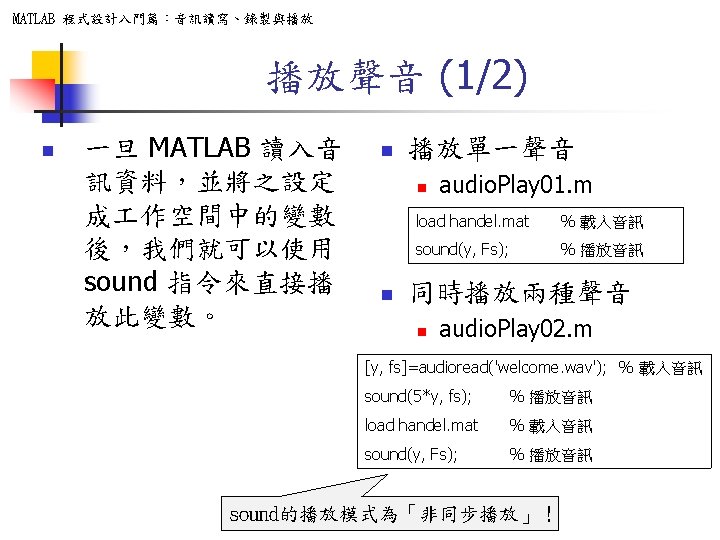
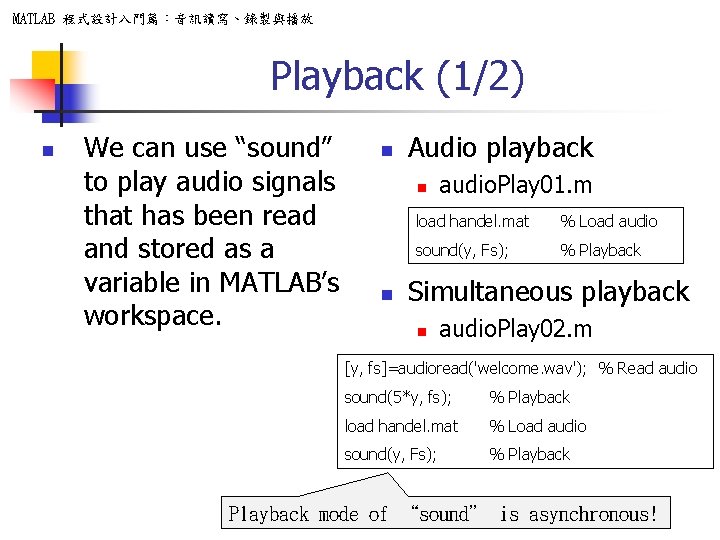
MATLAB 程式設計入門篇:音訊讀寫、錄製與播放 Playback (1/2) n We can use “sound” to play audio signals that has been read and stored as a variable in MATLAB’s workspace. n Audio playback n n audio. Play 01. m load handel. mat % Load audio sound(y, Fs); % Playback Simultaneous playback n audio. Play 02. m [y, fs]=audioread('welcome. wav'); % Read audio sound(5*y, fs); % Playback load handel. mat % Load audio sound(y, Fs); % Playback mode of “sound” is asynchronous!
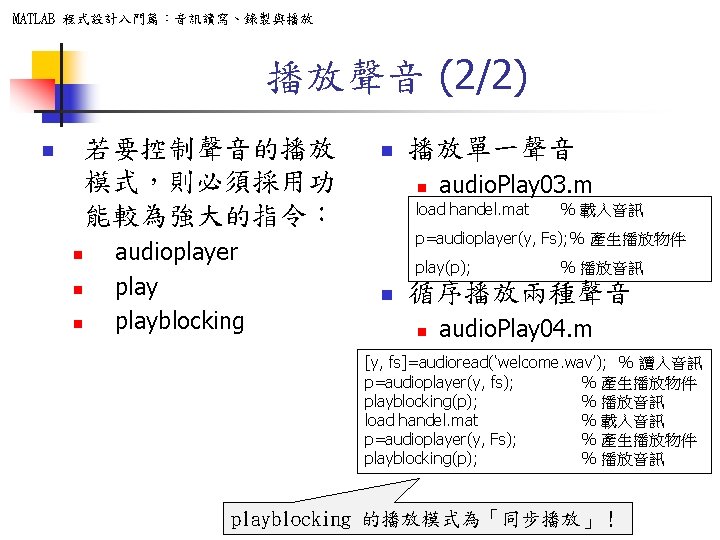
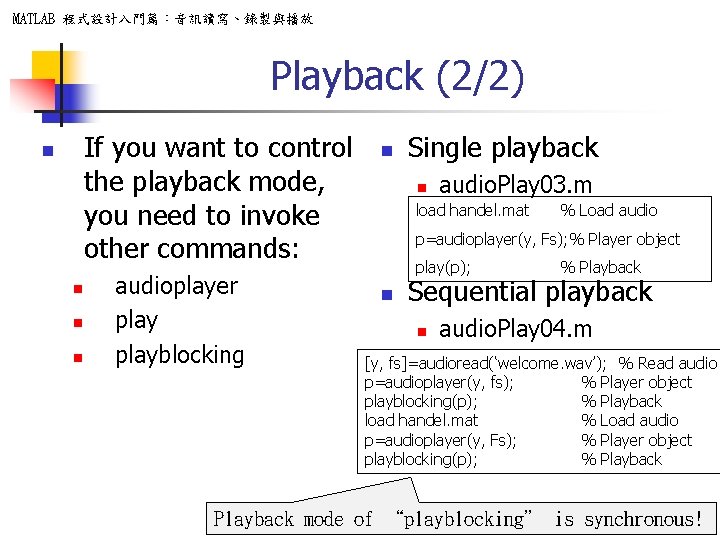
MATLAB 程式設計入門篇:音訊讀寫、錄製與播放 Playback (2/2) If you want to control the playback mode, you need to invoke other commands: n n audioplayer playblocking n Single playback n audio. Play 03. m load handel. mat % Load audio p=audioplayer(y, Fs); % Player object play(p); n % Playback Sequential playback n audio. Play 04. m [y, fs]=audioread(‘welcome. wav’); % Read audio p=audioplayer(y, fs); % Player object playblocking(p); % Playback load handel. mat % Load audio p=audioplayer(y, Fs); % Player object playblocking(p); % Playback mode of “playblocking” is synchronous!
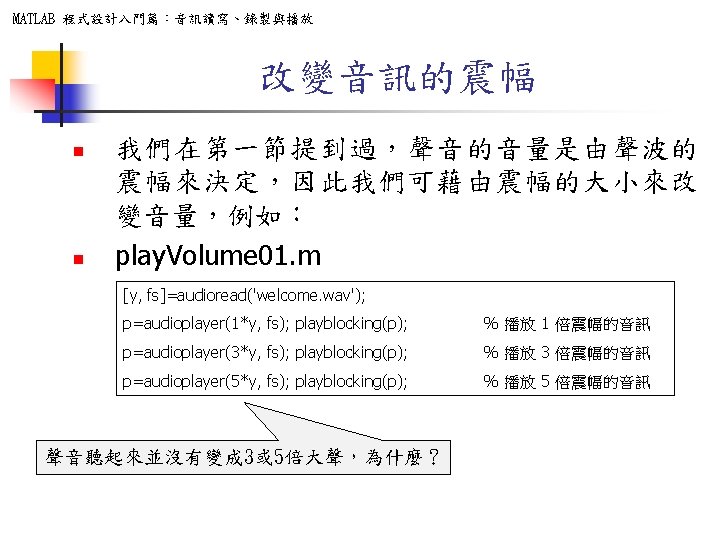
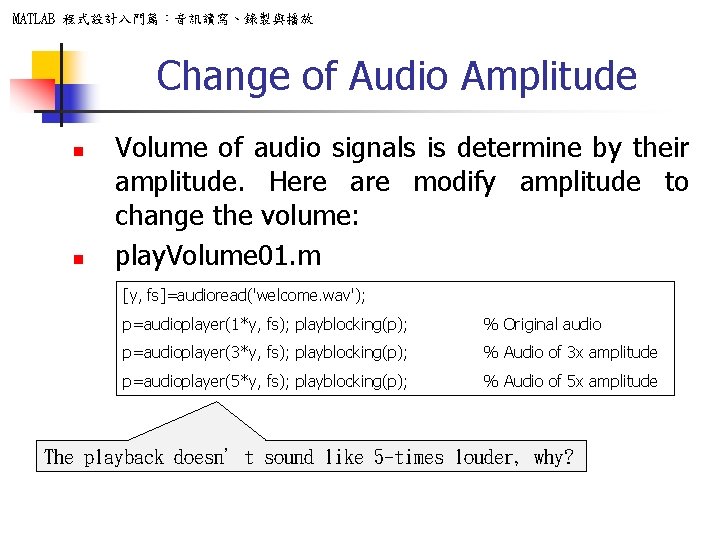
MATLAB 程式設計入門篇:音訊讀寫、錄製與播放 Change of Audio Amplitude n n Volume of audio signals is determine by their amplitude. Here are modify amplitude to change the volume: play. Volume 01. m [y, fs]=audioread('welcome. wav'); p=audioplayer(1*y, fs); playblocking(p); % Original audio p=audioplayer(3*y, fs); playblocking(p); % Audio of 3 x amplitude p=audioplayer(5*y, fs); playblocking(p); % Audio of 5 x amplitude The playback doesn’t sound like 5 -times louder, why?
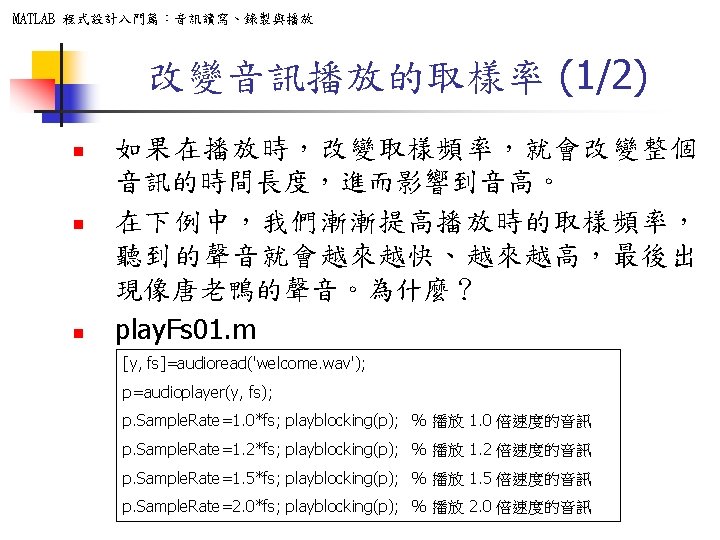
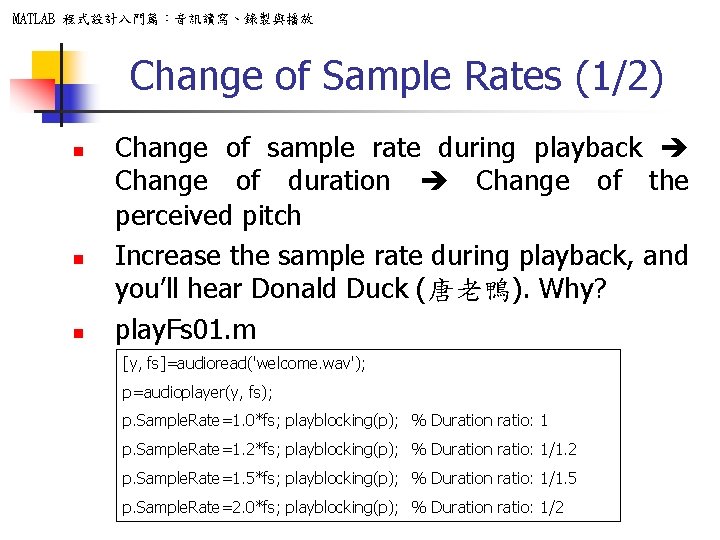
MATLAB 程式設計入門篇:音訊讀寫、錄製與播放 Change of Sample Rates (1/2) n n n Change of sample rate during playback Change of duration Change of the perceived pitch Increase the sample rate during playback, and you’ll hear Donald Duck (唐老鴨). Why? play. Fs 01. m [y, fs]=audioread('welcome. wav'); p=audioplayer(y, fs); p. Sample. Rate=1. 0*fs; playblocking(p); % Duration ratio: 1 p. Sample. Rate=1. 2*fs; playblocking(p); % Duration ratio: 1/1. 2 p. Sample. Rate=1. 5*fs; playblocking(p); % Duration ratio: 1/1. 5 p. Sample. Rate=2. 0*fs; playblocking(p); % Duration ratio: 1/2
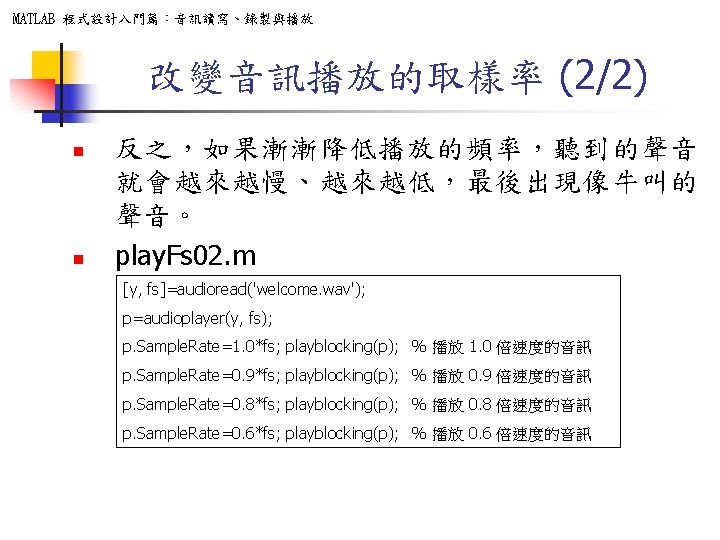
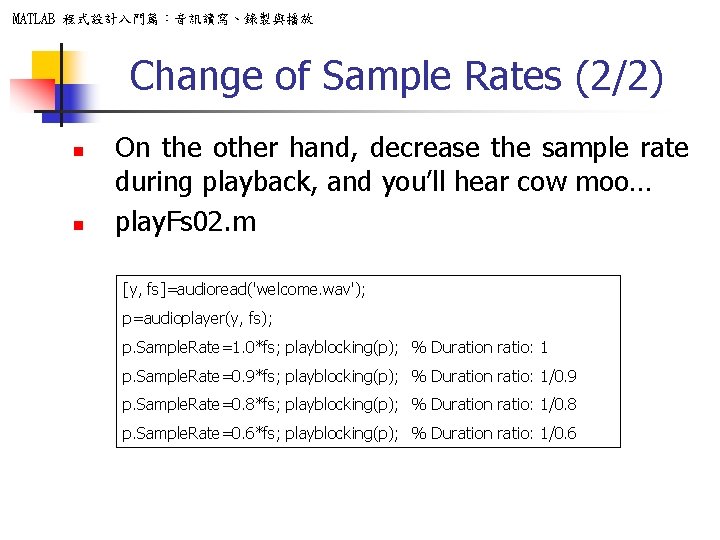
MATLAB 程式設計入門篇:音訊讀寫、錄製與播放 Change of Sample Rates (2/2) n n On the other hand, decrease the sample rate during playback, and you’ll hear cow moo… play. Fs 02. m [y, fs]=audioread('welcome. wav'); p=audioplayer(y, fs); p. Sample. Rate=1. 0*fs; playblocking(p); % Duration ratio: 1 p. Sample. Rate=0. 9*fs; playblocking(p); % Duration ratio: 1/0. 9 p. Sample. Rate=0. 8*fs; playblocking(p); % Duration ratio: 1/0. 8 p. Sample. Rate=0. 6*fs; playblocking(p); % Duration ratio: 1/0. 6
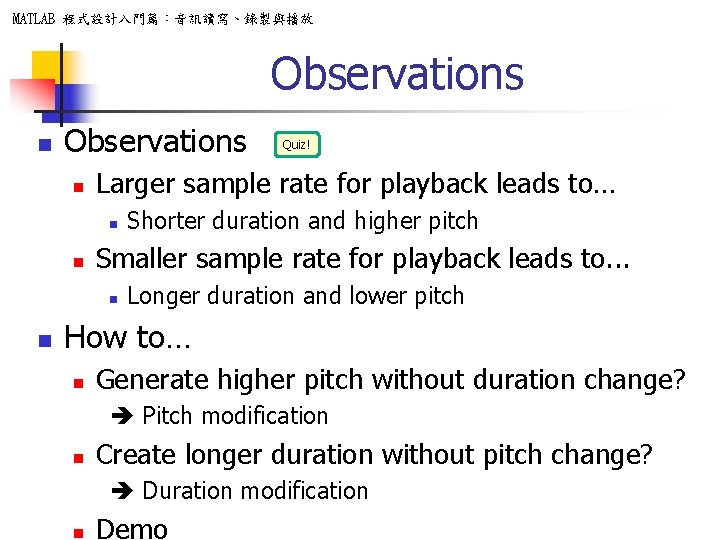
MATLAB 程式設計入門篇:音訊讀寫、錄製與播放 Observations n Larger sample rate for playback leads to… n n Shorter duration and higher pitch Smaller sample rate for playback leads to. . . n n Quiz! Longer duration and lower pitch How to… n Generate higher pitch without duration change? Pitch modification n Create longer duration without pitch change? Duration modification n Demo
MATLAB 程式設計入門篇:音訊讀寫、錄製與播放 Change of Sign & Time Sequence n n n Change of sign No perceptional difference Reverse sequence Sounds like another spoken language? 範例20 -11: play. Reverse 01. m [y, fs]=audioread('welcome. wav'); p=audioplayer(y, fs); playblocking(p); % Normal playback p=audioplayer(-y, fs); playblocking(p); % Change of sign p=audioplayer(flipud(y), fs); playblocking(p); % Reverse the sequence
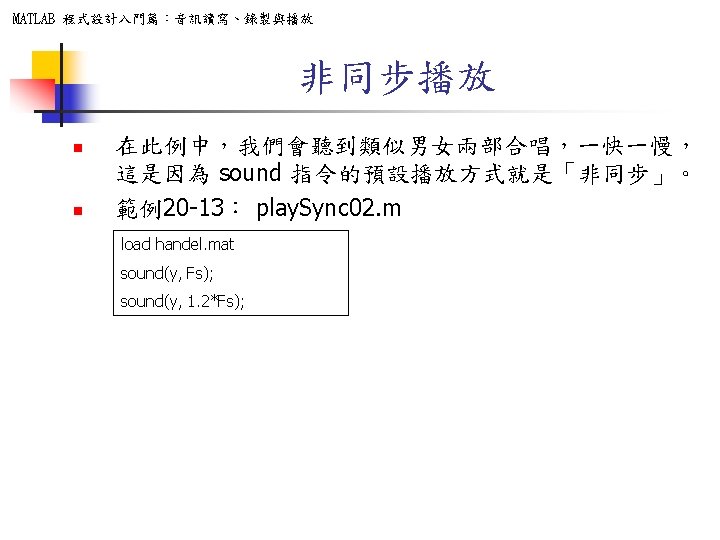
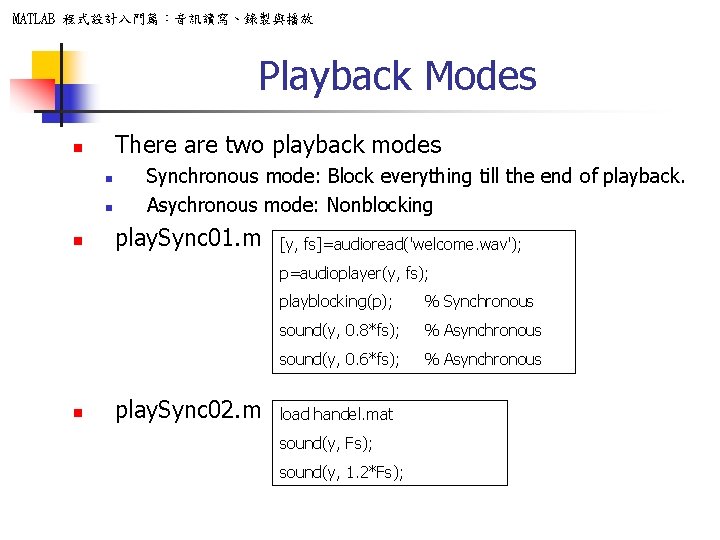
MATLAB 程式設計入門篇:音訊讀寫、錄製與播放 Playback Modes There are two playback modes n n Synchronous mode: Block everything till the end of playback. Asychronous mode: Nonblocking play. Sync 01. m [y, fs]=audioread('welcome. wav'); p=audioplayer(y, fs); n play. Sync 02. m playblocking(p); % Synchronous sound(y, 0. 8*fs); % Asynchronous sound(y, 0. 6*fs); % Asynchronous load handel. mat sound(y, Fs); sound(y, 1. 2*Fs);
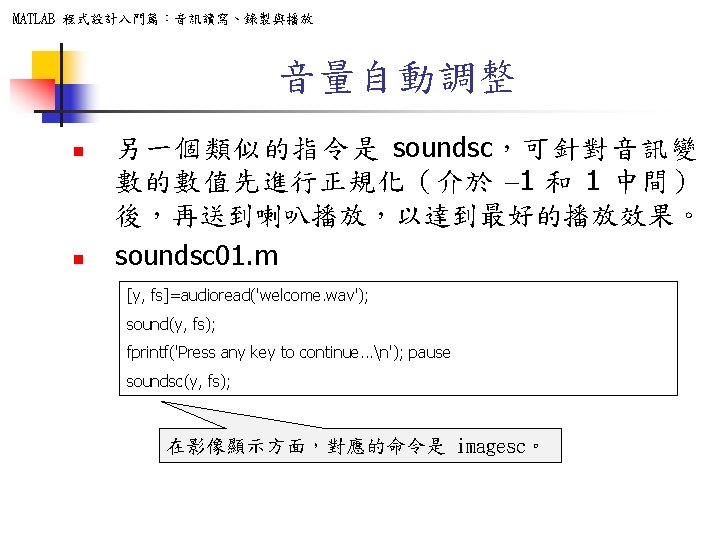
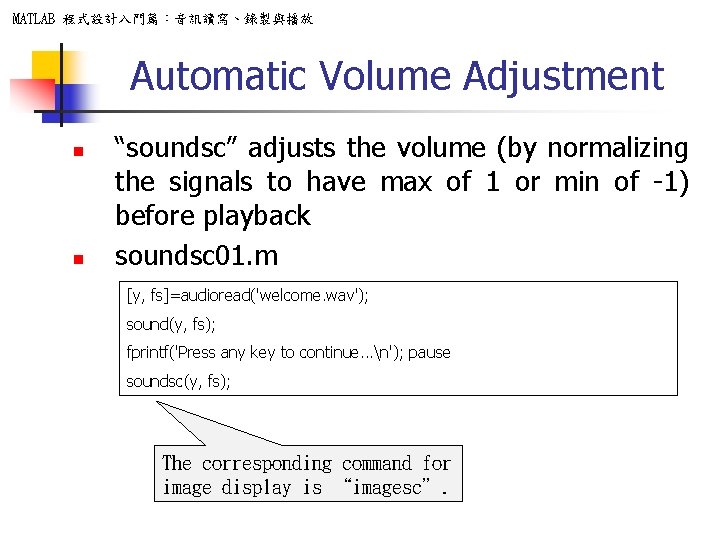
MATLAB 程式設計入門篇:音訊讀寫、錄製與播放 Automatic Volume Adjustment n n “soundsc” adjusts the volume (by normalizing the signals to have max of 1 or min of -1) before playback soundsc 01. m [y, fs]=audioread('welcome. wav'); sound(y, fs); fprintf('Press any key to continue. . . n'); pause soundsc(y, fs); The corresponding command for image display is “imagesc”.
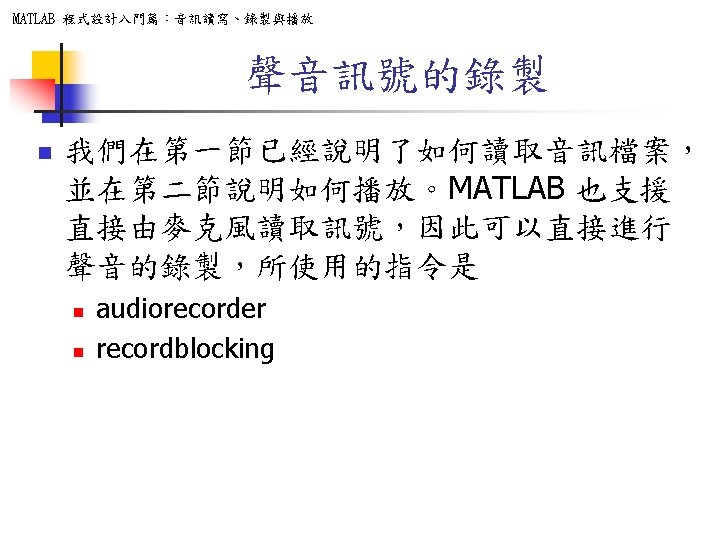
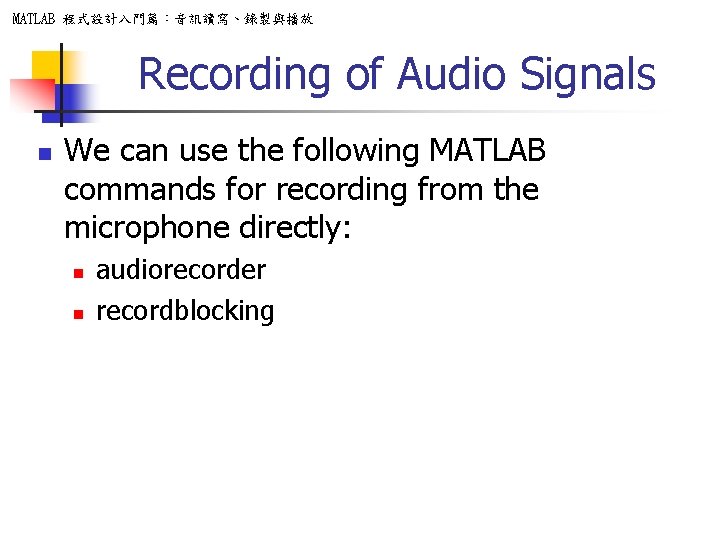
MATLAB 程式設計入門篇:音訊讀寫、錄製與播放 Recording of Audio Signals n We can use the following MATLAB commands for recording from the microphone directly: n n audiorecorder recordblocking
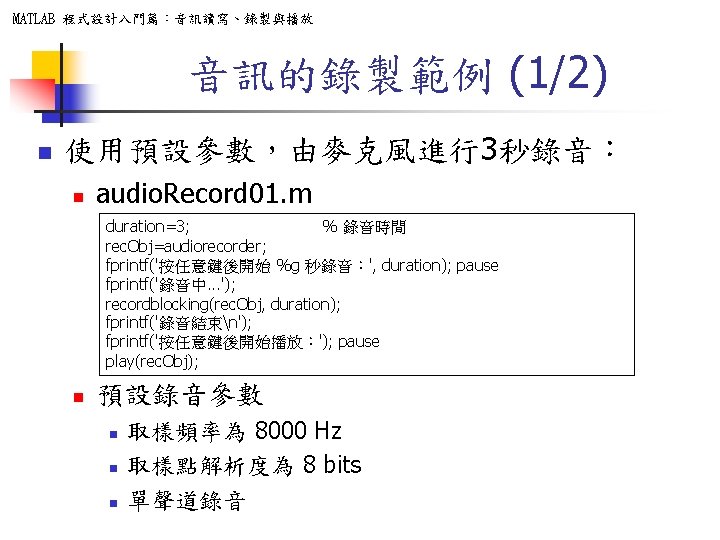
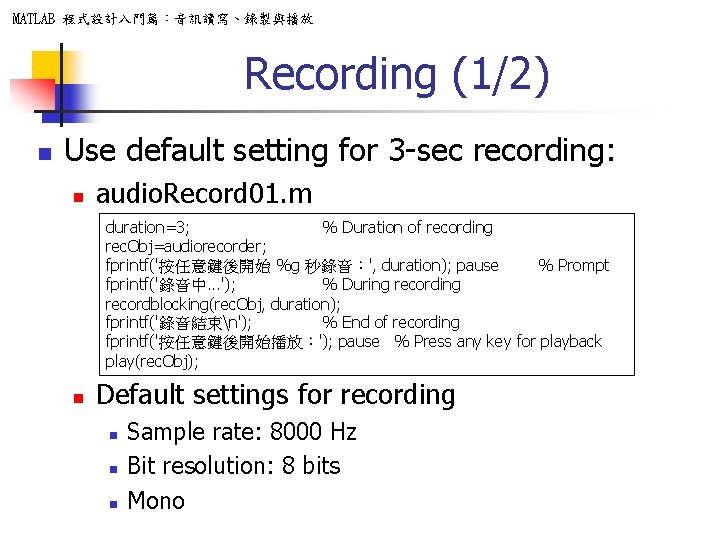
MATLAB 程式設計入門篇:音訊讀寫、錄製與播放 Recording (1/2) n Use default setting for 3 -sec recording: n audio. Record 01. m duration=3; % Duration of recording rec. Obj=audiorecorder; fprintf('按任意鍵後開始 %g 秒錄音:', duration); pause % Prompt fprintf('錄音中. . . '); % During recordblocking(rec. Obj, duration); fprintf('錄音結束n'); % End of recording fprintf('按任意鍵後開始播放:'); pause % Press any key for playback play(rec. Obj); n Default settings for recording n n n Sample rate: 8000 Hz Bit resolution: 8 bits Mono
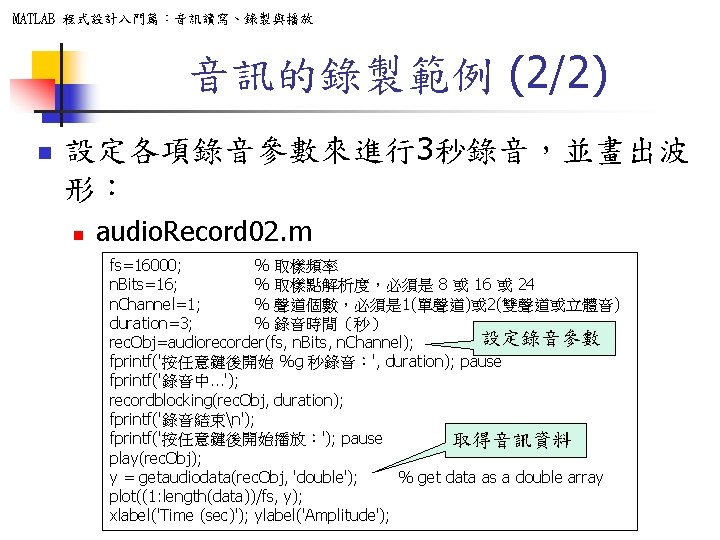
MATLAB 程式設計入門篇:音訊讀寫、錄製與播放 音訊的錄製範例 (2/2) n 設定各項錄音參數來進行3秒錄音,並畫出波 形: n audio. Record 02. m fs=16000; % 取樣頻率 n. Bits=16; % 取樣點解析度,必須是 8 或 16 或 24 n. Channel=1; % 聲道個數,必須是 1(單聲道)或 2(雙聲道或立體音) duration=3; % 錄音時間(秒) 設定錄音參數 rec. Obj=audiorecorder(fs, n. Bits, n. Channel); fprintf('按任意鍵後開始 %g 秒錄音:', duration); pause fprintf('錄音中. . . '); recordblocking(rec. Obj, duration); fprintf('錄音結束n'); fprintf('按任意鍵後開始播放:'); pause 取得音訊資料 play(rec. Obj); y = getaudiodata(rec. Obj, 'double'); % get data as a double array plot((1: length(data))/fs, y); xlabel('Time (sec)'); ylabel('Amplitude');
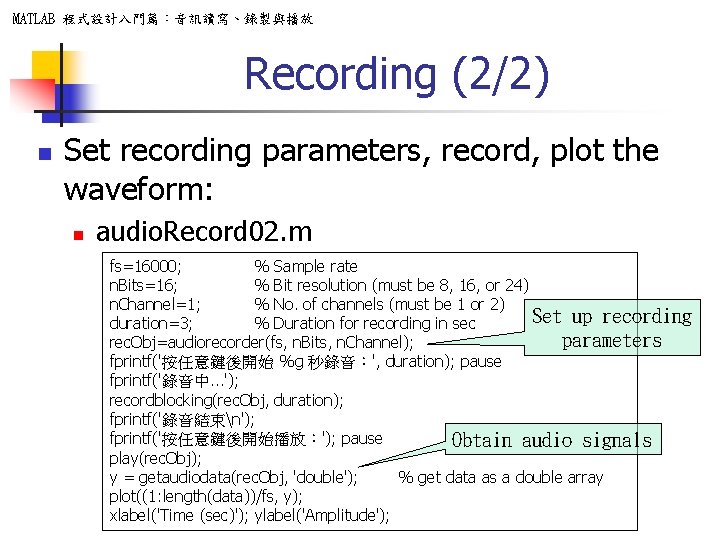
MATLAB 程式設計入門篇:音訊讀寫、錄製與播放 Recording (2/2) n Set recording parameters, record, plot the waveform: n audio. Record 02. m fs=16000; % Sample rate n. Bits=16; % Bit resolution (must be 8, 16, or 24) n. Channel=1; % No. of channels (must be 1 or 2) Set up recording duration=3; % Duration for recording in sec parameters rec. Obj=audiorecorder(fs, n. Bits, n. Channel); fprintf('按任意鍵後開始 %g 秒錄音:', duration); pause fprintf('錄音中. . . '); recordblocking(rec. Obj, duration); fprintf('錄音結束n'); fprintf('按任意鍵後開始播放:'); pause Obtain audio signals play(rec. Obj); y = getaudiodata(rec. Obj, 'double'); % get data as a double array plot((1: length(data))/fs, y); xlabel('Time (sec)'); ylabel('Amplitude');
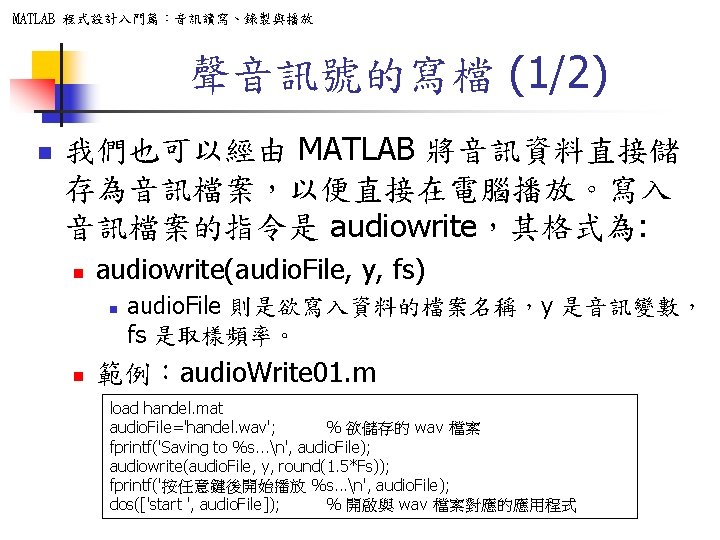
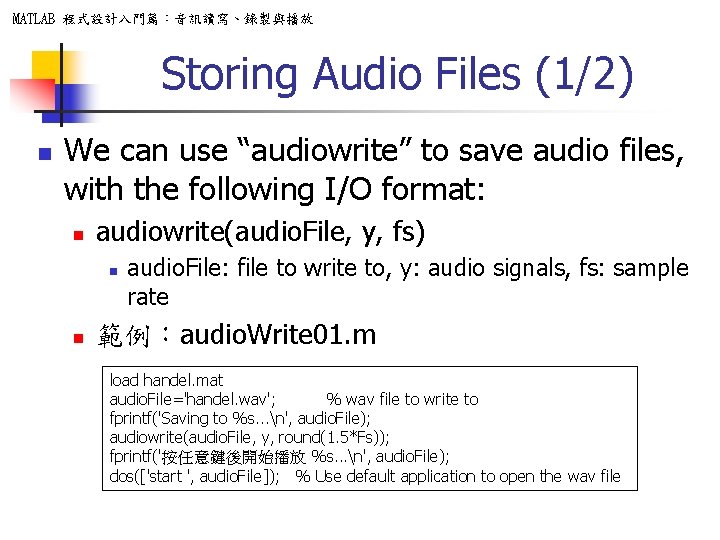
MATLAB 程式設計入門篇:音訊讀寫、錄製與播放 Storing Audio Files (1/2) n We can use “audiowrite” to save audio files, with the following I/O format: n audiowrite(audio. File, y, fs) n n audio. File: file to write to, y: audio signals, fs: sample rate 範例:audio. Write 01. m load handel. mat audio. File='handel. wav'; % wav file to write to fprintf('Saving to %s. . . n', audio. File); audiowrite(audio. File, y, round(1. 5*Fs)); fprintf('按任意鍵後開始播放 %s. . . n', audio. File); dos(['start ', audio. File]); % Use default application to open the wav file
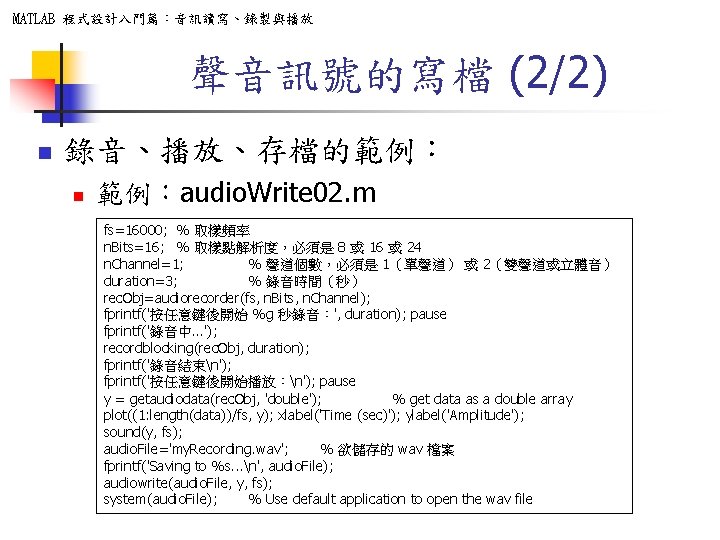
MATLAB 程式設計入門篇:音訊讀寫、錄製與播放 聲音訊號的寫檔 (2/2) n 錄音、播放、存檔的範例: n 範例:audio. Write 02. m fs=16000; % 取樣頻率 n. Bits=16; % 取樣點解析度,必須是 8 或 16 或 24 n. Channel=1; % 聲道個數,必須是 1(單聲道) 或 2(雙聲道或立體音) duration=3; % 錄音時間(秒) rec. Obj=audiorecorder(fs, n. Bits, n. Channel); fprintf('按任意鍵後開始 %g 秒錄音:', duration); pause fprintf('錄音中. . . '); recordblocking(rec. Obj, duration); fprintf('錄音結束n'); fprintf('按任意鍵後開始播放:n'); pause y = getaudiodata(rec. Obj, 'double'); % get data as a double array plot((1: length(data))/fs, y); xlabel('Time (sec)'); ylabel('Amplitude'); sound(y, fs); audio. File='my. Recording. wav'; % 欲儲存的 wav 檔案 fprintf('Saving to %s. . . n', audio. File); audiowrite(audio. File, y, fs); system(audio. File); % Use default application to open the wav file
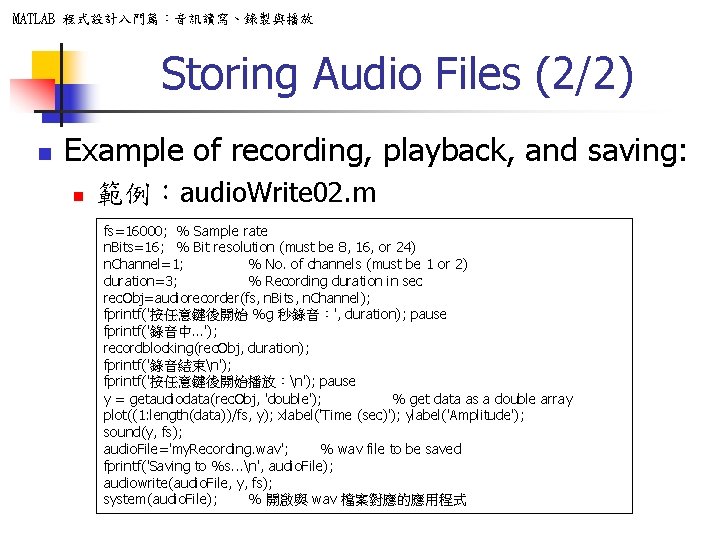
MATLAB 程式設計入門篇:音訊讀寫、錄製與播放 Storing Audio Files (2/2) n Example of recording, playback, and saving: n 範例:audio. Write 02. m fs=16000; % Sample rate n. Bits=16; % Bit resolution (must be 8, 16, or 24) n. Channel=1; % No. of channels (must be 1 or 2) duration=3; % Recording duration in sec rec. Obj=audiorecorder(fs, n. Bits, n. Channel); fprintf('按任意鍵後開始 %g 秒錄音:', duration); pause fprintf('錄音中. . . '); recordblocking(rec. Obj, duration); fprintf('錄音結束n'); fprintf('按任意鍵後開始播放:n'); pause y = getaudiodata(rec. Obj, 'double'); % get data as a double array plot((1: length(data))/fs, y); xlabel('Time (sec)'); ylabel('Amplitude'); sound(y, fs); audio. File='my. Recording. wav'; % wav file to be saved fprintf('Saving to %s. . . n', audio. File); audiowrite(audio. File, y, fs); system(audio. File); % 開啟與 wav 檔案對應的應用程式
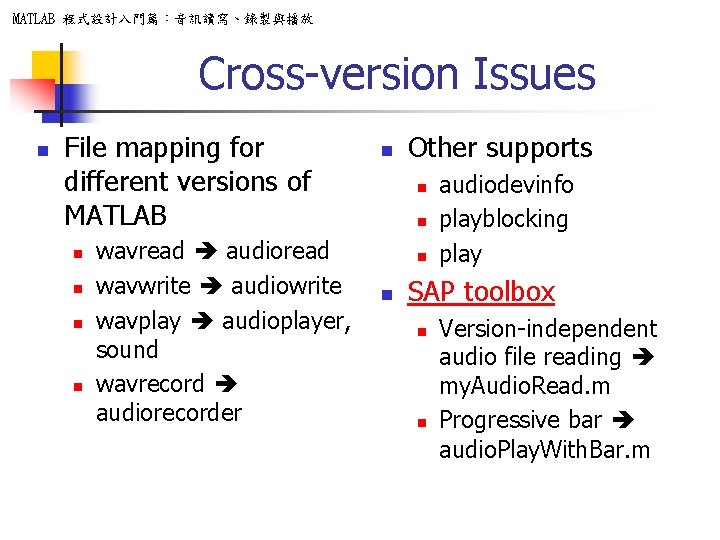
MATLAB 程式設計入門篇:音訊讀寫、錄製與播放 Cross-version Issues n File mapping for different versions of MATLAB n n wavread audioread wavwrite audiowrite wavplay audioplayer, sound wavrecord audiorecorder n Other supports n n audiodevinfo playblocking play SAP toolbox n n Version-independent audio file reading my. Audio. Read. m Progressive bar audio. Play. With. Bar. m
MATLAB 程式設計入門篇:音訊讀寫、錄製與播放 Supplementary Material n Other resources n ASPR: Audio Signal Processing and Recognition n n Texts for this set of slides can be found at Chapter 4. Pitch tracking by visual inspection can be found at Section 4 of Chapter 5. (Slides)
- Slides: 46