
Maths revision session 17 th December 2019 Brain
Maths revision session 17 th December 2019
Brain working… Timestables
What the session will cover • • • Maths GCSE Revision resources (home and school) Effective revision Big learning Q&A
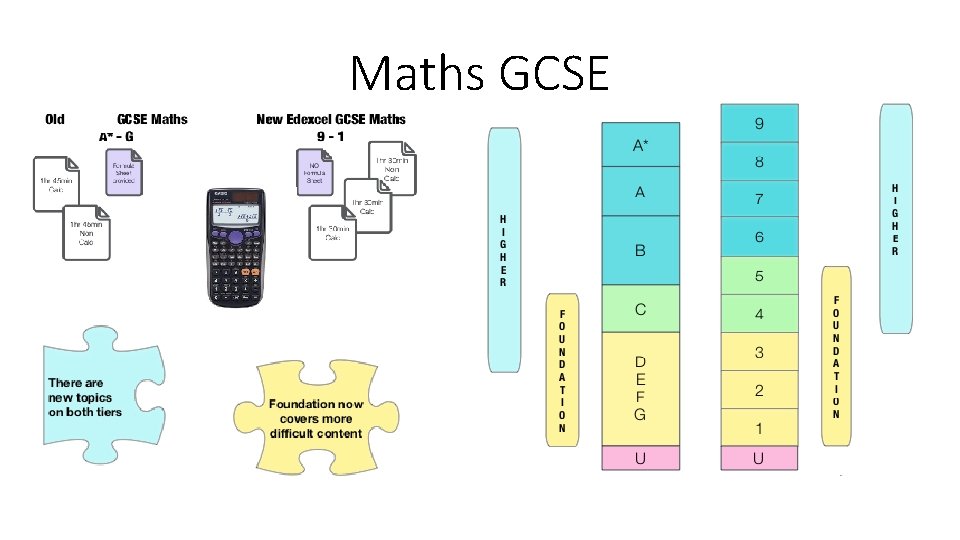
Maths GCSE
SUPPORTING YOUR CHILD'S LEARNING CROWN HILLS COMMUNITY COLLEGE MATHEMATICS DEPARTMENT
• Aim of this session • Demonstrate learning platforms • Identify your child’s strengths and weaknesses • Encourage your child to work independently
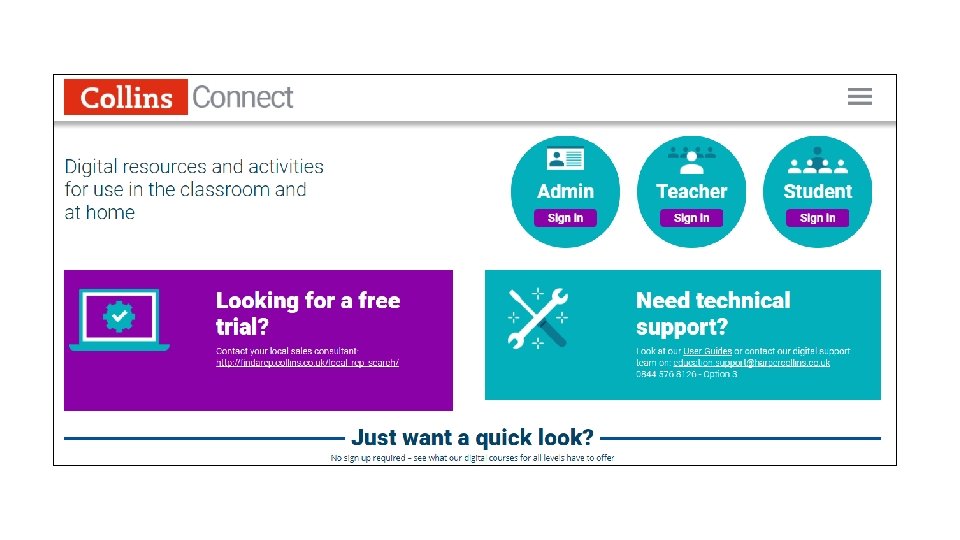
The purpose of Collins Connect • Know what your child will be learning from year`s 7 -11 • Promote independent learning • Use Collins Connect to recap and look ahead. Your child’s learning • Familiarise yourself with the new Mathematics curriculum

How to log in • www. collinsconnect. co. uk
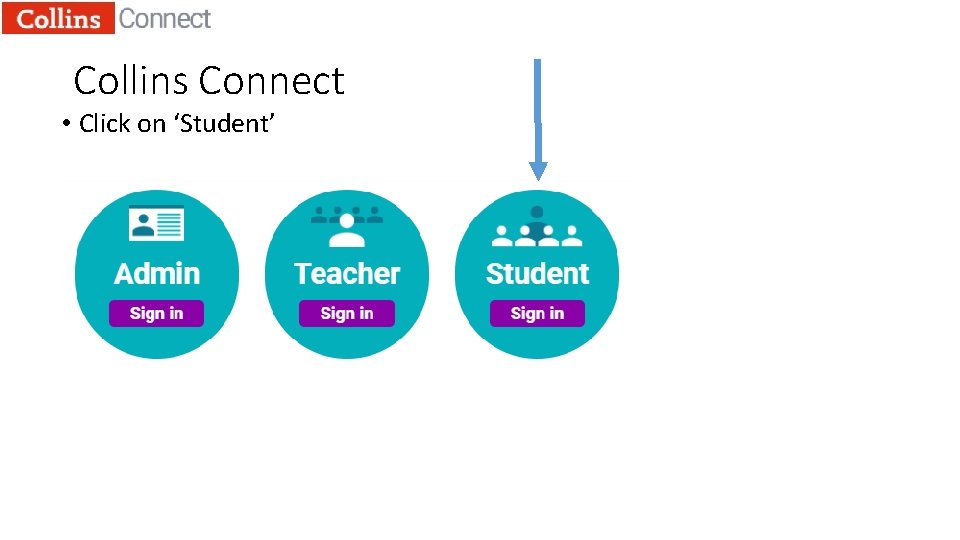
Collins Connect • Click on ‘Student’
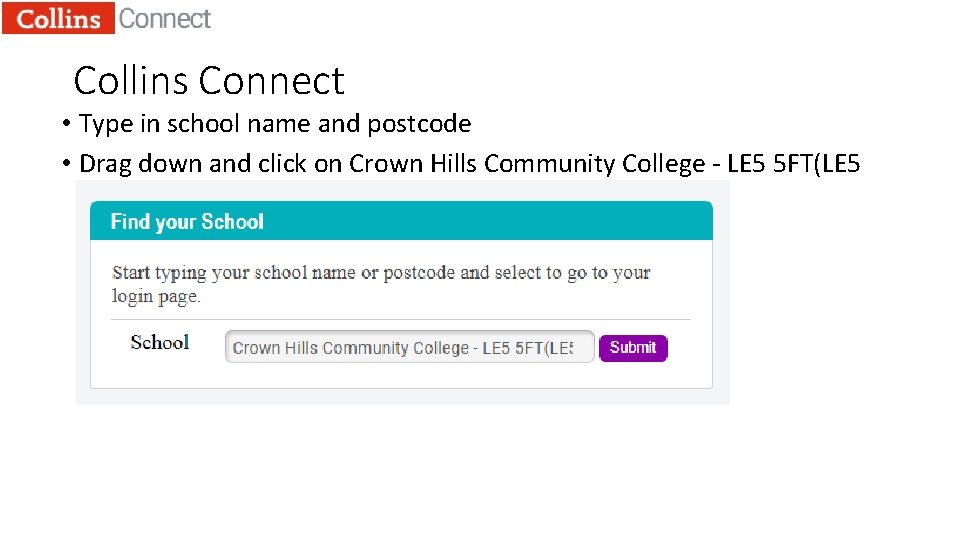
Collins Connect • Type in school name and postcode • Drag down and click on Crown Hills Community College - LE 5 5 FT(LE 5 5 FT)
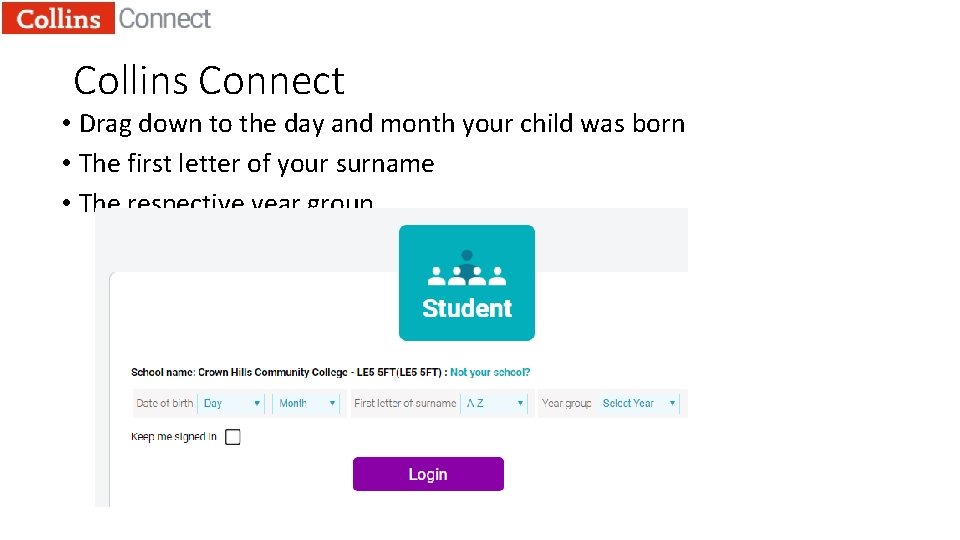
Collins Connect • Drag down to the day and month your child was born • The first letter of your surname • The respective year group.
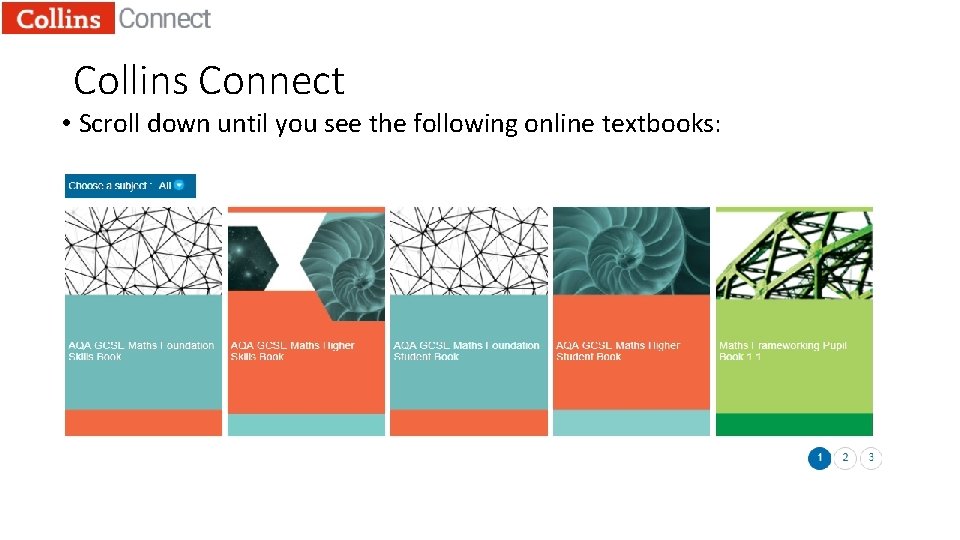
Collins Connect • Scroll down until you see the following online textbooks:
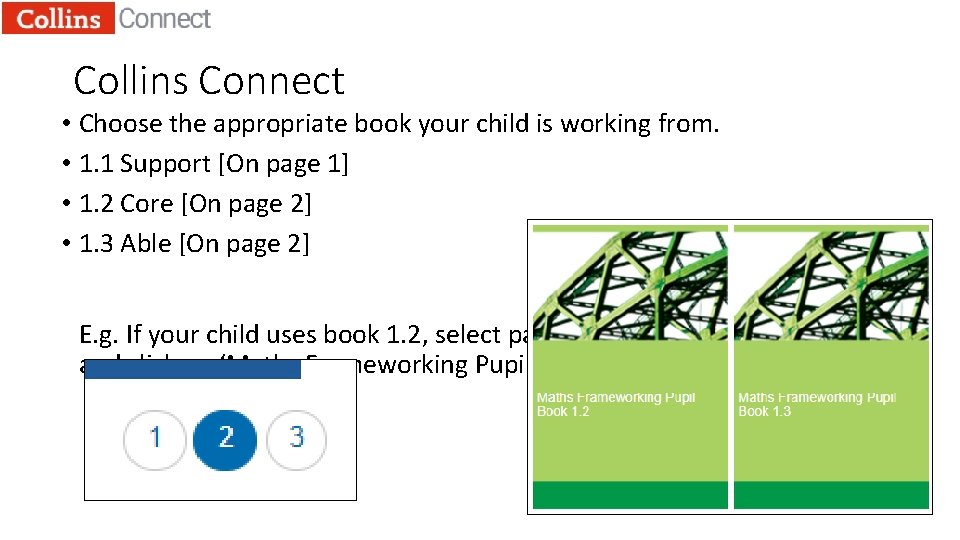
Collins Connect • Choose the appropriate book your child is working from. • 1. 1 Support [On page 1] • 1. 2 Core [On page 2] • 1. 3 Able [On page 2] E. g. If your child uses book 1. 2, select page 2 and click on ‘Maths Frameworking Pupil Book 1. 2
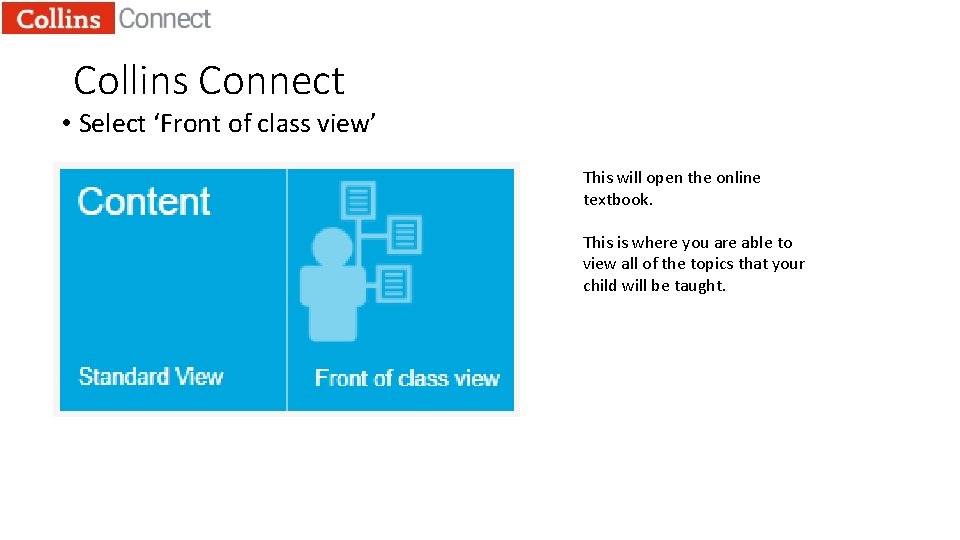
Collins Connect • Select ‘Front of class view’ This will open the online textbook. This is where you are able to view all of the topics that your child will be taught.
Purpose of Mymaths • A tool that can explain mathematics with a step-by-step process • Also explains mathematics in a visual way • Uses an online homework system to track your child’s progress • Can assess your child’s learning and help them to improve
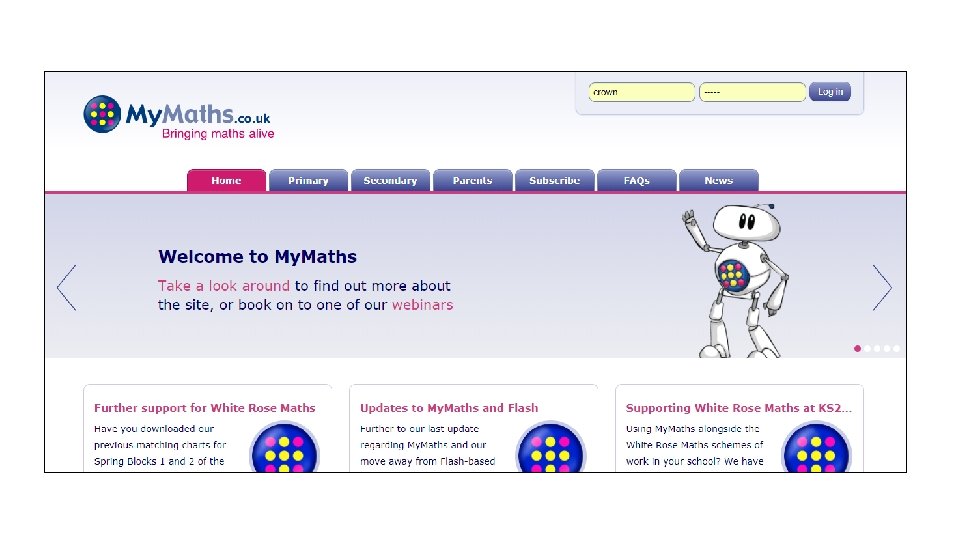
Mymaths • Go to www. mymaths. co. uk • Login: crown • Password: tally
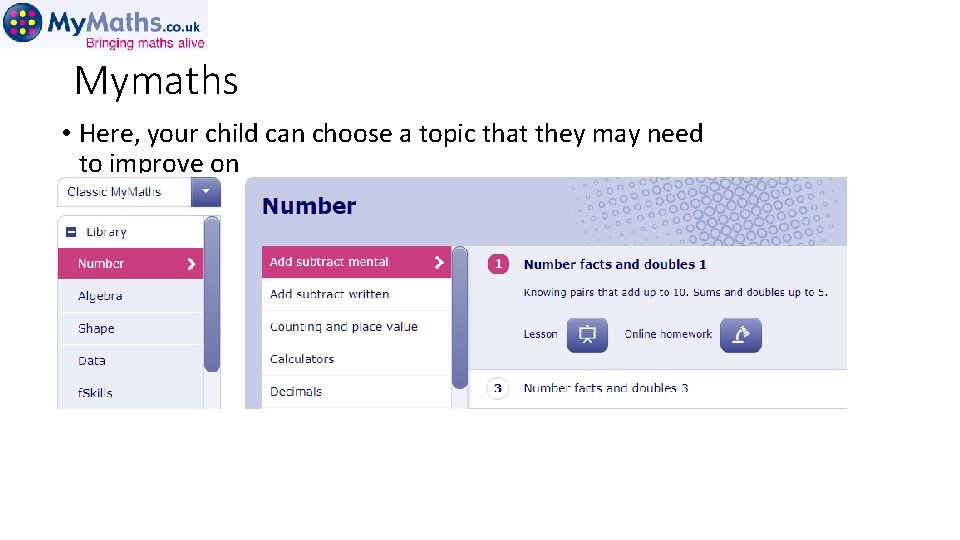
Mymaths • Here, your child can choose a topic that they may need to improve on
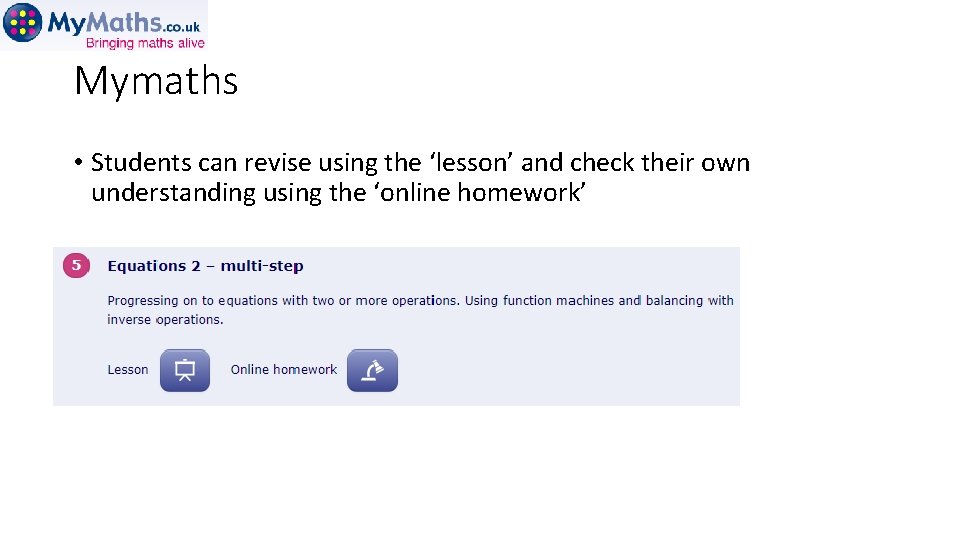
Mymaths • Students can revise using the ‘lesson’ and check their own understanding using the ‘online homework’
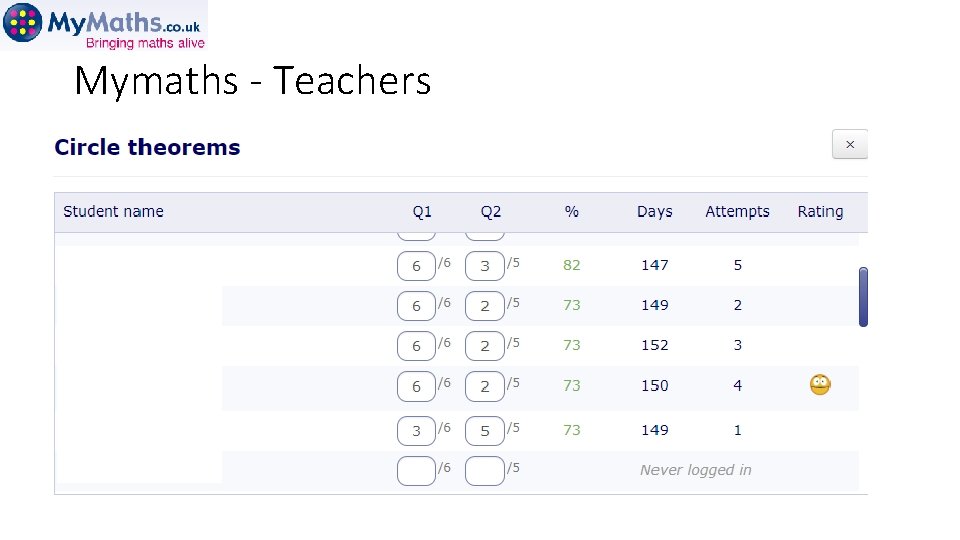
Mymaths - Teachers
Mathswatch
- Slides: 22