
Mathematics Assessment Markup Language Guanyu Li ICCM Lab
Mathematics Assessment Markup Language Guanyu Li ICCM Lab Lanzhou University China wme. lzu. edu. cn
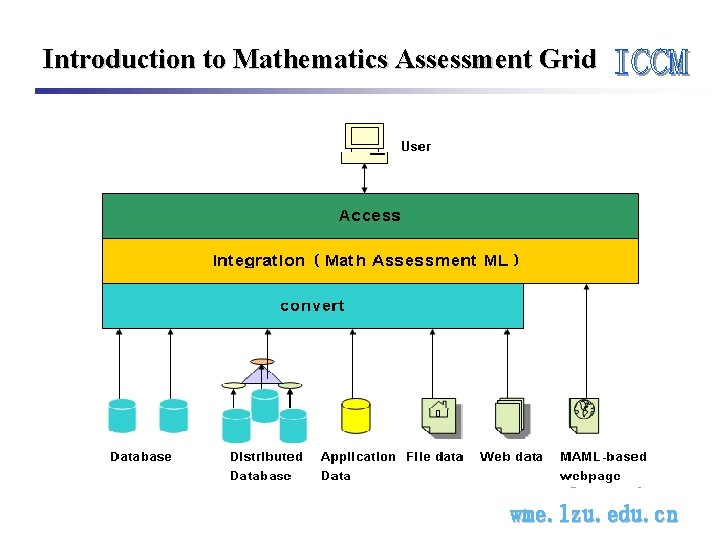
Introduction to Mathematics Assessment Grid wme. lzu. edu. cn
Functionalities of MAG • Integrate the mathematical question resources on Internet into a very large, open and virtual library • The users can login MAG to search questions on certain subject and make a test paper • Transparent to the user wme. lzu. edu. cn
Mathematical Questions on Internet • • Web pages Word documents PDF files Stored in databases wme. lzu. edu. cn
Problems to Deal With • No standard methods to describe mathematical questions • Different Software can not share mathematical questions wme. lzu. edu. cn

Introduction to MAML • A XML-based Markup Language • Encode questions, test papers and their description information • Being compatible with Math. ML and SVG for intermixed usage wme. lzu. edu. cn
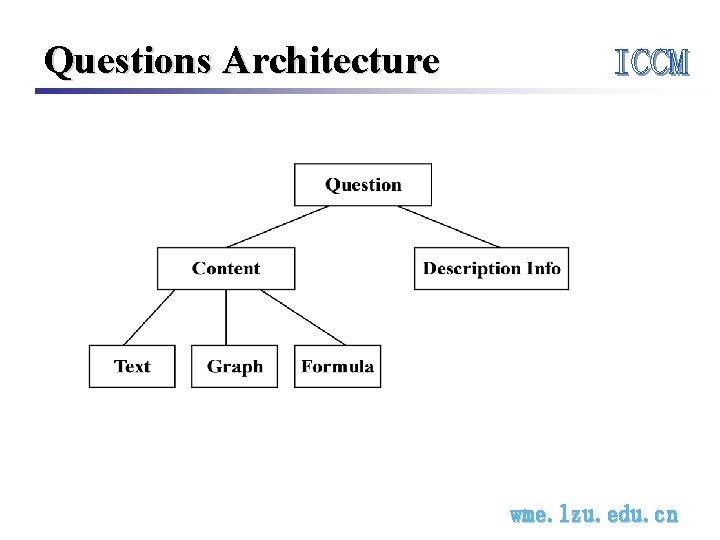
Questions Architecture wme. lzu. edu. cn
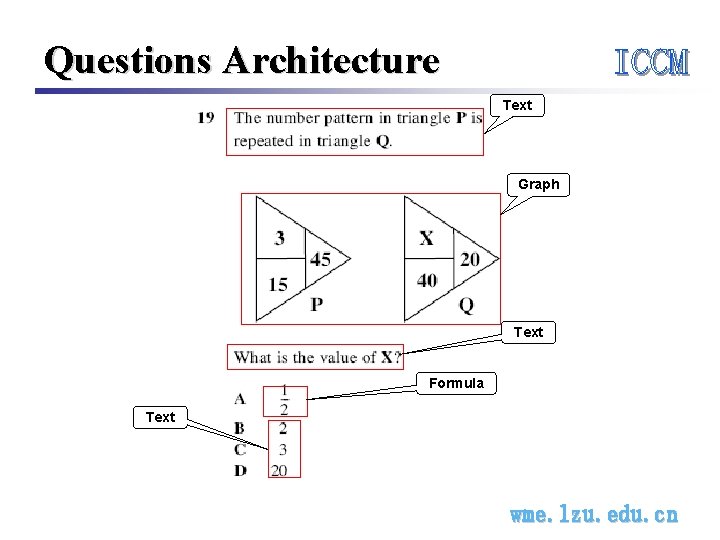
Questions Architecture Text Graph Text Formula Text wme. lzu. edu. cn
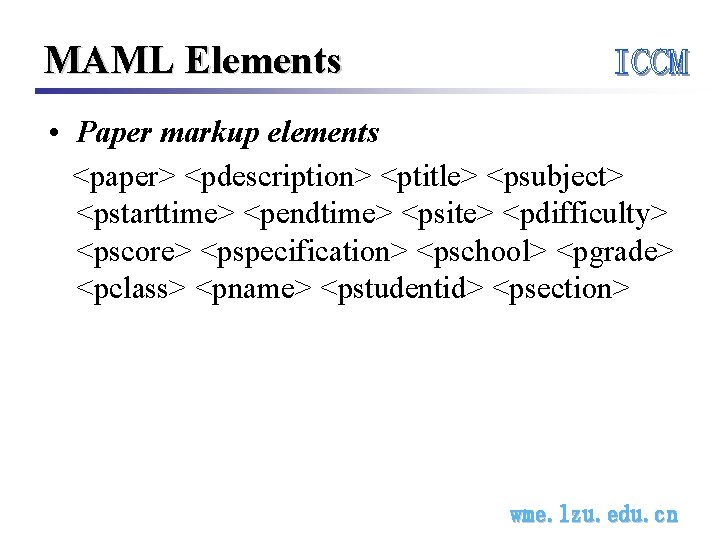
MAML Elements • Paper markup elements <paper> <pdescription> <ptitle> <psubject> <pstarttime> <pendtime> <psite> <pdifficulty> <pscore> <pspecification> <pschool> <pgrade> <pclass> <pname> <pstudentid> <psection> wme. lzu. edu. cn
MAML Elements • Question content markup elements <questionset> <question> <qdescription> <qbody> <qchoice> <qtext> <qblank> <qmathml> <qsvg> <qimage> <qtocorrect> <qparameter> <qkey> wme. lzu. edu. cn
MAML Elements • Question descriptive markup elements <qtopic><qcorrectness><qdifficulty> <qrscore> <qanswer> <qscore> • Presentation markup elements <qmaml><qrow> <qbr> wme. lzu. edu. cn
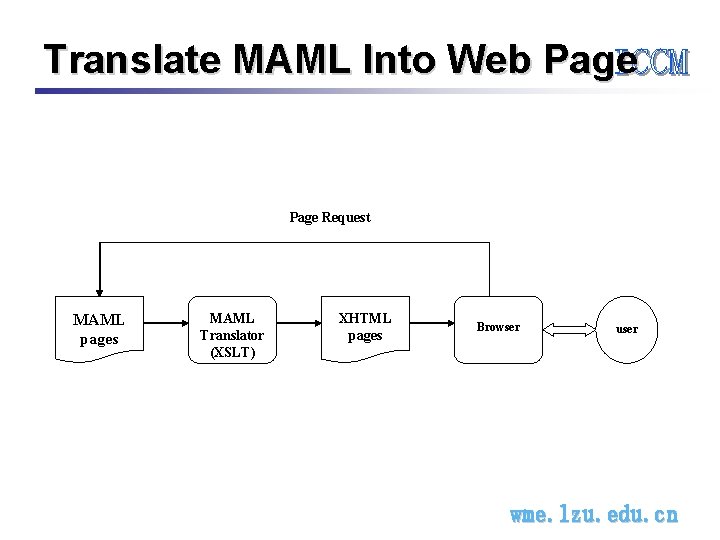
Translate MAML Into Web Page Request MAML pages MAML Translator (XSLT) XHTML pages Browser user wme. lzu. edu. cn
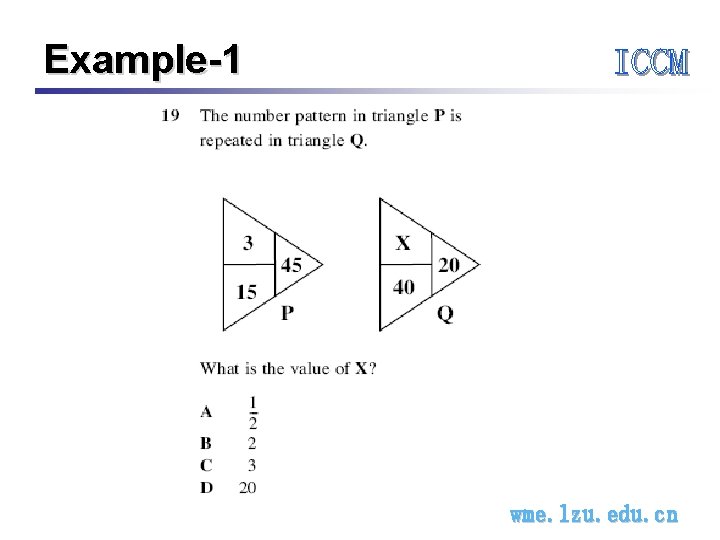
Example-1 wme. lzu. edu. cn
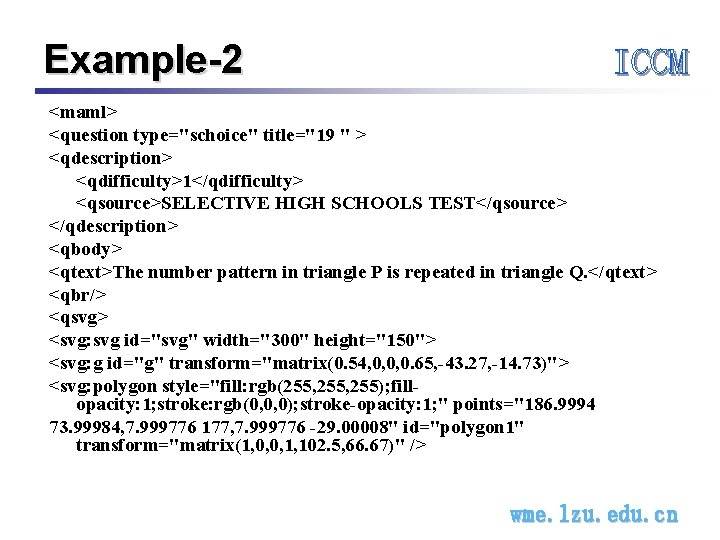
Example-2 <maml> <question type="schoice" title="19 " > <qdescription> <qdifficulty>1</qdifficulty> <qsource>SELECTIVE HIGH SCHOOLS TEST</qsource> </qdescription> <qbody> <qtext>The number pattern in triangle P is repeated in triangle Q. </qtext> <qbr/> <qsvg> <svg: svg id="svg" width="300" height="150"> <svg: g id="g" transform="matrix(0. 54, 0, 0, 0. 65, -43. 27, -14. 73)"> <svg: polygon style="fill: rgb(255, 255); fillopacity: 1; stroke: rgb(0, 0, 0); stroke-opacity: 1; " points="186. 9994 73. 99984, 7. 999776 177, 7. 999776 -29. 00008" id="polygon 1" transform="matrix(1, 0, 0, 1, 102. 5, 66. 67)" /> wme. lzu. edu. cn
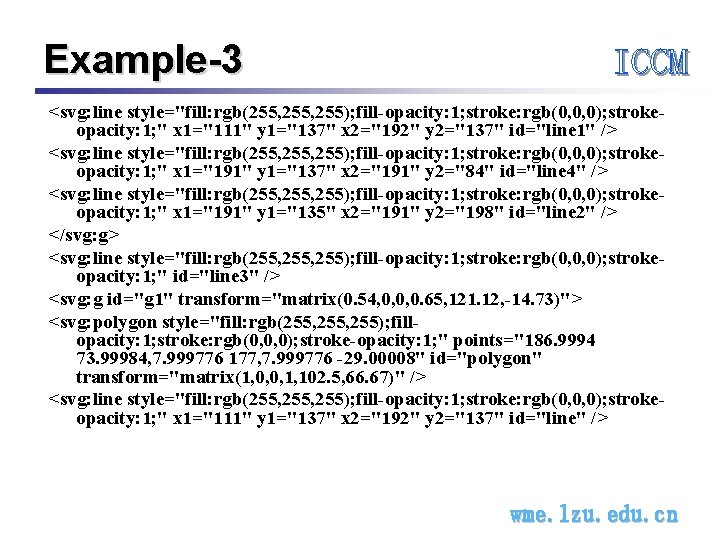
Example-3 <svg: line style="fill: rgb(255, 255); fill-opacity: 1; stroke: rgb(0, 0, 0); strokeopacity: 1; " x 1="111" y 1="137" x 2="192" y 2="137" id="line 1" /> <svg: line style="fill: rgb(255, 255); fill-opacity: 1; stroke: rgb(0, 0, 0); strokeopacity: 1; " x 1="191" y 1="137" x 2="191" y 2="84" id="line 4" /> <svg: line style="fill: rgb(255, 255); fill-opacity: 1; stroke: rgb(0, 0, 0); strokeopacity: 1; " x 1="191" y 1="135" x 2="191" y 2="198" id="line 2" /> </svg: g> <svg: line style="fill: rgb(255, 255); fill-opacity: 1; stroke: rgb(0, 0, 0); strokeopacity: 1; " id="line 3" /> <svg: g id="g 1" transform="matrix(0. 54, 0, 0, 0. 65, 121. 12, -14. 73)"> <svg: polygon style="fill: rgb(255, 255); fillopacity: 1; stroke: rgb(0, 0, 0); stroke-opacity: 1; " points="186. 9994 73. 99984, 7. 999776 177, 7. 999776 -29. 00008" id="polygon" transform="matrix(1, 0, 0, 1, 102. 5, 66. 67)" /> <svg: line style="fill: rgb(255, 255); fill-opacity: 1; stroke: rgb(0, 0, 0); strokeopacity: 1; " x 1="111" y 1="137" x 2="192" y 2="137" id="line" /> wme. lzu. edu. cn
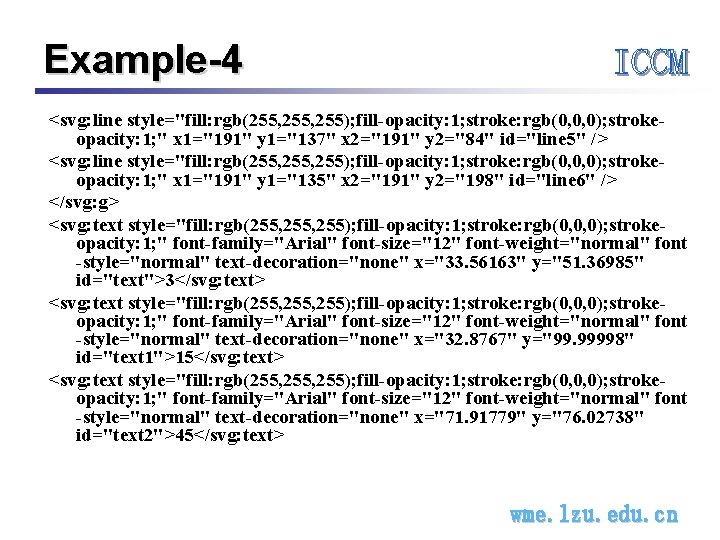
Example-4 <svg: line style="fill: rgb(255, 255); fill-opacity: 1; stroke: rgb(0, 0, 0); strokeopacity: 1; " x 1="191" y 1="137" x 2="191" y 2="84" id="line 5" /> <svg: line style="fill: rgb(255, 255); fill-opacity: 1; stroke: rgb(0, 0, 0); strokeopacity: 1; " x 1="191" y 1="135" x 2="191" y 2="198" id="line 6" /> </svg: g> <svg: text style="fill: rgb(255, 255); fill-opacity: 1; stroke: rgb(0, 0, 0); strokeopacity: 1; " font-family="Arial" font-size="12" font-weight="normal" font -style="normal" text-decoration="none" x="33. 56163" y="51. 36985" id="text">3</svg: text> <svg: text style="fill: rgb(255, 255); fill-opacity: 1; stroke: rgb(0, 0, 0); strokeopacity: 1; " font-family="Arial" font-size="12" font-weight="normal" font -style="normal" text-decoration="none" x="32. 8767" y="99. 99998" id="text 1">15</svg: text> <svg: text style="fill: rgb(255, 255); fill-opacity: 1; stroke: rgb(0, 0, 0); strokeopacity: 1; " font-family="Arial" font-size="12" font-weight="normal" font -style="normal" text-decoration="none" x="71. 91779" y="76. 02738" id="text 2">45</svg: text> wme. lzu. edu. cn
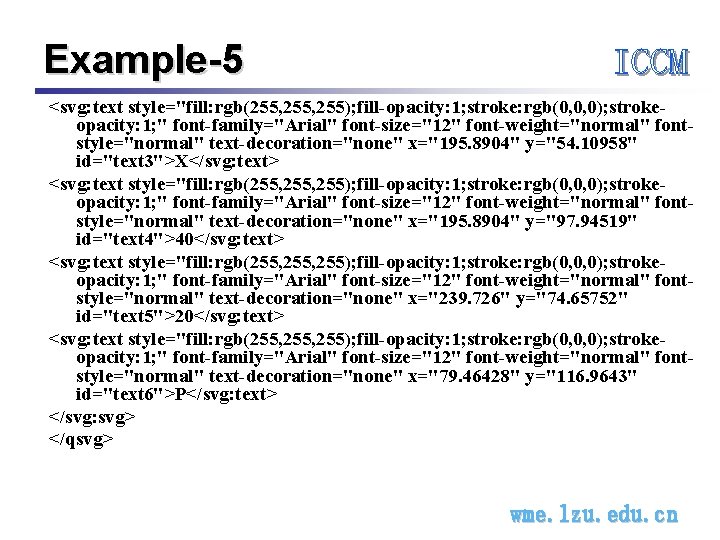
Example-5 <svg: text style="fill: rgb(255, 255); fill-opacity: 1; stroke: rgb(0, 0, 0); strokeopacity: 1; " font-family="Arial" font-size="12" font-weight="normal" fontstyle="normal" text-decoration="none" x="195. 8904" y="54. 10958" id="text 3">X</svg: text> <svg: text style="fill: rgb(255, 255); fill-opacity: 1; stroke: rgb(0, 0, 0); strokeopacity: 1; " font-family="Arial" font-size="12" font-weight="normal" fontstyle="normal" text-decoration="none" x="195. 8904" y="97. 94519" id="text 4">40</svg: text> <svg: text style="fill: rgb(255, 255); fill-opacity: 1; stroke: rgb(0, 0, 0); strokeopacity: 1; " font-family="Arial" font-size="12" font-weight="normal" fontstyle="normal" text-decoration="none" x="239. 726" y="74. 65752" id="text 5">20</svg: text> <svg: text style="fill: rgb(255, 255); fill-opacity: 1; stroke: rgb(0, 0, 0); strokeopacity: 1; " font-family="Arial" font-size="12" font-weight="normal" fontstyle="normal" text-decoration="none" x="79. 46428" y="116. 9643" id="text 6">P</svg: text> </svg: svg> </qsvg> wme. lzu. edu. cn
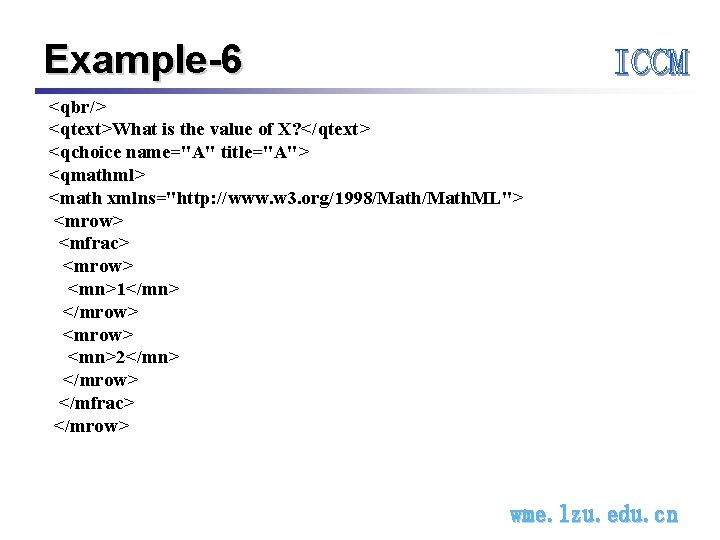
Example-6 <qbr/> <qtext>What is the value of X? </qtext> <qchoice name="A" title="A"> <qmathml> <math xmlns="http: //www. w 3. org/1998/Math. ML"> <mrow> <mfrac> <mrow> <mn>1</mn> </mrow> <mn>2</mn> </mrow> </mfrac> </mrow> wme. lzu. edu. cn
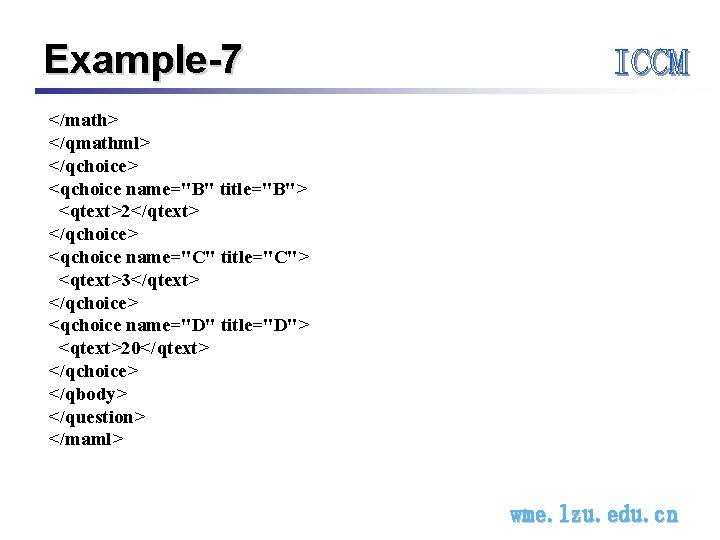
Example-7 </math> </qmathml> </qchoice> <qchoice name="B" title="B"> <qtext>2</qtext> </qchoice> <qchoice name="C" title="C"> <qtext>3</qtext> </qchoice> <qchoice name="D" title="D"> <qtext>20</qtext> </qchoice> </qbody> </question> </maml> wme. lzu. edu. cn
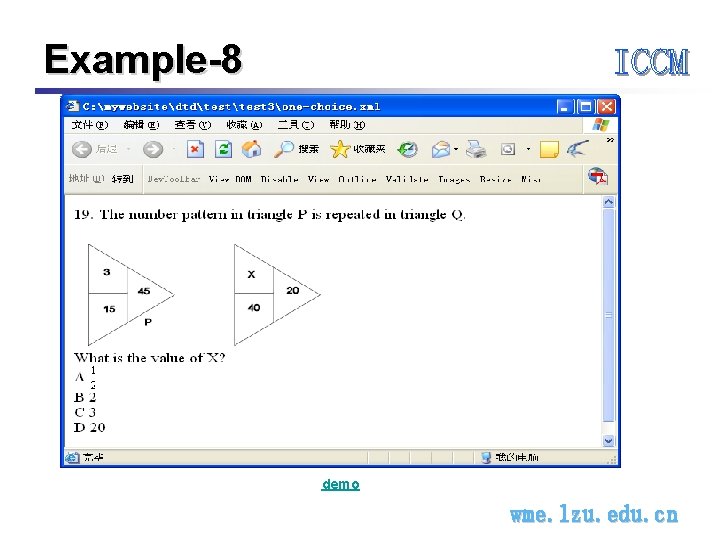
Example-8 demo wme. lzu. edu. cn
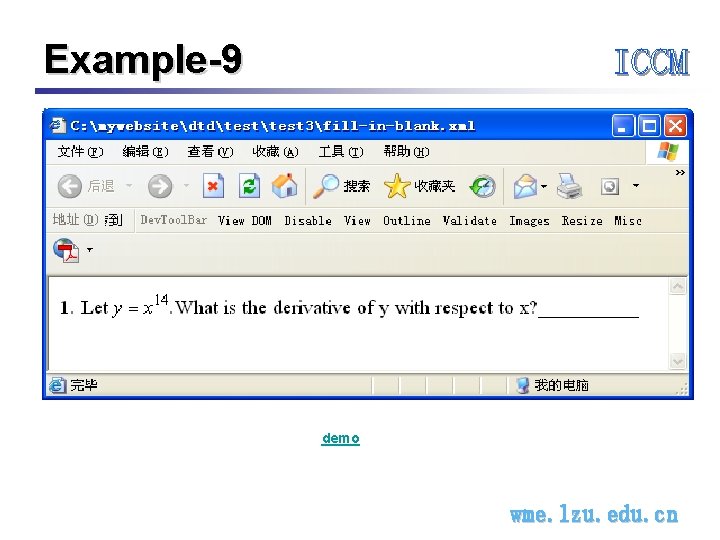
Example-9 demo wme. lzu. edu. cn
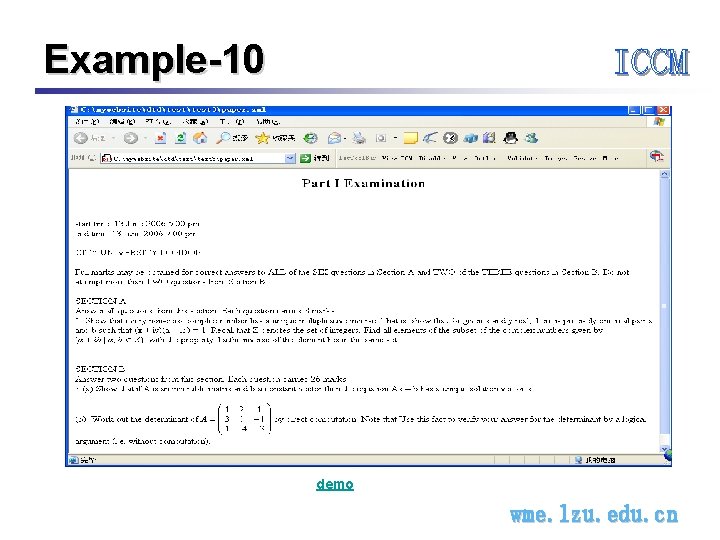
Example-10 demo wme. lzu. edu. cn
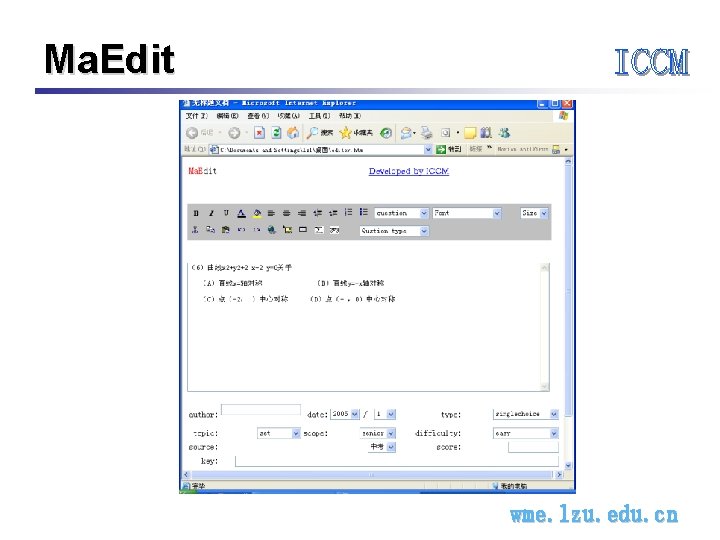
Ma. Edit wme. lzu. edu. cn
Thank you! wme. lzu. edu. cn
- Slides: 24