
Mathematical Modeling and MATLAB MATLAB MATLAB 2021310 clc
Mathematical Modeling and MATLAB 数学建模与MATLAB 主讲人:孙越 数学建模与MATLAB 第八讲 三维图形绘制及图形应用 2021/3/10


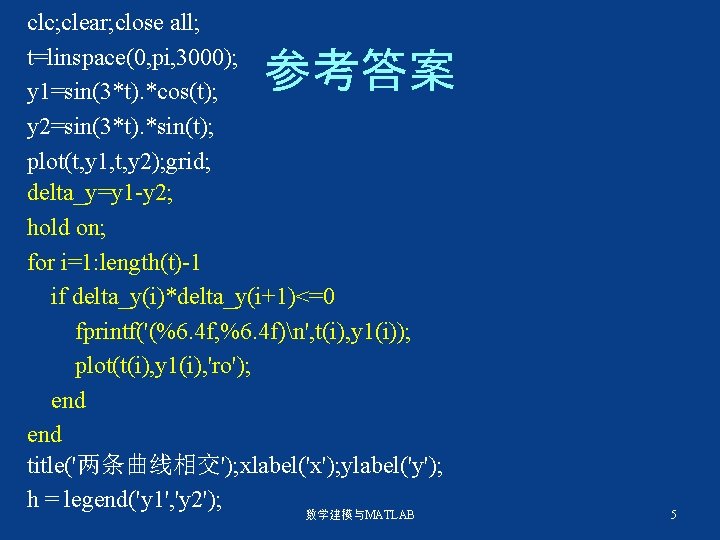
clc; clear; close all; t=linspace(0, pi, 3000); y 1=sin(3*t). *cos(t); y 2=sin(3*t). *sin(t); plot(t, y 1, t, y 2); grid; delta_y=y 1 -y 2; hold on; for i=1: length(t)-1 if delta_y(i)*delta_y(i+1)<=0 fprintf('(%6. 4 f, %6. 4 f)n', t(i), y 1(i)); plot(t(i), y 1(i), 'ro'); end title('两条曲线相交'); xlabel('x'); ylabel('y'); h = legend('y 1', 'y 2'); 参考答案 数学建模与MATLAB 5

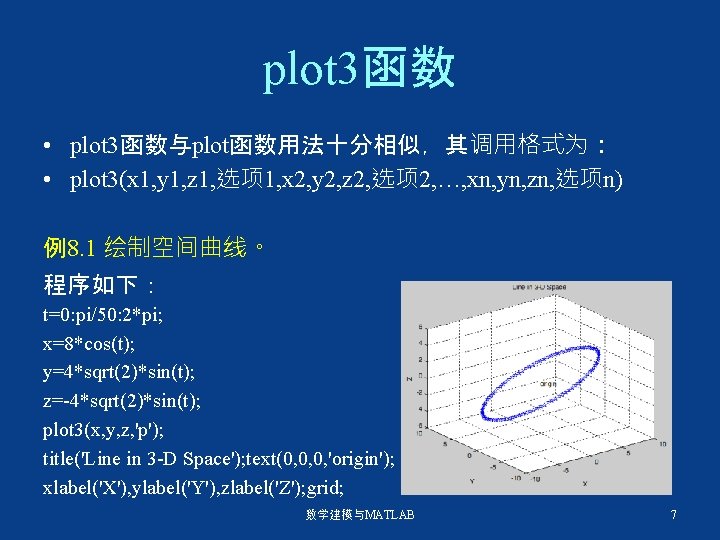
plot 3函数 • plot 3函数与plot函数用法十分相似,其调用格式为: • plot 3(x 1, y 1, z 1, 选项 1, x 2, y 2, z 2, 选项 2, …, xn, yn, zn, 选项n) 例8. 1 绘制空间曲线。 程序如下: t=0: pi/50: 2*pi; x=8*cos(t); y=4*sqrt(2)*sin(t); z=-4*sqrt(2)*sin(t); plot 3(x, y, z, 'p'); title('Line in 3 -D Space'); text(0, 0, 0, 'origin'); xlabel('X'), ylabel('Y'), zlabel('Z'); grid; 数学建模与MATLAB 7
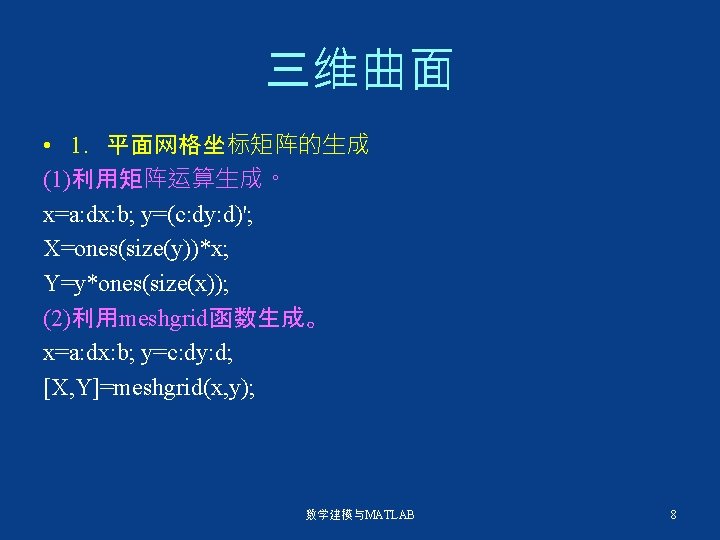

• 2. 绘制三维曲面的函数 surf函数和mesh函数的调用格式为: mesh(x, y, z, c) surf(x, y, z, c) 例8. 2 用三维曲面图表现函数z=sin(y). *cos(x)。 程序 1: x=0: 0. 1: 2*pi; [x, y]=meshgrid(x); z=sin(y). *cos(x); mesh(x, y, z); xlabel('x-axis'), ylabel('y-axis'), zlabel('z-axis'); title('mesh'); 程序 2: x=0: 0. 1: 2*pi; [x, y]=meshgrid(x); z=sin(y). *cos(x); surf(x, y, z); xlabel('x-axis'), ylabel('y-axis'), zlabel('z-axis'); title('surf'); 程序 3: x=0: 0. 1: 2*pi; [x, y]=meshgrid(x); z=sin(y). *cos(x); plot 3(x, y, z); xlabel('x-axis'), ylabel('y-axis'), zlabel('z-axis'); title('plot 31'); grid; 数学建模与MATLAB 9
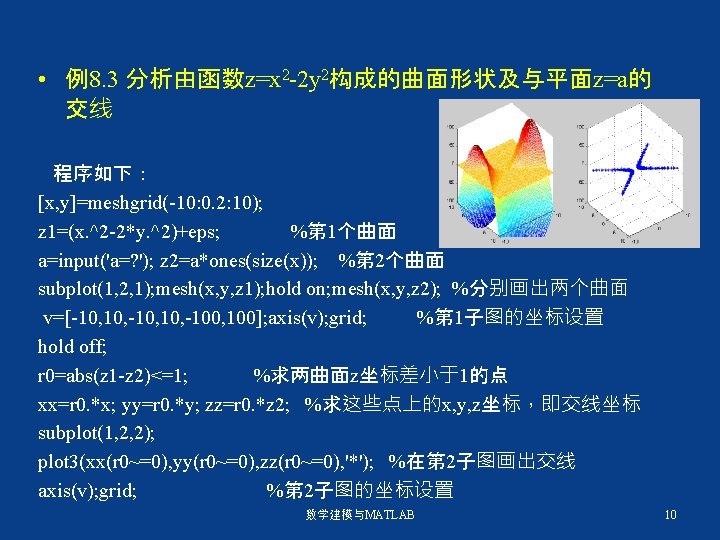

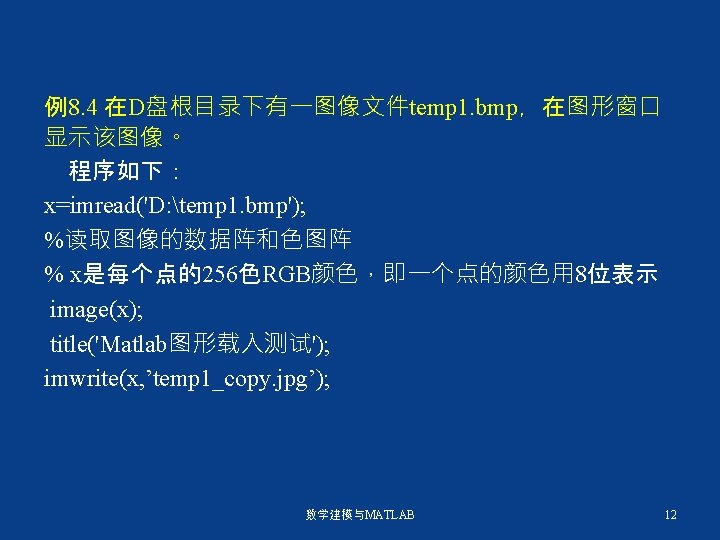
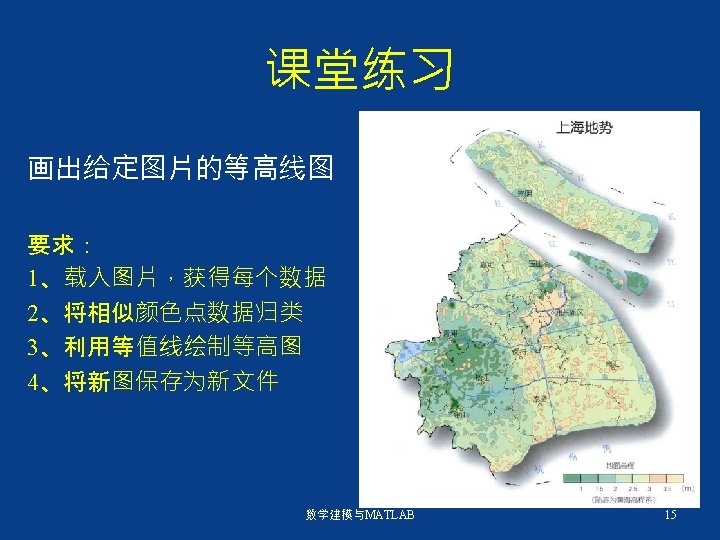
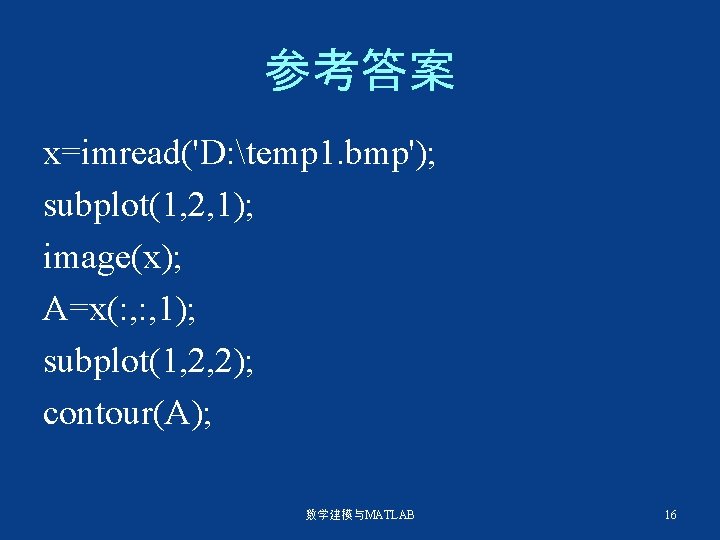
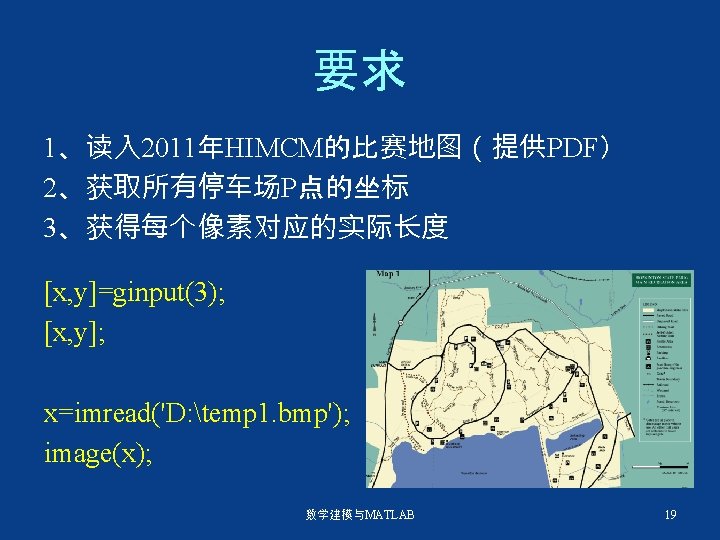
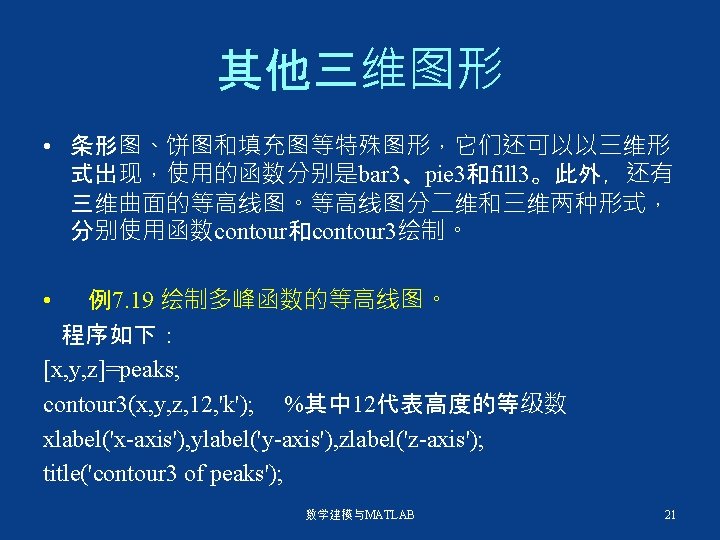
参考答案 x=imread('D: temp 1. bmp'); subplot(1, 2, 1); image(x); A=x(: , 1); subplot(1, 2, 2); contour(A); 数学建模与MATLAB 16
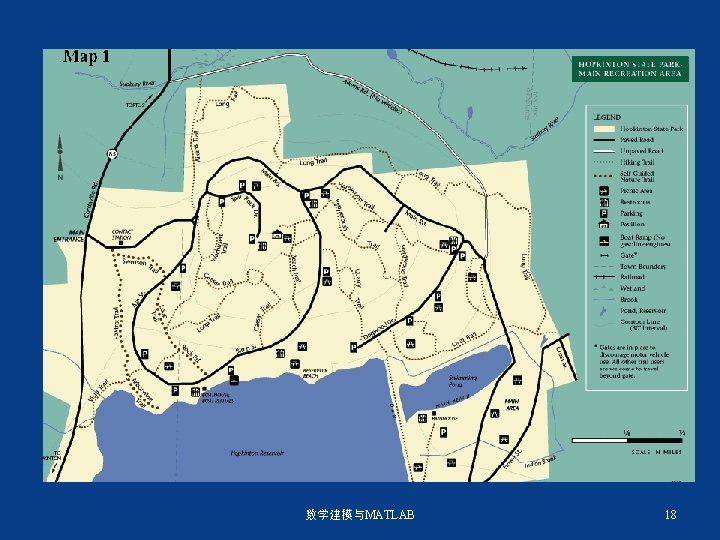
Problem B—— Search and Finding lost objects is not always an easy task, even when you have knowledge of a general location. Consider the following scenario: you have lost a small object, such as a class ring, in a small park see map 1. It is getting dark and you have your pen light flashlight available. If your light shines on the ring, you assume that you see it. You cannot possibly search 100% of the region. Determine how you will search the park in minimum time. An average person walks approximately 4 mph. You have about 2 hours to search. Determine the chance you will find the lost object. 数学建模与MATLAB 17
数学建模与MATLAB 18

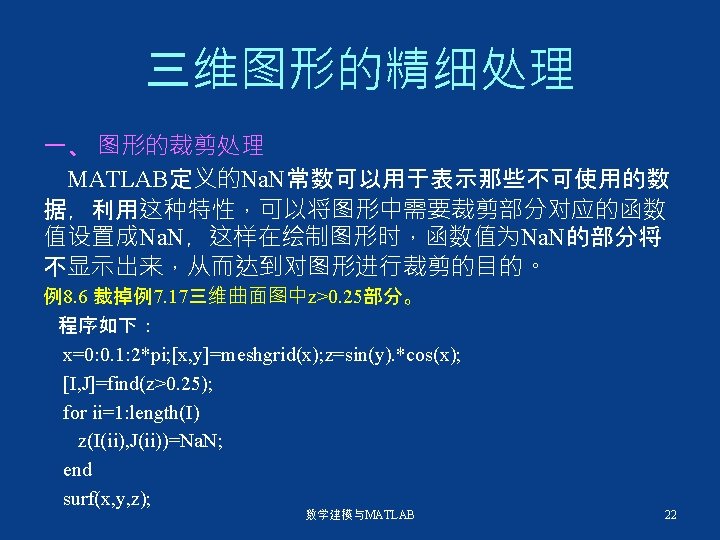
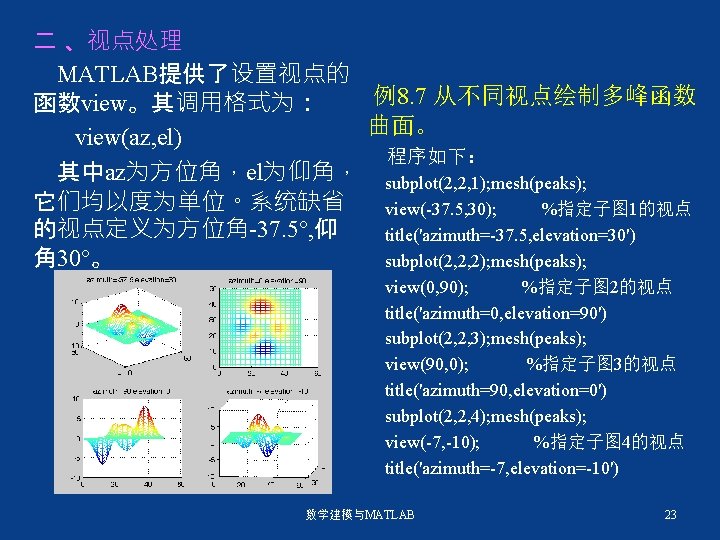
二 、视点处理 MATLAB提供了设置视点的 例8. 7 从不同视点绘制多峰函数 函数view。其调用格式为: 曲面。 view(az, el) 程序如下: 其中az为方位角,el为仰角, subplot(2, 2, 1); mesh(peaks); 它们均以度为单位。系统缺省 view(-37. 5, 30); %指定子图 1的视点 的视点定义为方位角-37. 5°, 仰 title('azimuth=-37. 5, elevation=30') 角 30°。 subplot(2, 2, 2); mesh(peaks); view(0, 90); %指定子图 2的视点 title('azimuth=0, elevation=90') subplot(2, 2, 3); mesh(peaks); view(90, 0); %指定子图 3的视点 title('azimuth=90, elevation=0') subplot(2, 2, 4); mesh(peaks); view(-7, -10); %指定子图 4的视点 title('azimuth=-7, elevation=-10') 数学建模与MATLAB 23
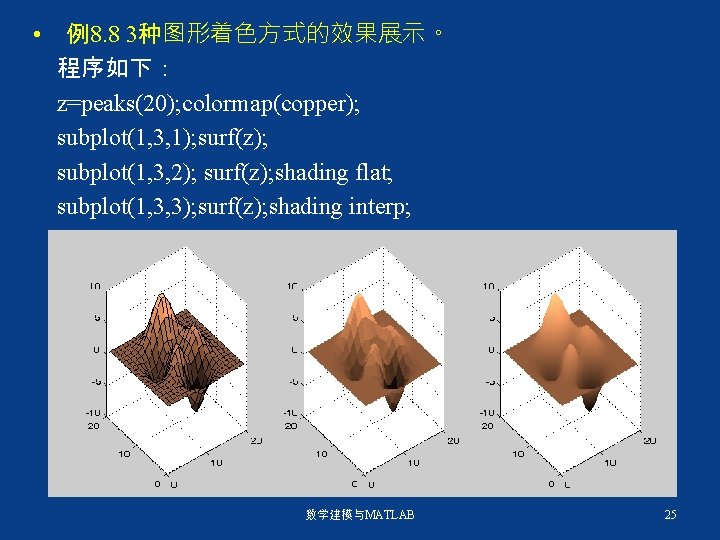
• 例8. 8 3种图形着色方式的效果展示。 程序如下: z=peaks(20); colormap(copper); subplot(1, 3, 1); surf(z); subplot(1, 3, 2); surf(z); shading flat; subplot(1, 3, 3); surf(z); shading interp; 数学建模与MATLAB 25
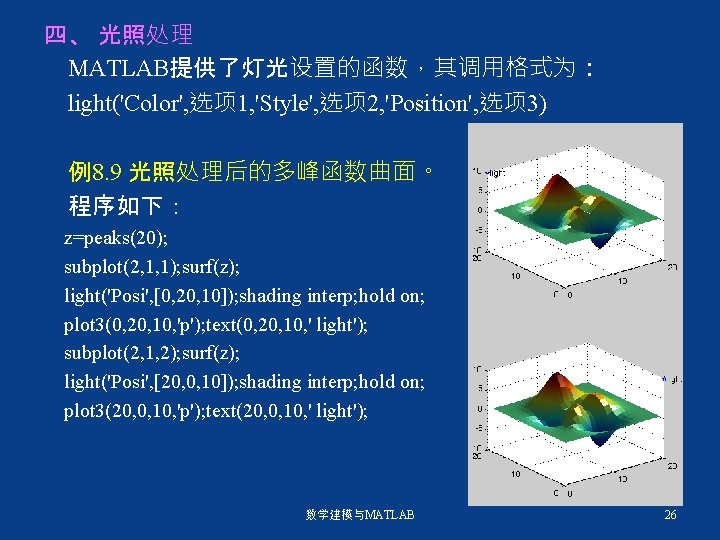
四、 光照处理 MATLAB提供了灯光设置的函数,其调用格式为: light('Color', 选项 1, 'Style', 选项 2, 'Position', 选项 3) 例8. 9 光照处理后的多峰函数曲面。 程序如下: z=peaks(20); subplot(2, 1, 1); surf(z); light('Posi', [0, 20, 10]); shading interp; hold on; plot 3(0, 20, 10, 'p'); text(0, 20, 10, ' light'); subplot(2, 1, 2); surf(z); light('Posi', [20, 0, 10]); shading interp; hold on; plot 3(20, 0, 10, 'p'); text(20, 0, 10, ' light'); 数学建模与MATLAB 26
- Slides: 26