
Math CAD Boundary value problem Second order differential
Math. CAD
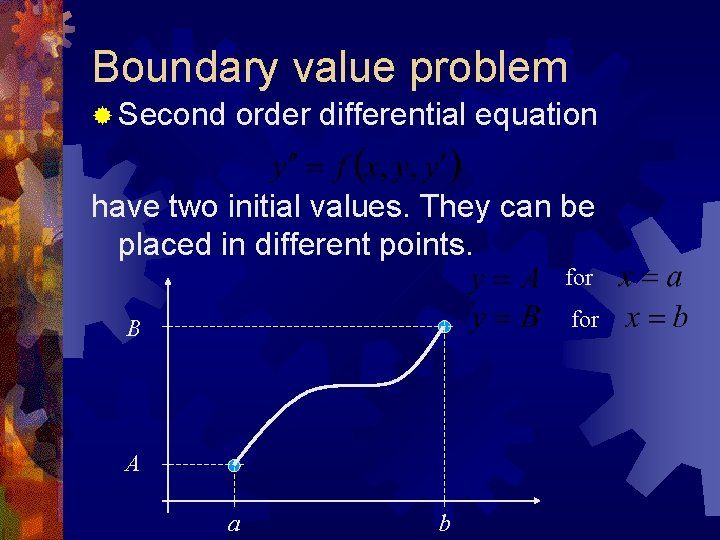
Boundary value problem ® Second order differential equation have two initial values. They can be placed in different points. for B A a b
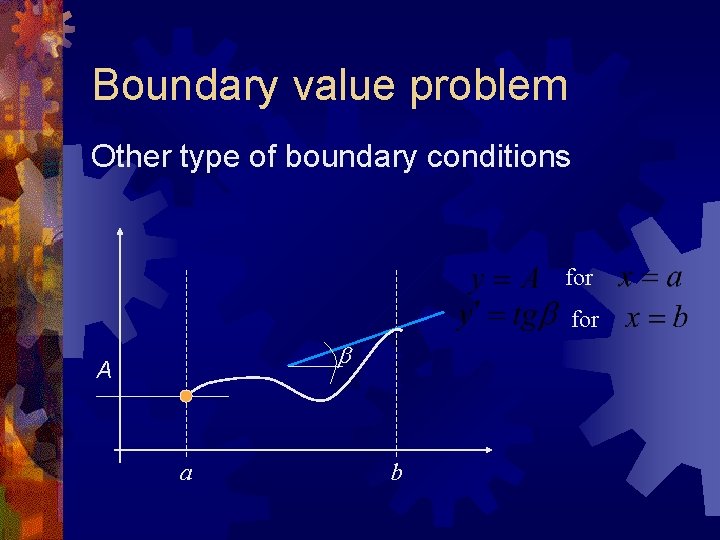
Boundary value problem Other type of boundary conditions for b A a b
Boundary value problem ® Applies to second order differential equations or systems of first order differential equations ® Initial conditions are given on opposite boundaries of solving range ® Numerical methods (usually) needs initial values focused in one point (one of the boundaries)
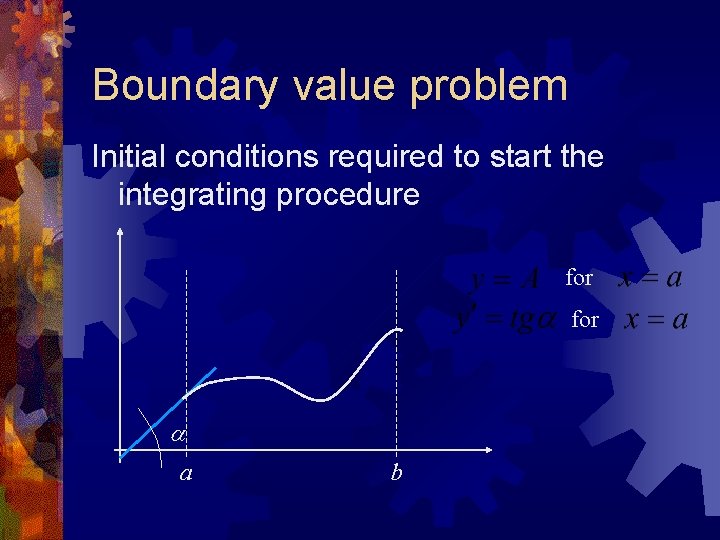
Boundary value problem Initial conditions required to start the integrating procedure for a a b
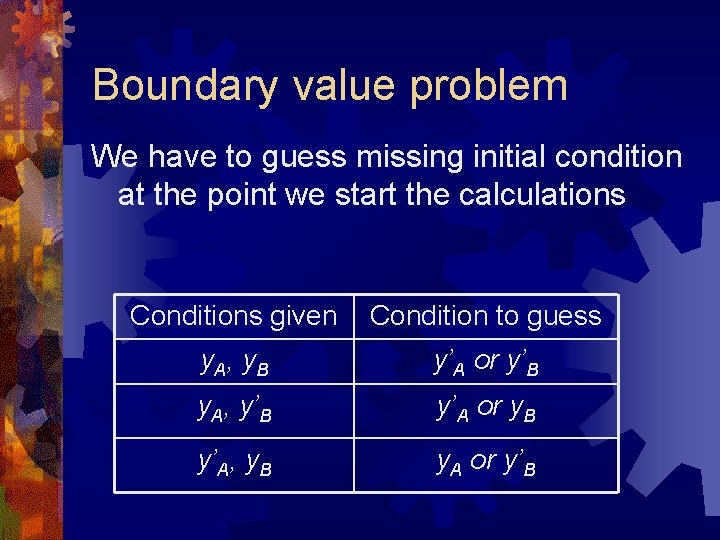
Boundary value problem We have to guess missing initial condition at the point we start the calculations Conditions given Condition to guess y. A, y. B y’A or y’B y. A, y’B y’A or y. B y’A, y. B y. A or y’B
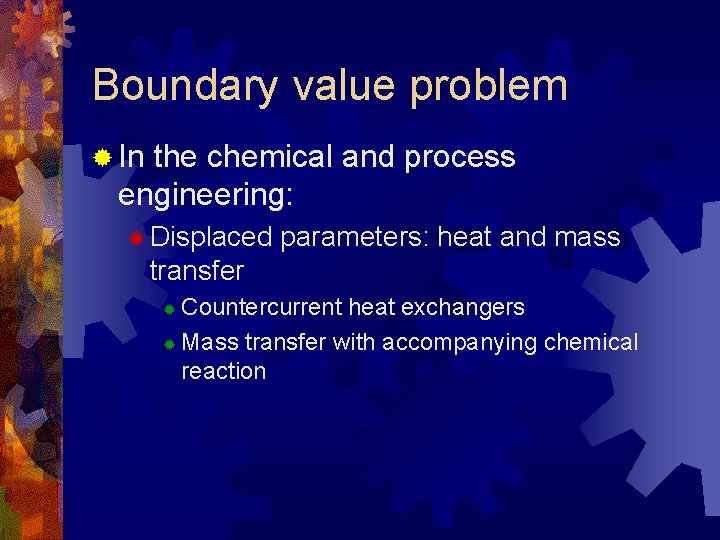
Boundary value problem ® In the chemical and process engineering: ® Displaced parameters: heat and mass transfer Countercurrent heat exchangers ® Mass transfer with accompanying chemical reaction ®
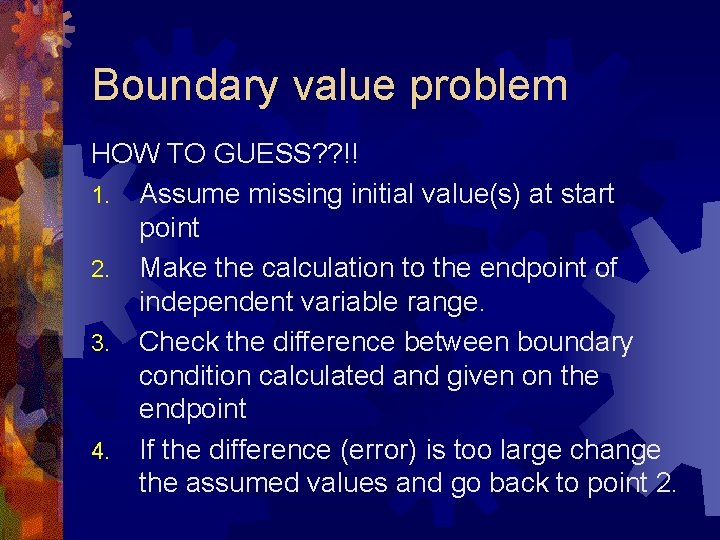
Boundary value problem HOW TO GUESS? ? !! 1. Assume missing initial value(s) at start point 2. Make the calculation to the endpoint of independent variable range. 3. Check the difference between boundary condition calculated and given on the endpoint 4. If the difference (error) is too large change the assumed values and go back to point 2.
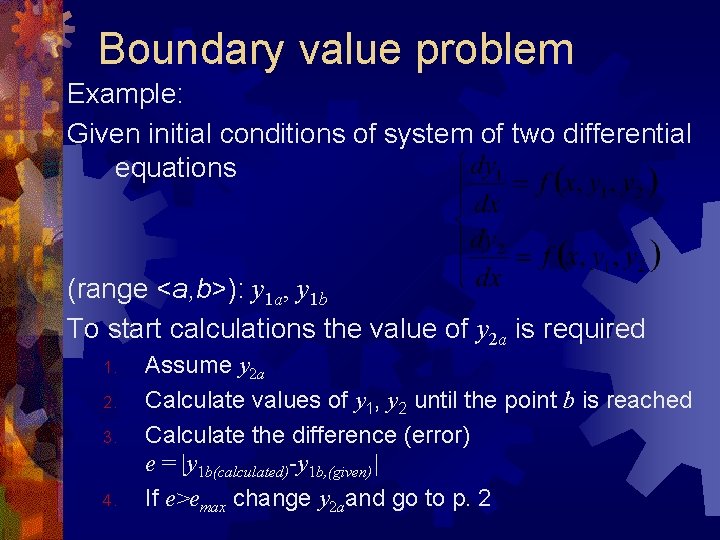
Boundary value problem Example: Given initial conditions of system of two differential equations (range <a, b>): y 1 a, y 1 b To start calculations the value of y 2 a is required 1. 2. 3. 4. Assume y 2 a Calculate values of y 1, y 2 until the point b is reached Calculate the difference (error) e = |y 1 b(calculated)-y 1 b, (given)| If e>emax change y 2 aand go to p. 2
Boundary value problem What is necessary to solve the boundary values problem? 1. System of equations 2. Endpoints of the range of independent variable (range boundaries) 3. Known starting point values 4. Starting point values to be guessed 5. Calculation of error of functions values on the opposite (to starting point) side of the range
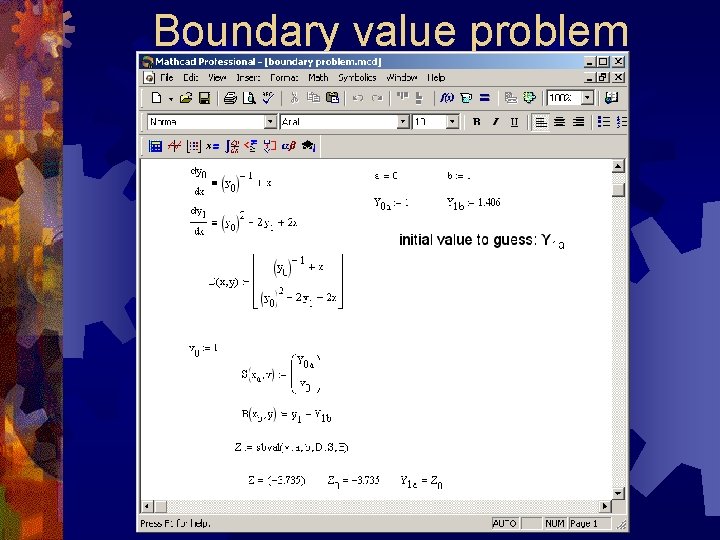
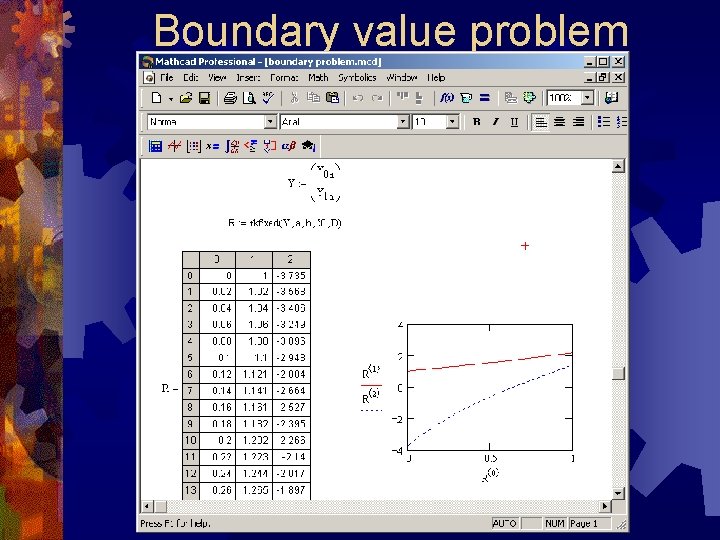
Boundary value problem ® To find missing initial values in the Math. CAD the sbval procedure can be used. SYNTAX: sbval(v, a, b, D, S, B) v – vector of guesses of searched initial values in the starting point a (p. 4) ® a, b – endpoints of the range on which the differential equation is being evaluated (p. 2) ® D – vector function of independent variable and dependent variable vector, consists of right hand sides of equations. Dependent variables in the equations HAVE TO BE vector type! type (p. 1) ® S – vector function of starting point and known and searched (v) defining initial conditions on starting point (p. 3&4) ® B – function (could be vector type) to calculate error on the endpoint (b) (p. 5) ® Result: vector of searched initial conditions. ®
Boundary value problem
Boundary value problem
Odesolve Overall ODE solving procedure
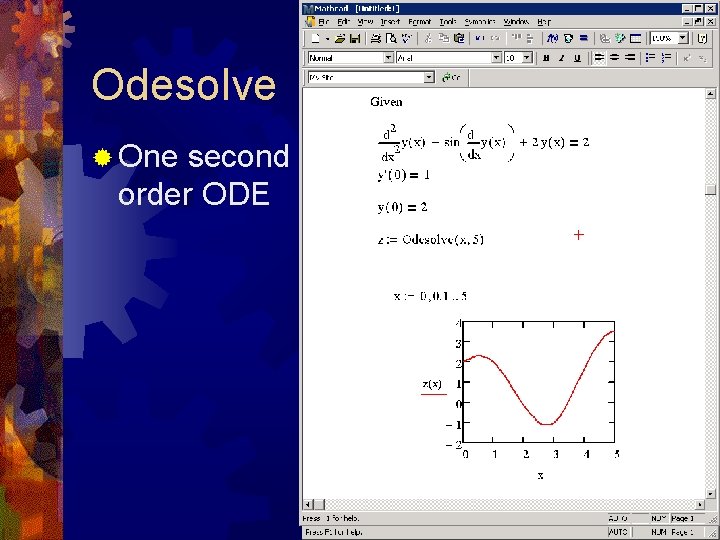
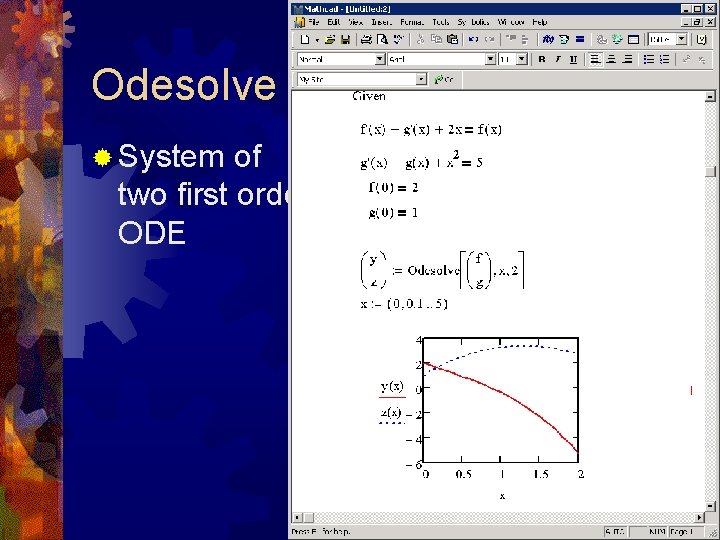
Odesolve ® Returns a function(s) of independent variable which is a solution to the single ordinary differential equation or ODE system ® Solving initial condition problem as well as boundary problem ® Can solve single ODE and system of ODE ® Result is an implicit function
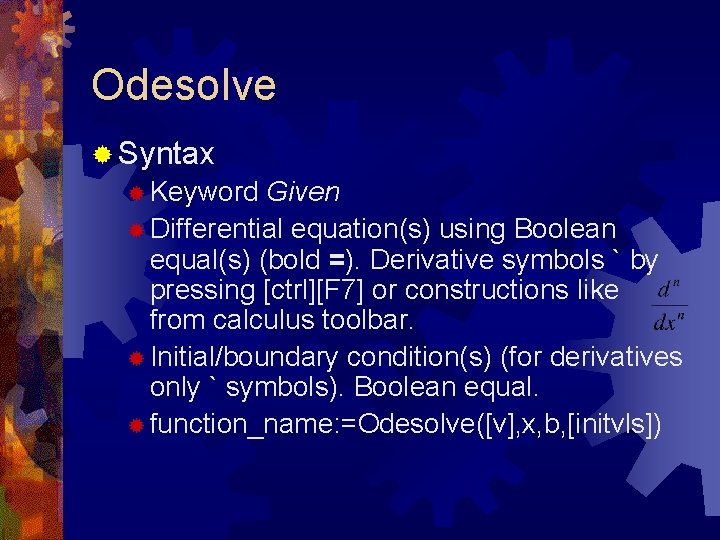
Odesolve ® Syntax ® Keyword Given ® Differential equation(s) using Boolean equal(s) (bold =). Derivative symbols ` by pressing [ctrl][F 7] or constructions like from calculus toolbar. ® Initial/boundary condition(s) (for derivatives only ` symbols). Boolean equal. ® function_name: =Odesolve([v], x, b, [initvls])
Odesolve ® Additional ®v information: – vector of functions names - for ODE system only ® b – terminal point of the integration ® Initvls – number of discretization intervals (def. 1000) ® functions have to be defined explicitly (y(x) not just y) ® Algebraic constraints are accepted.
Odesolve ® One second order ODE
Odesolve ® System of two first order ODE
Odesolve ® Numerical methods: ® Adams/BDF calls: Adams-Bashford method for non-stiff systems of ODE ® BDF method for stiff systems of ODE ® ® Fixed – calls rkfixed ® Adaptive – calls Rkadapt ® Radau – calls Radau method – used with algebraic constraints
Math. CAD symbolic operations ® Chosen symbolic operations accessible in Math. CAD ® ® Simple symbolic evaluation: algebraic expressions, derivating, integrating, matrix operations, calculation of limits etc. Symbolic with keyword: substitute, expand, simplify, convert, parfrac, series, solve, . . . etc.
Math. CAD symbolic operations ® Symbolic operation are accessible from the Symbolic Toolbar or by the keystrokes: ® ® ® [ctrl][. ] simple operations [shift][ctrl][. ] operations with keywords To get the symbolic result NO VALUE can be assigned to the variables used in expressions!!
Math. CAD symbolic operations ® simple operations ® Symbolic integration ® ® Symbolic derivation ® ® Indefinite integration operator (symbol), expression, [ctrl]+[. ] Derivative operator, expression, [ctrl]+[. ] Calculation of limits, sums
Math. CAD symbolic operations ® Substitute - replace all occurrences of a variable with another variable, an expression or a number ® expression [ctrl][shift][. ] substitute, substitution equation (use bold = symbol) ® expand - expands all powers and products of sums in the selected expression ® expression [ctrl][shift][. ] expand, variable ® Simplify - carry out basic algebraic simplification, canceling common factors and apply trigonometric and inverse function identities ® expression [ctrl][shift][. ] simplify
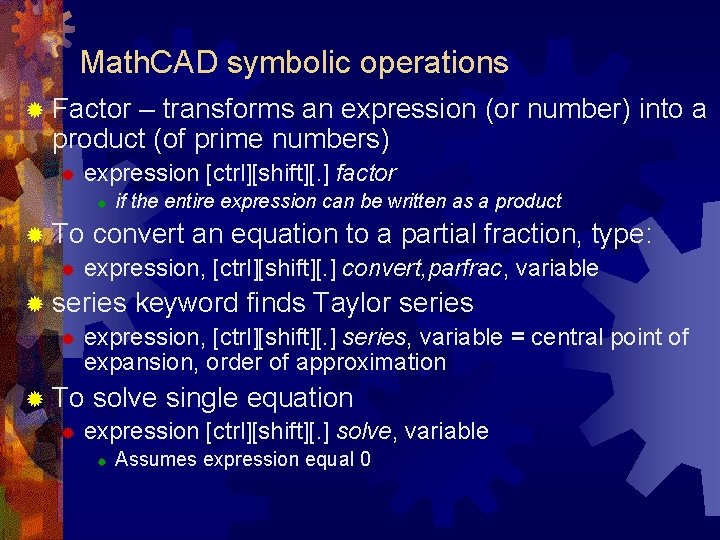
Math. CAD symbolic operations ® Factor – transforms an expression (or number) into a product (of prime numbers) ® expression [ctrl][shift][. ] factor ® if the entire expression can be written as a product ® To convert an equation to a partial fraction, type: ® expression, [ctrl][shift][. ] convert, parfrac, variable ® series keyword finds Taylor series ® expression, [ctrl][shift][. ] series, variable = central point of expansion, order of approximation ® To solve single equation ® expression [ctrl][shift][. ] solve, variable ® Assumes expression equal 0
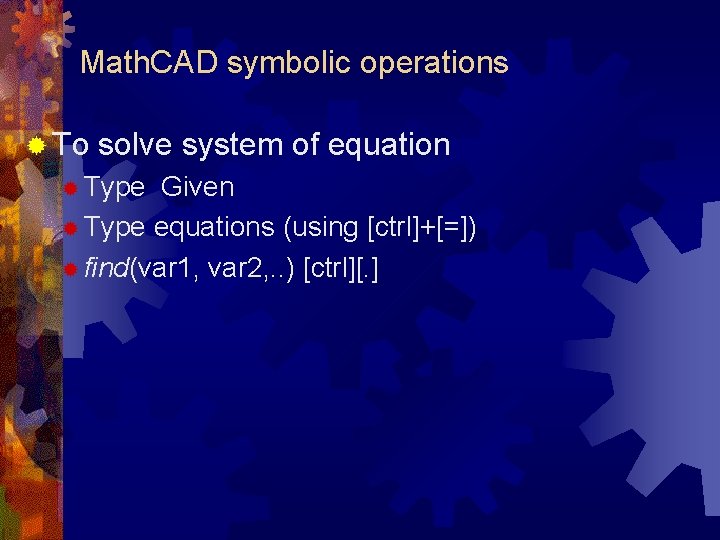
Math. CAD symbolic operations ® To solve system of equation ® Type Given ® Type equations (using [ctrl]+[=]) ® find(var 1, var 2, . . ) [ctrl][. ]
Units in Math. CAD
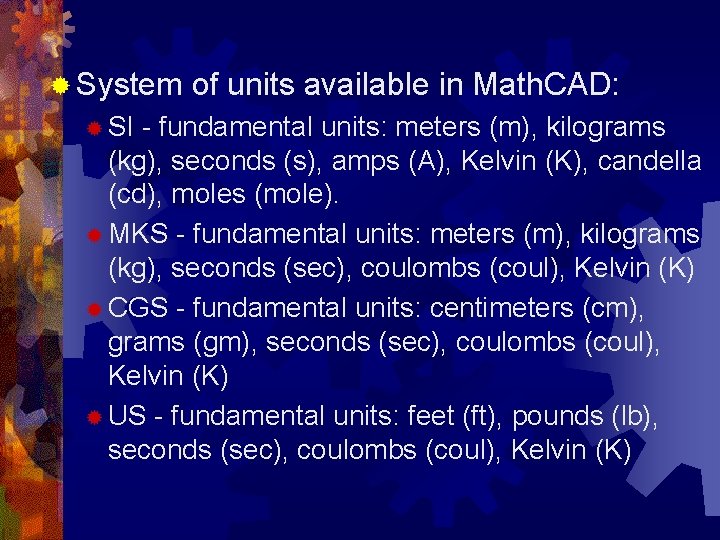
® System ® SI of units available in Math. CAD: - fundamental units: meters (m), kilograms (kg), seconds (s), amps (A), Kelvin (K), candella (cd), moles (mole). ® MKS - fundamental units: meters (m), kilograms (kg), seconds (sec), coulombs (coul), Kelvin (K) ® CGS - fundamental units: centimeters (cm), grams (gm), seconds (sec), coulombs (coul), Kelvin (K) ® US - fundamental units: feet (ft), pounds (lb), seconds (sec), coulombs (coul), Kelvin (K)
® To add unit: type unit after number (Math. CAD will add multiplication sign between number and units) ® Math. CAD converts units between Units Systems and between fundamental and derived unit. User can define new derived units as fallows: derived_unit: =multiplier*fundamental_unit, e. g. : k. Pa: =1000*Pa
® Independently of units used in data the results are given in fundamental units of actual Units System. ® Result ® unit can be changed!! After the result of evaluation the placeholder appears. In these placeholder type the desired unit
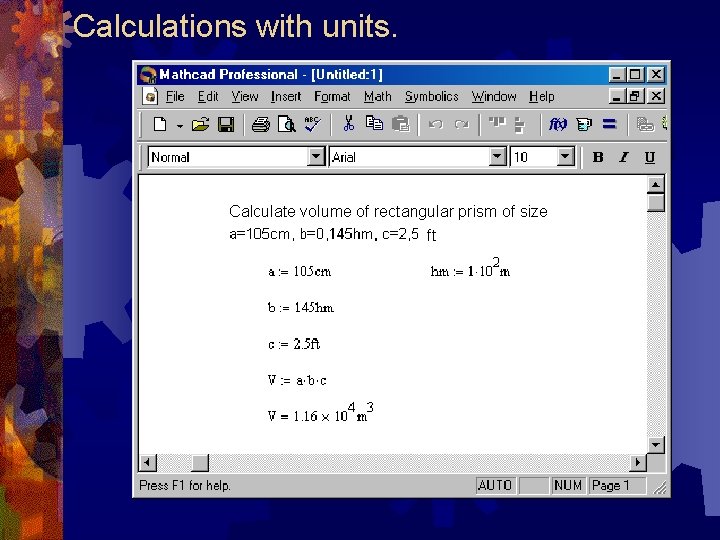
Calculations with units. Calculate volume of rectangular prism of size ft
Units problem ® Parameters with units can not be used in the vector function definition of system of differential equations (especially from transformation of second order ODE to the system of first order ODE) ® Solution: ® Multiply each element of sum in vector function definition by inversion of its unit
- Slides: 32