
Math 107 Introduction To Scientific Programming Acknowledgements Portions



- Slides: 26
Math 107 Introduction To Scientific Programming
Acknowledgements … Portions of these notes reproduce charts, slides, and tables from: Java Software Solutions, 4 th Edition (2005), by Lewis & Loftus Java: An Introduction To Computer Science & Programming, 3 rd Edition (2004), by W. Savitch Some screen shots are: © Microsoft Corporation Other Acknowledgements: Solaris, Java Beans, and JS 2 E SDK are © Sun Corporation Windows and Window XP are © Microsoft Corporation JCreator Pro and JCreator LE are © Xinox Corporation S. Horton/107/Ch. 1 2
Welcome To… Garbage in, Garbage out. - A common programmer’s lament. S. Horton/107/Ch. 1 3
Course Philosophy I have three major instructional goals for this class that can be summed up in: “Scientific Software Development in Java” S. Horton/107/Ch. 1 4
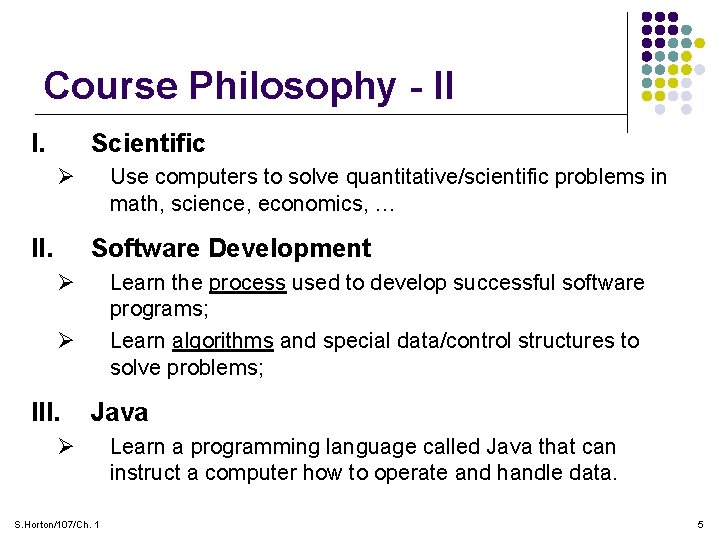
Course Philosophy - II I. Scientific Ø II. Use computers to solve quantitative/scientific problems in math, science, economics, … Software Development Ø Learn the process used to develop successful software programs; Learn algorithms and special data/control structures to solve problems; Ø III. Java Ø S. Horton/107/Ch. 1 Learn a programming language called Java that can instruct a computer how to operate and handle data. 5
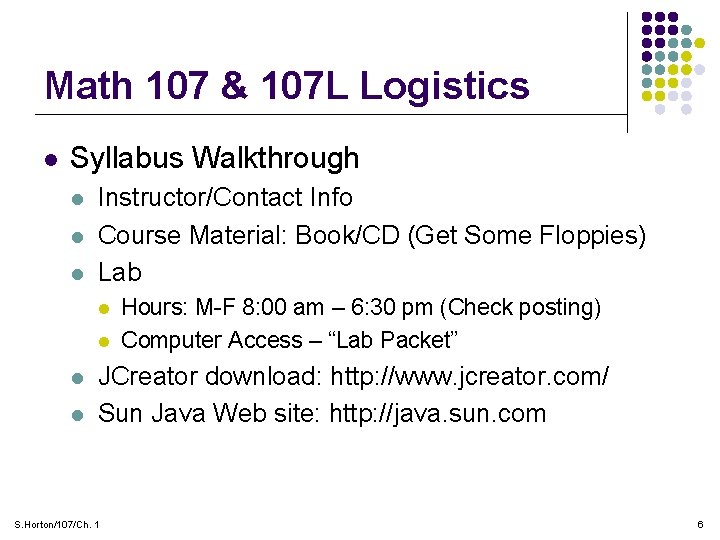
Math 107 & 107 L Logistics l Syllabus Walkthrough l l l Instructor/Contact Info Course Material: Book/CD (Get Some Floppies) Lab l l Hours: M-F 8: 00 am – 6: 30 pm (Check posting) Computer Access – “Lab Packet” JCreator download: http: //www. jcreator. com/ Sun Java Web site: http: //java. sun. com S. Horton/107/Ch. 1 6
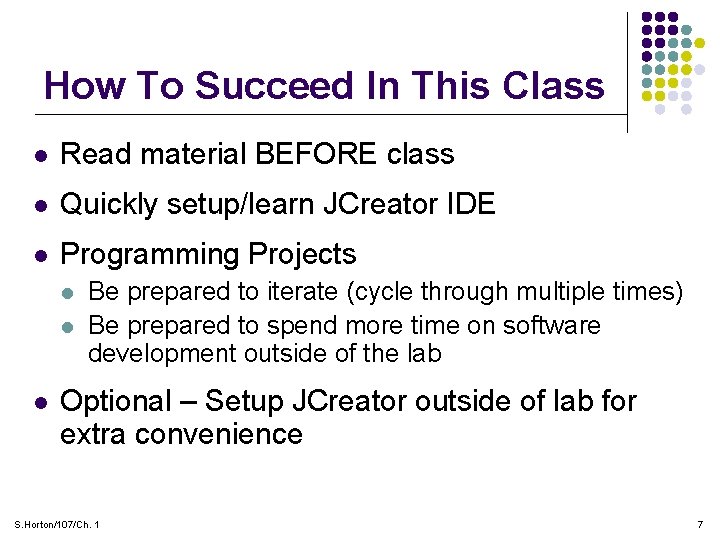
How To Succeed In This Class l Read material BEFORE class l Quickly setup/learn JCreator IDE l Programming Projects l l l Be prepared to iterate (cycle through multiple times) Be prepared to spend more time on software development outside of the lab Optional – Setup JCreator outside of lab for extra convenience S. Horton/107/Ch. 1 7
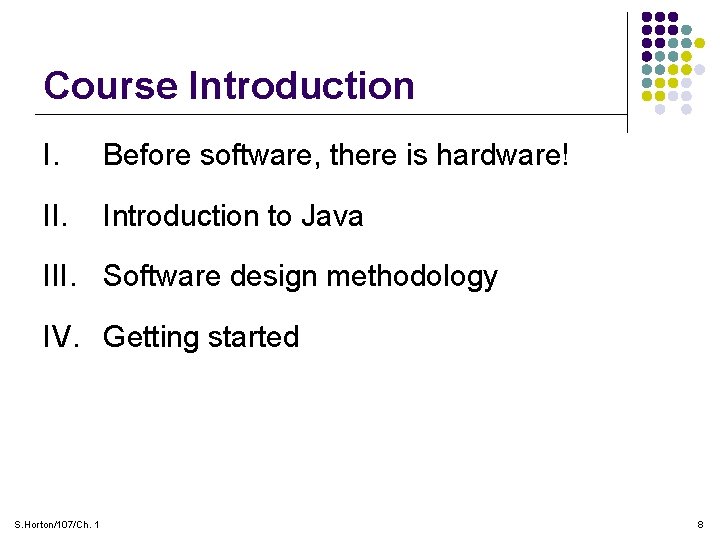
Course Introduction I. Before software, there is hardware! II. Introduction to Java III. Software design methodology IV. Getting started S. Horton/107/Ch. 1 8
I. A Crash Course in “PC Computer Hardware” l You need to understand the hardware platform before you develop software for it! l Many types of hardware platforms l l PCs / Mainframes/ Laptops Cell Phones / PDAs / Pocket PCs Embedded Systems: Medical Devices, Machines, … Different Computing Models l l S. Horton/107/Ch. 1 Client/Server, Enterprise/Server Distributed (VPN) Network Appliance/”Thin” Client Mobile/Wireless 9
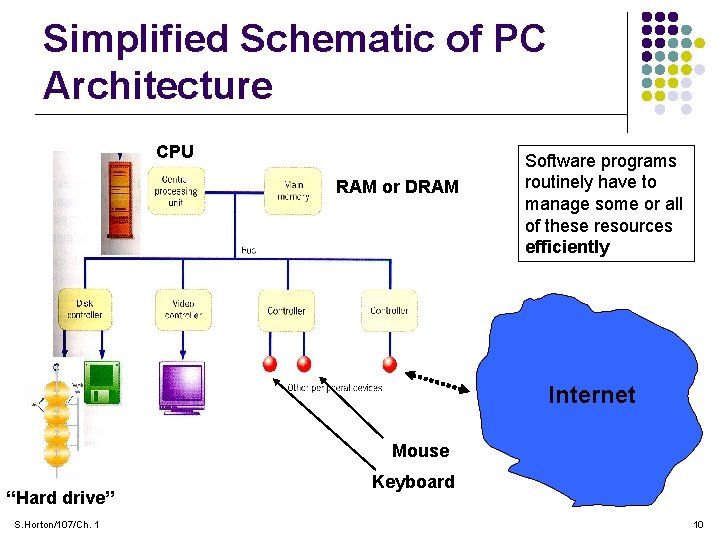
Simplified Schematic of PC Architecture CPU RAM or DRAM Software programs routinely have to manage some or all of these resources efficiently Internet Mouse “Hard drive” S. Horton/107/Ch. 1 Keyboard 10
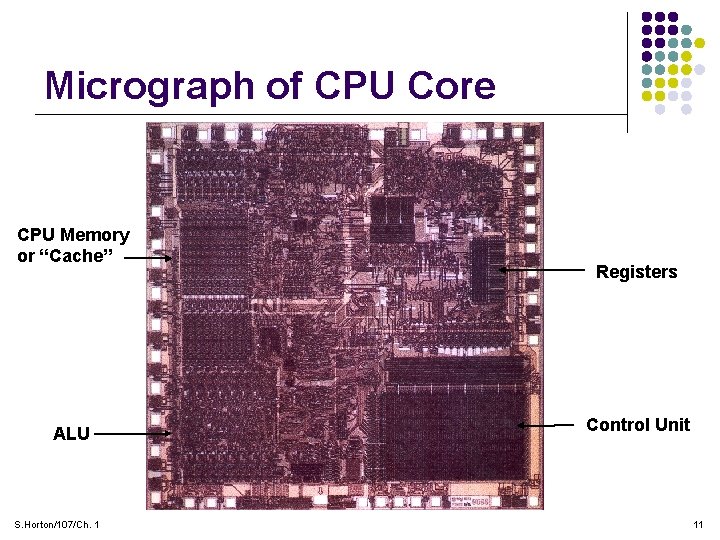
Micrograph of CPU Core CPU Memory or “Cache” ALU S. Horton/107/Ch. 1 Registers Control Unit 11
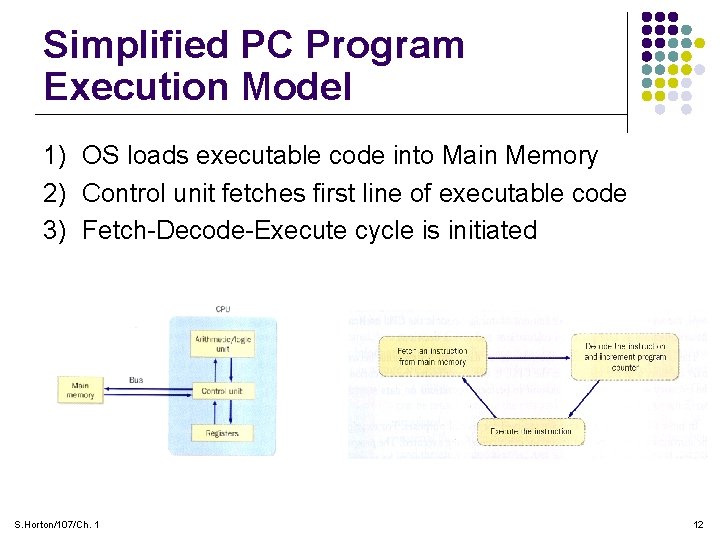
Simplified PC Program Execution Model 1) OS loads executable code into Main Memory 2) Control unit fetches first line of executable code 3) Fetch-Decode-Execute cycle is initiated S. Horton/107/Ch. 1 12
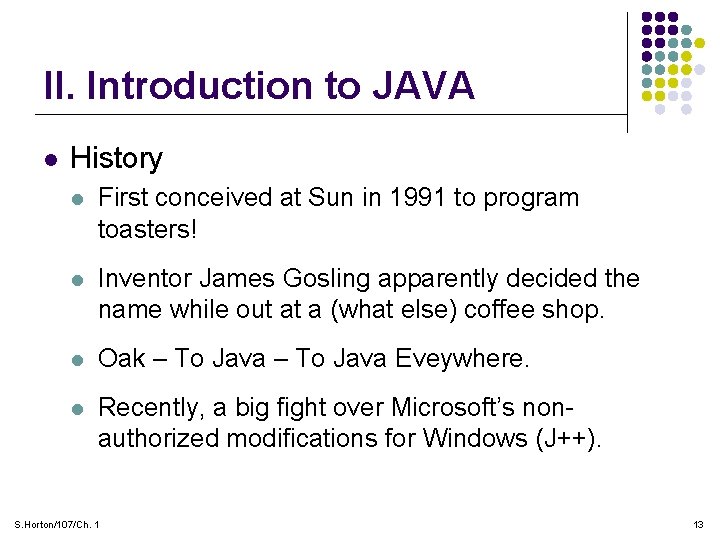
II. Introduction to JAVA l History l First conceived at Sun in 1991 to program toasters! l Inventor James Gosling apparently decided the name while out at a (what else) coffee shop. l Oak – To Java Eveywhere. l Recently, a big fight over Microsoft’s nonauthorized modifications for Windows (J++). S. Horton/107/Ch. 1 13
Introduction to Java l Main Attributes l General purpose programming language with all of the modern elements of OOP (encapsulation/ inheritance/ polymorphism…) l Syntax similar to C/C++ Ø Portability - “Write once, run many…” Ø Also runs in web browsers (Applets) which means most types of computers Ø Not controlled by Microsoft (controlled by Sun) S. Horton/107/Ch. 1 14
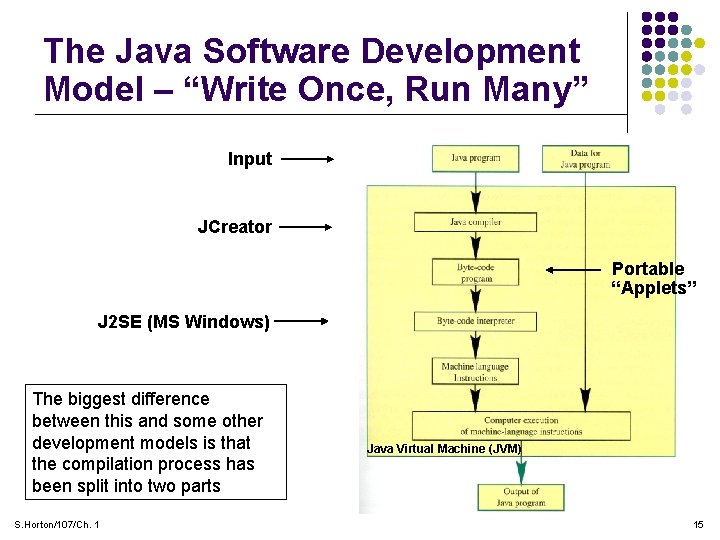
The Java Software Development Model – “Write Once, Run Many” Input JCreator Portable “Applets” J 2 SE (MS Windows) The biggest difference between this and some other development models is that the compilation process has been split into two parts S. Horton/107/Ch. 1 Java Virtual Machine (JVM) 15
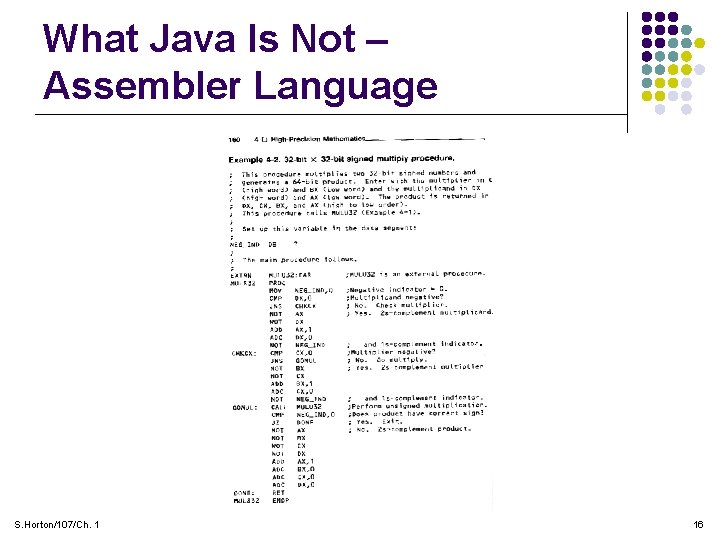
What Java Is Not – Assembler Language S. Horton/107/Ch. 1 16
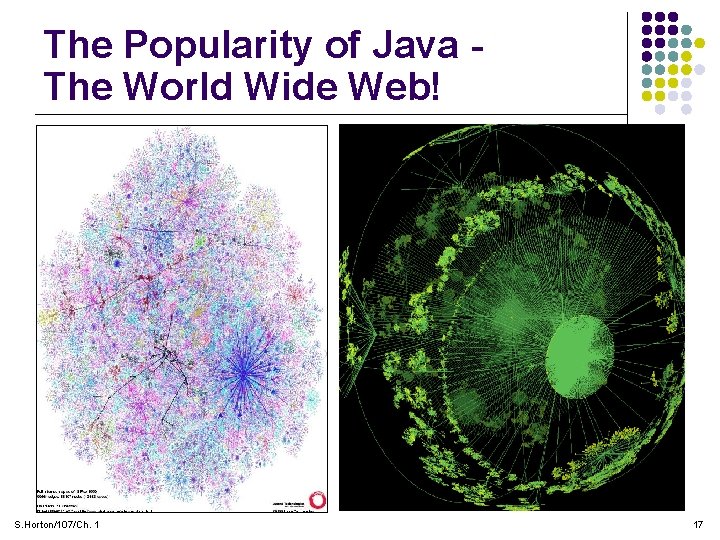
The Popularity of Java The World Wide Web! S. Horton/107/Ch. 1 17
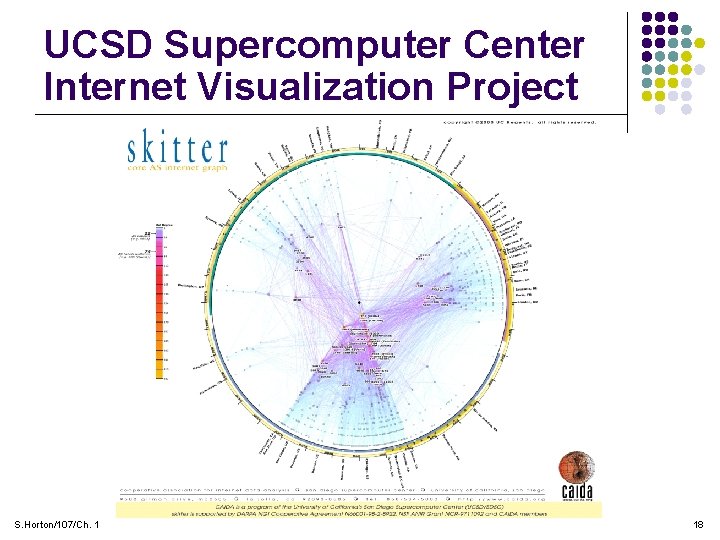
UCSD Supercomputer Center Internet Visualization Project S. Horton/107/Ch. 1 18
III. Software Design Methodology Single Person Design Cycle Debug Code Bullet-Proofing Painful & Time Consuming! Design Run Test S. Horton/107/Ch. 1 Deploy 19
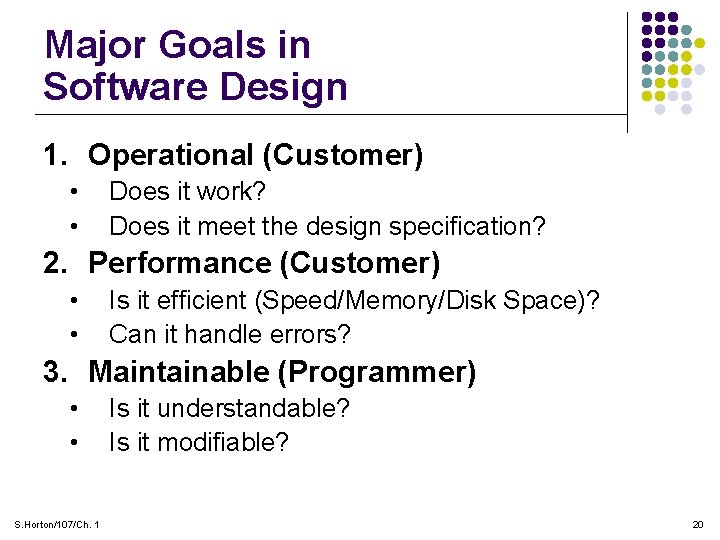
Major Goals in Software Design 1. Operational (Customer) • • Does it work? Does it meet the design specification? 2. Performance (Customer) • • Is it efficient (Speed/Memory/Disk Space)? Can it handle errors? 3. Maintainable (Programmer) • • S. Horton/107/Ch. 1 Is it understandable? Is it modifiable? 20
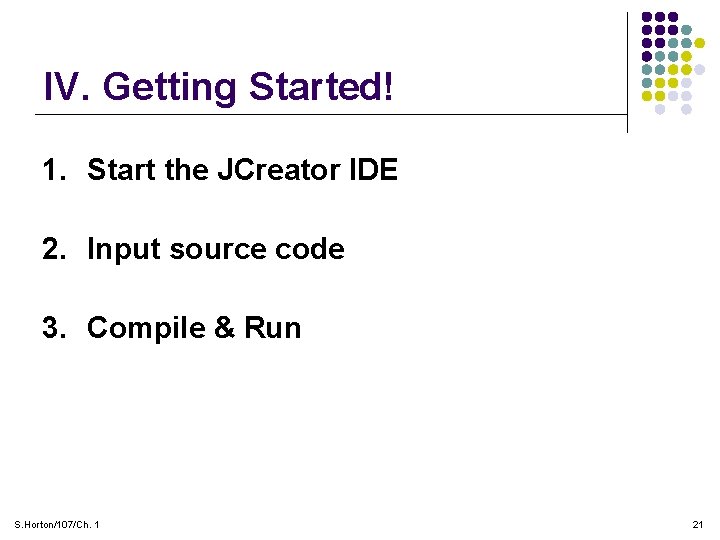
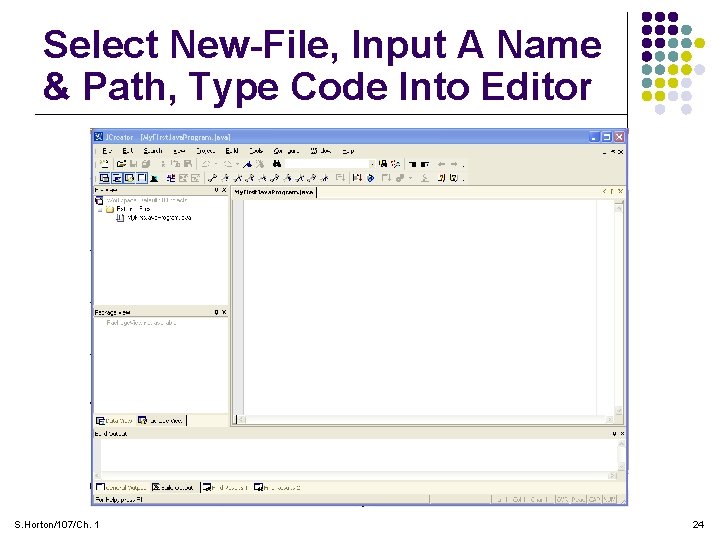
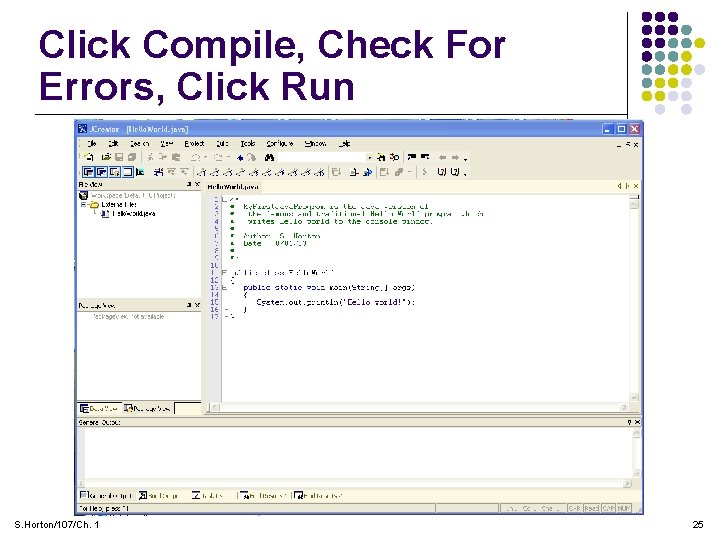
IV. Getting Started! 1. Start the JCreator IDE 2. Input source code 3. Compile & Run S. Horton/107/Ch. 1 21
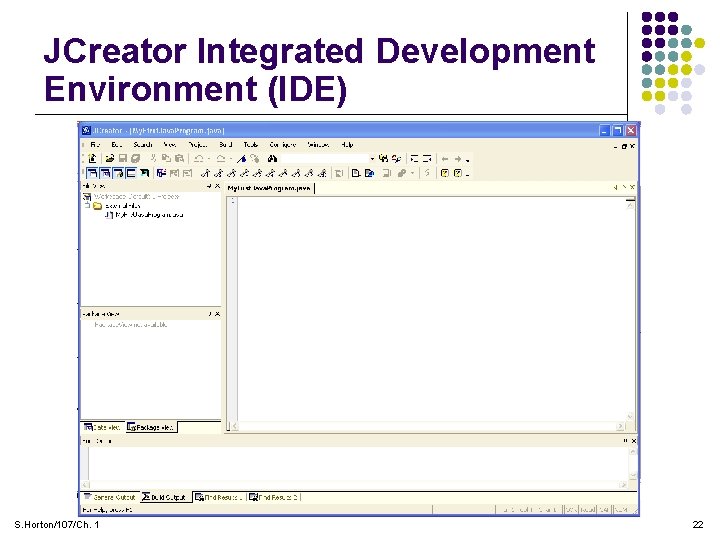
JCreator Integrated Development Environment (IDE) S. Horton/107/Ch. 1 22
The Traditional And Famous Hello World Program! /* * * * */ My. First. Java. Program is the Java version of the famous and traditional Hello World program which writes Hello world to the console window. Author: S. Horton Date: 8/01/03 public class My. First. Java. Program { public static void main(String[] args) { System. out. println("Hello world!"); } } S. Horton/107/Ch. 1 23
Select New-File, Input A Name & Path, Type Code Into Editor S. Horton/107/Ch. 1 24
Click Compile, Check For Errors, Click Run S. Horton/107/Ch. 1 25
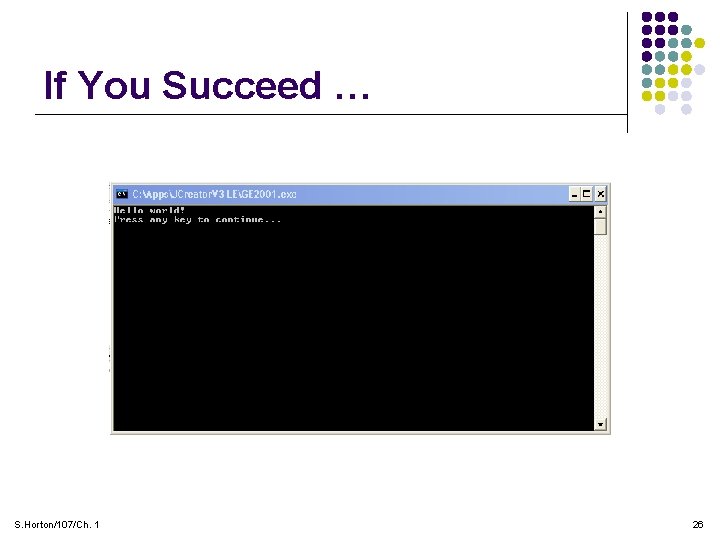
If You Succeed … S. Horton/107/Ch. 1 26