
Mastering the Dialog Box Ken Whitaker Managing Director
Mastering the Dialog Box Ken Whitaker Managing Director Leading Software Maniacs
Training Goals
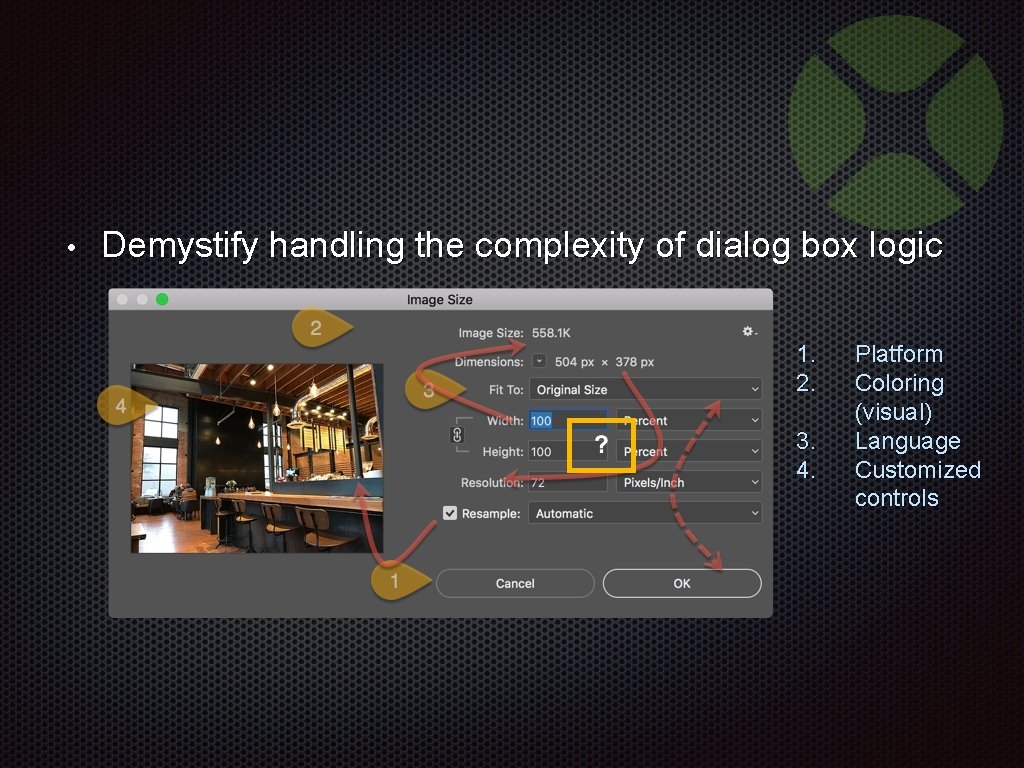
• Demystify handling the complexity of dialog box logic 1. 2. 3. 4. Platform Coloring (visual) Language Customized controls
We’ll step through concepts, code, and demos 64 -BIT
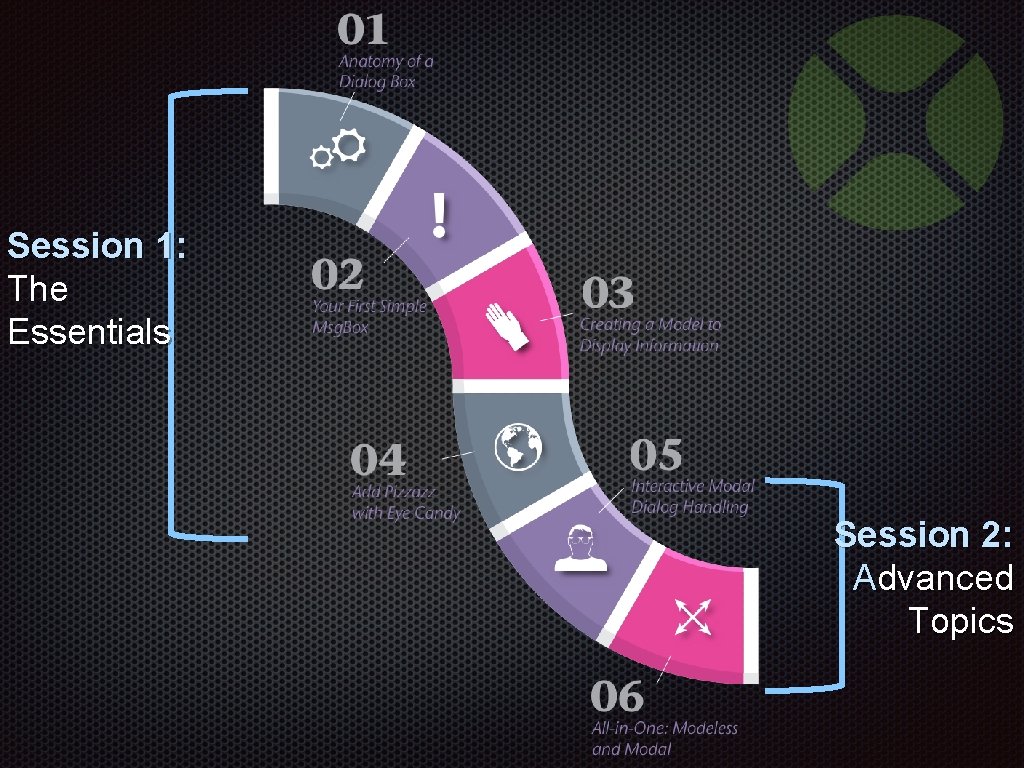
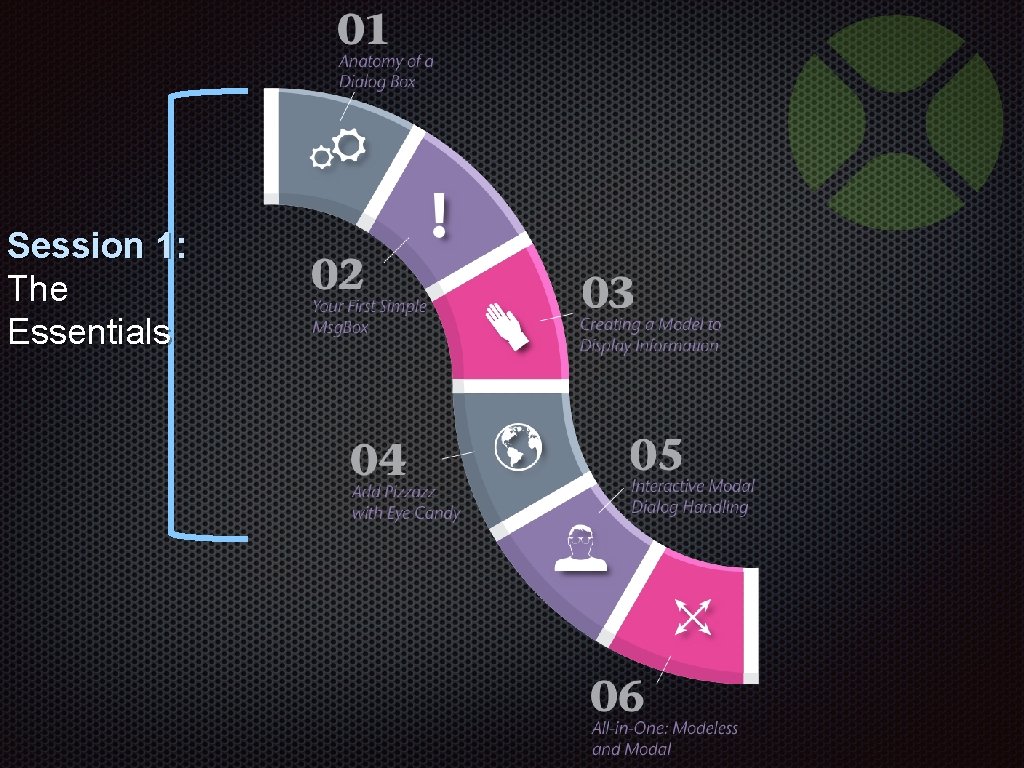
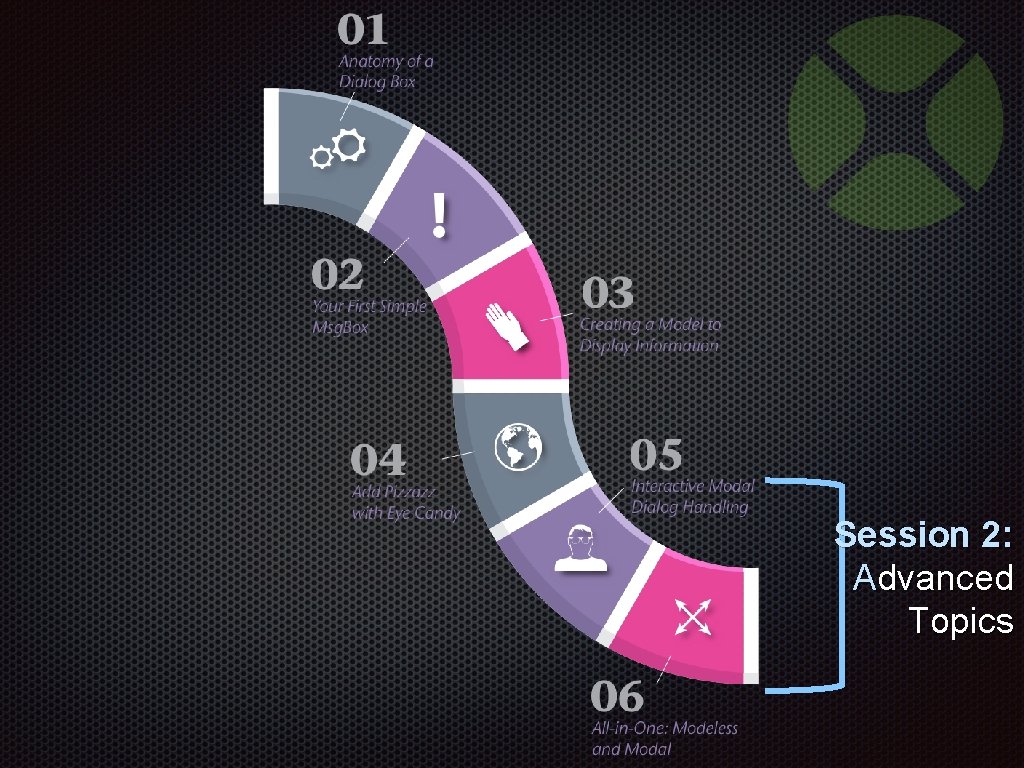
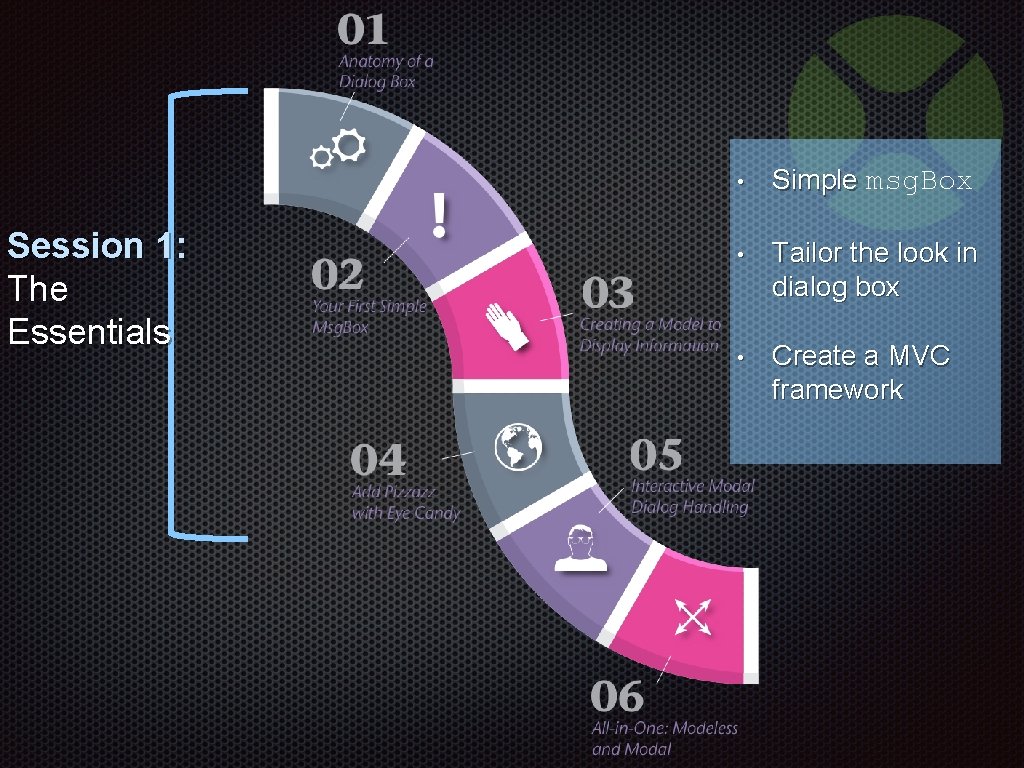
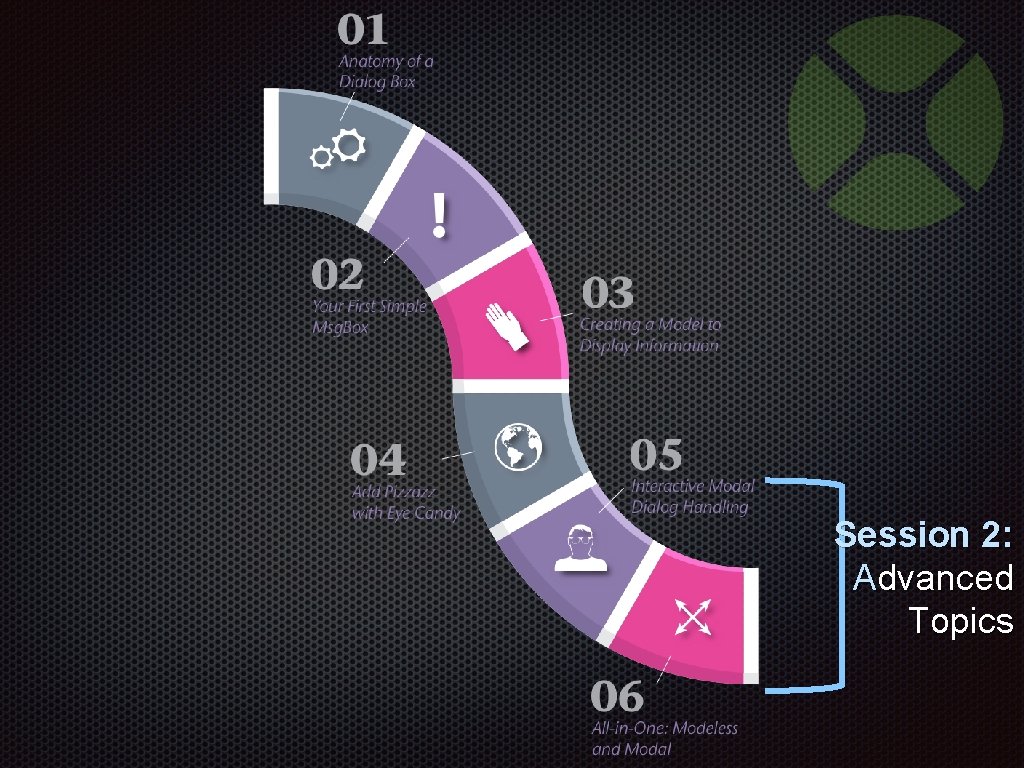
Session 1: The Essentials Session 2: Advanced Topics
Session 1 The Essentials
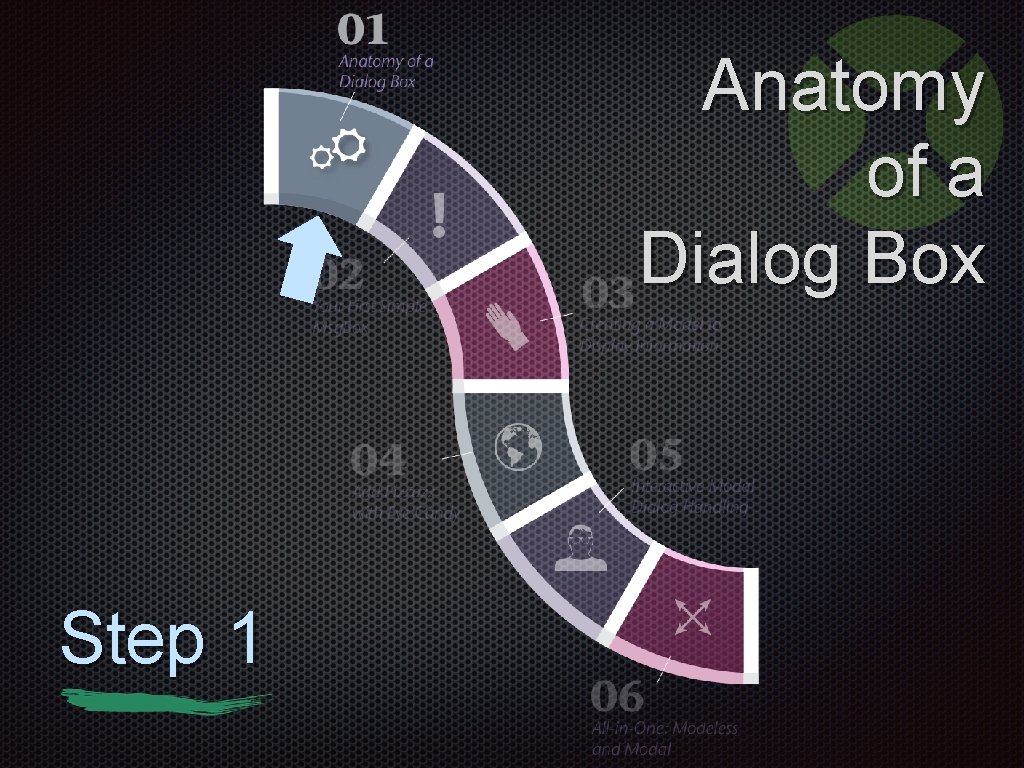
Anatomy of a Dialog Box Step 1
Dialog Box Overview Highlights § § Temporary window Retrieves user input or recognition Optionally prompts for additional information Three types: modal, system modal, modeless
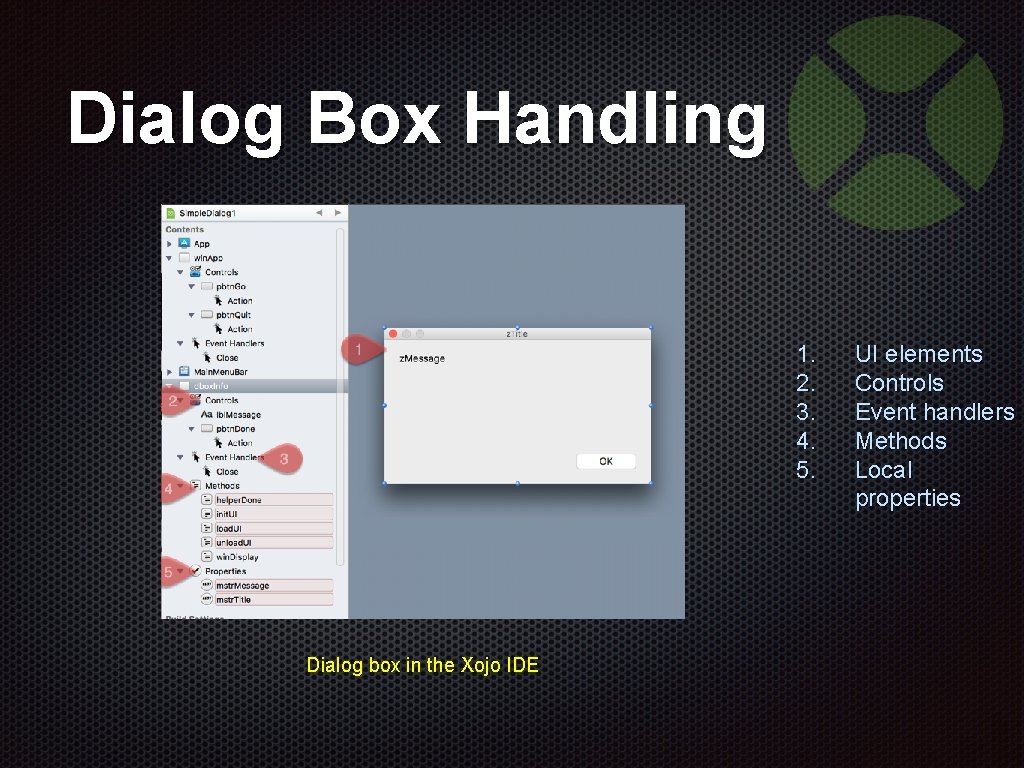
Dialog Box Handling 1. 2. 3. 4. 5. Dialog box in the Xojo IDE UI elements Controls Event handlers Methods Local properties
Boiling Down a Dialog Box Basically a dialog box acts as a function with a user interface (UI) attached to it
Roles and Responsibilities The caller role § Passes information to the dialog box § Retrieves information from the dialog box § Manages program flow from dialog box results The dialog box role § Keeps the user interactions from the caller § Takes care of the underlying platform § Designed to be invoked from many callers
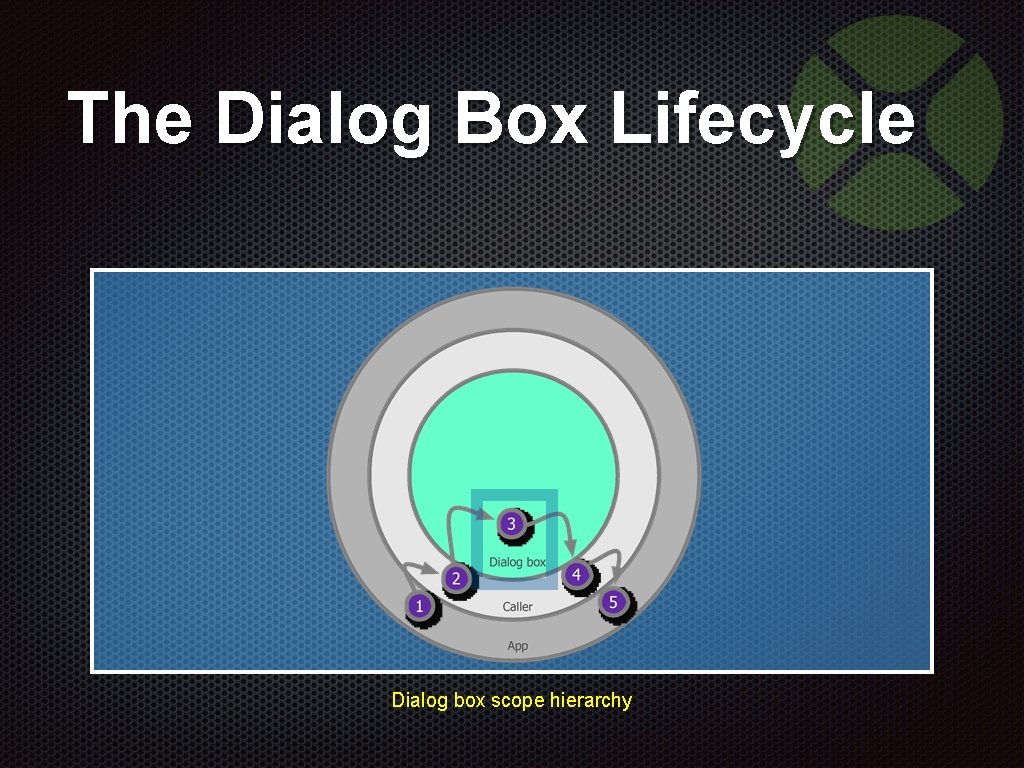
The Dialog Box Lifecycle Dialog box scope hierarchy
Your First Simple Msg. Box Step 2
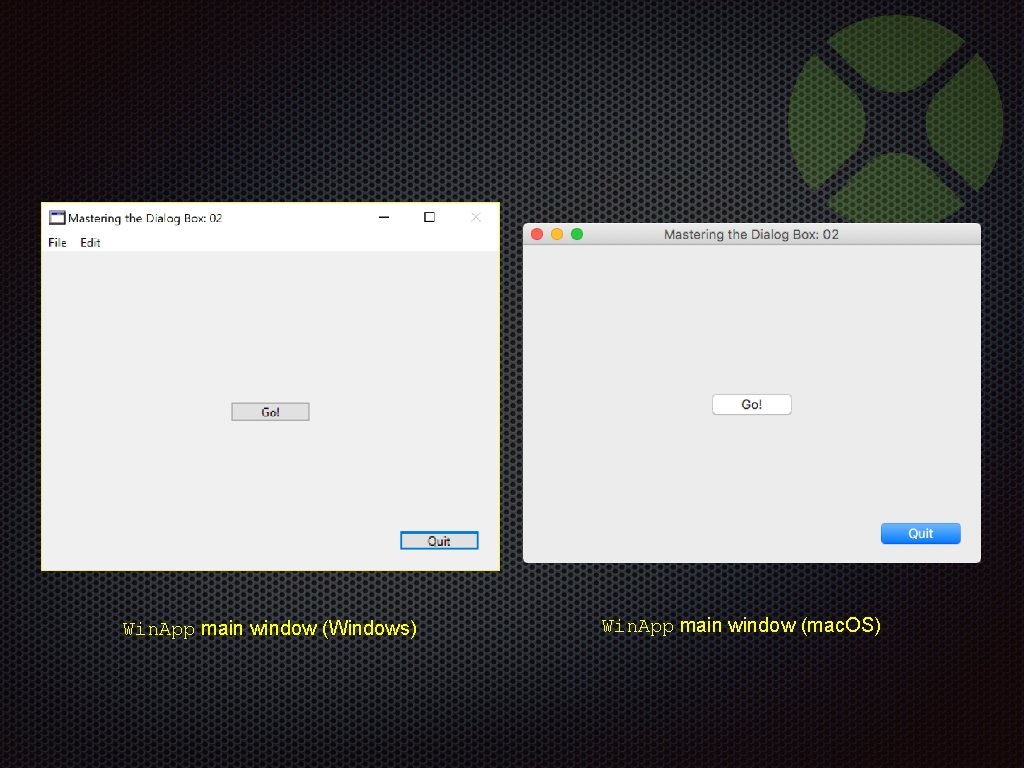
Win. App main window (Windows) Win. App main window (mac. OS)
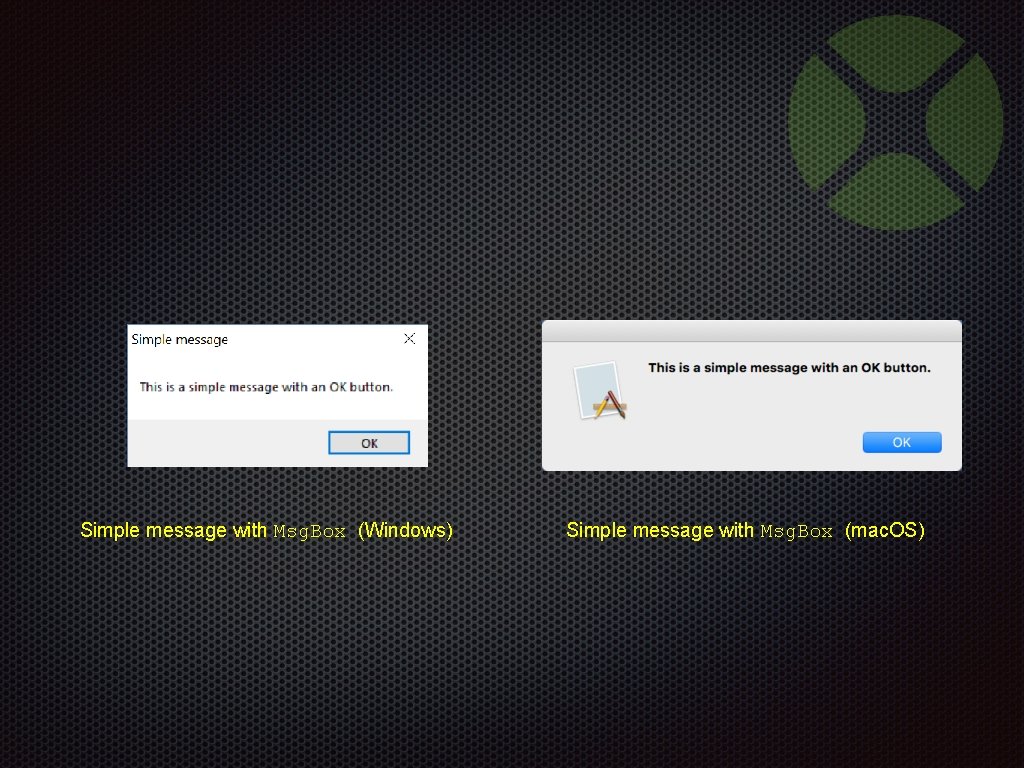
Simple message with Msg. Box (Windows) Simple message with Msg. Box (mac. OS)
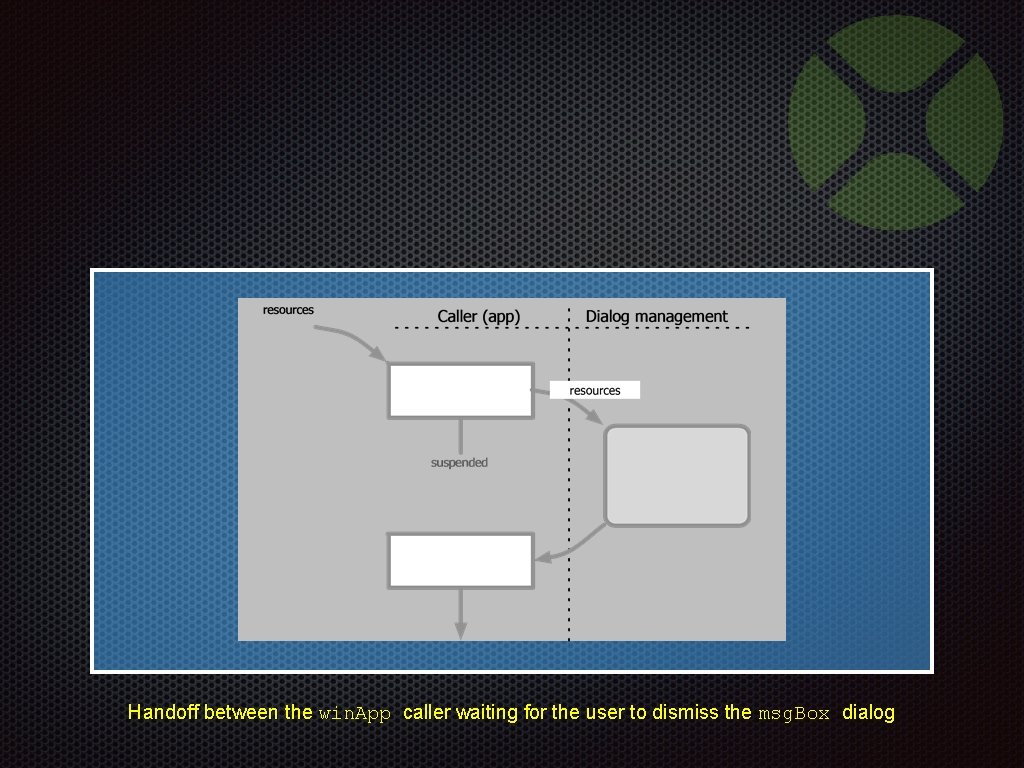
Handoff between the win. App caller waiting for the user to dismiss the msg. Box dialog
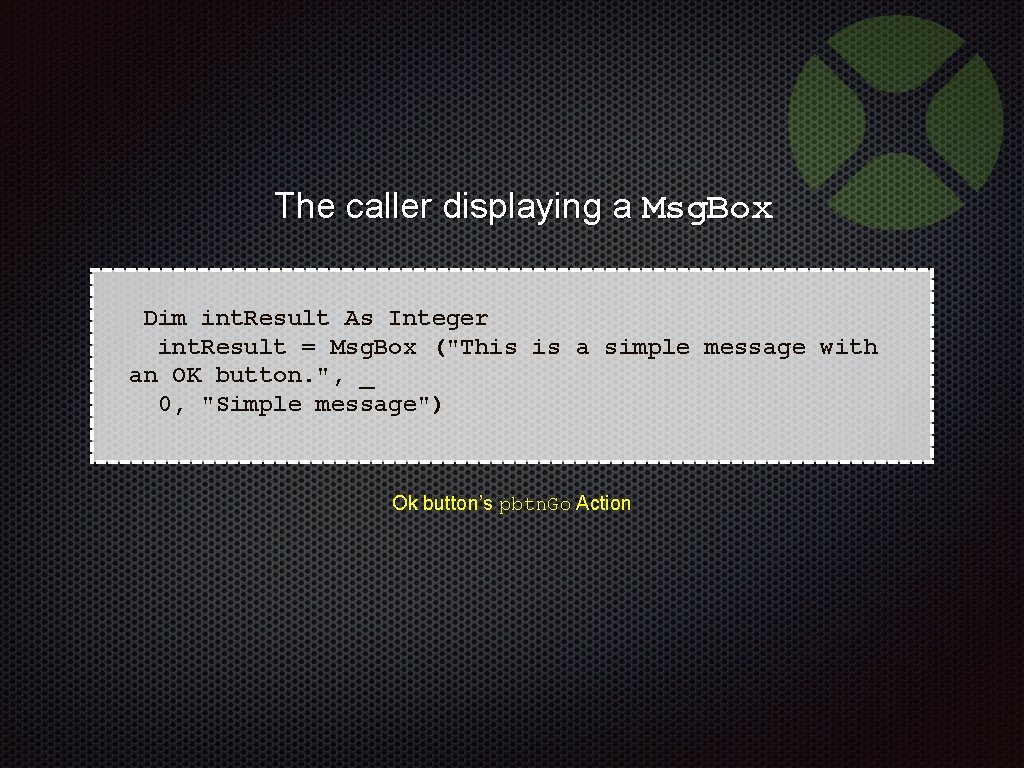
The caller displaying a Msg. Box Dim int. Result As Integer int. Result = Msg. Box ("This is a simple message with an OK button. ", _ 0, "Simple message") Ok button’s pbtn. Go Action
Your First Simple Msg. Box Demonstration 02 -Simple. Dialog. xojo_binary_project
Creating a Model to Display Information Step 3
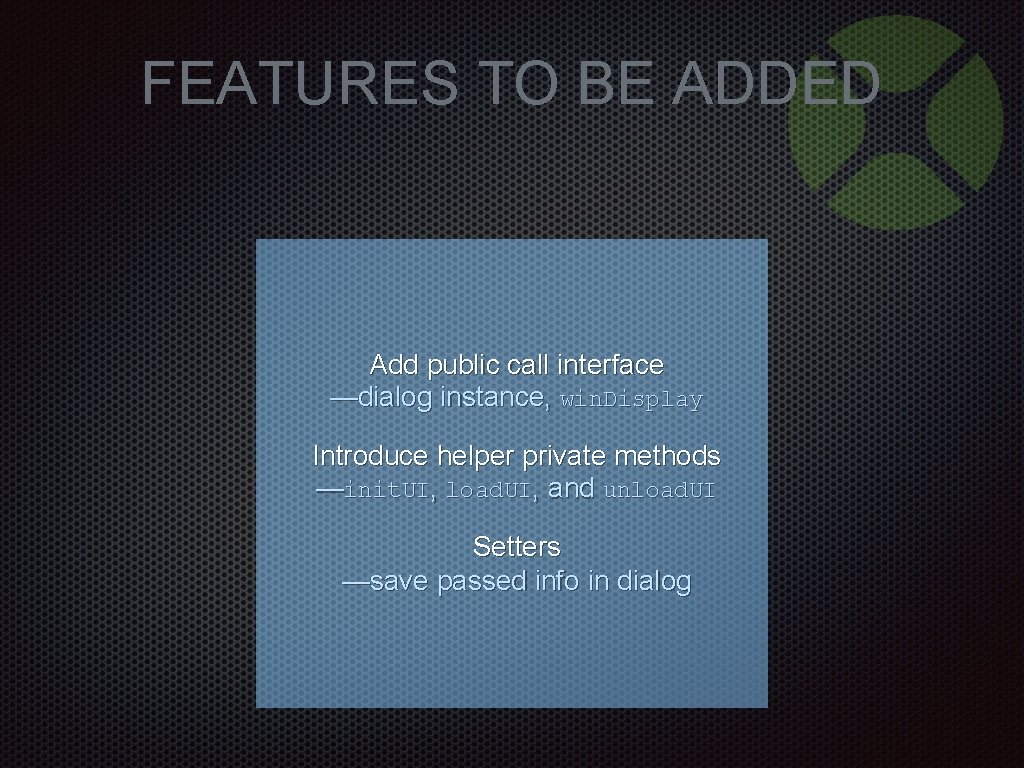
FEATURES TO BE ADDED Add public call interface —dialog instance, win. Display Introduce helper private methods —init. UI, load. UI, and unload. UI Setters —save passed info in dialog
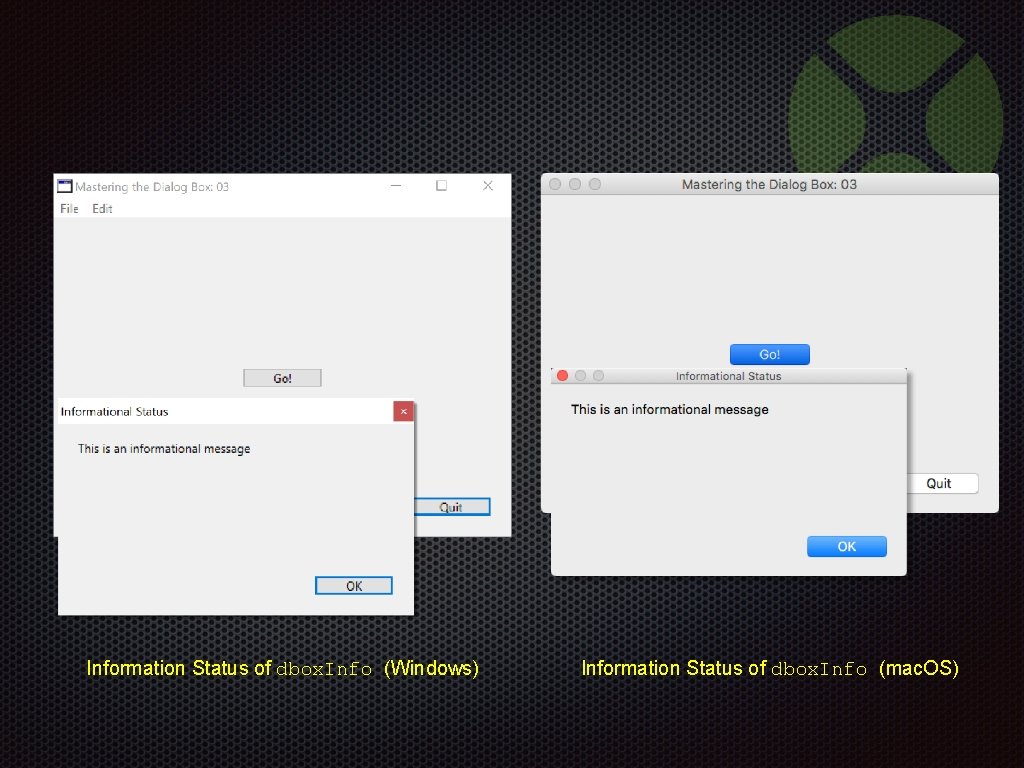
Information Status of dbox. Info (Windows) Information Status of dbox. Info (mac. OS)
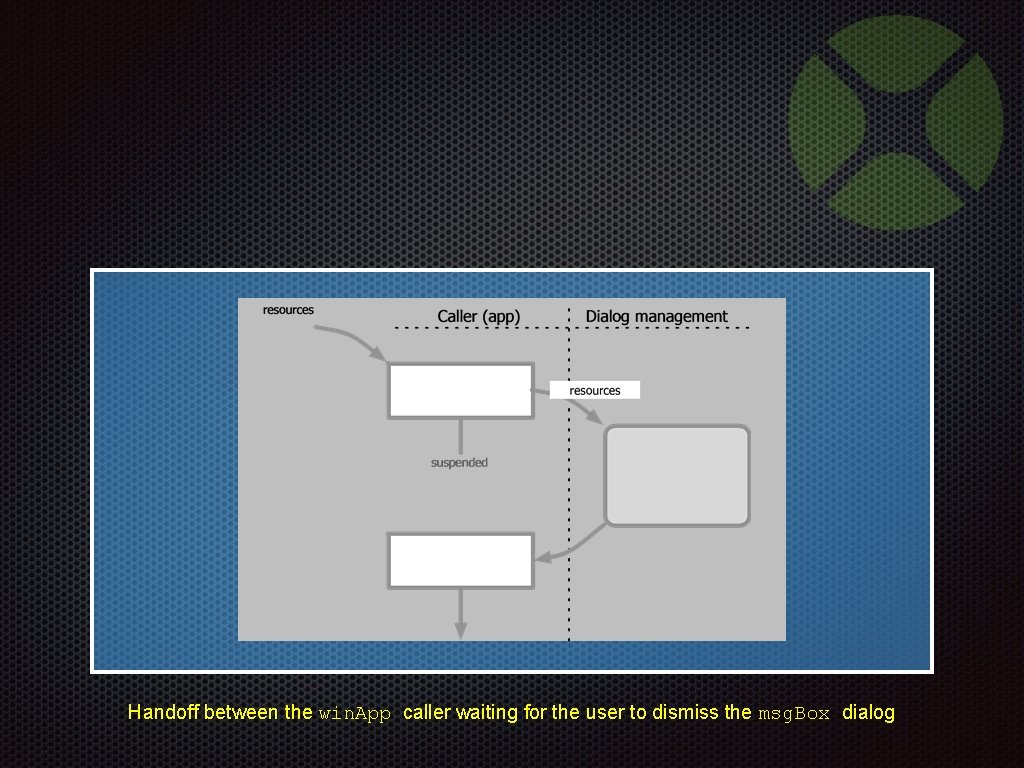
Handoff between the win. App caller waiting for the user to dismiss the msg. Box dialog
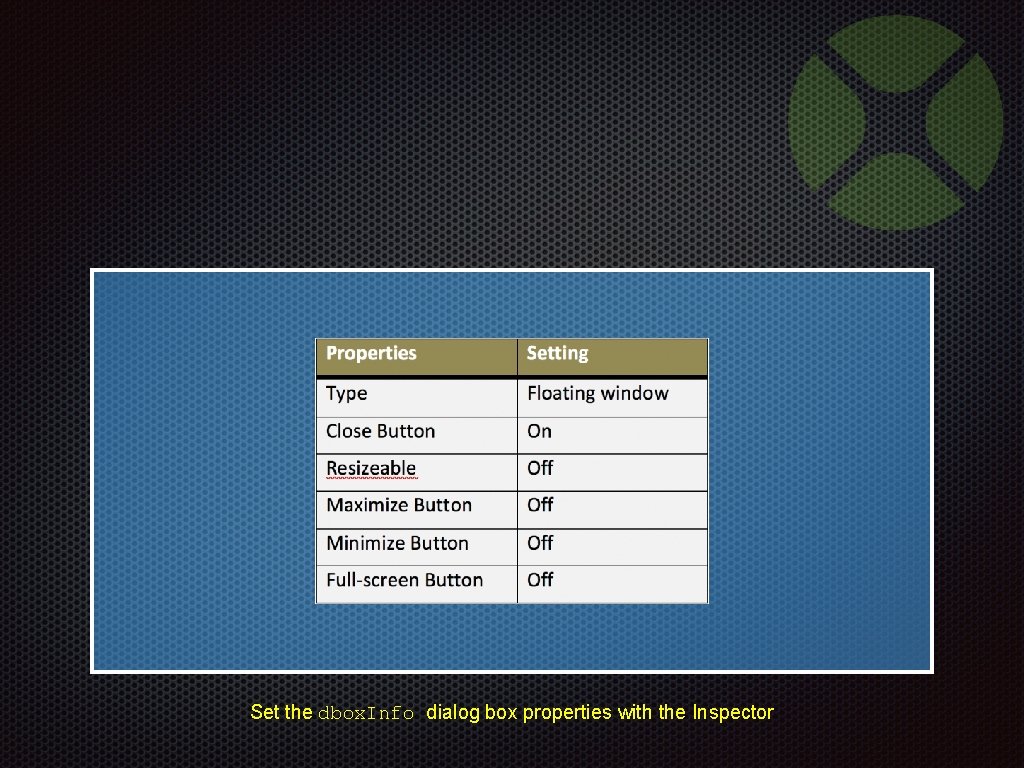
Set the dbox. Info dialog box properties with the Inspector
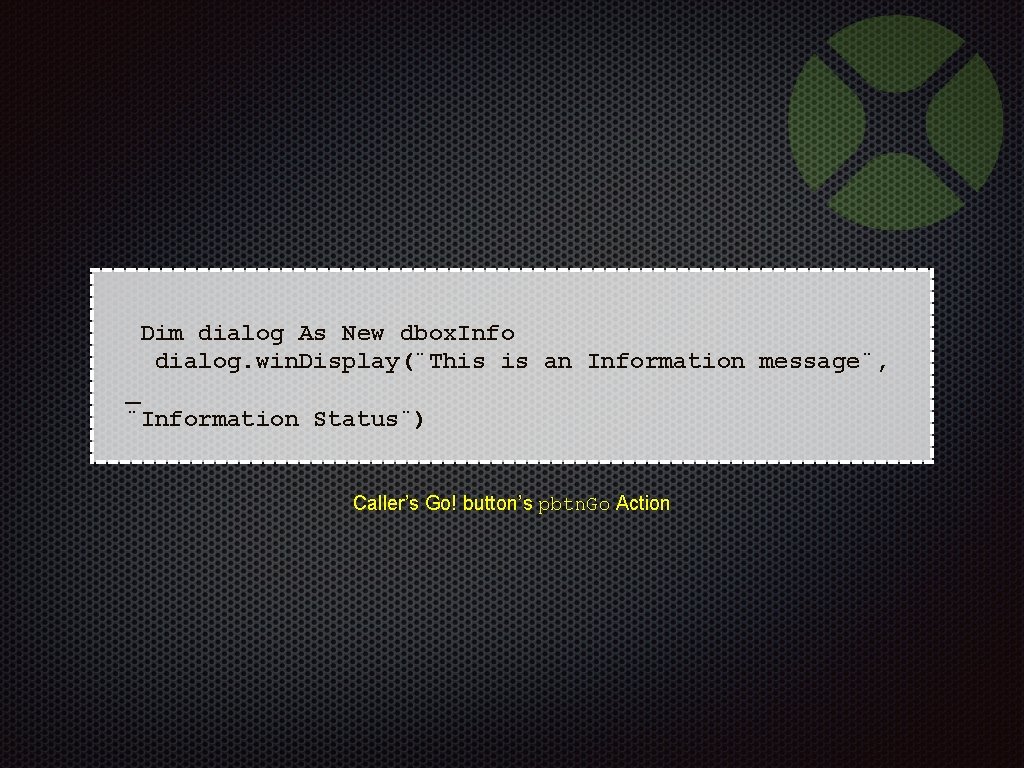
Dim dialog As New dbox. Info dialog. win. Display(¨This is an Information message¨, _ ¨Information Status¨) Caller’s Go! button’s pbtn. Go Action
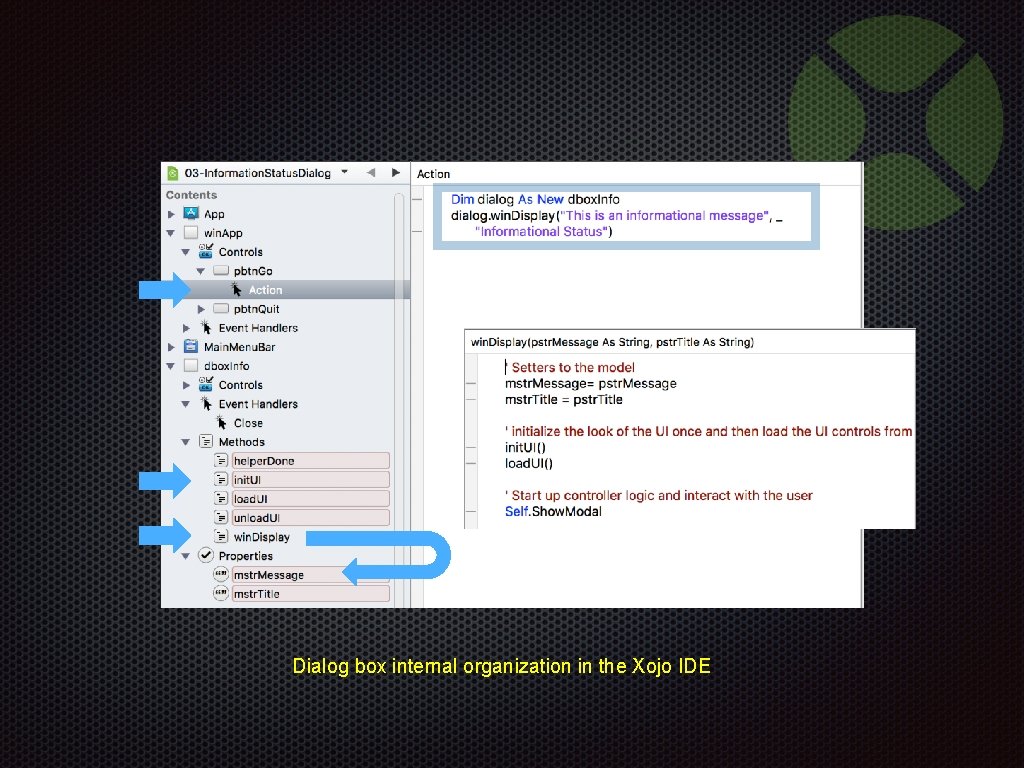
Dialog box internal organization in the Xojo IDE
Information Status Example Demonstration 03 -Information. Status. Dialog. xojo_binary_project
WHAT IS MISSING … Dull color
WHAT IS MISSING … Not everybody speaks English
WHAT IS MISSING … Hide platform-ness
WHAT IS MISSING … Stop multiple instances
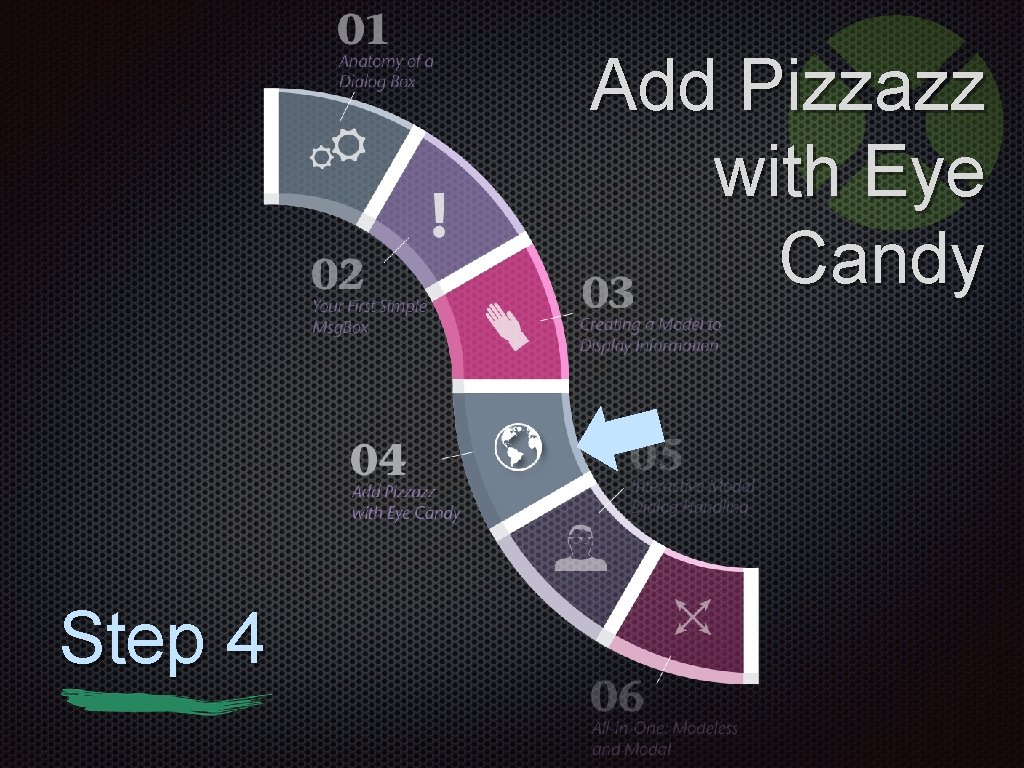
Add Pizzazz with Eye Candy Step 4
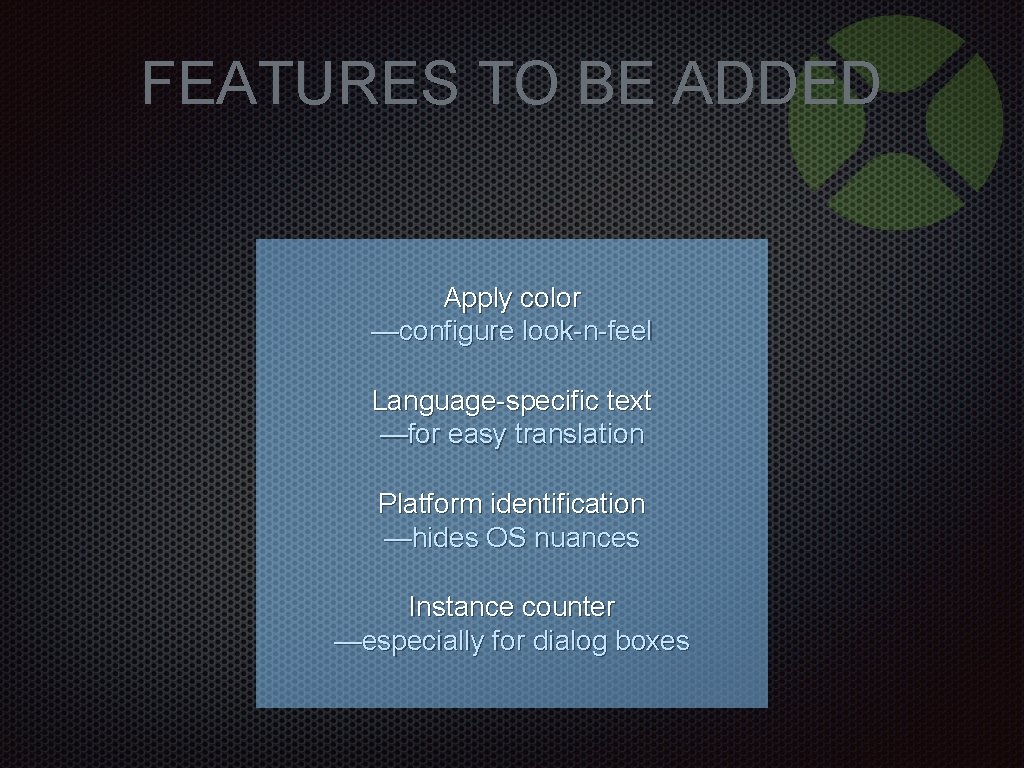
FEATURES TO BE ADDED Apply color —configure look-n-feel Language-specific text —for easy translation Platform identification —hides OS nuances Instance counter —especially for dialog boxes
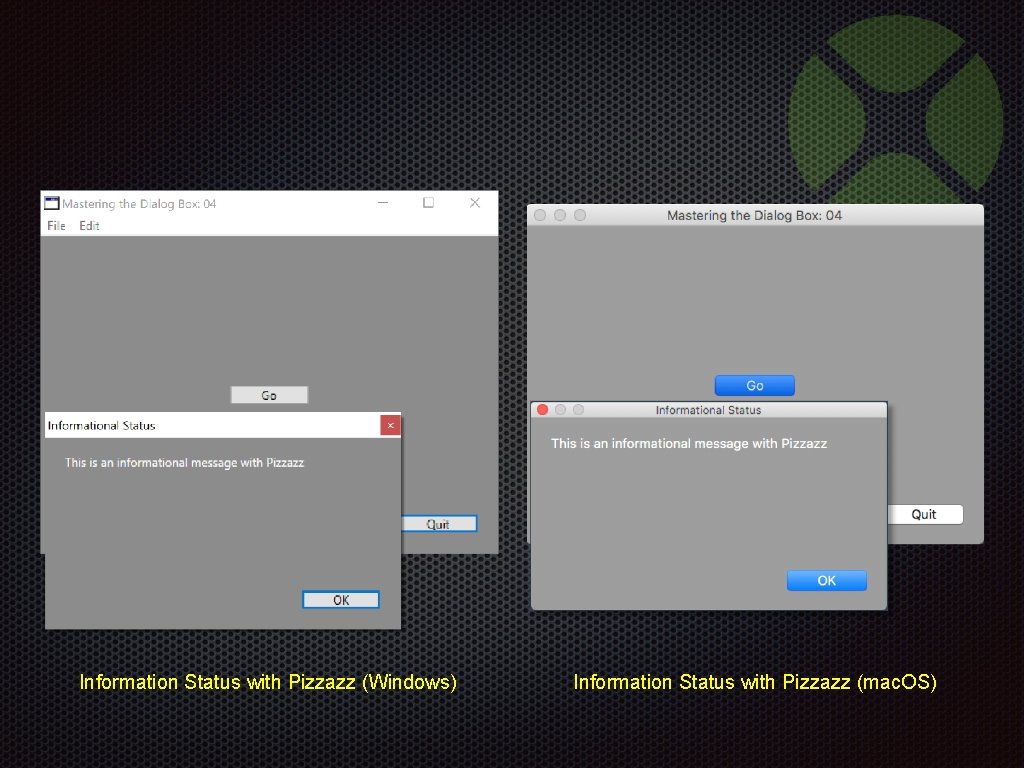
Information Status with Pizzazz (Windows) Information Status with Pizzazz (mac. OS)
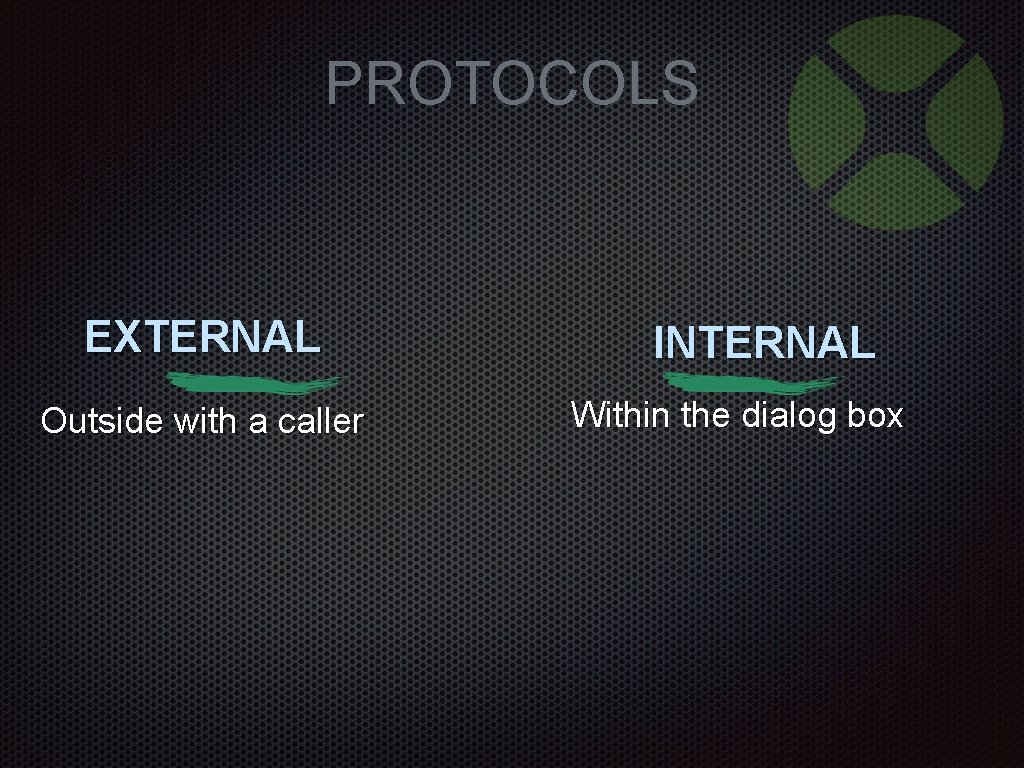
PROTOCOLS EXTERNAL Outside with a caller INTERNAL Within the dialog box
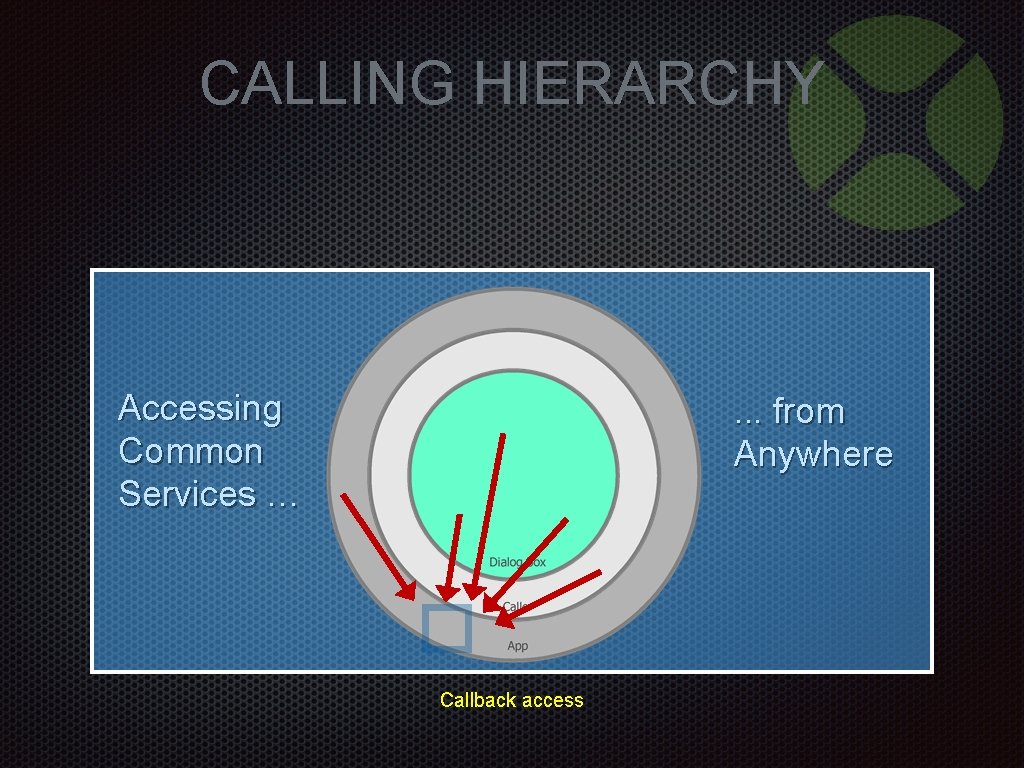
CALLING HIERARCHY Accessing Common Services … . . . from Anywhere Callback access
External Protocols
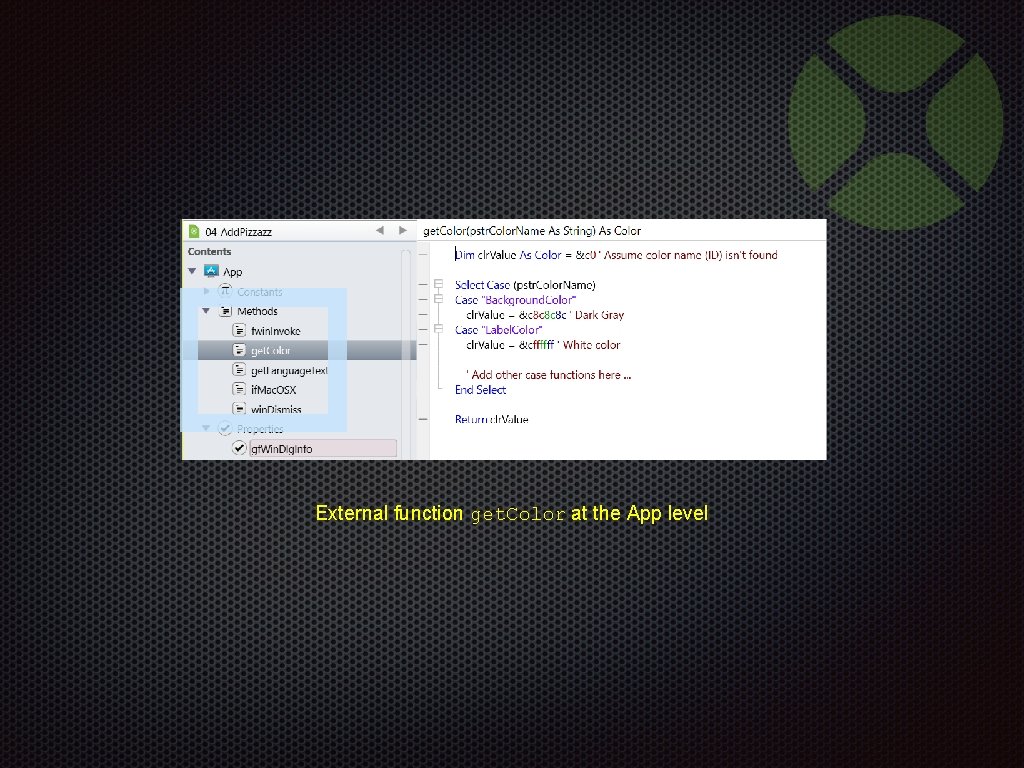
External function get. Color at the App level
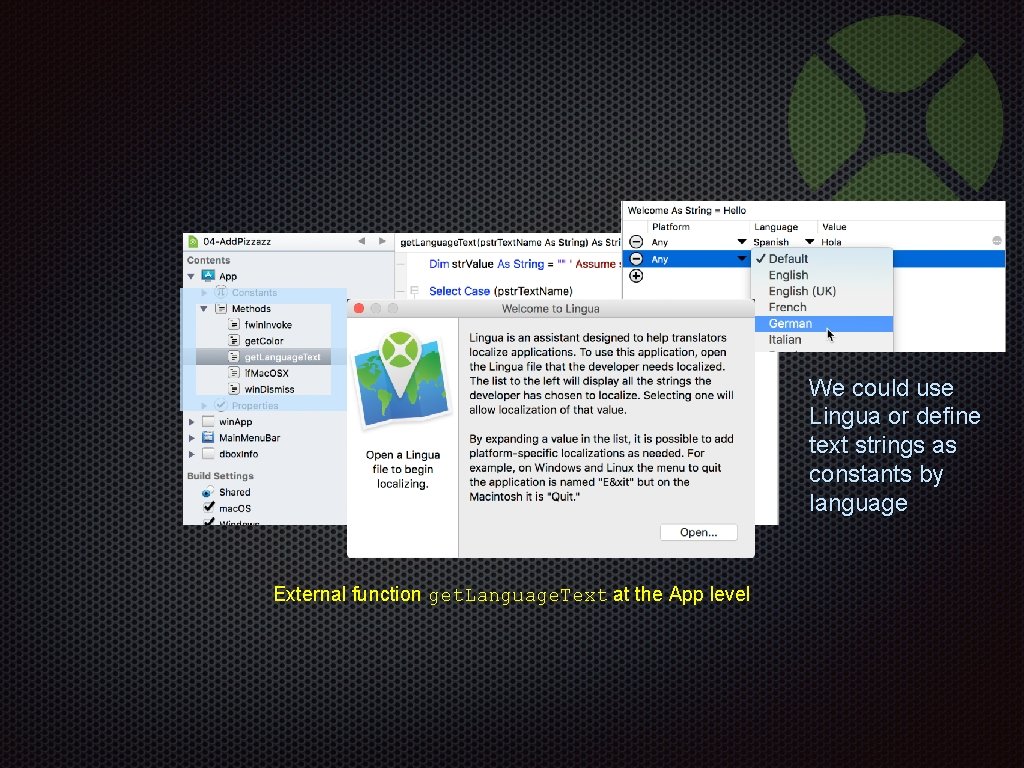
We could use Lingua or define text strings as constants by language External function get. Language. Text at the App level
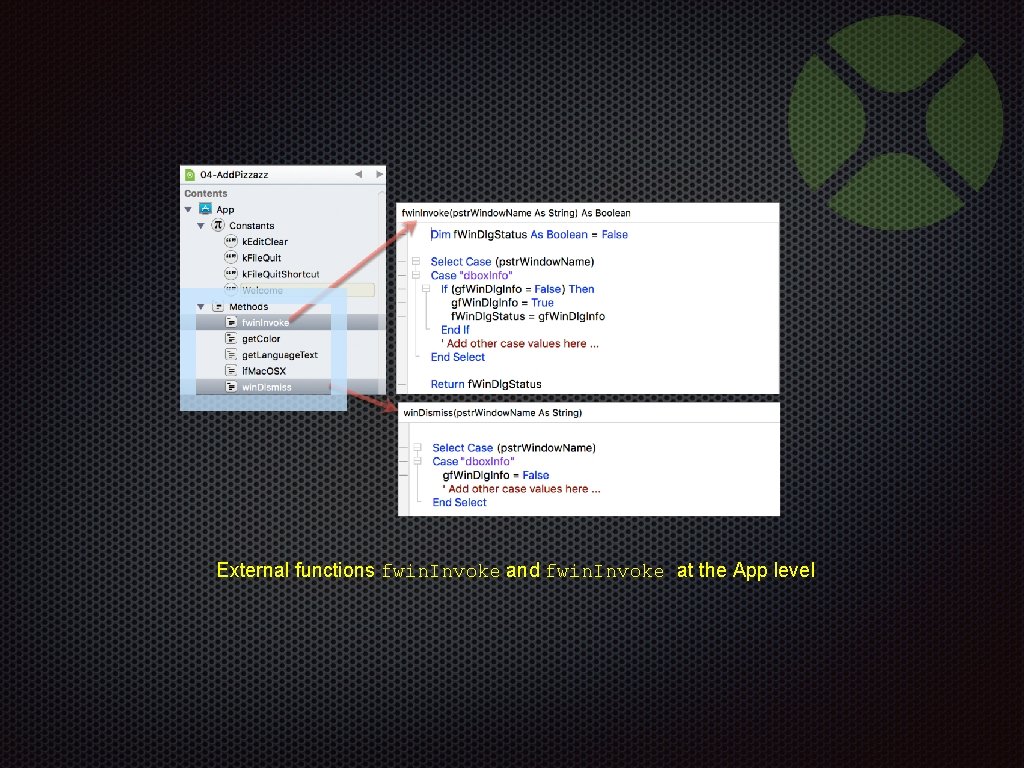
External functions fwin. Invoke and fwin. Invoke at the App level
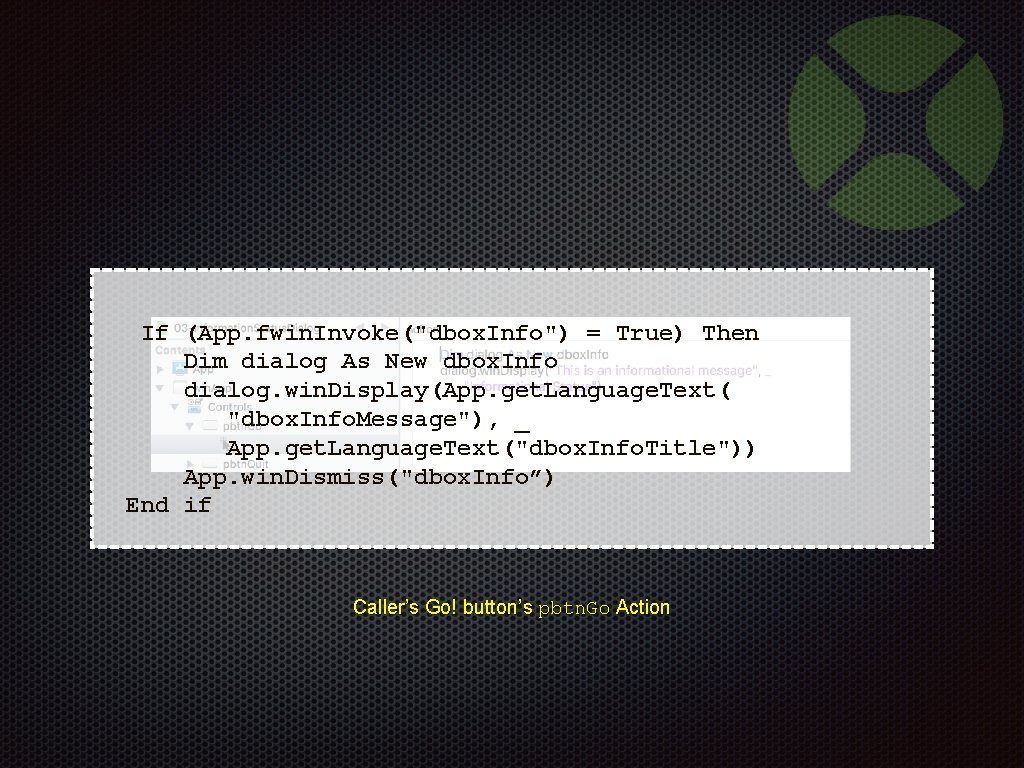
If (App. fwin. Invoke("dbox. Info") = True) Then Dim dialog As New dbox. Info dialog. win. Display(App. get. Language. Text( "dbox. Info. Message"), _ App. get. Language. Text("dbox. Info. Title")) App. win. Dismiss("dbox. Info”) End if Caller’s Go! button’s pbtn. Go Action
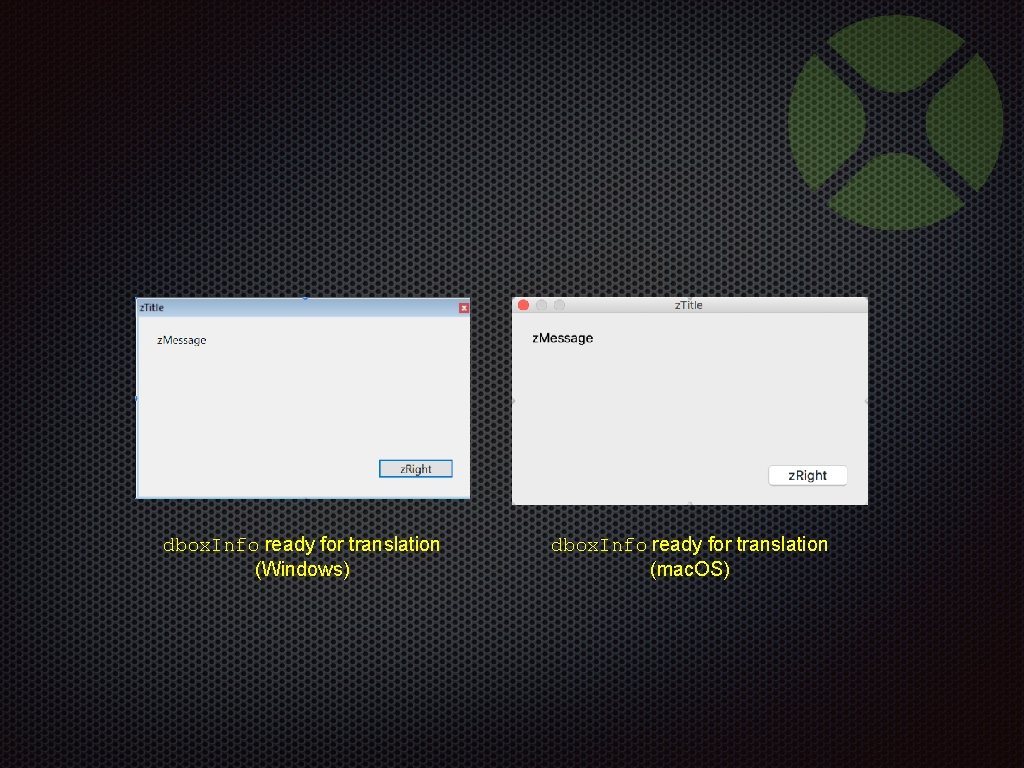
dbox. Info ready for translation (Windows) dbox. Info ready for translation (mac. OS)
Internal Protocols
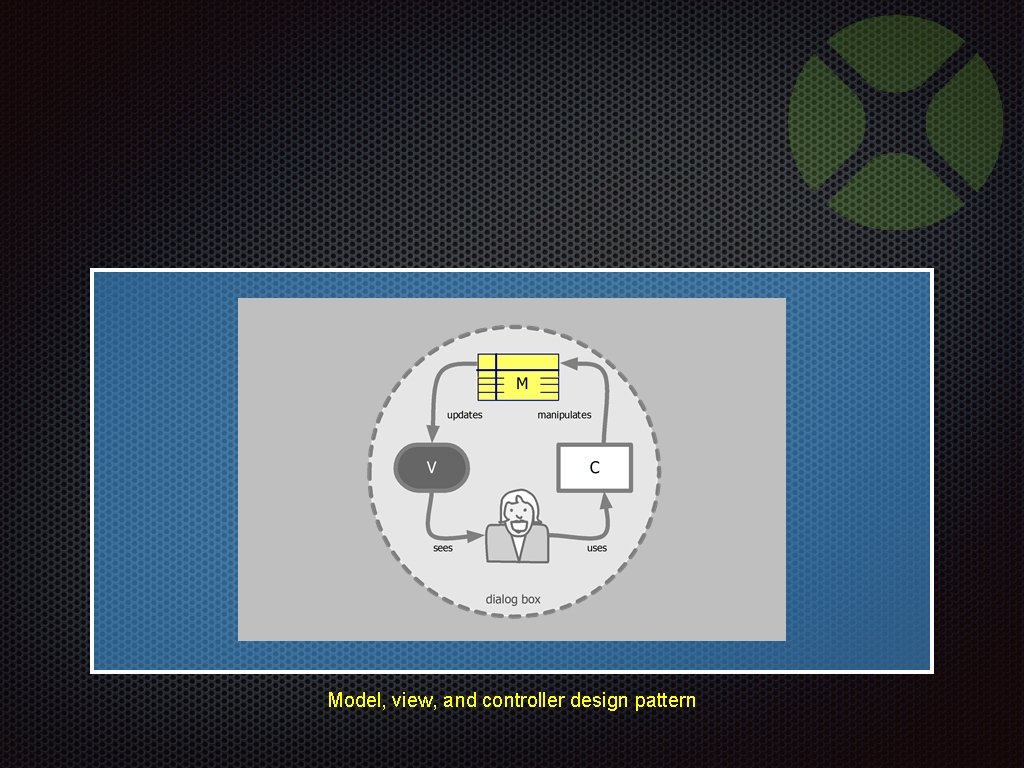
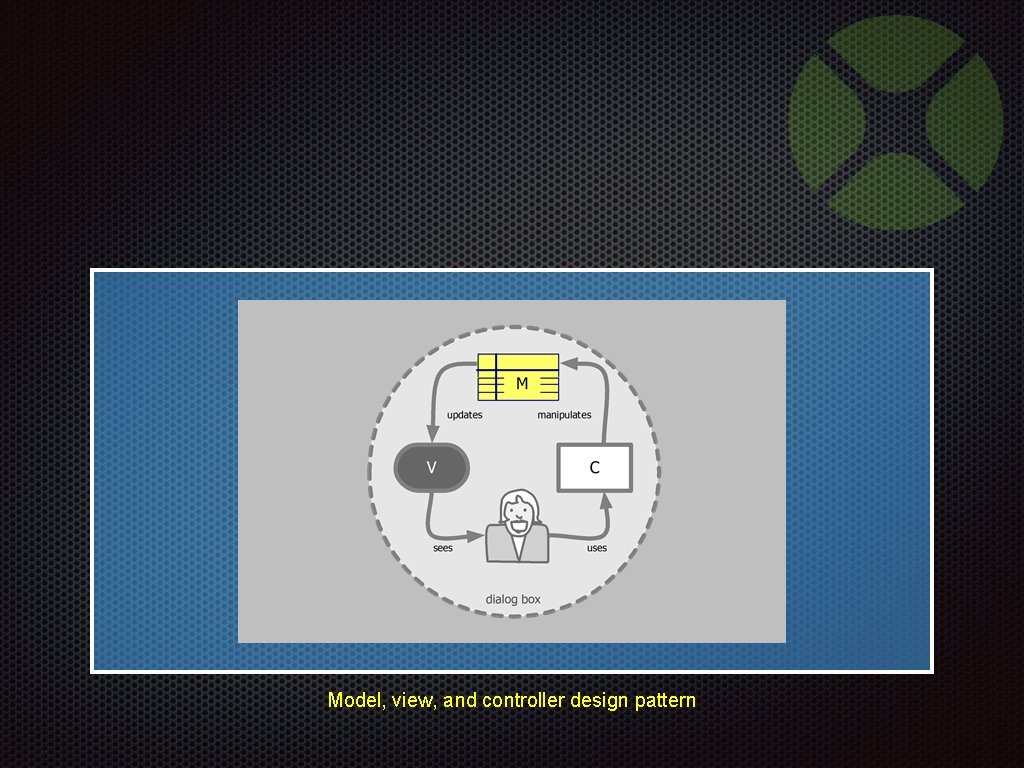
Model, view, and controller design pattern
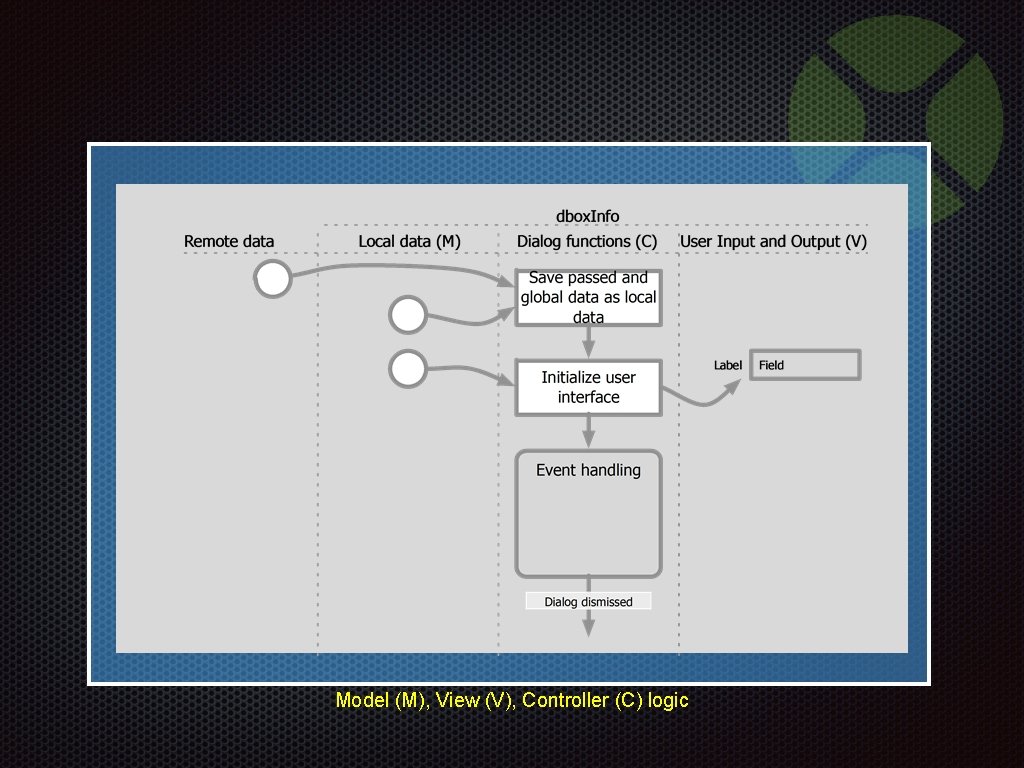
Model (M), View (V), Controller (C) logic
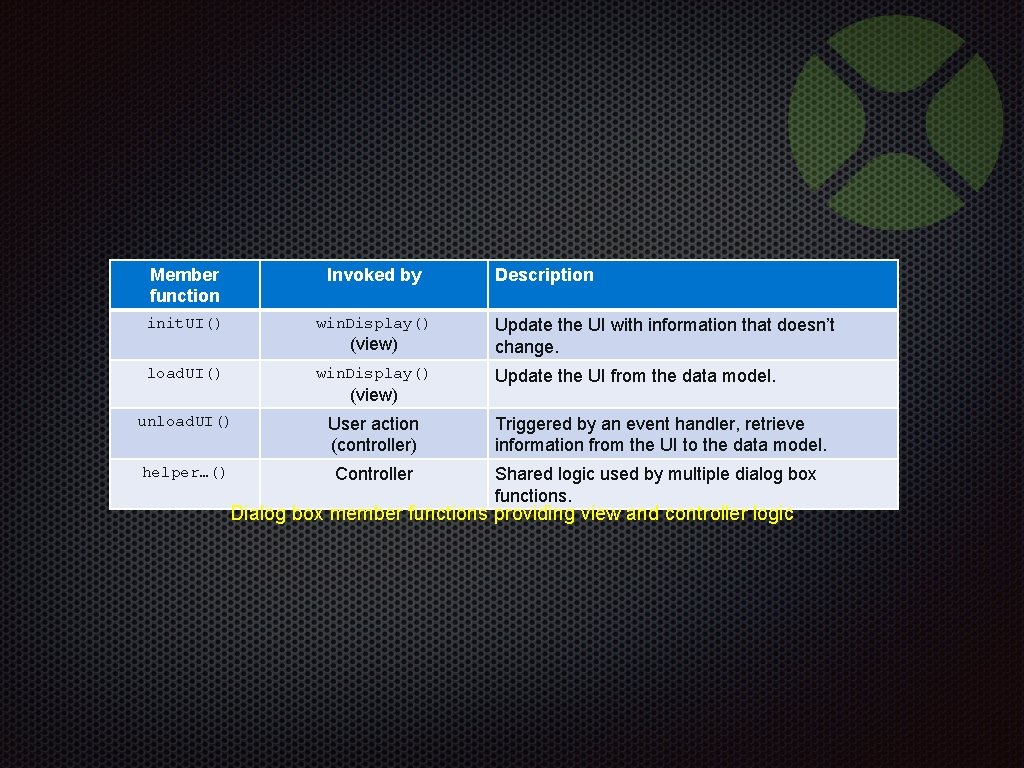
Member function Invoked by init. UI() win. Display() (view) load. UI() win. Display() (view) Description Update the UI with information that doesn’t change. Update the UI from the data model. unload. UI() User action (controller) Triggered by an event handler, retrieve information from the UI to the data model. helper…() Controller Shared logic used by multiple dialog box functions. Dialog box member functions providing view and controller logic
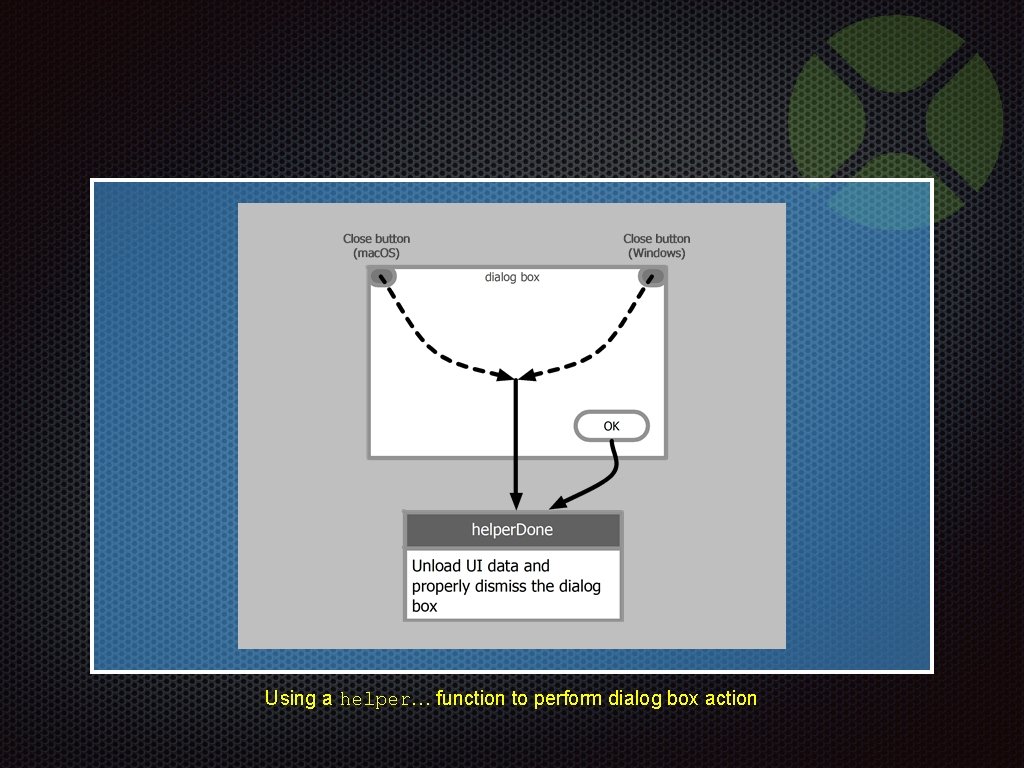
Using a helper… function to perform dialog box action
Add Pizzazz with Eye Candy Demonstration 04 -Add. Pizzazz. xojo_binary_project
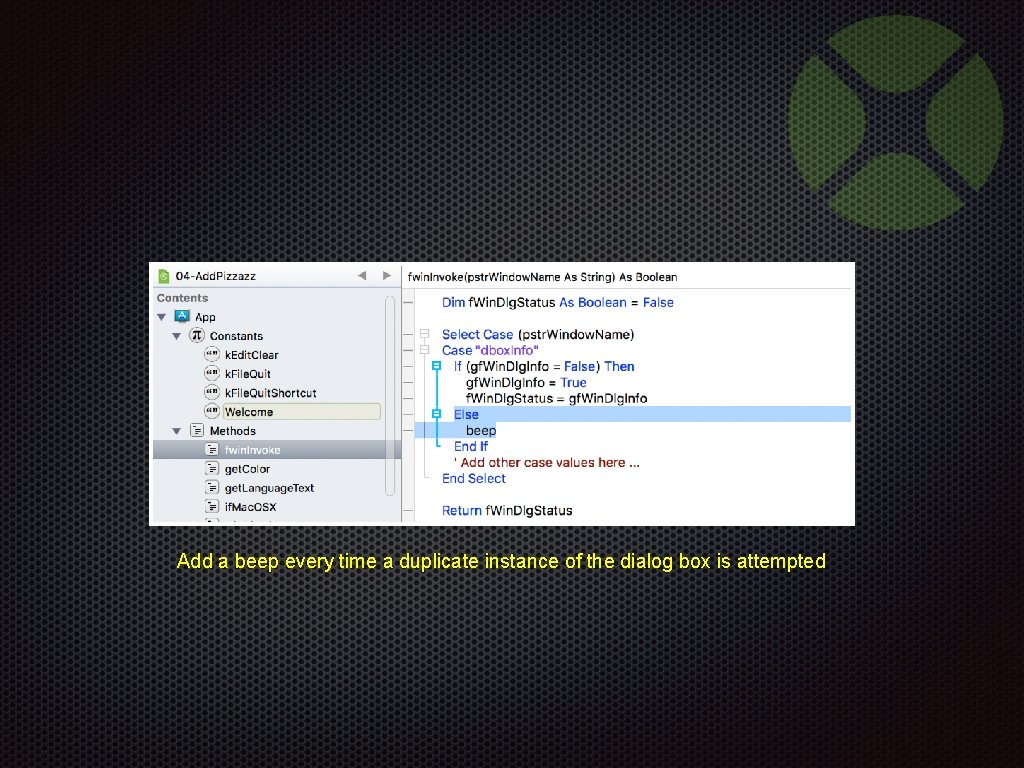
Add a beep every time a duplicate instance of the dialog box is attempted
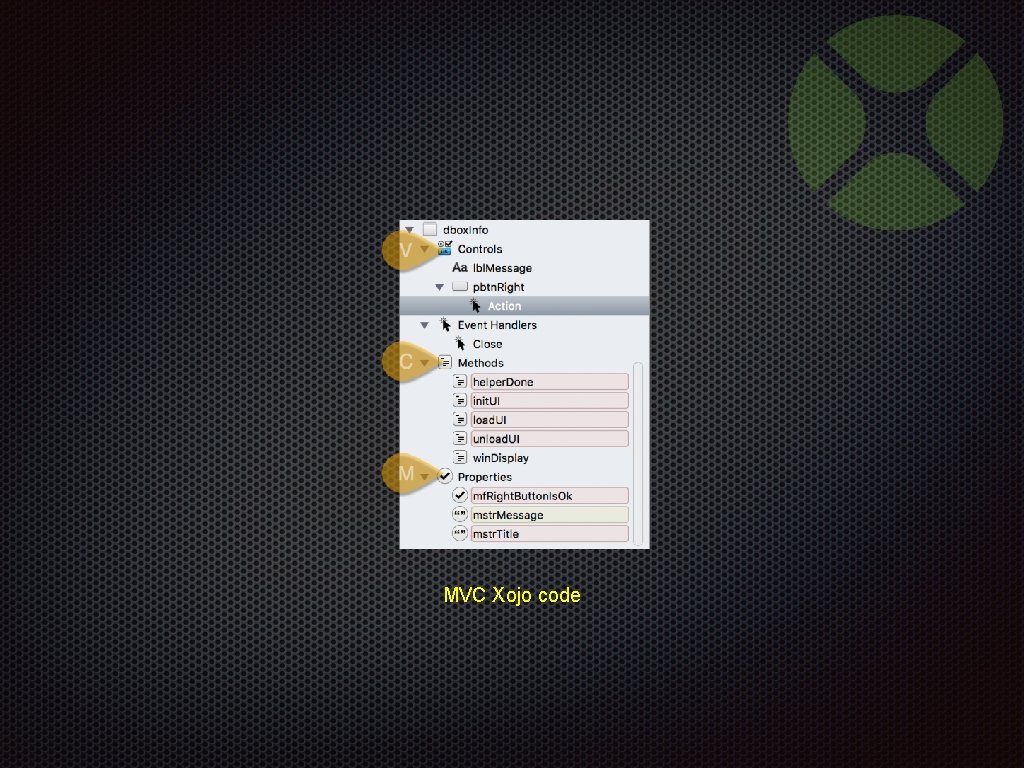
MVC Xojo code
Add Pizzazz with Eye Candy Demonstration Show multiple instance control 04 -Add. Pizzazz. xojo_binary_project
Session 1: The Essentials
Session 2: Advanced Topics

Break
Session 2 Advanced Topics
Session 1: The Essentials • Simple msg. Box • Tailor the look in dialog box • Create a MVC framework
Model, view, and controller design pattern
Session 2: Advanced Topics
Interactive Modal Dialog Handling Step 5
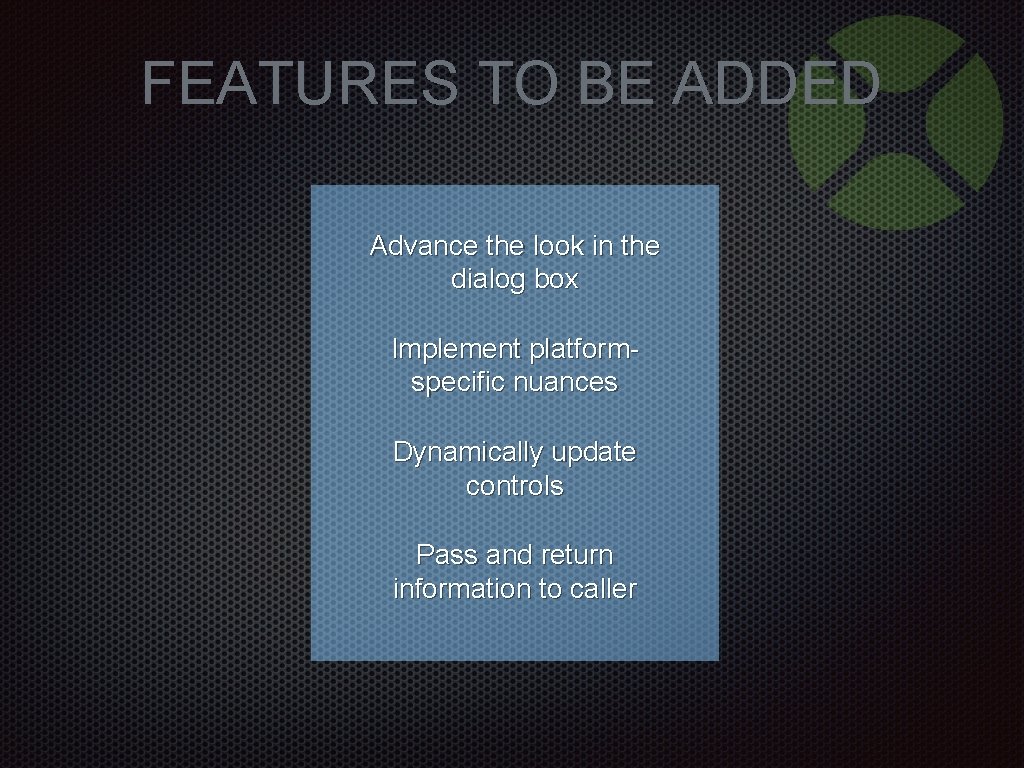
FEATURES TO BE ADDED Advance the look in the dialog box Implement platformspecific nuances Dynamically update controls Pass and return information to caller
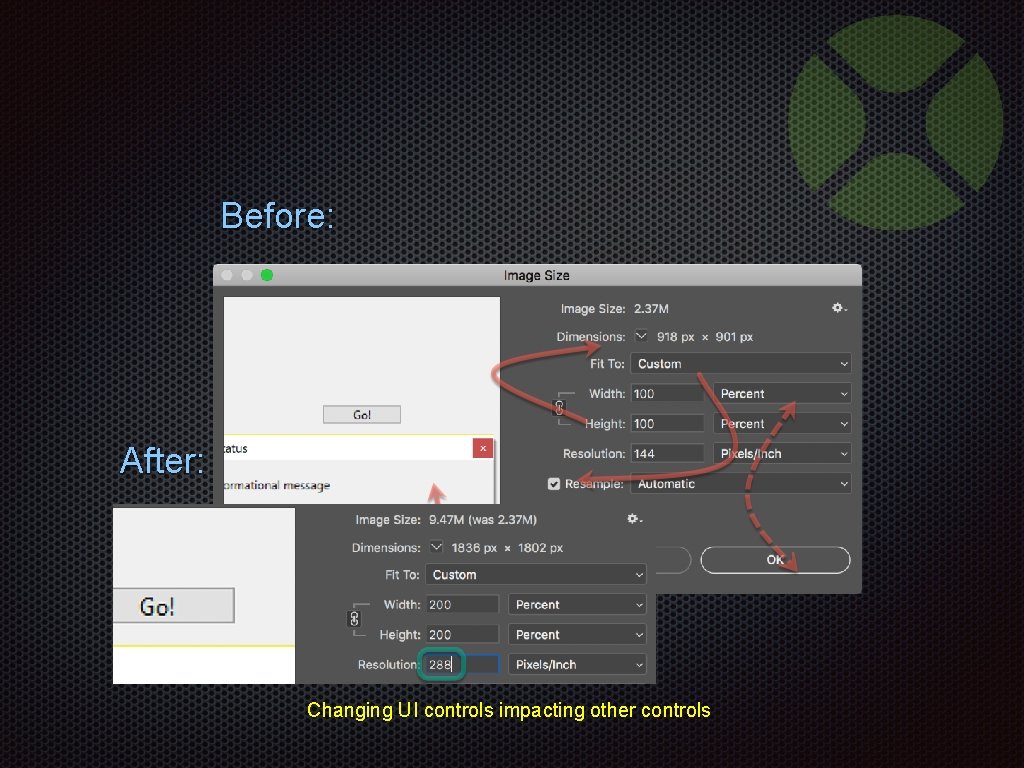
Before: After: Changing UI controls impacting other controls
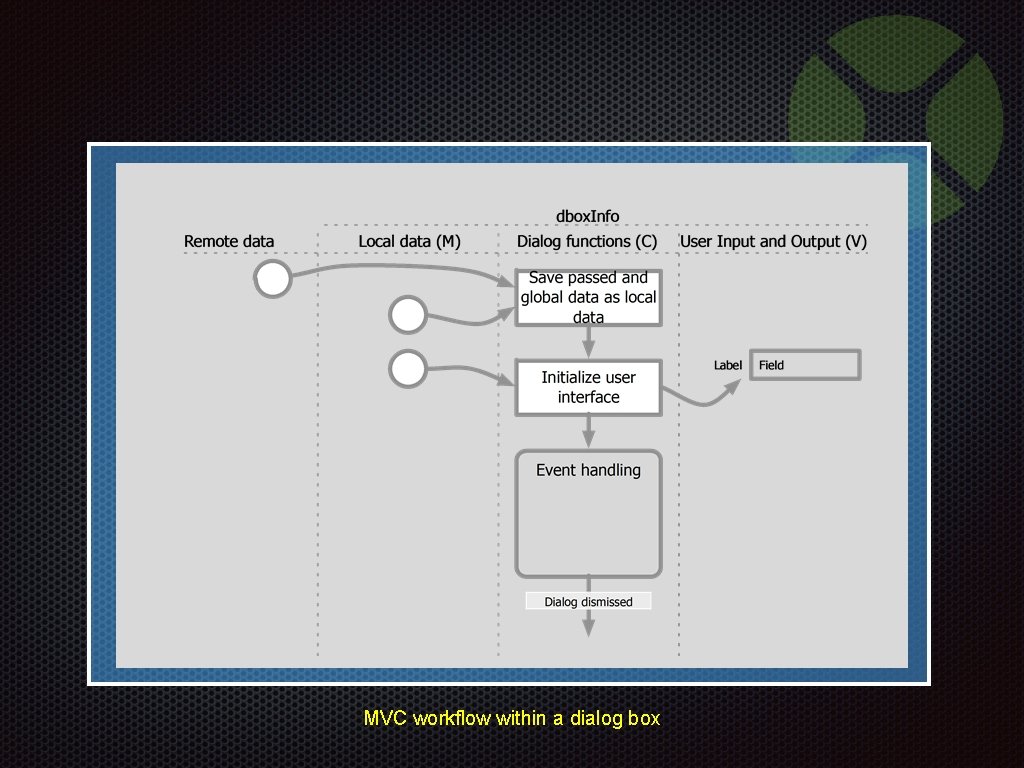
MVC workflow within a dialog box
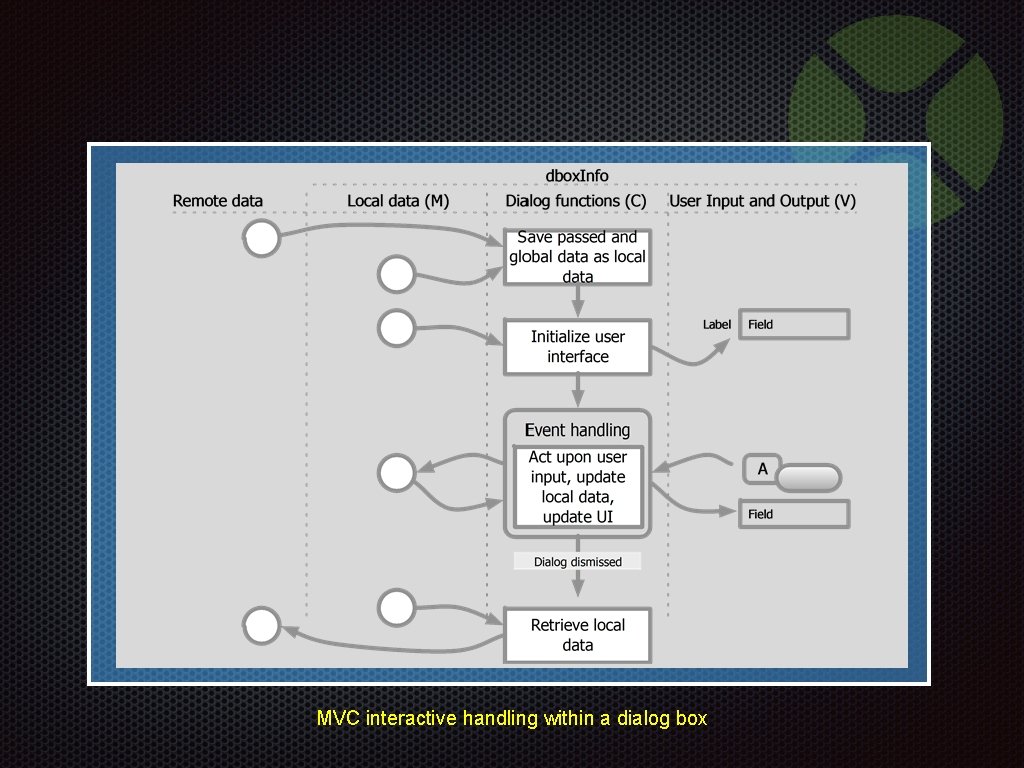
MVC interactive handling within a dialog box
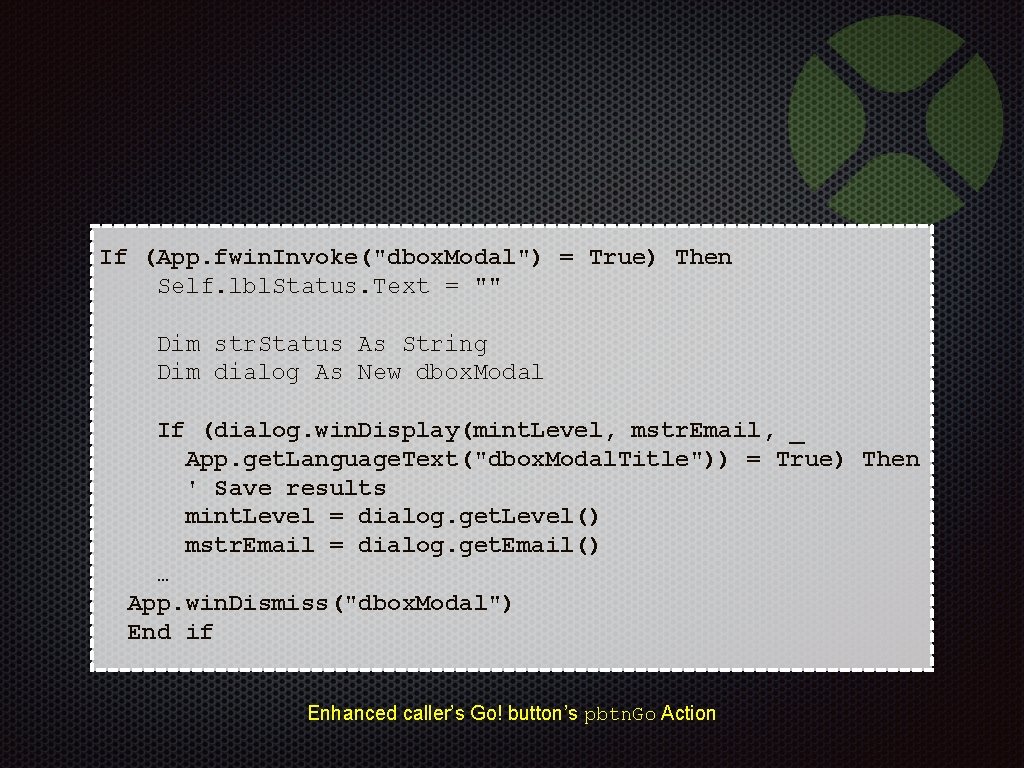
If (App. fwin. Invoke("dbox. Modal") = True) Then Self. lbl. Status. Text = "" Dim str. Status As String Dim dialog As New dbox. Modal If (dialog. win. Display(mint. Level, mstr. Email, _ App. get. Language. Text("dbox. Modal. Title")) = True) Then ' Save results mint. Level = dialog. get. Level() mstr. Email = dialog. get. Email() … App. win. Dismiss("dbox. Modal") End if Enhanced caller’s Go! button’s pbtn. Go Action
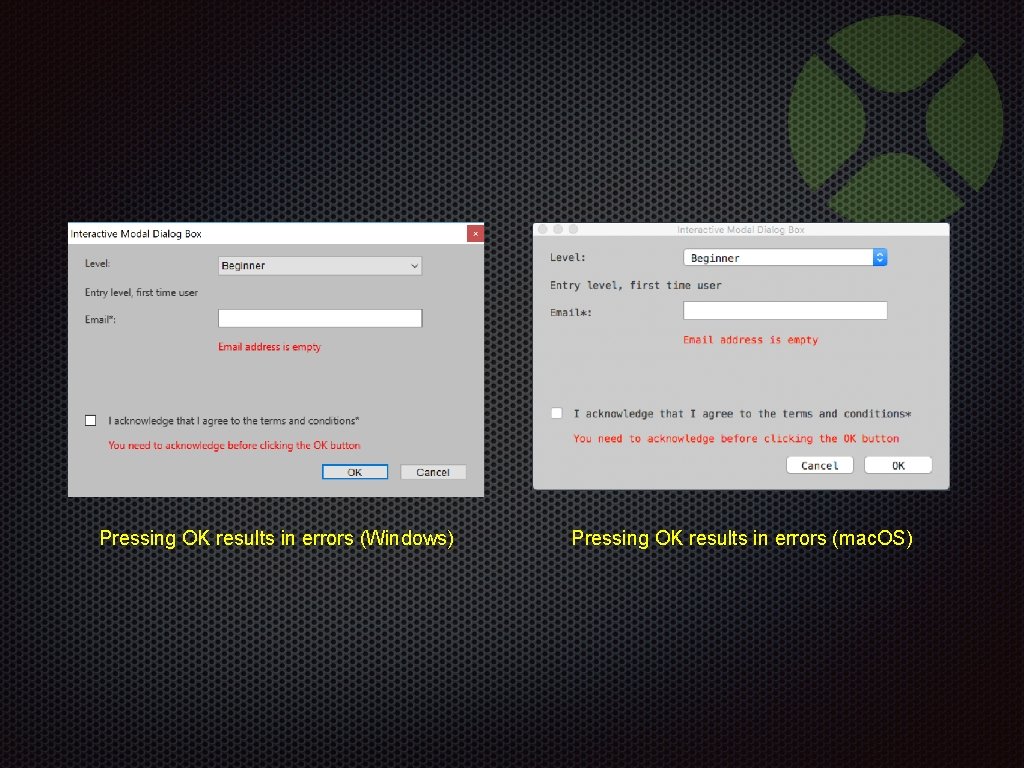
Pressing OK results in errors (Windows) Pressing OK results in errors (mac. OS)
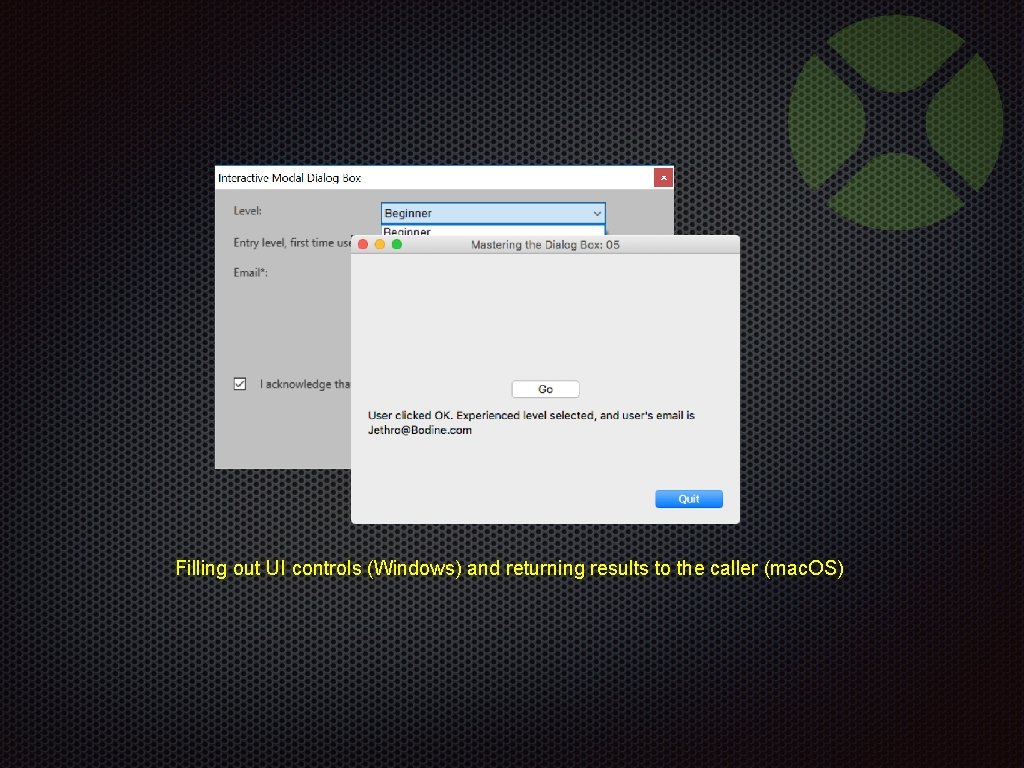
Filling out UI controls (Windows) and returning results to the caller (mac. OS)
Interactive Modal Dialog Box Handling Demonstration 05 -Interactivity. xojo_binary_project
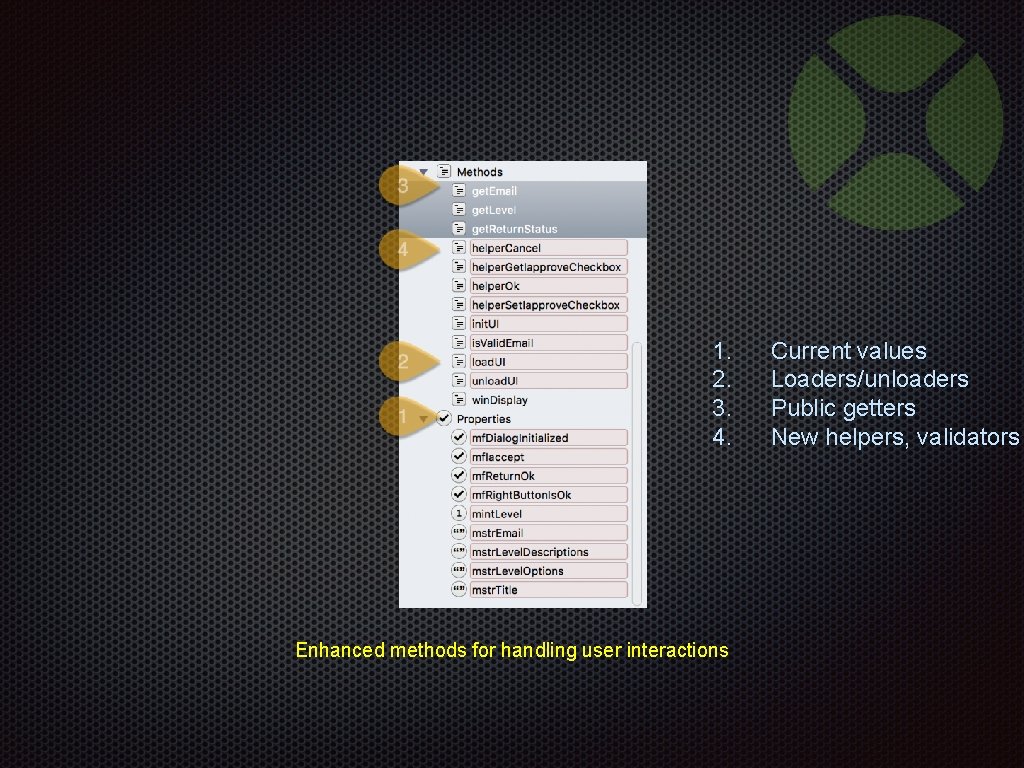
1. 2. 3. 4. Enhanced methods for handling user interactions Current values Loaders/unloaders Public getters New helpers, validators
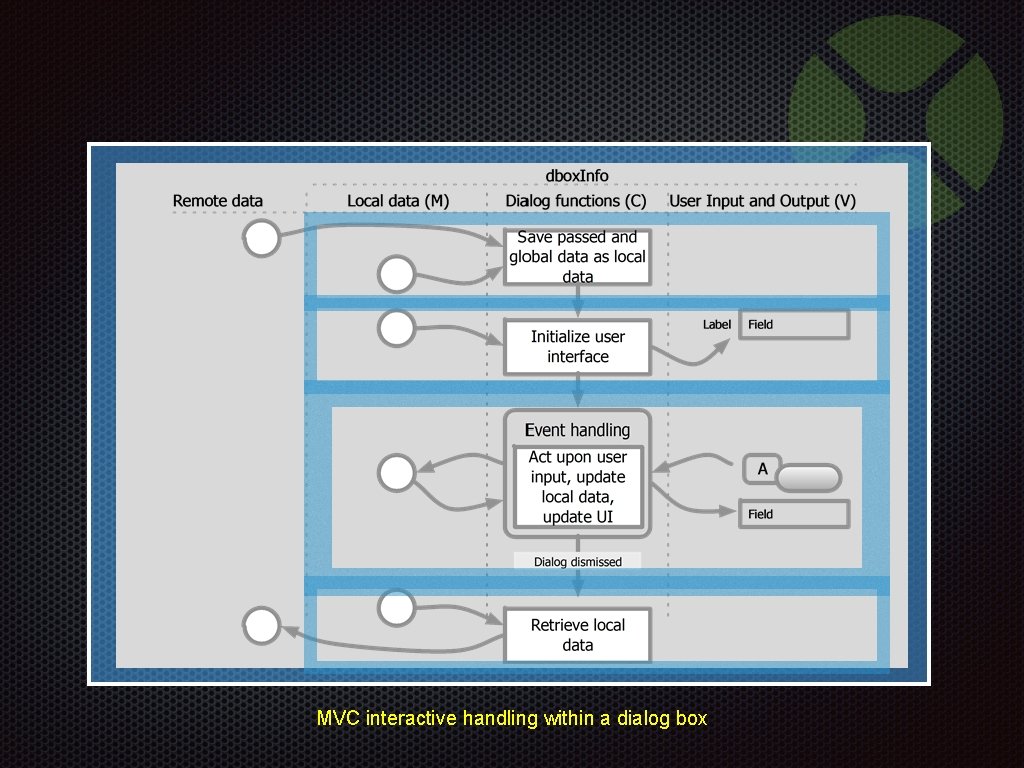
MVC interactive handling within a dialog box
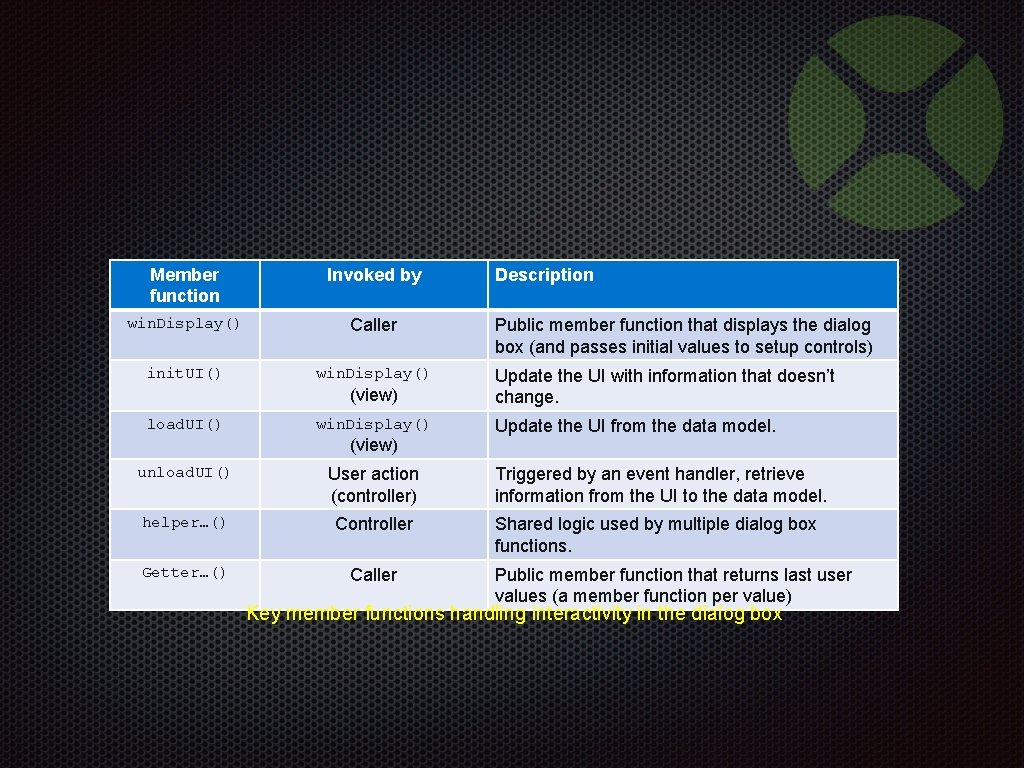
Member function Invoked by win. Display() Caller init. UI() win. Display() (view) load. UI() win. Display() (view) Description Public member function that displays the dialog box (and passes initial values to setup controls) Update the UI with information that doesn’t change. Update the UI from the data model. unload. UI() User action (controller) Triggered by an event handler, retrieve information from the UI to the data model. helper…() Controller Shared logic used by multiple dialog box functions. Getter…() Caller Public member function that returns last user values (a member function per value) Key member functions handling interactivity in the dialog box
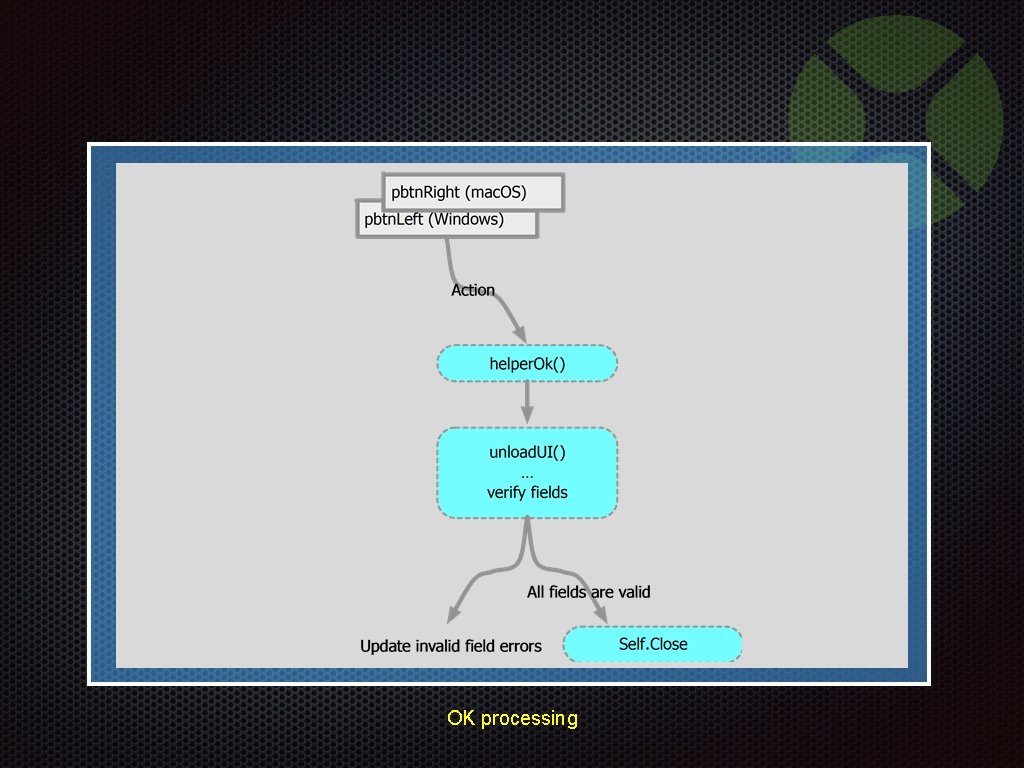
OK processing
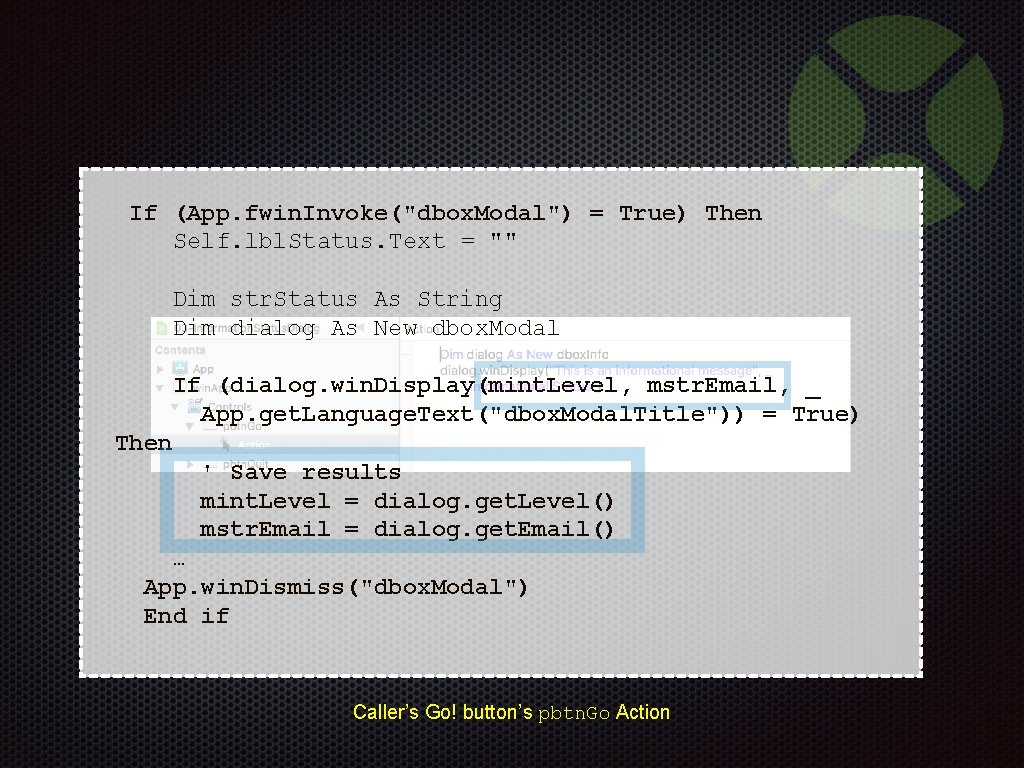
If (App. fwin. Invoke("dbox. Modal") = True) Then Self. lbl. Status. Text = "" Dim str. Status As String Dim dialog As New dbox. Modal If (dialog. win. Display(mint. Level, mstr. Email, _ App. get. Language. Text("dbox. Modal. Title")) = True) Then ' Save results mint. Level = dialog. get. Level() mstr. Email = dialog. get. Email() … App. win. Dismiss("dbox. Modal") End if Caller’s Go! button’s pbtn. Go Action
Interactive Modal Dialog Box Handling Code walkthrough 05 -Interactivity. xojo_binary_project
BONUS MATERIAL Disable OK button Alt/Option reset Until ready to verify Reset all controls 05 A-Interactivity. xojo_binary_project 05 B-Interactivity. xojo_binary_project
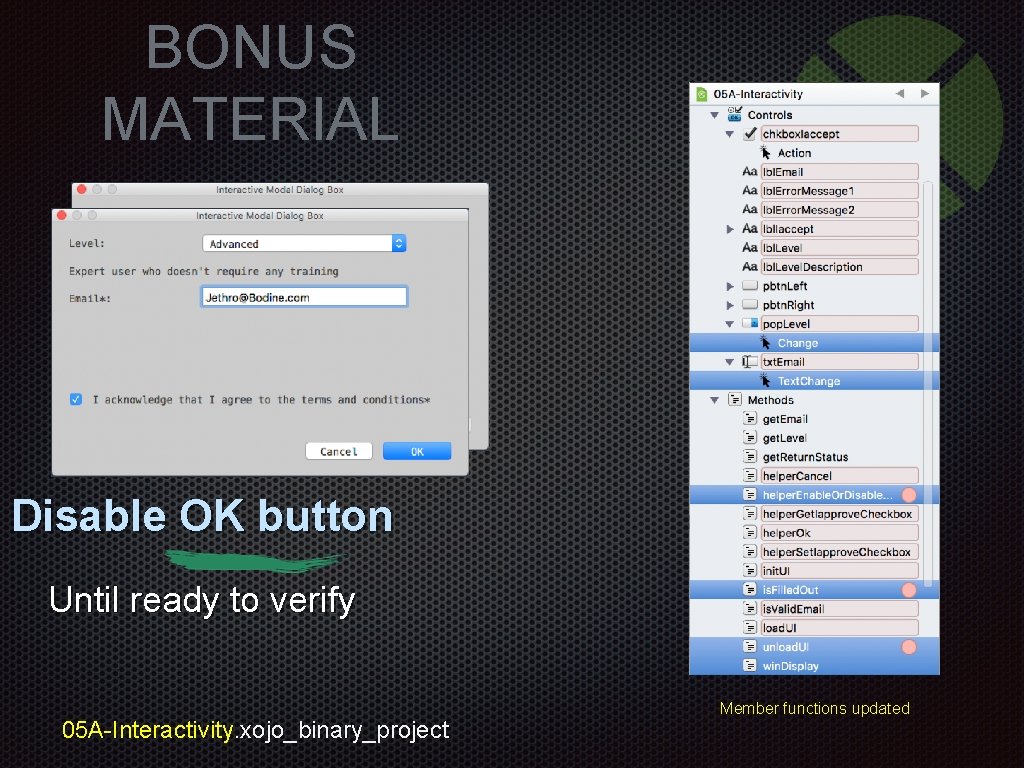
BONUS MATERIAL Disable OK button Until ready to verify 05 A-Interactivity. xojo_binary_project Member functions updated
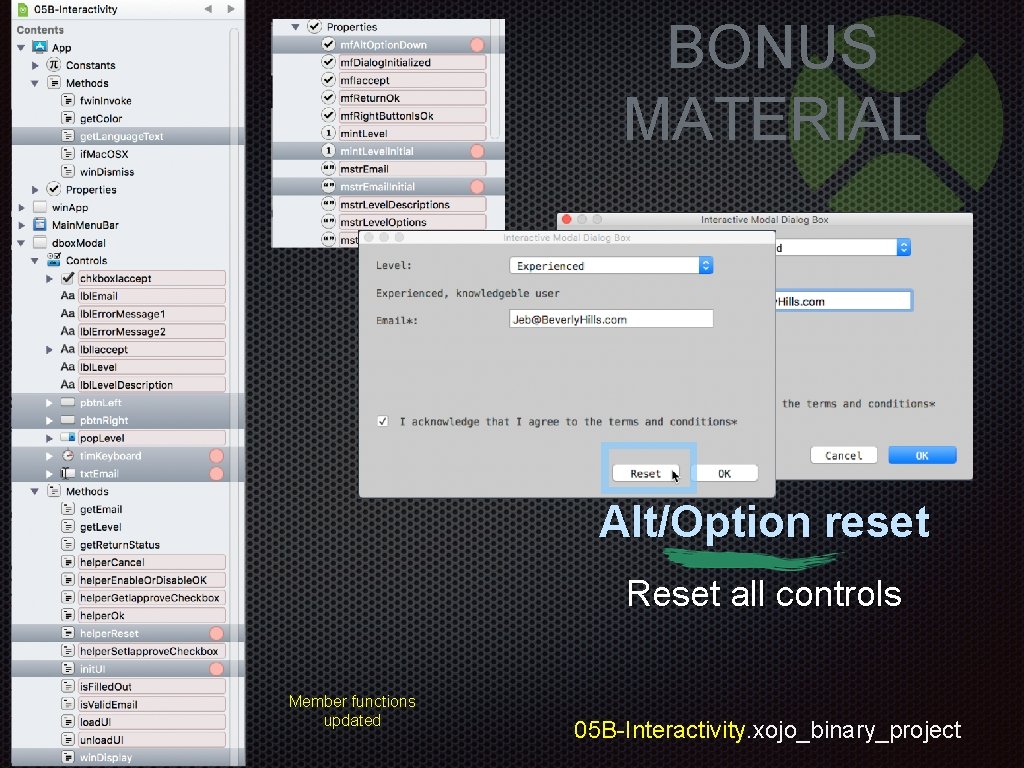
BONUS MATERIAL Alt/Option reset Reset all controls Member functions updated 05 B-Interactivity. xojo_binary_project
Bonus Interactive Modal Dialog Box Handling Demonstrations 05 A-Interactivity. xojo_binary_project 05 B-Interactivity. xojo_binary_project
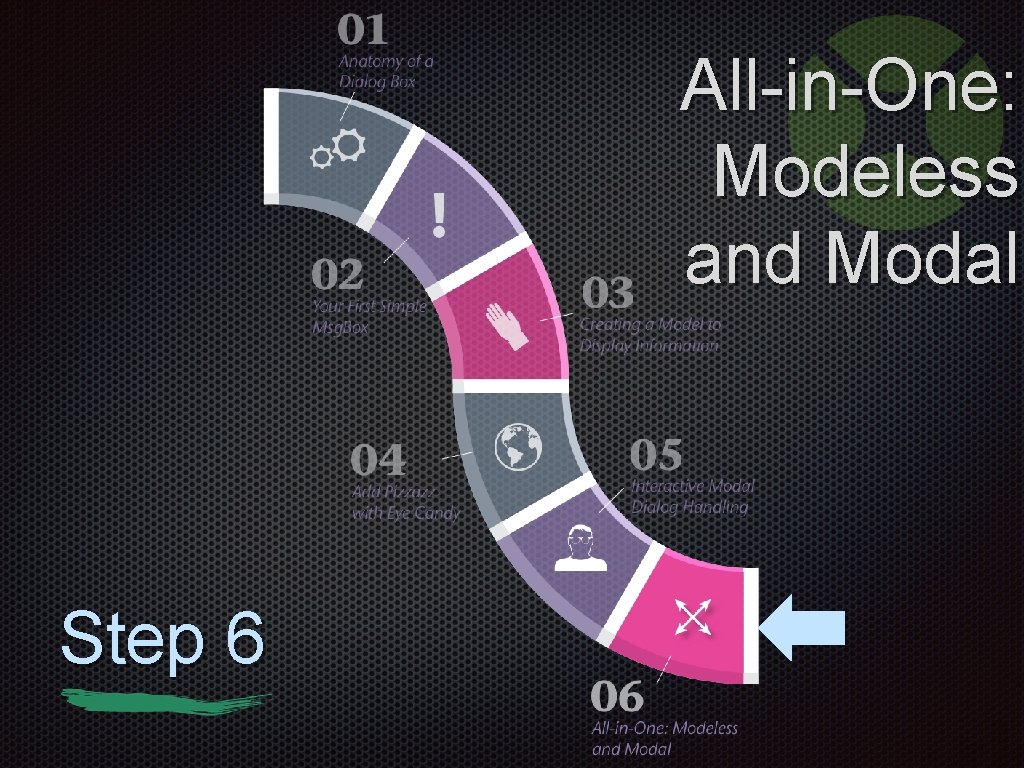
All-in-One: Modeless and Modal Step 6
One Code, One UI Two Uses
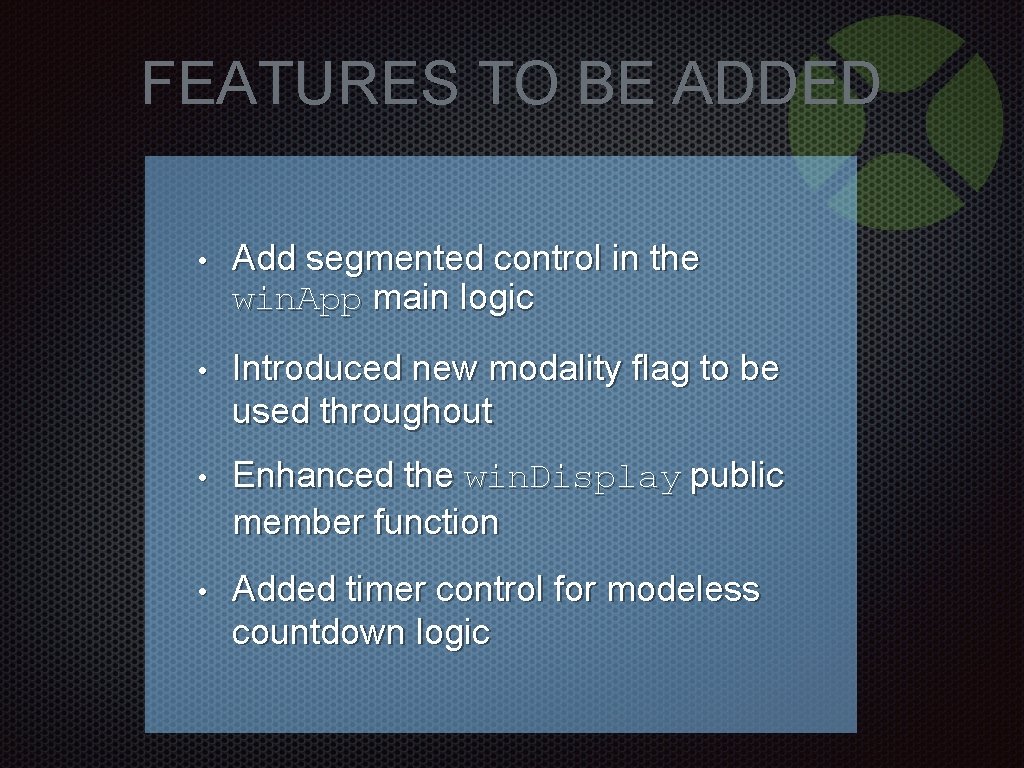
FEATURES TO BE ADDED • Add segmented control in the win. App main logic • Introduced new modality flag to be used throughout • Enhanced the win. Display public member function • Added timer control for modeless countdown logic
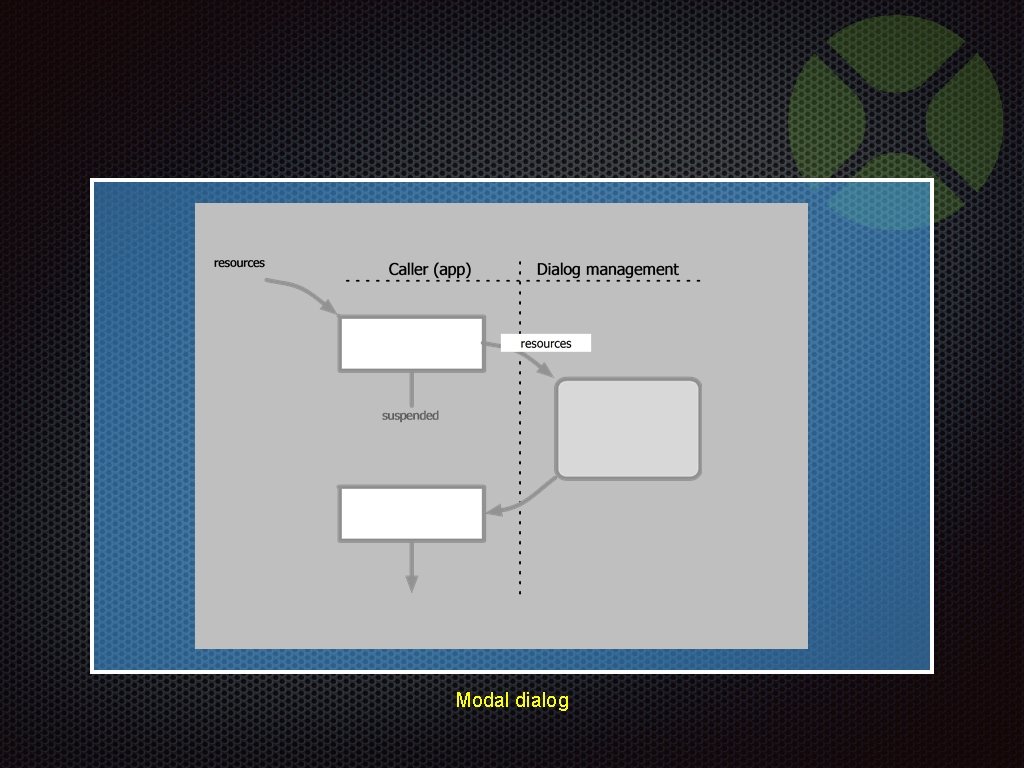
Modal dialog
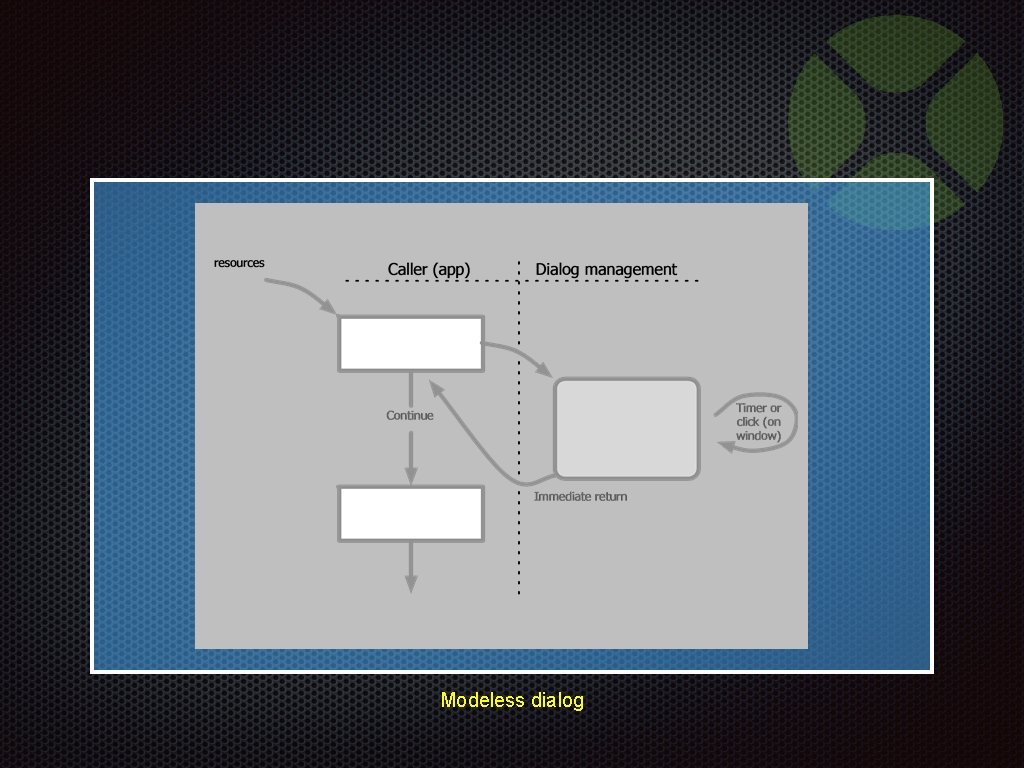
Modeless dialog
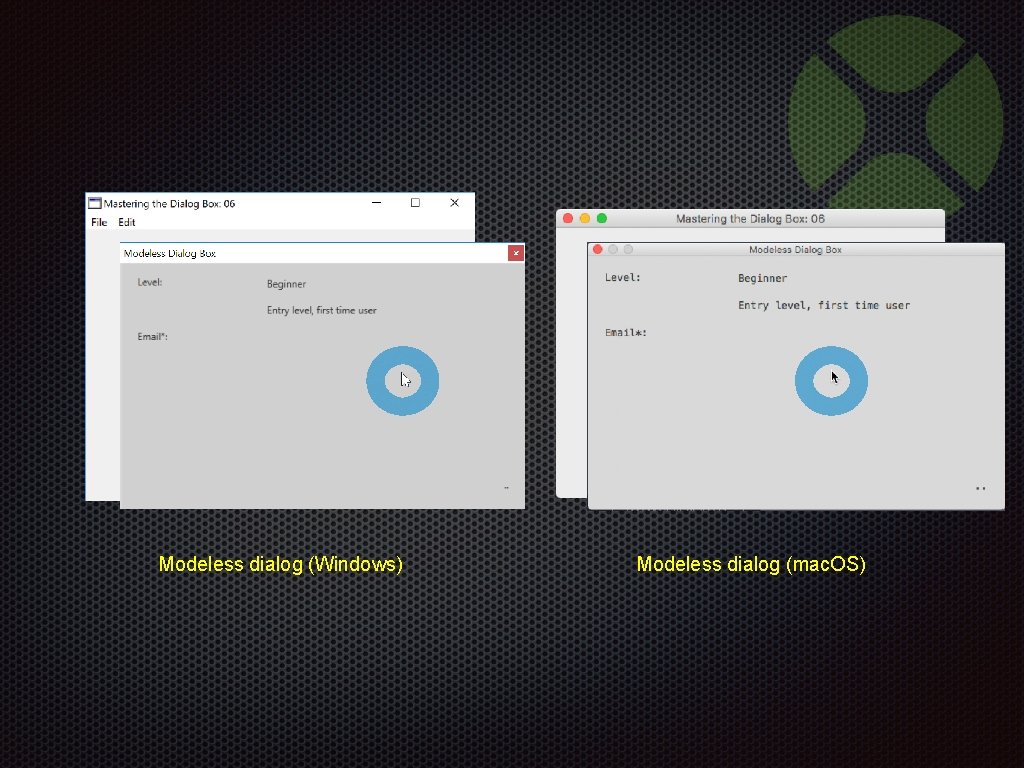
Modeless dialog (Windows) Modeless dialog (mac. OS)
Modeless and Modal Dialog Box Handling Demonstration 06 -Modeless. And. Modal. xojo_binary_project
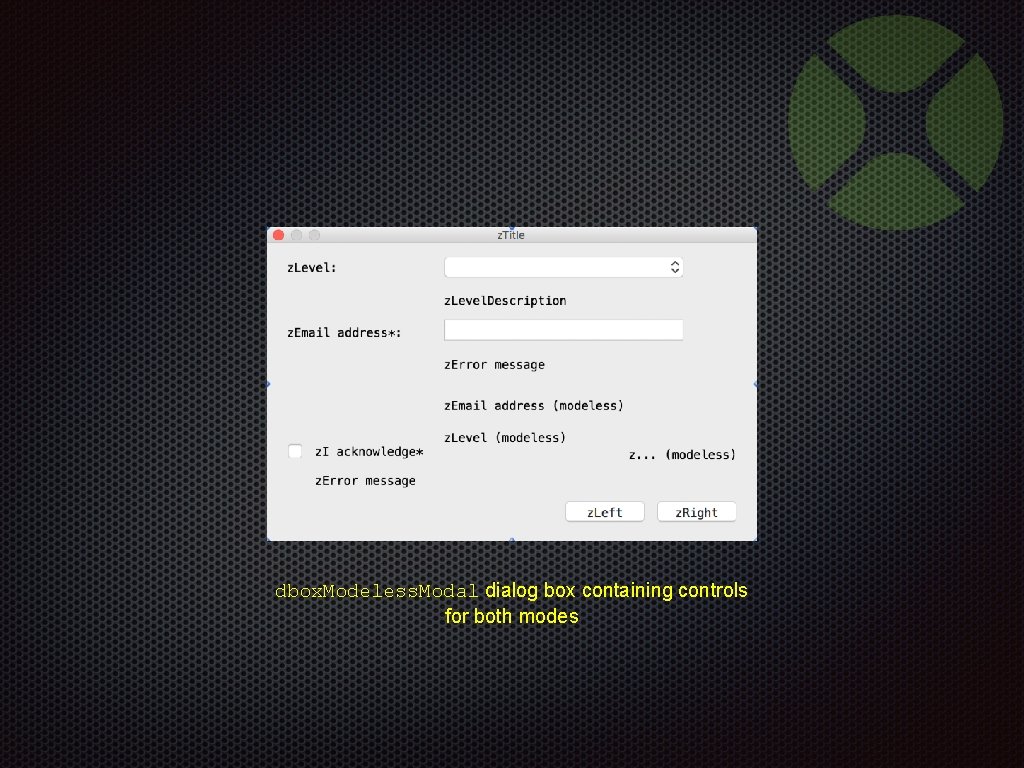
dbox. Modeless. Modal dialog box containing controls for both modes
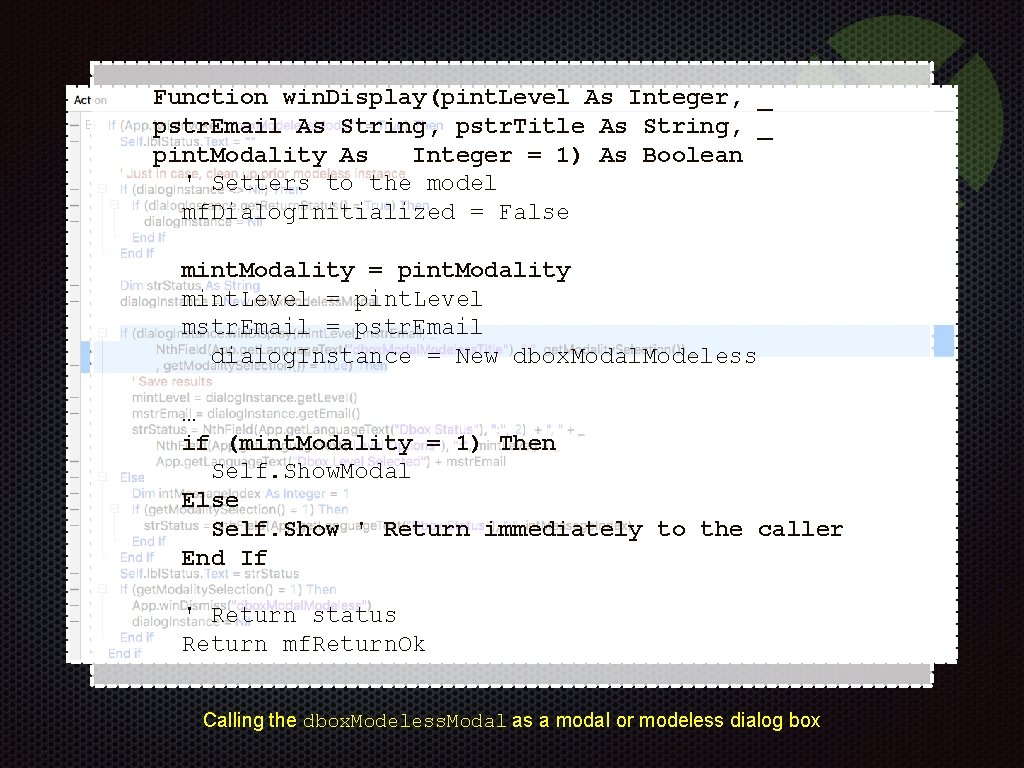
Function win. Display(pint. Level As Integer, _ pstr. Email As String, pstr. Title As String, _ pint. Modality As Integer = 1) As Boolean ' Setters to the model mf. Dialog. Initialized = False mint. Modality = pint. Modality mint. Level = pint. Level mstr. Email = pstr. Email dialog. Instance = New dbox. Modal. Modeless … if (mint. Modality = 1) Then Self. Show. Modal Else Self. Show ' Return immediately to the caller End If ' Return status Return mf. Return. Ok Calling the dbox. Modeless. Modal as a modal or modeless dialog box
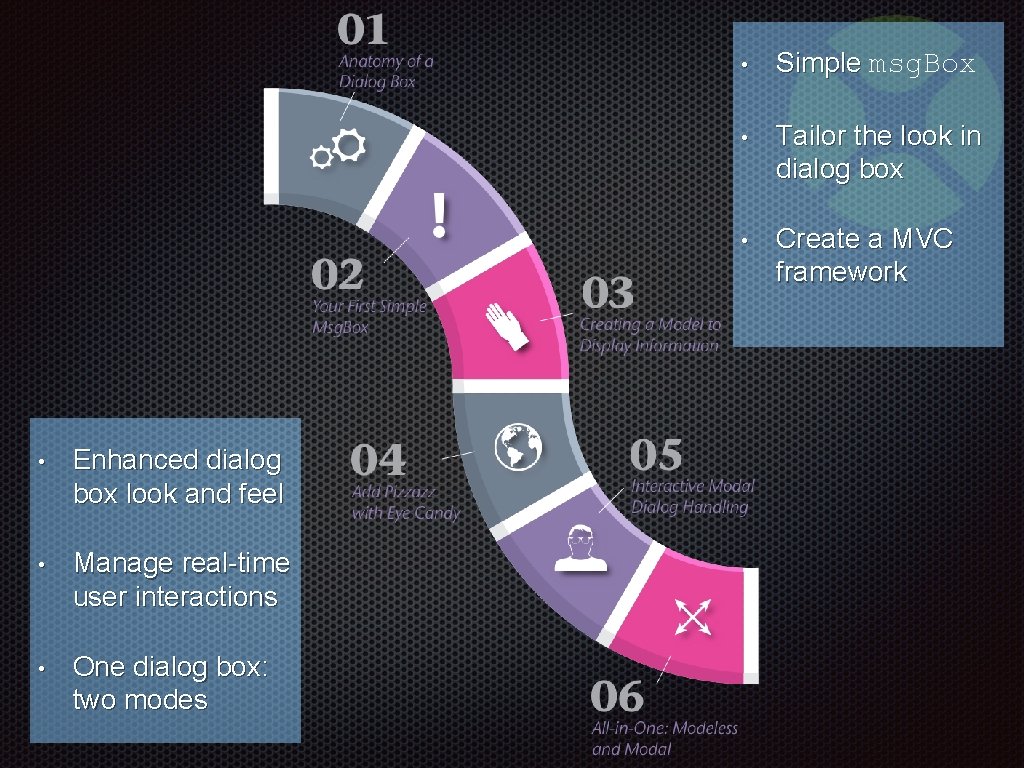
• Enhanced dialog box look and feel • Manage real-time user interactions • One dialog box: two modes • Simple msg. Box • Tailor the look in dialog box • Create a MVC framework
Questions?
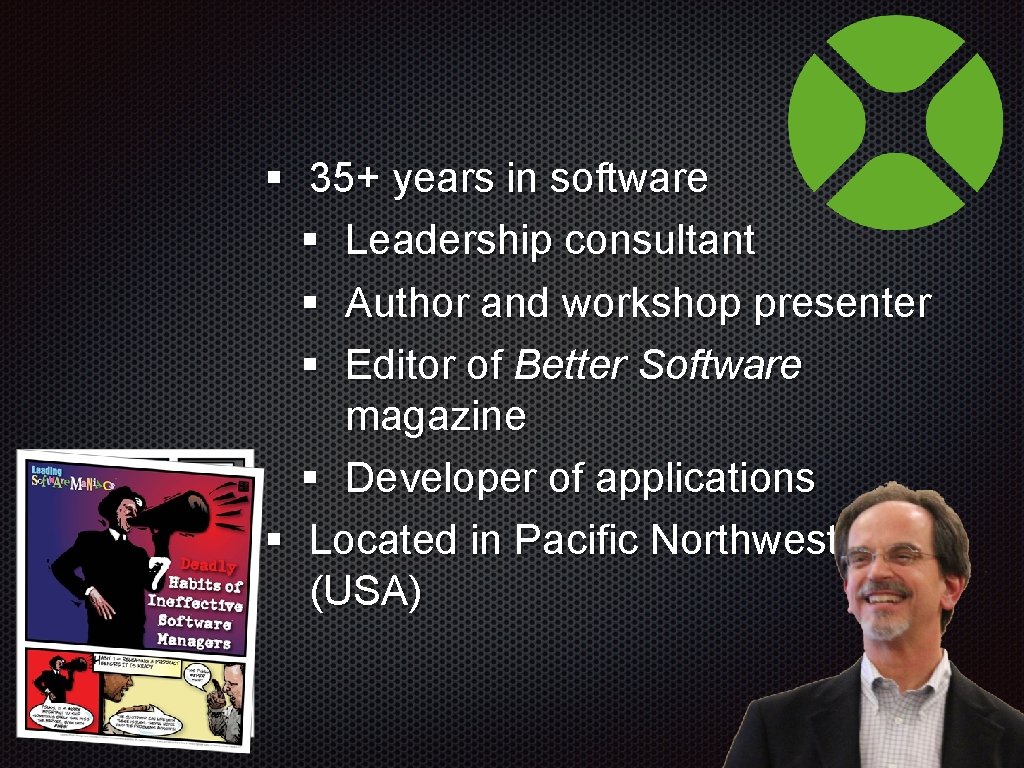
§ 35+ years in software § Leadership consultant § Author and workshop presenter § Editor of Better Software magazine § Developer of applications § Located in Pacific Northwest (USA)

Thank You www. leadingswmaniacs. com
- Slides: 89