
Mari Mudbox and Zbrush A brief look at
Mari, Mudbox, and Zbrush A brief look at some 3 D production software

At a Glance Mari – The Foundry (Modo 3 D creation, Nuke postproduction) 3 D High resolution texturing software $2032 single license (options to “rent” software + non-commercially free) Mudbox – Autodesk 3 D Sculpting and texturing software $10 monthly license ($80 for year) Zbrush – Pixologic 3 D Sculpting and painting software $795 Zbrush 4 R 7 single license ($149. 99 for core)

Mari Very detailed texturing/painting software More flexibility in texture/shader editing A better, more in depth workflow with Modo and Nuke (all software can be used cross company) Built in layering shaders, easily layer texturing Projection painting – photo references can be fully utilized Supports many high resolution textures on model(s)
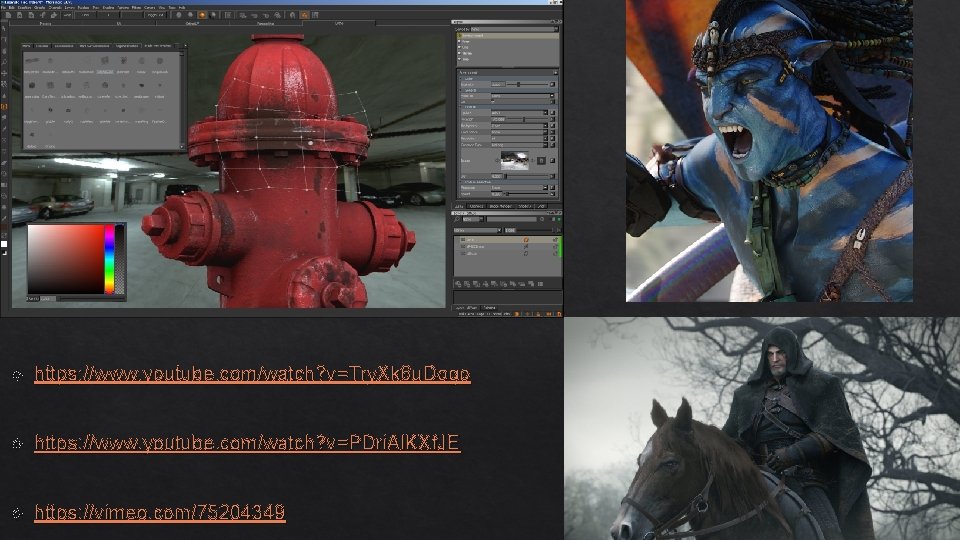
https: //www. youtube. com/watch? v=Try. Xk 6 u. Dogo https: //www. youtube. com/watch? v=PDri. Al. KXf. JE https: //vimeo. com/75204349
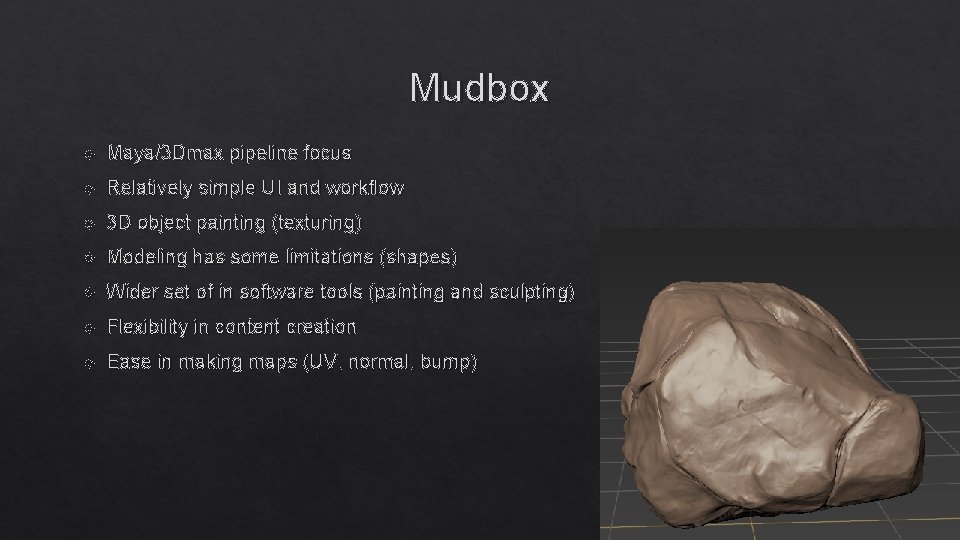
Mudbox Maya/3 Dmax pipeline focus Relatively simple UI and workflow 3 D object painting (texturing) Modeling has some limitations (shapes) Wider set of in software tools (painting and sculpting) Flexibility in content creation Ease in making maps (UV, normal, bump)
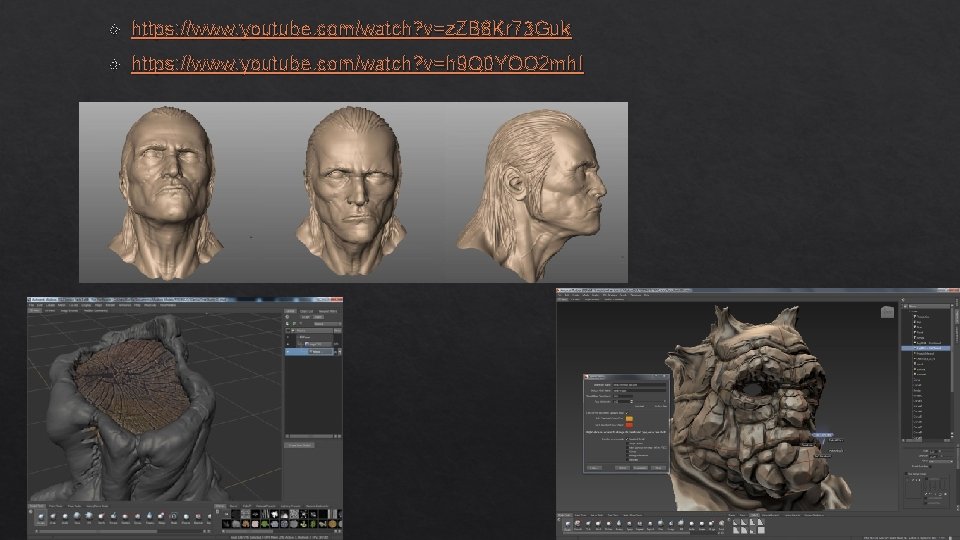
https: //www. youtube. com/watch? v=z. ZB 8 Kr 73 Guk https: //www. youtube. com/watch? v=h 9 Q 0 YOO 2 mh. I
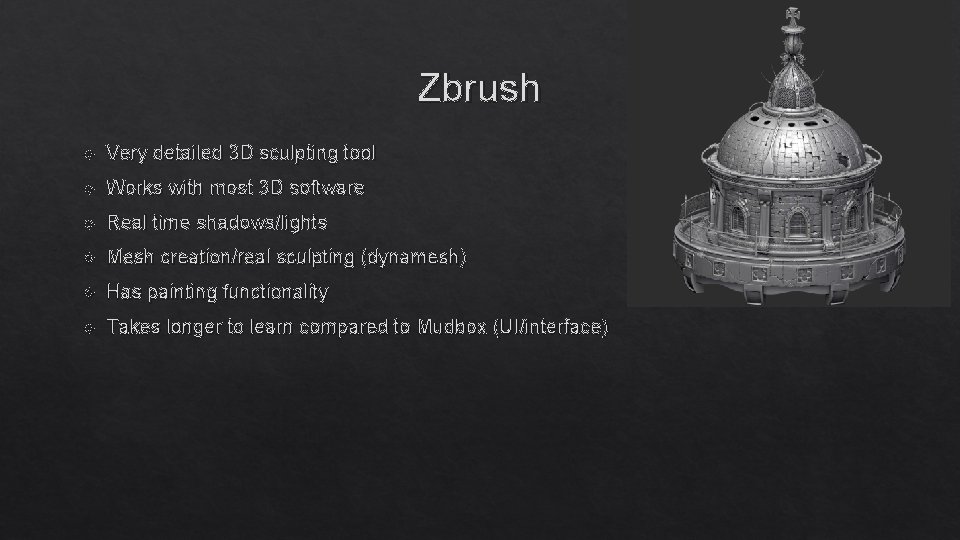
Zbrush Very detailed 3 D sculpting tool Works with most 3 D software Real time shadows/lights Mesh creation/real sculpting (dynamesh) Has painting functionality Takes longer to learn compared to Mudbox (UI/interface)
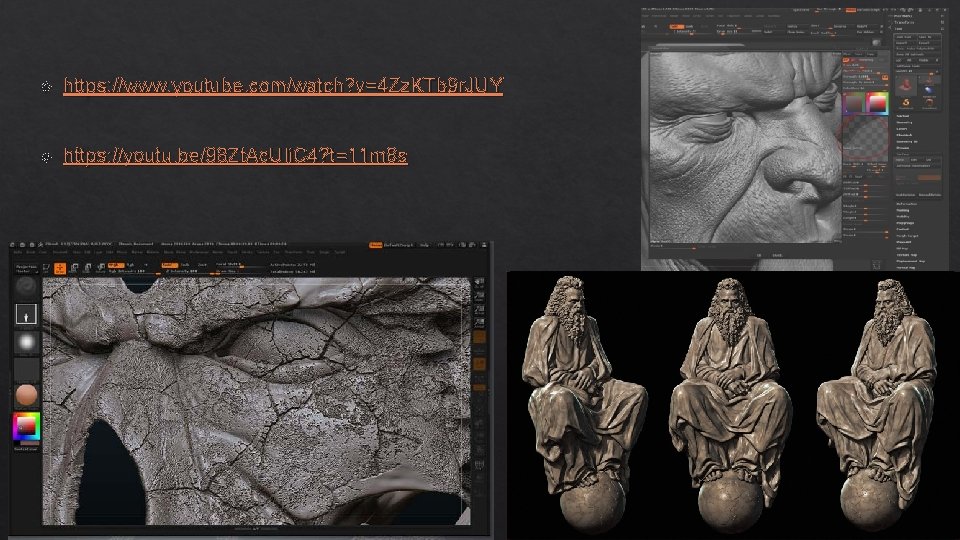
https: //www. youtube. com/watch? v=4 Zz. KTb 9 r. JUY https: //youtu. be/98 Zt. Ac. UIi. C 4? t=11 m 8 s
Choosing software Each software has it’s own positive/negative traits Personal preference is biggest factor Pipelines/workflow in workplace/life can sway choice CG and film generally prefer Mari for texturing + Zbrush for fine details Gaming generally utilizes Mudbox/Zbrush Cost also matters down the line Style of work
Recommendations If you have the means to use all these programs… Try them all Each has a different learning curve and interface Any sequence of programs can be used personally Professionally may vary for efficiency and cohesion These tools are just a part of the process of building assets for film/games Pipelines are up to the user and/or studio

Questions/Comments?
- Slides: 11