
Mapping with GPS integrating location based information with
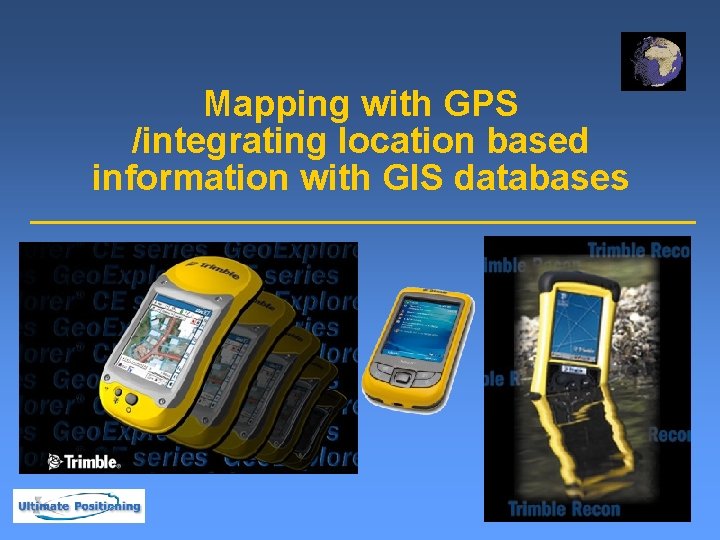
Mapping with GPS /integrating location based information with GIS databases
Agenda GPS Data Collection u. Census Mapping with Trimble u. GPS Data Maintenance u. Summary u
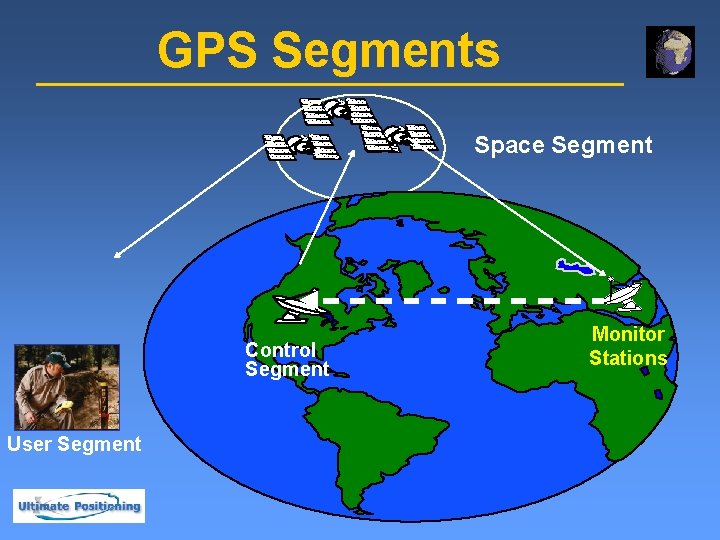
GPS Segments Space Segment Control Segment User Segment Monitor Stations
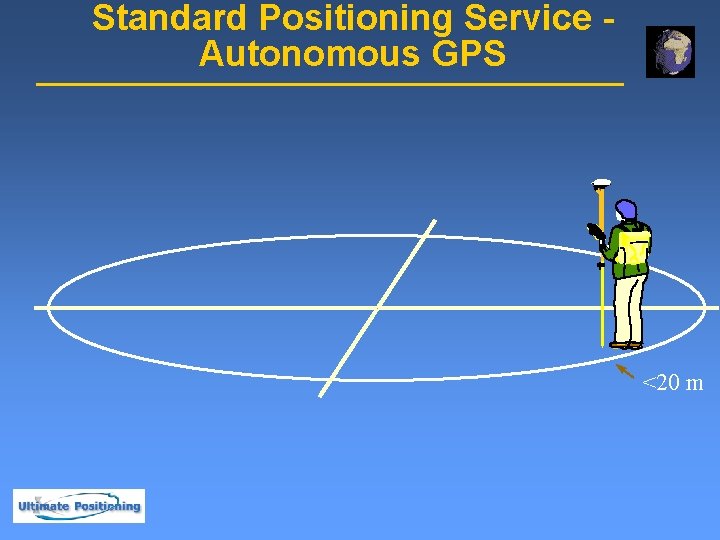
Standard Positioning Service - Autonomous GPS <20 m
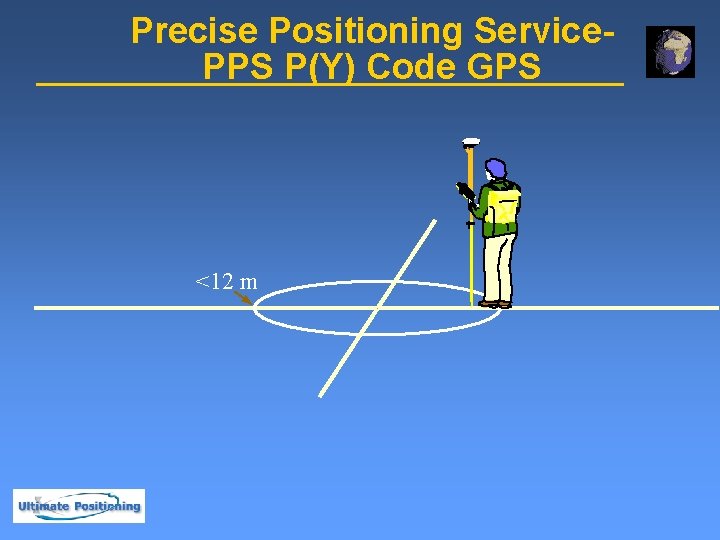
Precise Positioning Service. PPS P(Y) Code GPS <12 m
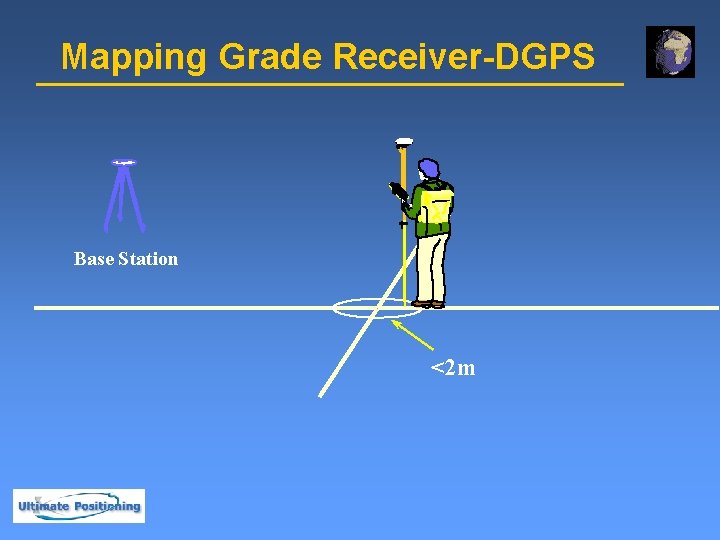
Mapping Grade Receiver-DGPS Base Station <2 m
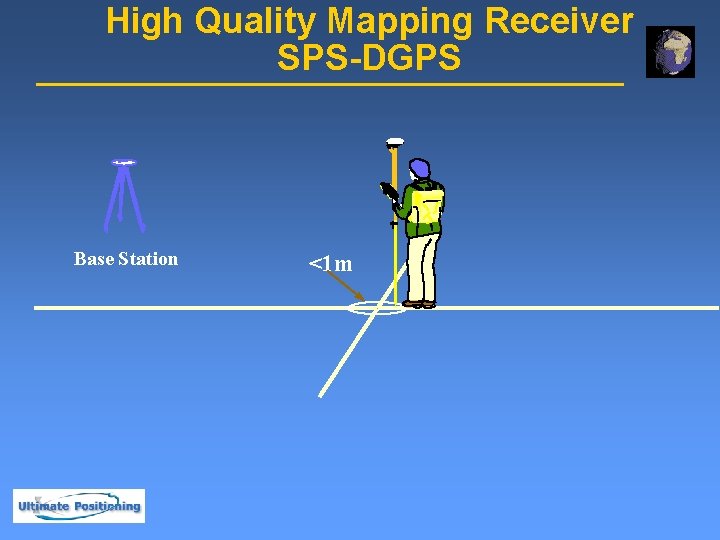
High Quality Mapping Receiver SPS-DGPS Base Station <1 m
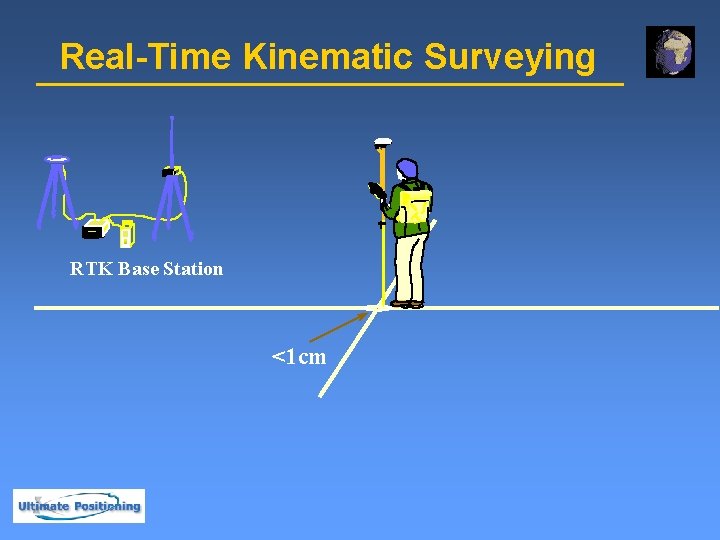
Real-Time Kinematic Surveying RTK Base Station <1 cm
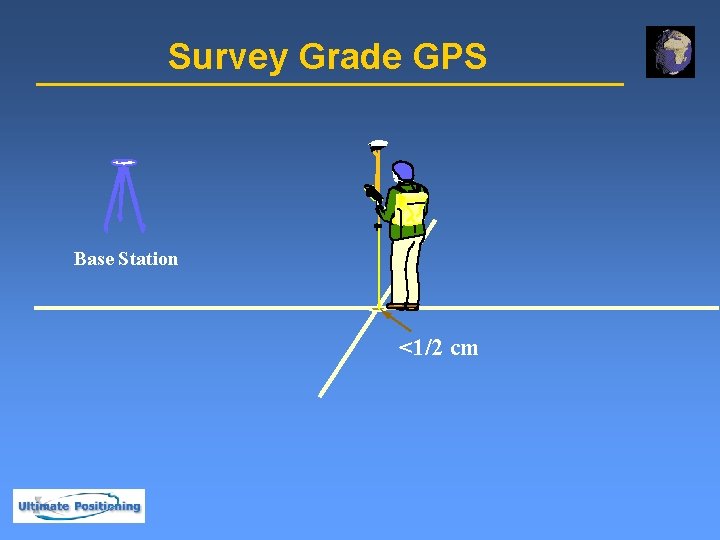
Survey Grade GPS Base Station <1/2 cm

Where Do You Need to Be? 12 m 1 m 1 cm 1/2 cm 2 m 20 m
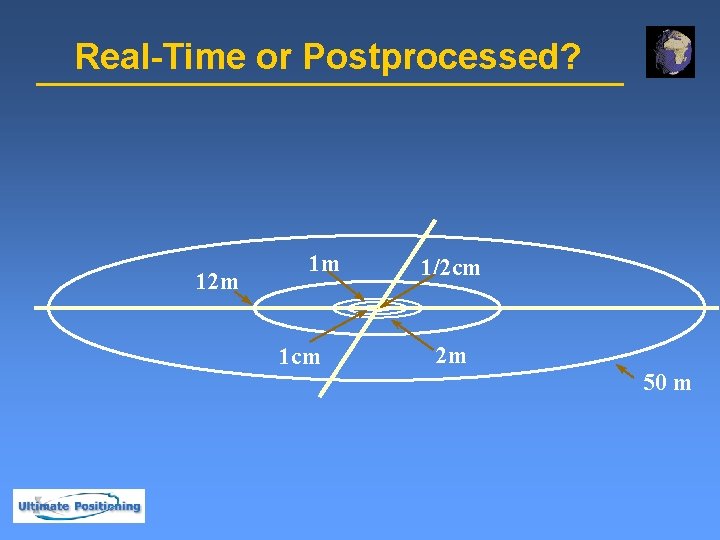
Real-Time or Postprocessed? 12 m 1 m 1 cm 1/2 cm 2 m 50 m

Examples of Different Accuracy Requirements Code Phase GPS u 40 m Navigation at sea u 10 m Navigation to section corners u 2 m Rural GIS data capture u 1 m GIS data collection in urban area u Carrier Phase GPS u 1 cm Stake out u ½ cm - Control Surveys u
Differential Correction Base Station generates corrections for all satellites in view u Roving GPS receiver uses corrections to reduce errors u Differential correction can be performed in either real-time or postprocessed mode u

Differential Correction (Simplified) If you collect data at one location, there will be errors u Each of these errors are tagged with GPS time u BASE Absolute Reference Position GPS Positions t+1 Time, t
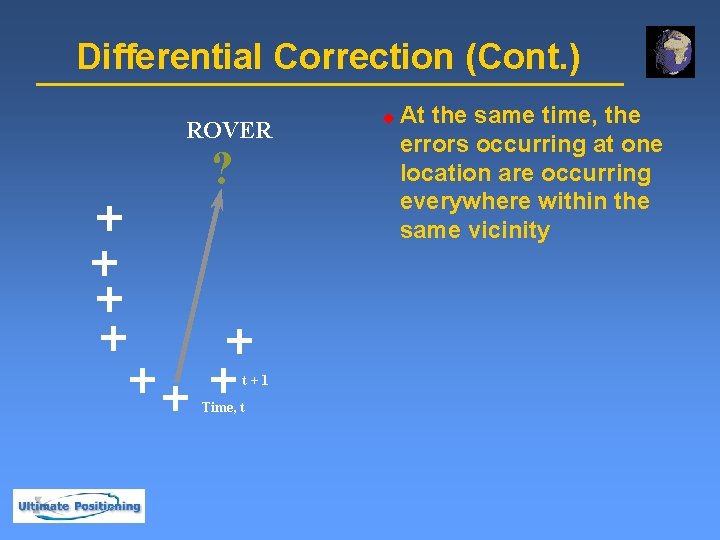
Differential Correction (Cont. ) ROVER ? t+1 Time, t u At the same time, the errors occurring at one location are occurring everywhere within the same vicinity
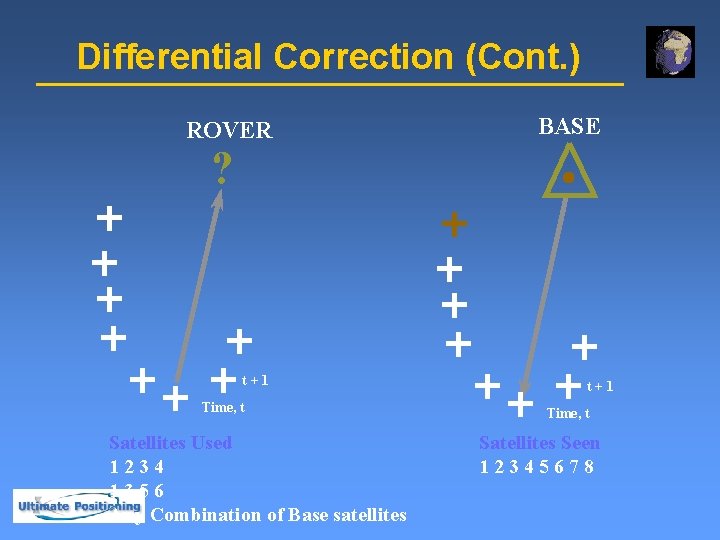
Differential Correction (Cont. ) ROVER BASE ? t+1 Time, t Satellites Used 1234 1356 Any Combination of Base satellites t+1 Time, t Satellites Seen 12345678
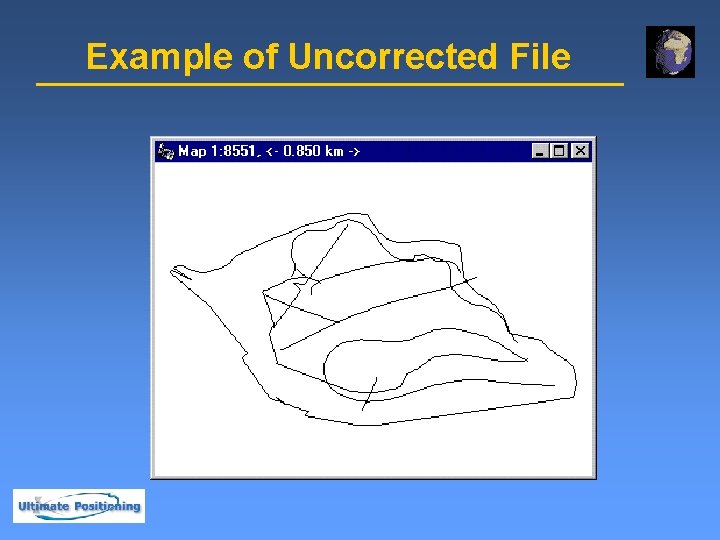
Example of Uncorrected File
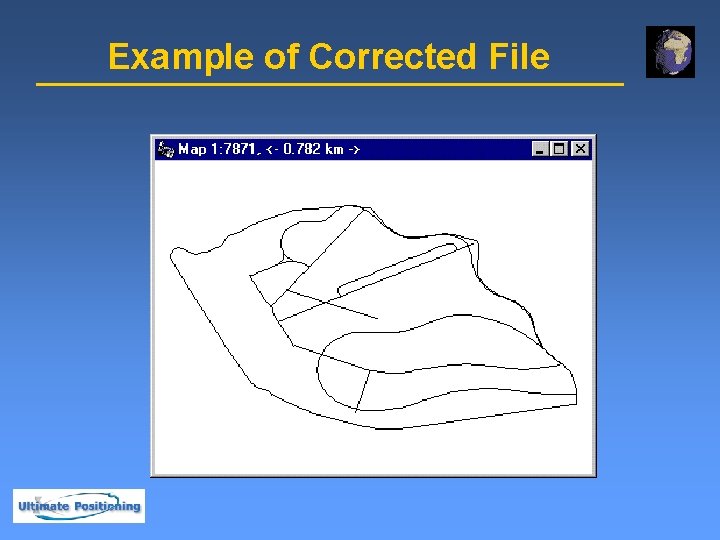
Example of Corrected File
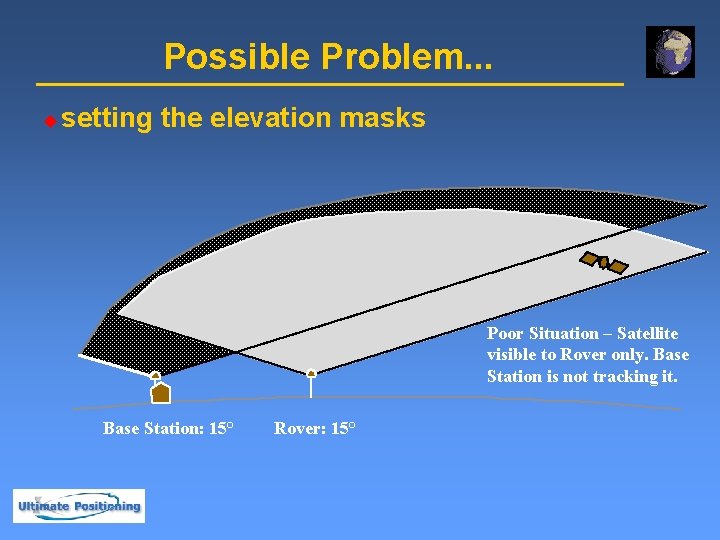
Possible Problem. . . u setting the elevation masks Poor Situation – Satellite visible to Rover only. Base Station is not tracking it. Base Station: 15° Rover: 15°
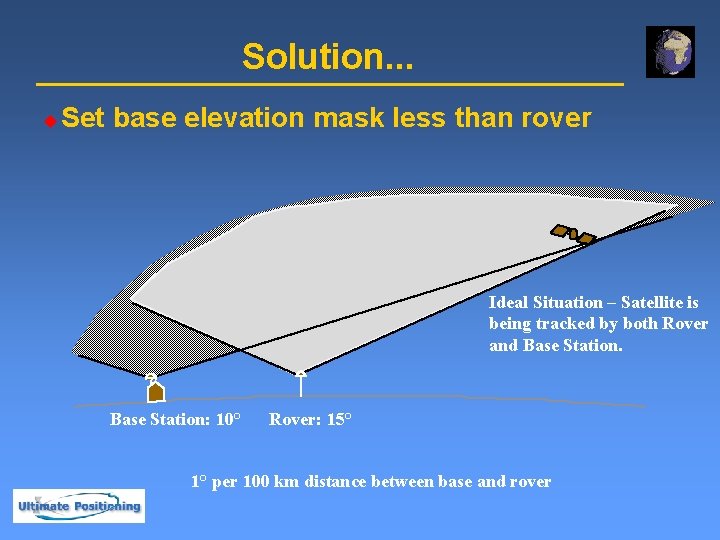
Solution. . . u Set base elevation mask less than rover Ideal Situation – Satellite is being tracked by both Rover and Base Station: 10° Rover: 15° 1° per 100 km distance between base and rover
Why GPS ? Satellite-based. u Digital Coordinates u Fast & Acceptable Accuracy u Easy integration with Most GIS Software u More suitable for extended application of GIS e. g. u Census Data Analysis u Emergency Services u Location Based Services u Disaster Management u Asset Management u
GPS Data Collection u u Collection of Geographic Data (GI) u Points, Lines, Areas u Offset locations u 1 to 5 meter precision Customized attribute information u Menu lists, Text, Numeric, Dates and times u Multiple data dictionary support u Infield data dictionary creation
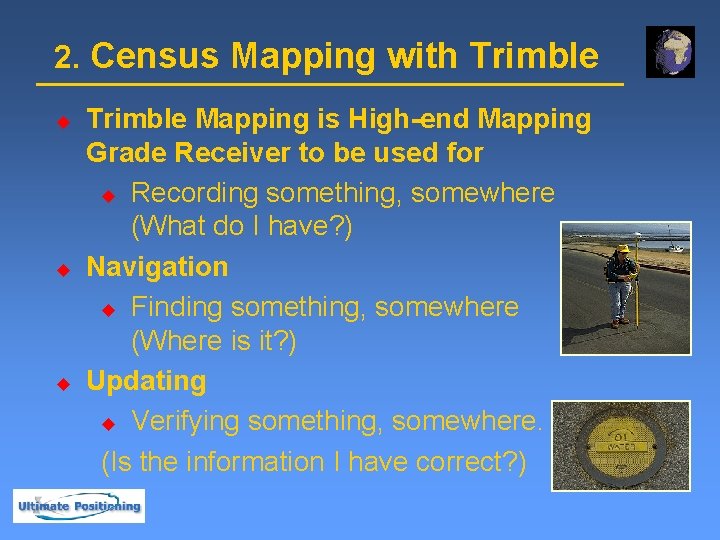
2. Census Mapping with Trimble u u u Trimble Mapping is High-end Mapping Grade Receiver to be used for u Recording something, somewhere (What do I have? ) Navigation u Finding something, somewhere (Where is it? ) Updating u Verifying something, somewhere. (Is the information I have correct? )
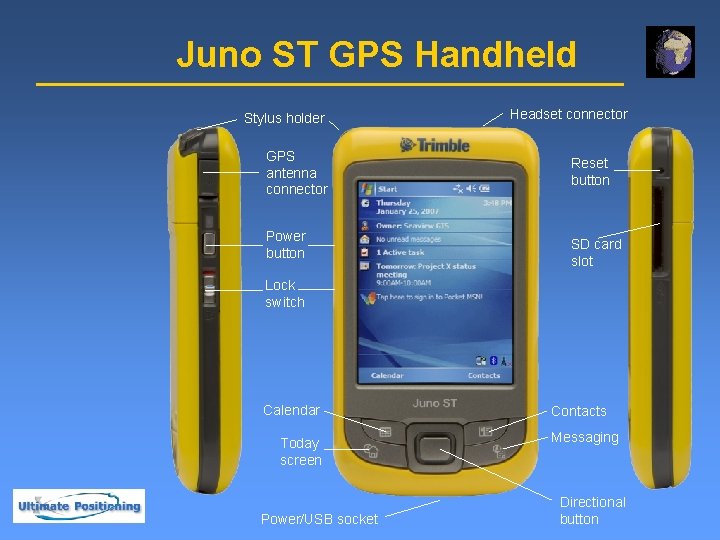
Juno ST GPS Handheld Stylus holder GPS antenna connector Power button Headset connector Reset button SD card slot Lock switch Calendar Today screen Power/USB socket Contacts Messaging Directional button
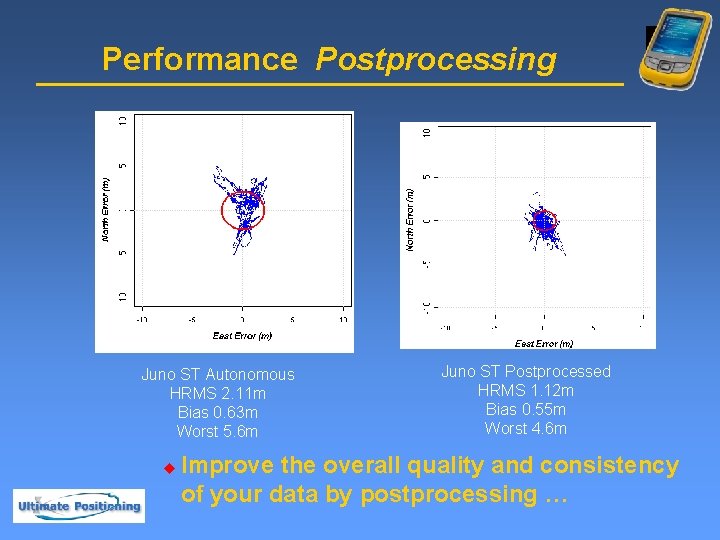
Performance Postprocessing Juno ST Autonomous HRMS 2. 11 m Bias 0. 63 m Worst 5. 6 m u Juno ST Postprocessed HRMS 1. 12 m Bias 0. 55 m Worst 4. 6 m Improve the overall quality and consistency of your data by postprocessing …
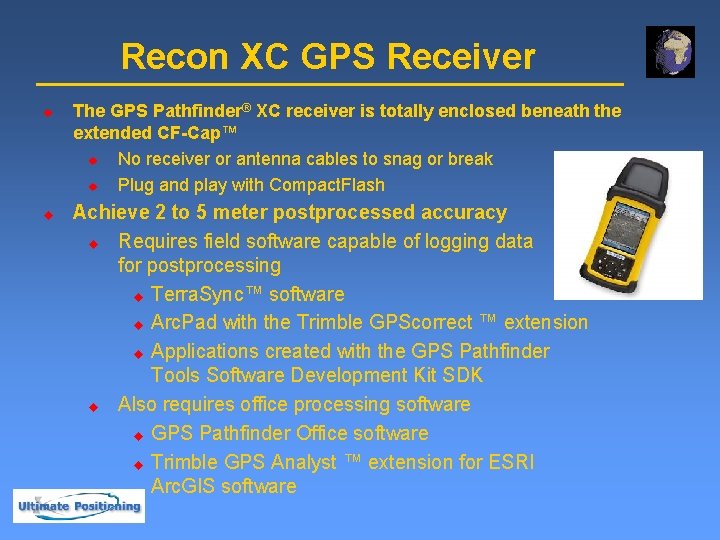
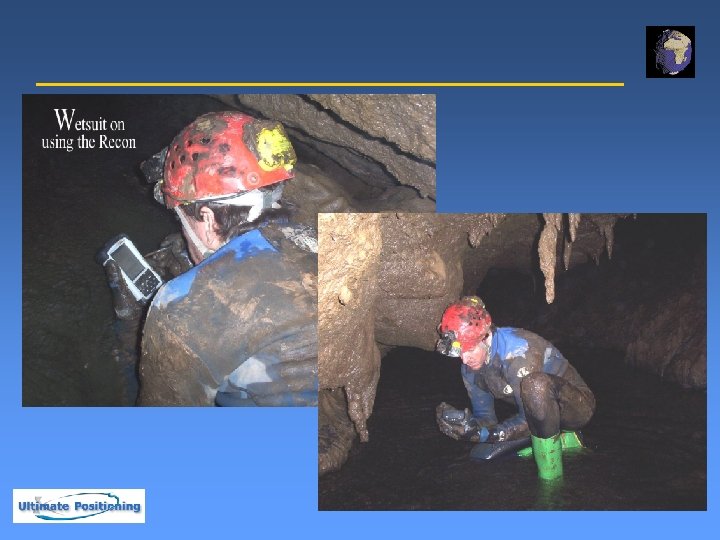
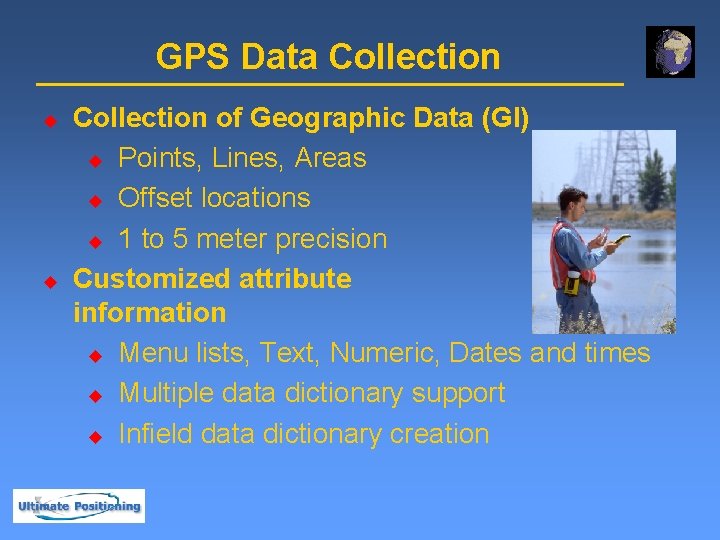
Recon XC GPS Receiver u u The GPS Pathfinder® XC receiver is totally enclosed beneath the extended CF-Cap™ u No receiver or antenna cables to snag or break u Plug and play with Compact. Flash Achieve 2 to 5 meter postprocessed accuracy u Requires field software capable of logging data for postprocessing u Terra. Sync™ software u Arc. Pad with the Trimble GPScorrect ™ extension u Applications created with the GPS Pathfinder Tools Software Development Kit SDK u Also requires office processing software u GPS Pathfinder Office software u Trimble GPS Analyst ™ extension for ESRI Arc. GIS software
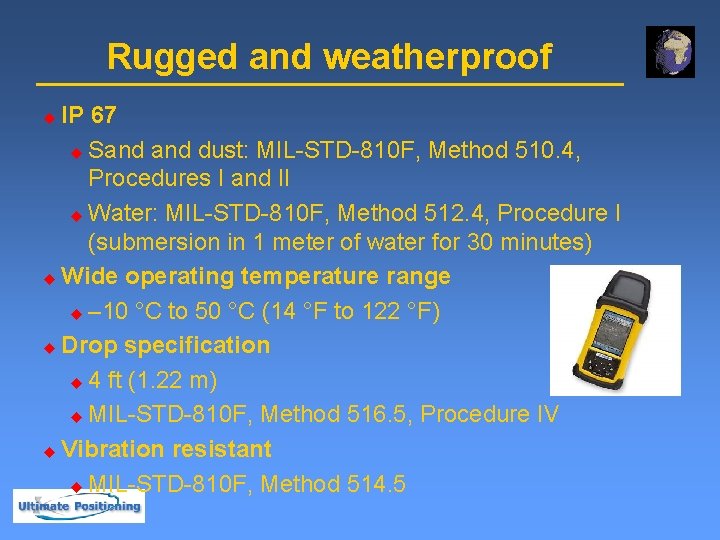
Rugged and weatherproof IP 67 u Sand dust: MIL-STD-810 F, Method 510. 4, Procedures I and II u Water: MIL-STD-810 F, Method 512. 4, Procedure I (submersion in 1 meter of water for 30 minutes) u Wide operating temperature range u – 10 °C to 50 °C (14 °F to 122 °F) u Drop specification u 4 ft (1. 22 m) u MIL-STD-810 F, Method 516. 5, Procedure IV u Vibration resistant u MIL-STD-810 F, Method 514. 5 u
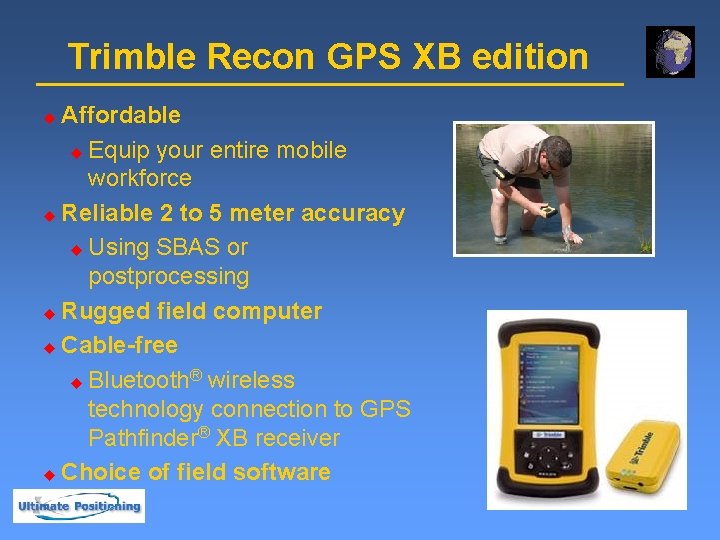
Trimble Recon GPS XB edition Affordable u Equip your entire mobile workforce u Reliable 2 to 5 meter accuracy u Using SBAS or postprocessing u Rugged field computer u Cable-free ® u Bluetooth wireless technology connection to GPS Pathfinder® XB receiver u Choice of field software u
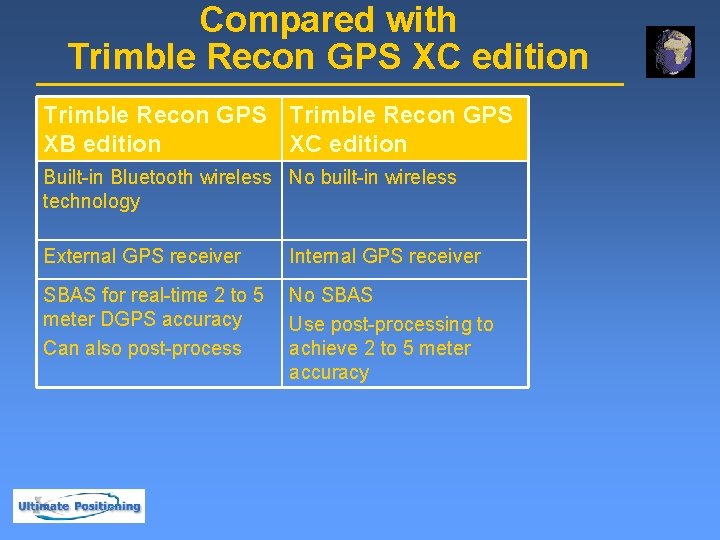
Compared with Trimble Recon GPS XC edition Trimble Recon GPS XB edition XC edition Built-in Bluetooth wireless No built-in wireless technology External GPS receiver Internal GPS receiver SBAS for real-time 2 to 5 meter DGPS accuracy Can also post-process No SBAS Use post-processing to achieve 2 to 5 meter accuracy
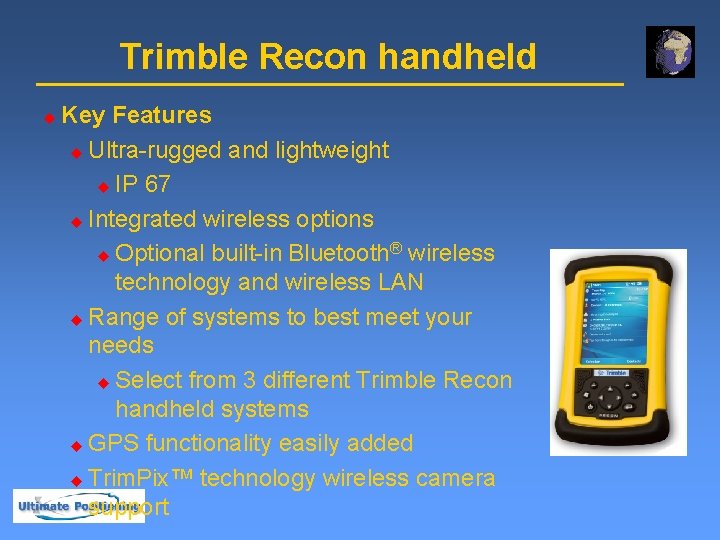
Trimble Recon handheld u Key Features u Ultra-rugged and lightweight u IP 67 u Integrated wireless options ® u Optional built-in Bluetooth wireless technology and wireless LAN u Range of systems to best meet your needs u Select from 3 different Trimble Recon handheld systems u GPS functionality easily added u Trim. Pix™ technology wireless camera support
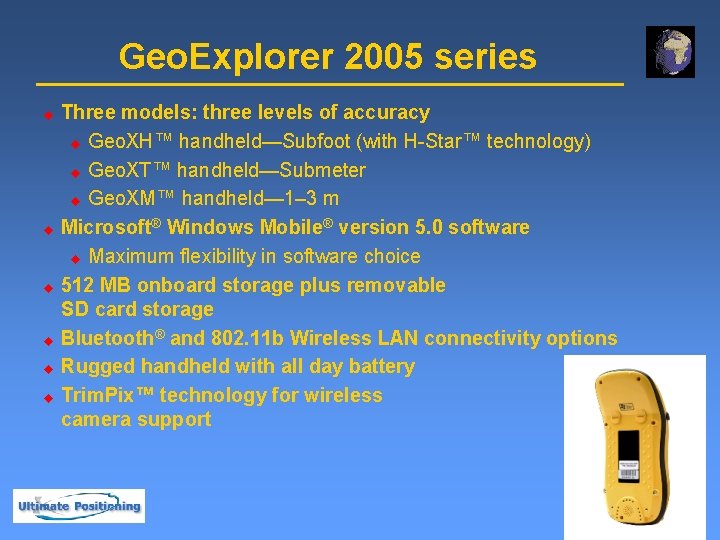
Geo. Explorer 2005 series u u u Three models: three levels of accuracy u Geo. XH™ handheld—Subfoot (with H-Star™ technology) u Geo. XT™ handheld—Submeter u Geo. XM™ handheld— 1– 3 m Microsoft® Windows Mobile® version 5. 0 software u Maximum flexibility in software choice 512 MB onboard storage plus removable SD card storage Bluetooth® and 802. 11 b Wireless LAN connectivity options Rugged handheld with all day battery Trim. Pix™ technology for wireless camera support
Voice Message Pocket PC Voice Recording System u Ideal for Diverse Data Collection with various groups of people using the unit u Save time u Accurate and Detailed Database u
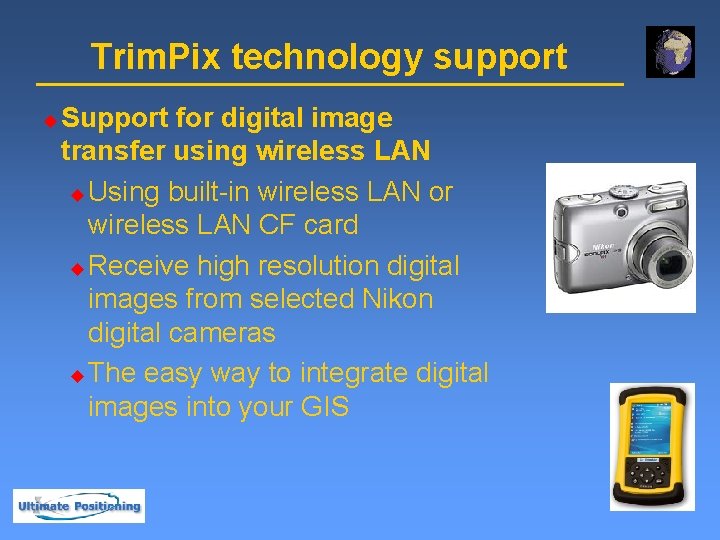
Trim. Pix technology support u Support for digital image transfer using wireless LAN u Using built-in wireless LAN or wireless LAN CF card u Receive high resolution digital images from selected Nikon digital cameras u The easy way to integrate digital images into your GIS
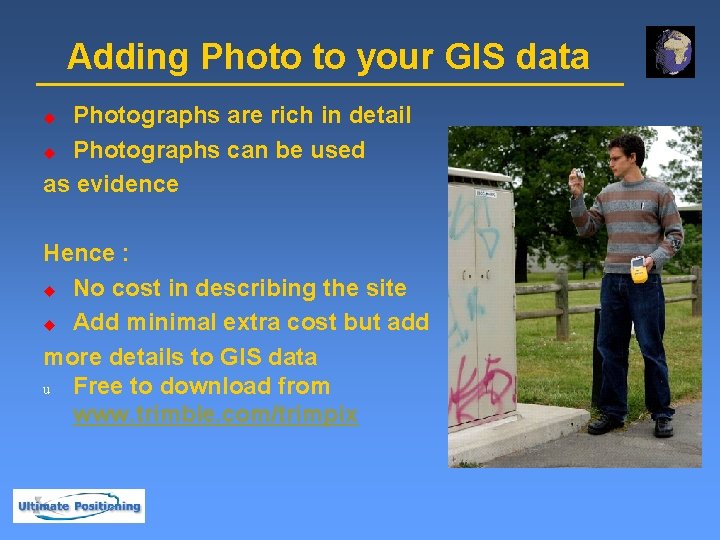
Adding Photo to your GIS data Photographs are rich in detail u Photographs can be used as evidence u Hence : u No cost in describing the site u Add minimal extra cost but add more details to GIS data u Free to download from www. trimble. com/trimpix
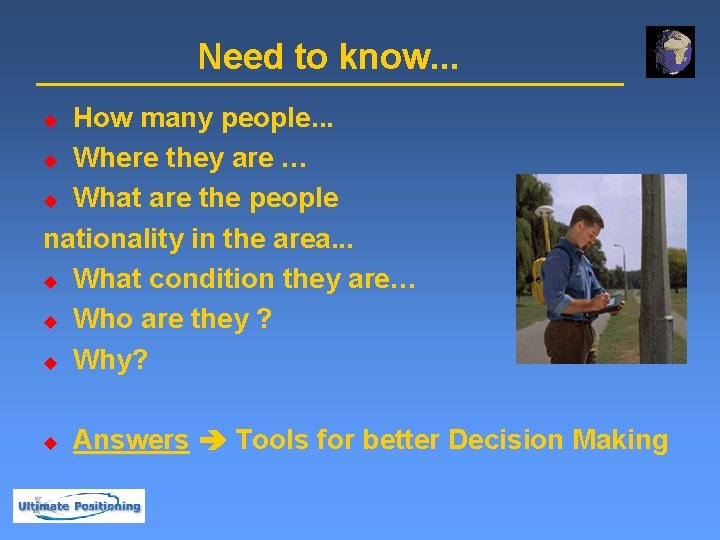
Need to know. . . How many people. . . u Where they are … u What are the people nationality in the area. . . u What condition they are… u Who are they ? u Why? u u Answers Tools for better Decision Making
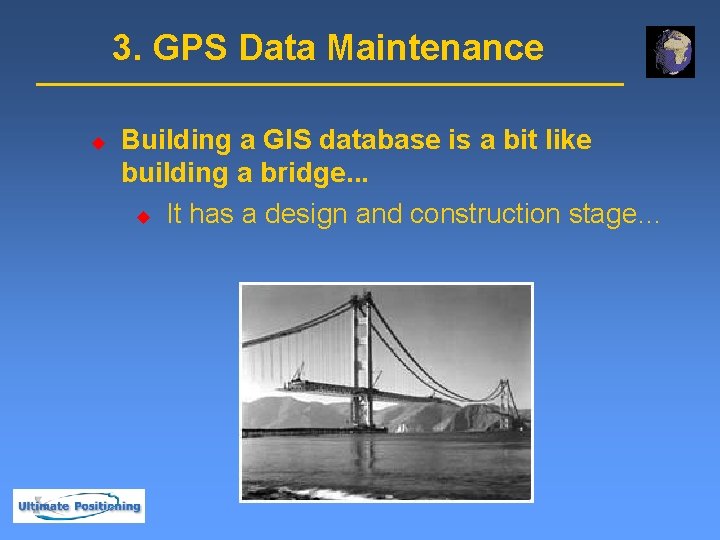
3. GPS Data Maintenance u Building a GIS database is a bit like building a bridge. . . u It has a design and construction stage…
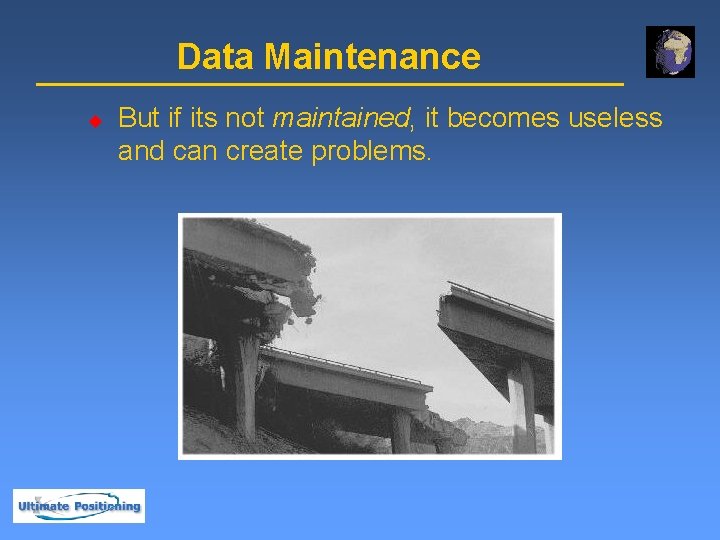
Data Maintenance u But if its not maintained, it becomes useless and can create problems.
Data Maintenance u u Maintenance for a GIS means keeping its data up-to-date, accurate, and reliable. Features may need to be: u added u modified u deleted u restructured
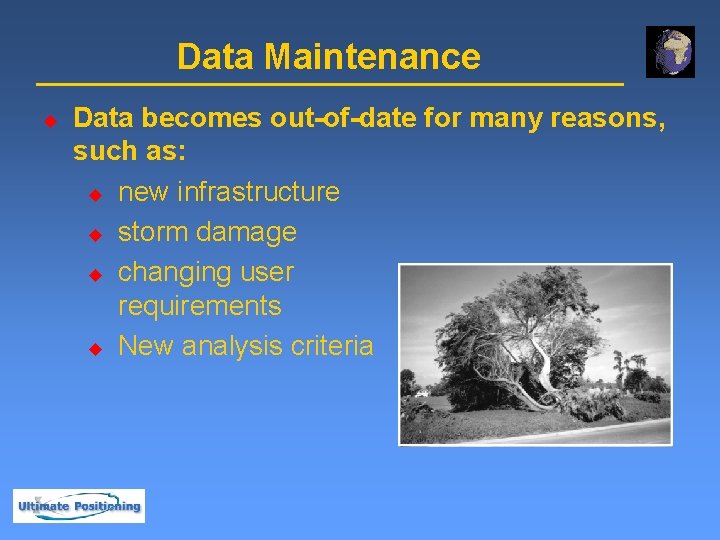
Data Maintenance u Data becomes out-of-date for many reasons, such as: u new infrastructure u storm damage u changing user requirements u New analysis criteria
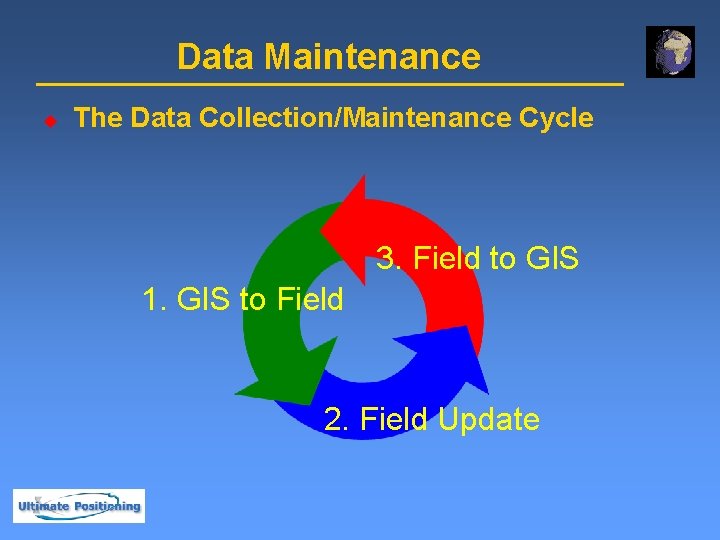
Data Maintenance u The Data Collection/Maintenance Cycle 3. Field to GIS 1. GIS to Field 2. Field Update
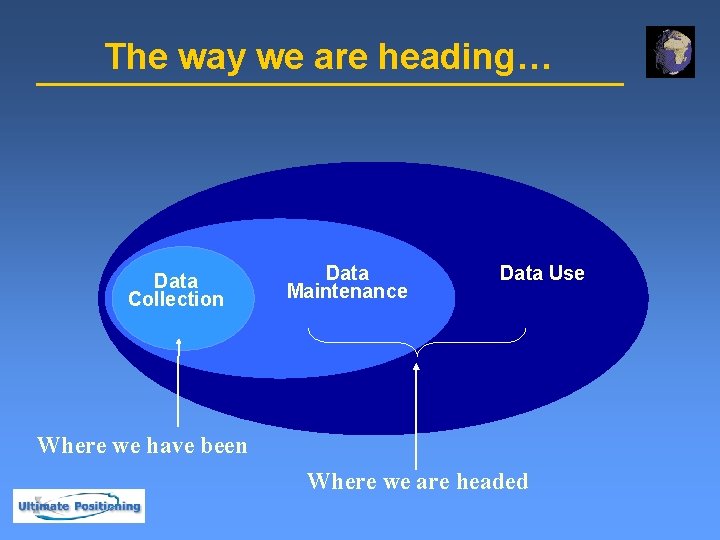
The way we are heading… Data Collection Data Maintenance Data Use Where we have been Where we are headed
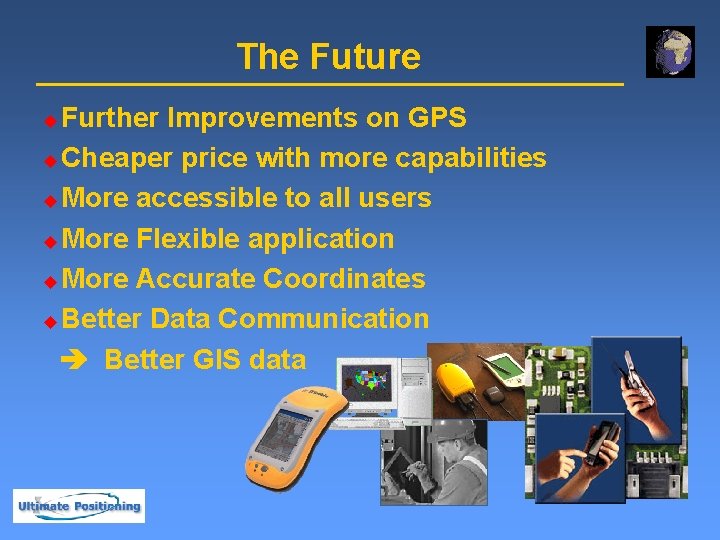
The Future Further Improvements on GPS u Cheaper price with more capabilities u More accessible to all users u More Flexible application u More Accurate Coordinates u Better Data Communication Better GIS data u
Summary GPS is a reliable source of GIS data u Trimble continues to provide the most reliable GPS Receivers u More functionalities are added into GPS Receivers u When the Data Collection is done, Data Maintenance must already been planed and committed u Better Decision Making & Analysis u

Thank You.
- Slides: 45