
Mapping Population Counts and other Raw Variables as
Mapping Population Counts (and other “Raw Variables”) as Point Features and Graduated Symbols
• Normally, Non-Standardized Population Measures should NOT be mapped using Choropleth Mapping methods. • “Raw Population Numbers” (counts) can be mapped using Graduated Symbol methods, with a single point (centroid) representing the area. • A method for creating a point file with a single point in each polygon is explained below.
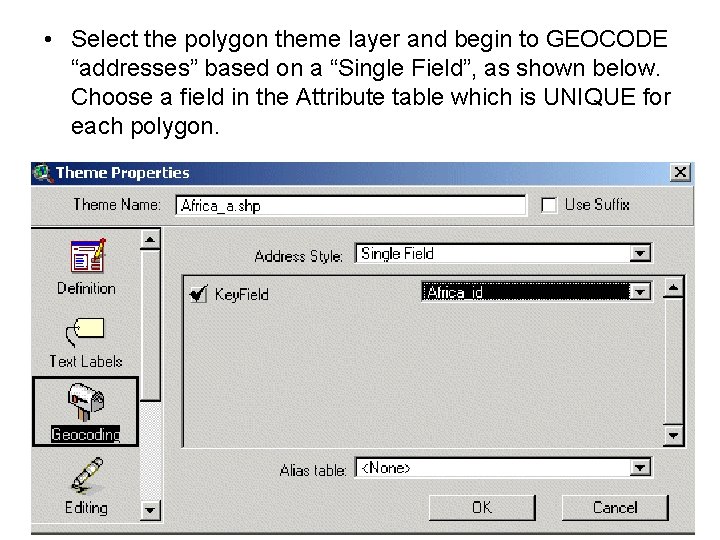
• Select the polygon theme layer and begin to GEOCODE “addresses” based on a “Single Field”, as shown below. Choose a field in the Attribute table which is UNIQUE for each polygon.
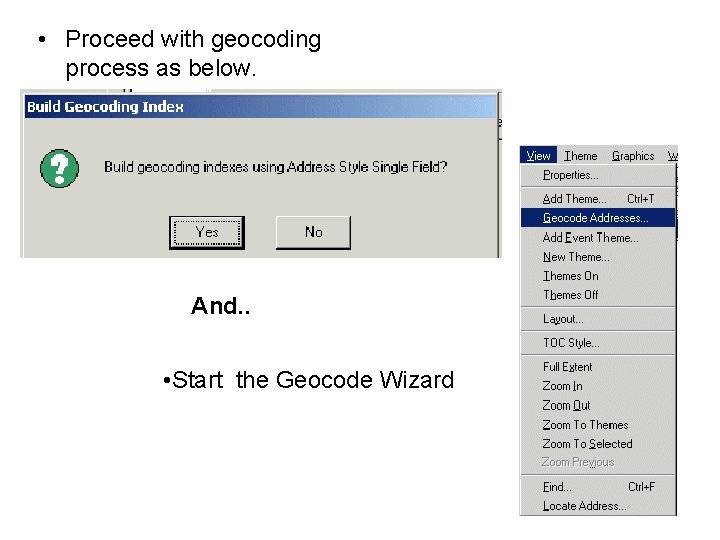
• Proceed with geocoding process as below. And. . • Start the Geocode Wizard
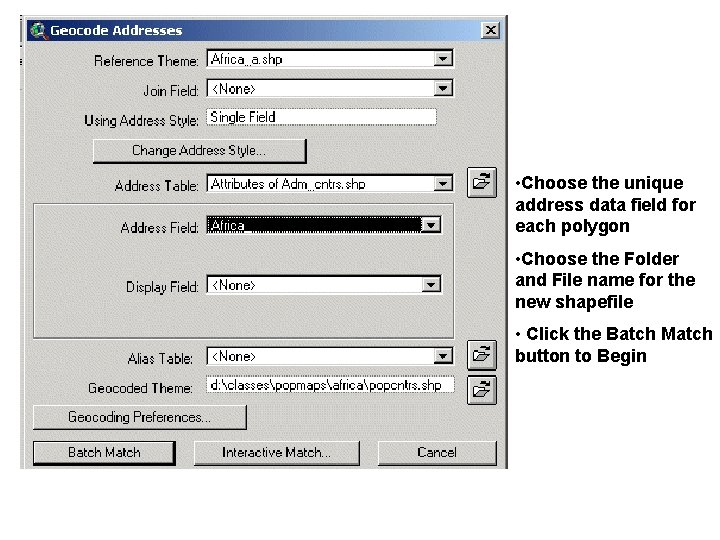
• Choose the unique address data field for each polygon • Choose the Folder and File name for the new shapefile • Click the Batch Match button to Begin
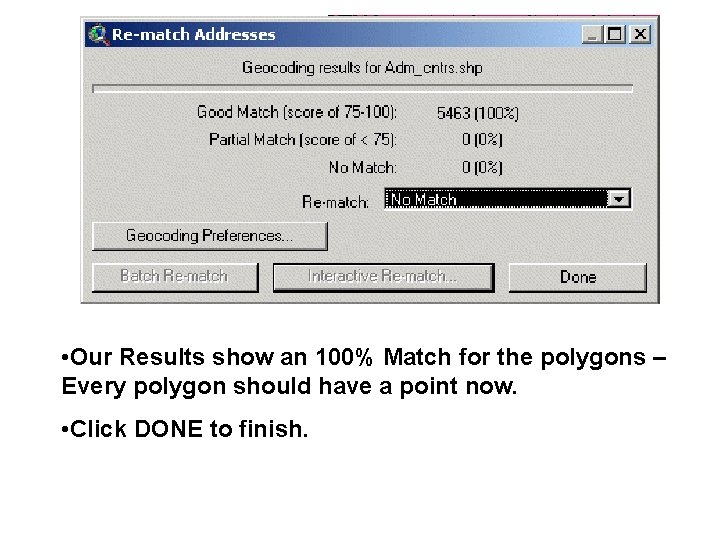
• Our Results show an 100% Match for the polygons – Every polygon should have a point now. • Click DONE to finish.
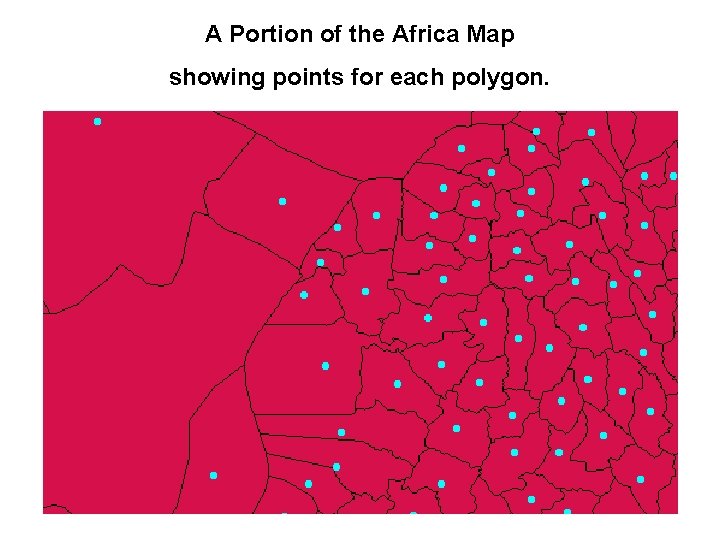
A Portion of the Africa Map showing points for each polygon.
Final Thoughts • Each Point in the new layer has all the attributes of the “parent polygon. ” • Graduated symbols can be used to show the relative size of the population for each area. • Smaller areas may be “obscured” by larger populations nearby.
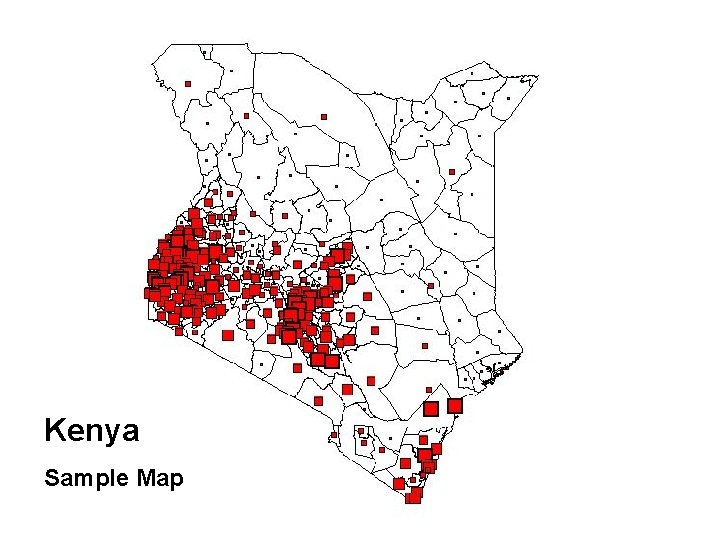
Kenya Sample Map
- Slides: 9