
MAP Overview for Teachers Measurement of Academic Progress


- Slides: 23
MAP Overview for Teachers Measurement of Academic Progress Testing
What is MAP? Measures of Academic Progress (MAP) Adaptive achievement tests in Mathematics, Reading, Language Usage, and Science that are taken on a computer.
What does MAP measure? ¡ Students’ general knowledge and academic growth in: l l ¡ Reading Language Arts Mathematics Science Academic growth over time, independent of grade level or age. l l l Percentile scores Achievement scores Growth scores
What are it’s unique features? ¡ Designed to assess each student individually ¡ Taken on a computer ¡ Tests are not timed ¡ Results are immediate ¡ Scores based on number of questions answered correctly and difficulty of each question ¡ Scores strongly correlate with other standardized assessments ie. ITBS
MAP Tests: ¡ Are aligned to the content and structure of North American standards. ¡ Allow educators to test up to four times a year providing the opportunity to make timely instructional adjustments ¡ Are grade independent allowing educators to monitor a student's academic growth. ¡ Dynamically adjust to each student's performance level, providing accurate indication of his or her instructional level. ¡ Report scores as norm-referenced, achievement, and growth, providing different perspectives on an individual student's learning.
More facts MAP provides useful information. Scores reported on RIT scale- no ceiling or basement. RIT reading scores map into lexiles to help with appropriate book selections. Reports emphasize individual student growth. Assessments support individual target setting.
Student Presentation This next section in blue is a copy of the MAP Student Orientation presentation.
What is MAP? MAP - Measures of Academic Progress ¡ Achievement tests ¡ Delivered by computer ¡
How does MAP work? ¡ ¡ Questions appear on your computer screen Use the mouse or keyboard to answer Test will adjust based on how you answer It will build a test just for you!
Why take MAP tests? ¡ ¡ To find out exactly where you are performing To help your teacher know what you should be working on to improve
To take the test: ¡ ¡ ¡ Use your best test-taking strategies Answer every question – you cannot skip You cannot go back to a previous question
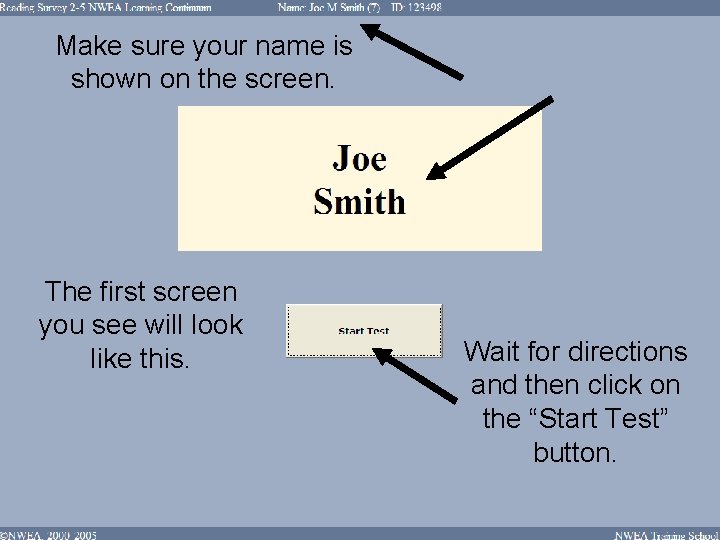
Make sure your name is shown on the screen. The first screen you see will look like this. Wait for directions and then click on the “Start Test” button.
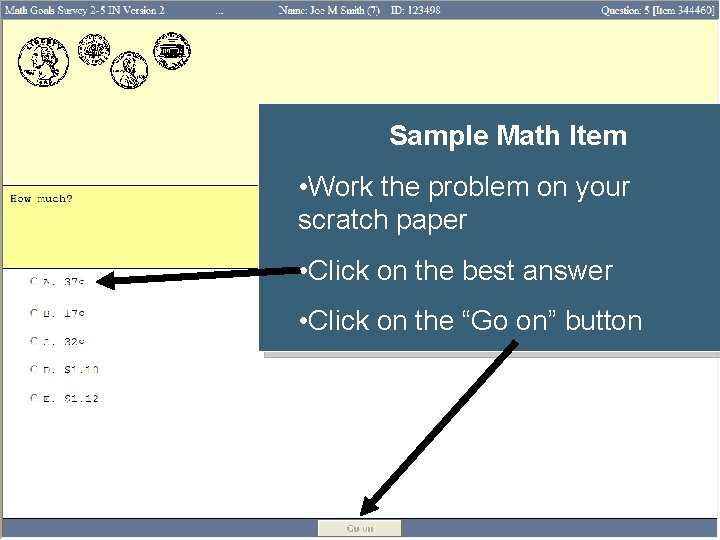
Sample Math Item • Work the problem on your scratch paper • Click on the best answer • Click on the “Go on” button
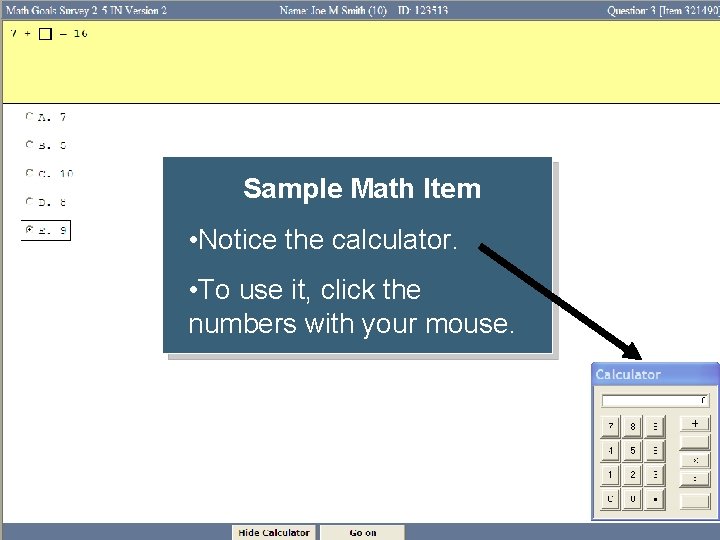
Sample Math Item • Notice the calculator. • To use it, click the numbers with your mouse.
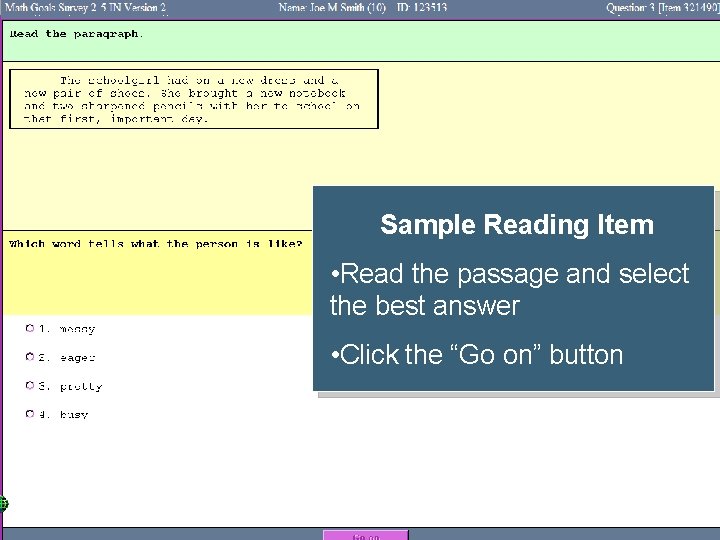
Sample Reading Item • Read the passage and select the best answer • Click the “Go on” button
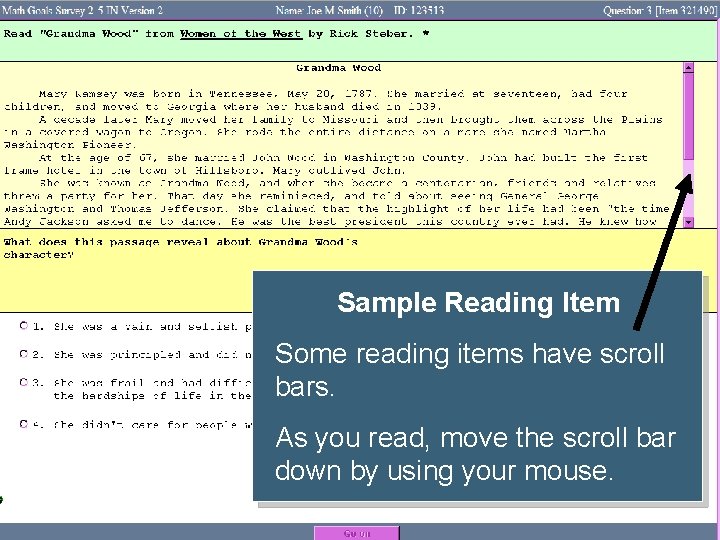
Sample Reading Item Some reading items have scroll bars. As you read, move the scroll bar down by using your mouse.
Testing Reminders Before the test: l l Get a good night’s sleep Eat a healthy breakfast During the test: l l l Follow directions Use good test-taking strategies Do your best After the test: l l Raise your hand when you finish Work quietly until time to go
MAP Administration
Before Testing 1. Obtain a MAP username and password from your school’s MAP Secretary (ES: K. Lah; MS: K. Penn; HS: K. Arisa). 2. Schedule computers for each testing event with your school’s Technology Learning Coordinator (ES: J. Utecht; MS: C. Bates; HS: D. Harder). 3. Review How to prepare students for MAP Mathematics tests and How to prepare students for MAP Reading tests. 4. Present the MAP Student Orientation Power Point to students. 5. Access and print your MAP Testing class list from Power School. This document lists the names of students and the test they will take as well as provides information for giving the test and trouble shooting, 6. Work with your school’s MAP Test Proctors to prepare the computers 20 to 30 minutes prior to the scheduled testing event.
During Testing 1. Reinforce expectations for testing environment 2. Remain in lab or classroom to help monitor test event 3. Have students bring a book to read when they finish testing 4. Troubleshoot any technical problems.
After Testing 1. After your students complete the test, make sure that they are all log out of the test taker program. 2. You may access your class report within 24 hours.
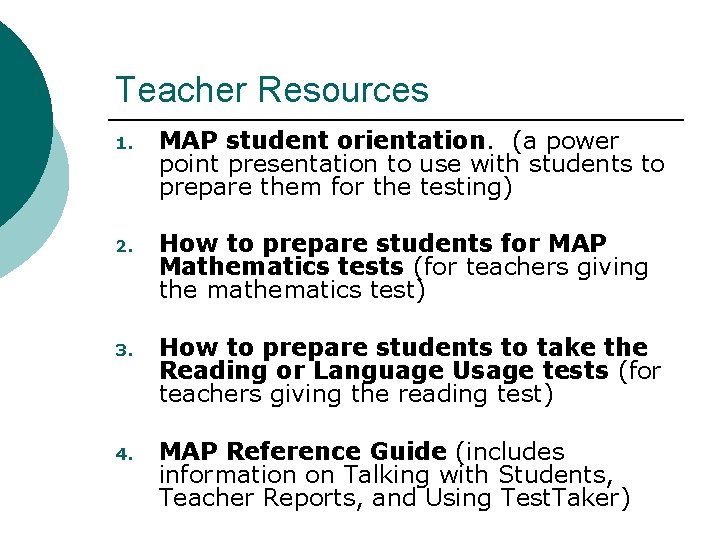
Teacher Resources 1. MAP student orientation. (a power point presentation to use with students to prepare them for the testing) 2. How to prepare students for MAP Mathematics tests (for teachers giving the mathematics test) 3. How to prepare students to take the Reading or Language Usage tests (for teachers giving the reading test) 4. MAP Reference Guide (includes information on Talking with Students, Teacher Reports, and Using Test. Taker)