
Many Faces of the BLOB Michael North Northwestern

Many Faces of the BLOB Michael North - Northwestern University -- Serials, Serials ACQ, DLC and Copy Cataloger, Voyager System Administrator, Enterprise Systems Analyst/Programmer m-north@northwestern. edu
Special Data Requirements Sometimes we need bibliographic data that is not left-anchored indexed in the database or stored in the BIB_TEXT table. Examples: • 5 xx notes • 86 x MFHD tags (serial holdings) For these situations, we can use the BLOB functions.
What is a BLOB ? What is the BLOB? BLOB is short for a Binary Large Object. This is “techno-speak” for the full raw MARC record, or the MARC record in one long machine-readable string.
MARC • MARC is an acronym for MAchine Readable Cataloging. • It’s a standard format for storing an item’s data. • It’s machine readable, but not so easy for us humans to read. • With a bit of practice, a raw MARC record can be parsed by hand. • No fun though.
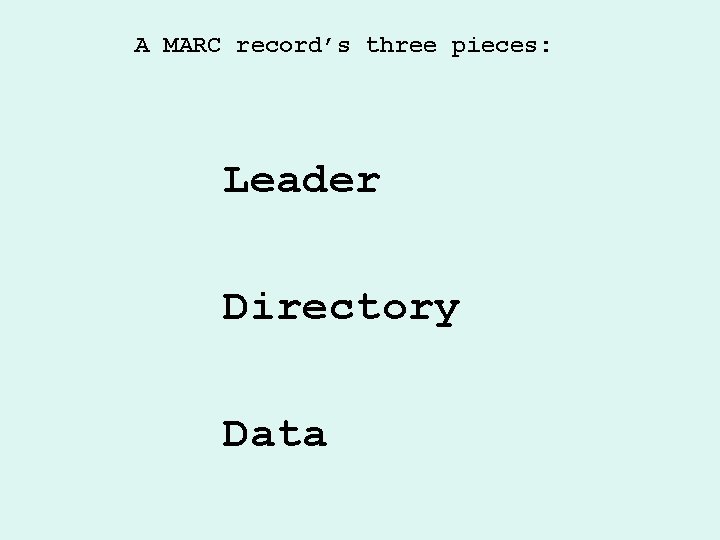
A MARC record’s three pieces: Leader Directory Data
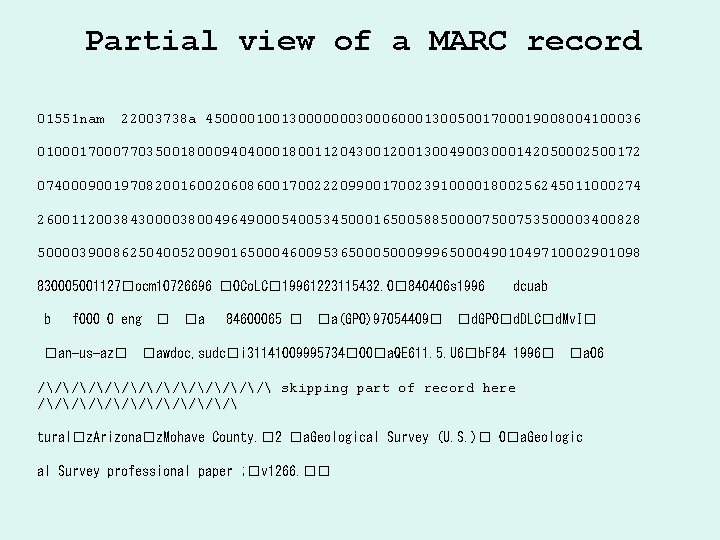
Partial view of a MARC record 01551 nam 22003738 a 4500001001300000003000600013005001700019008004100036 010001700077035001800094040001800112043001200130049003000142050002500172 074000900197082001600206086001700222099001700239100001800256245011000274 26001120038430000380049649000540053450001650058850000753500003400828 50000390086250400520090165000460095365000999650004901049710002901098 830005001127�ocm 10726696 �OCo. LC� 19961223115432. 0� 840406 s 1996 b f 000 0 eng �an-us-az� � �a 84600065 � �a(GPO)97054409� dcuab �d. GPO�d. DLC�d. Mv. I� �awdoc, sudc�i 31141009995734� 00�a. QE 611. 5. U 6�b. F 84 1996� �a 06 /////// skipping part of record here ////// tural�z. Arizona�z. Mohave County. � 2 �a. Geological Survey (U. S. )� 0�a. Geologic al Survey professional paper ; �v 1266. ��
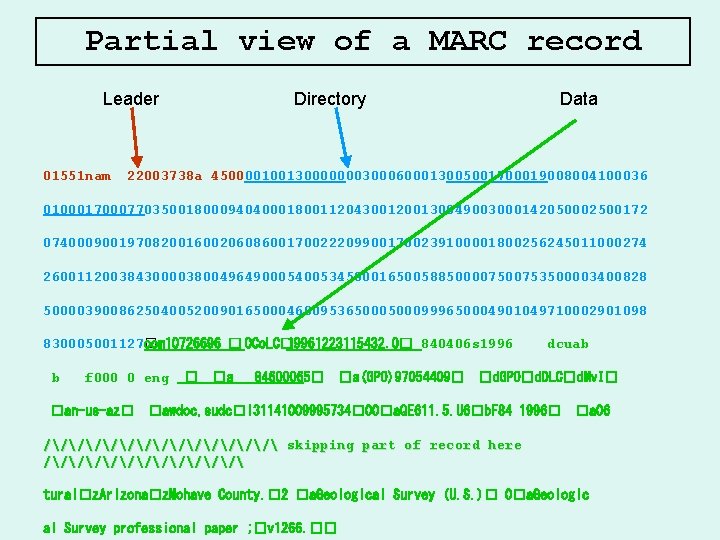
Partial view of a MARC record Leader Directory Data 01551 nam 22003738 a 4500001001300000003000600013005001700019008004100036 010001700077035001800094040001800112043001200130049003000142050002500172 074000900197082001600206086001700222099001700239100001800256245011000274 26001120038430000380049649000540053450001650058850000753500003400828 50000390086250400520090165000460095365000999650004901049710002901098 830005001127� ocm 10726696 � OCo. LC� 19961223115432. 0� 840406 s 1996 b f 000 0 eng �an-us-az� � �a 84600065� �a(GPO)97054409� dcuab �d. GPO�d. DLC�d. Mv. I� �awdoc, sudc�i 31141009995734� 00�a. QE 611. 5. U 6�b. F 84 1996� �a 06 /////// skipping part of record here ////// tural�z. Arizona�z. Mohave County. � 2 �a. Geological Survey (U. S. )� 0�a. Geologic al Survey professional paper ; �v 1266. ��
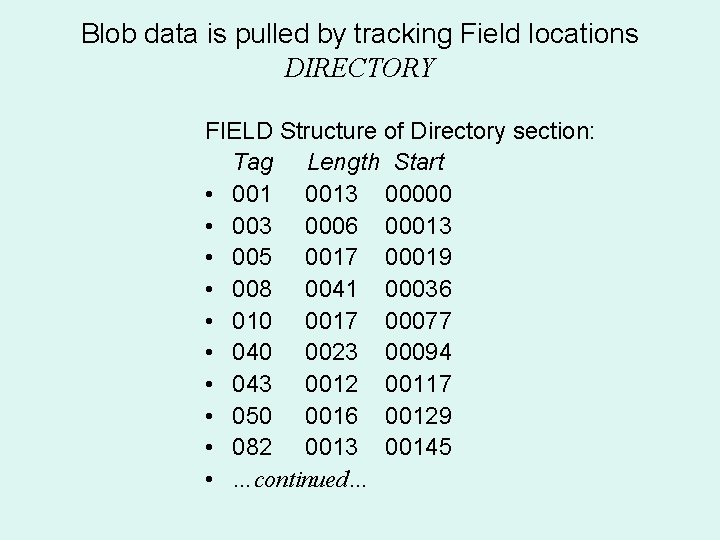
Blob data is pulled by tracking Field locations DIRECTORY FIELD Structure of Directory section: Tag Length Start • 0013 00000 • 003 0006 00013 • 005 0017 00019 • 008 0041 00036 • 010 0017 00077 • 040 0023 00094 • 043 0012 00117 • 050 0016 00129 • 082 0013 00145 • …continued…
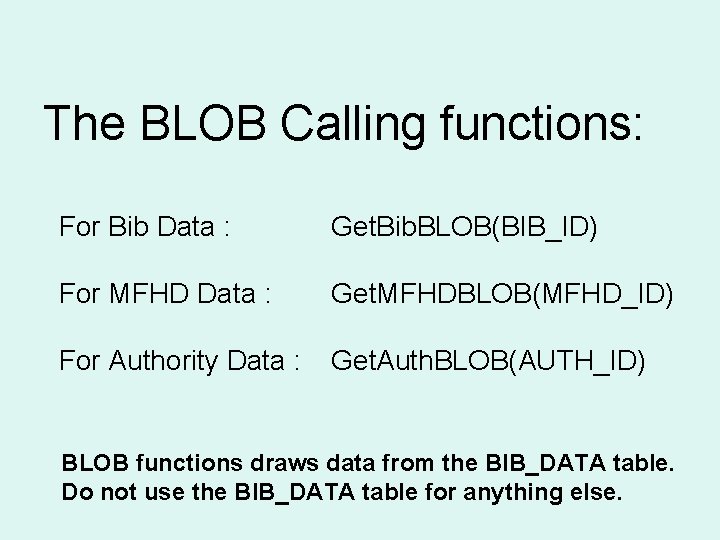
The BLOB Calling functions: For Bib Data : Get. Bib. BLOB(BIB_ID) For MFHD Data : Get. MFHDBLOB(MFHD_ID) For Authority Data : Get. Auth. BLOB(AUTH_ID) BLOB functions draws data from the BIB_DATA table. Do not use the BIB_DATA table for anything else.
Functions to Manipulate Blob Data • Get. Field. All • Get. Field. Raw • Get. Sub. Field
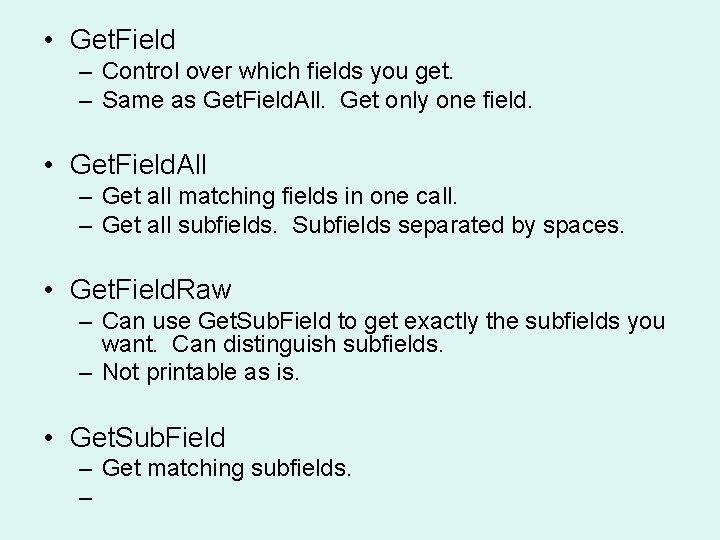
• Get. Field – Control over which fields you get. – Same as Get. Field. All. Get only one field. • Get. Field. All – Get all matching fields in one call. – Get all subfields. Subfields separated by spaces. • Get. Field. Raw – Can use Get. Sub. Field to get exactly the subfields you want. Can distinguish subfields. – Not printable as is. • Get. Sub. Field – Get matching subfields. –
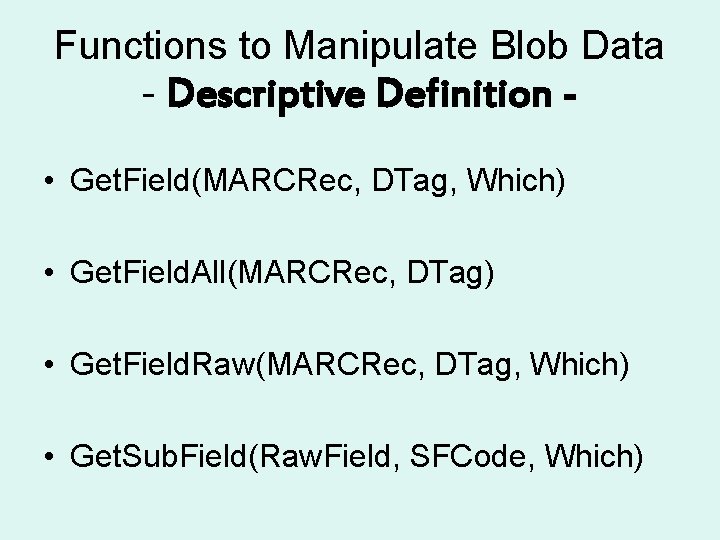
Functions to Manipulate Blob Data - Descriptive Definition • Get. Field(MARCRec, DTag, Which) • Get. Field. All(MARCRec, DTag) • Get. Field. Raw(MARCRec, DTag, Which) • Get. Sub. Field(Raw. Field, SFCode, Which)
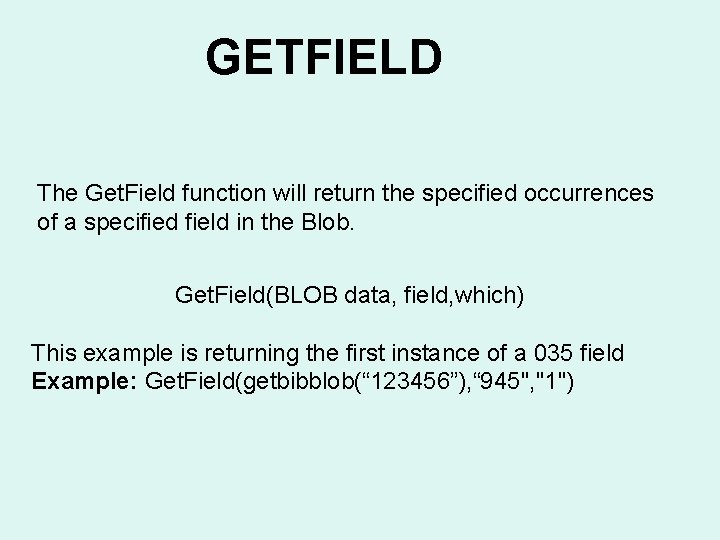
GETFIELD The Get. Field function will return the specified occurrences of a specified field in the Blob. Get. Field(BLOB data, field, which) This example is returning the first instance of a 035 field Example: Get. Field(getbibblob(“ 123456”), “ 945", "1")
![Lets Build a Get. Field Query [BIB Record] = Get. BIBBLOB (BIB_ID) [Raw Field]](http://slidetodoc.com/presentation_image_h/d81e618a210a6e779d5127642ed99a21/image-15.jpg "Lets Build a Get. Field Query [BIB Record] = Get. BIBBLOB (BIB_ID) [Raw Field]")
Lets Build a Get. Field Query [BIB Record] = Get. BIBBLOB (BIB_ID) [Raw Field] = Get. Field ([BIB Record], “ 945”, 1) [Query Formula] = Get. Field(Get. BIBBLOB(BIB_ID), ” 945”, 1) Which Tag Occurrence (first) (Which Blob) (Which Record) (Which Tag) (Which Occurrence)
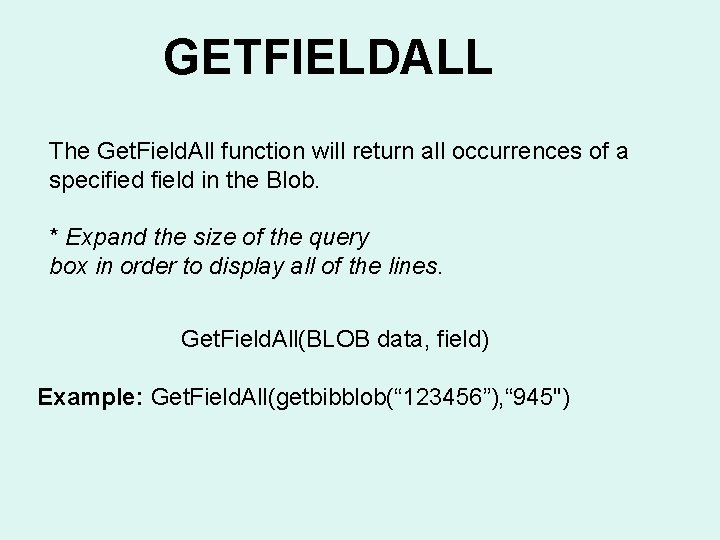
GETFIELDALL The Get. Field. All function will return all occurrences of a specified field in the Blob. * Expand the size of the query box in order to display all of the lines. Get. Field. All(BLOB data, field) Example: Get. Field. All(getbibblob(“ 123456”), “ 945")
![Lets Build a Get. Field. All Query [BIB Record] = Get. BIBBLOB (BIB_ID) (Which](http://slidetodoc.com/presentation_image_h/d81e618a210a6e779d5127642ed99a21/image-17.jpg "Lets Build a Get. Field. All Query [BIB Record] = Get. BIBBLOB (BIB_ID) (Which")
Lets Build a Get. Field. All Query [BIB Record] = Get. BIBBLOB (BIB_ID) (Which Blob) (Which Record) [Raw Field] = Get. Field. All ([BIB Record], “ 945”) (Which Tag) [Query Formula] = (Get. Field. All(Get. BIBBLOB(BIB_ID), ” 945”) Which Tag Occurrence (all)
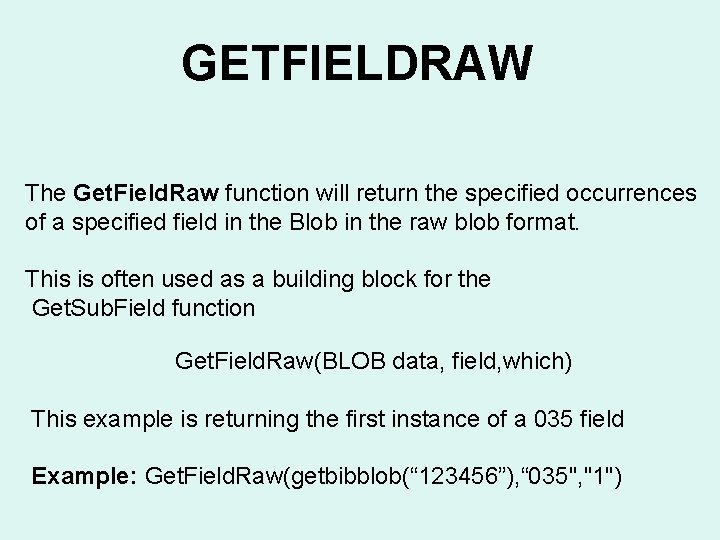
GETFIELDRAW The Get. Field. Raw function will return the specified occurrences of a specified field in the Blob in the raw blob format. This is often used as a building block for the Get. Sub. Field function Get. Field. Raw(BLOB data, field, which) This example is returning the first instance of a 035 field Example: Get. Field. Raw(getbibblob(“ 123456”), “ 035", "1")
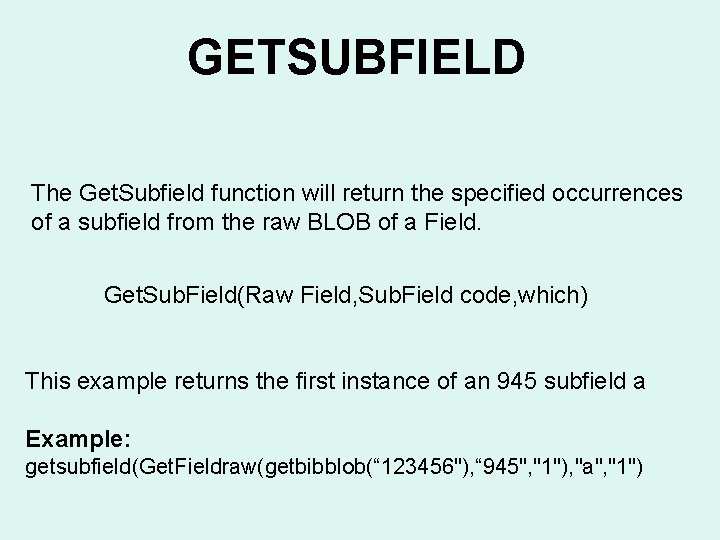
GETSUBFIELD The Get. Subfield function will return the specified occurrences of a subfield from the raw BLOB of a Field. Get. Sub. Field(Raw Field, Sub. Field code, which) This example returns the first instance of an 945 subfield a Example: getsubfield(Get. Fieldraw(getbibblob(“ 123456"), “ 945", "1"), "a", "1")
![Lets Build a Subfield Query (Which Blob) (Which Record) [BIB Record] = Get. BIBBLOB](http://slidetodoc.com/presentation_image_h/d81e618a210a6e779d5127642ed99a21/image-20.jpg "Lets Build a Subfield Query (Which Blob) (Which Record) [BIB Record] = Get. BIBBLOB")
Lets Build a Subfield Query (Which Blob) (Which Record) [BIB Record] = Get. BIBBLOB (BIB_ID) [Raw 945 Field] = Get. Field. Raw ([BIB Record], “ 945”, 1) (Which Tag) [Subfield] = Get. Sub. Field ([Raw 945 Field], “h”, 1) (Which Occurrence) (Which Subfield) [Query Formula] = Get. Sub. Field(Get. Field. Raw(Get. BIBBLOB(BIB_ID), ” 945”, 1), ”a”, 1) Which Tag Which subfield Which Tag Occurrence (first) Which subfield occurrence
Precautions The BLOB functions run on the workstation, not on the server. Before they can run, the entire MARC record must be transferred to the workstation across the network. Reduce the size of your sample as much as possible before you use the BLOB functions • See email from A. M. about this
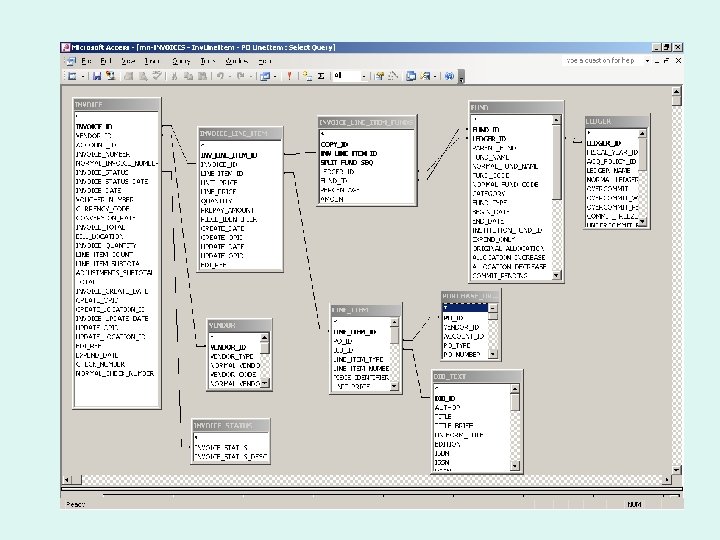
Use Blob as a Last Resort Make sure that the data you want is not available elsewhere. Use the ER Diagrams.
Another Precaution From Voy-L : “It took me a while to figure out that many of my problems with the very promising-looking queries I was sent resulted from the fact that emailing had added invisible characters to the query text. Cutting and pasting between the emails, Notepad and the Access SQL View revealed the problem, but in some cases the characters (showing up as small squares in the SQL View) seemed undeletable. Once people sent their queries as Notepad attachments things worked fine. ” From me: I have not had a problem with email cut/pastes but it does illustrate the danger of cut/paste from word processors and non-editors.
![Major Problem after Unicode Upgrade and Oracle 9 [Oracle][ODBC][Ora]ORA-01555: snapshot too old: rollback segment](http://slidetodoc.com/presentation_image_h/d81e618a210a6e779d5127642ed99a21/image-24.jpg "Major Problem after Unicode Upgrade and Oracle 9 [Oracle][ODBC][Ora]ORA-01555: snapshot too old: rollback segment")
Major Problem after Unicode Upgrade and Oracle 9 [Oracle][ODBC][Ora]ORA-01555: snapshot too old: rollback segment number 1 with name "R 02" too small (#1555) I was wondering if anyone was familiar with my problem below: - - - - - We have 1. 3 milliion bibliographic records. Our version of Voyager is 2001. 2 I used (in the past) the below query to find records that have "JSTOR" in the 710 tag: : SELECT BIB_TEXT. BIB_ID, Get. Field. All(Get. Bib. Blob([BIB_TEXT]![BIB_ID]), "710") AS [710 -FLDDATA] FROM BIB_TEXT WHERE (((Get. Field. All(Get. Bib. Blob([BIB_TEXT]![BIB_ID]), "710")) Like "*JSTOR*")); Last fall, I ran this and many other more complicated queries that took a long time to run but the did run successfully. Now, I get the following Oracle error (sometimes 1 hour after starting, sometimes as late as 7 hours after starting) and the query stops running: [Oracle][ODBC][Ora]ORA-01555: snapshot too old: rollback segment number 1 with name "R 02" too small (#1555). It has been suggested that I have run out of bibliographic records that I am capable of checking using the Blob function. . in other words, the table size is too big to check using a BLOB command against the whole database. QUESTION : does anyone have any experience in what the maximum size of your table (Bib or MFHD) can be before the BLOB will not work anymore? Has anyone performed a Blob query against a BIB or MFHD table of greater than 1. 3 million records? If so, how big? I had hoped that simply increasing the size of the Rollback segment might help (or changing the INITIAL, NEXT, or OPTIMAL sizing so a "commit" by Oracle in the Rollback segment would not cause the error) but I am not an Oracle DBA. Anyone have comments on that idea? . (that would have to be done by Endeavor, of course). Do you have any suggestions? None of my "whole" BIB or MFHD tablespace blob queries work anymore. . they did last summerl. No major changes or upgrades during that time (currently running 2001. 2 Voyager) except some firewall activity.
Endeavor Response to ORA-015555 Problem Your thoughts about needing larger rollback segments, and probably more of them, is right on target. Two things may have changed since when these worked last summer: 1) The amount of data in the database, 2) The number of people using it when the query is running. Yes, Endeavor will happily increase the size and/or number of rollback segments. David A. Dempsey Sr. Systems Engineer Endeavor Information Systems Inc. Note: Later it was determined by better minds than mine that Oracle 9 requires larger “overhead” to run than in Oracle 8.
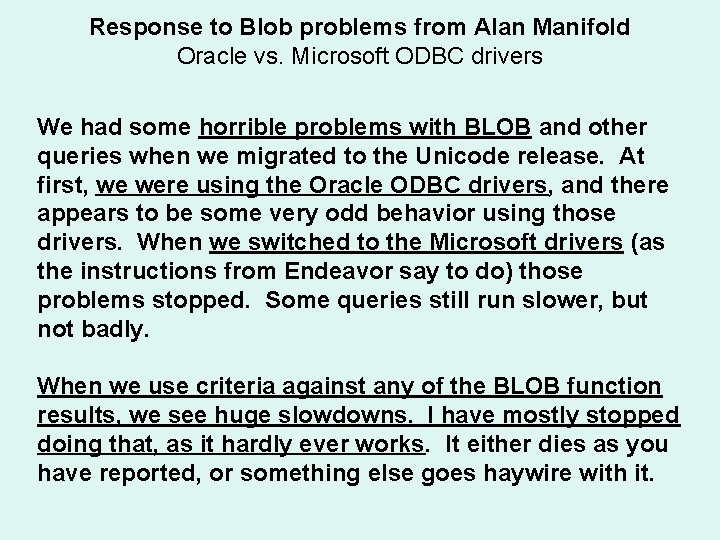
Response to Blob problems from Alan Manifold Oracle vs. Microsoft ODBC drivers We had some horrible problems with BLOB and other queries when we migrated to the Unicode release. At first, we were using the Oracle ODBC drivers, and there appears to be some very odd behavior using those drivers. When we switched to the Microsoft drivers (as the instructions from Endeavor say to do) those problems stopped. Some queries still run slower, but not badly. When we use criteria against any of the BLOB function results, we see huge slowdowns. I have mostly stopped doing that, as it hardly ever works. It either dies as you have reported, or something else goes haywire with it.
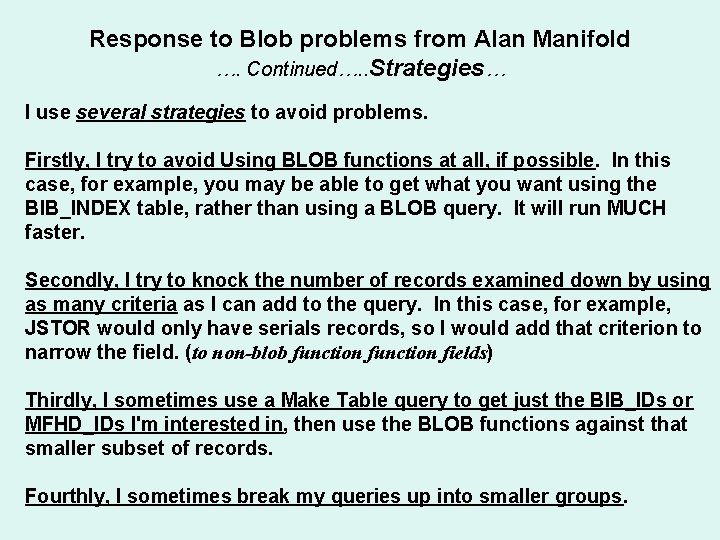
Response to Blob problems from Alan Manifold …. Continued…. . Strategies… I use several strategies to avoid problems. Firstly, I try to avoid Using BLOB functions at all, if possible. In this case, for example, you may be able to get what you want using the BIB_INDEX table, rather than using a BLOB query. It will run MUCH faster. Secondly, I try to knock the number of records examined down by using as many criteria as I can add to the query. In this case, for example, JSTOR would only have serials records, so I would add that criterion to narrow the field. (to non-blob function fields) Thirdly, I sometimes use a Make Table query to get just the BIB_IDs or MFHD_IDs I'm interested in, then use the BLOB functions against that smaller subset of records. Fourthly, I sometimes break my queries up into smaller groups.
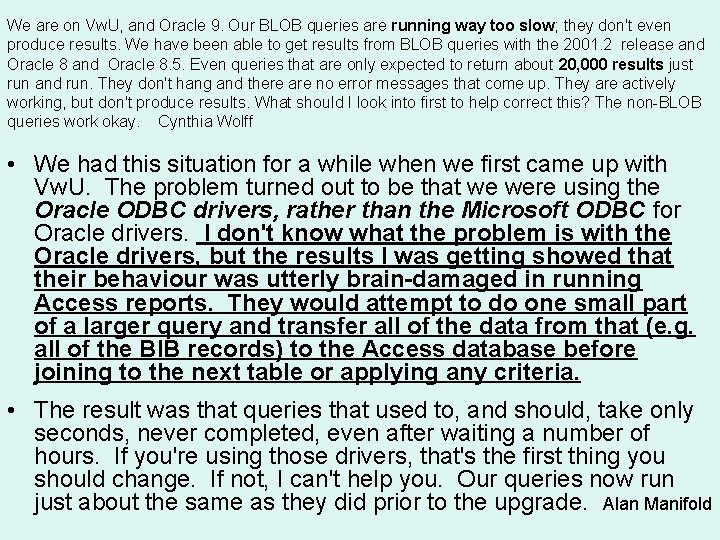
We are on Vw. U, and Oracle 9. Our BLOB queries are running way too slow; they don't even produce results. We have been able to get results from BLOB queries with the 2001. 2 release and Oracle 8. 5. Even queries that are only expected to return about 20, 000 results just run and run. They don't hang and there are no error messages that come up. They are actively working, but don't produce results. What should I look into first to help correct this? The non-BLOB queries work okay. Cynthia Wolff • We had this situation for a while when we first came up with Vw. U. The problem turned out to be that we were using the Oracle ODBC drivers, rather than the Microsoft ODBC for Oracle drivers. I don't know what the problem is with the Oracle drivers, but the results I was getting showed that their behaviour was utterly brain-damaged in running Access reports. They would attempt to do one small part of a larger query and transfer all of the data from that (e. g. all of the BIB records) to the Access database before joining to the next table or applying any criteria. • The result was that queries that used to, and should, take only seconds, never completed, even after waiting a number of hours. If you're using those drivers, that's the first thing you should change. If not, I can't help you. Our queries now run just about the same as they did prior to the upgrade. Alan Manifold
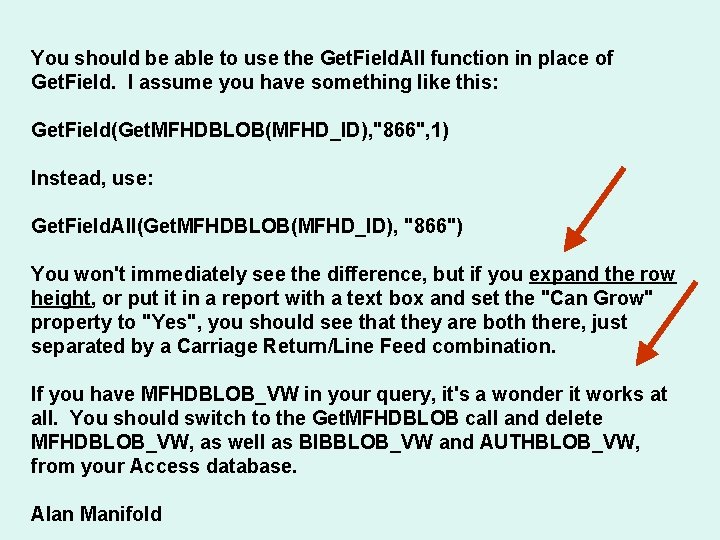
You should be able to use the Get. Field. All function in place of Get. Field. I assume you have something like this: Get. Field(Get. MFHDBLOB(MFHD_ID), "866", 1) Instead, use: Get. Field. All(Get. MFHDBLOB(MFHD_ID), "866") You won't immediately see the difference, but if you expand the row height, or put it in a report with a text box and set the "Can Grow" property to "Yes", you should see that they are both there, just separated by a Carriage Return/Line Feed combination. If you have MFHDBLOB_VW in your query, it's a wonder it works at all. You should switch to the Get. MFHDBLOB call and delete MFHDBLOB_VW, as well as BIBBLOB_VW and AUTHBLOB_VW, from your Access database. Alan Manifold
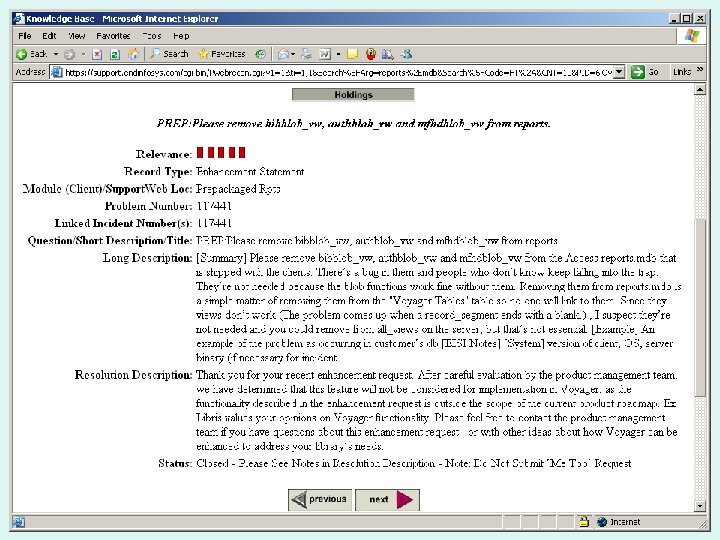
Final Word on BLOB_VIEWS From Alan Manifold • I'll start with my subject line: BIBBLOB_VW is DEATH! • BIBBLOB_VW and its friends, MFHDBLOB_VW and AUTHBLOB_VW don't work. If you use them, you'll run up against the exact bug that Doug mentions. There is no point in their existence. DELETE THEM OUT OF YOUR ACCESS DATABASE NOW, even if you're not currently using them. Their presence will just tempt you to use them someday. This isn't a matter of opinion, it's fact. • They don't work--they cause problems. DELETE THEM.
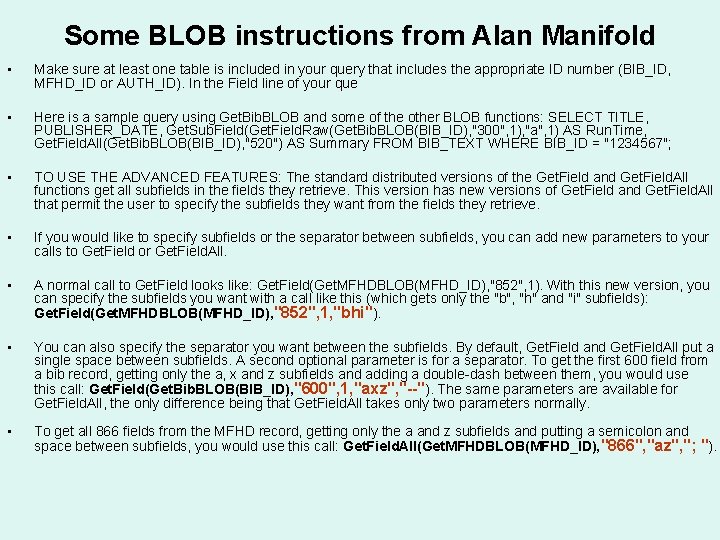
Some BLOB instructions from Alan Manifold • Make sure at least one table is included in your query that includes the appropriate ID number (BIB_ID, MFHD_ID or AUTH_ID). In the Field line of your que • Here is a sample query using Get. Bib. BLOB and some of the other BLOB functions: SELECT TITLE, PUBLISHER_DATE, Get. Sub. Field(Get. Field. Raw(Get. Bib. BLOB(BIB_ID), "300", 1), "a", 1) AS Run. Time, Get. Field. All(Get. Bib. BLOB(BIB_ID), "520") AS Summary FROM BIB_TEXT WHERE BIB_ID = "1234567"; • TO USE THE ADVANCED FEATURES: The standard distributed versions of the Get. Field and Get. Field. All functions get all subfields in the fields they retrieve. This version has new versions of Get. Field and Get. Field. All that permit the user to specify the subfields they want from the fields they retrieve. • If you would like to specify subfields or the separator between subfields, you can add new parameters to your calls to Get. Field or Get. Field. All. • A normal call to Get. Field looks like: Get. Field(Get. MFHDBLOB(MFHD_ID), "852", 1). With this new version, you can specify the subfields you want with a call like this (which gets only the "b", "h" and "i" subfields): Get. Field(Get. MFHDBLOB(MFHD_ID), "852", 1, "bhi"). • You can also specify the separator you want between the subfields. By default, Get. Field and Get. Field. All put a single space between subfields. A second optional parameter is for a separator. To get the first 600 field from a bib record, getting only the a, x and z subfields and adding a double-dash between them, you would use this call: Get. Field(Get. Bib. BLOB(BIB_ID), "600", 1, "axz", "--"). The same parameters are available for Get. Field. All, the only difference being that Get. Field. All takes only two parameters normally. • To get all 866 fields from the MFHD record, getting only the a and z subfields and putting a semicolon and space between subfields, you would use this call: Get. Field. All(Get. MFHDBLOB(MFHD_ID), "866", "az", "; ").
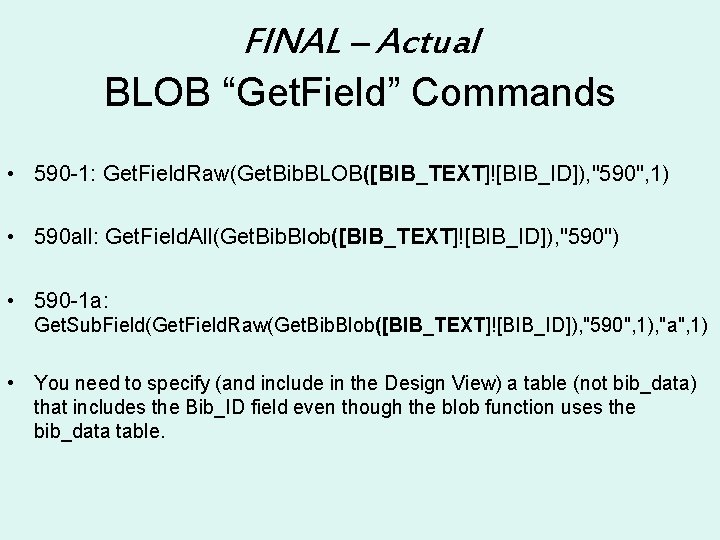
FINAL – Actual BLOB “Get. Field” Commands • 590 -1: Get. Field. Raw(Get. Bib. BLOB([BIB_TEXT]![BIB_ID]), "590", 1) • 590 all: Get. Field. All(Get. Bib. Blob([BIB_TEXT]![BIB_ID]), "590") • 590 -1 a: Get. Sub. Field(Get. Field. Raw(Get. Bib. Blob([BIB_TEXT]![BIB_ID]), "590", 1), "a", 1) • You need to specify (and include in the Design View) a table (not bib_data) that includes the Bib_ID field even though the blob function uses the bib_data table.

How to Export fields >255 Characters
Email Problem • I've made a custom query using Get. Field. All to extract MFHD 866 fields. The query works fine. But the output has crammed all the data though into a single field that doesn't seem to want to export properly into Excel (the data are truncated in Excel). Does anyone have a way to deal with this problem? Maybe there is some trick to exporting without truncation? Or might there be some other solution? The data do seem to be complete in the Query results in Access.
Response • I have another possibility for you. I just did a test and I performed a GETFIELDALL on ten records selecting two fields, (1) the MFHD_ID field and (2) all of the 866 tags (into one field). I had one 866 combined field with 1015 characters and one with 385 characters. I did a SELECT ALL /COPY and then I pasted it into MS WORD. This automatically creates a table (2 columns wide / 10 rows deep) which does not have the 255 character limit. All ten records showed up in their entirety. • • Of course, page formats (landscape, smaller fonts, column widths, etc) are not as intuitive in tables as they are in EXCEL (in my opinion) but the nice thing is, is that the format of the 866 fields are maintained (they do not run in one big long string). The table 866 column, not only kept the column heading from Access, but kept the data format as well. It looked good. • • This may not be exactly what you need (depending on the functions you wanted to apply to the columns in EXCEL) but it will give you a print out of all your data (at least as far as my test went). • • • Hope this helps, Michael North

MARC Code module
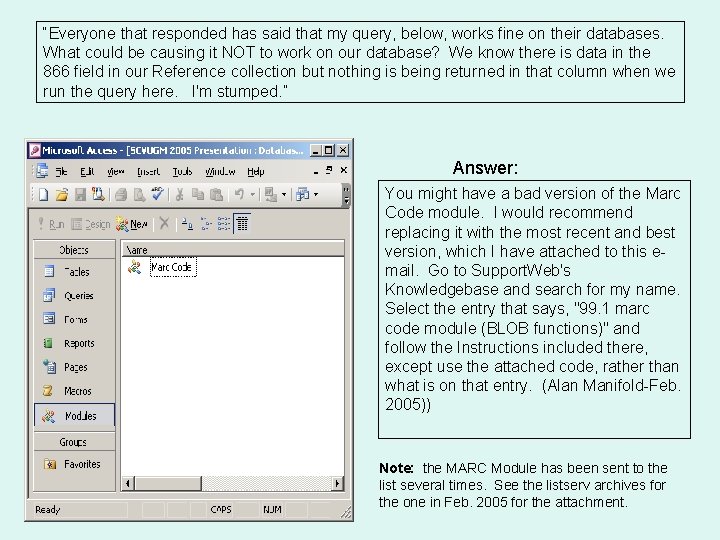
“Everyone that responded has said that my query, below, works fine on their databases. What could be causing it NOT to work on our database? We know there is data in the 866 field in our Reference collection but nothing is being returned in that column when we run the query here. I'm stumped. ” Answer: You might have a bad version of the Marc Code module. I would recommend replacing it with the most recent and best version, which I have attached to this email. Go to Support. Web's Knowledgebase and search for my name. Select the entry that says, "99. 1 marc code module (BLOB functions)" and follow the Instructions included there, except use the attached code, rather than what is on that entry. (Alan Manifold-Feb. 2005)) Note: the MARC Module has been sent to the list several times. See the listserv archives for the one in Feb. 2005 for the attachment.
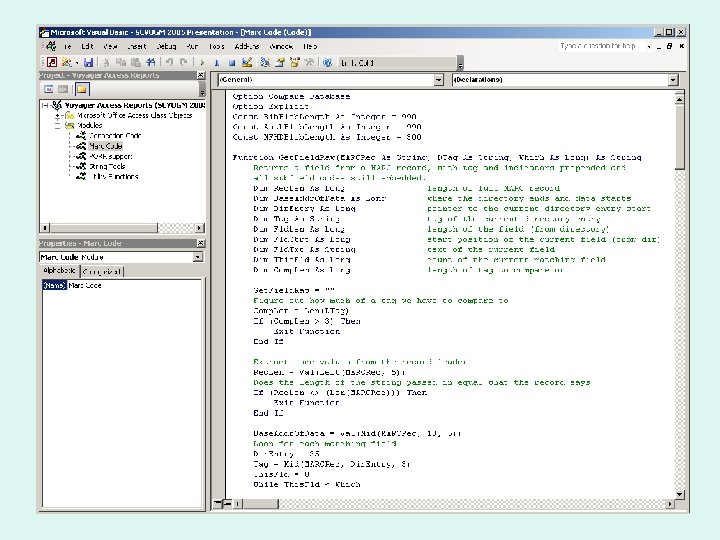
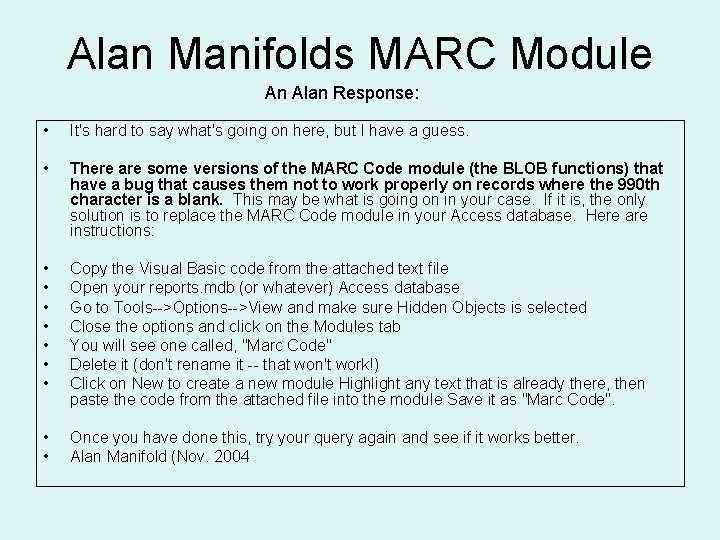
Alan Manifolds MARC Module An Alan Response: • It's hard to say what's going on here, but I have a guess. • There are some versions of the MARC Code module (the BLOB functions) that have a bug that causes them not to work properly on records where the 990 th character is a blank. This may be what is going on in your case. If it is, the only solution is to replace the MARC Code module in your Access database. Here are instructions: • • Copy the Visual Basic code from the attached text file Open your reports. mdb (or whatever) Access database Go to Tools-->Options-->View and make sure Hidden Objects is selected Close the options and click on the Modules tab You will see one called, "Marc Code" Delete it (don't rename it -- that won't work!) Click on New to create a new module Highlight any text that is already there, then paste the code from the attached file into the module Save it as "Marc Code". • • Once you have done this, try your query again and see if it works better. Alan Manifold (Nov. 2004
ODBC Time. Out error message
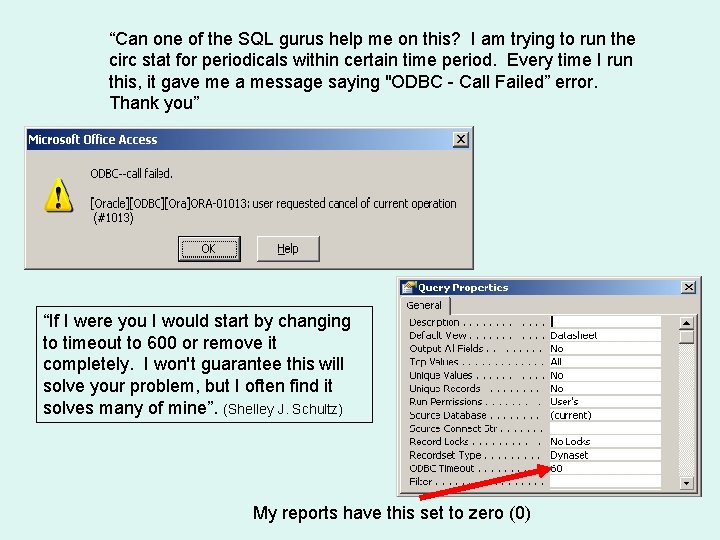
“Can one of the SQL gurus help me on this? I am trying to run the circ stat for periodicals within certain time period. Every time I run this, it gave me a message saying "ODBC - Call Failed” error. Thank you” “If I were you I would start by changing to timeout to 600 or remove it completely. I won't guarantee this will solve your problem, but I often find it solves many of mine”. (Shelley J. Schultz) My reports have this set to zero (0)
Final Thought Working with BLOB’s is more art than science. I wish you luck. Currently, with the UNICODE update and Oracle 9 upgrades, reporters using the BLOB are getting inconsistent results and responses. It is also considered a possibility that hardware may play a role in this situation (our server is 7 years old and technically “maxed out”. You just need to fiddle with it and find what works best for you and your server.

THANK YOU ? ? ? Michael Northwestern University m-north@northwestern. edu

- Slides: 45