
Manipulating Strings String Functions String Functions VB provides
Manipulating Strings String Functions
String Functions VB provides a large number of functions that facilitate working with strings. These are found in Microsoft. Visual. Basic. Strings For convenience they can be grouped according to the kind of task they’re designed to carry out.
Inspection Functions Inspection functions take a string (or strings) as argument(s) and return information about them in numeric form.
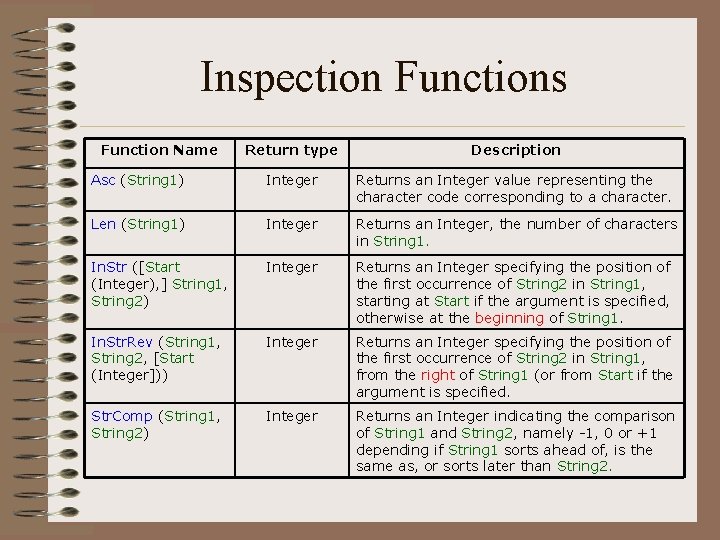
Inspection Functions Function Name Return type Description Asc (String 1) Integer Returns an Integer value representing the character code corresponding to a character. Len (String 1) Integer Returns an Integer, the number of characters in String 1. In. Str ([Start (Integer), ] String 1, String 2) Integer Returns an Integer specifying the position of the first occurrence of String 2 in String 1, starting at Start if the argument is specified, otherwise at the beginning of String 1. In. Str. Rev (String 1, String 2, [Start (Integer])) Integer Returns an Integer specifying the position of the first occurrence of String 2 in String 1, from the right of String 1 (or from Start if the argument is specified. Str. Comp (String 1, String 2) Integer Returns an Integer indicating the comparison of String 1 and String 2, namely -1, 0 or +1 depending if String 1 sorts ahead of, is the same as, or sorts later than String 2.
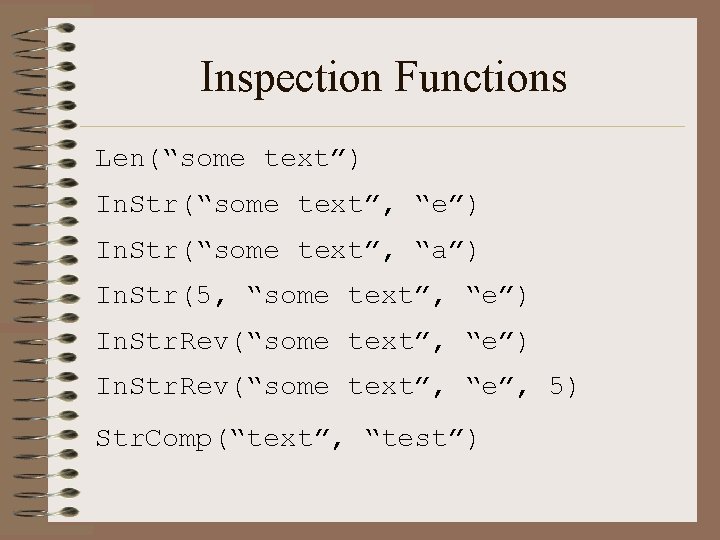
Inspection Functions Len(“some text”) In. Str(“some text”, “e”) In. Str(“some text”, “a”) In. Str(5, “some text”, “e”) In. Str. Rev(“some text”, “e”, 5) Str. Comp(“text”, “test”)
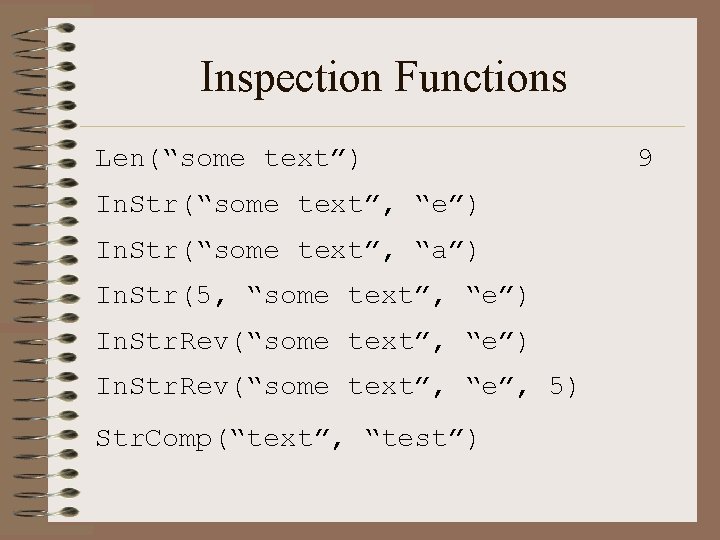
Inspection Functions Len(“some text”) In. Str(“some text”, “e”) In. Str(“some text”, “a”) In. Str(5, “some text”, “e”) In. Str. Rev(“some text”, “e”, 5) Str. Comp(“text”, “test”) 9
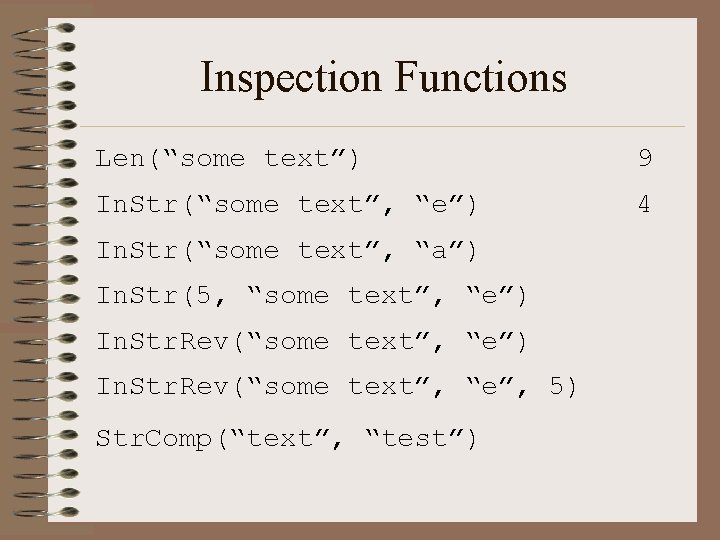
Inspection Functions Len(“some text”) 9 In. Str(“some text”, “e”) 4 In. Str(“some text”, “a”) In. Str(5, “some text”, “e”) In. Str. Rev(“some text”, “e”, 5) Str. Comp(“text”, “test”)
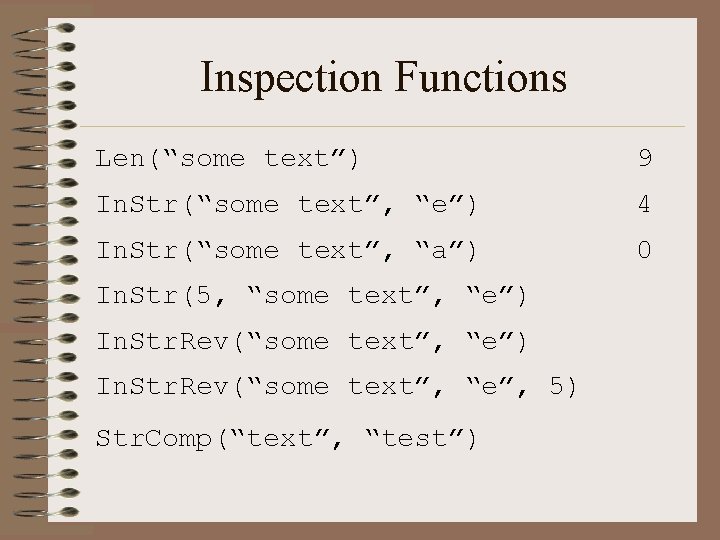
Inspection Functions Len(“some text”) 9 In. Str(“some text”, “e”) 4 In. Str(“some text”, “a”) 0 In. Str(5, “some text”, “e”) In. Str. Rev(“some text”, “e”, 5) Str. Comp(“text”, “test”)
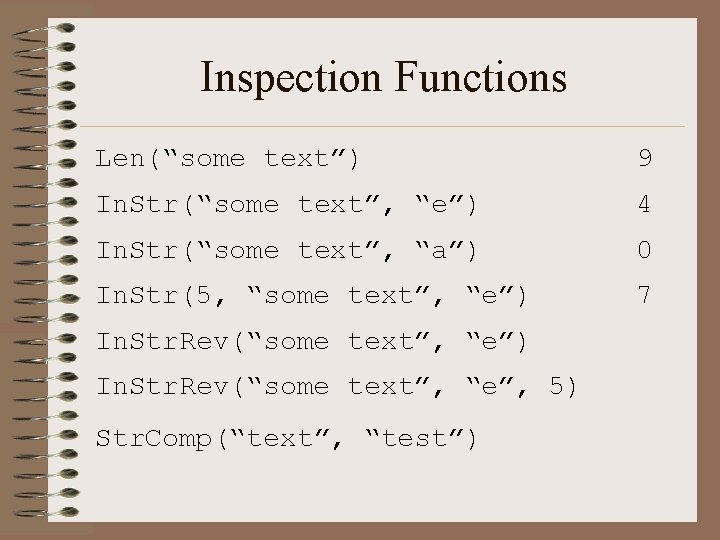
Inspection Functions Len(“some text”) 9 In. Str(“some text”, “e”) 4 In. Str(“some text”, “a”) 0 In. Str(5, “some text”, “e”) 7 In. Str. Rev(“some text”, “e”) In. Str. Rev(“some text”, “e”, 5) Str. Comp(“text”, “test”)
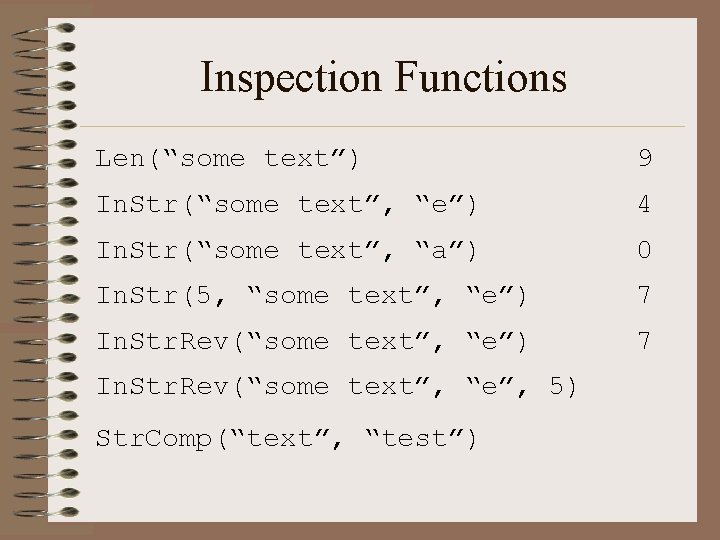
Inspection Functions Len(“some text”) 9 In. Str(“some text”, “e”) 4 In. Str(“some text”, “a”) 0 In. Str(5, “some text”, “e”) 7 In. Str. Rev(“some text”, “e”, 5) Str. Comp(“text”, “test”)
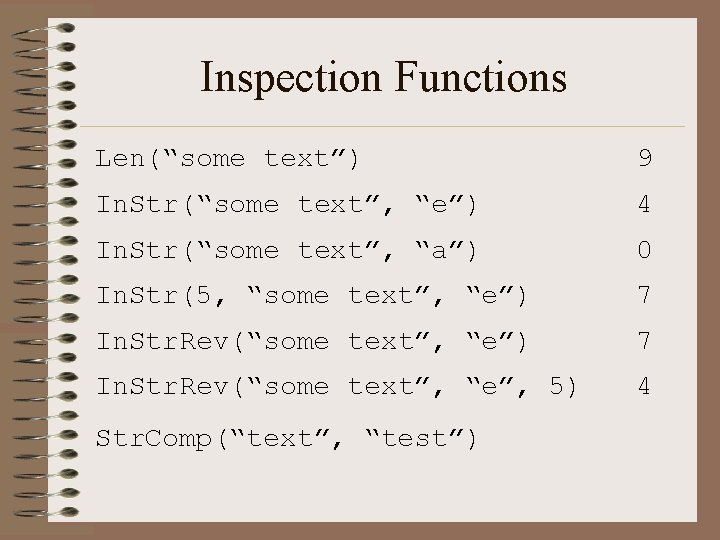
Inspection Functions Len(“some text”) 9 In. Str(“some text”, “e”) 4 In. Str(“some text”, “a”) 0 In. Str(5, “some text”, “e”) 7 In. Str. Rev(“some text”, “e”, 5) 4 Str. Comp(“text”, “test”)
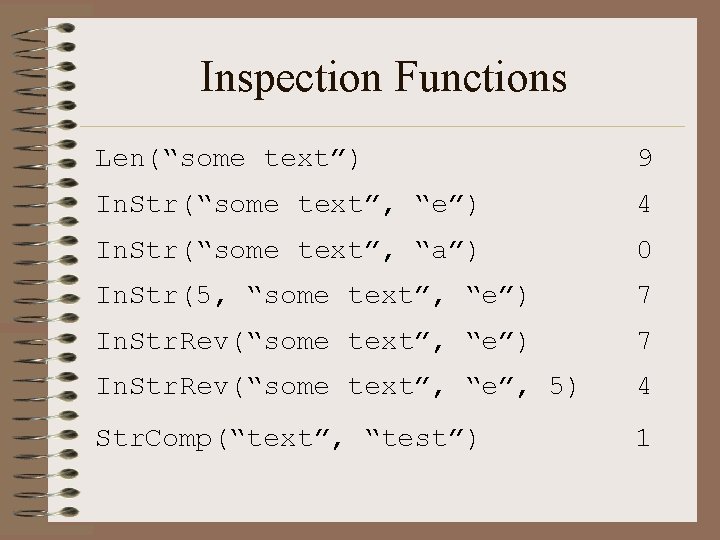
Inspection Functions Len(“some text”) 9 In. Str(“some text”, “e”) 4 In. Str(“some text”, “a”) 0 In. Str(5, “some text”, “e”) 7 In. Str. Rev(“some text”, “e”, 5) 4 Str. Comp(“text”, “test”) 1
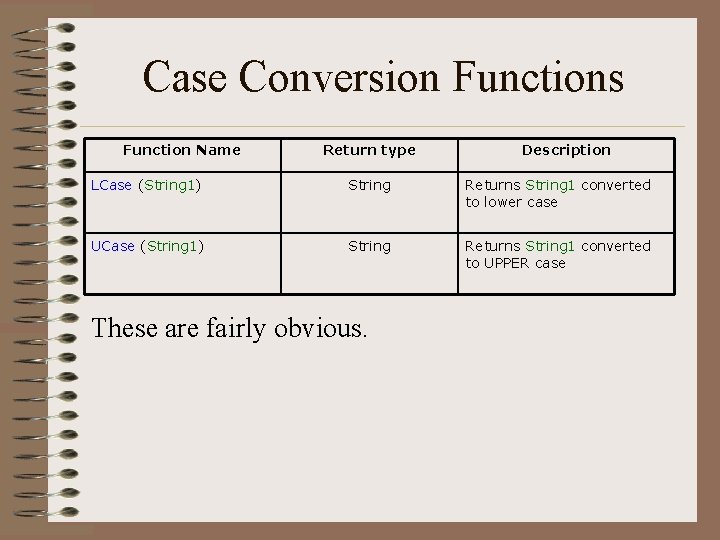
Case Conversion Functions Function Name Return type Description LCase (String 1) String Returns String 1 converted to lower case UCase (String 1) String Returns String 1 converted to UPPER case These are fairly obvious.
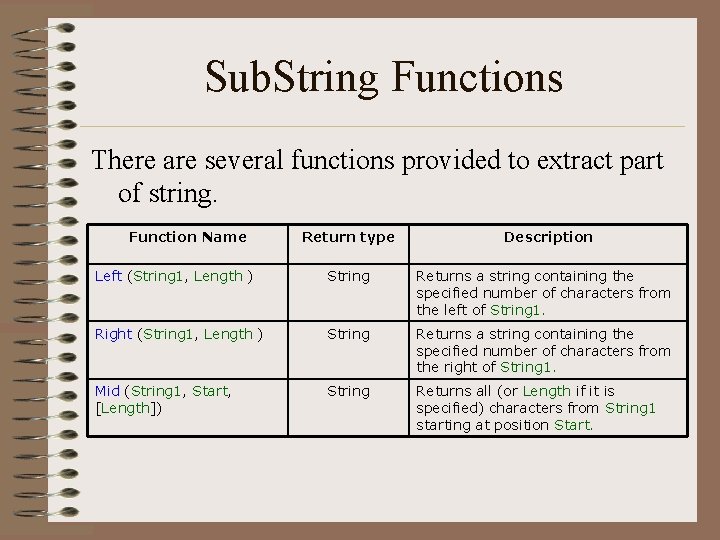
Sub. String Functions There are several functions provided to extract part of string. Function Name Return type Description Left (String 1, Length ) String Returns a string containing the specified number of characters from the left of String 1. Right (String 1, Length ) String Returns a string containing the specified number of characters from the right of String 1. Mid (String 1, Start, [Length]) String Returns all (or Length if it is specified) characters from String 1 starting at position Start.
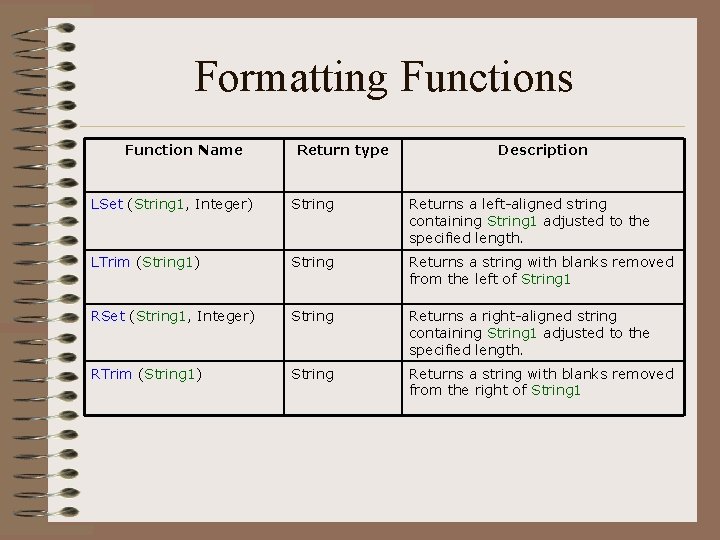
Formatting Functions Function Name Return type Description LSet (String 1, Integer) String Returns a left-aligned string containing String 1 adjusted to the specified length. LTrim (String 1) String Returns a string with blanks removed from the left of String 1 RSet (String 1, Integer) String Returns a right-aligned string containing String 1 adjusted to the specified length. RTrim (String 1) String Returns a string with blanks removed from the right of String 1
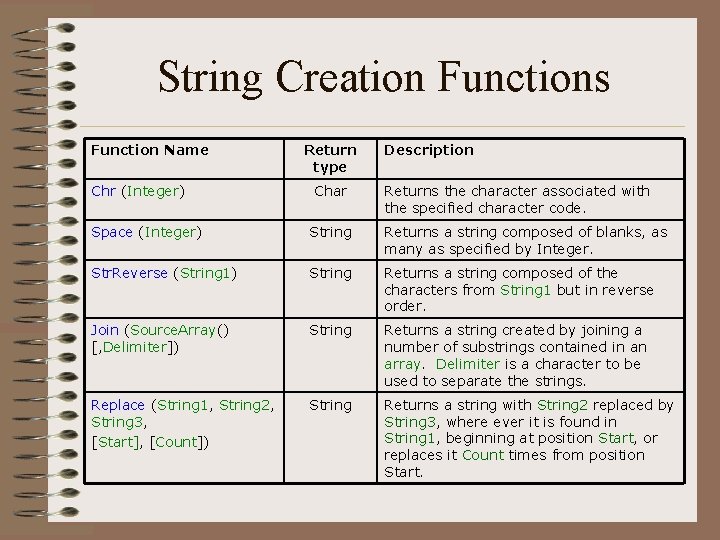
String Creation Functions Function Name Chr (Integer) Return type Char Description Returns the character associated with the specified character code. Space (Integer) String Returns a string composed of blanks, as many as specified by Integer. Str. Reverse (String 1) String Returns a string composed of the characters from String 1 but in reverse order. Join (Source. Array() [, Delimiter]) String Returns a string created by joining a number of substrings contained in an array. Delimiter is a character to be used to separate the strings. Replace (String 1, String 2, String 3, [Start], [Count]) String Returns a string with String 2 replaced by String 3, where ever it is found in String 1, beginning at position Start, or replaces it Count times from position Start.
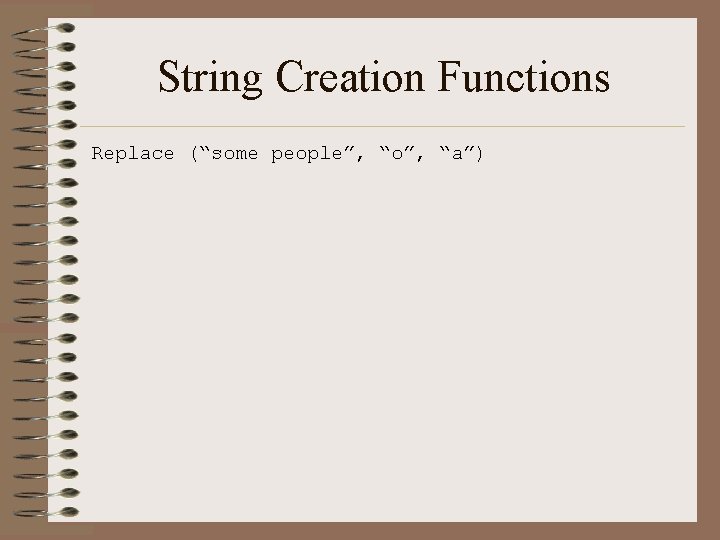
String Creation Functions Replace (“some people”, “o”, “a”)
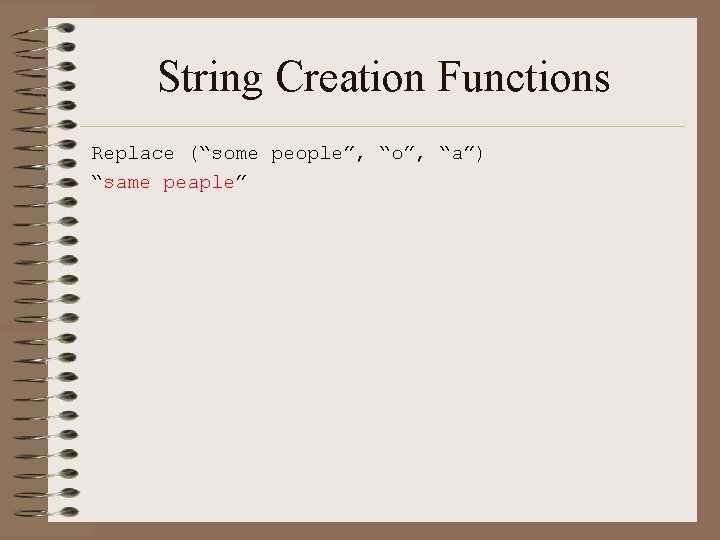
String Creation Functions Replace (“some people”, “o”, “a”) “same peaple”
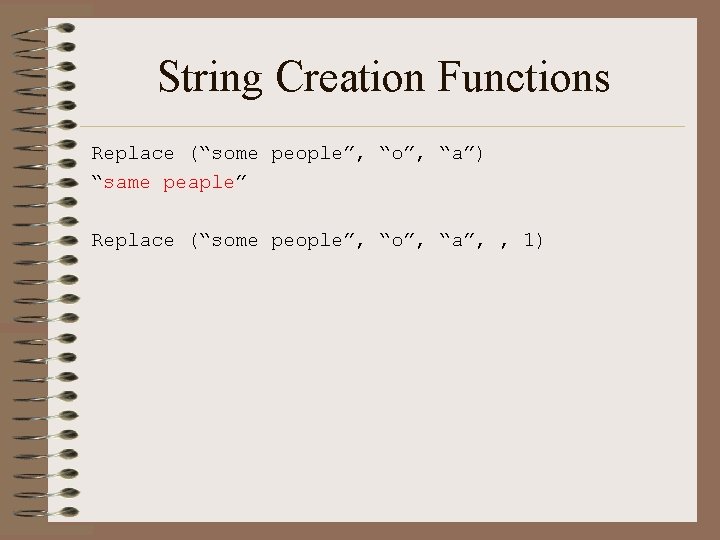
String Creation Functions Replace (“some people”, “o”, “a”) “same peaple” Replace (“some people”, “o”, “a”, , 1)
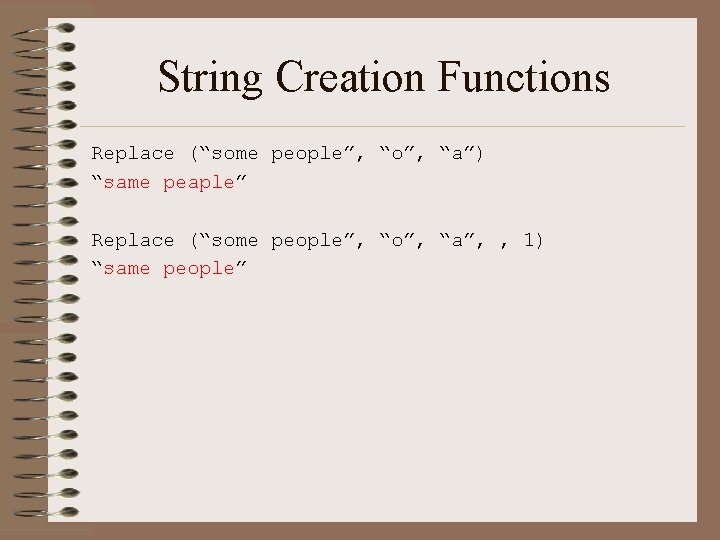
String Creation Functions Replace (“some people”, “o”, “a”) “same peaple” Replace (“some people”, “o”, “a”, , 1) “same people”
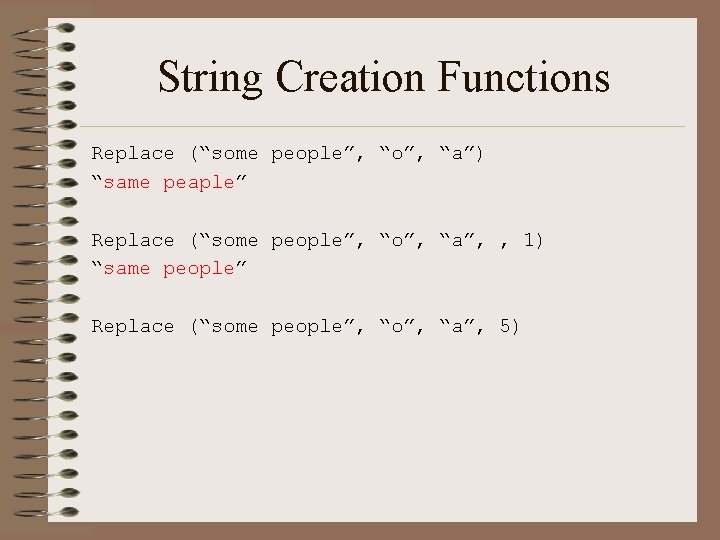
String Creation Functions Replace (“some people”, “o”, “a”) “same peaple” Replace (“some people”, “o”, “a”, , 1) “same people” Replace (“some people”, “o”, “a”, 5)
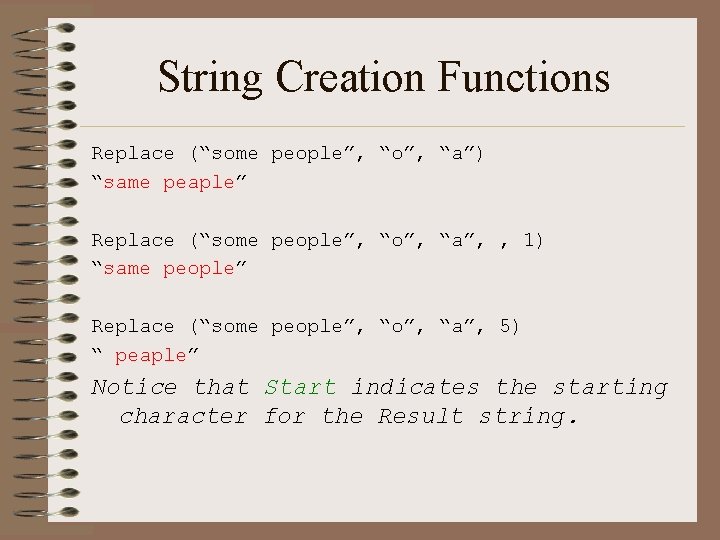
String Creation Functions Replace (“some people”, “o”, “a”) “same peaple” Replace (“some people”, “o”, “a”, , 1) “same people” Replace (“some people”, “o”, “a”, 5) “ peaple” Notice that Start indicates the starting character for the Result string.
- Slides: 22