
Manipulating Characters In todays lesson we will look
- Slides: 6
Manipulating Characters In today’s lesson we will look at: • how text is stored inside the computer • how we can use BASIC functions to manipulate and encipher text
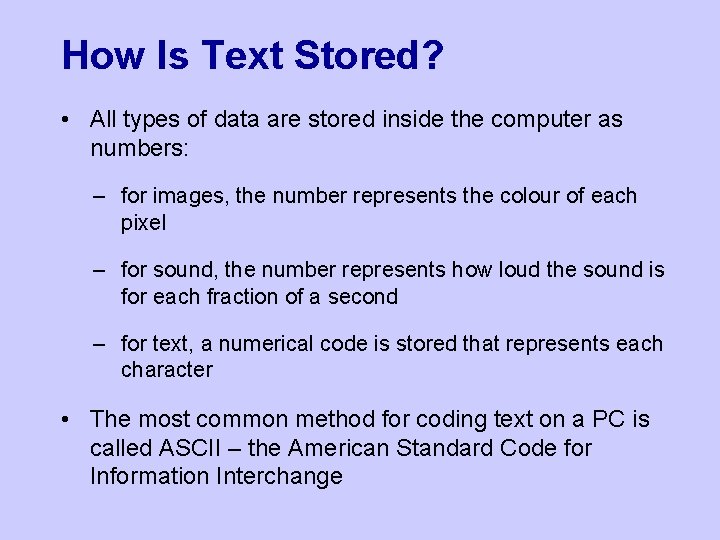
How Is Text Stored? • All types of data are stored inside the computer as numbers: – for images, the number represents the colour of each pixel – for sound, the number represents how loud the sound is for each fraction of a second – for text, a numerical code is stored that represents each character • The most common method for coding text on a PC is called ASCII – the American Standard Code for Information Interchange
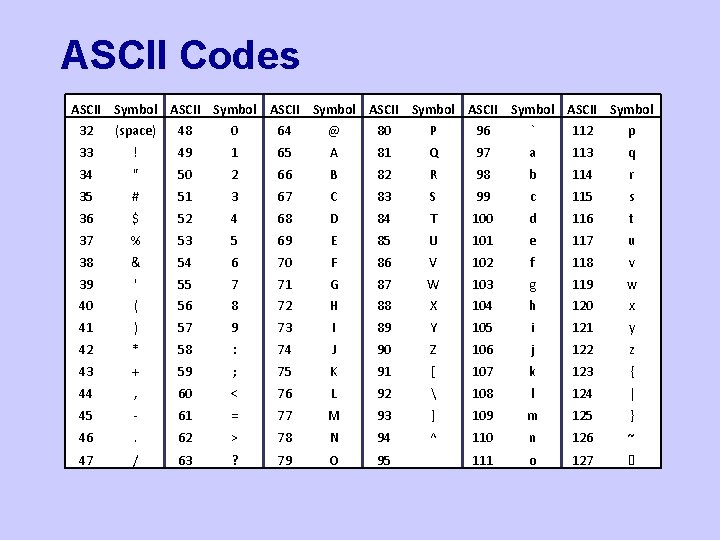
ASCII Codes ASCII Symbol ASCII Symbol 32 (space) 48 0 64 @ 80 P 96 ` 112 p 33 ! 49 1 65 A 81 Q 97 a 113 q 34 " 50 2 66 B 82 R 98 b 114 r 35 # 51 3 67 C 83 S 99 c 115 s 36 $ 52 4 68 D 84 T 100 d 116 t 37 % 53 5 69 E 85 U 101 e 117 u 38 & 54 6 70 F 86 V 102 f 118 v 39 ' 55 7 71 G 87 W 103 g 119 w 40 ( 56 8 72 H 88 X 104 h 120 x 41 ) 57 9 73 I 89 Y 105 i 121 y 42 * 58 : 74 J 90 Z 106 j 122 z 43 + 59 ; 75 K 91 [ 107 k 123 { 44 , 60 < 76 L 92 108 l 124 | 45 - 61 = 77 M 93 ] 109 m 125 } 46 . 62 > 78 N 94 ^ 110 n 126 ~ 47 / 63 ? 79 O 95 _ 111 o 127
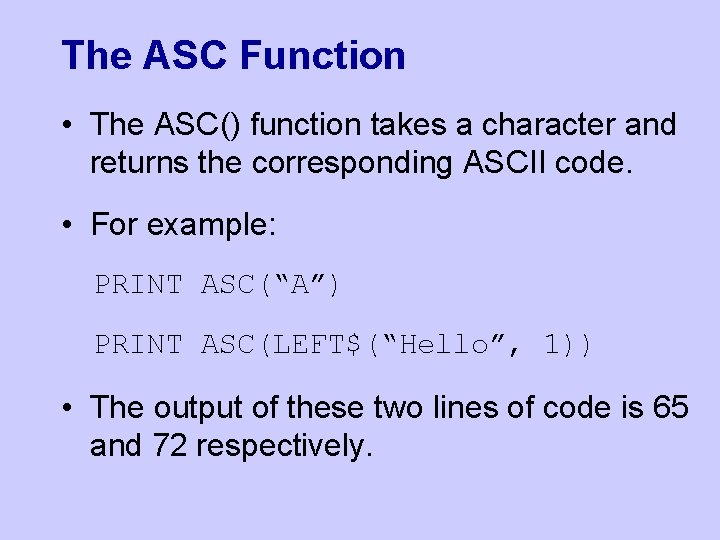
The ASC Function • The ASC() function takes a character and returns the corresponding ASCII code. • For example: PRINT ASC(“A”) PRINT ASC(LEFT$(“Hello”, 1)) • The output of these two lines of code is 65 and 72 respectively.
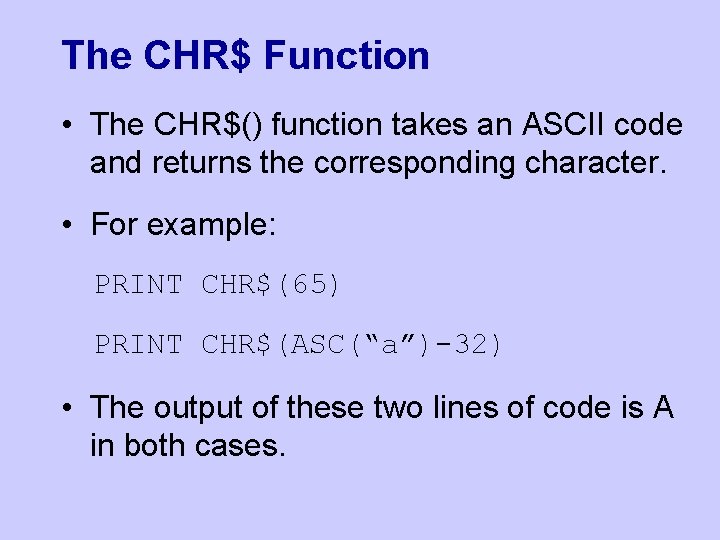
The CHR$ Function • The CHR$() function takes an ASCII code and returns the corresponding character. • For example: PRINT CHR$(65) PRINT CHR$(ASC(“a”)-32) • The output of these two lines of code is A in both cases.
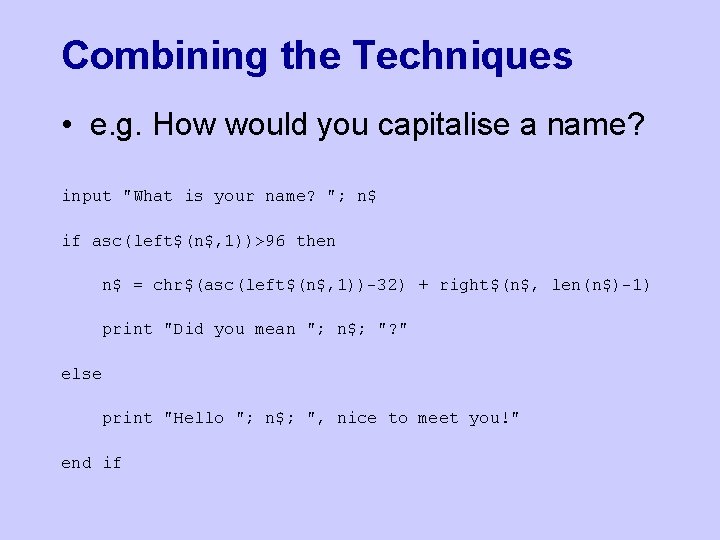
Combining the Techniques • e. g. How would you capitalise a name? input "What is your name? "; n$ if asc(left$(n$, 1))>96 then n$ = chr$(asc(left$(n$, 1))-32) + right$(n$, len(n$)-1) print "Did you mean "; n$; "? " else print "Hello "; n$; ", nice to meet you!" end if