
Managing XML and Semistructured Data Part 2 Modelling
![In this section… § § More XML syntax [XML glossary – by Sun] [XML](https://slidetodoc.com/presentation_image/1e5818468d3d21da06965c6713a9afe4/image-2.jpg "In this section… § § More XML syntax [XML glossary – by Sun] [XML")
- Slides: 50
Managing XML and Semistructured Data Part 2: Modelling XML Data 1
In this section… § § More XML syntax [XML glossary – by Sun] [XML Tutorials] XML DTD and XML Schema XML Query data model Comparison of XML with semistructured data Papers: • • XML, Java, and the future of the Web by Jon Bosak, Sun Microsystems. W 3 C XML Query Data Model Mary Fernandez, Jonathan Robie. Extracting Schema from Semi structured Data Nestorov, Abiteboul, Motwani. SIGMOD 98 Data on the Web Abiteboul, Buneman, Suciu : Section 3. 3 2
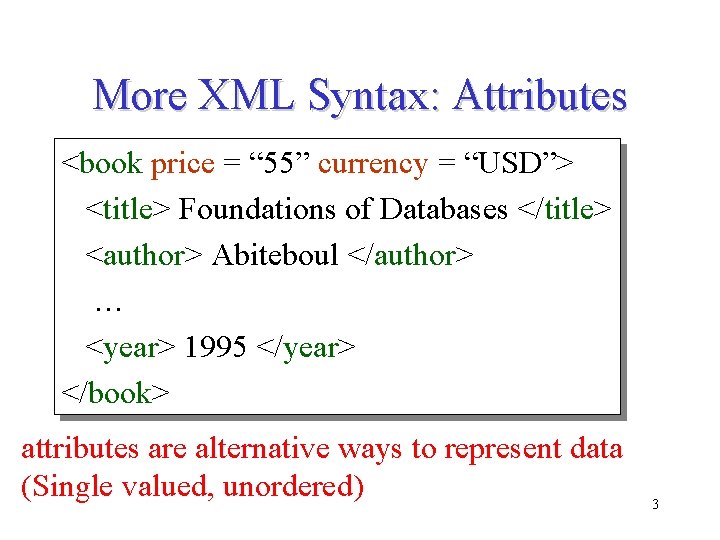
More XML Syntax: Attributes <book price = “ 55” currency = “USD”> <title> Foundations of Databases </title> <author> Abiteboul </author> … <year> 1995 </year> </book> attributes are alternative ways to represent data (Single valued, unordered) 3
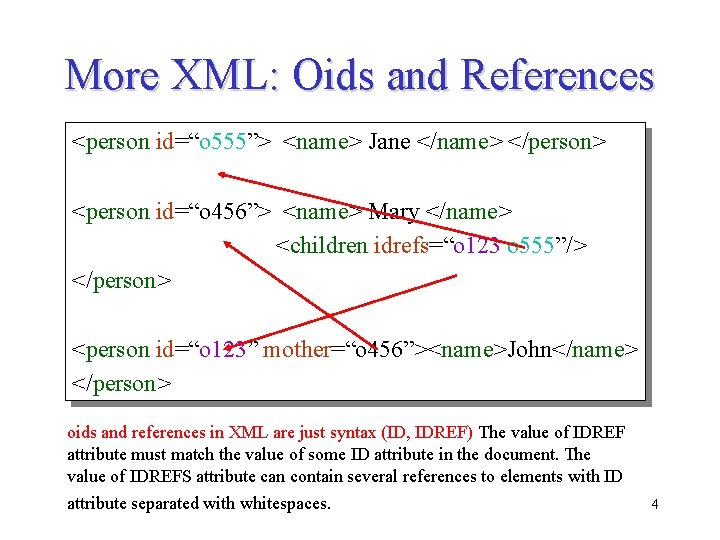
More XML: Oids and References <person id=“o 555”> <name> Jane </name> </person> <person id=“o 456”> <name> Mary </name> <children idrefs=“o 123 o 555”/> </person> <person id=“o 123” mother=“o 456”><name>John</name> </person> oids and references in XML are just syntax (ID, IDREF) The value of IDREF attribute must match the value of some ID attribute in the document. The value of IDREFS attribute can contain several references to elements with ID attribute separated with whitespaces. 4
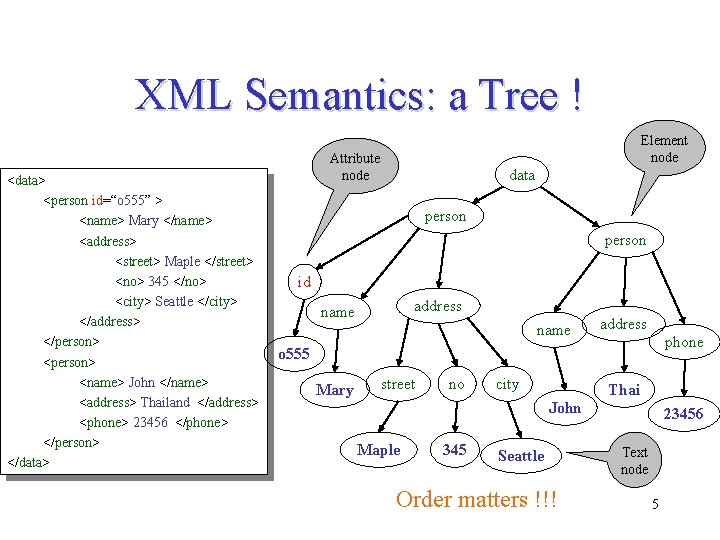
XML Semantics: a Tree ! <data> <person id=“o 555” > <name> Mary </name> <address> <street> Maple </street> <no> 345 </no> <city> Seattle </city> </address> </person> <name> John </name> <address> Thailand </address> <phone> 23456 </phone> </person> </data> Element node Attribute node data person id address name address phone o 555 Mary street no city Thai John Maple 345 Seattle Order matters !!! 23456 Text node 5
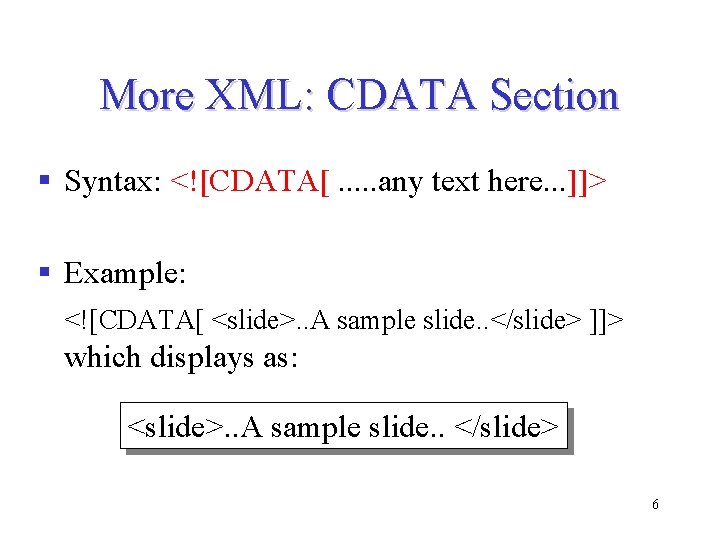
More XML: CDATA Section § Syntax: <![CDATA[. . . any text here. . . ]]> § Example: <![CDATA[ <slide>. . A sample slide. . </slide> ]]> which displays as: <slide>. . A sample slide. . </slide> 6
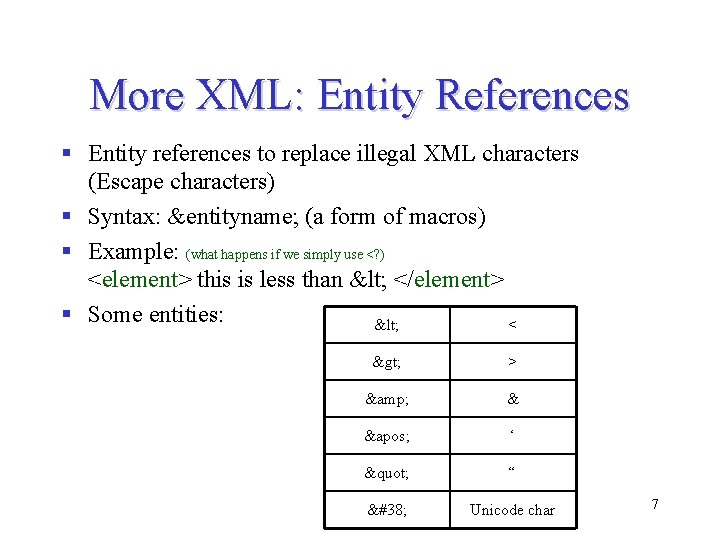
More XML: Entity References § Entity references to replace illegal XML characters (Escape characters) § Syntax: &entityname; (a form of macros) § Example: (what happens if we simply use <? ) <element> this is less than < </element> § Some entities: < < > > & & ' ‘ " “ & Unicode char 7
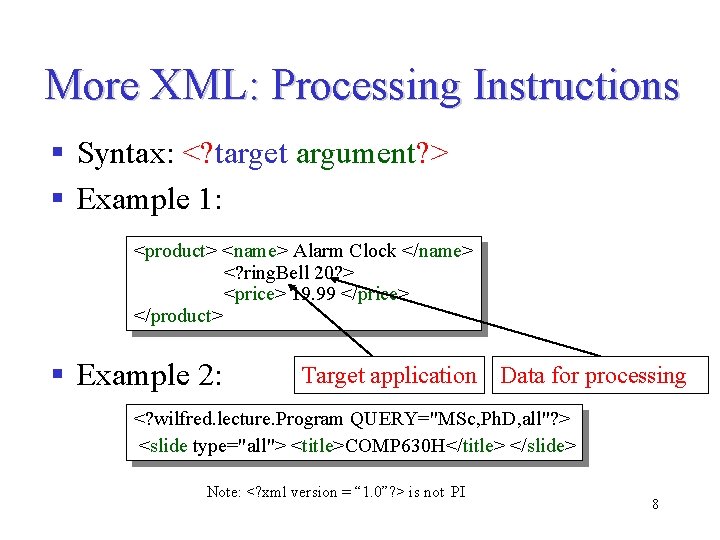
More XML: Processing Instructions § Syntax: <? target argument? > § Example 1: <product> <name> Alarm Clock </name> <? ring. Bell 20? > <price> 19. 99 </price> </product> § Example 2: Target application Data for processing <? wilfred. lecture. Program QUERY="MSc, Ph. D, all"? > <slide type="all"> <title>COMP 630 H</title> </slide> Note: <? xml version = “ 1. 0”? > is not PI 8
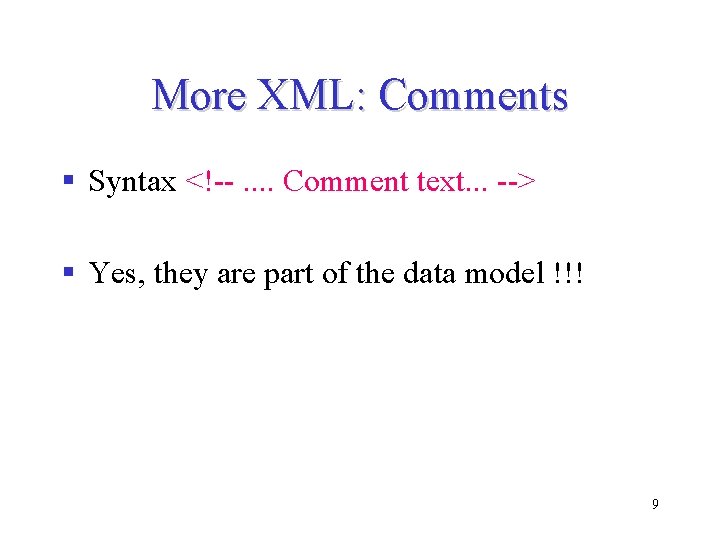
More XML: Comments § Syntax <!--. . Comment text. . . --> § Yes, they are part of the data model !!! 9
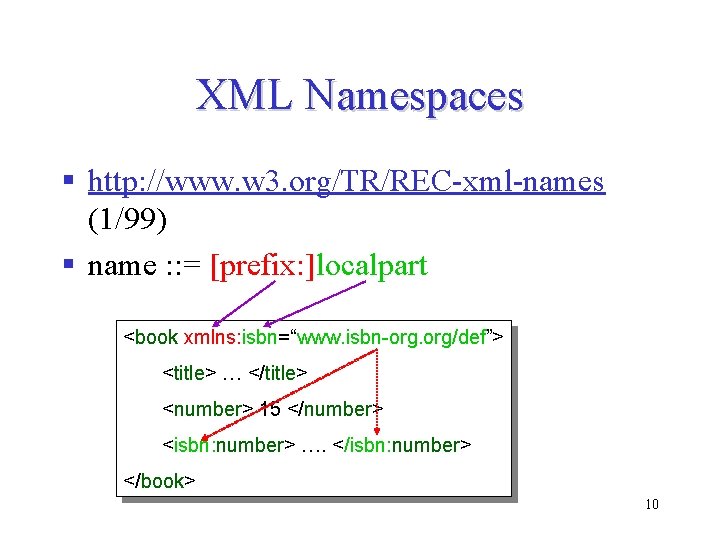
XML Namespaces § http: //www. w 3. org/TR/REC-xml-names (1/99) § name : : = [prefix: ]localpart <book xmlns: isbn=“www. isbn-org. org/def”> <title> … </title> <number> 15 </number> <isbn: number> …. </isbn: number> </book> 10
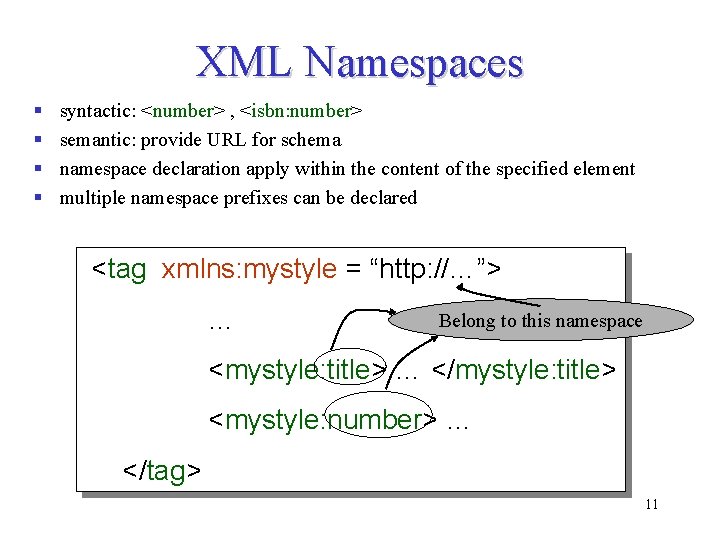
XML Namespaces § § syntactic: <number> , <isbn: number> semantic: provide URL for schema namespace declaration apply within the content of the specified element multiple namespace prefixes can be declared <tag xmlns: mystyle = “http: //…”> … Belong to this namespace <mystyle: title> … </mystyle: title> <mystyle: number> … </tag> 11
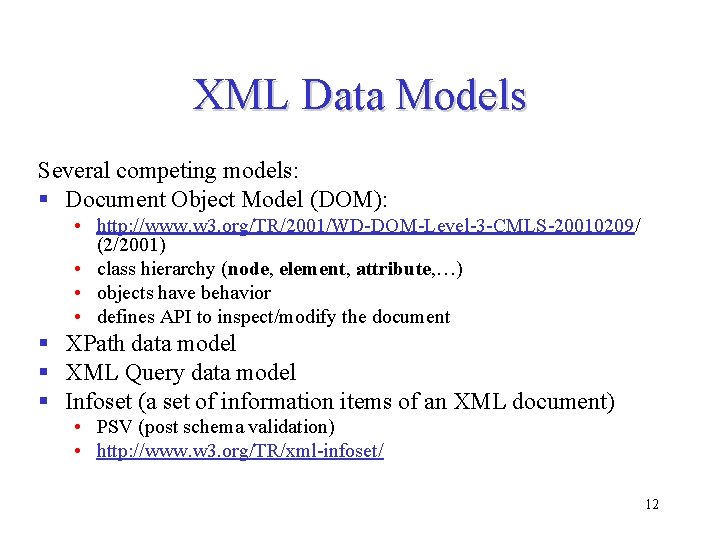
XML Data Models Several competing models: § Document Object Model (DOM): • http: //www. w 3. org/TR/2001/WD-DOM-Level-3 -CMLS-20010209/ (2/2001) • class hierarchy (node, element, attribute, …) • objects have behavior • defines API to inspect/modify the document § XPath data model § XML Query data model § Infoset (a set of information items of an XML document) • PSV (post schema validation) • http: //www. w 3. org/TR/xml-infoset/ 12
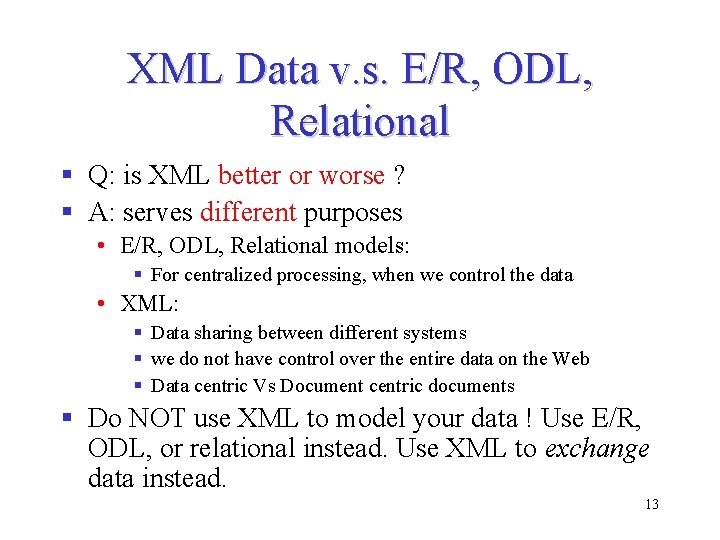
XML Data v. s. E/R, ODL, Relational § Q: is XML better or worse ? § A: serves different purposes • E/R, ODL, Relational models: § For centralized processing, when we control the data • XML: § Data sharing between different systems § we do not have control over the entire data on the Web § Data centric Vs Document centric documents § Do NOT use XML to model your data ! Use E/R, ODL, or relational instead. Use XML to exchange data instead. 13
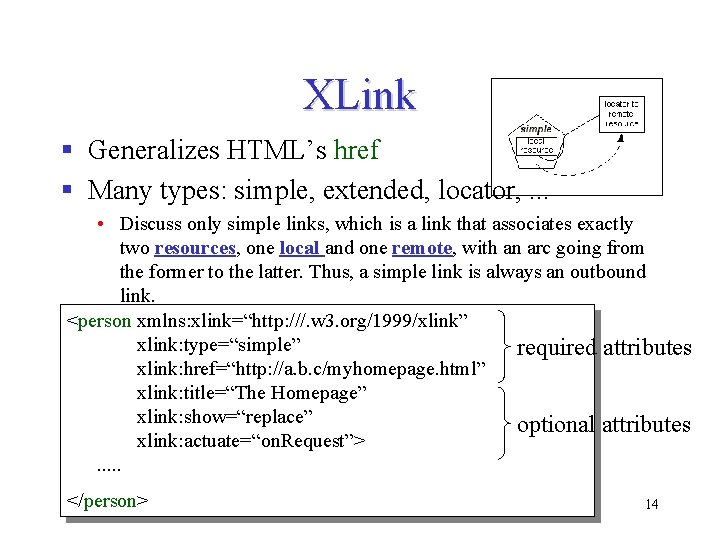
XLink § Generalizes HTML’s href § Many types: simple, extended, locator, . . . • Discuss only simple links, which is a link that associates exactly two resources, one local and one remote, with an arc going from the former to the latter. Thus, a simple link is always an outbound link. <person xmlns: xlink=“http: ///. w 3. org/1999/xlink” xlink: type=“simple” required attributes xlink: href=“http: //a. b. c/myhomepage. html” xlink: title=“The Homepage” xlink: show=“replace” optional attributes xlink: actuate=“on. Request”>. . . </person> 14
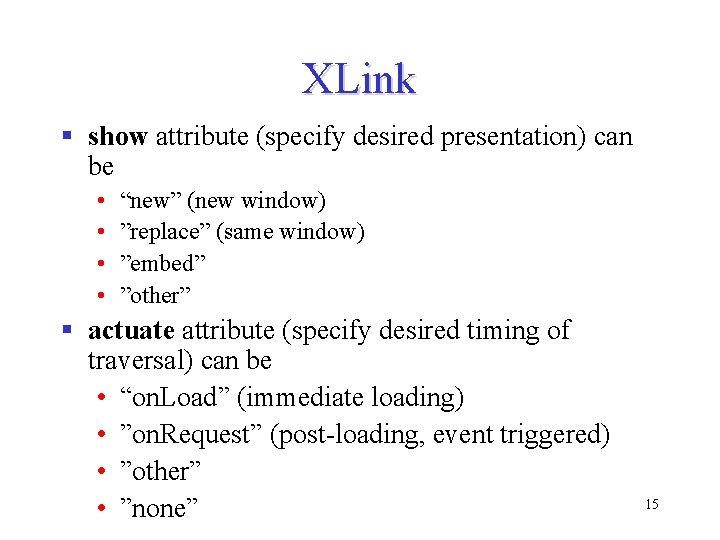
XLink § show attribute (specify desired presentation) can be • • “new” (new window) ”replace” (same window) ”embed” ”other” § actuate attribute (specify desired timing of traversal) can be • “on. Load” (immediate loading) • ”on. Request” (post-loading, event triggered) • ”other” • ”none” 15
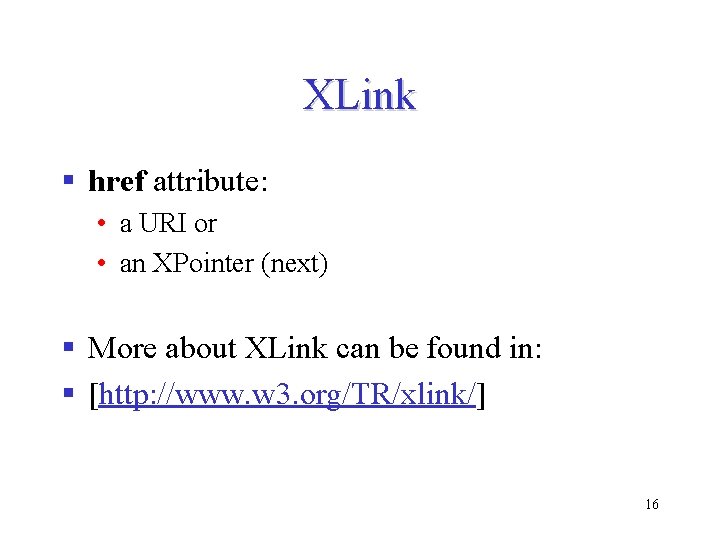
XLink § href attribute: • a URI or • an XPointer (next) § More about XLink can be found in: § [http: //www. w 3. org/TR/xlink/] 16
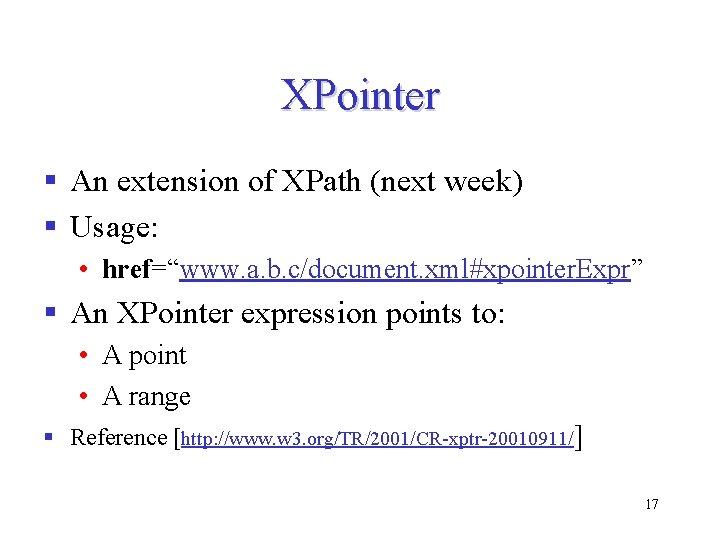
XPointer § An extension of XPath (next week) § Usage: • href=“www. a. b. c/document. xml#xpointer. Expr” § An XPointer expression points to: • A point • A range § Reference [http: //www. w 3. org/TR/2001/CR-xptr-20010911/] 17
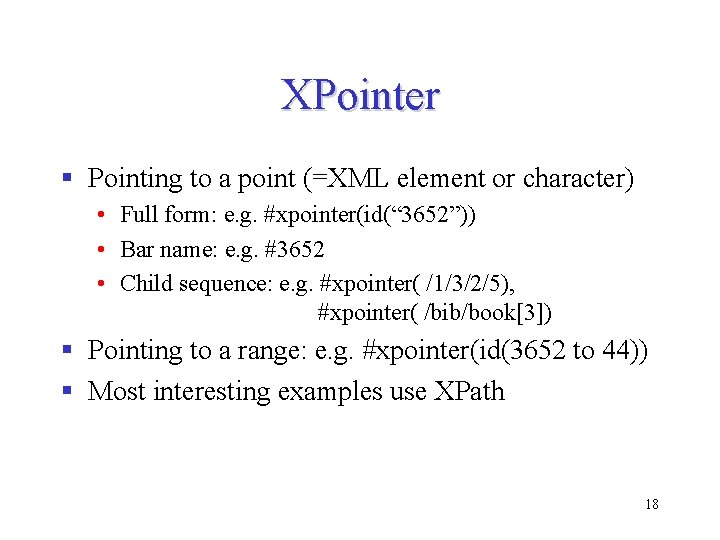
XPointer § Pointing to a point (=XML element or character) • Full form: e. g. #xpointer(id(“ 3652”)) • Bar name: e. g. #3652 • Child sequence: e. g. #xpointer( /1/3/2/5), #xpointer( /bib/book[3]) § Pointing to a range: e. g. #xpointer(id(3652 to 44)) § Most interesting examples use XPath 18
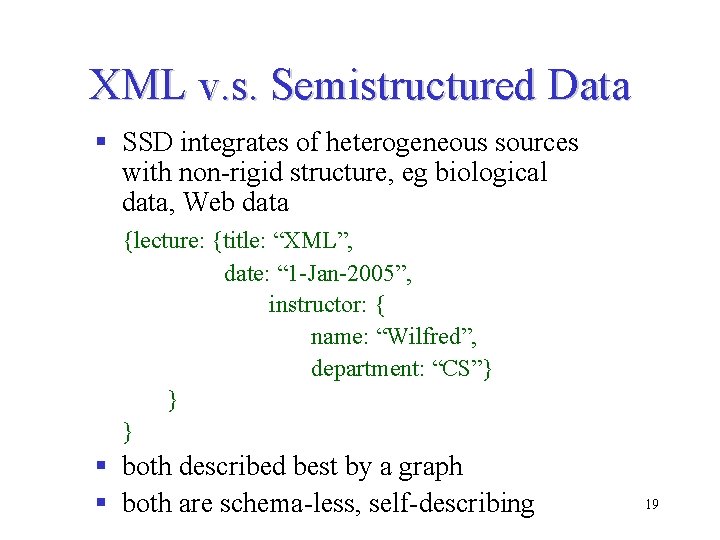
XML v. s. Semistructured Data § SSD integrates of heterogeneous sources with non-rigid structure, eg biological data, Web data {lecture: {title: “XML”, date: “ 1 -Jan-2005”, instructor: { name: “Wilfred”, department: “CS”} } } § both described best by a graph § both are schema-less, self-describing 19
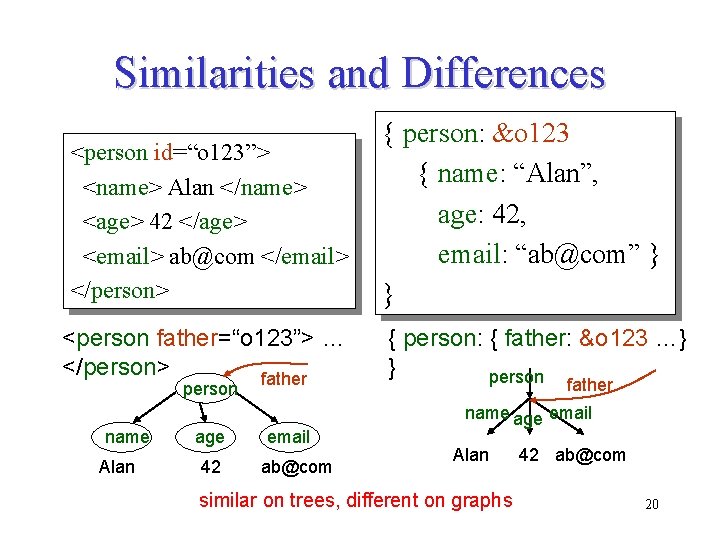
Similarities and Differences <person id=“o 123”> <name> Alan </name> <age> 42 </age> <email> ab@com </email> </person> <person father=“o 123”> … </person> father person name Alan age 42 email ab@com { person: &o 123 { name: “Alan”, age: 42, email: “ab@com” } } { person: { father: &o 123 …} } person father name age email Alan similar on trees, different on graphs 42 ab@com 20
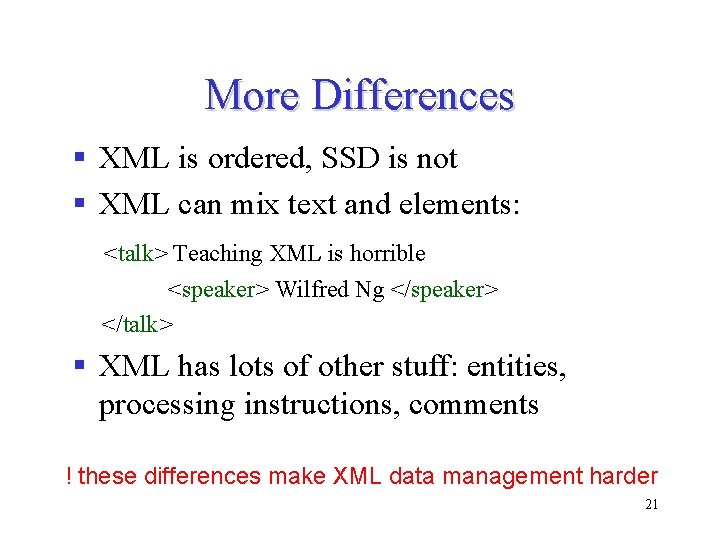
More Differences § XML is ordered, SSD is not § XML can mix text and elements: <talk> Teaching XML is horrible <speaker> Wilfred Ng </speaker> </talk> § XML has lots of other stuff: entities, processing instructions, comments ! these differences make XML data management harder 21
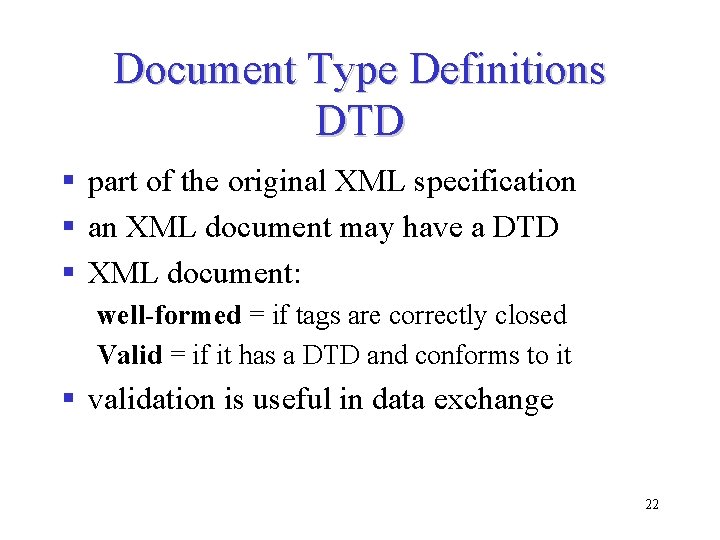
Document Type Definitions DTD § part of the original XML specification § an XML document may have a DTD § XML document: well-formed = if tags are correctly closed Valid = if it has a DTD and conforms to it § validation is useful in data exchange 22
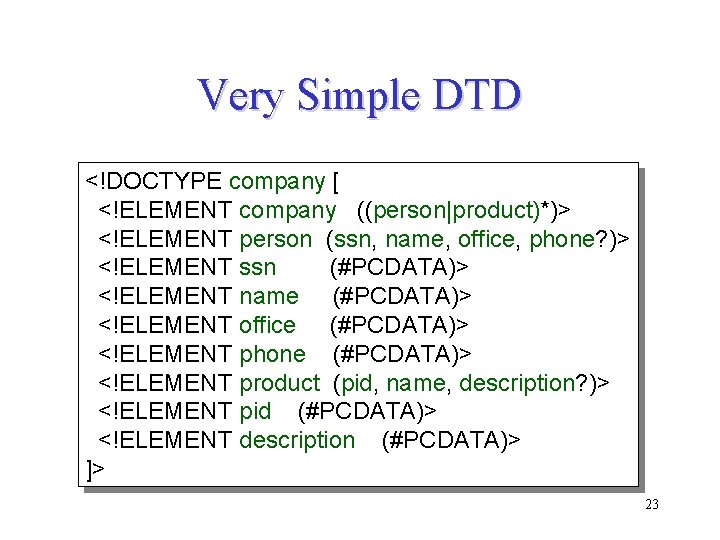
Very Simple DTD <!DOCTYPE company [ <!ELEMENT company ((person|product)*)> <!ELEMENT person (ssn, name, office, phone? )> <!ELEMENT ssn (#PCDATA)> <!ELEMENT name (#PCDATA)> <!ELEMENT office (#PCDATA)> <!ELEMENT phone (#PCDATA)> <!ELEMENT product (pid, name, description? )> <!ELEMENT pid (#PCDATA)> <!ELEMENT description (#PCDATA)> ]> 23
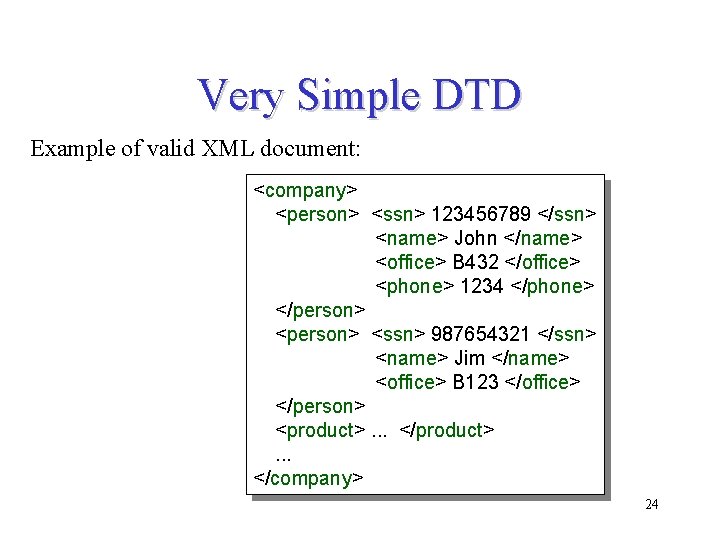
Very Simple DTD Example of valid XML document: <company> <person> <ssn> 123456789 </ssn> <name> John </name> <office> B 432 </office> <phone> 1234 </phone> </person> <ssn> 987654321 </ssn> <name> Jim </name> <office> B 123 </office> </person> <product>. . . </company> 24
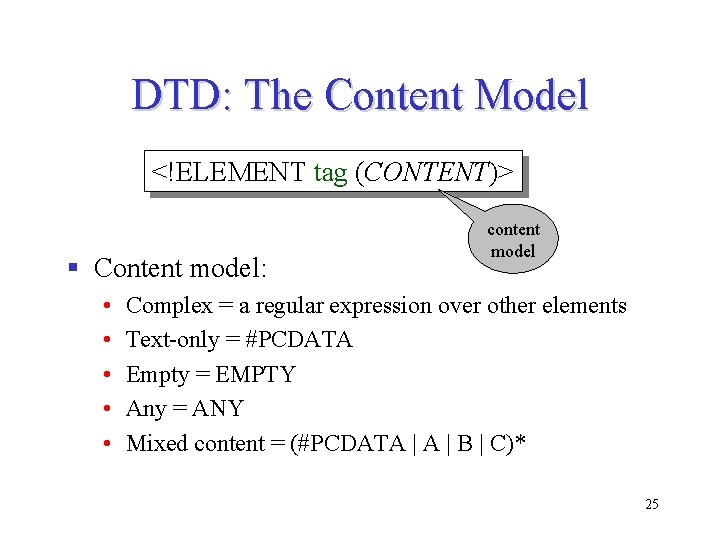
DTD: The Content Model <!ELEMENT tag (CONTENT)> § Content model: • • • content model Complex = a regular expression over other elements Text-only = #PCDATA Empty = EMPTY Any = ANY Mixed content = (#PCDATA | B | C)* 25
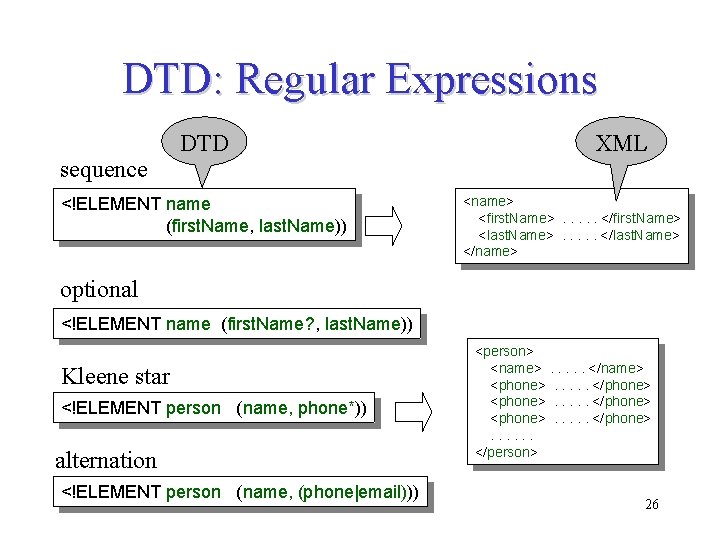
DTD: Regular Expressions sequence DTD <!ELEMENT name (first. Name, last. Name)) XML <name> <first. Name>. . . </first. Name> <last. Name>. . . </last. Name> </name> optional <!ELEMENT name (first. Name? , last. Name)) Kleene star <!ELEMENT person (name, phone*)) alternation <!ELEMENT person (name, (phone|email))) <person> <name>. . . </name> <phone>. . </phone> <phone>. . . </phone>. . . </person> 26
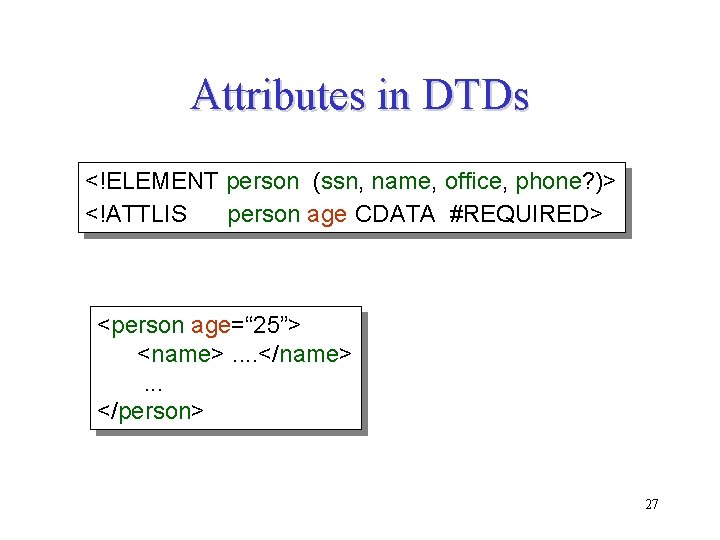
Attributes in DTDs <!ELEMENT person (ssn, name, office, phone? )> <!ATTLIS person age CDATA #REQUIRED> <person age=“ 25”> <name>. . </name>. . . </person> 27
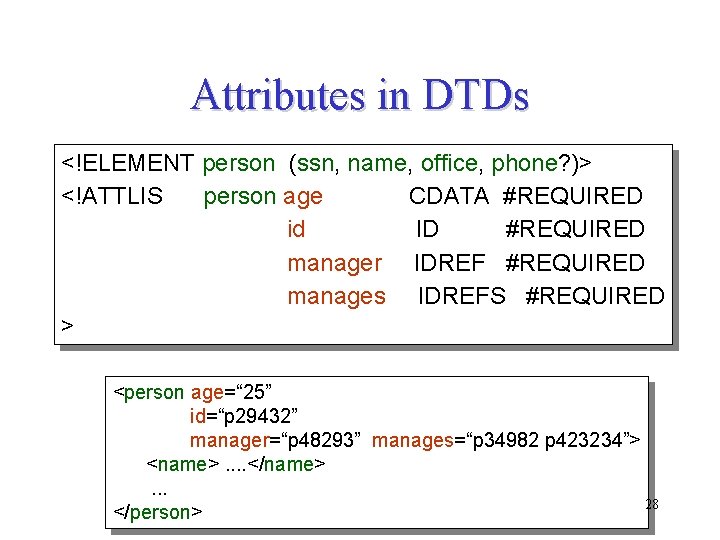
Attributes in DTDs <!ELEMENT person (ssn, name, office, phone? )> <!ATTLIS person age CDATA #REQUIRED id ID #REQUIRED manager IDREF #REQUIRED manages IDREFS #REQUIRED > <person age=“ 25” id=“p 29432” manager=“p 48293” manages=“p 34982 p 423234”> <name>. . </name>. . . 28 </person>
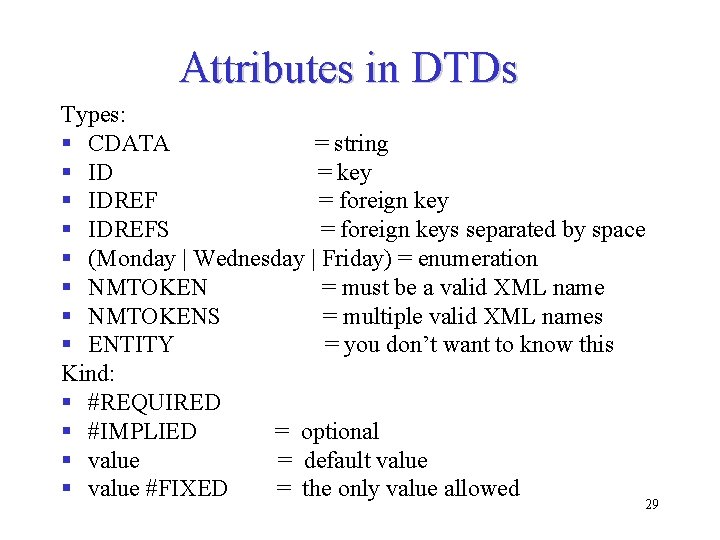
Attributes in DTDs Types: § CDATA = string § ID = key § IDREF = foreign key § IDREFS = foreign keys separated by space § (Monday | Wednesday | Friday) = enumeration § NMTOKEN = must be a valid XML name § NMTOKENS = multiple valid XML names § ENTITY = you don’t want to know this Kind: § #REQUIRED § #IMPLIED = optional § value = default value § value #FIXED = the only value allowed 29
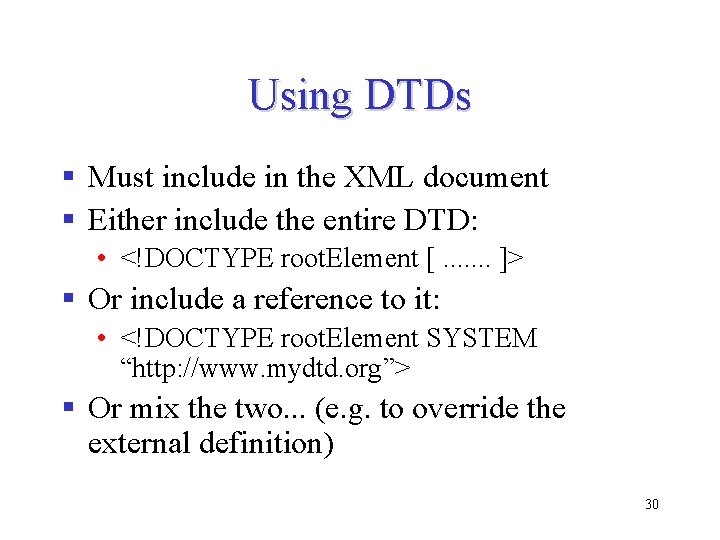
Using DTDs § Must include in the XML document § Either include the entire DTD: • <!DOCTYPE root. Element [. . . . ]> § Or include a reference to it: • <!DOCTYPE root. Element SYSTEM “http: //www. mydtd. org”> § Or mix the two. . . (e. g. to override the external definition) 30
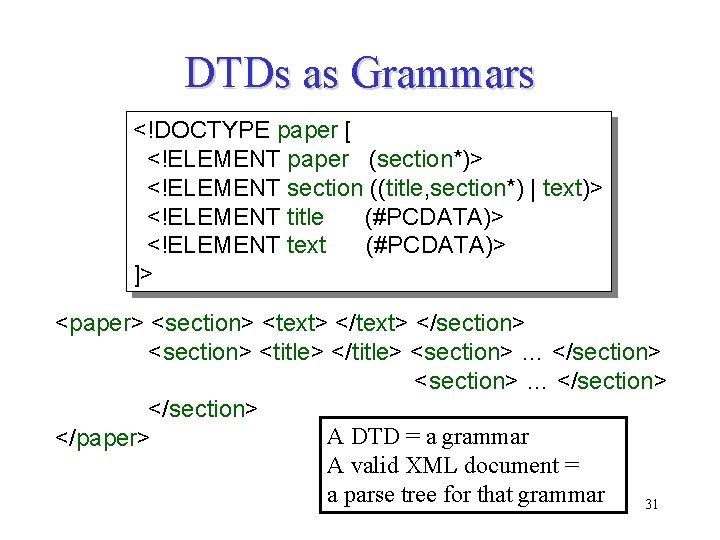
DTDs as Grammars <!DOCTYPE paper [ <!ELEMENT paper (section*)> <!ELEMENT section ((title, section*) | text)> <!ELEMENT title (#PCDATA)> <!ELEMENT text (#PCDATA)> ]> <paper> <section> <text> </section> <title> </title> <section> … </section> A DTD = a grammar </paper> A valid XML document = a parse tree for that grammar 31
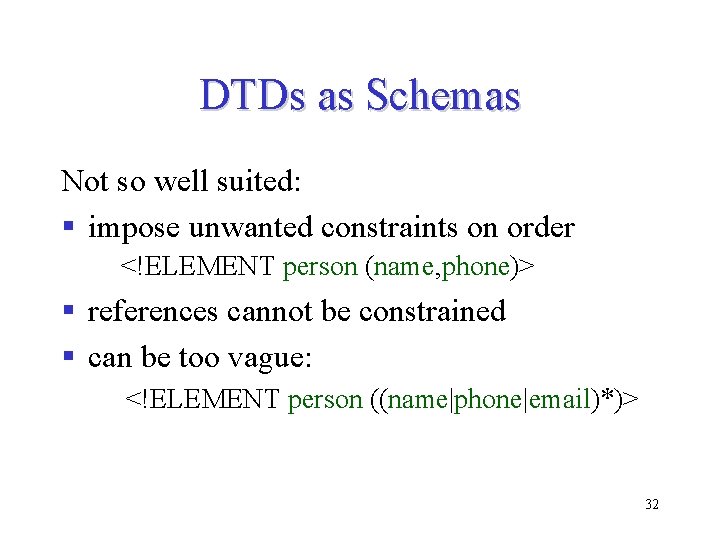
DTDs as Schemas Not so well suited: § impose unwanted constraints on order <!ELEMENT person (name, phone)> § references cannot be constrained § can be too vague: <!ELEMENT person ((name|phone|email)*)> 32
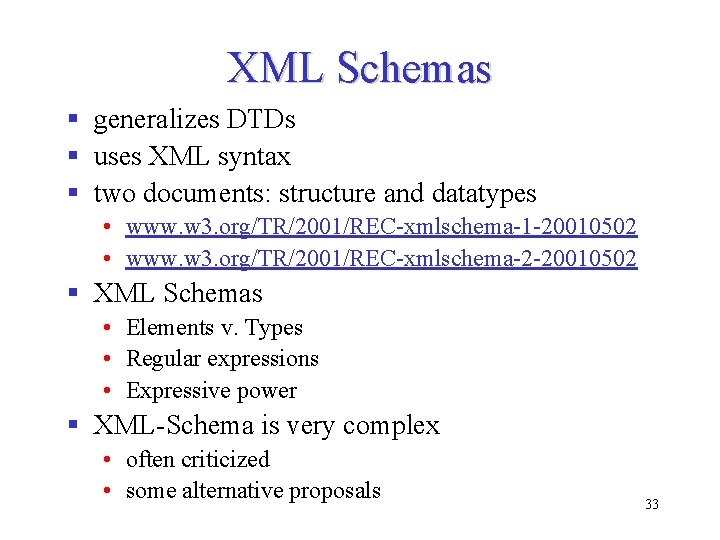
XML Schemas § generalizes DTDs § uses XML syntax § two documents: structure and datatypes • www. w 3. org/TR/2001/REC-xmlschema-1 -20010502 • www. w 3. org/TR/2001/REC-xmlschema-2 -20010502 § XML Schemas • Elements v. Types • Regular expressions • Expressive power § XML-Schema is very complex • often criticized • some alternative proposals 33
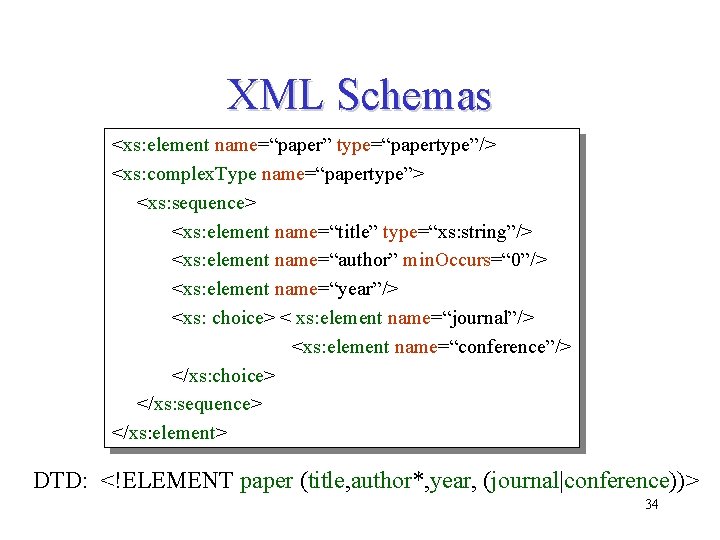
XML Schemas <xs: element name=“paper” type=“papertype”/> <xs: complex. Type name=“papertype”> <xs: sequence> <xs: element name=“title” type=“xs: string”/> <xs: element name=“author” min. Occurs=“ 0”/> <xs: element name=“year”/> <xs: choice> < xs: element name=“journal”/> <xs: element name=“conference”/> </xs: choice> </xs: sequence> </xs: element> DTD: <!ELEMENT paper (title, author*, year, (journal|conference))> 34
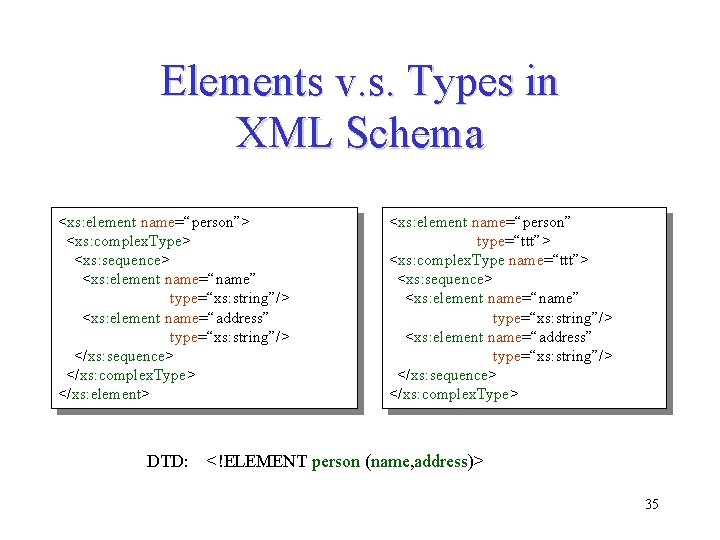
Elements v. s. Types in XML Schema <xs: element name=“person”> <xs: complex. Type> <xs: sequence> <xs: element name=“name” type=“xs: string”/> <xs: element name=“address” type=“xs: string”/> </xs: sequence> </xs: complex. Type> </xs: element> DTD: <xs: element name=“person” type=“ttt”> <xs: complex. Type name=“ttt”> <xs: sequence> <xs: element name=“name” type=“xs: string”/> <xs: element name=“address” type=“xs: string”/> </xs: sequence> </xs: complex. Type> <!ELEMENT person (name, address)> 35
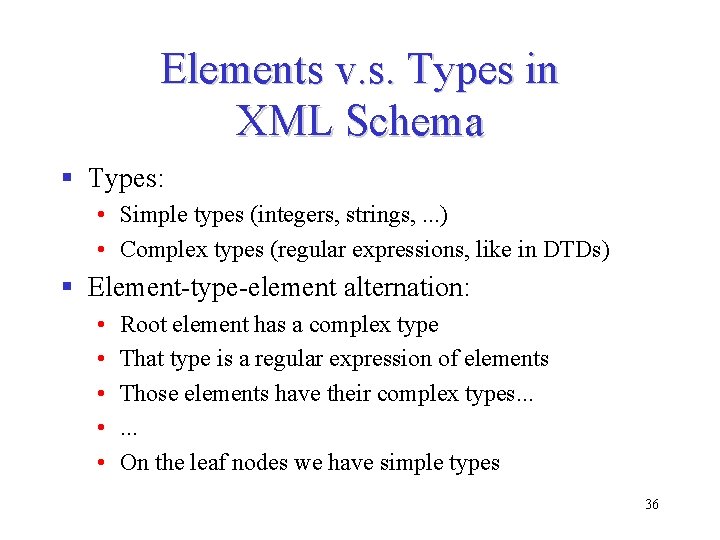
Elements v. s. Types in XML Schema § Types: • Simple types (integers, strings, . . . ) • Complex types (regular expressions, like in DTDs) § Element-type-element alternation: • • • Root element has a complex type That type is a regular expression of elements Those elements have their complex types. . . On the leaf nodes we have simple types 36
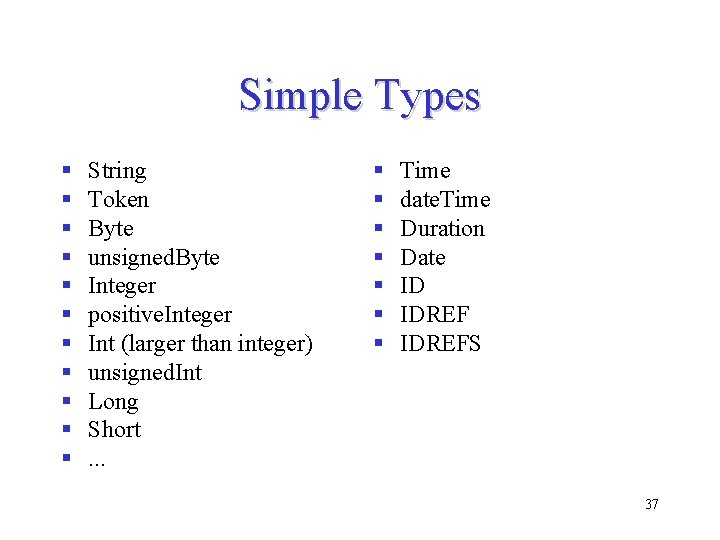
Simple Types § § § String Token Byte unsigned. Byte Integer positive. Integer Int (larger than integer) unsigned. Int Long Short. . . § § § § Time date. Time Duration Date ID IDREFS 37
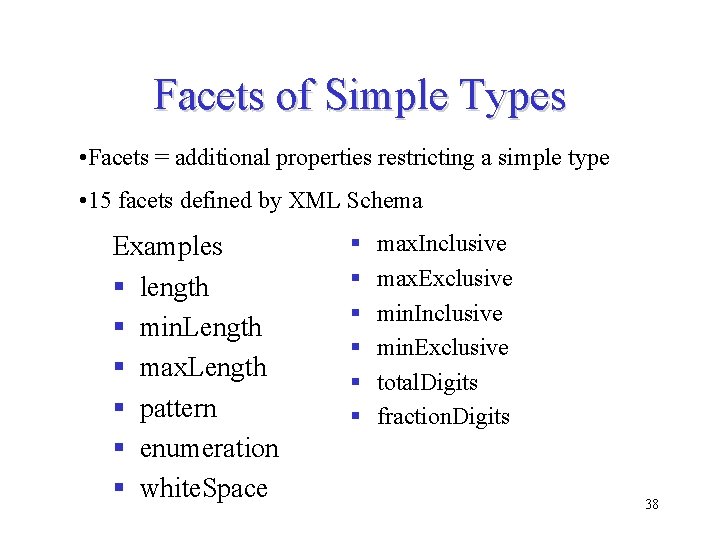
Facets of Simple Types • Facets = additional properties restricting a simple type • 15 facets defined by XML Schema Examples § length § min. Length § max. Length § pattern § enumeration § white. Space § § § max. Inclusive max. Exclusive min. Inclusive min. Exclusive total. Digits fraction. Digits 38
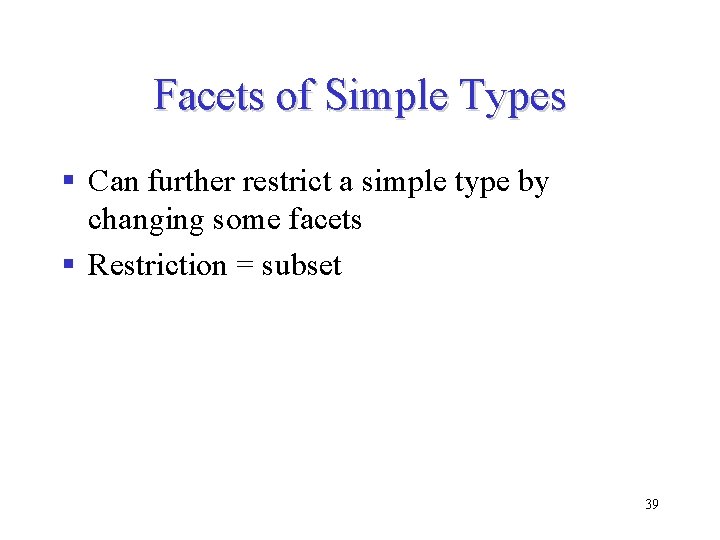
Facets of Simple Types § Can further restrict a simple type by changing some facets § Restriction = subset 39
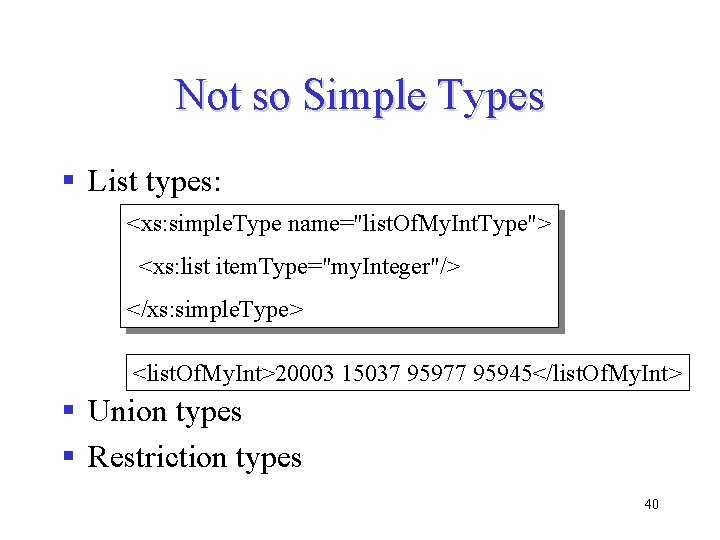
Not so Simple Types § List types: <xs: simple. Type name="list. Of. My. Int. Type"> <xs: list item. Type="my. Integer"/> </xs: simple. Type> <list. Of. My. Int>20003 15037 95977 95945</list. Of. My. Int> § Union types § Restriction types 40
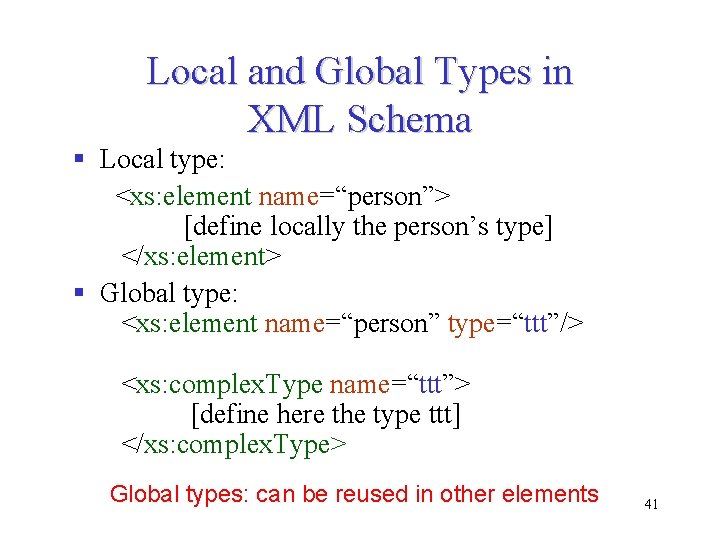
Local and Global Types in XML Schema § Local type: <xs: element name=“person”> [define locally the person’s type] </xs: element> § Global type: <xs: element name=“person” type=“ttt”/> <xs: complex. Type name=“ttt”> [define here the type ttt] </xs: complex. Type> Global types: can be reused in other elements 41
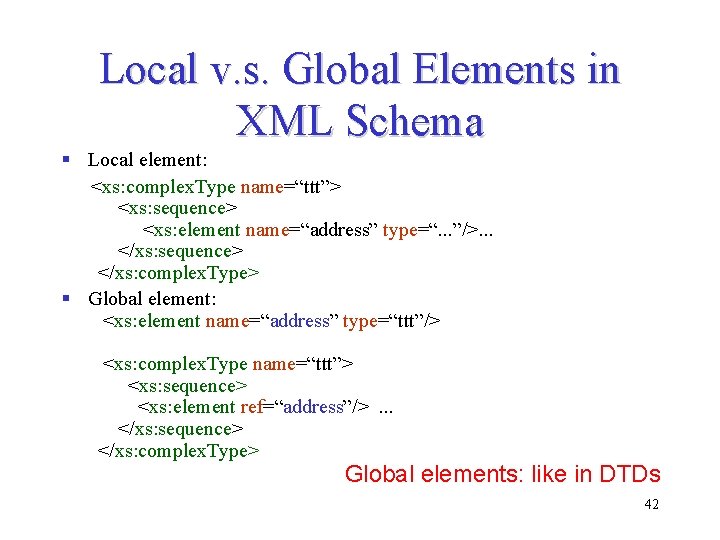
Local v. s. Global Elements in XML Schema § Local element: <xs: complex. Type name=“ttt”> <xs: sequence> <xs: element name=“address” type=“. . . ”/>. . . </xs: sequence> </xs: complex. Type> § Global element: <xs: element name=“address” type=“ttt”/> <xs: complex. Type name=“ttt”> <xs: sequence> <xs: element ref=“address”/>. . . </xs: sequence> </xs: complex. Type> Global elements: like in DTDs 42
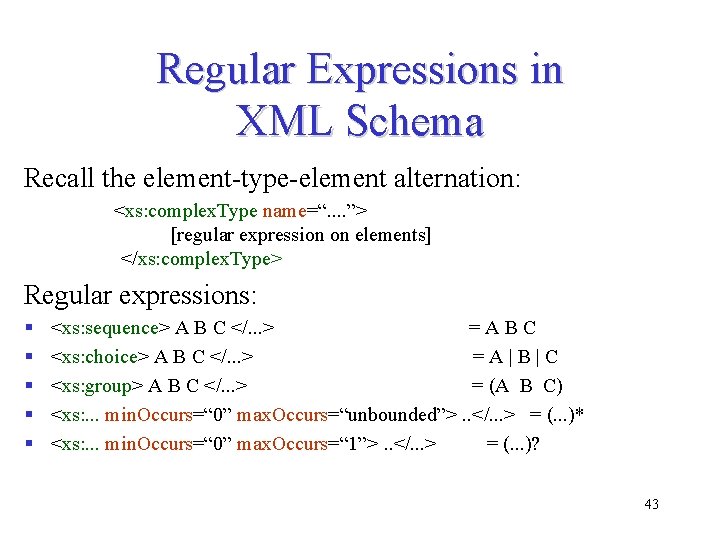
Regular Expressions in XML Schema Recall the element-type-element alternation: <xs: complex. Type name=“. . ”> [regular expression on elements] </xs: complex. Type> Regular expressions: § § § <xs: sequence> A B C </. . . > =ABC <xs: choice> A B C </. . . > =A|B|C <xs: group> A B C </. . . > = (A B C) <xs: . . . min. Occurs=“ 0” max. Occurs=“unbounded”>. . </. . . > = (. . . )* <xs: . . . min. Occurs=“ 0” max. Occurs=“ 1”>. . </. . . > = (. . . )? 43
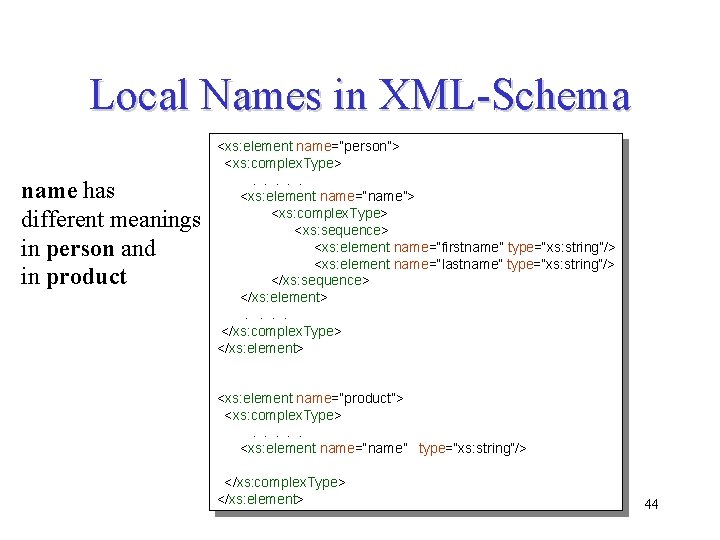
Local Names in XML-Schema name has different meanings in person and in product <xs: element name=“person”> <xs: complex. Type>. . . <xs: element name=“name”> <xs: complex. Type> <xs: sequence> <xs: element name=“firstname” type=“xs: string”/> <xs: element name=“lastname” type=“xs: string”/> </xs: sequence> </xs: element>. . </xs: complex. Type> </xs: element> <xs: element name=“product”> <xs: complex. Type>. . . <xs: element name=“name” type=“xs: string”/> </xs: complex. Type> </xs: element> 44
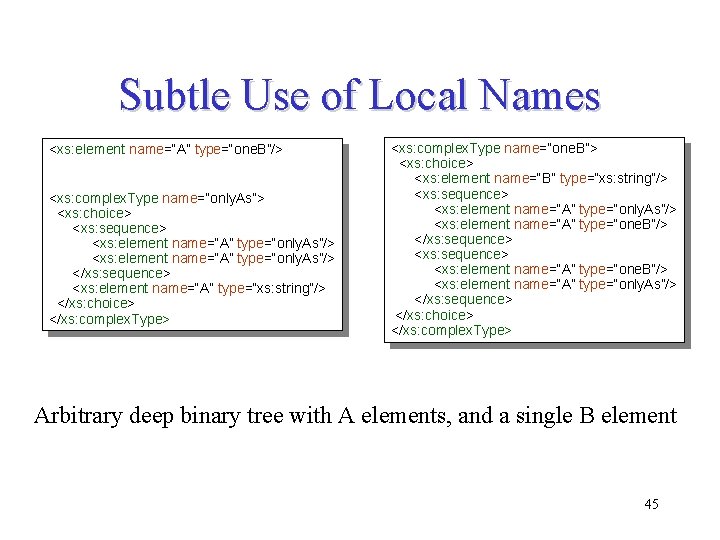
Subtle Use of Local Names <xs: element name=“A” type=“one. B”/> <xs: complex. Type name=“only. As”> <xs: choice> <xs: sequence> <xs: element name=“A” type=“only. As”/> </xs: sequence> <xs: element name=“A” type=“xs: string”/> </xs: choice> </xs: complex. Type> <xs: complex. Type name=“one. B”> <xs: choice> <xs: element name=“B” type=“xs: string”/> <xs: sequence> <xs: element name=“A” type=“only. As”/> <xs: element name=“A” type=“one. B”/> </xs: sequence> <xs: element name=“A” type=“one. B”/> <xs: element name=“A” type=“only. As”/> </xs: sequence> </xs: choice> </xs: complex. Type> Arbitrary deep binary tree with A elements, and a single B element 45
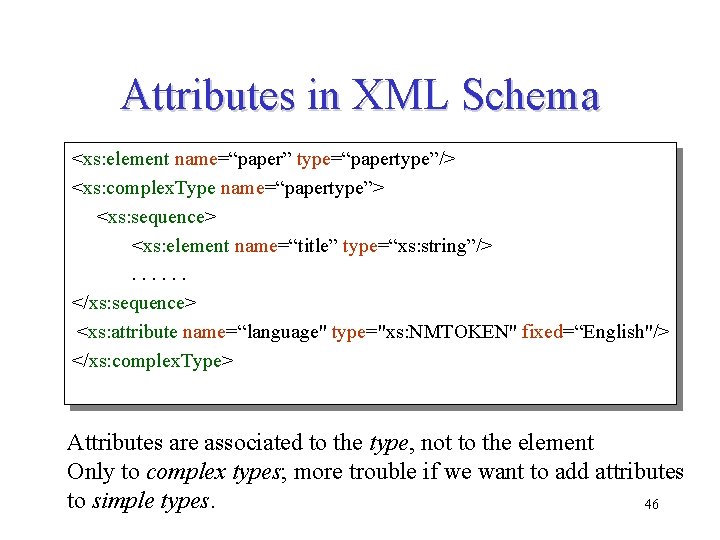
Attributes in XML Schema <xs: element name=“paper” type=“papertype”/> <xs: complex. Type name=“papertype”> <xs: sequence> <xs: element name=“title” type=“xs: string”/>. . . </xs: sequence> <xs: attribute name=“language" type="xs: NMTOKEN" fixed=“English"/> </xs: complex. Type> Attributes are associated to the type, not to the element Only to complex types; more trouble if we want to add attributes to simple types. 46
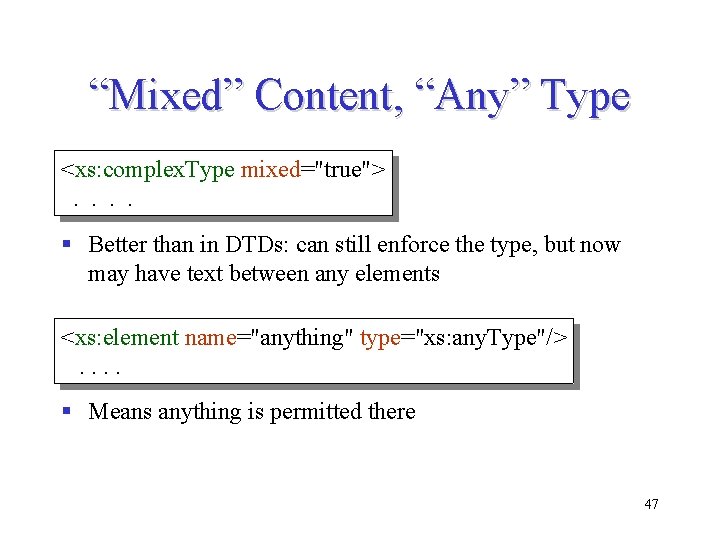
“Mixed” Content, “Any” Type <xs: complex. Type mixed="true">. . § Better than in DTDs: can still enforce the type, but now may have text between any elements <xs: element name="anything" type="xs: any. Type"/>. . § Means anything is permitted there 47
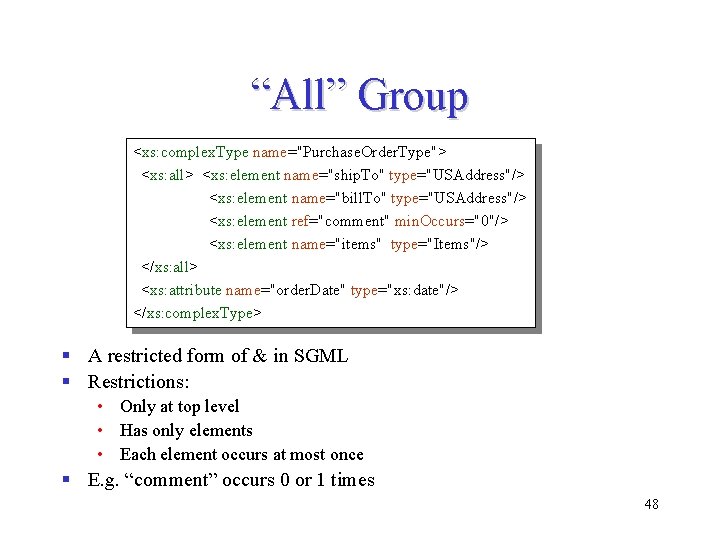
“All” Group <xs: complex. Type name="Purchase. Order. Type"> <xs: all> <xs: element name="ship. To" type="USAddress"/> <xs: element name="bill. To" type="USAddress"/> <xs: element ref="comment" min. Occurs="0"/> <xs: element name="items" type="Items"/> </xs: all> <xs: attribute name="order. Date" type="xs: date"/> </xs: complex. Type> § A restricted form of & in SGML § Restrictions: • Only at top level • Has only elements • Each element occurs at most once § E. g. “comment” occurs 0 or 1 times 48
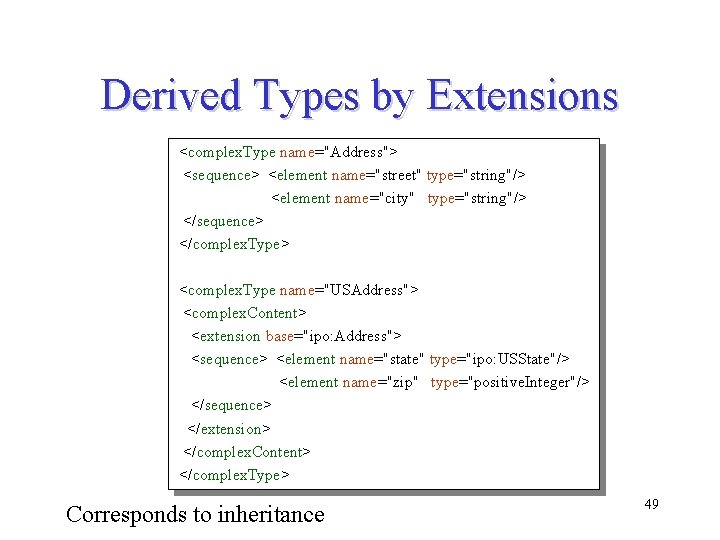
Derived Types by Extensions <complex. Type name="Address"> <sequence> <element name="street" type="string"/> <element name="city" type="string"/> </sequence> </complex. Type> <complex. Type name="USAddress"> <complex. Content> <extension base="ipo: Address"> <sequence> <element name="state" type="ipo: USState"/> <element name="zip" type="positive. Integer"/> </sequence> </extension> </complex. Content> </complex. Type> Corresponds to inheritance 49
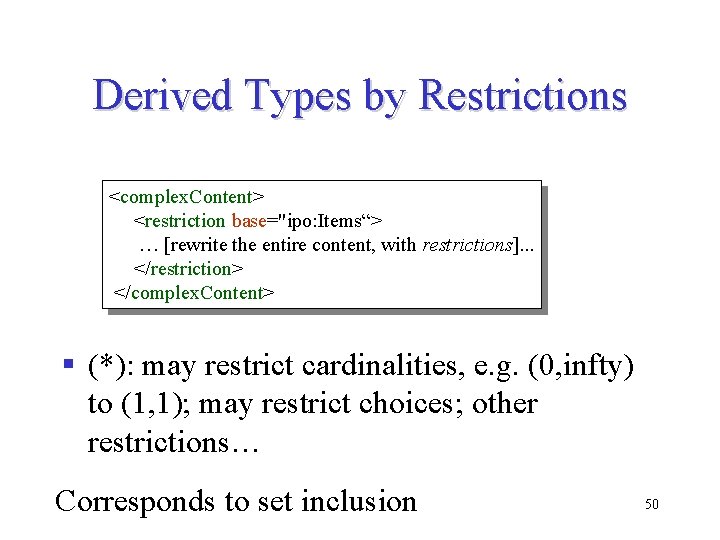
Derived Types by Restrictions <complex. Content> <restriction base="ipo: Items“> … [rewrite the entire content, with restrictions]. . . </restriction> </complex. Content> § (*): may restrict cardinalities, e. g. (0, infty) to (1, 1); may restrict choices; other restrictions… Corresponds to set inclusion 50