
Managing and Monitoring SQL Server 2005 Shankar Pal
- Slides: 24
Managing and Monitoring SQL Server 2005 Shankar Pal Program Manager SQL Server, Redmond
Managing and Administering SQL Server Management Studio Dynamic Management Views
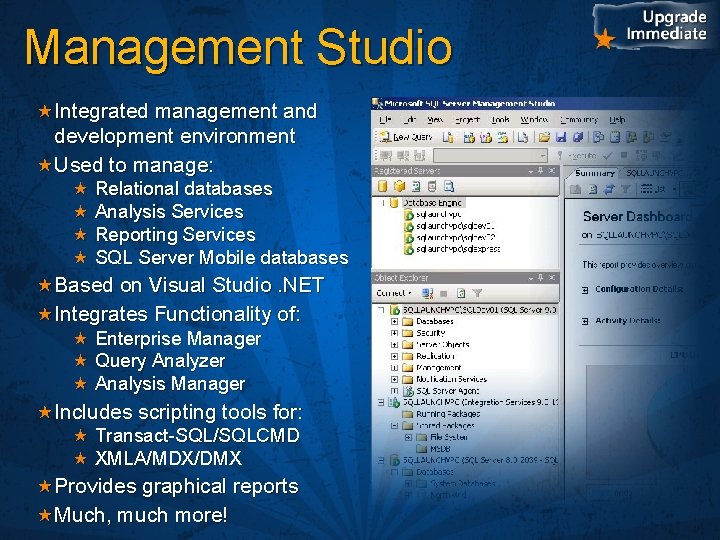
Management Studio Integrated management and development environment Used to manage: Relational databases Analysis Services Reporting Services SQL Server Mobile databases Based on Visual Studio. NET Integrates Functionality of: Enterprise Manager Query Analyzer Analysis Manager Includes scripting tools for: Transact-SQL/SQLCMD XMLA/MDX/DMX Provides graphical reports Much, much more!
A Tour of SQL Server Management Studio
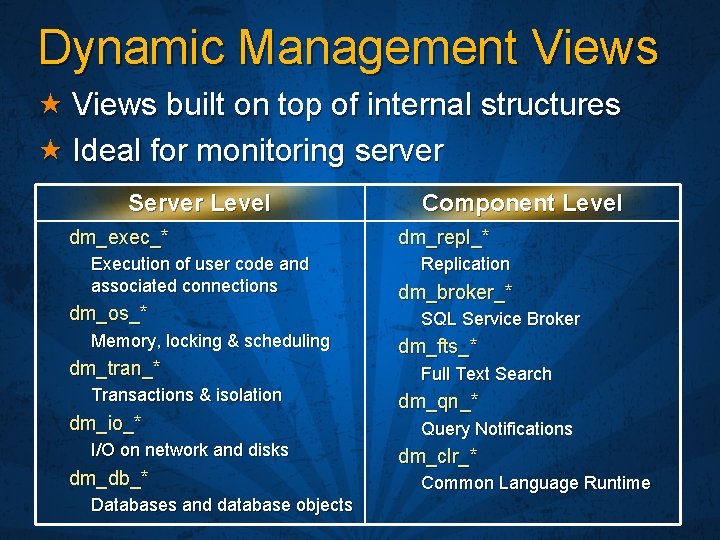
Dynamic Management Views built on top of internal structures Ideal for monitoring server Server Level dm_exec_* Execution of user code and associated connections dm_os_* Memory, locking & scheduling dm_tran_* Transactions & isolation dm_io_* I/O on network and disks dm_db_* Databases and database objects Component Level dm_repl_* Replication dm_broker_* SQL Service Broker dm_fts_* Full Text Search dm_qn_* Query Notifications dm_clr_* Common Language Runtime
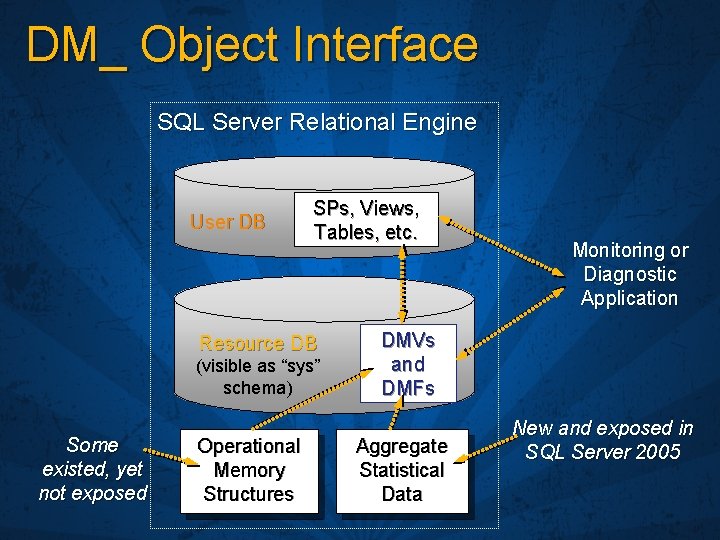
DM_ Object Interface SQL Server Relational Engine User DB SPs, Views, Tables, etc. Resource DB (visible as “sys” schema) Some existed, yet not exposed Operational Memory Structures Monitoring or Diagnostic Application DMVs and DMFs Aggregate Statistical Data New and exposed in SQL Server 2005
Database Management Views and Functions
Maintaining Security and Operational Policies SQL Server Surface Area Configuration Auditing and Change Control
SQL Server Surface Area Configuration
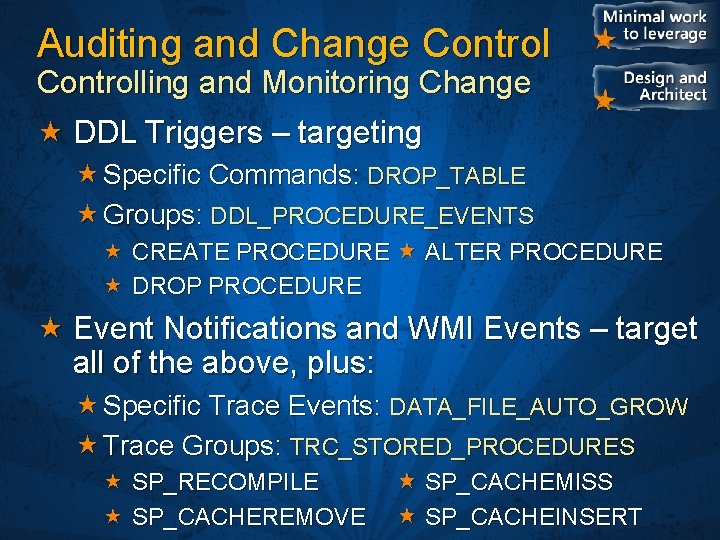
Auditing and Change Controlling and Monitoring Change DDL Triggers – targeting Specific Commands: DROP_TABLE Groups: DDL_PROCEDURE_EVENTS CREATE PROCEDURE ALTER PROCEDURE DROP PROCEDURE Event Notifications and WMI Events – target all of the above, plus: Specific Trace Events: DATA_FILE_AUTO_GROW Trace Groups: TRC_STORED_PROCEDURES SP_RECOMPILE SP_CACHEREMOVE SP_CACHEMISS SP_CACHEINSERT
DDL Triggers
Monitoring and Troubleshooting System Monitor Integration SQL Server Profiler
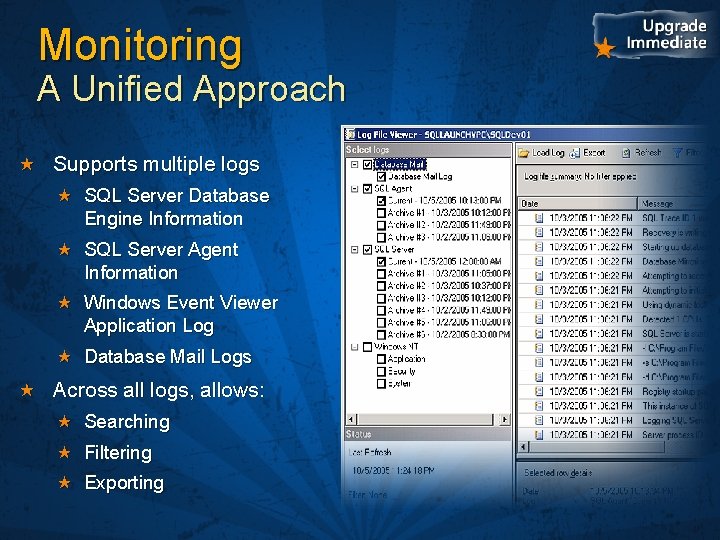
Monitoring A Unified Approach Supports multiple logs SQL Server Database Engine Information SQL Server Agent Information Windows Event Viewer Application Log Database Mail Logs Across all logs, allows: Searching Filtering Exporting
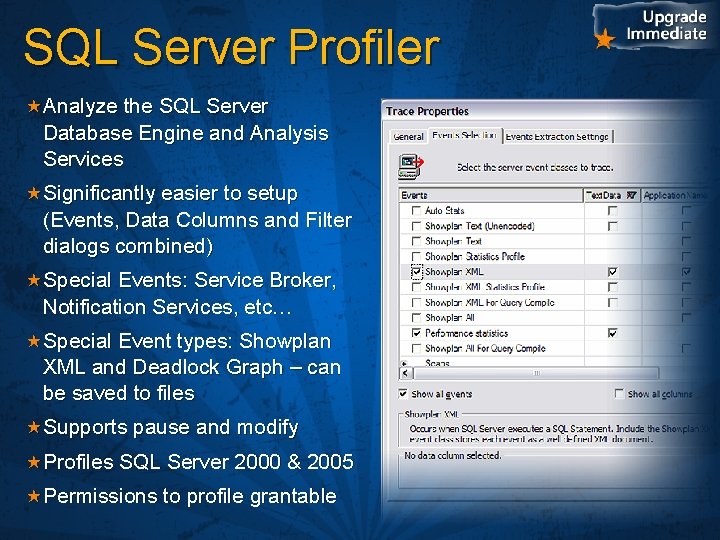
SQL Server Profiler Analyze the SQL Server Database Engine and Analysis Services Significantly easier to setup (Events, Data Columns and Filter dialogs combined) Special Events: Service Broker, Notification Services, etc… Special Event types: Showplan XML and Deadlock Graph – can be saved to files Supports pause and modify Profiles SQL Server 2000 & 2005 Permissions to profile grantable
A Tour of SQL Server Profiler
Performance Tuning Database Engine Tuning Advisor
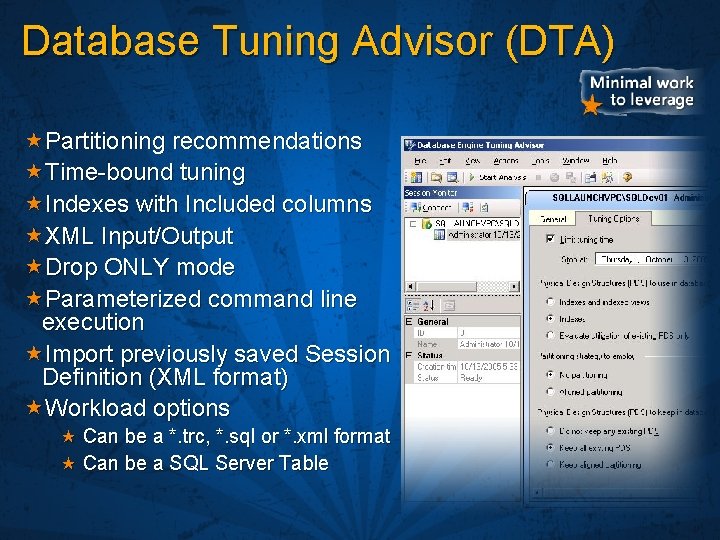
Database Tuning Advisor (DTA) Partitioning recommendations Time-bound tuning Indexes with Included columns XML Input/Output Drop ONLY mode Parameterized command line execution Import previously saved Session Definition (XML format) Workload options Can be a *. trc, *. sql or *. xml format Can be a SQL Server Table
Database Tuning Advisor
Automation and Upgrade Database Maintenance Plans Database Mail SQLCMD
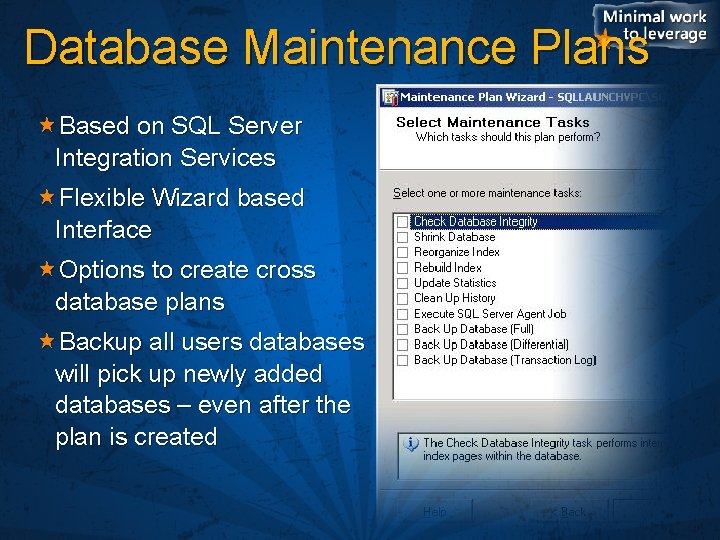
Database Maintenance Plans Based on SQL Server Integration Services Flexible Wizard based Interface Options to create cross database plans Backup all users databases will pick up newly added databases – even after the plan is created
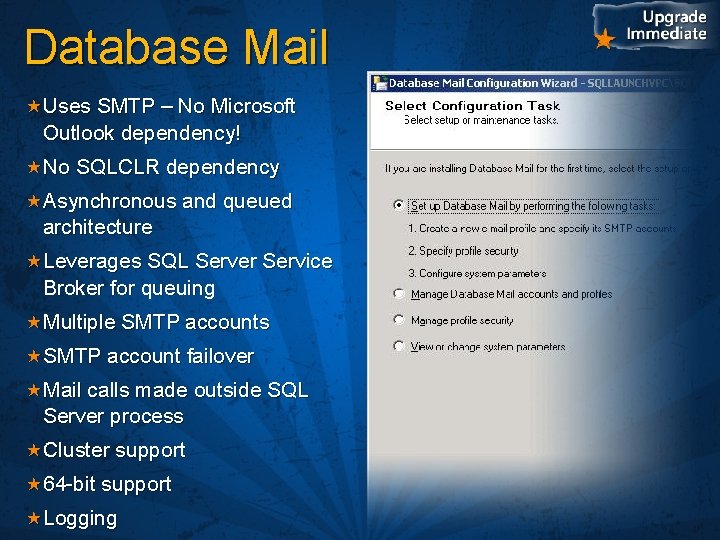
Database Mail Uses SMTP – No Microsoft Outlook dependency! No SQLCLR dependency Asynchronous and queued architecture Leverages SQL Server Service Broker for queuing Multiple SMTP accounts SMTP account failover Mail calls made outside SQL Server process Cluster support 64 -bit support Logging
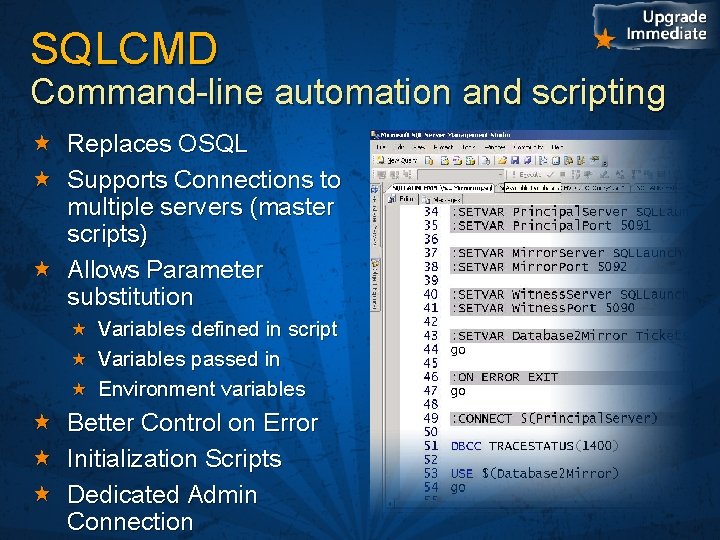
SQLCMD Command-line automation and scripting Replaces OSQL Supports Connections to multiple servers (master scripts) Allows Parameter substitution Variables defined in script Variables passed in Environment variables Better Control on Error Initialization Scripts Dedicated Admin Connection
For More Information http: //www. microsoft. com Books Online http: //msdn. microsoft. com Whitepapers Books Online Webcasts Blogs at http: //blogs. msdn. com Example: http: //blogs. msdn. com/spal
© 2005 Microsoft Corporation. All rights reserved. This presentation is for informational purposes only. Microsoft makes no warranties, express or implied, in this summary.