
Manage Engine Desktop Central 4 Product Presentation 2006
- Slides: 19
Manage. Engine Desktop Central 4 Product Presentation, 2006
Agenda Overview Features USP License Model Roadmap Summary
Desktop Central Overview It is a Windows Desktop Administration Software to perform Remote Windows Configurations Patch Management Software Installation Remote Desktop Sharing Active Directory Reports Windows System Tools
Windows Configurations Over 25 pre-defined Configurations to configure Windows Applications Computer Settings Desktop Settings Security Settings
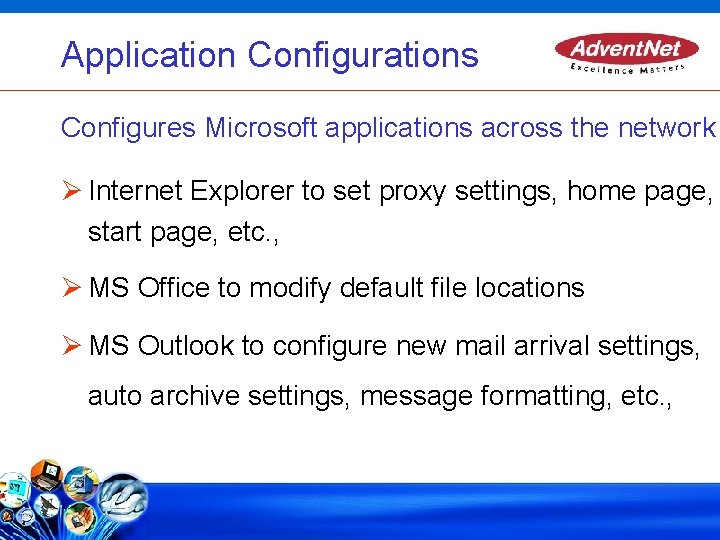
Application Configurations Configures Microsoft applications across the network Internet Explorer to set proxy settings, home page, start page, etc. , MS Office to modify default file locations MS Outlook to configure new mail arrival settings, auto archive settings, message formatting, etc. ,
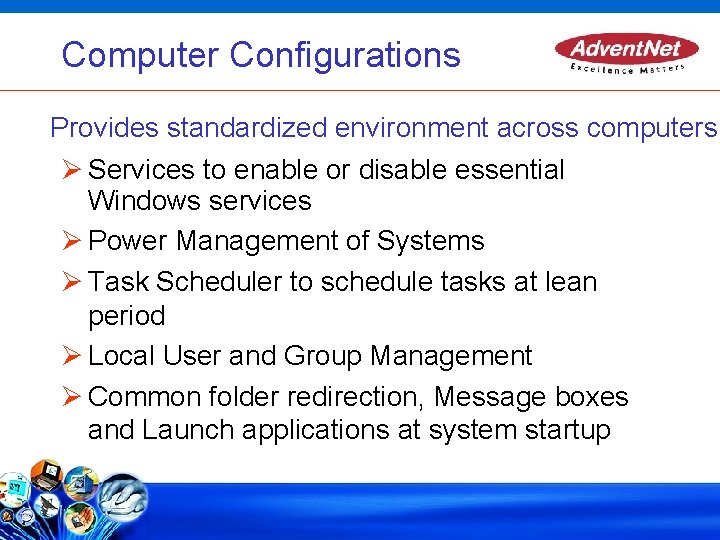
Computer Configurations Provides standardized environment across computers Services to enable or disable essential Windows services Power Management of Systems Task Scheduler to schedule tasks at lean period Local User and Group Management Common folder redirection, Message boxes and Launch applications at system startup
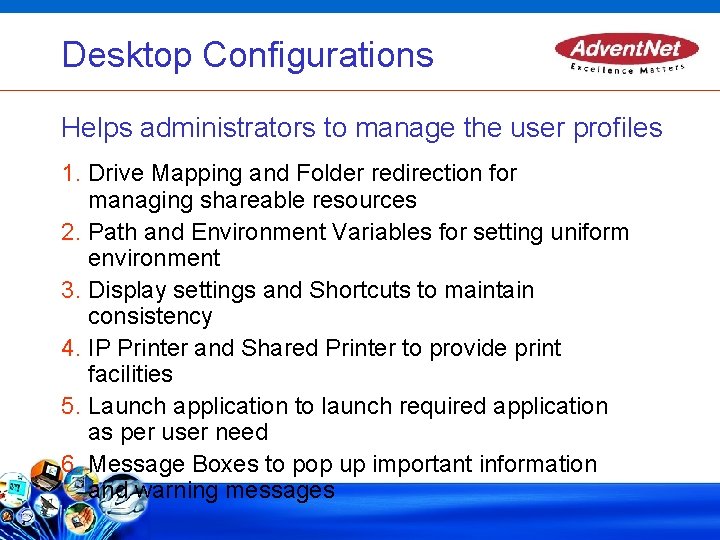
Desktop Configurations Helps administrators to manage the user profiles 1. Drive Mapping and Folder redirection for managing shareable resources 2. Path and Environment Variables for setting uniform environment 3. Display settings and Shortcuts to maintain consistency 4. IP Printer and Shared Printer to provide print facilities 5. Launch application to launch required application as per user need 6. Message Boxes to pop up important information and warning messages
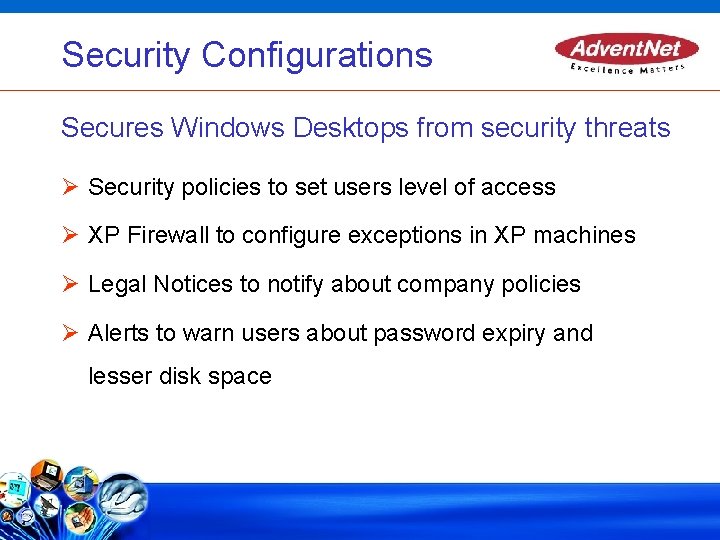
Security Configurations Secures Windows Desktops from security threats Security policies to set users level of access XP Firewall to configure exceptions in XP machines Legal Notices to notify about company policies Alerts to warn users about password expiry and lesser disk space
Patch Management 1. Automatic Discovery of Systems through Active Directory 2. Periodic Scan of Networked Systems for assessing Vulnerability 3. Automatic Download and deployment of Patches 4. Patch Reports giving complete details of System Vulnerability and Patch Deployment status
Software Installation Mass software installation of Windows installer (. msi) files Option to install automatically (assign) or inform users about availability of software (publish) for installation in remote desktops Inventory of installed software
Remote Desktop Sharing Access from anywhere in the network Automatic Installation of Agent Multiple simultaneous connections to different desktops No Individual authentication required
Active Directory reports Exhaustive information of Active Directory Reports on User and Computer, Group and Printer, Domain, Site, OU, and DNS Reports can be drilled down for more information of users and computers Information about SRV records in DNS reports
Windows System Tools Hard Disk maintenance across computers Provides system tools like Check Disk, Disk Defragmenter, and Disk Cleanup. Ability to schedule to run at specified intervals Provides detailed reports of the executed tasks.
Features Completely Web-based Supports Windows 2000/2003/XP Define Target - Include OU, Domain, site, etc. , & Exclude based on OS, machine type and target type Collection - Multiple configurations for single set of targets View Configurations - Status of applied configurations (yet to apply, applied, failed, etc. , ) Scope of Management – Ability to specify List of Computers to be managed Leverages Active Directory and GPO
USP Complete Desktop Management Web based User Interface Affordable Price
License Model 1. Annual Subscription License 2. Standard Edition : - All Windows Configurations, Software Installation, Remote Desktop Sharing and Active Directory Reports 3. Professional Edition : - Includes all the features of Standard Edition + Patch Management 4. Free Edition : -Includes all the features of Professional Edition, which can manage up to 10 desktops
Roadmap Software Packaging Inventory Windows Tools Active Directory Tools Data Backup Antivirus and Anti-spy ware OS Deployment
Summary Windows Desktop Administration Software Proactive administration Secure and standardize Desktops Leverages AD and GPO Complements Help Desk
Thanks