
MALUTI TVET BETHLEHEM COMPUTER PRACTICE N 6 By
MALUTI TVET BETHLEHEM COMPUTER PRACTICE N 6 By CF Brand
TOPIC 3: COMPUTER VIRUSES COMPUTER PRACTICE N 6 By CF Brand
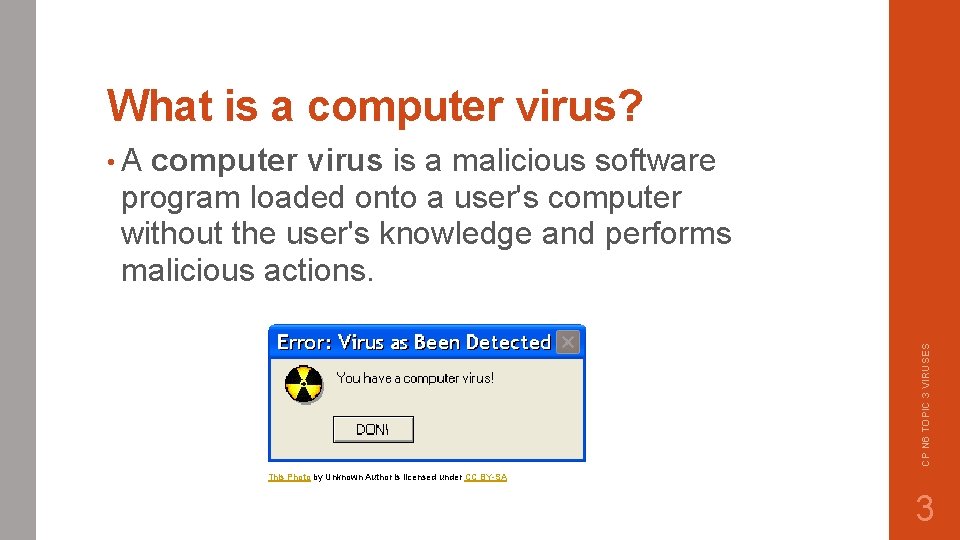
What is a computer virus? computer virus is a malicious software program loaded onto a user's computer without the user's knowledge and performs malicious actions. CP N 6 TOPIC 3 VIRUSES • A This Photo by Unknown Author is licensed under CC BY-SA 3
TYPES OF VIRUSES • WHAT IS A WORM VIRUS? • A computer worm is a type of malware that spreads copies of itself from computer to computer. • EXAMPLES: Michelangelo, ILOVEYOU • WHAT IS A DIRECT ACTION VIRUS? • A direct action virus is a type of file infector virus that works by attaching itself to an. exe or. com file when installed or executed. • EXAMPLES: Virdem, Vienna • WHAT IS A TROJAN HORSE? • A Trojan horse, or Trojan, is a type of malicious code or software that looks legitimate but can take control of your computer. • EXAMPLE: Zeus CP N 6 TOPIC 3 VIRUSES • WHAT IS A BOOT SECTOR VIRUS? • a PC virus that infects storage devices and/or master boot record of hard disks. • EXAMPLES: Michelangelo, Stoned 4
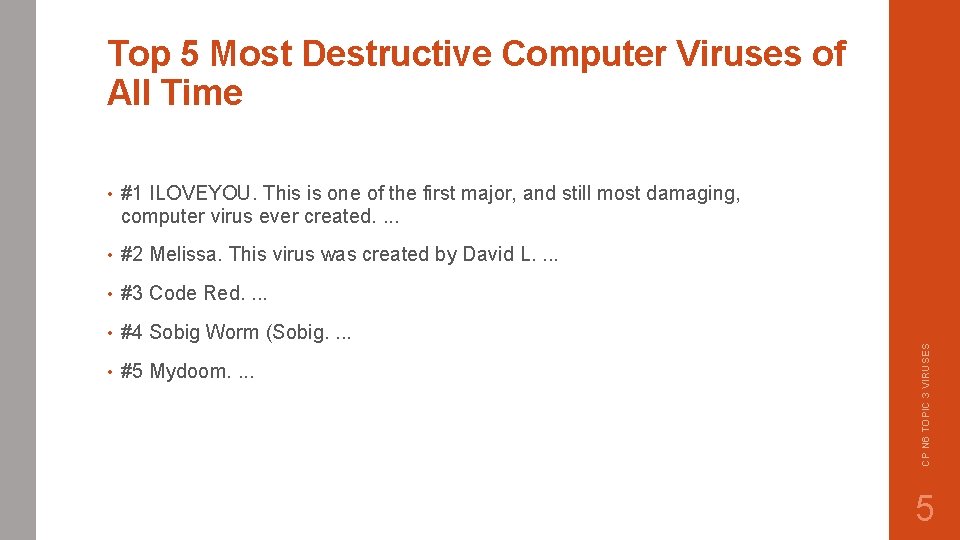
• #1 ILOVEYOU. This is one of the first major, and still most damaging, computer virus ever created. . • #2 Melissa. This virus was created by David L. . • #3 Code Red. . • #4 Sobig Worm (Sobig. . • #5 Mydoom. . CP N 6 TOPIC 3 VIRUSES Top 5 Most Destructive Computer Viruses of All Time 5
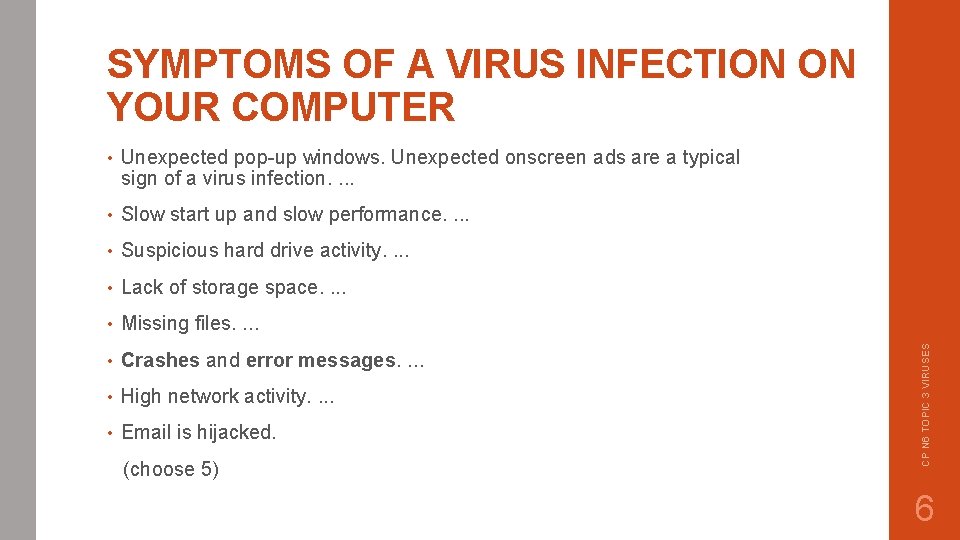
• Unexpected pop-up windows. Unexpected onscreen ads are a typical sign of a virus infection. . • Slow start up and slow performance. . • Suspicious hard drive activity. . • Lack of storage space. . • Missing files. . • Crashes and error messages. . • High network activity. . • Email is hijacked. (choose 5) CP N 6 TOPIC 3 VIRUSES SYMPTOMS OF A VIRUS INFECTION ON YOUR COMPUTER 6
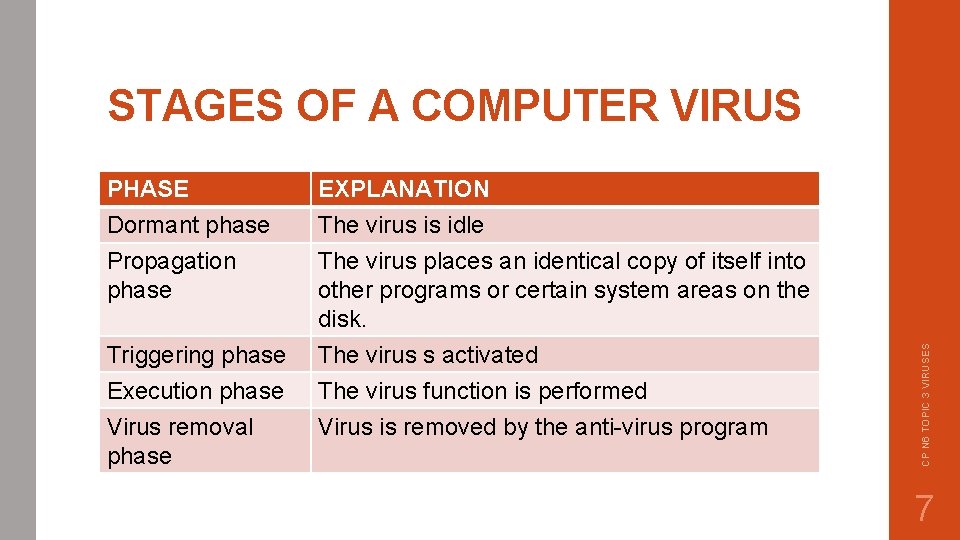
PHASE Dormant phase Propagation phase EXPLANATION The virus is idle The virus places an identical copy of itself into other programs or certain system areas on the disk. Triggering phase Execution phase Virus removal phase The virus s activated The virus function is performed Virus is removed by the anti-virus program CP N 6 TOPIC 3 VIRUSES STAGES OF A COMPUTER VIRUS 7
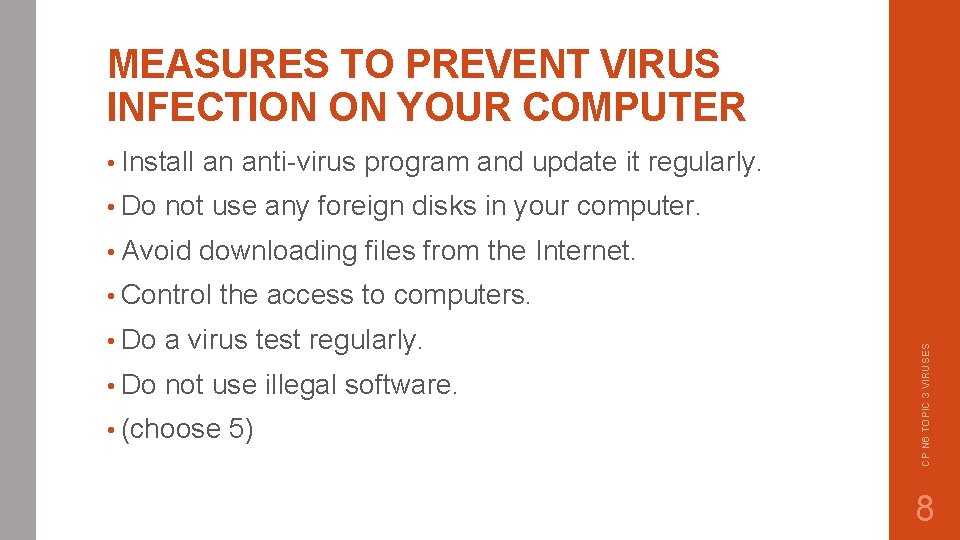
MEASURES TO PREVENT VIRUS INFECTION ON YOUR COMPUTER • Install not use any foreign disks in your computer. • Avoid downloading files from the Internet. • Control the access to computers. • Do a virus test regularly. • Do not use illegal software. • (choose 5) CP N 6 TOPIC 3 VIRUSES • Do an anti-virus program and update it regularly. 8
• What is a VIRUS HOAX? A virus hoax is a false warning about a computer virus. This warning usually arrives in an e-mail message. • Why is it important to update your anti-virus software regularly? Computers are regularly threatened by new viruses. The anti-virus updates contain the latest files needed to combat new viruses and protect your computer. CP N 6 TOPIC 3 VIRUSES MORE INFO ON VIRUSES: 9
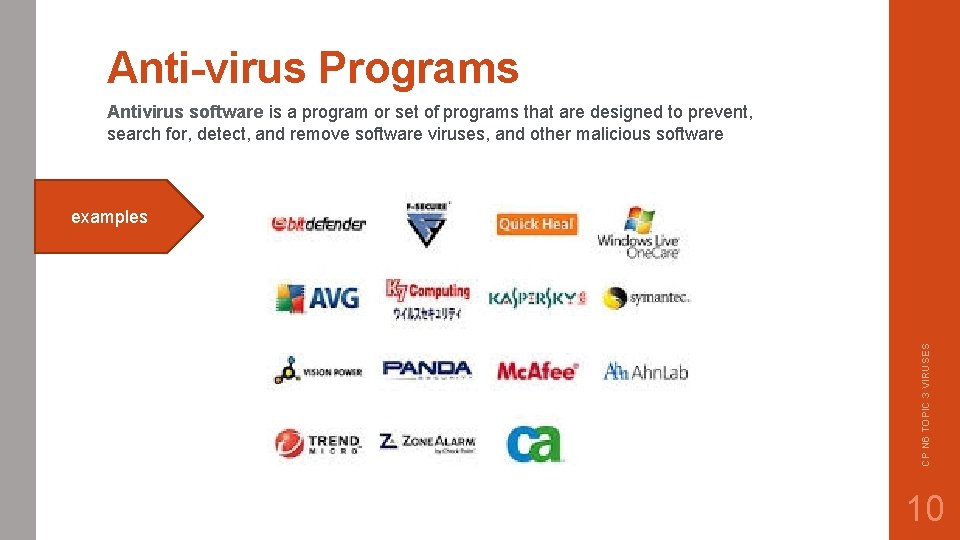
Anti-virus Programs Antivirus software is a program or set of programs that are designed to prevent, search for, detect, and remove software viruses, and other malicious software CP N 6 TOPIC 3 VIRUSES examples 10
CP N 6 TOPIC 3 VIRUSES This Photo by Unknown Author is licensed under CC BY-SA 11
- Slides: 11