
Making Your Class More Inclusive Accessible Formats and
Making Your Class More Inclusive Accessible Formats and Suggestions
Why is This Important? • Students with disabilities: vision, hearing, attentional, psychiatric, medical • Students without disabilities: ESL students, personal hardships, learning styles, etc. • Students use their phones to listen to readings (gym, bus, etc. )
Universal Design = Accessibility for All • Digital materials allow more ways of access and interaction • Lower cost of materials for students • Keeping digital materials in a central space (Moodle) can help students stay organized • Reinforce learning outside of class time • Consider a +1 approach
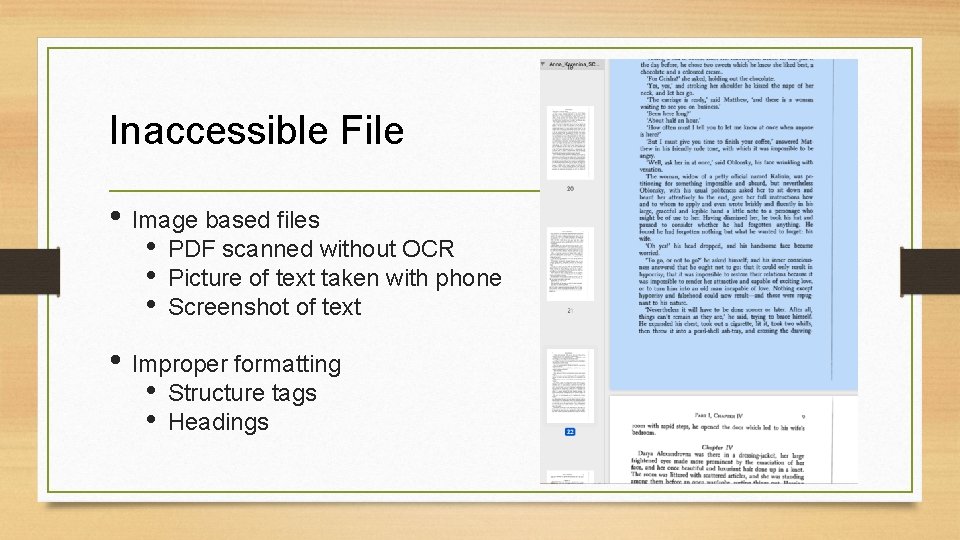
Inaccessible File • Image based files • • • PDF scanned without OCR Picture of text taken with phone Screenshot of text • Improper formatting • • Structure tags Headings

What are Accessible Files? • All information can be understood by a computer, phone, or tablet • Mobile responsive text for reading on all screen sizes • Examples: all images are captioned or have appropriate alt-text, web content makes sense when read by a screen-reader, video and audio content is transcribed
Sensus. Access • Available to anyone with a Trinity email address • Link on Faculty and Student Portals or https: //edtech. domains. trincoll. edu/sensusaccess/ • Converts digital files into accessible formats, such as searchable PDFs, e. Books, or audio files for reading/listening to with a digital device
Tips for Sensus. Access • Avoid special characters (. and /) in file names • Save time by uploading multiple files at a time • File size limit of 64 MB per upload • Good quality scans produce good quality results

Scans for Sensus. Access
Ways to use Sensus. Access • Link to Sensus. Access in your syllabus and on Moodle • Use Sensus. Access to create • Accessible PDFs before posting readings to Moodle • Accessible versions of PPT class slides
Ways to use Sensus. Access (Cont. ) • Provide options to open different versions of a reading: • mp 3, epub, mobi, Word, and/or PDF available in Moodle • Give a demonstration to your class on using Sensus. Access
Other inclusive ideas… • Provide your students with a link to an accessible version of your syllabus • Provide transcripts for all video content in your class (use Kaltura) • Provide accessible PDF of slides before class • Make readings available digitally • Make material available through the library:
Other Inclusive Ideas… (Cont. ) • Copy of textbooks on reserve • Make use of e-books and online articles the library subscribes to • Use open educational resources (OER) as primary course material • Post recordings of your lecture on Moodle with transcripts • Post a recording of your explanation of a particularly challenging or important concept
Resources • Have an accommodation question? § Contact Lori Clapis • Need help with Sensus. Access? § Contact the STAs or your Instructional Technologist (if you don’t know who this is, ask us!)
Resources (Cont. ) • Need help with Moodle? § Contact your Instructional Technologist • Create accessible documents: § https: //it. wisc. edu/learn/guides/accessible-content-tech/createaccessible-documents/
- Slides: 14