
Making UAT Testing Work for Users How to
![Making UAT Testing Work for U[sers] How to create scripts for any release](https://slidetodoc.com/presentation_image_h2/48b7798519fca6f5110cb1c5ee00a50a/image-1.jpg "Making UAT Testing Work for U[sers] How to create scripts for any release")





- Slides: 21
Making UAT Testing Work for U[sers] How to create scripts for any release
Agenda • What is UAT? • What to test? • How to test? • Launching/Post Launch
What is UAT?
Buzzwords • UAT is an acronym for User Acceptance Testing. • There a number of different types of UAT, today we will be primarily addressing Beta Testing. Other types include: • • Contract Acceptance Testing Regulation Acceptance Testing Operational Acceptance Testing Black Box Testing • UAT Beta Testing may be preceded by QA (Quality Assurance) and/or CRP (Conference Room Pilot) and maybe Alpha Testing.
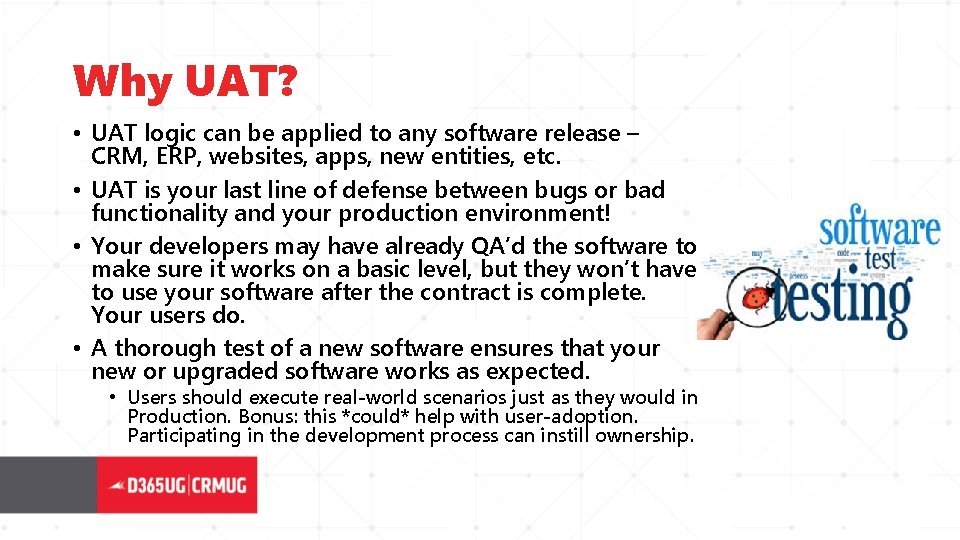
Why UAT? • UAT logic can be applied to any software release – CRM, ERP, websites, apps, new entities, etc. • UAT is your last line of defense between bugs or bad functionality and your production environment! • Your developers may have already QA’d the software to make sure it works on a basic level, but they won’t have to use your software after the contract is complete. Your users do. • A thorough test of a new software ensures that your new or upgraded software works as expected. • Users should execute real-world scenarios just as they would in Production. Bonus: this *could* help with user-adoption. Participating in the development process can instill ownership.
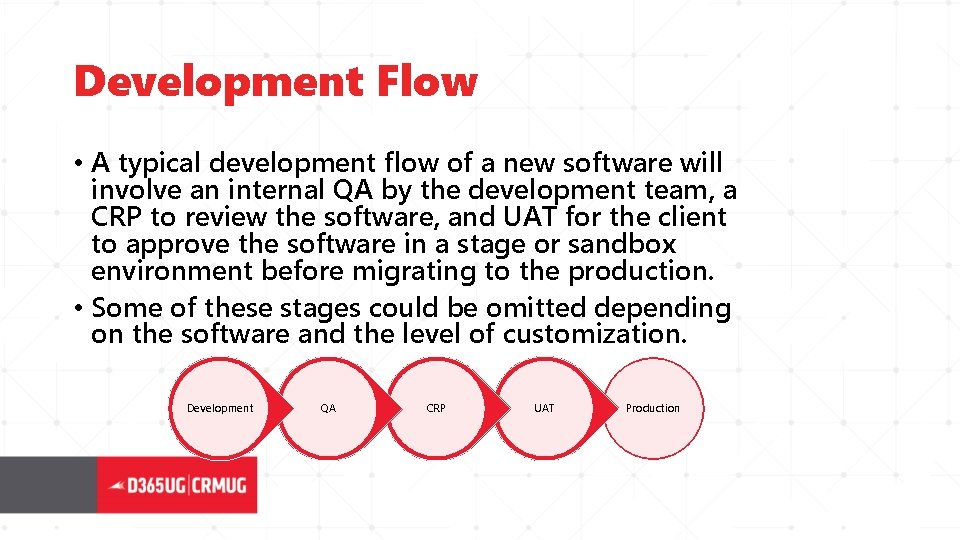
Development Flow • A typical development flow of a new software will involve an internal QA by the development team, a CRP to review the software, and UAT for the client to approve the software in a stage or sandbox environment before migrating to the production. • Some of these stages could be omitted depending on the software and the level of customization. Development QA CRP UAT Production
What to Test How to Set Up Your Scripts
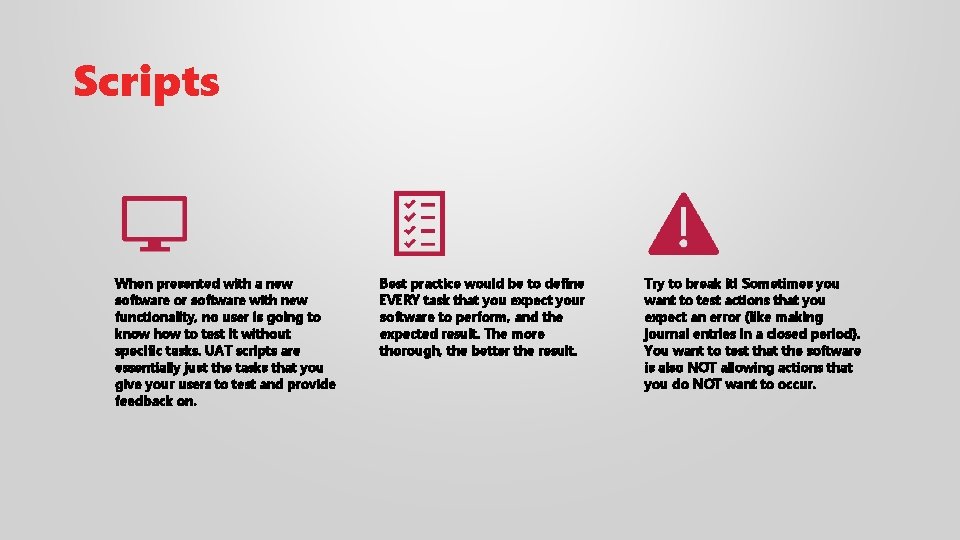
Scripts When presented with a new software or software with new functionality, no user is going to know how to test it without specific tasks. UAT scripts are essentially just the tasks that you give your users to test and provide feedback on. Best practice would be to define EVERY task that you expect your software to perform, and the expected result. The more thorough, the better the result. Try to break it! Sometimes you want to test actions that you expect an error (like making journal entries in a closed period). You want to test that the software is also NOT allowing actions that you do NOT want to occur.
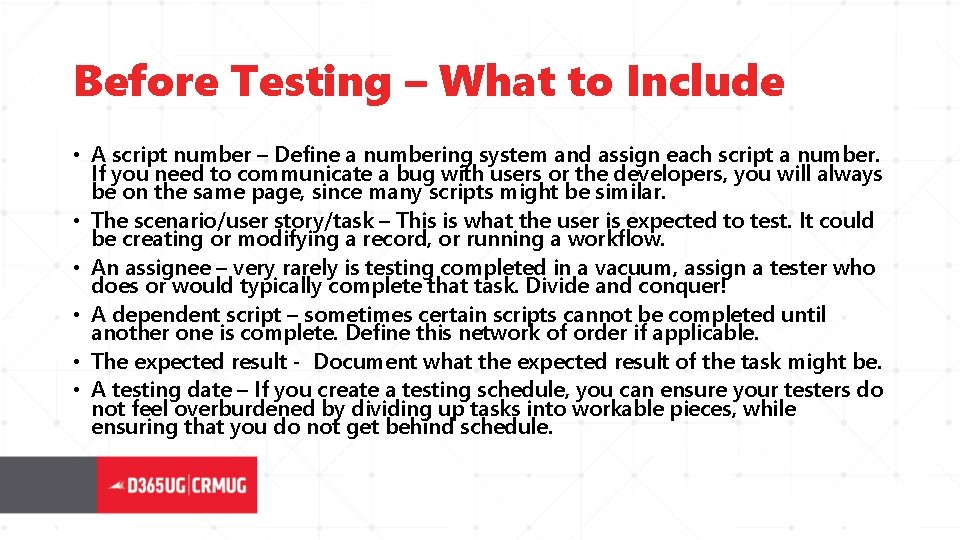
Before Testing – What to Include • A script number – Define a numbering system and assign each script a number. If you need to communicate a bug with users or the developers, you will always be on the same page, since many scripts might be similar. • The scenario/user story/task – This is what the user is expected to test. It could be creating or modifying a record, or running a workflow. • An assignee – very rarely is testing completed in a vacuum, assign a tester who does or would typically complete that task. Divide and conquer! • A dependent script – sometimes certain scripts cannot be completed until another one is complete. Define this network of order if applicable. • The expected result - Document what the expected result of the task might be. • A testing date – If you create a testing schedule, you can ensure your testers do not feel overburdened by dividing up tasks into workable pieces, while ensuring that you do not get behind schedule.
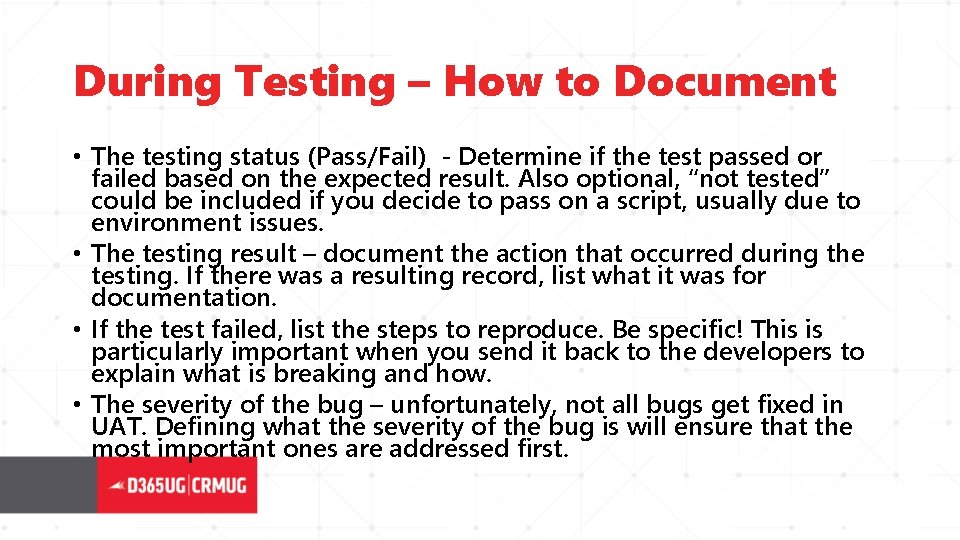
During Testing – How to Document • The testing status (Pass/Fail) - Determine if the test passed or failed based on the expected result. Also optional, “not tested” could be included if you decide to pass on a script, usually due to environment issues. • The testing result – document the action that occurred during the testing. If there was a resulting record, list what it was for documentation. • If the test failed, list the steps to reproduce. Be specific! This is particularly important when you send it back to the developers to explain what is breaking and how. • The severity of the bug – unfortunately, not all bugs get fixed in UAT. Defining what the severity of the bug is will ensure that the most important ones are addressed first.
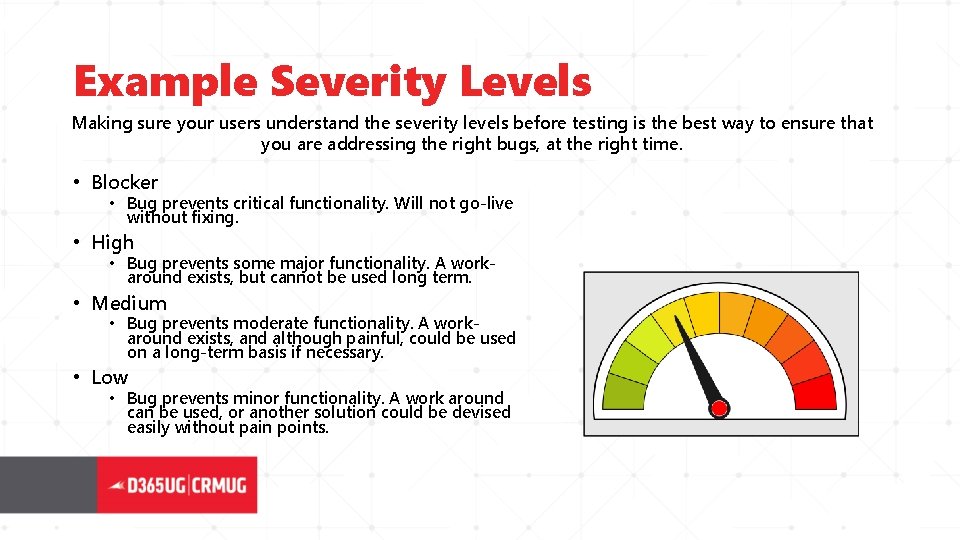
Example Severity Levels Making sure your users understand the severity levels before testing is the best way to ensure that you are addressing the right bugs, at the right time. • Blocker • Bug prevents critical functionality. Will not go-live without fixing. • High • Bug prevents some major functionality. A workaround exists, but cannot be used long term. • Medium • Bug prevents moderate functionality. A workaround exists, and although painful, could be used on a long-term basis if necessary. • Low • Bug prevents minor functionality. A work around can be used, or another solution could be devised easily without pain points.
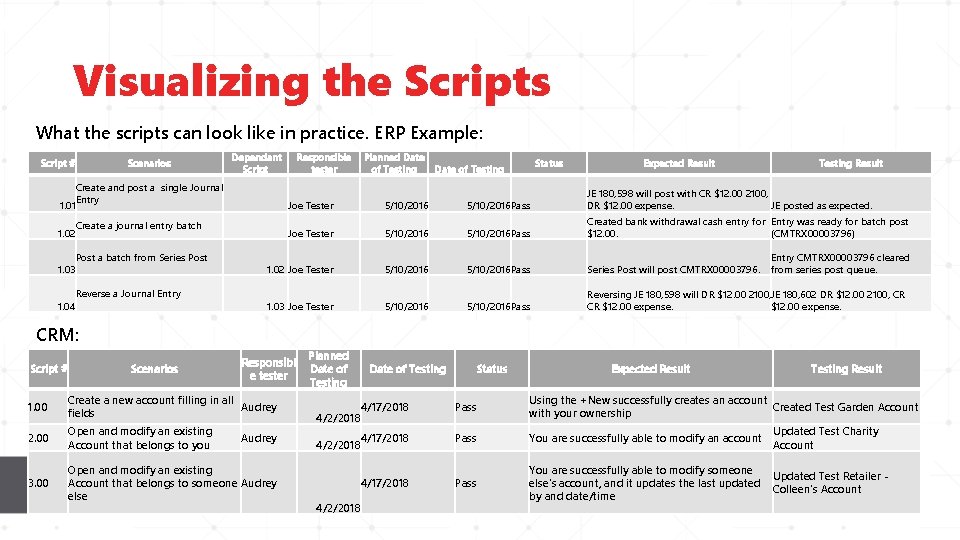
Visualizing the Scripts What the scripts can look like in practice. ERP Example: Script # Scenarios Dependant Script Responsible tester Planned Date of Testing Status Date of Testing Expected Result Testing Result Create and post a single Journal Entry 1. 01 Joe Tester 5/10/2016 Pass JE 180, 598 will post with CR $12. 00 2100, DR $12. 00 expense. JE posted as expected. Create a journal entry batch 1. 02 Joe Tester 5/10/2016 Pass Created bank withdrawal cash entry for Entry was ready for batch post $12. 00. (CMTRX 00003796) Post a batch from Series Post 1. 03 1. 02 Joe Tester 5/10/2016 Pass Series Post will post CMTRX 00003796. Reverse a Journal Entry 1. 04 1. 03 Joe Tester 5/10/2016 Pass Reversing JE 180, 598 will DR $12. 00 2100, JE 180, 602 DR $12. 00 2100, CR CR $12. 00 expense. Entry CMTRX 00003796 cleared from series post queue. CRM: Script # Scenarios Responsibl e tester 1. 00 Create a new account filling in all Audrey fields 2. 00 Open and modify an existing Account that belongs to you 3. 00 Planned Date of Testing Status Expected Result Testing Result 4/17/2018 4/2/2018 Pass Using the +New successfully creates an account Created Test Garden Account with your ownership Audrey 4/17/2018 4/2/2018 Pass You are successfully able to modify an account Updated Test Charity Account Open and modify an existing Account that belongs to someone Audrey else 4/17/2018 Pass You are successfully able to modify someone else's account, and it updates the last updated by and date/time Updated Test Retailer Colleen's Account 4/2/2018
How To Test
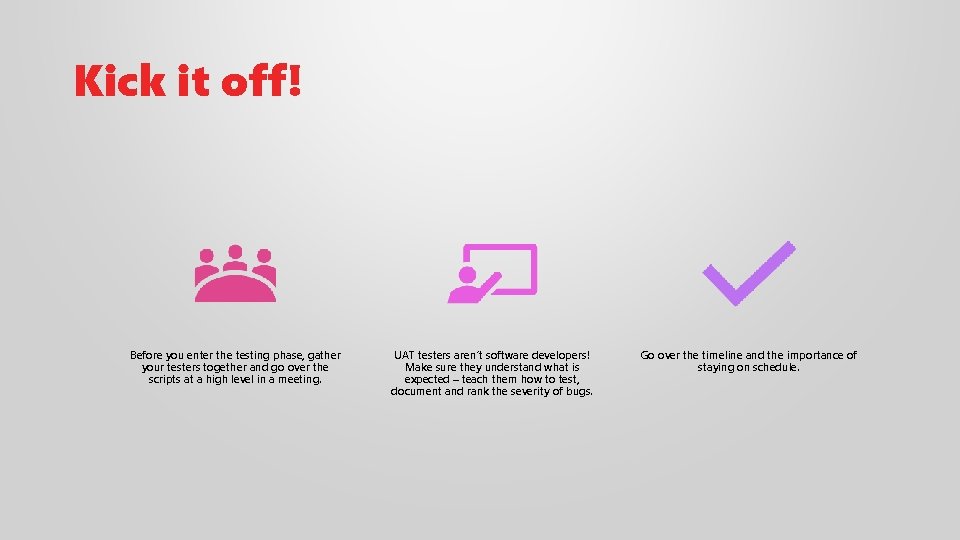
Kick it off! Before you enter the testing phase, gather your testers together and go over the scripts at a high level in a meeting. UAT testers aren’t software developers! Make sure they understand what is expected – teach them how to test, document and rank the severity of bugs. Go over the timeline and the importance of staying on schedule.
Managing the Process • Make sure you or someone else on your team is in charge of managing the process internally. • Monitor that scripts are getting completed ontime, and that the documentation is complete. • Report the bugs as they come up. • Depending on the scale of the launch, a daily status meeting with key stakeholders can keep up communication and keep everyone on task. • As bugs get fixed, delegate the reporter to retest and ensure that it is fixed.
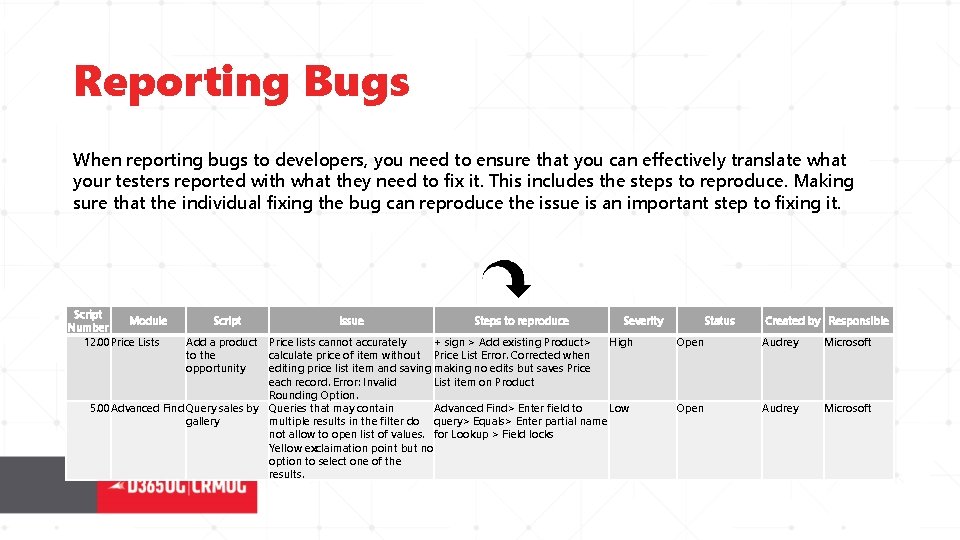
Reporting Bugs When reporting bugs to developers, you need to ensure that you can effectively translate what your testers reported with what they need to fix it. This includes the steps to reproduce. Making sure that the individual fixing the bug can reproduce the issue is an important step to fixing it. Script Module Number 12. 00 Price Lists Script Add a product to the opportunity Issue Steps to reproduce Severity Price lists cannot accurately + sign > Add existing Product> High calculate price of item without Price List Error. Corrected when editing price list item and saving making no edits but saves Price each record. Error: Invalid List item on Product Rounding Option. 5. 00 Advanced Find Query sales by Queries that may contain Advanced Find> Enter field to Low gallery multiple results in the filter do query> Equals> Enter partial name not allow to open list of values. for Lookup > Field locks Yellow exclaimation point but no option to select one of the results. Status Created by Responsible Open Audrey Microsoft
Launching
Launch Day • Once you’ve cleared all your bugs, follow your company’s policy for approving a Go/No Go decision. This could include executive sponsorship approval, or sign-off by all of your stakeholders. • Schedule your launch or upgrade for a time that will not interfere with day-to-day business. This could a specific month, or day of the week. Ex: Not launching a new website in December if you are an e-retailer. • Notify your users! Just because you scheduled your upgrade for a Saturday night doesn’t mean that they might not still attempt to get into the system. • Immediately post-launch, get into the environment and move around. Try some test records and make sure everything still works as expected. Remember to undo/delete anything you created so there are not fake records in your live environment.
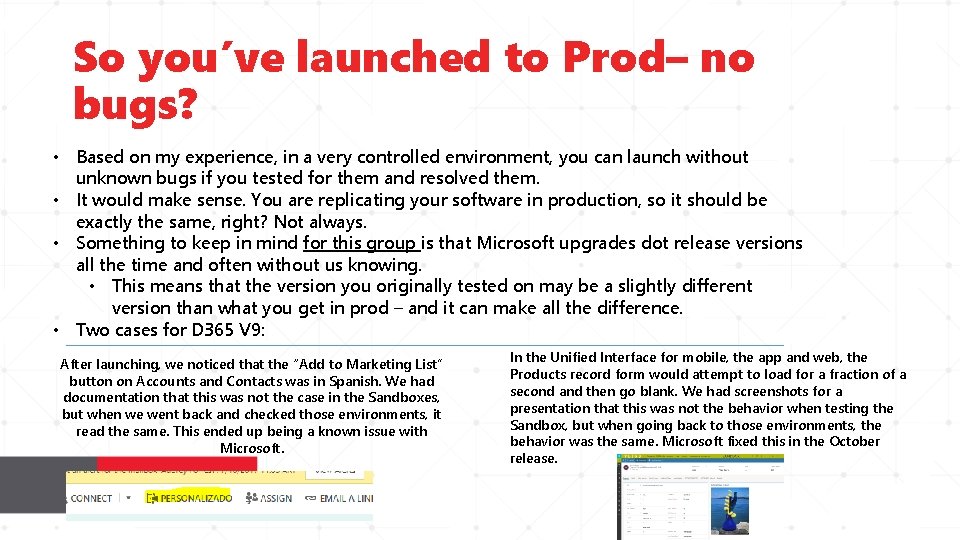
So you’ve launched to Prod– no bugs? • Based on my experience, in a very controlled environment, you can launch without unknown bugs if you tested for them and resolved them. • It would make sense. You are replicating your software in production, so it should be exactly the same, right? Not always. • Something to keep in mind for this group is that Microsoft upgrades dot release versions all the time and often without us knowing. • This means that the version you originally tested on may be a slightly different version than what you get in prod – and it can make all the difference. • Two cases for D 365 V 9: After launching, we noticed that the “Add to Marketing List” button on Accounts and Contacts was in Spanish. We had documentation that this was not the case in the Sandboxes, but when we went back and checked those environments, it read the same. This ended up being a known issue with Microsoft. In the Unified Interface for mobile, the app and web, the Products record form would attempt to load for a fraction of a second and then go blank. We had screenshots for a presentation that this was not the behavior when testing the Sandbox, but when going back to those environments, the behavior was the same. Microsoft fixed this in the October release.
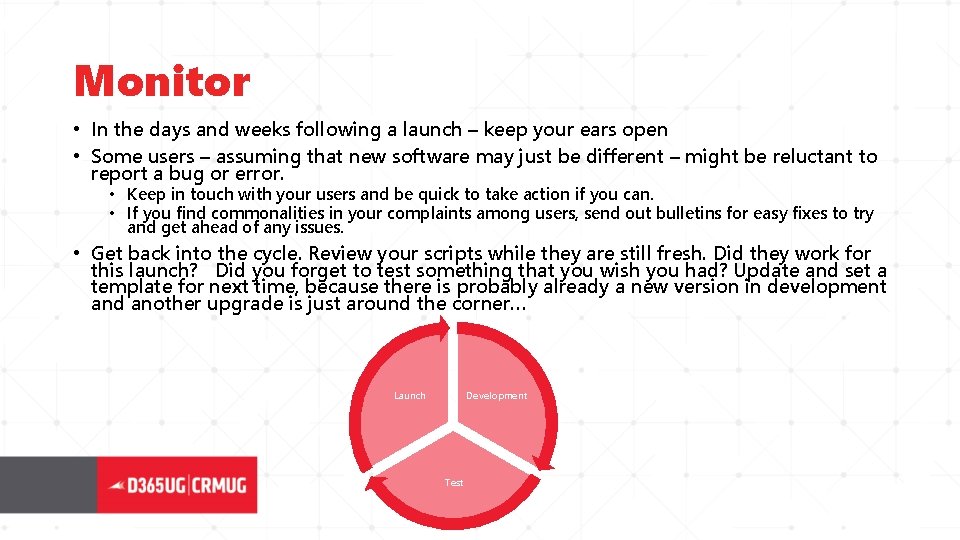
Monitor • In the days and weeks following a launch – keep your ears open • Some users – assuming that new software may just be different – might be reluctant to report a bug or error. • Keep in touch with your users and be quick to take action if you can. • If you find commonalities in your complaints among users, send out bulletins for easy fixes to try and get ahead of any issues. • Get back into the cycle. Review your scripts while they are still fresh. Did they work for this launch? Did you forget to test something that you wish you had? Update and set a template for next time, because there is probably already a new version in development and another upgrade is just around the corner… Launch Development Test
Questions?