
Making Multiple Sprites Interact with Each Other Do
- Slides: 14
Making Multiple Sprites Interact with Each Other
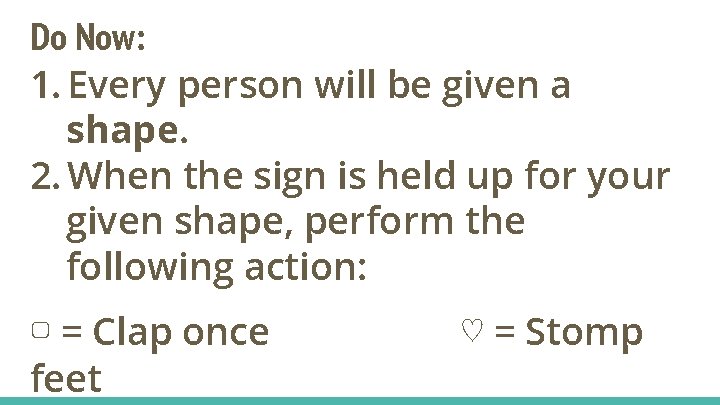
Do Now: 1. Every person will be given a shape. 2. When the sign is held up for your given shape, perform the following action: ▢ = Clap once feet ♡ = Stomp
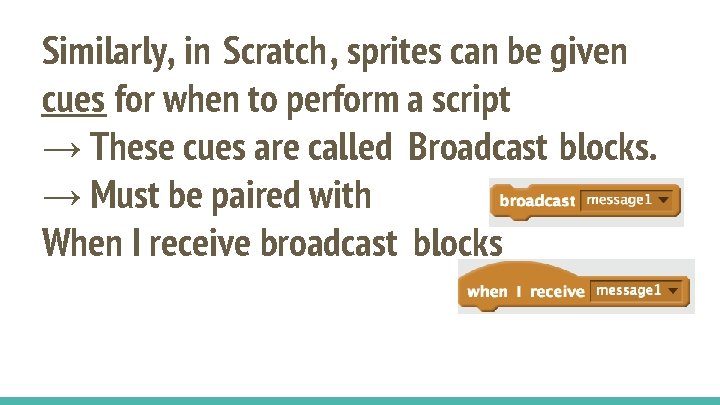
Similarly, in Scratch, sprites can be given cues for when to perform a script → These cues are called Broadcast blocks. → Must be paired with When I receive broadcast blocks
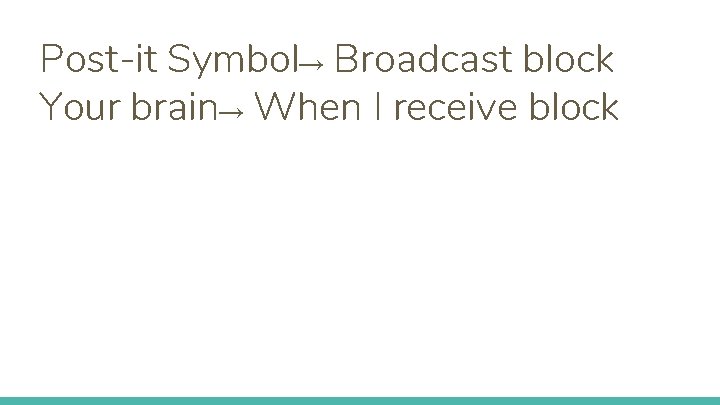
Post-it Symbol→ Broadcast block Your brain→ When I receive block
Watch Example 1: Using Wait Blocks in conversation
Example 1: Using Wait Blocks in conversation 1. What did you notice towards the end of the conversation?
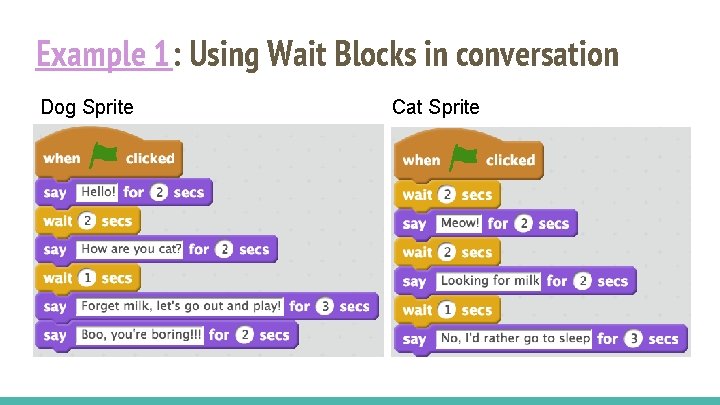
Example 1: Using Wait Blocks in conversation Dog Sprite Cat Sprite
Example 1: Using Wait Blocks in conversation 1. If I change the time on one of the blocks, what other changes do I have to make on the script?
Example 2: 1. As you watch, keep in mind: How does this conversation differ from the previous one?
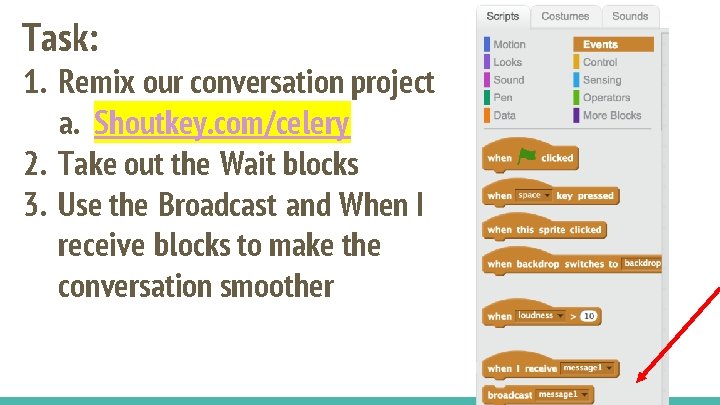
Task: 1. Remix our conversation project a. Shoutkey. com/celery 2. Take out the Wait blocks 3. Use the Broadcast and When I receive blocks to make the conversation smoother
Share out: show us the code and sequence you used to change the conversation using Broadcast and When I receive blocks. Ex 1
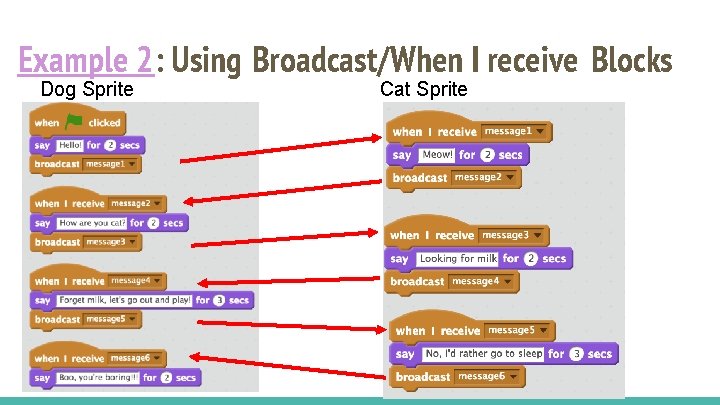
Example 2: Using Broadcast/When I receive Blocks Dog Sprite Cat Sprite
Example 2: Using Broadcast/When I receive Blocks How could we make this code more efficient?
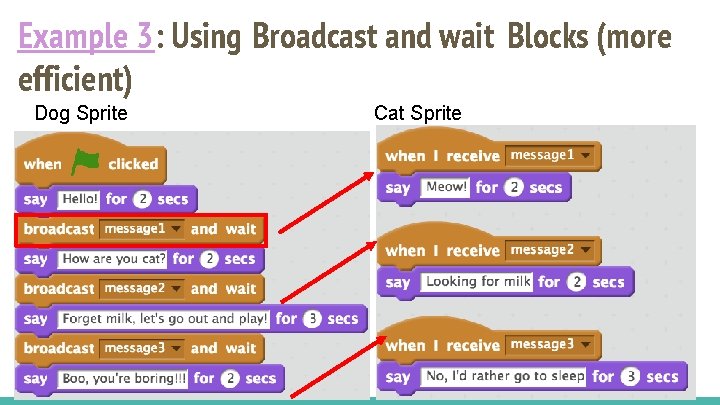
Example 3: Using Broadcast and wait Blocks (more efficient) Dog Sprite Cat Sprite