
Making Information Available to the World with HTML
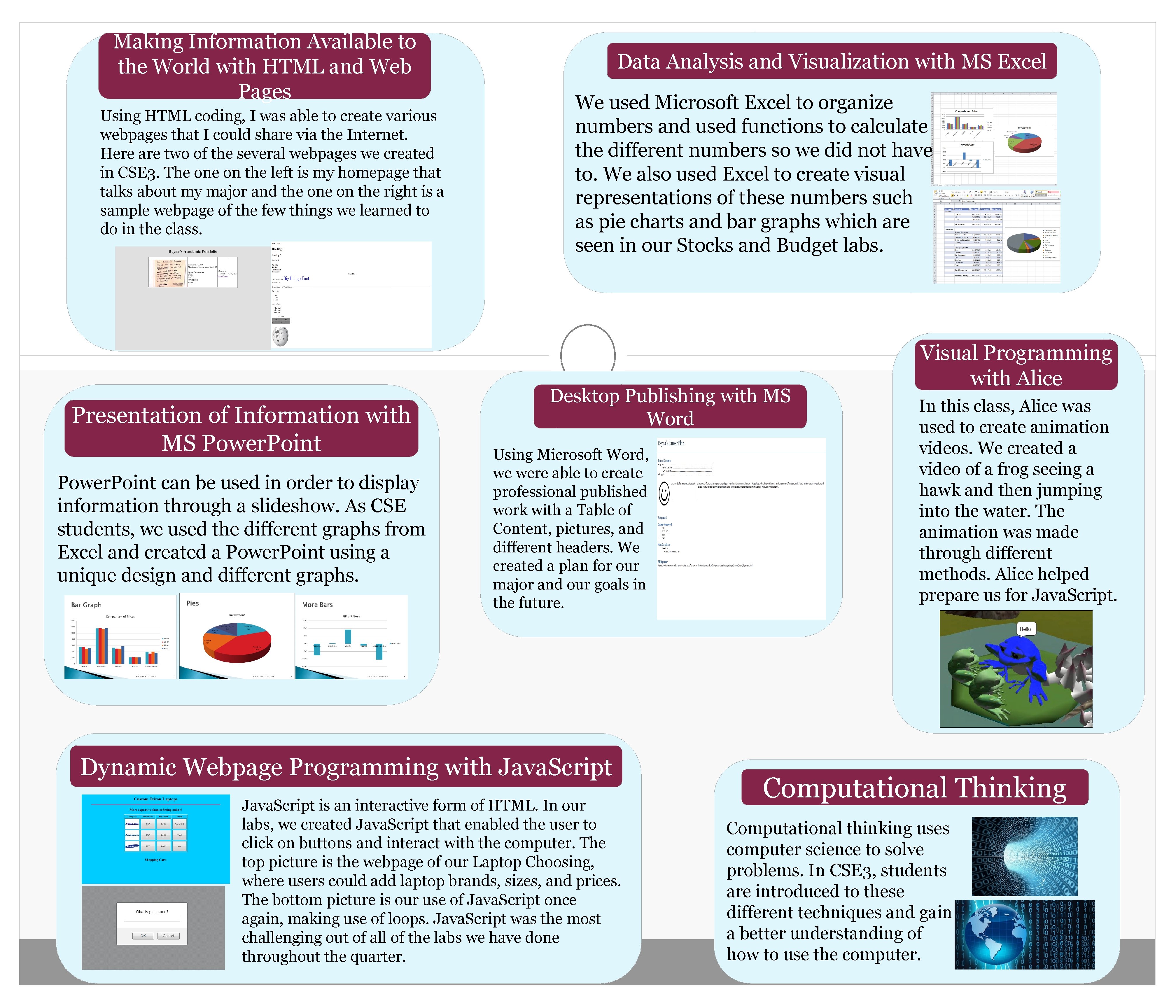
Making Information Available to the World with HTML and Web Pages Using HTML coding, I was able to create various webpages that I could share via the Internet. Here are two of the several webpages we created in CSE 3. The on the left is my homepage that talks about my major and the on the right is a sample webpage of the few things we learned to do in the class. Presentation of Information with MS Power. Point can be used in order to display information through a slideshow. As CSE students, we used the different graphs from Excel and created a Power. Point using a unique design and different graphs. Data Analysis and Visualization with MS Excel We used Microsoft Excel to organize numbers and used functions to calculate the different numbers so we did not have to. We also used Excel to create visual representations of these numbers such as pie charts and bar graphs which are seen in our Stocks and Budget labs. Desktop Publishing with MS Word Using Microsoft Word, we were able to create professional published work with a Table of Content, pictures, and different headers. We created a plan for our major and our goals in the future. Dynamic Webpage Programming with Java. Script is an interactive form of HTML. In our labs, we created Java. Script that enabled the user to click on buttons and interact with the computer. The top picture is the webpage of our Laptop Choosing, where users could add laptop brands, sizes, and prices. The bottom picture is our use of Java. Script once again, making use of loops. Java. Script was the most challenging out of all of the labs we have done throughout the quarter. Visual Programming with Alice In this class, Alice was used to create animation videos. We created a video of a frog seeing a hawk and then jumping into the water. The animation was made through different methods. Alice helped prepare us for Java. Script. Computational Thinking Computational thinking uses computer science to solve problems. In CSE 3, students are introduced to these different techniques and gain a better understanding of how to use the computer.
- Slides: 1