
Making Good Checklists Adam Backman Checklist Maker Cat

Making Good Checklists Adam Backman Checklist Maker Cat Herder DBAppraise adam@dbappraise. com
About White Star Software • The Oldest and Most Respected Independent Progress Open. Edge Consulting Firm • 5 of the top Open. Edge DBAs in the world: Adam Backman, Tom Bascom, Dan Foreman, Paul Koufalis and Nectarios Daloglou • Our Performance, Monitoring and Alerting Tool, Pro. Top. An incredibly powerful single-pane-of-glass view of your entire Open. Edge ecosystems • Real World Training From Real World DBAs info@wss. com | wss. com
Agenda Why make checklists? Complicated vs. complex Types of checklists Roles What makes an effective checklist? What to avoid
Why Make Checklists? To reduce human error Rote processes tend to breed forgotten steps To reduce missed or out of sequence steps Ready, Fire, Aim – Bad Ready, Aim, Fire – Good Reduce interruptions

Complicated vs. Complex Complicated – consisting of many interconnected parts Complex – consisting of many different and connected parts So, Who cares?
Complicated vs. Complex Checklists are most effective with complicated processes Complex processes with their different parts are generally not good candidates for checklists because of the less limited avenues to completion Most technical problems are complicated not complex
Types of checklists Normal procedures Report checks Backup Performance checks Non-normal Disk failure Emergency Database/Application interruption
Examples of Industries that depend on checklists Aviation Pilot preflight check Maintenance Checklists Procedures Medical Technology
Types of Checklists Procedural Technical Aviation Procedural with discussion Medical (proving problematic) Non-procedural (simple) Shopping list
Simple checklist (Thanks Jake)
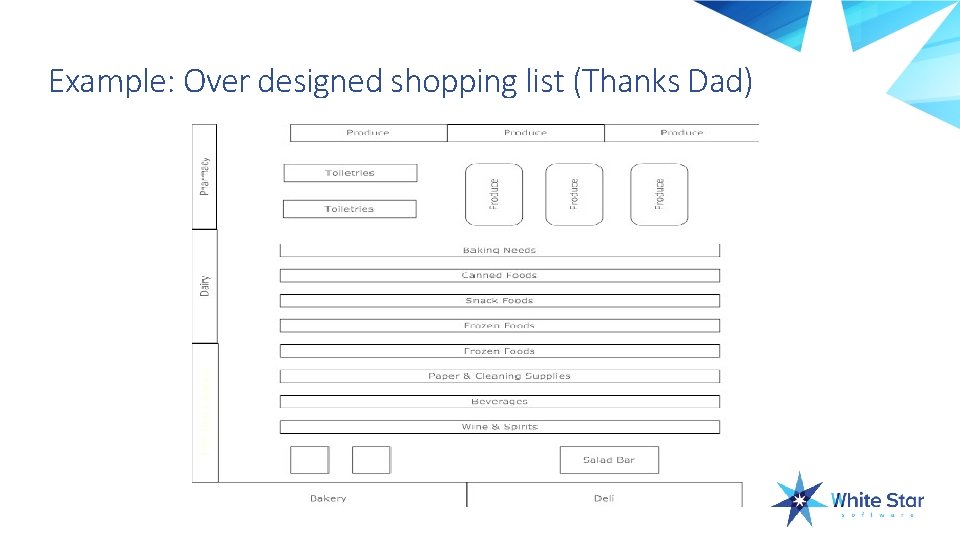
Example: Over designed shopping list (Thanks Dad)
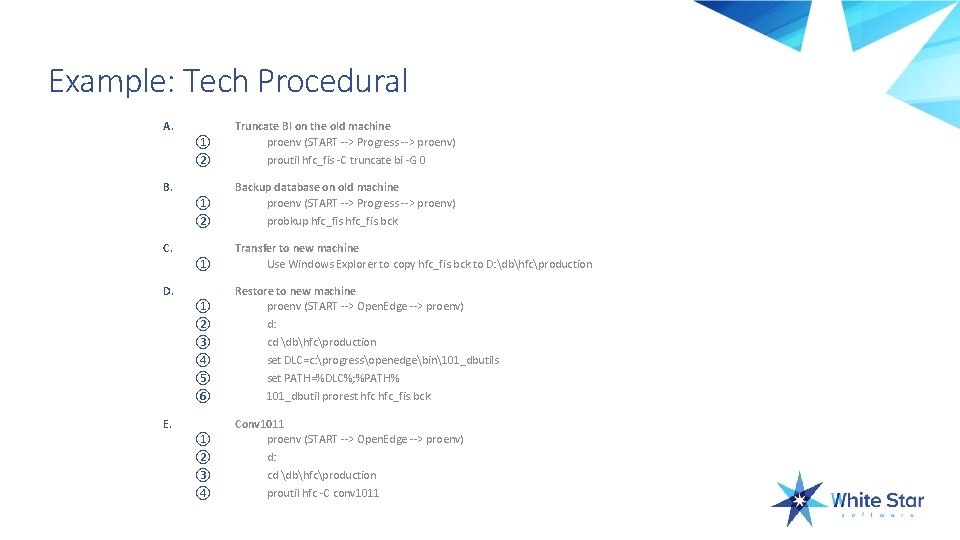
Example: Tech Procedural A. ① ② Truncate BI on the old machine proenv (START --> Progress --> proenv) proutil hfc_fis -C truncate bi -G 0 ① ② Backup database on old machine proenv (START --> Progress --> proenv) probkup hfc_fis. bck ① Transfer to new machine Use Windows Explorer to copy hfc_fis. bck to D: dbhfcproduction ① ② ③ ④ ⑤ ⑥ Restore to new machine proenv (START --> Open. Edge --> proenv) d: cd dbhfcproduction set DLC=c: progressopenedgebin101_dbutils set PATH=%DLC%; %PATH% 101_dbutil prorest hfc_fis. bck ① ② ③ ④ Conv 1011 proenv (START --> Open. Edge --> proenv) d: cd dbhfcproduction proutil hfc -C conv 1011 B. C. D. E.
The process of creating checklists Two people. One who knows the process very well and another that has little or no experience with the task. The expert writes down exactly what happens to the keystroke (Why not the novice? ) Once the procedure has been done once or twice by the initial team a third person (the worst case scenario) executes the list exactly to determine if the instructions are correct

Decision Tree
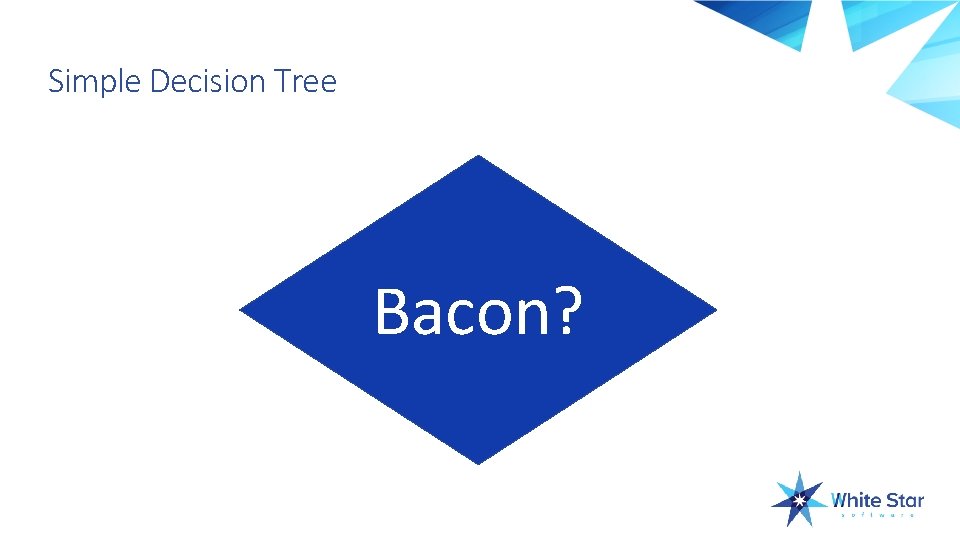
Simple Decision Tree Bacon?
Important Checklist Features Having it accessible (part of the process) Using numbers for procedural items Using bold and underline for critical items Having actual boxes �� to check, yes it sounds dumb but it improves compliance
Technical Procedural Audience is someone who is not technical Find the person with the least technical experience Find the person who refers to applications and things. “I can’t open that thing” Really, a knuckle dragger Oh, yeah, your boss is always handy and never busy, so there is your worst case scenario
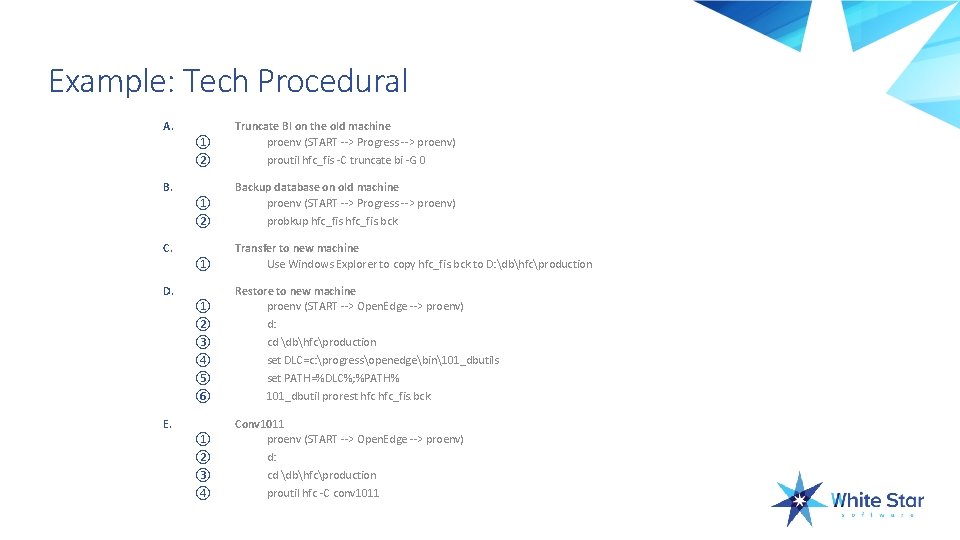
Example: Tech Procedural A. ① ② Truncate BI on the old machine proenv (START --> Progress --> proenv) proutil hfc_fis -C truncate bi -G 0 ① ② Backup database on old machine proenv (START --> Progress --> proenv) probkup hfc_fis. bck ① Transfer to new machine Use Windows Explorer to copy hfc_fis. bck to D: dbhfcproduction ① ② ③ ④ ⑤ ⑥ Restore to new machine proenv (START --> Open. Edge --> proenv) d: cd dbhfcproduction set DLC=c: progressopenedgebin101_dbutils set PATH=%DLC%; %PATH% 101_dbutil prorest hfc_fis. bck ① ② ③ ④ Conv 1011 proenv (START --> Open. Edge --> proenv) d: cd dbhfcproduction proutil hfc -C conv 1011 B. C. D. E.
Roles – Always Determined in Advance Who does what Who executes and who is the second set of eyes Who make decisions The people executing the checklist will make some/all of the decisions but only with very clear guidelines ALL data loss vs. downtime decisions should have high-level clearance BEFORE moving forward What happens if someone is missing Primary and backup with call tree
Roles Important to have a primary and secondary on all items Call tree for notification and decision support Data owners (usually not tech staff) need to be in recovery process
Goals of Effective Checklists Should be part of normal workflow Should not impose additional burden or workload Perceived as something that makes the task easier (Remove pressure) Eliminate decision making during stressful events
Location and completeness is important There should be a procedure for maintaining extra copies of checklists so you do not run out If the checklist is not there then it will be ignored because it broke the workflow rule If checklists are incomplete them users will stop using them as they will not make the process easier!
Points to remember Checklists are important To ensure processes are standardized To eliminate missed or out of sequence steps To make the process easier/less stressful Checklist types Shopping list (non-procedural) Procedural Decision tree

Questions? Comments? Personal problems?
Thank you very much for your time Any follow-up questions: Adam Backman adam@wss. com +1. 603. 661. 5581

Questions?
- Slides: 26