
Making an Effective Power Point 1 Save this
- Slides: 10
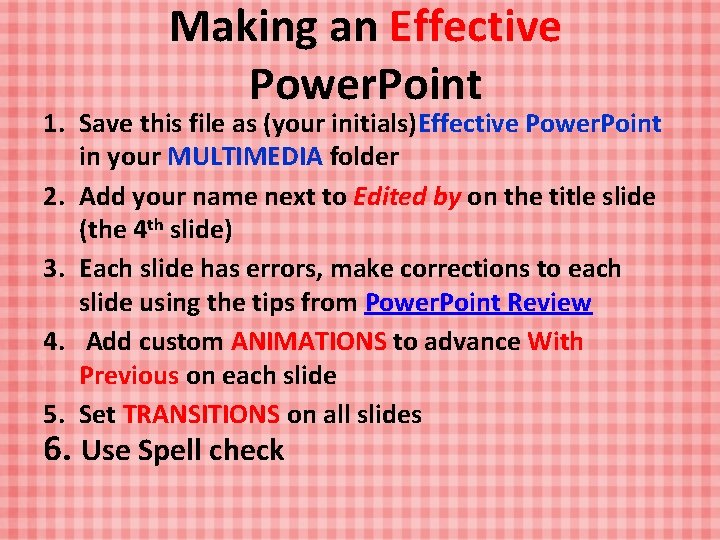
Making an Effective Power. Point 1. Save this file as (your initials)Effective Power. Point in your MULTIMEDIA folder 2. Add your name next to Edited by on the title slide (the 4 th slide) 3. Each slide has errors, make corrections to each slide using the tips from Power. Point Review 4. Add custom ANIMATIONS to advance With Previous on each slide 5. Set TRANSITIONS on all slides 6. Use Spell check
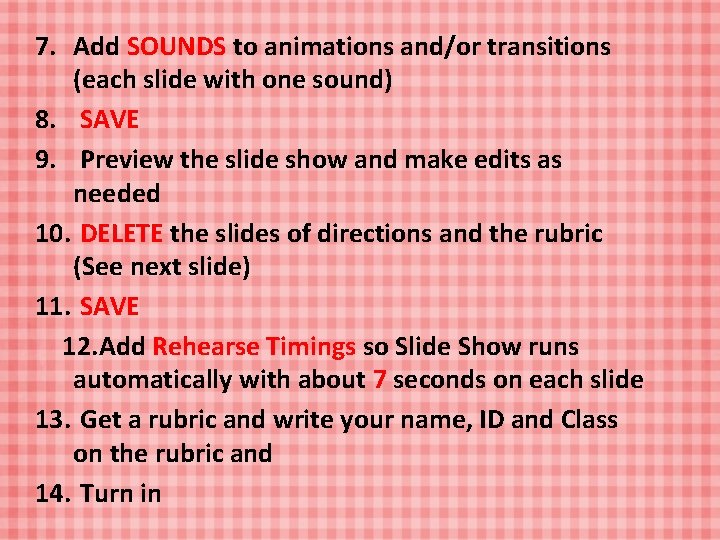
7. Add SOUNDS to animations and/or transitions (each slide with one sound) 8. SAVE 9. Preview the slide show and make edits as needed 10. DELETE the slides of directions and the rubric (See next slide) 11. SAVE 12. Add Rehearse Timings so Slide Show runs automatically with about 7 seconds on each slide 13. Get a rubric and write your name, ID and Class on the rubric and 14. Turn in
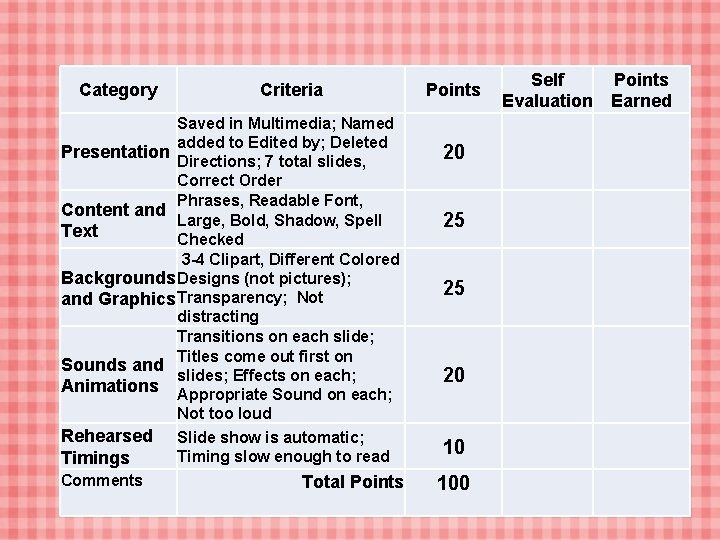
Category Criteria Saved in Multimedia; Named added to Edited by; Deleted Presentation Directions; 7 total slides, Correct Order Phrases, Readable Font, Content and Large, Bold, Shadow, Spell Text Checked 3 -4 Clipart, Different Colored Backgrounds Designs (not pictures); and Graphics Transparency; Not distracting Transitions on each slide; Titles come out first on Sounds and slides; Effects on each; Animations Appropriate Sound on each; Not too loud Rehearsed Slide show is automatic; Timing slow enough to read Timings Comments Total Points 20 25 25 20 10 100 Self Evaluation Points Earned
An Effective Power. Point By Mrs. Cole Edited by:
Background Info • I was born in Fort Worth, TX • My birthday is March 6 • I graduated from Le Tourneau University & Austin College
Order Issue; Clip art
My Family • I have been married to Chad for 27 years • Our oldest daughter, Katie, is a a phician’s assistant in deinson, she is married to Dylan • Our younger daughter, Claire, is an elementary teacher at Fairview elementary • Our son, cade, is a nint grader at Sherman high, he plays tennis • We have dog and kat
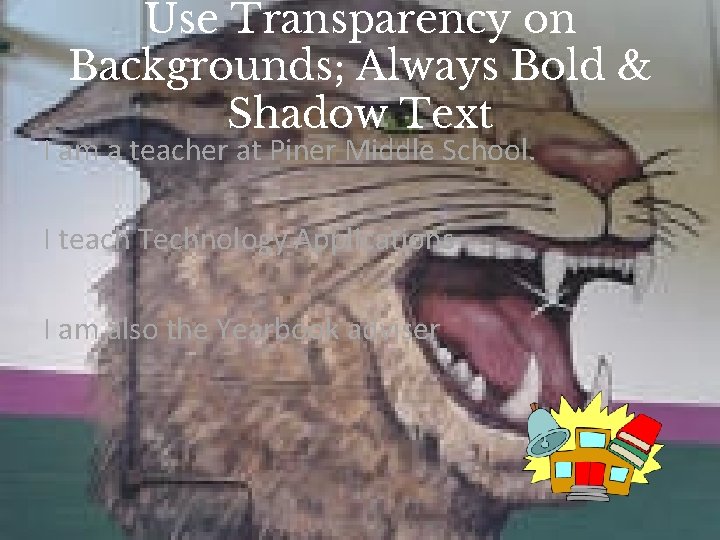
Use Transparency on Backgrounds; Always Bold & Shadow Text I am a teacher at Piner Middle School. I teach Technology Applications I am also the Yearbook adviser
Thing I like Sports Reading Traveling cooking
Other sufft • Color: Depends on my mood (pink, black, green, , etc. ) • Food: Chips & Salsa • Drink: water or coffee • Vacation: The Beach! • Sport: Baseball • Music Artist: Stephen Curtis Chapman • Movie: Star Wars