
Making a Scatterplot Open Excel document Set it


- Slides: 14
Making a Scatterplot
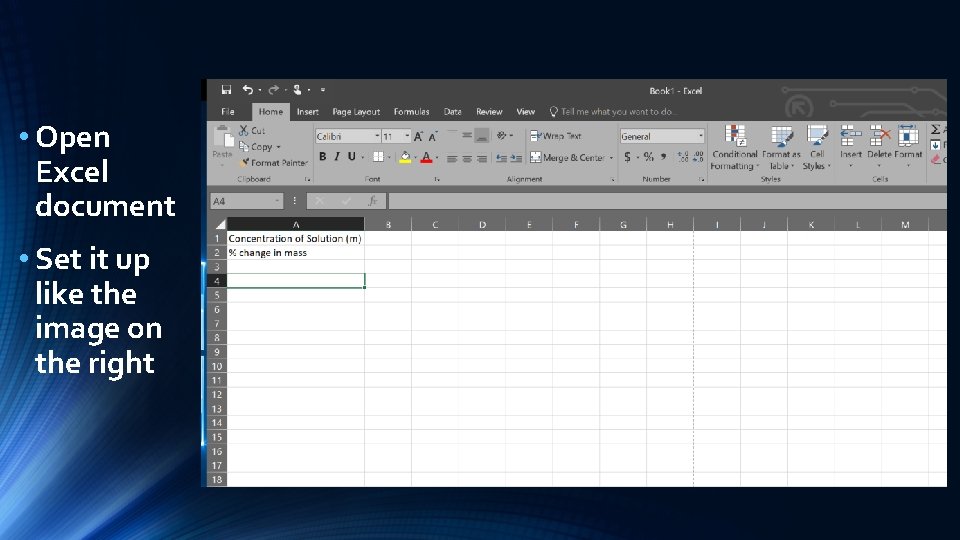
• Open Excel document • Set it up like the image on the right
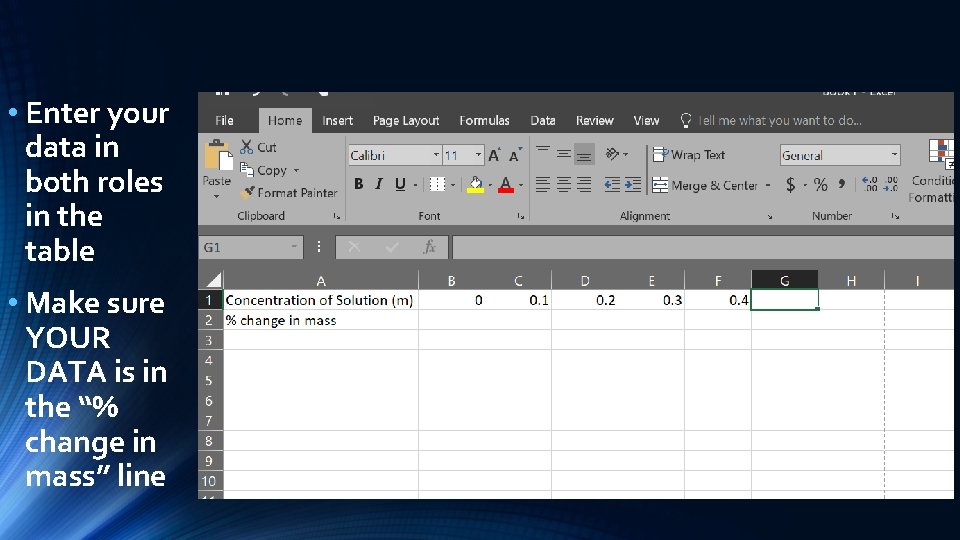
• Enter your data in both roles in the table • Make sure YOUR DATA is in the “% change in mass” line
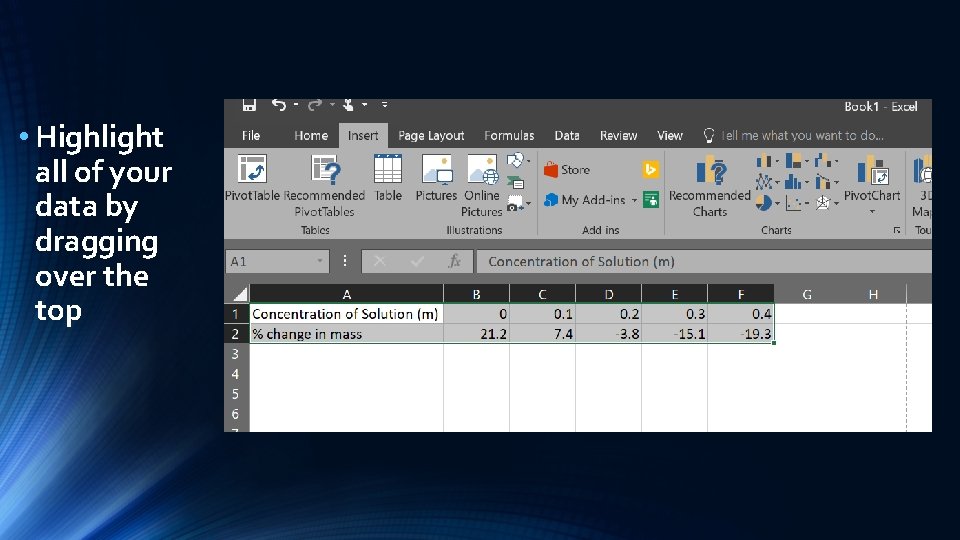
• Highlight all of your data by dragging over the top
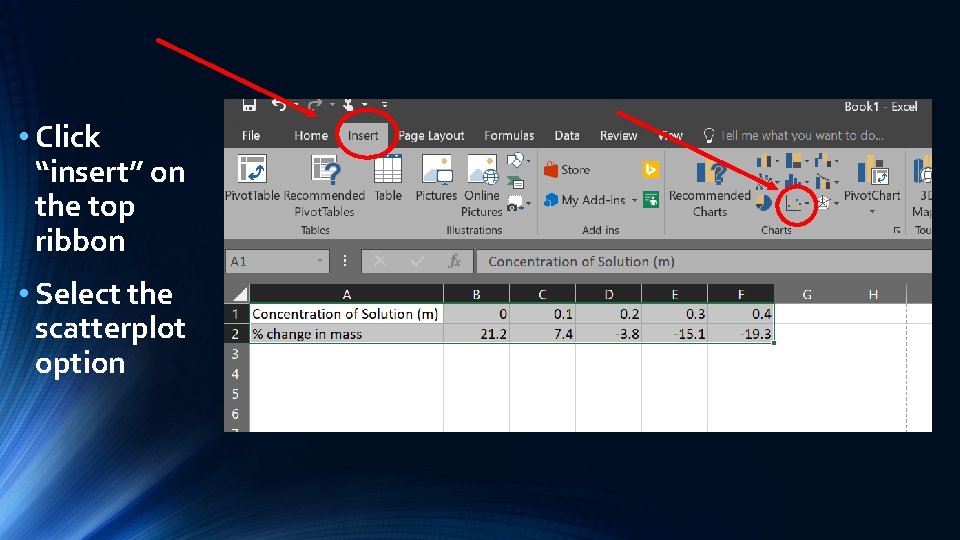
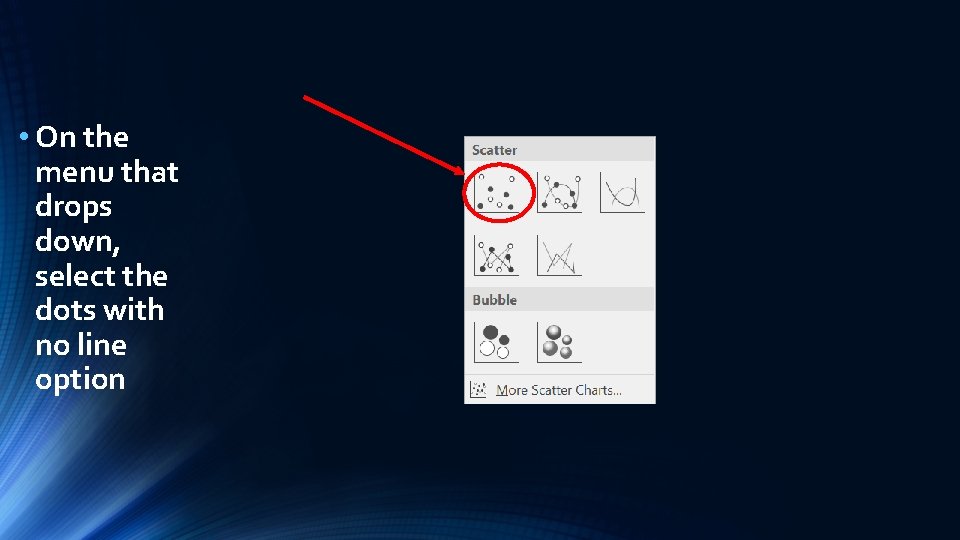
• Click “insert” on the top ribbon • Select the scatterplot option
• On the menu that drops down, select the dots with no line option
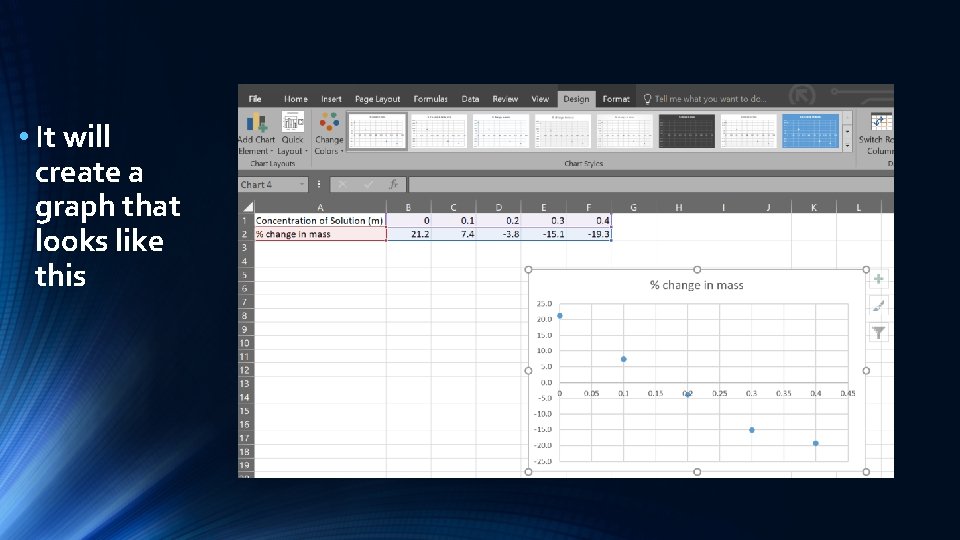
• It will create a graph that looks like this
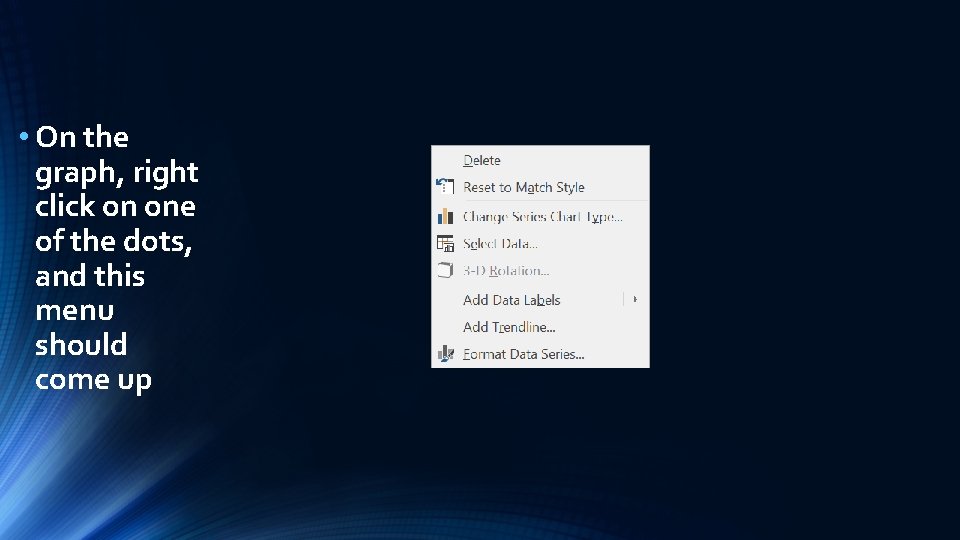
• On the graph, right click on one of the dots, and this menu should come up
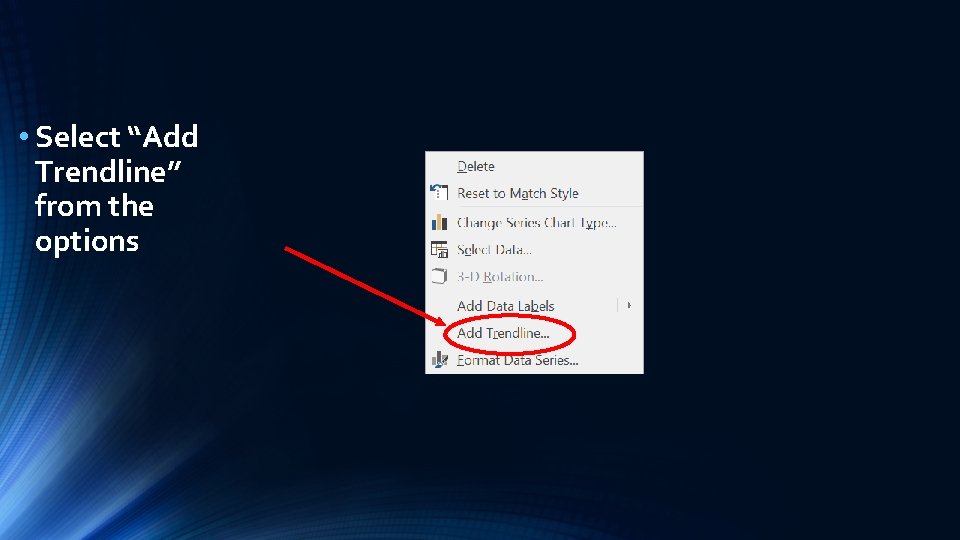
• Select “Add Trendline” from the options
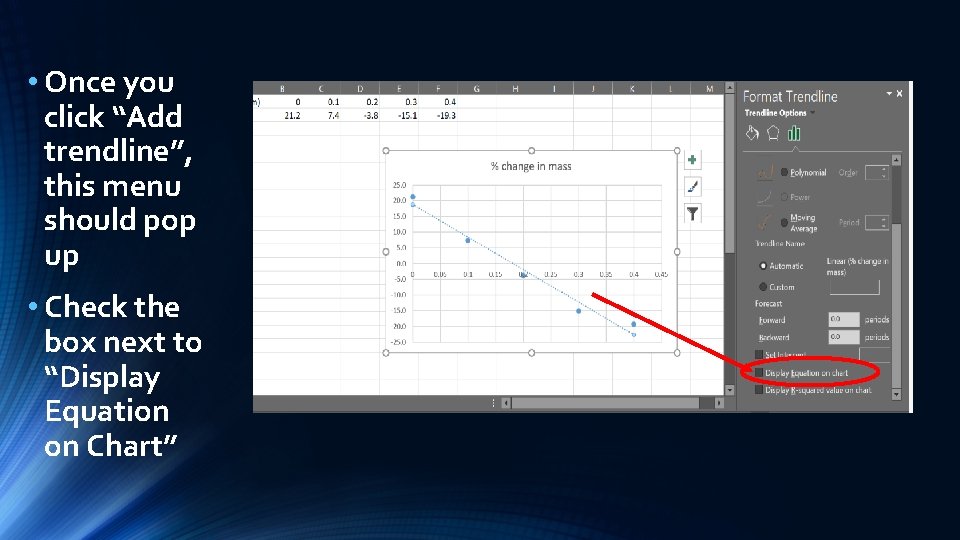
• Once you click “Add trendline”, this menu should pop up • Check the box next to “Display Equation on Chart”
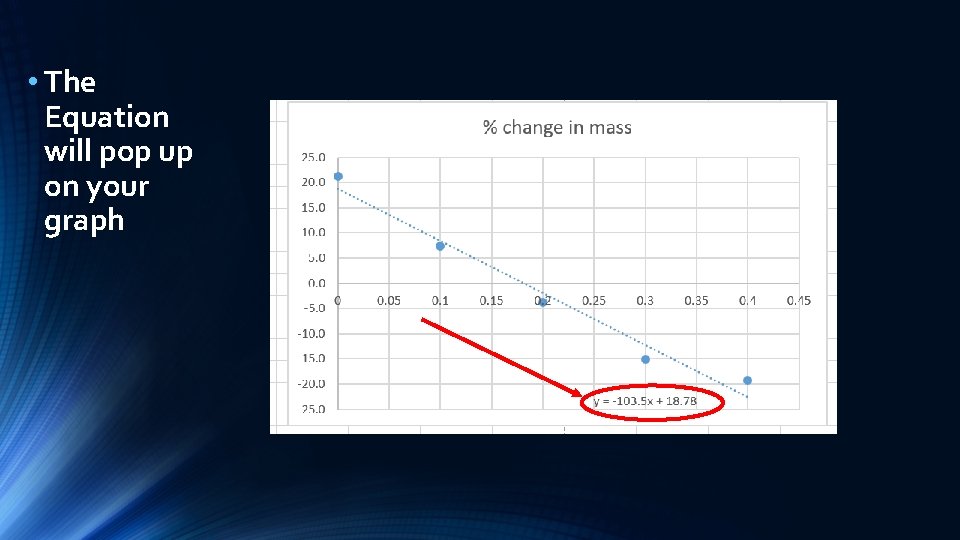
• The Equation will pop up on your graph
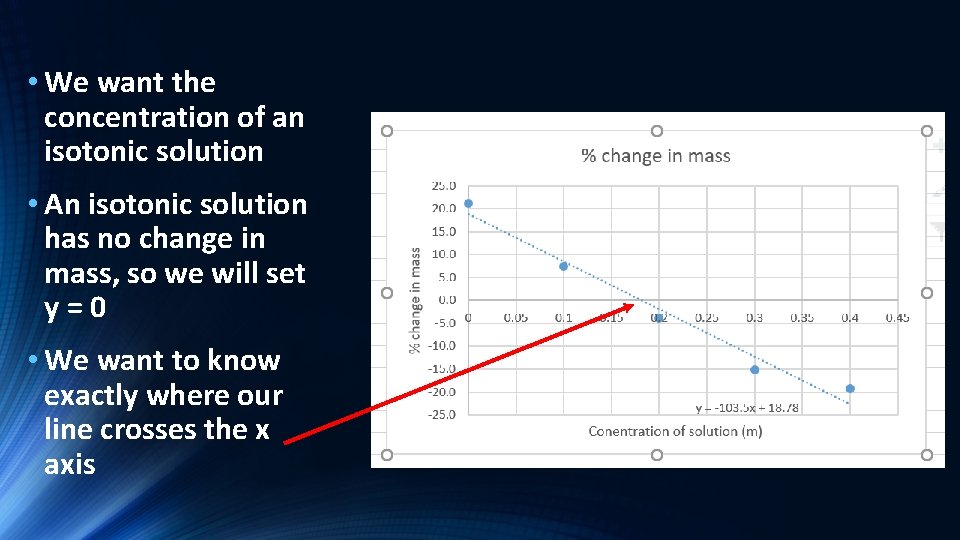
• We want the concentration of an isotonic solution • An isotonic solution has no change in mass, so we will set y=0 • We want to know exactly where our line crosses the x axis
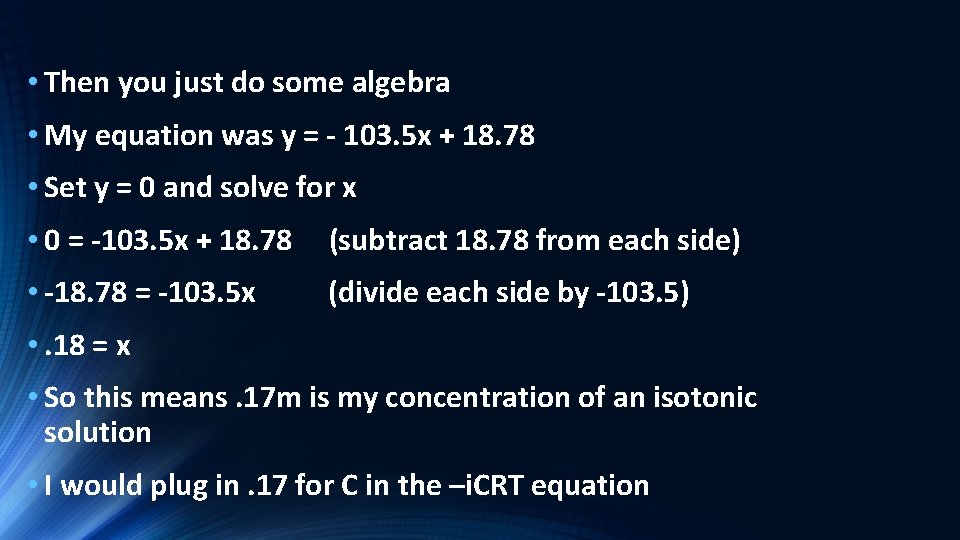
• Then you just do some algebra • My equation was y = - 103. 5 x + 18. 78 • Set y = 0 and solve for x • 0 = -103. 5 x + 18. 78 (subtract 18. 78 from each side) • -18. 78 = -103. 5 x (divide each side by -103. 5) • . 18 = x • So this means. 17 m is my concentration of an isotonic solution • I would plug in. 17 for C in the –i. CRT equation
• Save your work somewhere you will be able to find it later, and continue by starting your lab report