
Make Your Own Legos How Web Components Can
Make Your Own Legos™� How Web Components Can Empower Your Editors Stephen Fornal, Tarrant County College District, Fort Worth, TX stephen. fornal@tccd. edu
What is a Web Component? �Encapsulated, reusable code �Built using a suite of web technologies �Supported in all ever-green browsers (Chrome, Firefox, Safari, Edge, Opera) �Complimentary to tools you already use
Why Bother? Doesn’t rely on Frameworks Easy for your editors You’re in charge of accessibility

Which Web Technologies, Exactly? � Custom Elements � Shadow DOM � HTML Templates Let’s dive in for a brief intro and how-to
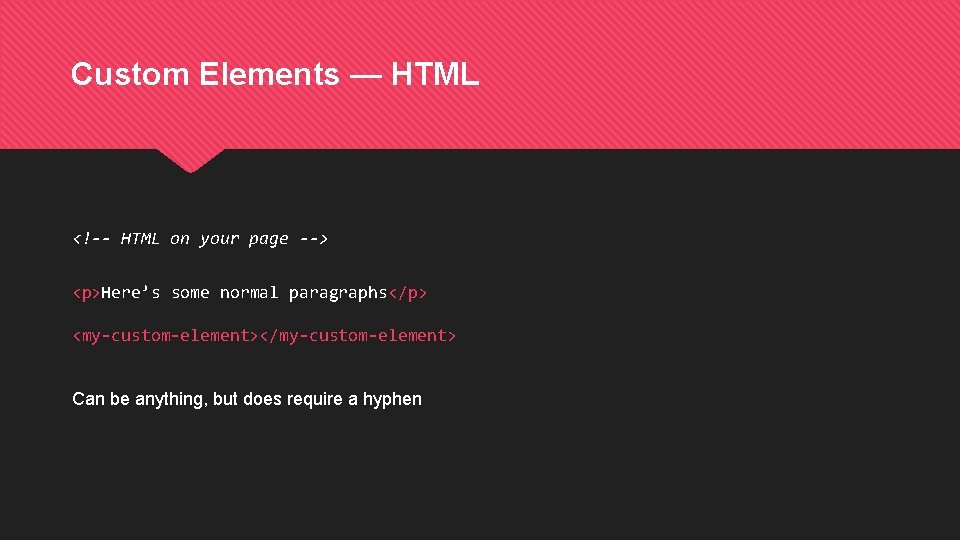
Custom Elements — HTML <!-- HTML on your page --> <p>Here’s some normal paragraphs</p> <my-custom-element></my-custom-element> Can be anything, but does require a hyphen

Custom Elements — Java. Script class My. Custom. Element extends HTMLElement { constructor(){ super(); } } window. custom. Elements. define(‘my-custom-element’, My. Custom. Element);
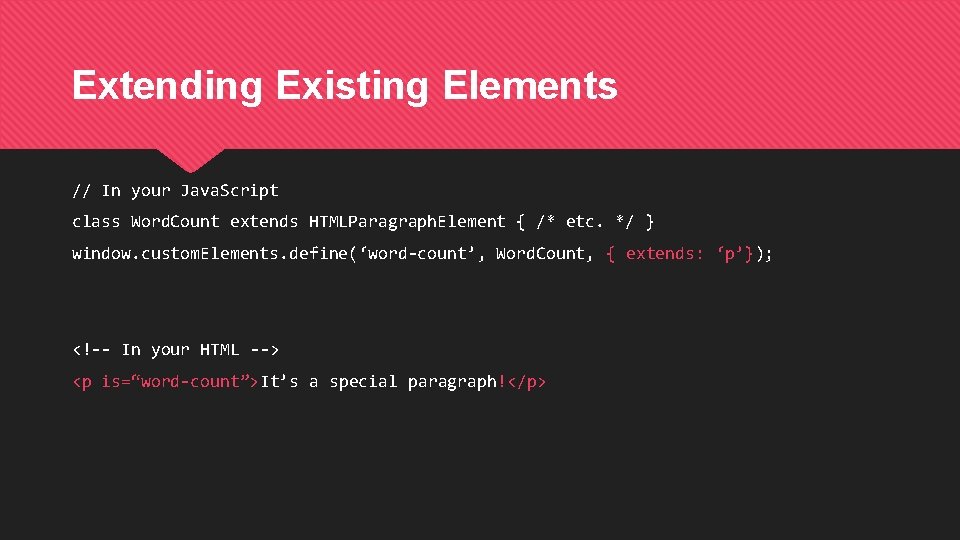
Extending Existing Elements // In your Java. Script class Word. Count extends HTMLParagraph. Element { /* etc. */ } window. custom. Elements. define(‘word-count’, Word. Count, { extends: ‘p’}); <!-- In your HTML --> <p is=“word-count”>It’s a special paragraph!</p>
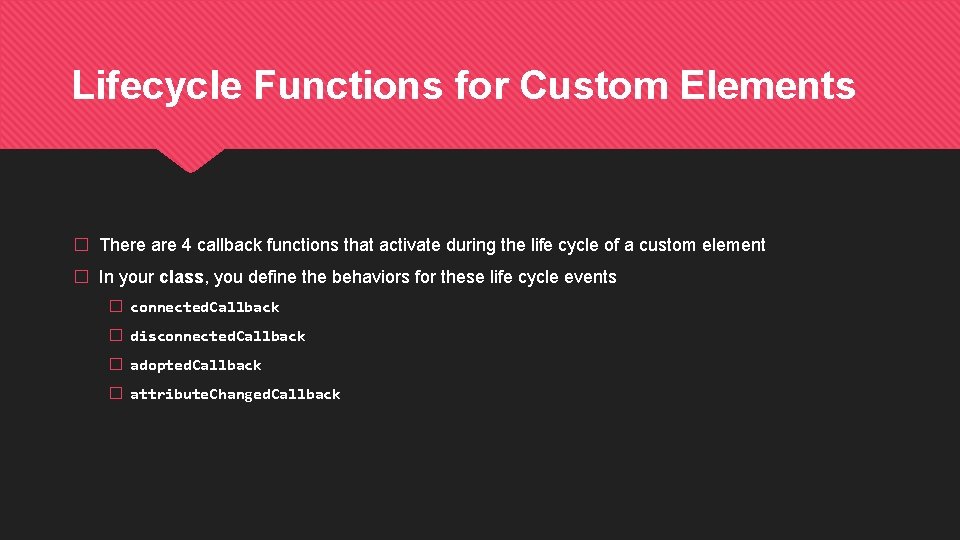
Lifecycle Functions for Custom Elements � There are 4 callback functions that activate during the life cycle of a custom element � In your class, you define the behaviors for these life cycle events � connected. Callback � disconnected. Callback � adopted. Callback � attribute. Changed. Callback
Shadow DOM � A separate, encapsulated DOM tree � Attaches to your custom element � Manipulated just like the normal DOM � This is where you build out the complicated “guts” of your custom component
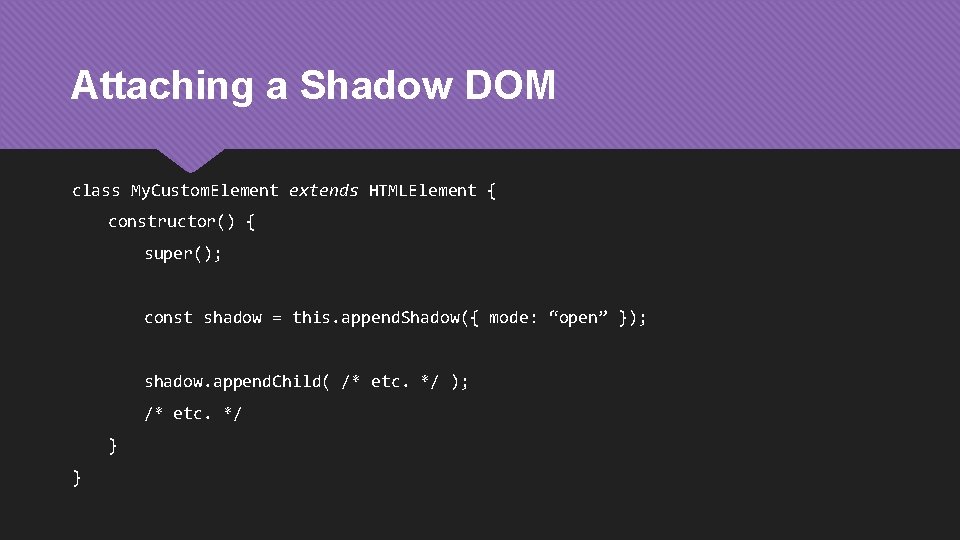
Attaching a Shadow DOM class My. Custom. Element extends HTMLElement { constructor() { super(); const shadow = this. append. Shadow({ mode: “open” }); shadow. append. Child( /* etc. */ ); /* etc. */ } }
HTML Templates � Templates are mark-up structure than can be reused to make instances of elements � Templates can have one or more “slots” for content � Templates aren’t rendered in your document � Use Java. Script to copy a template and attach it to the DOM “for real”
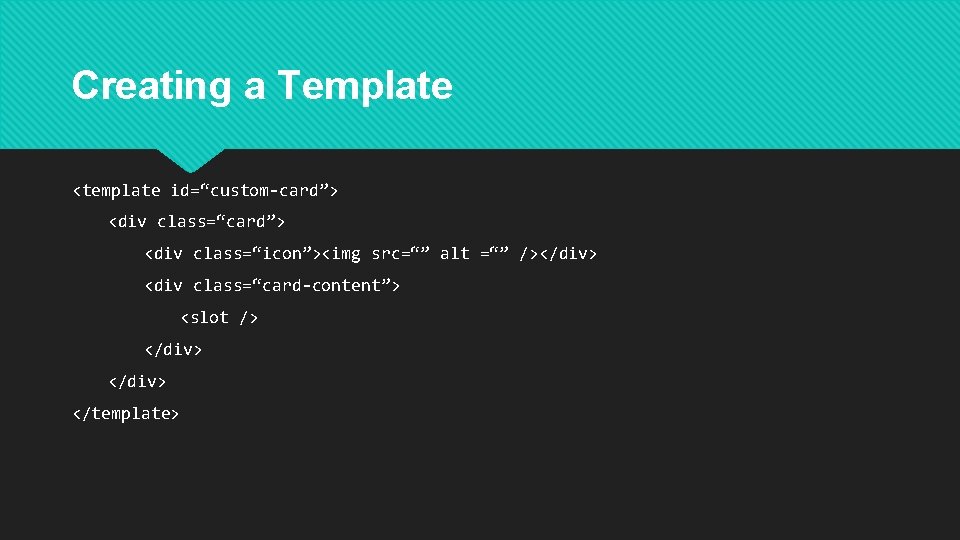
Creating a Template <template id=“custom-card”> <div class=“icon”><img src=“” alt =“” /></div> <div class=“card-content”> <slot /> </div> </template>
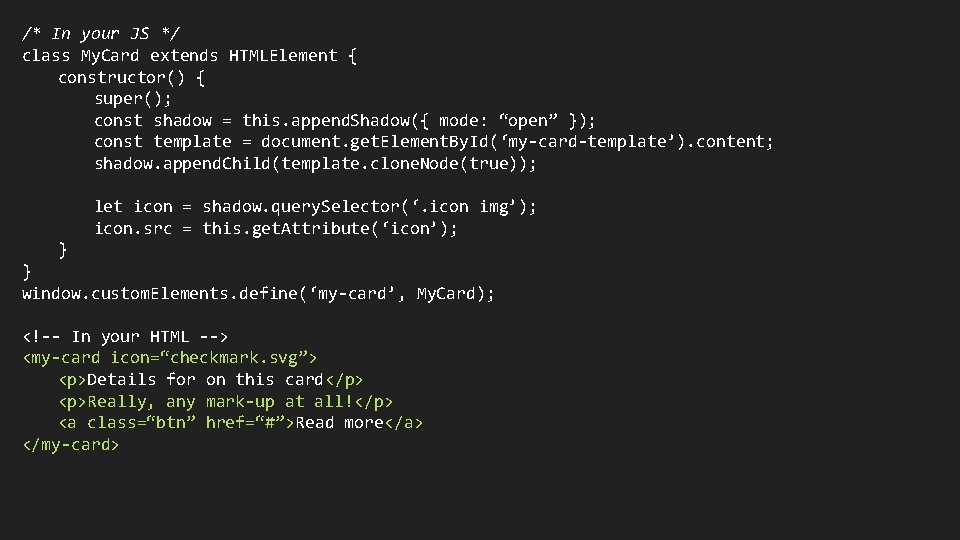
/* In your JS */ class My. Card extends HTMLElement { constructor() { super(); const shadow = this. append. Shadow({ mode: “open” }); const template = document. get. Element. By. Id(‘my-card-template’). content; shadow. append. Child(template. clone. Node(true)); let icon = shadow. query. Selector(‘. icon img’); icon. src = this. get. Attribute(‘icon’); } } window. custom. Elements. define(‘my-card’, My. Card); <!-- In your HTML --> <my-card icon=“checkmark. svg”> <p>Details for on this card</p> <p>Really, any mark-up at all!</p> <a class=“btn” href=“#”>Read more</a> </my-card>
A Story About Our Legos � Our first foray into the world of Web Components, all the why’s and how’s � With a trip into the code editor along the way : )
Resources � Mozilla Developer Network has a great section on Web Components with tutorials and reference documents � Heydon Pickering’s excellent book and website Inclusive Components is a great starting point! The accessibility of our toggle section owes a lot to this book. https: //inclusive-components. design/ � webcomponents. org has a huge library of components that you can download and build off
- Slides: 15