
make the good the bad and the ugly

make: the good, the bad, and the ugly Dan Berger dberger@cs. ucr. edu Titus Winters titus@cs. ucr. edu
Outline n What is make, and why do you care? n Key concepts n makefiles, targets, directives & variables. n A simple makefile n Implicit variables n A better makefile n Words of caution
What is Make? n “The ‘make’ utility automatically determines which pieces of a large program need to be recompiled, and issues commands to recompile them. ” -- The GNU Make Manual
Why Do I Care? n Let’s say I have a program with only one source file – simple. cc. n Creating the program is easy: n g++ <flags> simple. cc –o simple n What if I have 10 source files? n g++ <flags> s 1. cc … s 10. cc –o simple n If I change two of them?
Incremental Compilation n If I know which two I’ve changed, I can recompile them (into objects) and relink the executable. n Figuring out the minimum number of steps that must be performed is what make is good at.
How Does Make Work? n You tell make what files your program depends on – some that you provide (the source) and some that the compiler provides (objects). n You tell make how to run the compiler, and finally how to assemble all those files into the program. n When things change, make decides what commands need to be run to bring your program up to date.
For the Technically Minded n Make constructs a dependency graph: n what targets depend on what other targets n how do I construct a given target n When you invoke Make for a specific target, it visits the graph, performing the needed commands to produce thing you asked for.
It’s not Just for Programs Anymore n Make isn’t just good for compiling programs – it’s good for figuring out what commands to run to perform some task. n Time permitting, we’ll give nonprogramming examples of make later.

Key Concepts: Makefile n Make needs instructions on how to decide what to do – by convention, these instructions are stored in a file called “Makefile”. n It’s just a convention – the –f flag to make will tell it to look at a specific file for it’s instructions. n Makefiles (regardless of their filename) have a specific format…
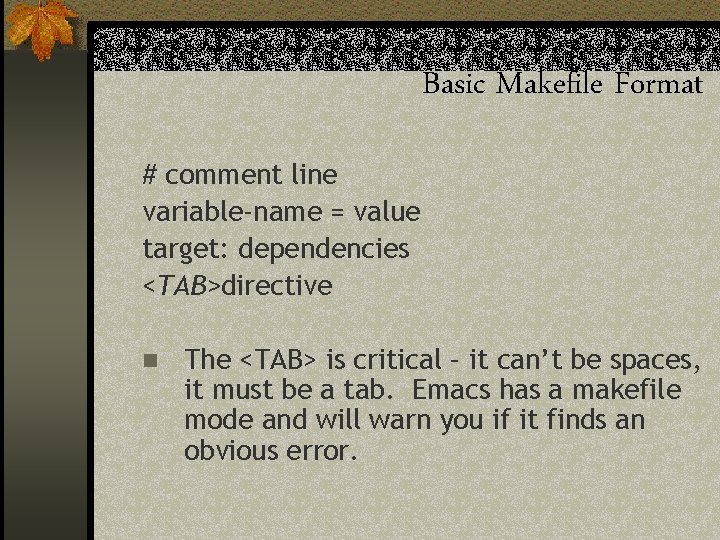
Basic Makefile Format # comment line variable-name = value target: dependencies <TAB>directive n The <TAB> is critical – it can’t be spaces, it must be a tab. Emacs has a makefile mode and will warn you if it finds an obvious error.
Make Targets n The first part of a rule – the thing make is trying to make. n Generally (but not always) a file – a. o, for example. n Targets have a (possibly empty) list of dependencies – other targets that this target depends on.
Directives n The final part of a rule – tells make what command(s) to run to create this target. n Generally the compiler for whatever language you’re working in.
Variables n If you don’t know what a variable is, time to review CS 5/10. n Make variables look a lot like variables in SH. n Assignment: VARNAME=Value n Reference: ${VARNAME}, or $(VARNAME)
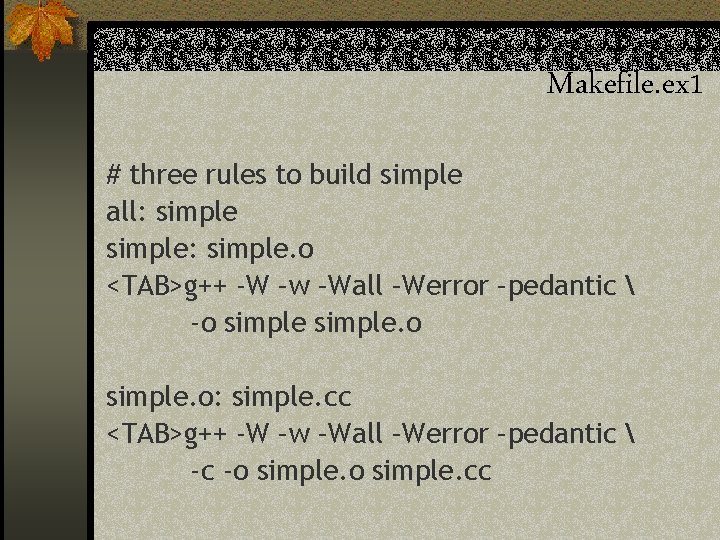
Makefile. ex 1 # three rules to build simple all: simple: simple. o <TAB>g++ -W –w –Wall –Werror –pedantic -o simple. o: simple. cc <TAB>g++ -W –w –Wall –Werror –pedantic -c -o simple. cc
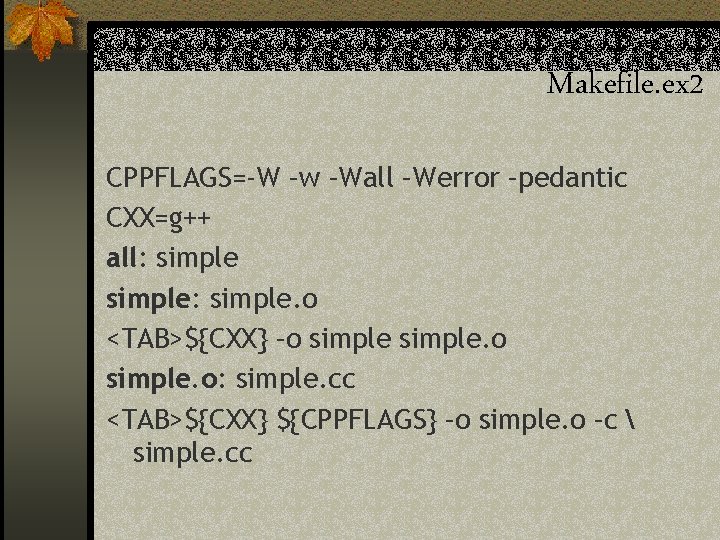
Makefile. ex 2 CPPFLAGS=-W –w –Wall –Werror –pedantic CXX=g++ all: simple: simple. o <TAB>${CXX} –o simple. o: simple. cc <TAB>${CXX} ${CPPFLAGS} –o simple. o –c simple. cc
Implicit Rules & Their Variables n Make has a slew of implicit rules – for example, it “knows” how to turn a. cc file into a. o file without you telling it. n To make these implicit rules flexible, make uses a range of built-in variable names in them. n If you assign to these variables, make will insert those values into the rules.
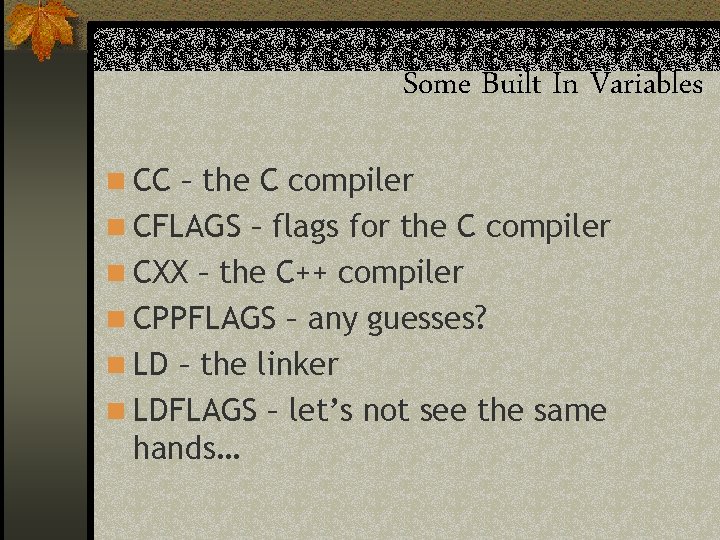
Some Built In Variables n CC – the C compiler n CFLAGS – flags for the C compiler n CXX – the C++ compiler n CPPFLAGS – any guesses? n LD – the linker n LDFLAGS – let’s not see the same hands…
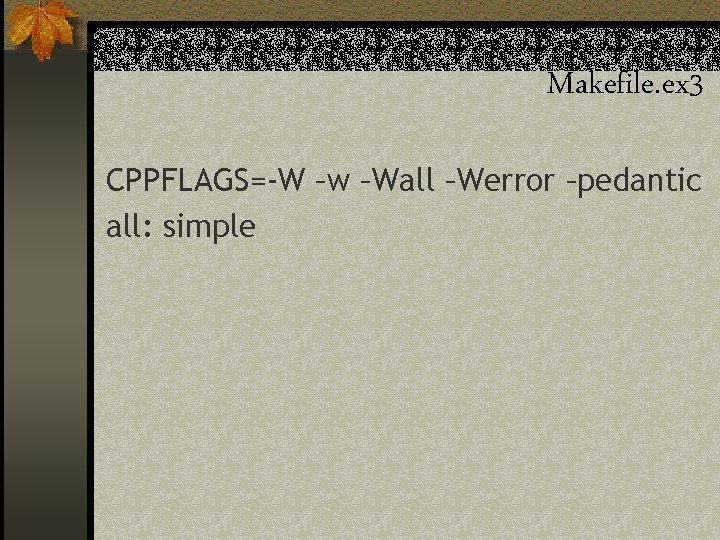
Makefile. ex 3 CPPFLAGS=-W –w –Wall –Werror –pedantic all: simple
Having Make Figure Out Dependencies n Makefile. ex 3 only works for single file projects. n Real projects have more than one file, and those files have to be built in a specific order. n Make (with some help from the compiler) can figure out that order for you.
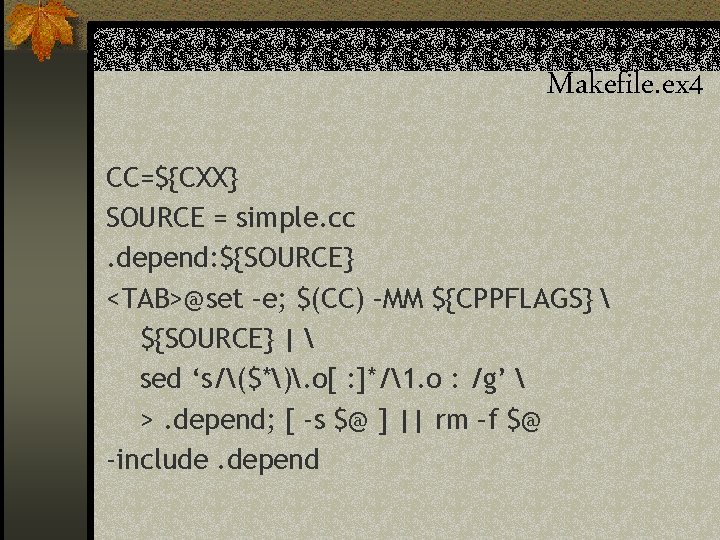
Makefile. ex 4 CC=${CXX} SOURCE = simple. cc. depend: ${SOURCE} <TAB>@set –e; $(CC) –MM ${CPPFLAGS} ${SOURCE} | sed ‘s/($*). o[ : ]*/1. o : /g’ >. depend; [ -s $@ ] || rm –f $@ -include. depend
Say What? n If you really want to know how/why it works – I encourage you to go figure it out. n Read the make manual n Read the sed man page n See if you can figure out what’s going on.
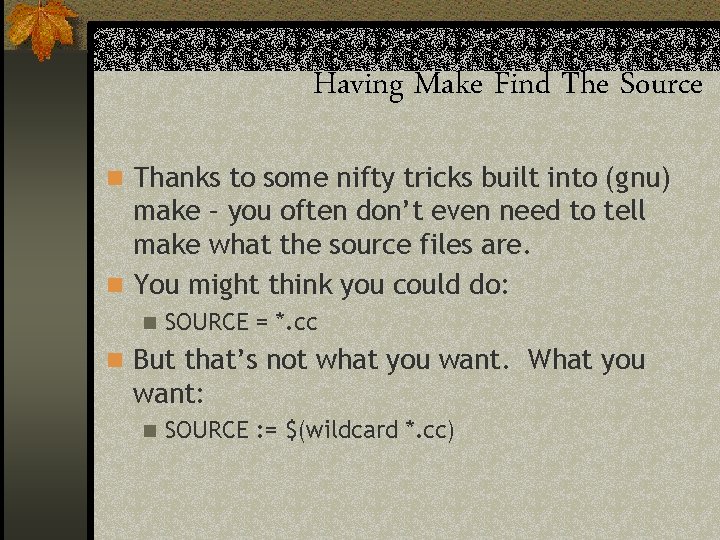
Having Make Find The Source n Thanks to some nifty tricks built into (gnu) make – you often don’t even need to tell make what the source files are. n You might think you could do: n SOURCE = *. cc n But that’s not what you want. What you want: n SOURCE : = $(wildcard *. cc)
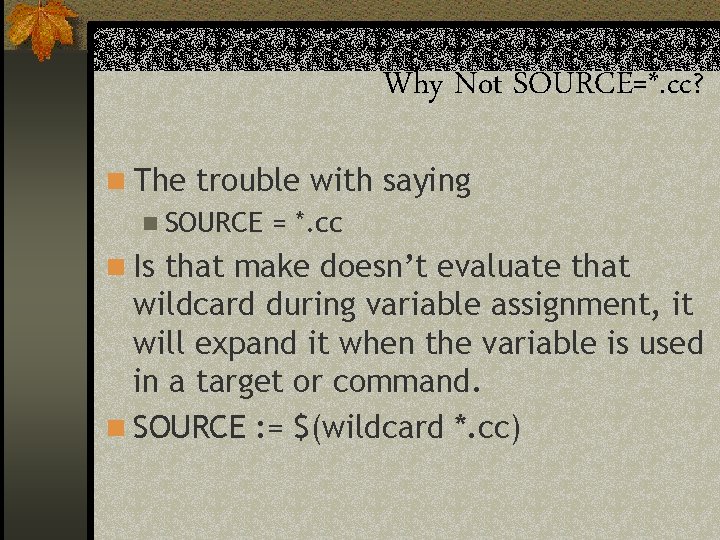
Why Not SOURCE=*. cc? n The trouble with saying n SOURCE = *. cc n Is that make doesn’t evaluate that wildcard during variable assignment, it will expand it when the variable is used in a target or command. n SOURCE : = $(wildcard *. cc)
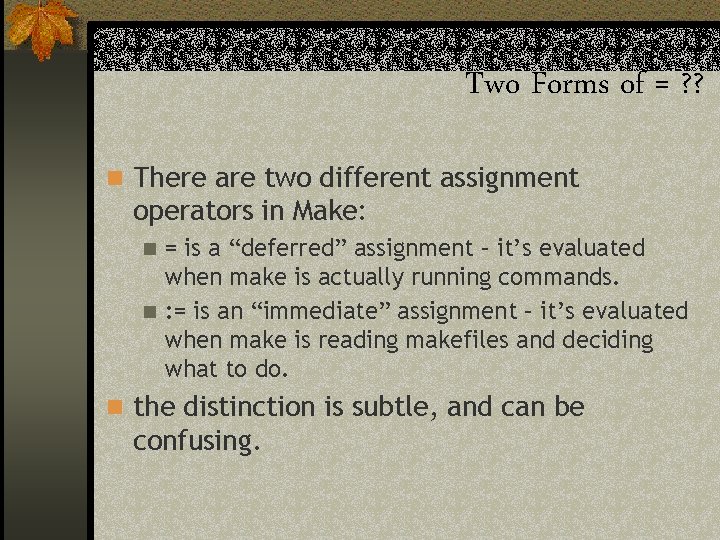
Two Forms of = ? ? n There are two different assignment operators in Make: = is a “deferred” assignment – it’s evaluated when make is actually running commands. n : = is an “immediate” assignment – it’s evaluated when make is reading makefiles and deciding what to do. n n the distinction is subtle, and can be confusing.
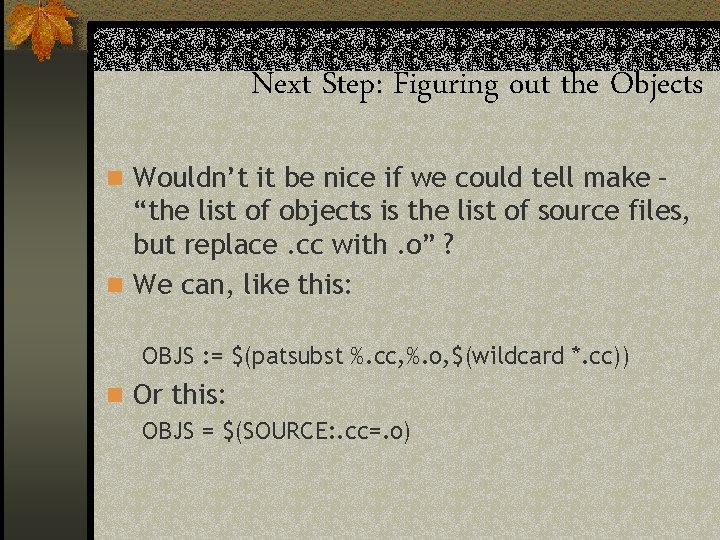
Next Step: Figuring out the Objects n Wouldn’t it be nice if we could tell make – “the list of objects is the list of source files, but replace. cc with. o” ? n We can, like this: OBJS : = $(patsubst %. cc, %. o, $(wildcard *. cc)) n Or this: OBJS = $(SOURCE: . cc=. o)
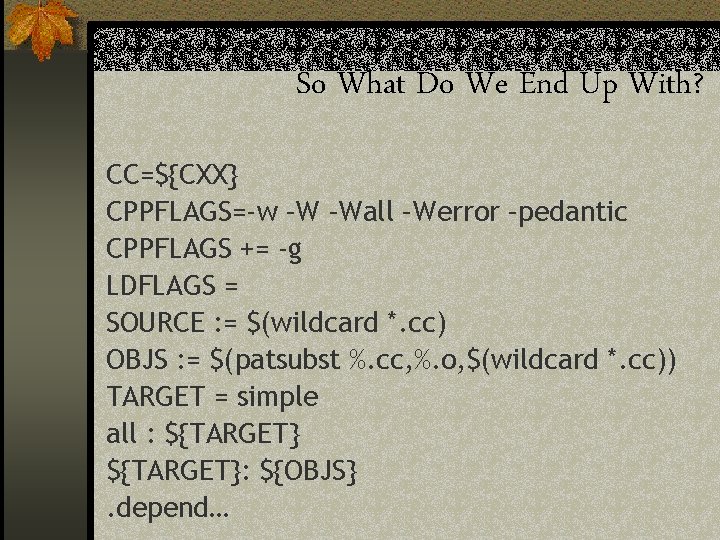
So What Do We End Up With? CC=${CXX} CPPFLAGS=-w –W –Wall –Werror –pedantic CPPFLAGS += -g LDFLAGS = SOURCE : = $(wildcard *. cc) OBJS : = $(patsubst %. cc, %. o, $(wildcard *. cc)) TARGET = simple all : ${TARGET}: ${OBJS}. depend…
So What’s Not To Love? n Makefile syntax is ugly – especially the fact that TABs have to be TABs. n While make has been ported to many operating systems, it’s easy to write Makefiles that aren’t portable. n That sed trick, for example, won’t work on Windows. n Many have tried to “fix” make – few of those efforts have survived.
Learning More n % info make n google for “make tutorial”
- Slides: 28