
Make An Indispensable Developers Tool Creative Commons License
Make An Indispensable Developer’s Tool Creative Commons License - Curt Hill
Introduction • Make is the name of a “scripting language” interpreter – Designed specifically for compiling and linking a programming project • Originally a UNIX program • Has escaped the UNIX ecosystem and is now everywhere • Refers to any of a set of programs that do approximately the same thing • Every IDE either uses an existing make or has a custom one Creative Commons License - Curt Hill
Capabilities • Enables the automatic build of a large project • Determines what needs to be compiled or linked – Will not compile everything – Does this in proper order as well • Not limited to a particular language or compiler system – Should be easy to change compilers – May also generate documentation Creative Commons License - Curt Hill
History • Stuart Feldman at Bell Labs was the original author – 1976 – Won the 2003 ACM Software System Award for this program • Prior to this large systems were usually created with scripts • Very many derivations of make Creative Commons License - Curt Hill
Components • There are typically two – The program itself – The script file that describes the executable build process • This often has the name make or makefile • With or without an extension Creative Commons License - Curt Hill
Process • Making a project is a matter of checking dependencies and dates • A dependency exists when one file depends upon another • Thus the executable usually depends upon object files – Object files depend upon source files • If an item is older than what it depends upon it must be rebuilt Creative Commons License - Curt Hill
Example • Suppose x. exe depends upon x. obj, date. obj and classy. obj • When make is executed it finds that x. exe is newer than date. obj and x. obj but older than classy. obj • It now knows that it must re-link x. exe so as to incorporate the new class. obj • It does the same process for obj files that depend on source files – Thus it only compiles and/or links what is out of date Creative Commons License - Curt Hill
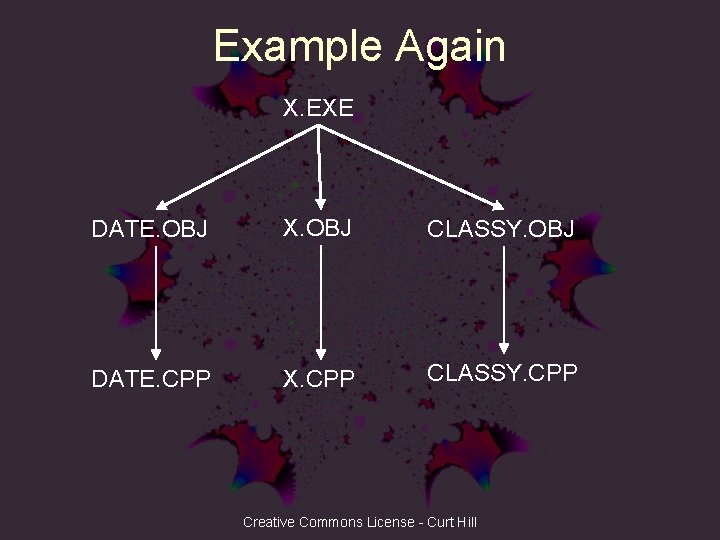
Example Again X. EXE DATE. OBJ X. OBJ CLASSY. OBJ DATE. CPP X. CPP CLASSY. CPP Creative Commons License - Curt Hill
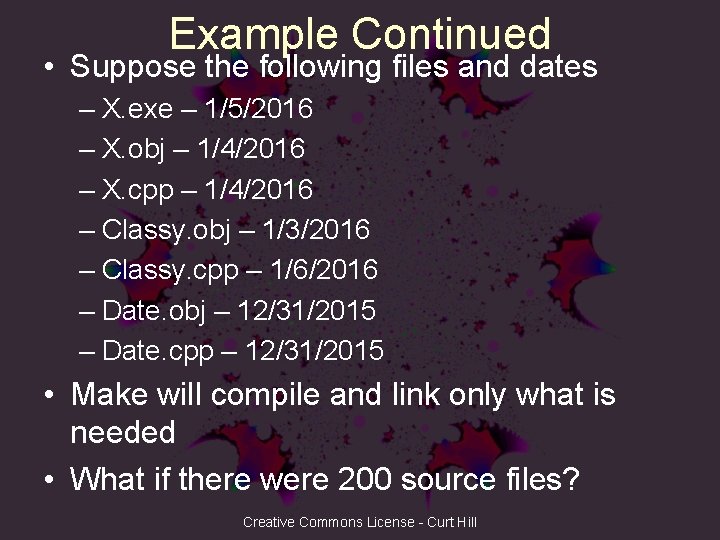
Example Continued • Suppose the following files and dates – X. exe – 1/5/2016 – X. obj – 1/4/2016 – X. cpp – 1/4/2016 – Classy. obj – 1/3/2016 – Classy. cpp – 1/6/2016 – Date. obj – 12/31/2015 – Date. cpp – 12/31/2015 • Make will compile and link only what is needed • What if there were 200 source files? Creative Commons License - Curt Hill
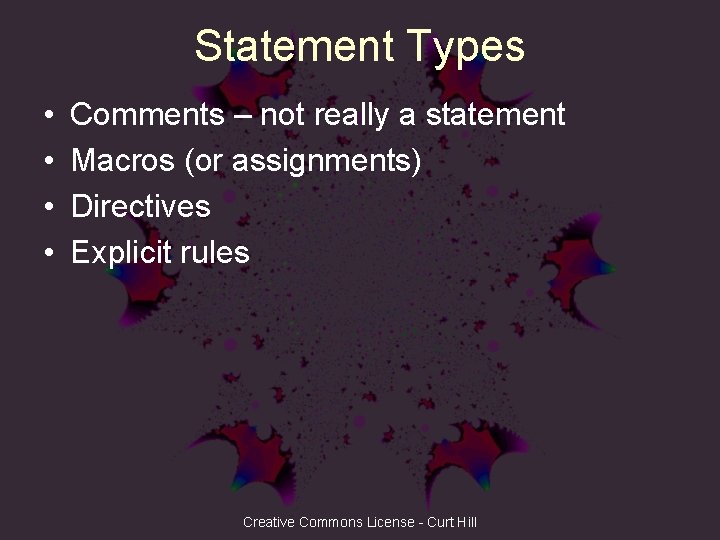
Statement Types • • Comments – not really a statement Macros (or assignments) Directives Explicit rules Creative Commons License - Curt Hill
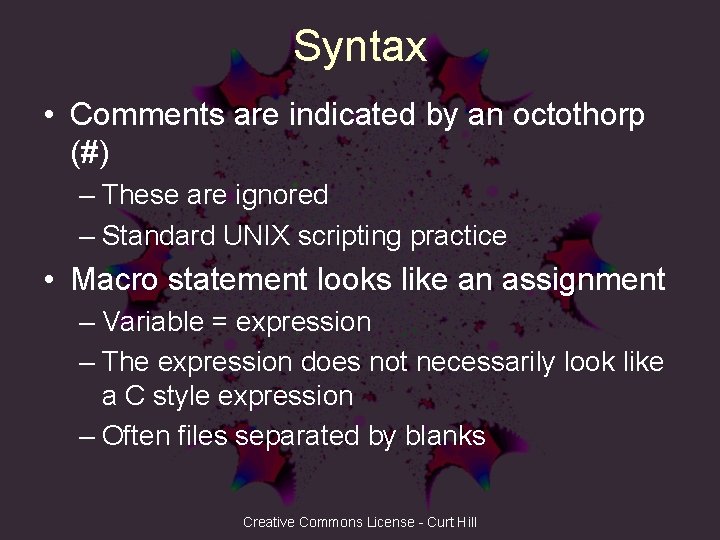
Syntax • Comments are indicated by an octothorp (#) – These are ignored – Standard UNIX scripting practice • Macro statement looks like an assignment – Variable = expression – The expression does not necessarily look like a C style expression – Often files separated by blanks Creative Commons License - Curt Hill
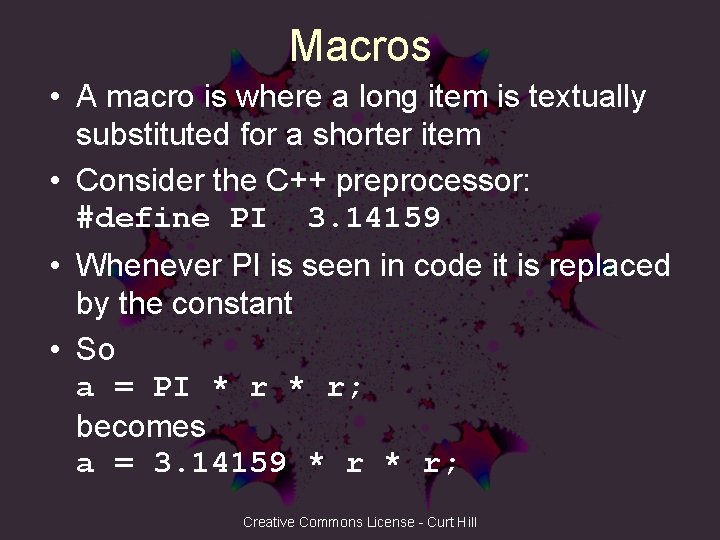
Macros • A macro is where a long item is textually substituted for a shorter item • Consider the C++ preprocessor: #define PI 3. 14159 • Whenever PI is seen in code it is replaced by the constant • So a = PI * r; becomes a = 3. 14159 * r; Creative Commons License - Curt Hill
Make Macros • In the preprocessor the name PI was not special in any way • In Make the setup is a little different • The definition looks like an assignment • The usage encloses the name in parenthesis and prefixes a $ Creative Commons License - Curt Hill
Make Macros Again • Thus if we have: CPP = g++. exe • Then we later see: $(CPP) -c ggapp. cpp • This becomes the command line: g++. exe -c ggapp. cpp • We can now easily change compilers or set options Creative Commons License - Curt Hill
Explicit Rules • General form is two lines target: dependencies <tab> system commands • Targets are typically executables or object files – Other things possible • The dependencies are one or more files that the target needs to be built • The command is how to accomplish it Creative Commons License - Curt Hill

Tabs • The Make rule uses the tab character – The character above Caps Lock • Since tabs look like blanks I represent these with <tab> in this presentation • So xyz. obj: xyz. cpp classy. h <tab> gcc –c xyz. cpp will actually look like: xyz. obj: xyz. cpp classy. h gcc –c xyz. cpp Creative Commons License - Curt Hill
Explicit Rules Again • If either classy. h or xyz. cpp is newer than xyz. obj or if xyz. obj does not exist then gcc with the c option is run on xyz. cpp • The usual form is target as a file: xyz. obj: xyz. cpp classy. h <tab> gcc –c xyz. cpp Creative Commons License - Curt Hill
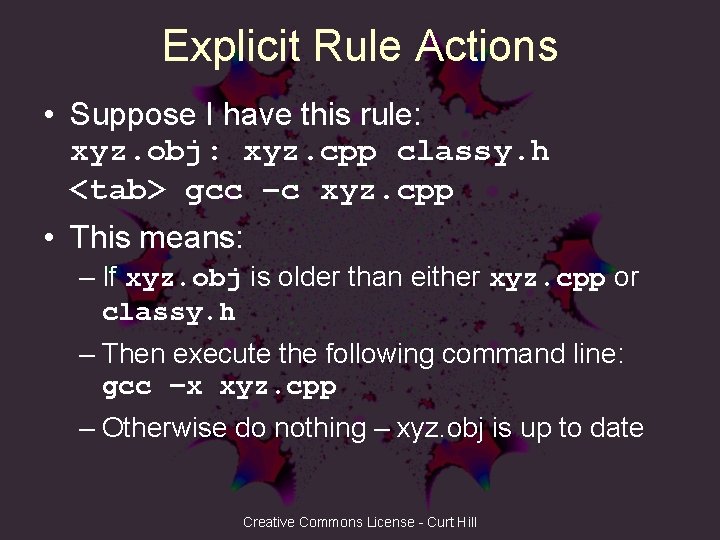
Explicit Rule Actions • Suppose I have this rule: xyz. obj: xyz. cpp classy. h <tab> gcc –c xyz. cpp • This means: – If xyz. obj is older than either xyz. cpp or classy. h – Then execute the following command line: gcc –x xyz. cpp – Otherwise do nothing – xyz. obj is up to date Creative Commons License - Curt Hill
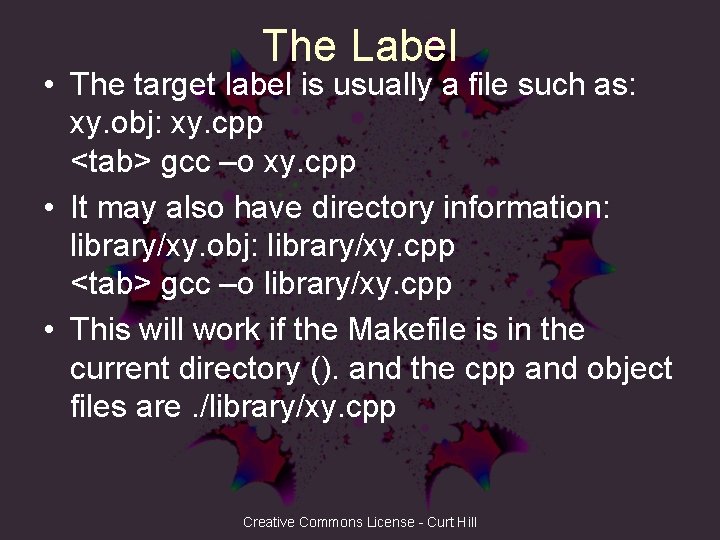
The Label • The target label is usually a file such as: xy. obj: xy. cpp <tab> gcc –o xy. cpp • It may also have directory information: library/xy. obj: library/xy. cpp <tab> gcc –o library/xy. cpp • This will work if the Makefile is in the current directory (). and the cpp and object files are. /library/xy. cpp Creative Commons License - Curt Hill
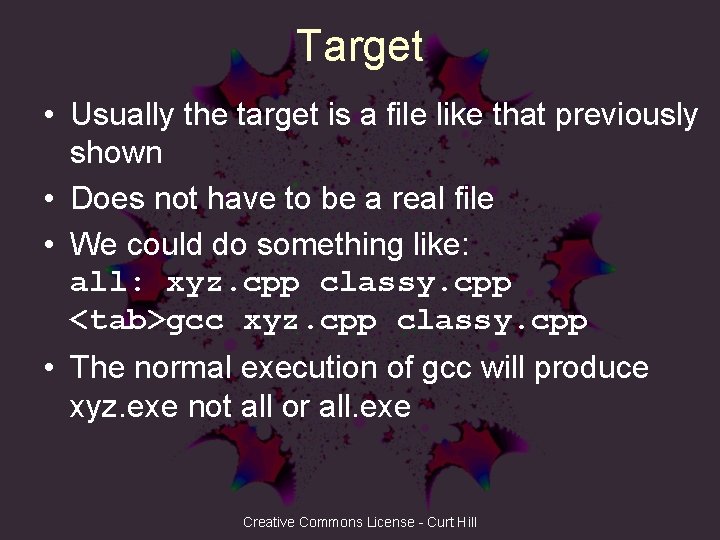
Target • Usually the target is a file like that previously shown • Does not have to be a real file • We could do something like: all: xyz. cpp classy. cpp <tab>gcc xyz. cpp classy. cpp • The normal execution of gcc will produce xyz. exe not all or all. exe Creative Commons License - Curt Hill
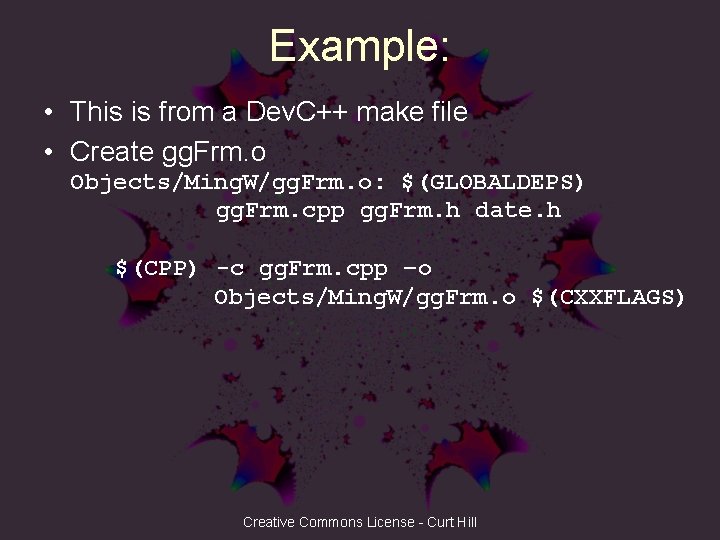
Example: • This is from a Dev. C++ make file • Create gg. Frm. o Objects/Ming. W/gg. Frm. o: $(GLOBALDEPS) gg. Frm. cpp gg. Frm. h date. h $(CPP) -c gg. Frm. cpp –o Objects/Ming. W/gg. Frm. o $(CXXFLAGS) Creative Commons License - Curt Hill
Conditionals • If statements that allow some alternatives • The keywords are if, else, elif, endif – Sometimes these are prefixed by a % or ! in various derivatives • This allows us to parameterize a makefile Creative Commons License - Curt Hill
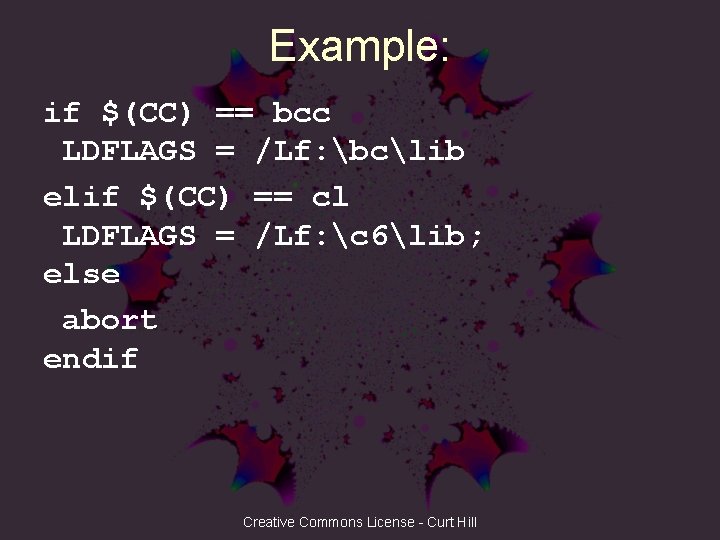
Example: if $(CC) == bcc LDFLAGS = /Lf: bclib elif $(CC) == cl LDFLAGS = /Lf: c 6lib; else abort endif Creative Commons License - Curt Hill
Languages • Do not be confused, the C family is not the only language processing that can occur • Many C/C++ projects have one or more subroutines in assembly – FORTRAN numerical routines are also common • Most GUIs in Windows have a source file, often a. rc, that compiles into a. res file – Wxforms compile eventually into. res Creative Commons License - Curt Hill
Dev. C++ • Uses a rather normal UNIX style make • The script is in: makefile. win – Even in a console program • Program itself is: …Min. GW 32binmingw 32 -make. exe • The project file is not the make file – It looks like a UNIX initialization file Creative Commons License - Curt Hill
Other things • Make can accept a parameter from the command line – The target to make • The first target should be the ultimate goal – If the first one is satisfied, nothing else is done – If the first one is not it will find all the others needed • A UNIX script will use as an escape character – So use forward slash in directories Creative Commons License - Curt Hill
More • UNIX make is case sensitive – Variables that are mis-cased will provide a null string – There is no error Creative Commons License - Curt Hill
Alternatives • There is no compelling reason why a system has to follow the UNIX pattern for a make file • Eclipse merely compiles all Java files in the projects directory • Visual Studio has a proprietary (and hidden) make process • Borland/Code. Gear/Embarcadero used a variant of UNIX make up through version 6 and then switched to an XML format Creative Commons License - Curt Hill
CMake • • One step up from more simple makes Used to build and then execute Makefiles Cross platform, free and open source Allows builds for differing platforms using the same set of source files Creative Commons License - Curt Hill
References • Here are some web references for more information: • http: //mrbook. org/blog/tutorials/make/ • http: //www. cs. colby. edu/maxwell/courses/t utorials/maketutor/ • http: //www. cs. swarthmore. edu/~newhall/u nixhelp/howto_makefiles. html • http: //www. opussoftware. com/tutorial/Tut. M akefile. htm Creative Commons License - Curt Hill
Finally • We should browse through a make file or two • Inher_demo has several classes including an inheritance hierarchy • Projectsp 2 csrcmake is a standard UNIX make • You should have some from Dev Creative Commons License - Curt Hill
- Slides: 31