
MAINTAIN A PAPERBASED FILING AND RETRIEVAL SYSTEM D
MAINTAIN A PAPER-BASED FILING AND RETRIEVAL SYSTEM D 1. HGE. CL 7. 03 D 1. HGA. CL 6. 03 Slide 1
Subject Elements This unit comprises three Elements: � Maintain information systems � Retrieve files in response to information requests � Maintain existing recording and filing systems Slide 2
Assessment for this unit may include: � Oral questions � Written questions � Work projects � Workplace observation of practical skills � Practical exercises � Formal report from supervisor Slide 3
Element 1: Maintain information systems Slide 4
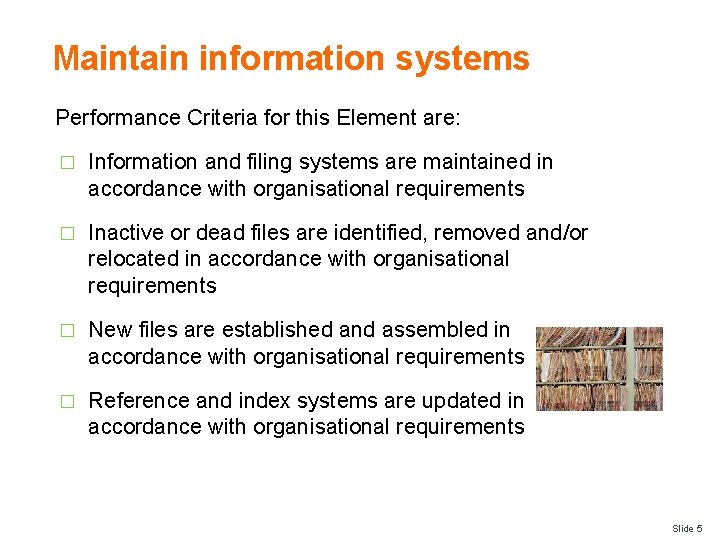
Maintain information systems Performance Criteria for this Element are: � Information and filing systems are maintained in accordance with organisational requirements � Inactive or dead files are identified, removed and/or relocated in accordance with organisational requirements � New files are established and assembled in accordance with organisational requirements � Reference and index systems are updated in accordance with organisational requirements Slide 5
Maintain information and filing systems Importance of hard copy information Whilst technology is having a greater impact in the way we conduct business activities including the production, transfer and storage of information, there will always be a need to maintain hard copy information. � What is hard copy information? � What are examples of it kept in the hospitality industry? � Why is it important to store hard copy information? Slide 6
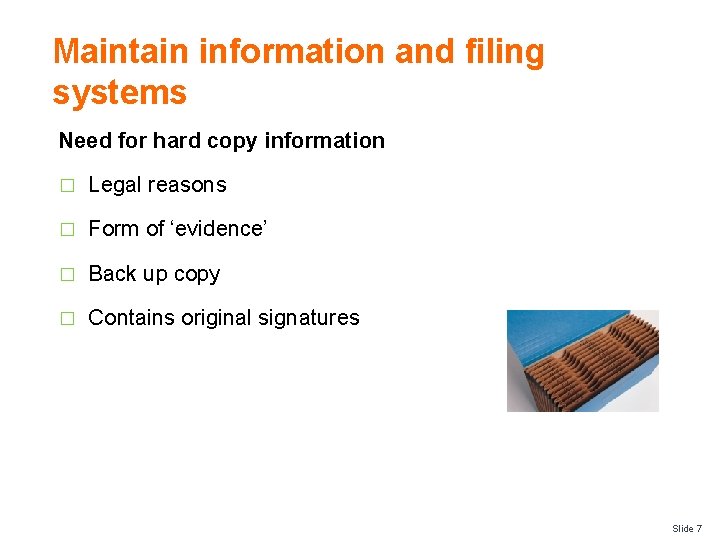
Maintain information and filing systems Need for hard copy information � Legal reasons � Form of ‘evidence’ � Back up copy � Contains original signatures Slide 7
Maintain information and filing systems Hard copy VS Electronic information � What are the advantages of hard copy information? � What are the disadvantages of hard copy information? � What are the advantages of electronic information? � What are the disadvantages of electronic information? Slide 8
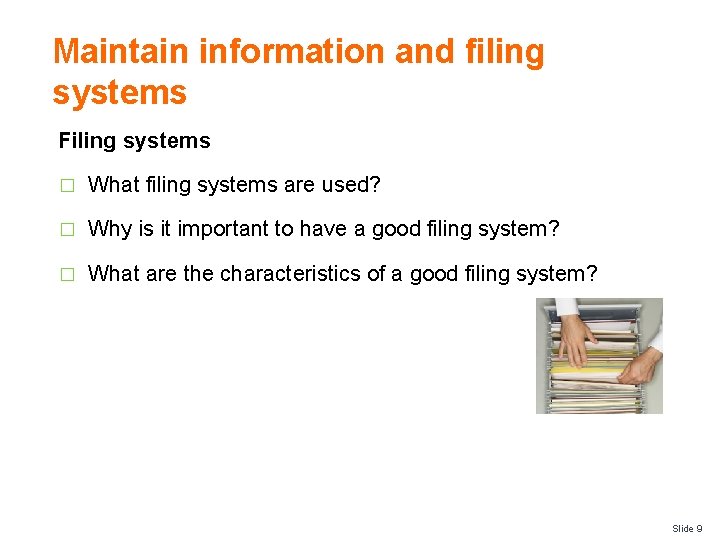
Maintain information and filing systems Filing systems � What filing systems are used? � Why is it important to have a good filing system? � What are the characteristics of a good filing system? Slide 9
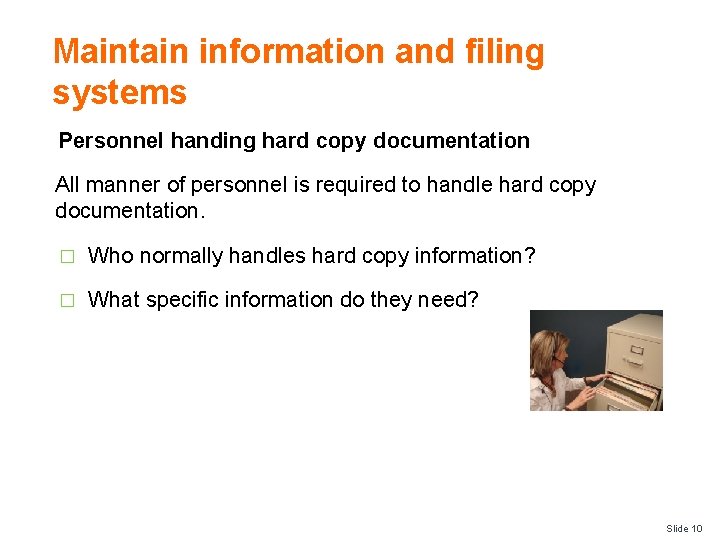
Maintain information and filing systems Personnel handing hard copy documentation All manner of personnel is required to handle hard copy documentation. � Who normally handles hard copy information? � What specific information do they need? Slide 10

Hard copy information Types of generic hard copy information � Correspondence, such as faxes, memos, letters, email and other documents � Computer databases, such as library catalogue, customer records � Sales records, including monthly forecasts, targets achieved � Forms, including insurance forms, membership forms Slide 11
Hard copy information Types of generic hard copy information � Invoices, such as from suppliers, to debtors � Personnel records, including personal details, salary rates � Information on training needs � Marketing reports, plans, budgets � Financial figures � Production targets Slide 12
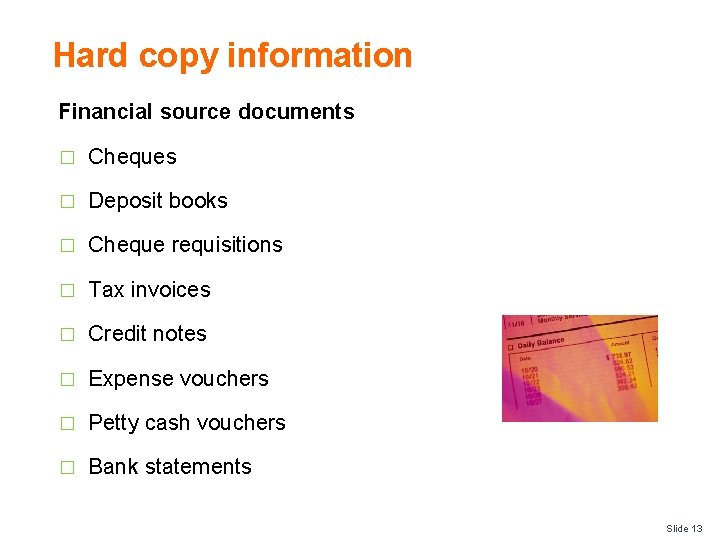
Hard copy information Financial source documents � Cheques � Deposit books � Cheque requisitions � Tax invoices � Credit notes � Expense vouchers � Petty cash vouchers � Bank statements Slide 13
Organisational requirements Importance of having organisational requirements Given that many of these documents are not only of a sensitive nature, but need to be stored in a logical and easy to locate manner, each organisation is likely to have a number of requirements that must be followed when handling them: � What types of requirements do organisations have? Slide 14
Organisational requirements Types of organisational requirements � Security and confidentiality requirements � Legal and organizational policy, guidelines and requirements � Management and accountability channels � Code of Conduct, Code of Ethics � Procedures for updating records � Information protocols Slide 15

Organisational requirements Types of organisational requirements � Who has responsibility for producing and handling documents � Who has authority for authorising documents and signing them prior to despatch � Filing and storing copies of documents � Identification of (blank and pro forma) documents that need to be prepared on a regular basis Slide 16
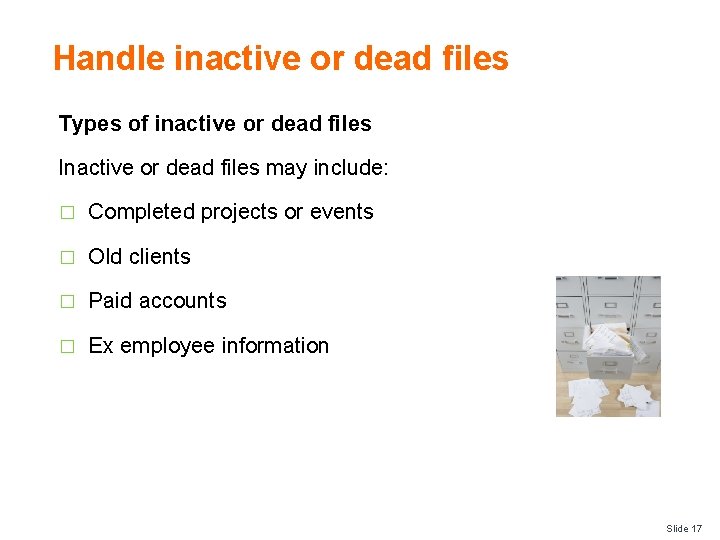
Handle inactive or dead files Types of inactive or dead files Inactive or dead files may include: � Completed projects or events � Old clients � Paid accounts � Ex employee information Slide 17
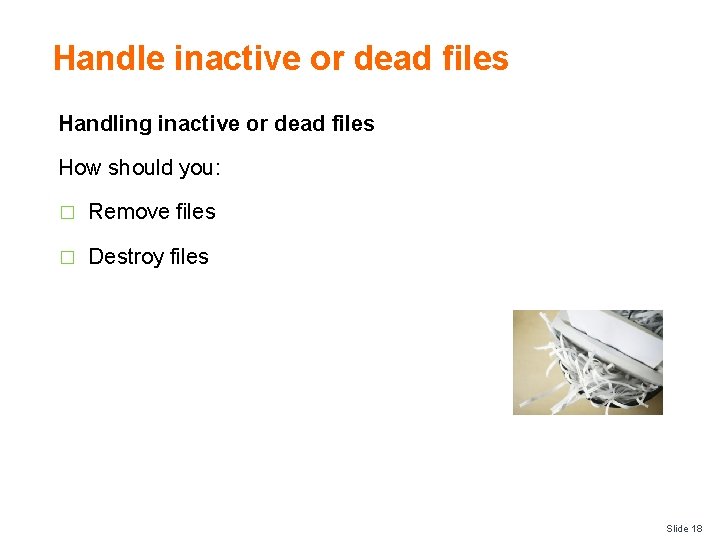
Handle inactive or dead files Handling inactive or dead files How should you: � Remove files � Destroy files Slide 18
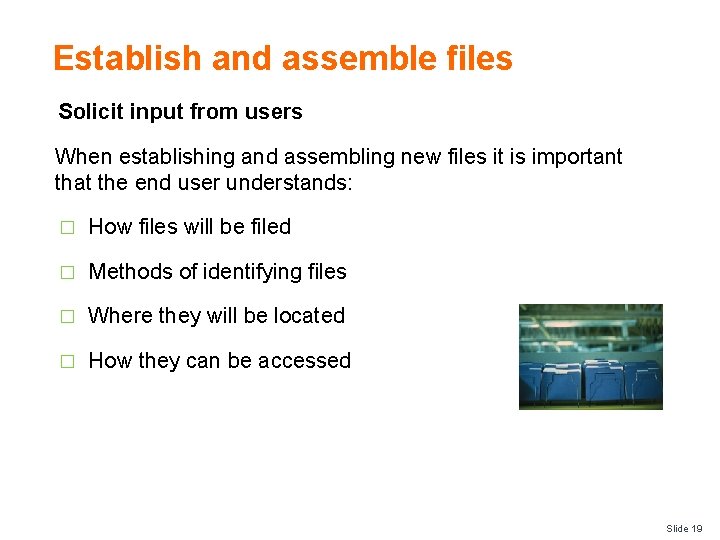
Establish and assemble files Solicit input from users When establishing and assembling new files it is important that the end user understands: � How files will be filed � Methods of identifying files � Where they will be located � How they can be accessed Slide 19
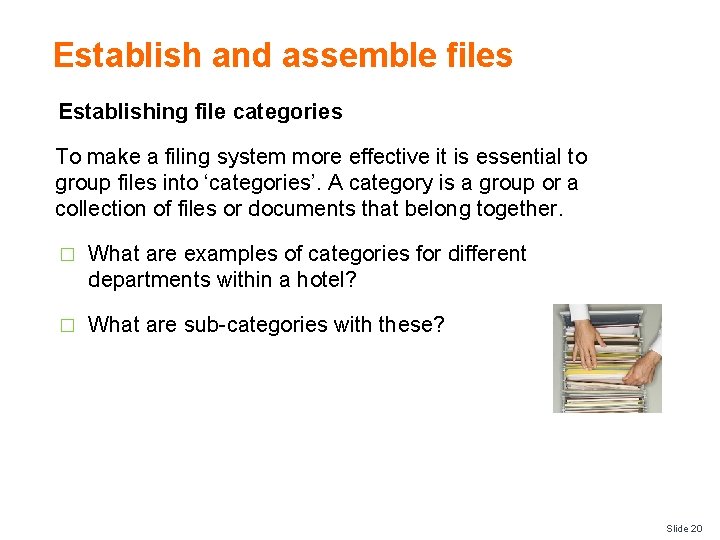
Establish and assemble files Establishing file categories To make a filing system more effective it is essential to group files into ‘categories’. A category is a group or a collection of files or documents that belong together. � What are examples of categories for different departments within a hotel? � What are sub-categories with these? Slide 20
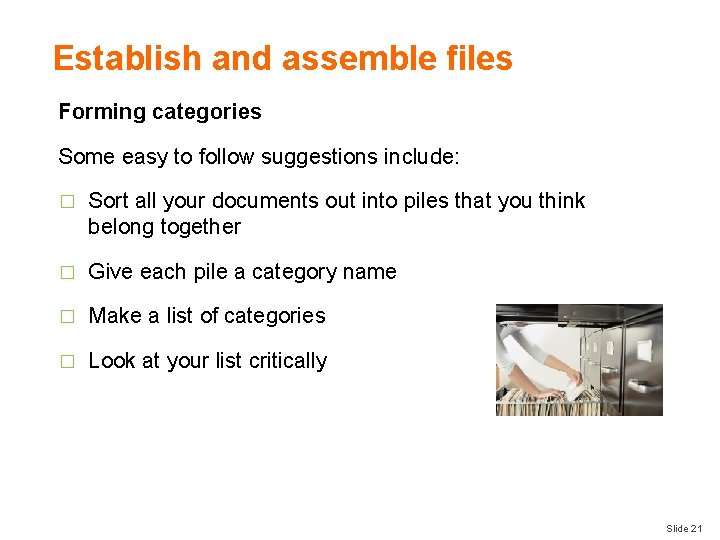
Establish and assemble files Forming categories Some easy to follow suggestions include: � Sort all your documents out into piles that you think belong together � Give each pile a category name � Make a list of categories � Look at your list critically Slide 21
Establish and assemble files Filing procedure � Step 1: Receiving the document � Step 2: Action � Step 3: Follow up � Step 4: Collecting Documents to be filed � Step 5: Filing Slide 22
Establish and assemble files Guidelines � Have easily identifiable files and folders � File documents immediately � Have consistency amongst filing systems Slide 23
Update reference and index systems Role of the reference and index systems Implementing a reference and index system enables you to file and then readily access paper-based documents: � What reference and index systems can you use? Slide 24
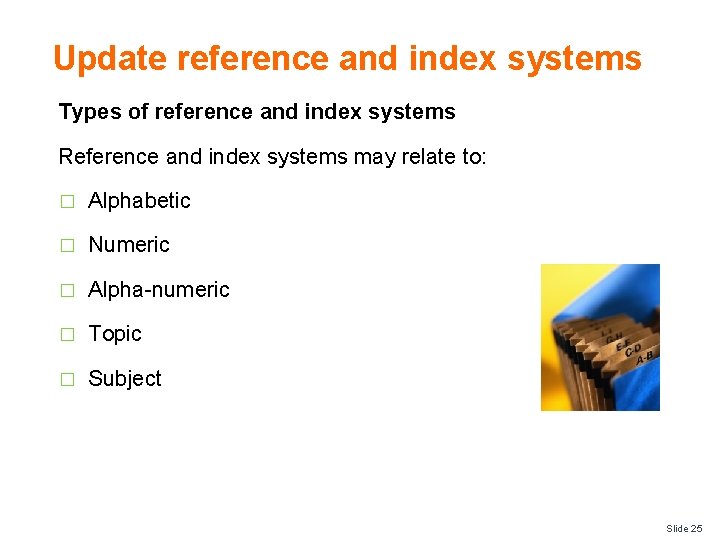
Update reference and index systems Types of reference and index systems Reference and index systems may relate to: � Alphabetic � Numeric � Alpha-numeric � Topic � Subject Slide 25
Update reference and index systems Types of reference and index systems Reference and index systems may relate to: � Alphabetic � Numeric � Alpha-numeric � Topic � Subject Slide 26
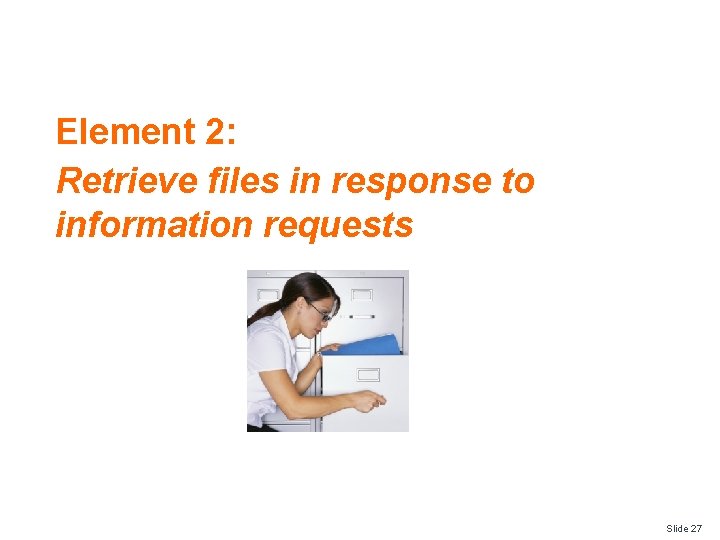
Element 2: Retrieve files in response to information requests Slide 27
Retrieve files in response to information requests Performance Criteria for this Element are: � Locate specified files or records within designated timelines � Retrieve relevant file � Record movements of documentation according to enterprise policies and procedures � Follow security and confidentiality procedures Slide 28
Locate files within timelines Locating files One of the main priorities of using a filing system is to ensure that files and documents can be: � Located � Identified � Retrieved in a timely and efficient manner Slide 29
Types of files Types of hospitality files and documents � Guest mail � Customer records � Incoming and outgoing correspondence � Files � Letters � Facsimiles (faxes) Slide 30
Types of files Types of hospitality files and documents � Memos � Reports � Menus � Banquet orders � Financial records � Invoices � Receipts Slide 31
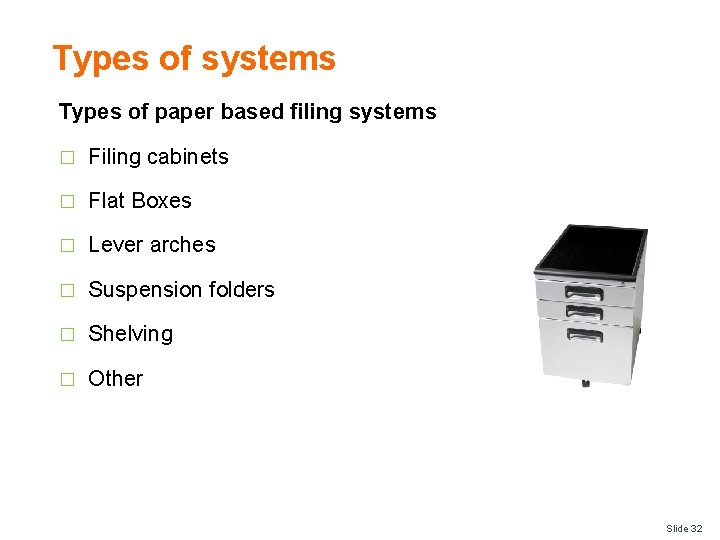
Types of systems Types of paper based filing systems � Filing cabinets � Flat Boxes � Lever arches � Suspension folders � Shelving � Other Slide 32
Retrieve relevant file Importance of documenting file retrieval Once the specific file has been found, it is time to retrieve it. In many cases files have been kept for a specific reason. It is therefore important that is files are removed for whatever reason, that: � There is a written record of this removal � Files are returned Slide 33
Retrieve relevant file Ensuring files are not lost File Out Book: � A file-out book is simply a book in which we write � Who borrowed the file or document � Name of the file or document � When they borrowed it � When they returned it Slide 34
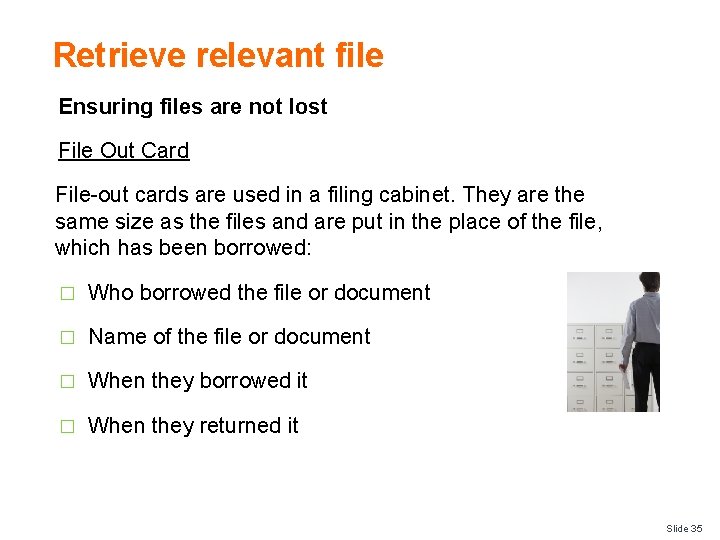
Retrieve relevant file Ensuring files are not lost File Out Card File-out cards are used in a filing cabinet. They are the same size as the files and are put in the place of the file, which has been borrowed: � Who borrowed the file or document � Name of the file or document � When they borrowed it � When they returned it Slide 35
Record document movements Benefits of recording movement of documents This helps to identify: � Who has the physical document � Who issues or authorised the movement of the document � Where the document is currently located Slide 36
Record document movements Types of document movements There are endless types of movements involving documents including: � Recording incoming or outgoing documents � Filing including electronic filing of correspondence � Mailing � Photocopying � Faxing � Emailing � Binding � Distribution Slide 37
Record document movements Ways to record movements may include: � Updating file register � Updating records management system � Temporary or permanent transfer of records Slide 38
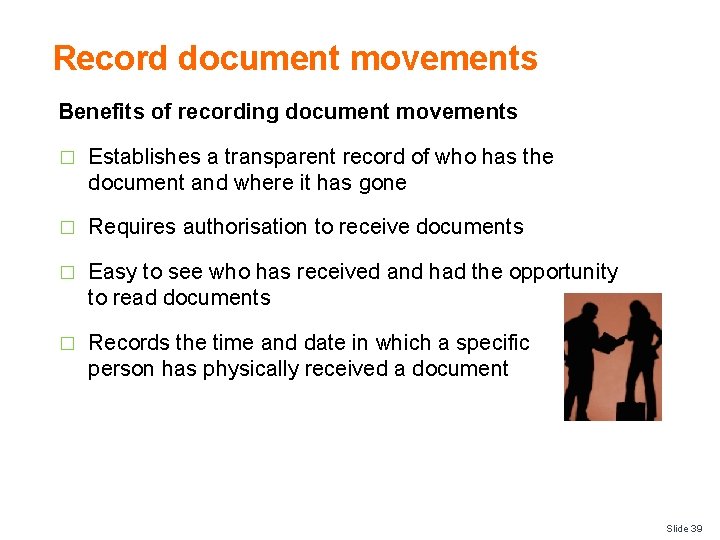
Record document movements Benefits of recording document movements � Establishes a transparent record of who has the document and where it has gone � Requires authorisation to receive documents � Easy to see who has received and had the opportunity to read documents � Records the time and date in which a specific person has physically received a document Slide 39
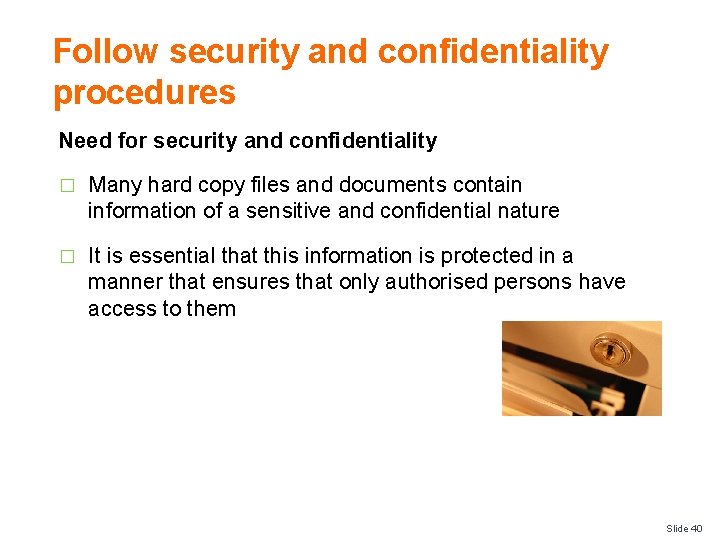
Follow security and confidentiality procedures Need for security and confidentiality � Many hard copy files and documents contain information of a sensitive and confidential nature � It is essential that this information is protected in a manner that ensures that only authorised persons have access to them Slide 40
Follow security and confidentiality procedures Types of confidential and sensitive information Information that may be considered confidential or sensitive may include: � Personal information relating to both personnel and guests � Credit card information � Salary and benefits entitled to personnel � Personnel performance appraisal information Slide 41
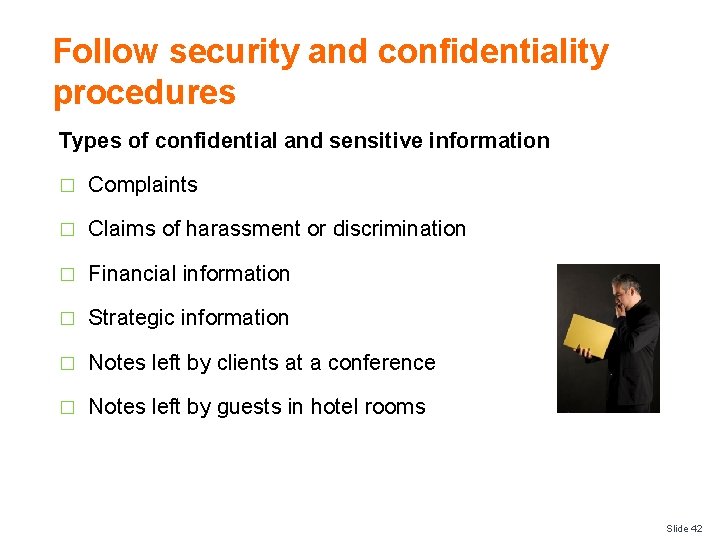
Follow security and confidentiality procedures Types of confidential and sensitive information � Complaints � Claims of harassment or discrimination � Financial information � Strategic information � Notes left by clients at a conference � Notes left by guests in hotel rooms Slide 42
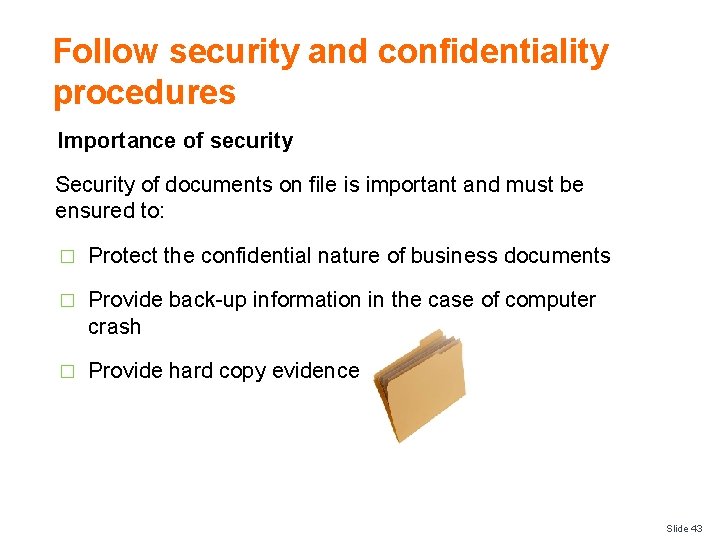
Follow security and confidentiality procedures Importance of security Security of documents on file is important and must be ensured to: � Protect the confidential nature of business documents � Provide back-up information in the case of computer crash � Provide hard copy evidence Slide 43
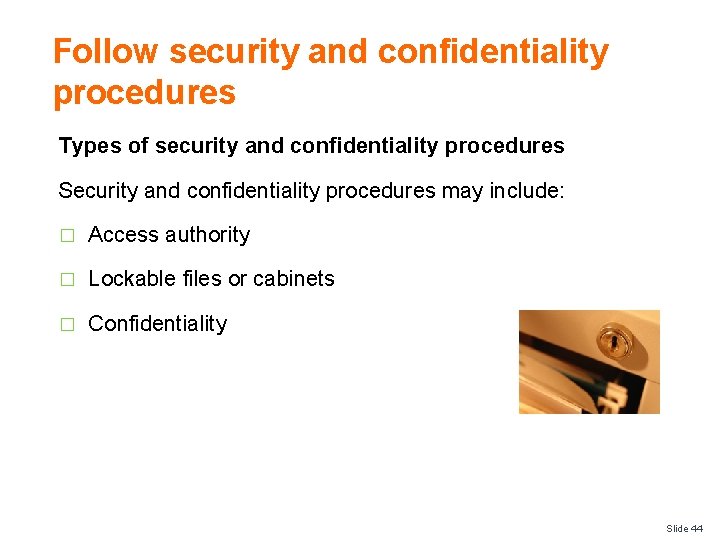
Follow security and confidentiality procedures Types of security and confidentiality procedures Security and confidentiality procedures may include: � Access authority � Lockable files or cabinets � Confidentiality Slide 44
Element 3: Maintain existing recording and filing systems Slide 45
Maintain existing recording and filing systems Performance Criteria for this Element are: � Maintain recording and filing systems according to enterprise policies and procedures � Allocate new documents to designated category � Monitor the issue and return of documents to ensure the integrity of the system is maintained Slide 46
Maintain existing recording and filing systems Performance Criteria for this Element are: � Archive, remove and update documents to ensure appropriate space available for current records � Identify and locate required files and dispatch to nominated person or section within designated time limits � Monitor and record file and document movements Slide 47
Maintain existing recording and filing systems Performance Criteria for this Element are: � Maintain documents in good condition and in correct location � Separate confidential files from general files, with access available to nominated personnel only � Monitor security system to ensure issued files are traceable at all times Slide 48
Maintain existing recording and filing systems Maintain systems � Some documentation is kept on file because the establishment has identified a potential need for it � It is therefore important to maintain, modify and update whatever reference systems the establishment has decided to keep � This means ensuring the information contained within reports is current and accurate as much as possible Slide 49
Maintain existing recording and filing systems Legally required information It is also a legal requirement to keep certain files in storage in case an individual needs to be located because of a criminal or civil law action, which may include: � An insurance claim being lodged � A theft from the guest’s room � A fire in the hotel Slide 50
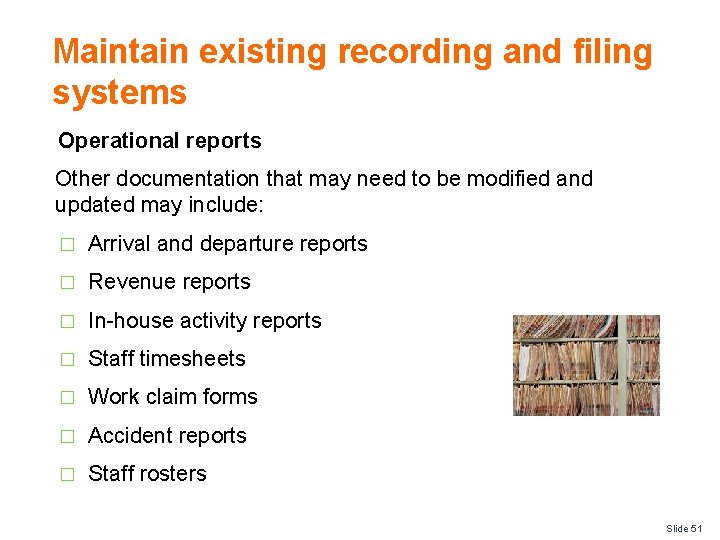
Maintain existing recording and filing systems Operational reports Other documentation that may need to be modified and updated may include: � Arrival and departure reports � Revenue reports � In-house activity reports � Staff timesheets � Work claim forms � Accident reports � Staff rosters Slide 51
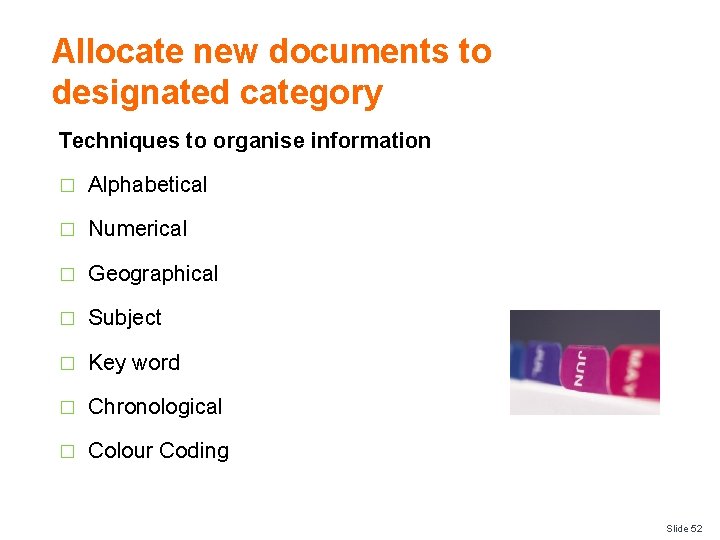
Allocate new documents to designated category Techniques to organise information � Alphabetical � Numerical � Geographical � Subject � Key word � Chronological � Colour Coding Slide 52
Monitor the issue and return of documents � Files are kept in specific locations for the benefit of all staff, to help them conduct day to day activities. It is therefore important that staff has access to these files when required � If files go missing, not only does this make it inconvenient for other staff seeking information, it may also have serious confidential concerns if lost Slide 53
Monitor the issue and return of documents Management must place a priority to monitor that any files issued have been: � Returned � In a complete format Slide 54
Monitor the issue and return of documents Check recording systems and files This can be achieved by ensuring the above mentioned recording systems are: � Are checked on a regular basis � Following up outstanding files with relevant persons � Conducting a ‘stock take’ of files where possible � Remind staff of the importance of returning files to original locations Slide 55
Archive, remove and update documents Archiving � Where files or documents pass a certain time such as 12 months after their date, they may be removed and stored in a secure location for a nominated time � This time is usually 5 to 7 years � This called ‘archiving’ Slide 56
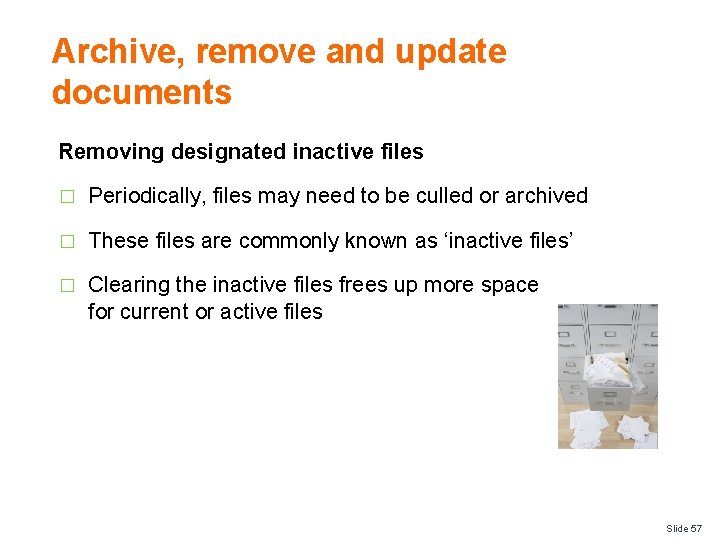
Archive, remove and update documents Removing designated inactive files � Periodically, files may need to be culled or archived � These files are commonly known as ‘inactive files’ � Clearing the inactive files frees up more space for current or active files Slide 57
Archive, remove and update documents Options to remove inactive files � Physically work through the files and remove anything older than a certain time � Shred anything that is remotely likely to be personal or confidential in nature � Documents may need to be archived Slide 58
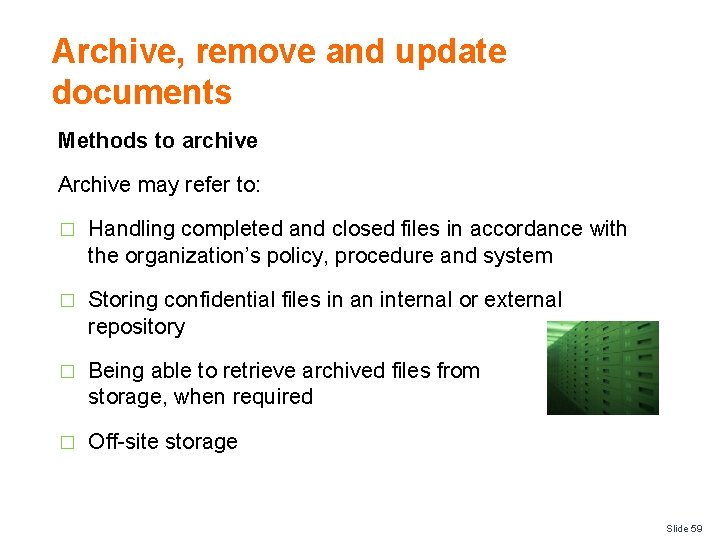
Archive, remove and update documents Methods to archive Archive may refer to: � Handling completed and closed files in accordance with the organization’s policy, procedure and system � Storing confidential files in an internal or external repository � Being able to retrieve archived files from storage, when required � Off-site storage Slide 59
Identify and dispatch documents Sharing hard copy files with others � At times personnel within the hospitality organisation will seek information or access to files that may be in your possession � It is normal procedure for files to be distributed to others Slide 60
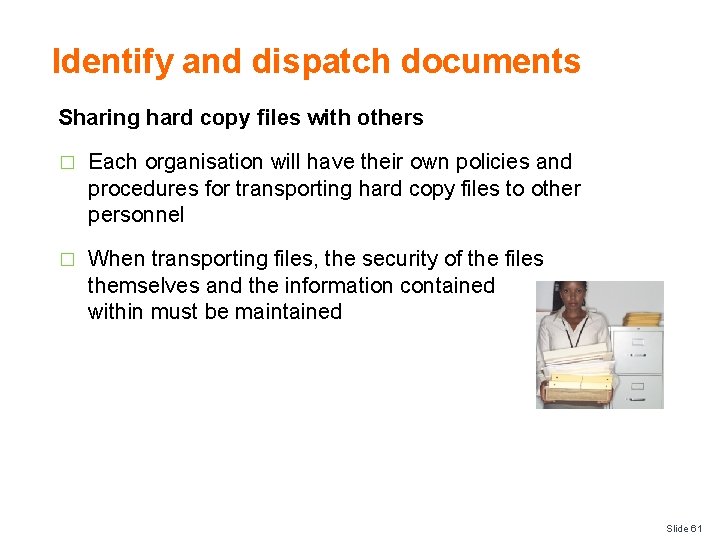
Identify and dispatch documents Sharing hard copy files with others � Each organisation will have their own policies and procedures for transporting hard copy files to other personnel � When transporting files, the security of the files themselves and the information contained within must be maintained Slide 61
Identify and dispatch documents Issuing files to others When issuing files to others it is important that you ensure: � These files can easily be identified � The persons seeking the files have the authority to be given them � The files are given to them in a timely manner � They are informed that files must be recorded or signed for � Files are returned if applicable Slide 62
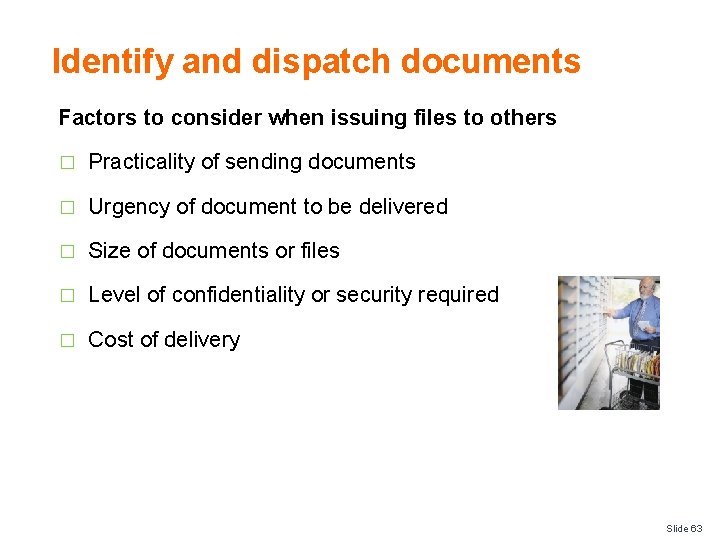
Identify and dispatch documents Factors to consider when issuing files to others � Practicality of sending documents � Urgency of document to be delivered � Size of documents or files � Level of confidentiality or security required � Cost of delivery Slide 63
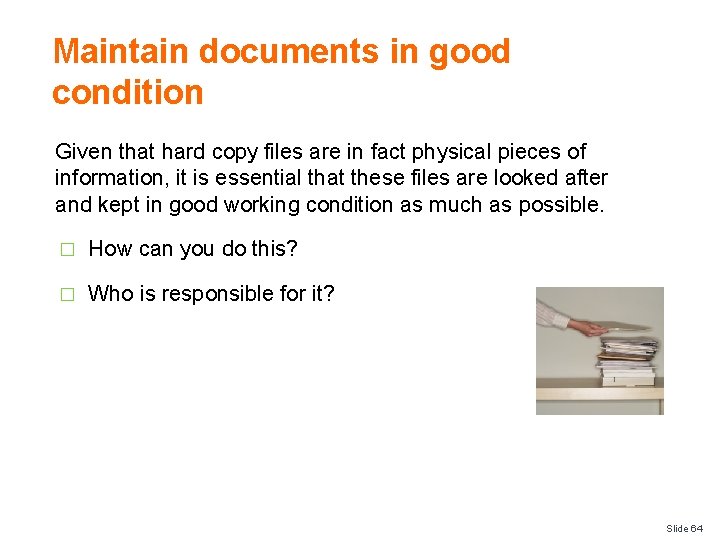
Maintain documents in good condition Given that hard copy files are in fact physical pieces of information, it is essential that these files are looked after and kept in good working condition as much as possible. � How can you do this? � Who is responsible for it? Slide 64
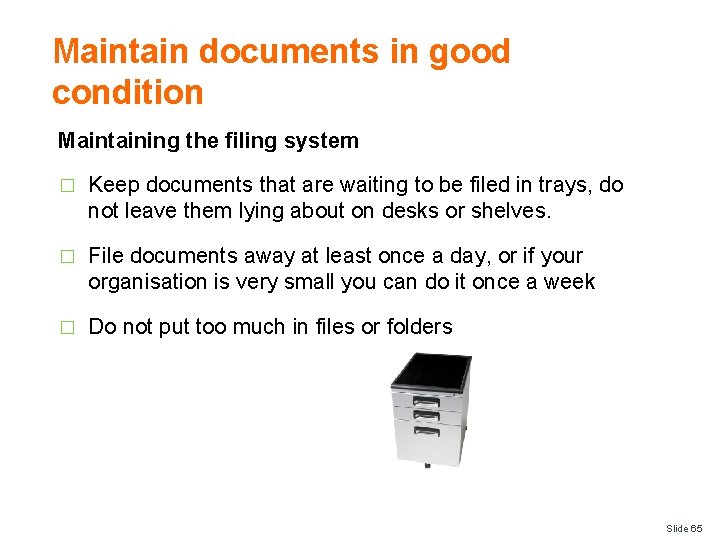
Maintain documents in good condition Maintaining the filing system � Keep documents that are waiting to be filed in trays, do not leave them lying about on desks or shelves. � File documents away at least once a day, or if your organisation is very small you can do it once a week � Do not put too much in files or folders Slide 65
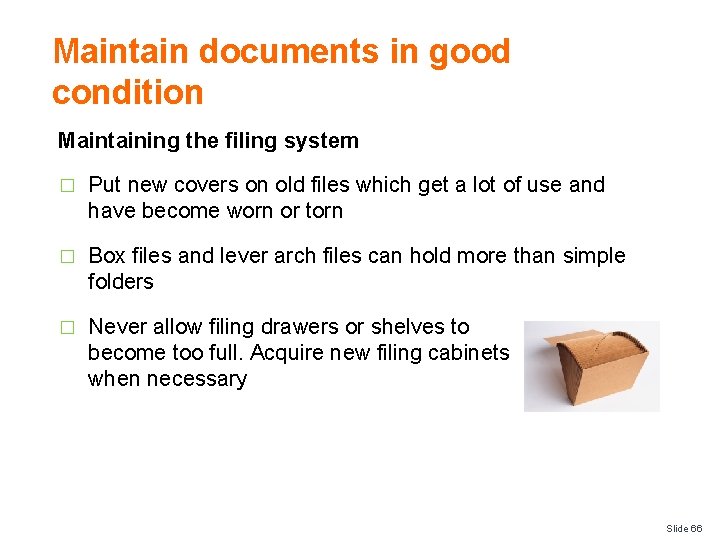
Maintain documents in good condition Maintaining the filing system � Put new covers on old files which get a lot of use and have become worn or torn � Box files and lever arch files can hold more than simple folders � Never allow filing drawers or shelves to become too full. Acquire new filing cabinets when necessary Slide 66
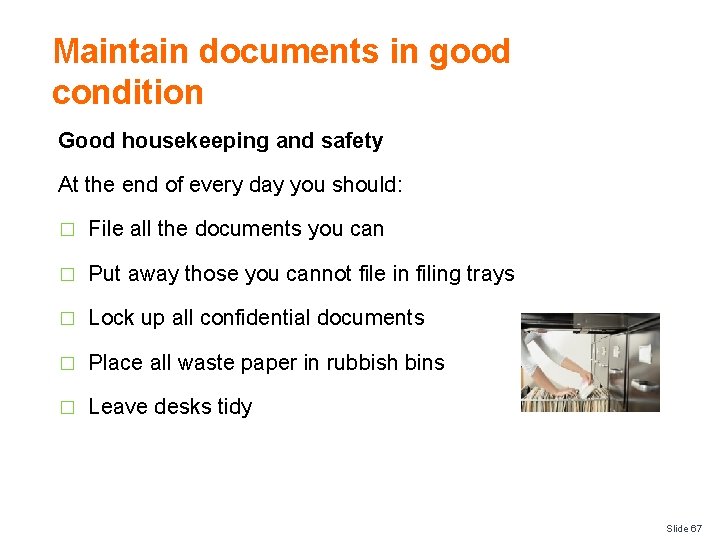
Maintain documents in good condition Good housekeeping and safety At the end of every day you should: � File all the documents you can � Put away those you cannot file in filing trays � Lock up all confidential documents � Place all waste paper in rubbish bins � Leave desks tidy Slide 67
Separate confidential files from general files Confidentiality is a set of rules or a promise that limits access or places restrictions on certain types of information: � What are examples of ‘general’ files? � What are examples of ‘confidential’ files? Slide 68
Separate confidential files from general files Types of general files These files are considered to be ‘general’ and contain information that helps to clarify and address operational needs including: � Expected arrivals and departures � Timing of banqueting activities � Expected VIP’s � Staff movements � Updated information or facts � Explanation of in-house promotions or menus Slide 69
Separate confidential files from general files Types of confidential files � Staff personnel files � Financial information � Operational information � Commercial in confidence Slide 70
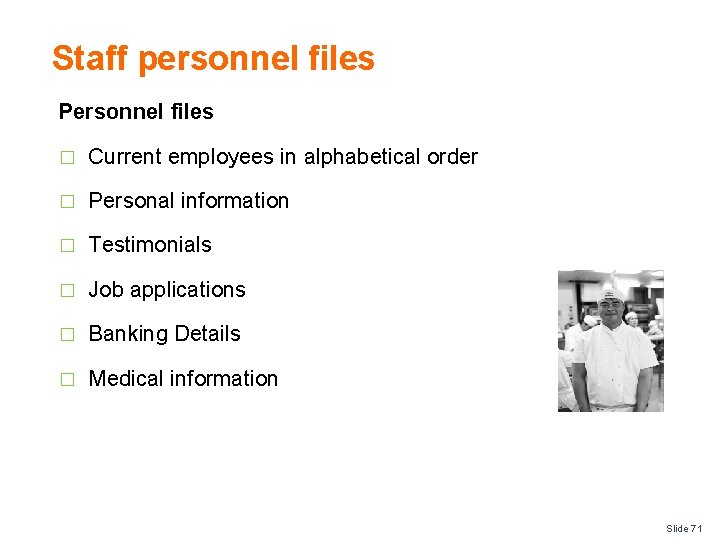
Staff personnel files Personnel files � Current employees in alphabetical order � Personal information � Testimonials � Job applications � Banking Details � Medical information Slide 71
Staff personnel files Staff Procedures � Personnel Procedures � Conditions of Employment � Contract of Employment � Salary Information � Induction � Job descriptions � Performance Appraisals � Staff Training � Leave Slide 72
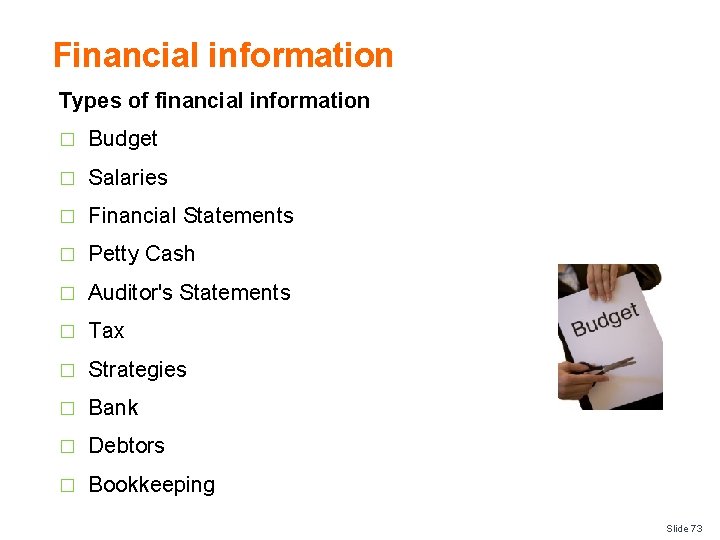
Financial information Types of financial information � Budget � Salaries � Financial Statements � Petty Cash � Auditor's Statements � Tax � Strategies � Bank � Debtors � Bookkeeping Slide 73
Operational information Types of operational information � Arrivals Report, Arrivals List � Departures Report, Departures List � No Show Report � Room Status Report � Special Requests Report � Occupancy Forecast Report � Average Room Rates Report Slide 74
Operational information Types of operational information � Multiple or Double Room Occupancy Report � Guest List by Name Report � Guest List by Room Report � Travel Agents’ Commission Report � Special Packages Report � Market Segment Report � Rooms Out of Order Report Slide 75
Operational information Types of operational information � Daily Room Revenue Summary Report � Daily Revenue Summary Report � Weekly Trading Summary Report � Monthly Trading Summary � Year-to-Date Report � In-house Activity Report Slide 76
Commercial in confidence There also other types of information that are commonly not for public viewing. Some of these include, but certainly not limited to: � Ownership Agreements � Management Agreements � Trademark information � Strategic information � Contracts � Recipes � Business proposals Slide 77
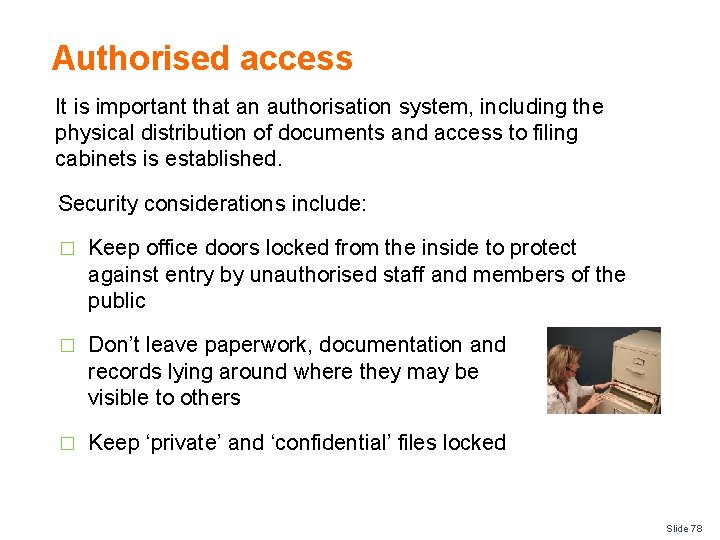
Authorised access It is important that an authorisation system, including the physical distribution of documents and access to filing cabinets is established. Security considerations include: � Keep office doors locked from the inside to protect against entry by unauthorised staff and members of the public � Don’t leave paperwork, documentation and records lying around where they may be visible to others � Keep ‘private’ and ‘confidential’ files locked Slide 78
Monitor security systems Methods to trace and secure files � Check file movement recording documentation � Follow up with staff deemed to have files at regular intervals to list on a file census form all the files held by that person � Keep a centralised record of file movements � Conduct a physical stock take of files in specific locations Slide 79
Monitor security systems Methods to trace and secure files � Issue and sign in important documents at the start and end of shift � Ask security to conduct locker or bag searches where highly sensitive information is not permitted to leave the premises Slide 80
- Slides: 80