
Main Menu Splash Page Subtopic 1 Subtopic 2
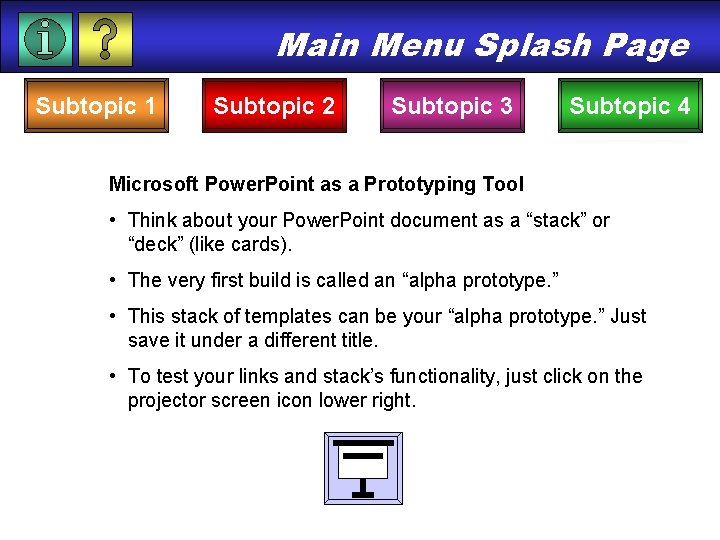
Main Menu Splash Page Subtopic 1 Subtopic 2 Subtopic 3 Subtopic 4 Microsoft Power. Point as a Prototyping Tool • Think about your Power. Point document as a “stack” or “deck” (like cards). • The very first build is called an “alpha prototype. ” • This stack of templates can be your “alpha prototype. ” Just save it under a different title. • To test your links and stack’s functionality, just click on the projector screen icon lower right.
Subtopic 1 Home Subtopic 2 Subtopic 3 Subtopic 4 Microsoft Power. Point is an ideal prototyping tool: • You can create hyperlinks to other pages in the stack and to pages outside of the stack. • You can build an interactive mapping strategy both linear or non-linear in design. • You can create buttons, import graphics, and use color to develop an approximate look and feel. • You can launch other software programs from inside the stack
Subtopic 2 Home Subtopic 1 Subtopic 3 Subtopic 4
Subtopic 3 Home Subtopic 1 Subtopic 2 Subtopic 4
Subtopic 4 Home Subtopic 1 Subtopic 2 Subtopic 3
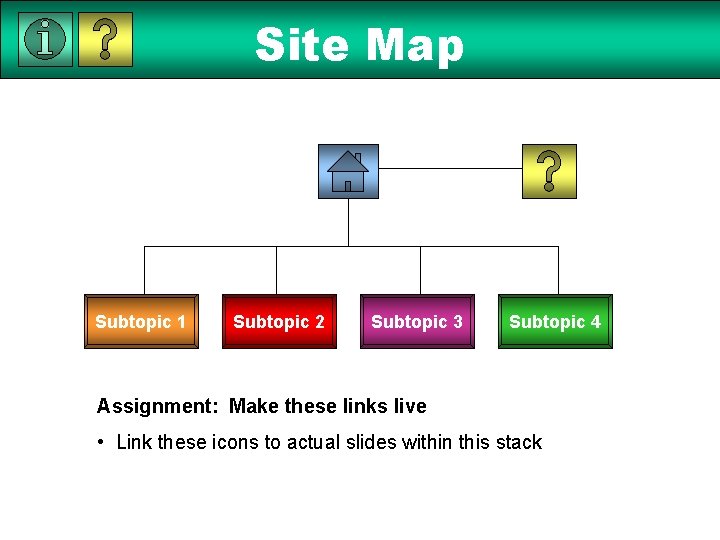
Site Map Subtopic 1 Subtopic 2 Subtopic 3 Subtopic 4 Assignment: Make these links live • Link these icons to actual slides within this stack
Online Help Home Subtopic 1 Subtopic 2 Subtopic 3 Subtopic 4
- Slides: 7