
MAE 152 Computer Graphics for Scientists and Engineers
- Slides: 23
MAE 152 Computer Graphics for Scientists and Engineers Fall 2003 Dr. Prashant V. Mahajan Senior Research Scientist AValon. RF, Inc. , El Cajon, CA
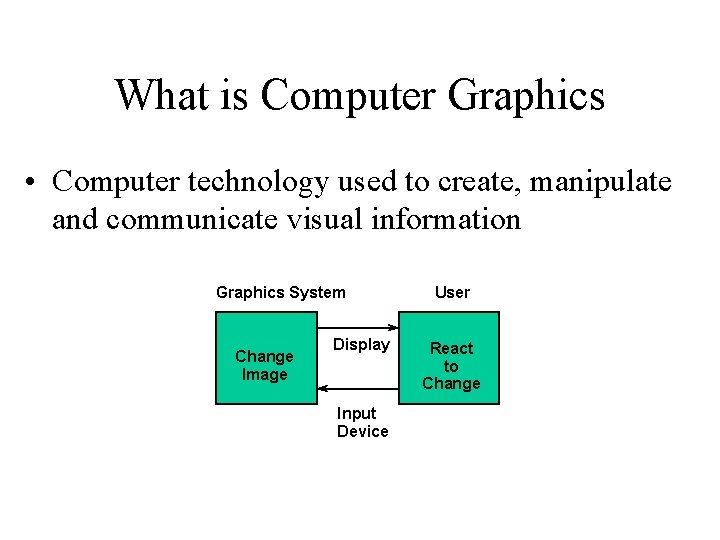
What is Computer Graphics • Computer technology used to create, manipulate and communicate visual information Graphics System Change Image Display Input Device User React to Change
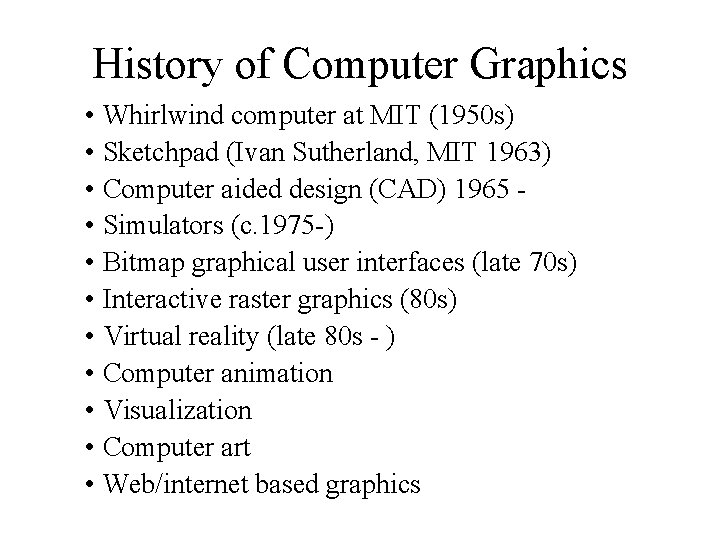
History of Computer Graphics • Whirlwind computer at MIT (1950 s) • Sketchpad (Ivan Sutherland, MIT 1963) • Computer aided design (CAD) 1965 • Simulators (c. 1975 -) • Bitmap graphical user interfaces (late 70 s) • Interactive raster graphics (80 s) • Virtual reality (late 80 s - ) • Computer animation • Visualization • Computer art • Web/internet based graphics
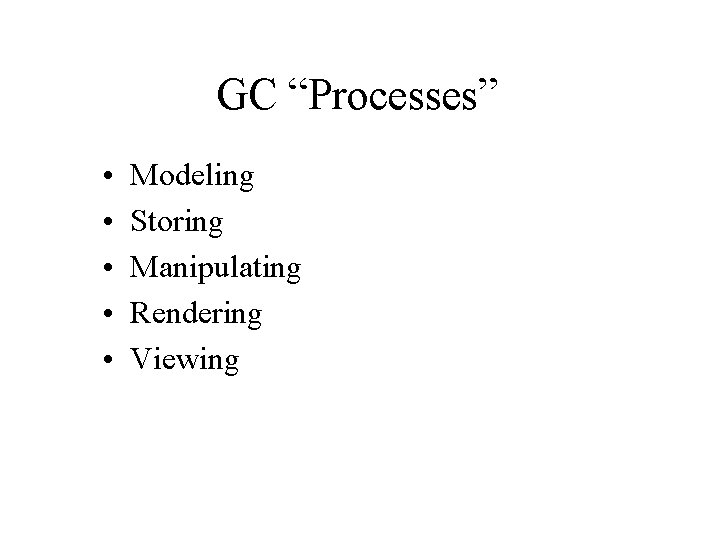
GC “Processes” • • • Modeling Storing Manipulating Rendering Viewing
Major areas of application …
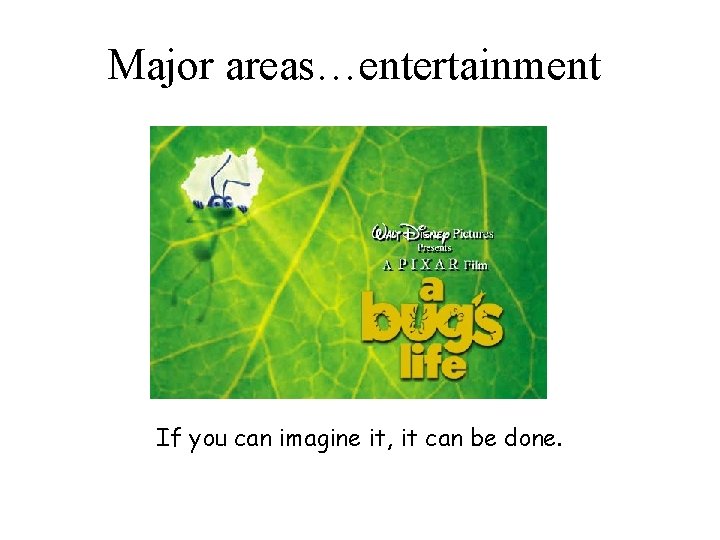
Major areas…entertainment If you can imagine it, it can be done.
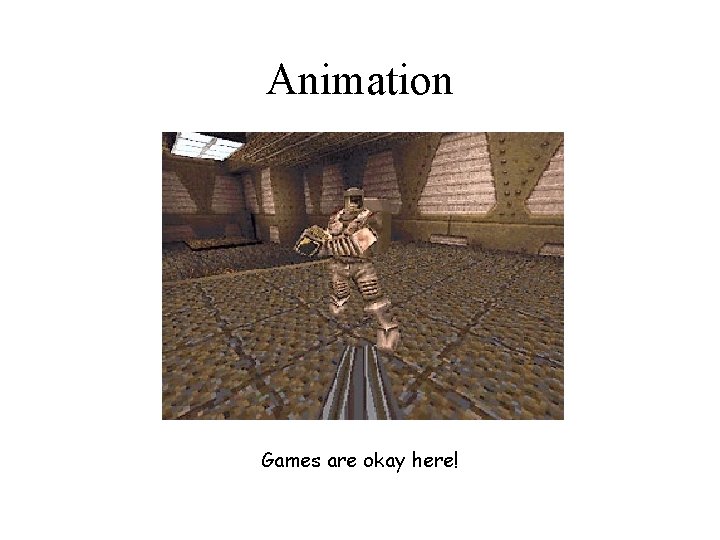
Animation Games are okay here!
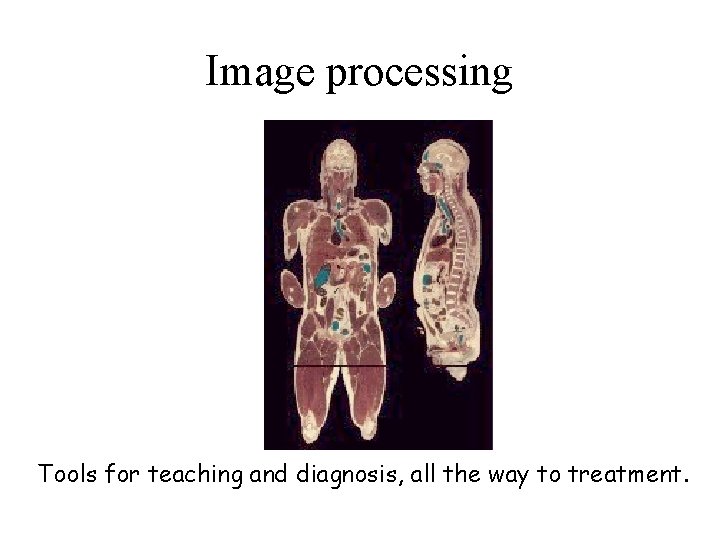
Image processing Tools for teaching and diagnosis, all the way to treatment.
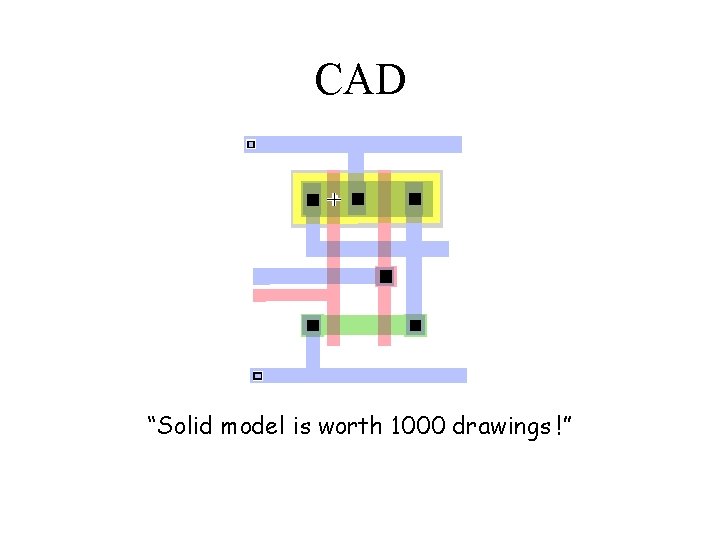
CAD “Solid model is worth 1000 drawings !”
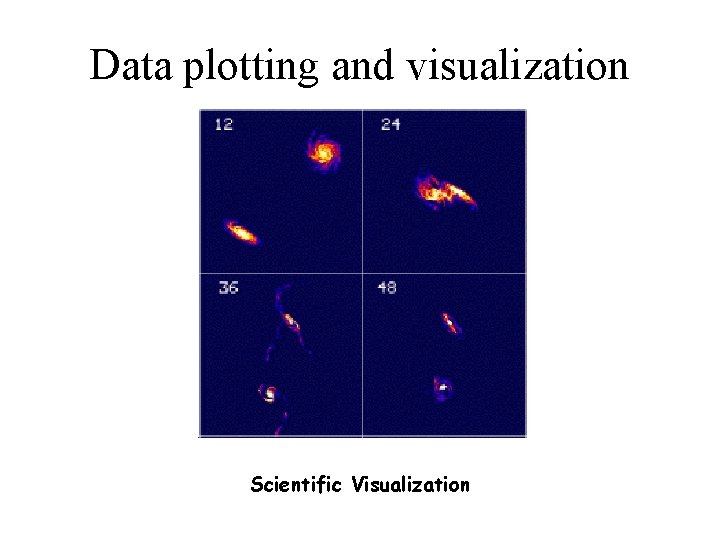
Data plotting and visualization Scientific Visualization
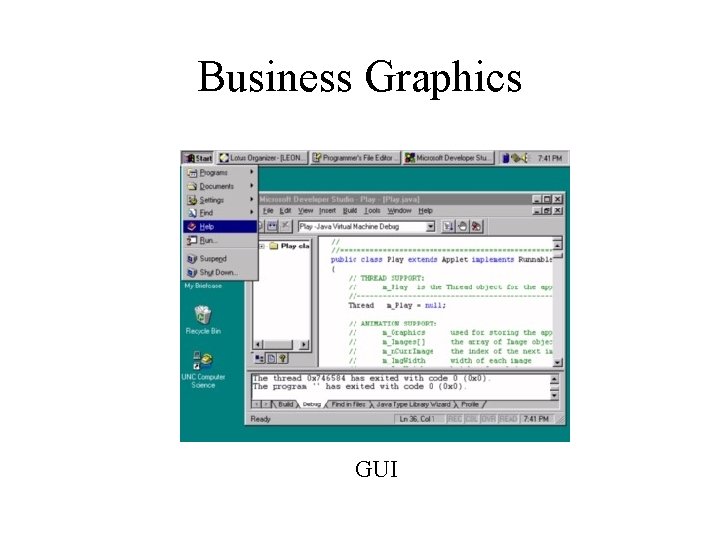
Business Graphics GUI
Goals of CG • Interactivity • Real-time • Realism
“Distinctiveness” of CG • • Dynamic environment Interactive environment Simulation environment Visualizing large quantities of data
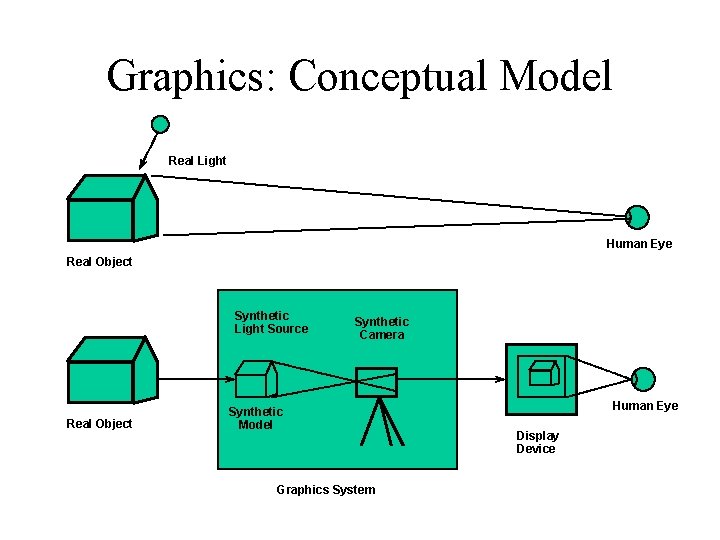
Graphics: Conceptual Model Real Light Human Eye Real Object Synthetic Light Source Real Object Synthetic Camera Synthetic Model Graphics System Human Eye Display Device
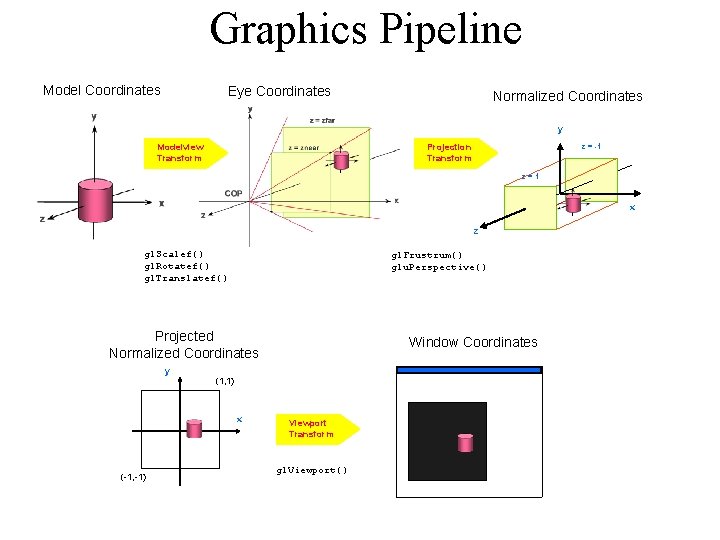
Graphics Pipeline Model Coordinates Eye Coordinates Normalized Coordinates y Modelview Transform z = -1 Projection Transform z=1 x z gl. Scalef() gl. Rotatef() gl. Translatef() gl. Frustrum() glu. Perspective() Projected Normalized Coordinates y (1, 1) x (-1, -1) Window Coordinates Viewport Transform gl. Viewport()
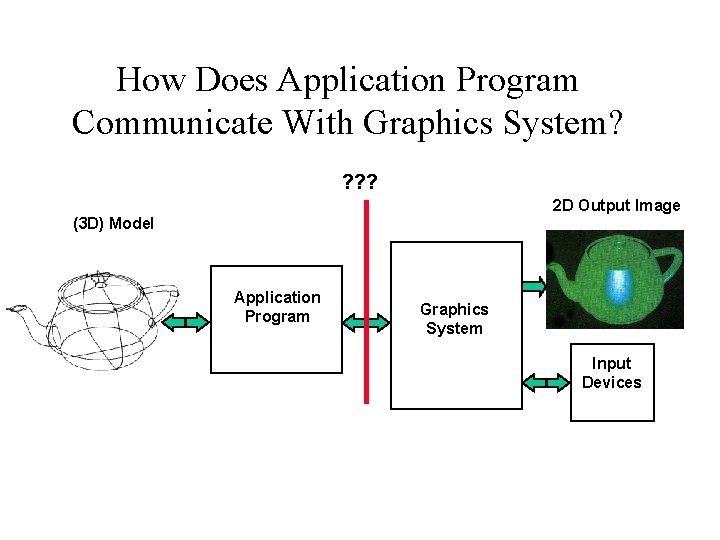
How Does Application Program Communicate With Graphics System? ? 2 D Output Image (3 D) Model Application Program Graphics System Input Devices
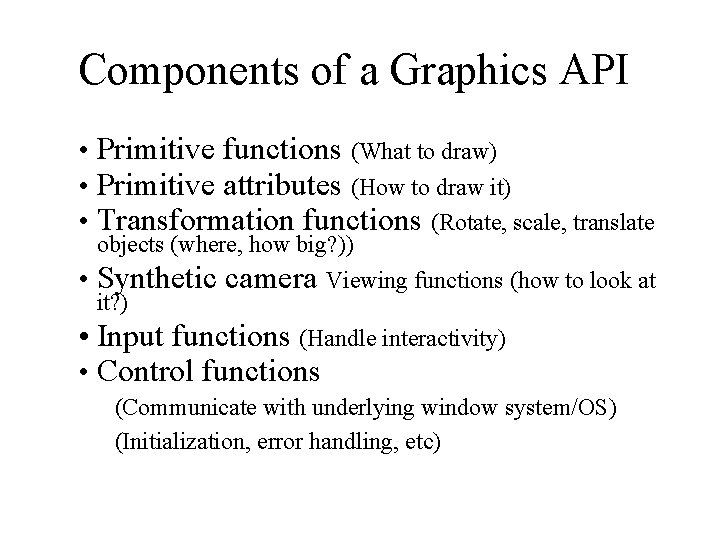
Components of a Graphics API • Primitive functions (What to draw) • Primitive attributes (How to draw it) • Transformation functions (Rotate, scale, translate objects (where, how big? )) • Synthetic camera Viewing functions (how to look at it? ) • Input functions (Handle interactivity) • Control functions (Communicate with underlying window system/OS) (Initialization, error handling, etc)
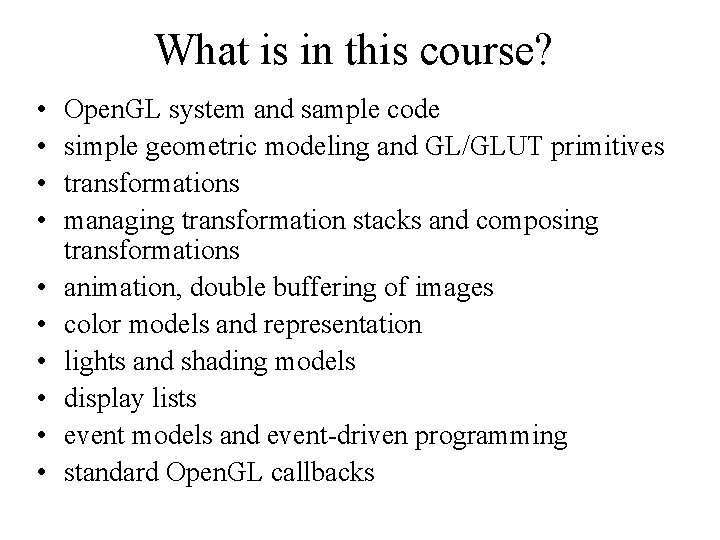
What is in this course? • • • Open. GL system and sample code simple geometric modeling and GL/GLUT primitives transformations managing transformation stacks and composing transformations animation, double buffering of images color models and representation lights and shading models display lists event models and event-driven programming standard Open. GL callbacks
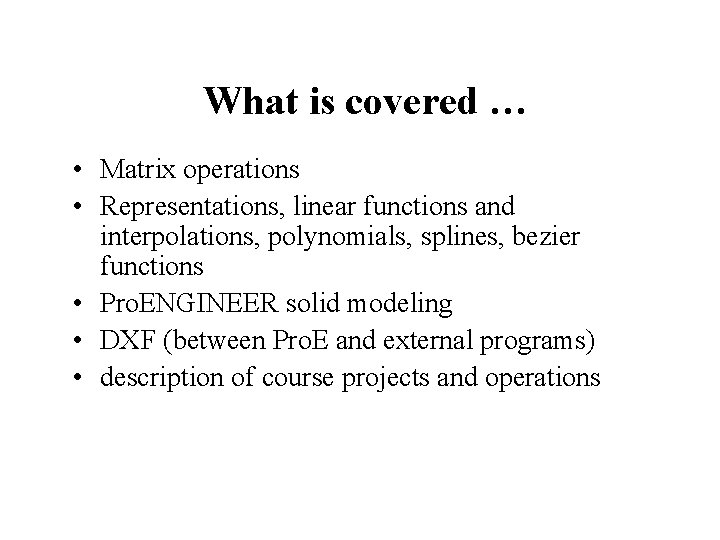
What is covered … • Matrix operations • Representations, linear functions and interpolations, polynomials, splines, bezier functions • Pro. ENGINEER solid modeling • DXF (between Pro. E and external programs) • description of course projects and operations
Administrative Class-hours: Wed-Fri, 5 -6. 20 p. m. Instructor: Dr Prashant V Mahajan Contact: drmahajanp@hotmail. com Office hours: Wed-Fri, 3. 45 -4. 45 p. m. TAs: Alex Seguriten Alex Simpkins Textbook/Reference (1) Open. GL Programming Guide, by Neider, Davis, & Woo (2) Computer Graphics for Design, by Daniel B. Olfe (3) Handouts
Administrative … Lab Hours Assignment / Project turn-in method Final Quiz Grading
Assignment 1: C Programming • Learning objectives – – – Review programming in C loops Variables Functions Arrays commenting and more • Microsoft Visual C++ or the compiler of your choice • Basic concept of a user interface
C Programming Assignment • Plate of heat-conductive material • Uniform temperature for t<0 • At t=0, “point heat sources” applied at two arbitrary points on the plate • Output the temperature distribution on the plate after 25 time steps • Due Fri, Oct 3