
Lua for Terra ME A Short Introduction Pedro

- Slides: 26
Lua for Terra. ME: A Short Introduction Pedro Ribeiro de Andrade Münster, 2013
What is Lua? § Yet another scripting language § Simple and flexible q “Simple things simple, complex things possible” § Small, Efficient, Portable q Whole library written in ANSI C, compiles the same source code in all platforms q The tarball for Lua 5. 1. 4 takes 860 K uncompressed. The source contains around 17000 lines of C. Under Linux, the interpreter takes 153 K and the library, 203 K. q Several benchmarks show Lua as the fastest language in the realm of interpreted scripting languages. § Free and distributed under MIT license
Where is Lua? § Inside Brazil q Petrobras, the Brazilian Oil Company q Embratel (the main telecommunication company in Lua is the language of choice for computer games Brazil) q many other companies § Outside Brazil q Lua is used in hundreds of projects, both commercial and academic q CGILua still in restricted use q until recently all documentation was in Portuguese source: the Lua team Lua and the Web [Ierusalimschy et al, 1996]
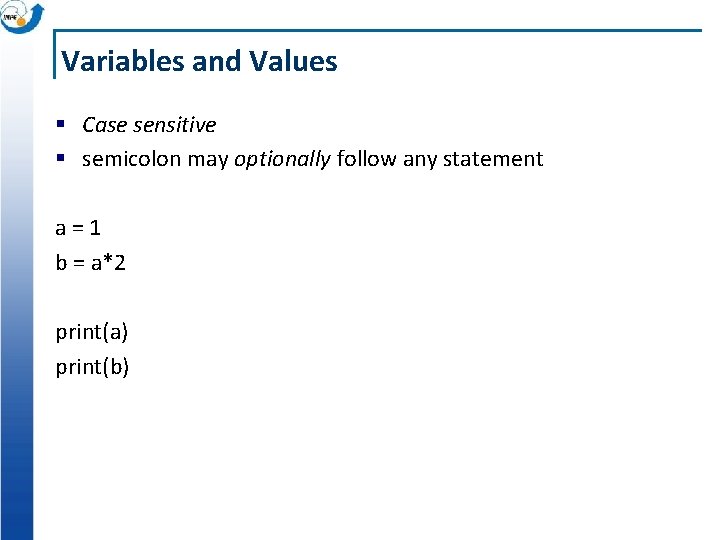
Variables and Values § Case sensitive § semicolon may optionally follow any statement a=1 b = a*2 print(a) print(b)
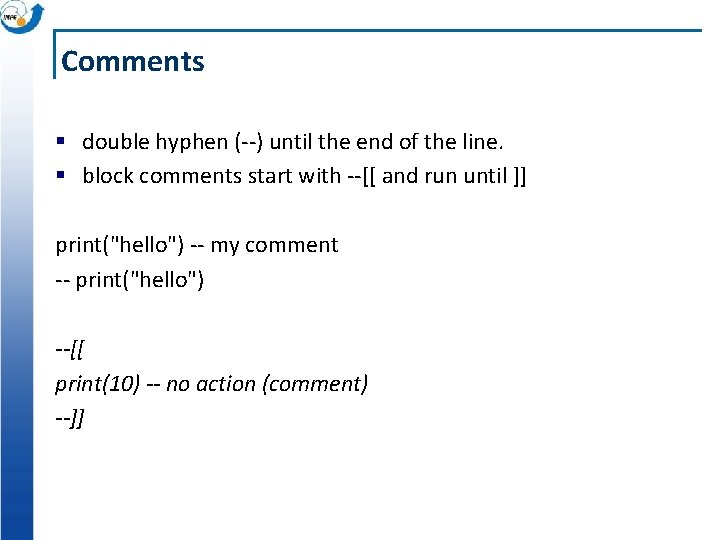
Comments § double hyphen (--) until the end of the line. § block comments start with --[[ and run until ]] print("hello") -- my comment -- print("hello") --[[ print(10) -- no action (comment) --]]
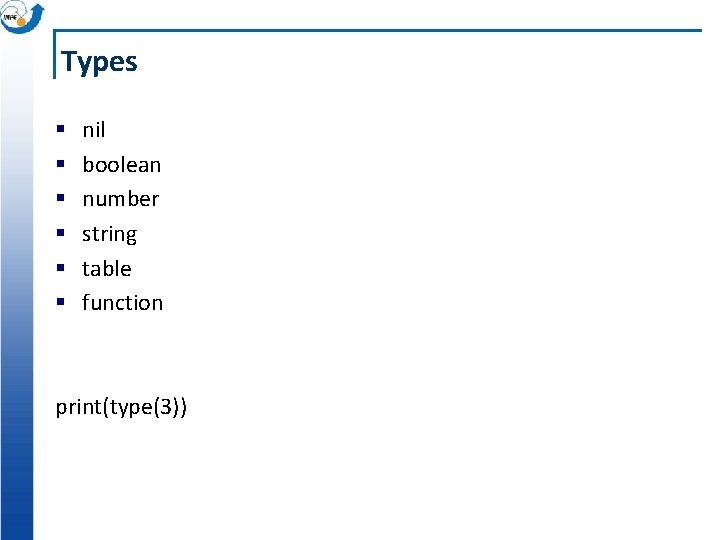
Types § § § nil boolean number string table function print(type(3))
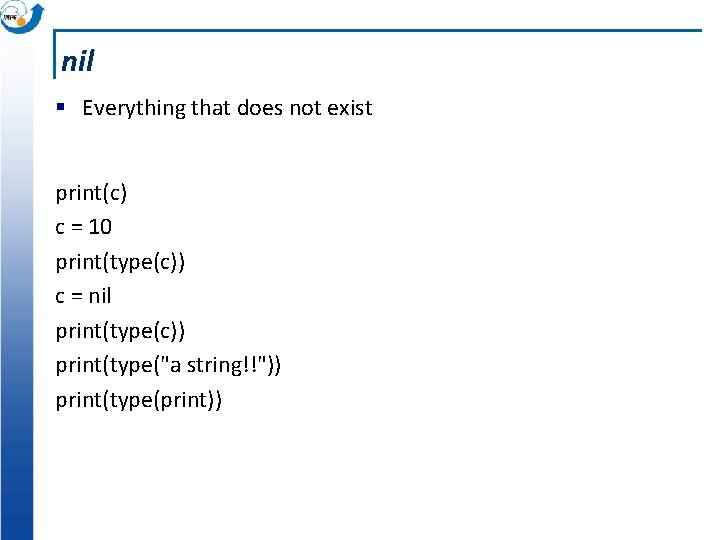
nil § Everything that does not exist print(c) c = 10 print(type(c)) c = nil print(type(c)) print(type("a string!!")) print(type(print))
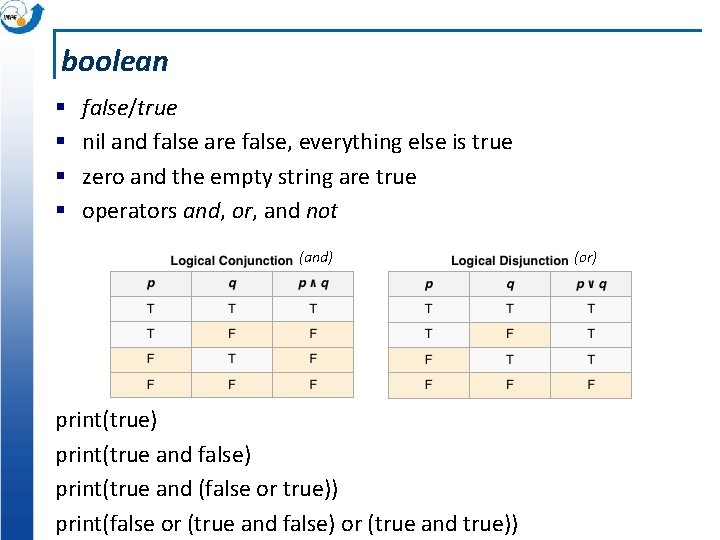
boolean § § false/true nil and false are false, everything else is true zero and the empty string are true operators and, or, and not (and) print(true and false) print(true and (false or true)) print(false or (true and false) or (true and true)) (or)
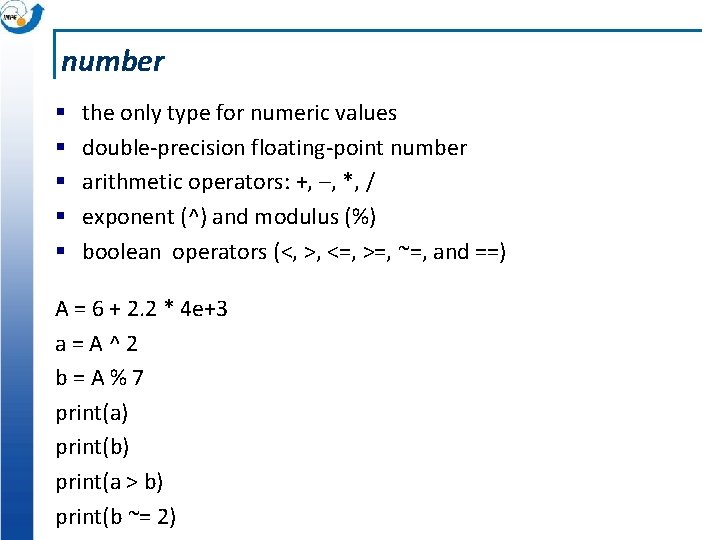
number § § § the only type for numeric values double-precision floating-point number arithmetic operators: +, –, *, / exponent (^) and modulus (%) boolean operators (<, >, <=, >=, ~=, and ==) A = 6 + 2. 2 * 4 e+3 a=A^2 b=A%7 print(a) print(b) print(a > b) print(b ~= 2)
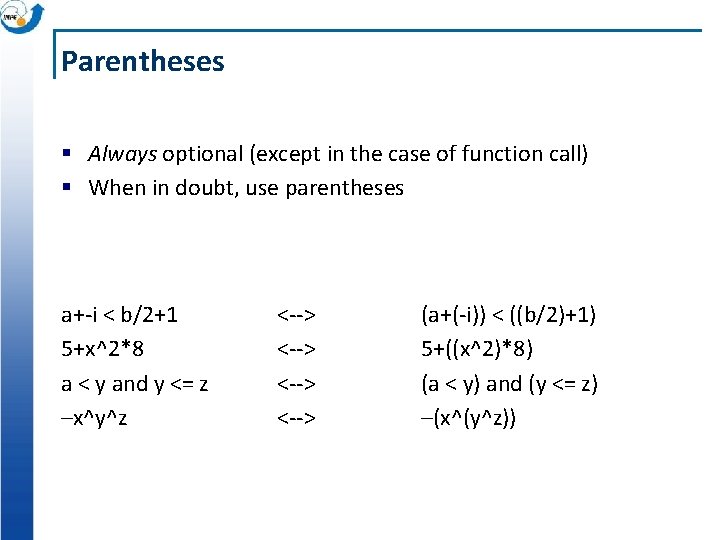
Parentheses § Always optional (except in the case of function call) § When in doubt, use parentheses a+-i < b/2+1 5+x^2*8 a < y and y <= z –x^y^z <--> (a+(-i)) < ((b/2)+1) 5+((x^2)*8) (a < y) and (y <= z) –(x^(y^z))
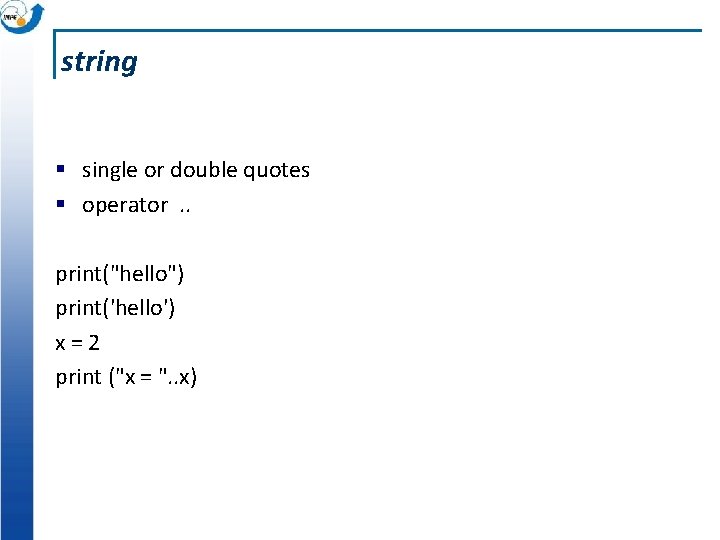
string § single or double quotes § operator. . print("hello") print('hello') x=2 print ("x = ". . x)
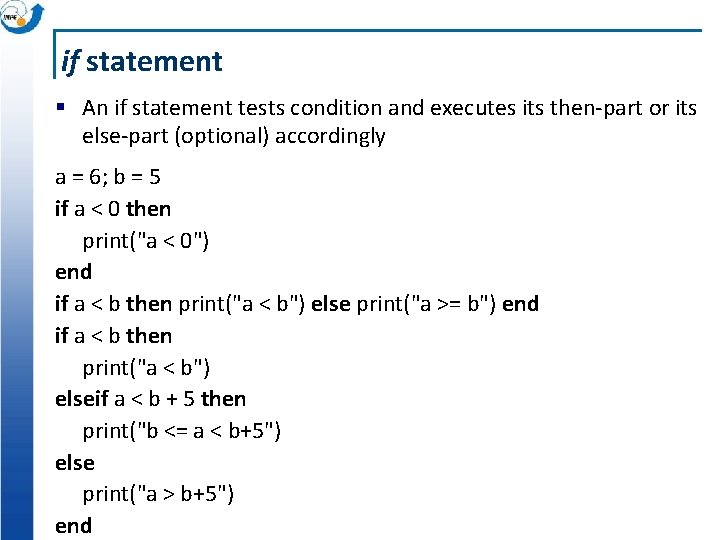
if statement § An if statement tests condition and executes its then-part or its else-part (optional) accordingly a = 6; b = 5 if a < 0 then print("a < 0") end if a < b then print("a < b") else print("a >= b") end if a < b then print("a < b") elseif a < b + 5 then print("b <= a < b+5") else print("a > b+5") end
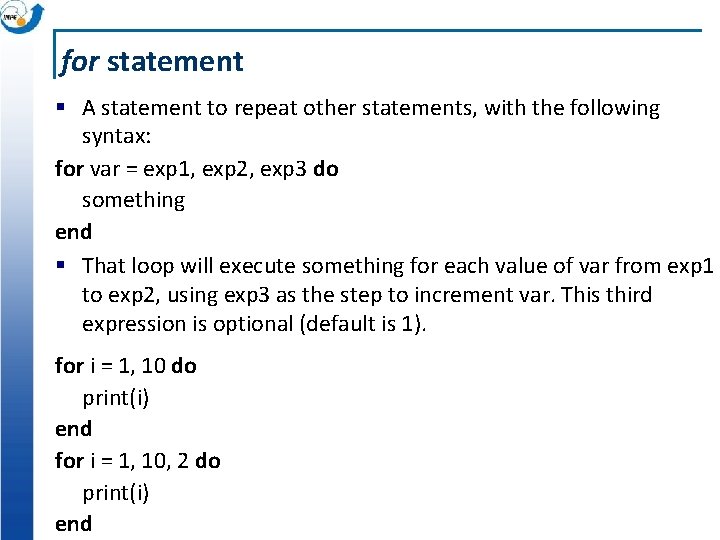
for statement § A statement to repeat other statements, with the following syntax: for var = exp 1, exp 2, exp 3 do something end § That loop will execute something for each value of var from exp 1 to exp 2, using exp 3 as the step to increment var. This third expression is optional (default is 1). for i = 1, 10 do print(i) end for i = 1, 10, 2 do print(i) end
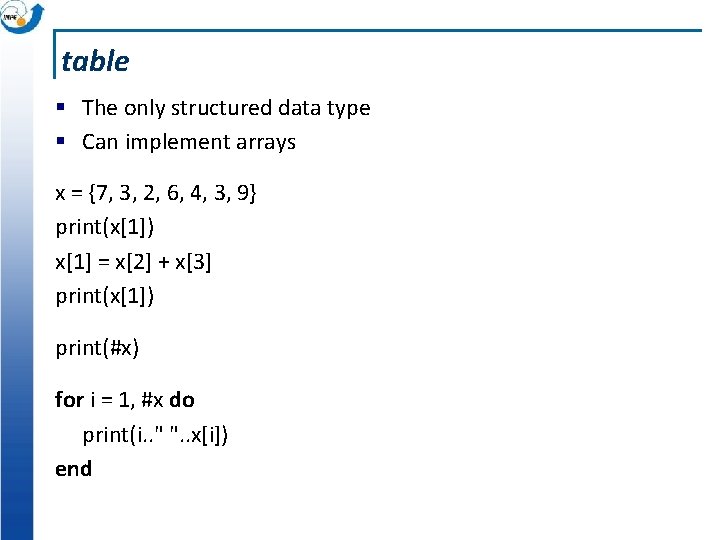
table § The only structured data type § Can implement arrays x = {7, 3, 2, 6, 4, 3, 9} print(x[1]) x[1] = x[2] + x[3] print(x[1]) print(#x) for i = 1, #x do print(i. . " ". . x[i]) end
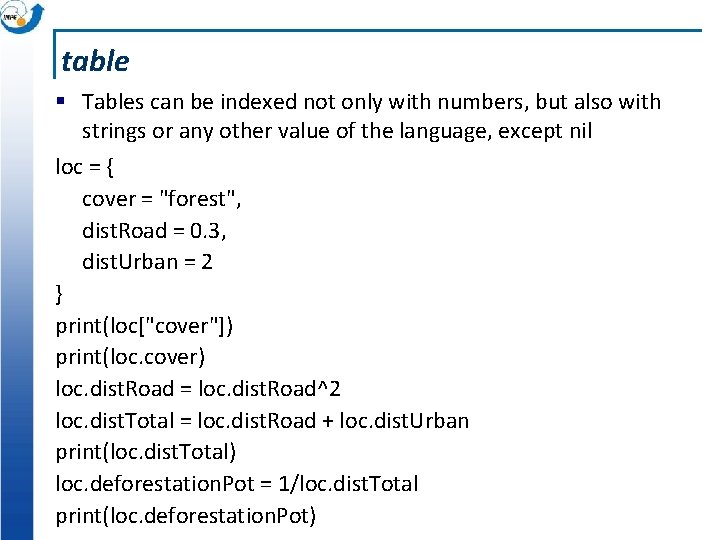
table § Tables can be indexed not only with numbers, but also with strings or any other value of the language, except nil loc = { cover = "forest", dist. Road = 0. 3, dist. Urban = 2 } print(loc["cover"]) print(loc. cover) loc. dist. Road = loc. dist. Road^2 loc. dist. Total = loc. dist. Road + loc. dist. Urban print(loc. dist. Total) loc. deforestation. Pot = 1/loc. dist. Total print(loc. deforestation. Pot)
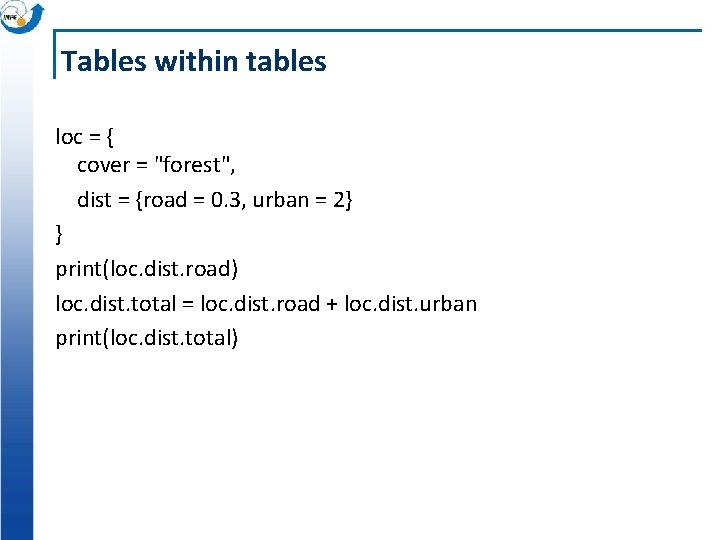
Tables within tables loc = { cover = "forest", dist = {road = 0. 3, urban = 2} } print(loc. dist. road) loc. dist. total = loc. dist. road + loc. dist. urban print(loc. dist. total)
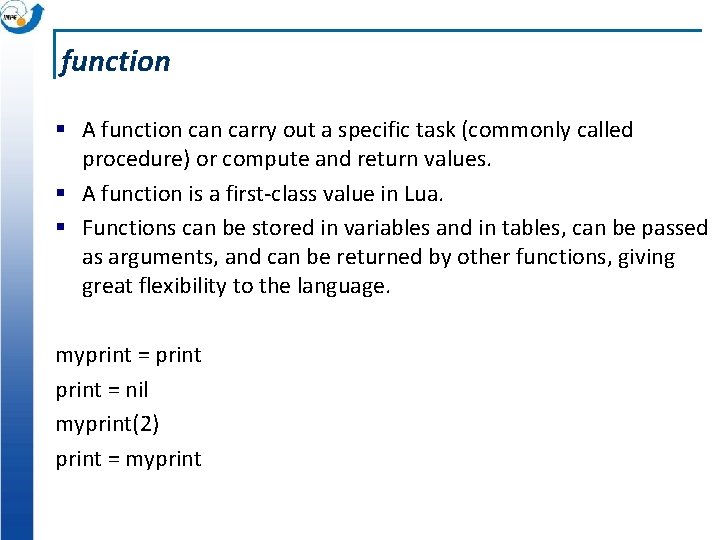
function § A function carry out a specific task (commonly called procedure) or compute and return values. § A function is a first-class value in Lua. § Functions can be stored in variables and in tables, can be passed as arguments, and can be returned by other functions, giving great flexibility to the language. myprint = nil myprint(2) print = myprint
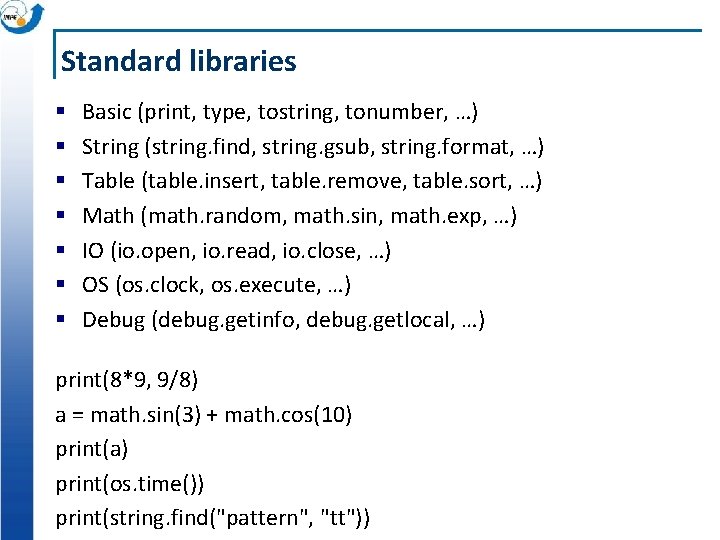
Standard libraries § § § § Basic (print, type, tostring, tonumber, …) String (string. find, string. gsub, string. format, …) Table (table. insert, table. remove, table. sort, …) Math (math. random, math. sin, math. exp, …) IO (io. open, io. read, io. close, …) OS (os. clock, os. execute, …) Debug (debug. getinfo, debug. getlocal, …) print(8*9, 9/8) a = math. sin(3) + math. cos(10) print(a) print(os. time()) print(string. find("pattern", "tt"))
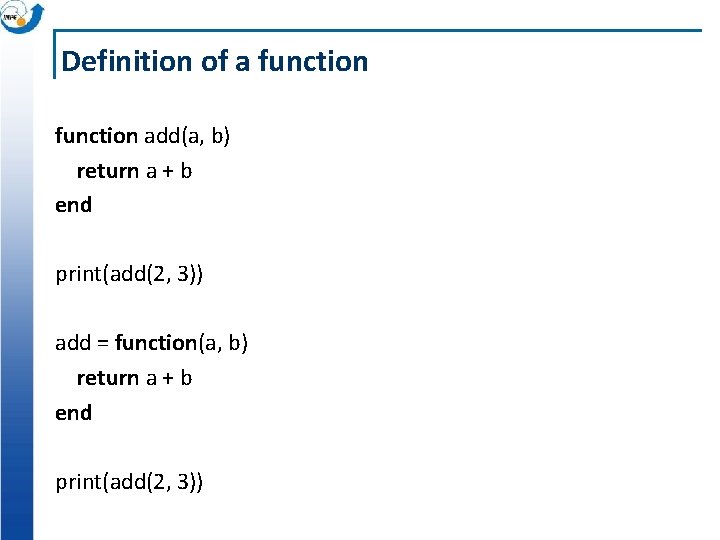
Definition of a function add(a, b) return a + b end print(add(2, 3)) add = function(a, b) return a + b end print(add(2, 3))
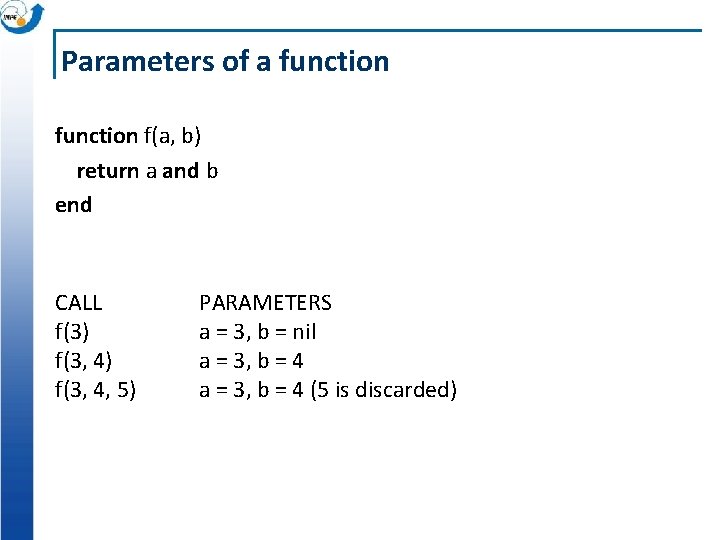
Parameters of a function f(a, b) return a and b end CALL f(3) f(3, 4, 5) PARAMETERS a = 3, b = nil a = 3, b = 4 (5 is discarded)
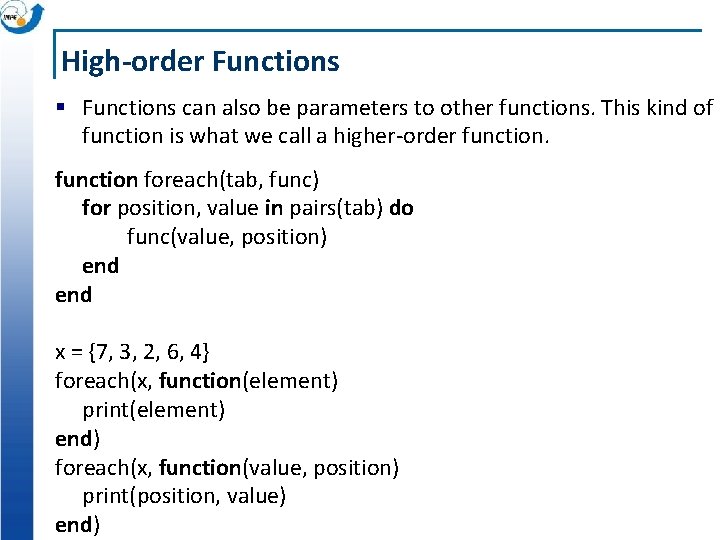
High-order Functions § Functions can also be parameters to other functions. This kind of function is what we call a higher-order function foreach(tab, func) for position, value in pairs(tab) do func(value, position) end x = {7, 3, 2, 6, 4} foreach(x, function(element) print(element) end) foreach(x, function(value, position) print(position, value) end)
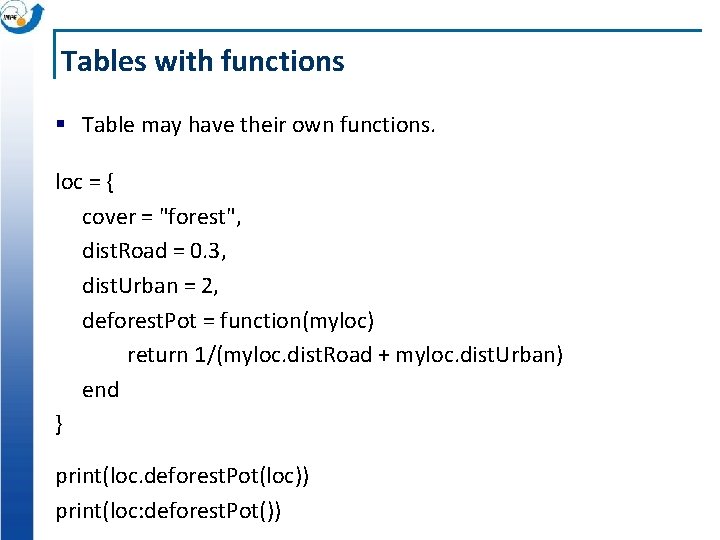
Tables with functions § Table may have their own functions. loc = { cover = "forest", dist. Road = 0. 3, dist. Urban = 2, deforest. Pot = function(myloc) return 1/(myloc. dist. Road + myloc. dist. Urban) end } print(loc. deforest. Pot(loc)) print(loc: deforest. Pot())
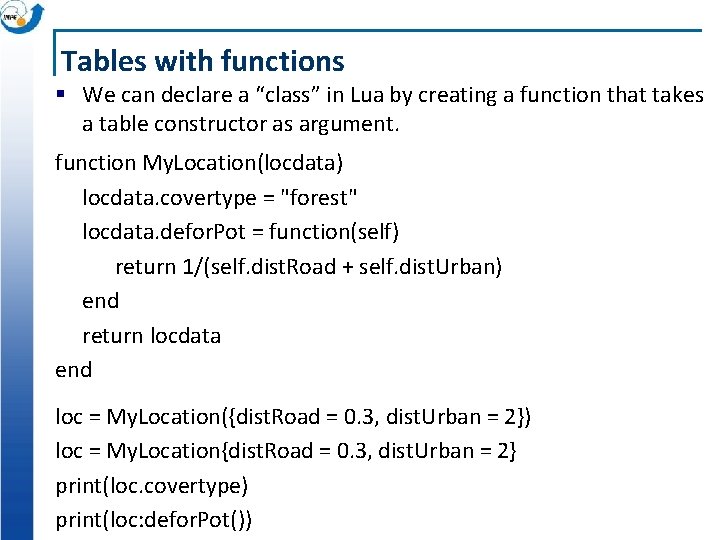
Tables with functions § We can declare a “class” in Lua by creating a function that takes a table constructor as argument. function My. Location(locdata) locdata. covertype = "forest" locdata. defor. Pot = function(self) return 1/(self. dist. Road + self. dist. Urban) end return locdata end loc = My. Location({dist. Road = 0. 3, dist. Urban = 2}) loc = My. Location{dist. Road = 0. 3, dist. Urban = 2} print(loc. covertype) print(loc: defor. Pot())