
Lost Found Redirecting Navigation in NUS Territory Map








- Slides: 38
Lost & Found Redirecting Navigation in NUS
Territory Map
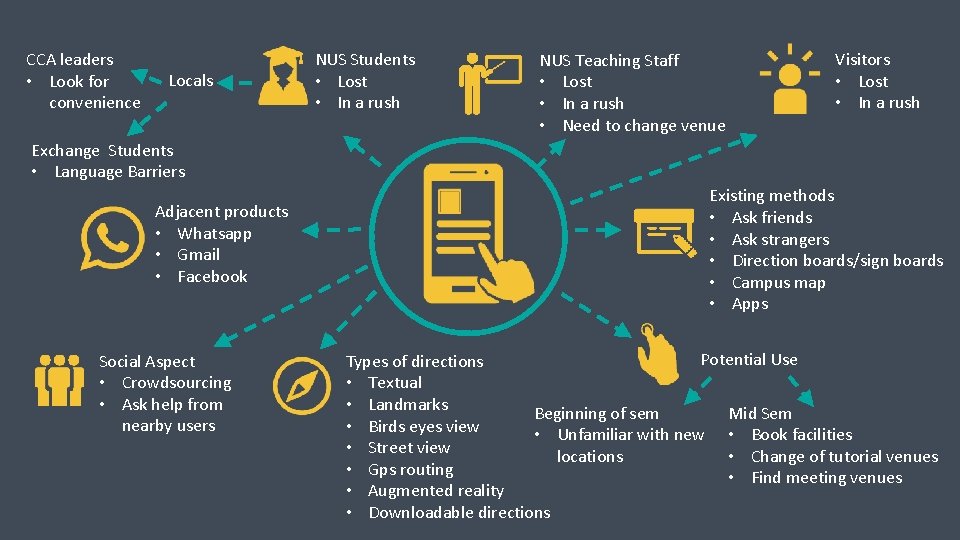
CCA leaders • Look for convenience Locals NUS Students • Lost • In a rush NUS Teaching Staff • Lost • In a rush • Need to change venue Visitors • Lost • In a rush Exchange Students • Language Barriers Adjacent products • Whatsapp • Gmail • Facebook Social Aspect • Crowdsourcing • Ask help from nearby users Existing methods • Ask friends • Ask strangers • Direction boards/sign boards • Campus map • Apps Potential Use Types of directions • Textual • Landmarks Beginning of sem Mid Sem • Birds eyes view • Unfamiliar with new • Book facilities • Street view locations • Change of tutorial venues • Gps routing • Find meeting venues • Augmented reality • Downloadable directions
Research Method
Research Method Interview
Initial Assumptions
Our First Impression • Difficult to navigate around NUS • People are unaware of alternative routes • Map applications are underutilized • People are unfamiliar with how to book facilities in NUS • Change of venue are not communicated across efficiently
Stereotypical View of the Situation • Students are able to remember the routes after the first few weeks of school • Students are able to navigate around NUS with directions provided on campus • Students do not book facilities as it is inconvenient and they do not know how to
Competitor Analysis
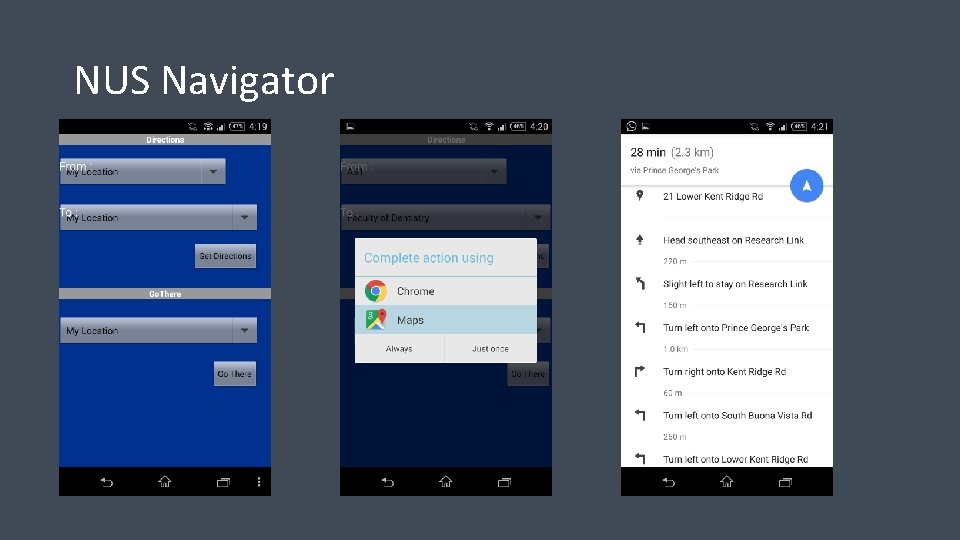
NUS Navigator
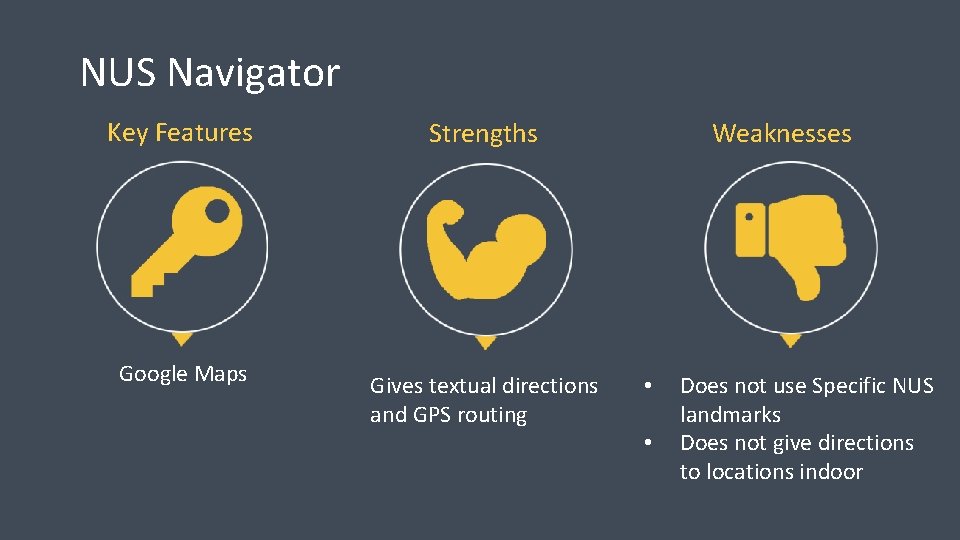
NUS Navigator Key Features Strengths Google Maps Gives textual directions and GPS routing Weaknesses • • Does not use Specific NUS landmarks Does not give directions to locations indoor
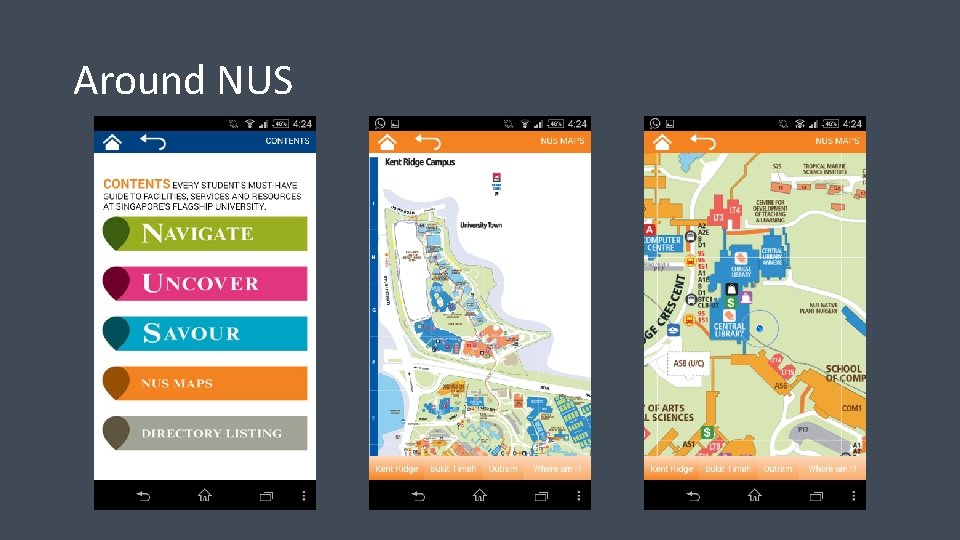
Around NUS
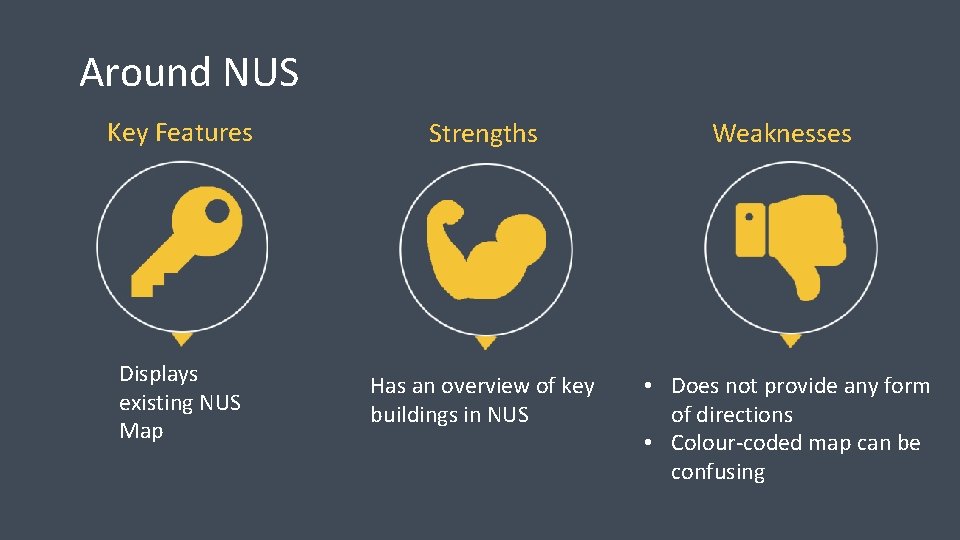
Around NUS Key Features Strengths Weaknesses Displays existing NUS Map Has an overview of key buildings in NUS • Does not provide any form of directions • Colour-coded map can be confusing
NUS AR Map
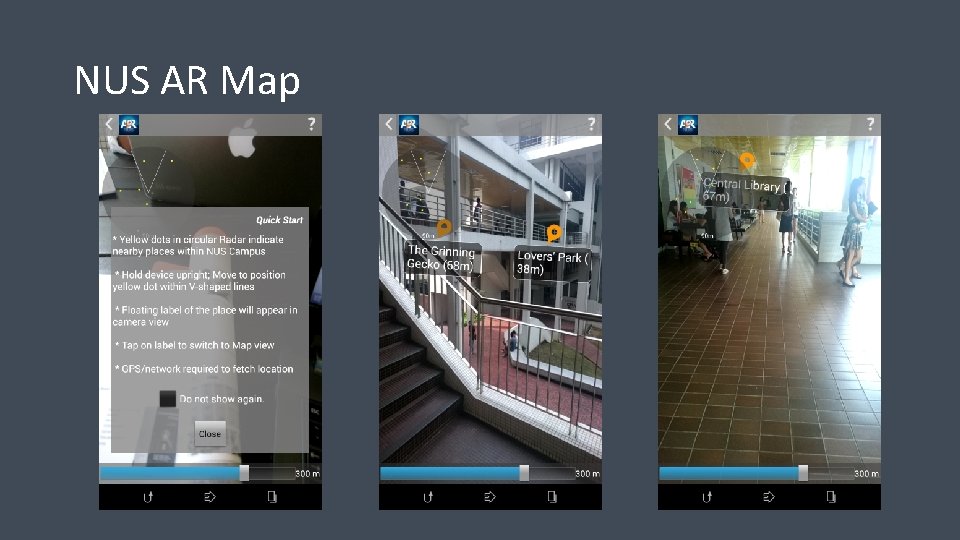
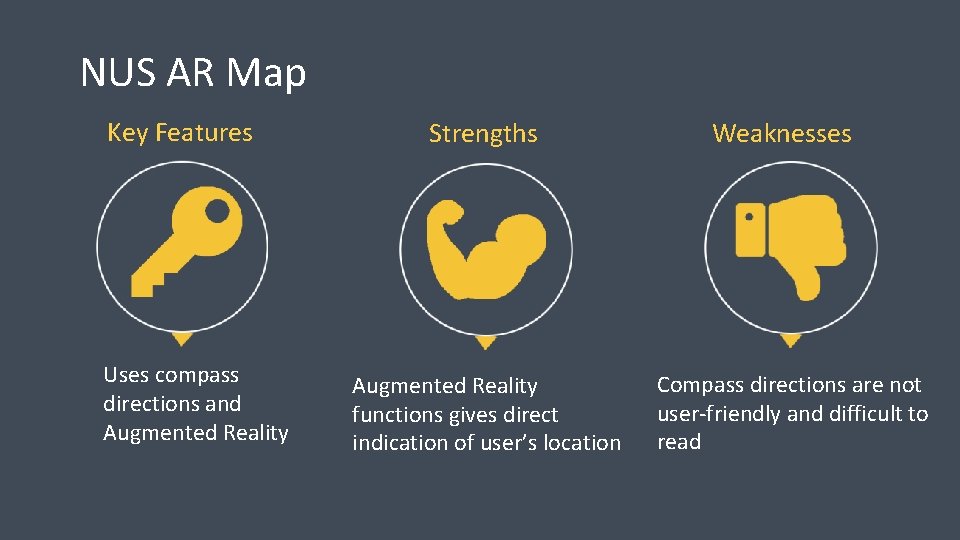
NUS AR Map Key Features Uses compass directions and Augmented Reality Strengths Augmented Reality functions gives direct indication of user’s location Weaknesses Compass directions are not user-friendly and difficult to read
Research Questions
Research Questions • Is navigating around campus an issue for NUS staff/students? • What are the students’ views on current NUS navigation services? • How do students navigate on campus?
Findings & Design Implication
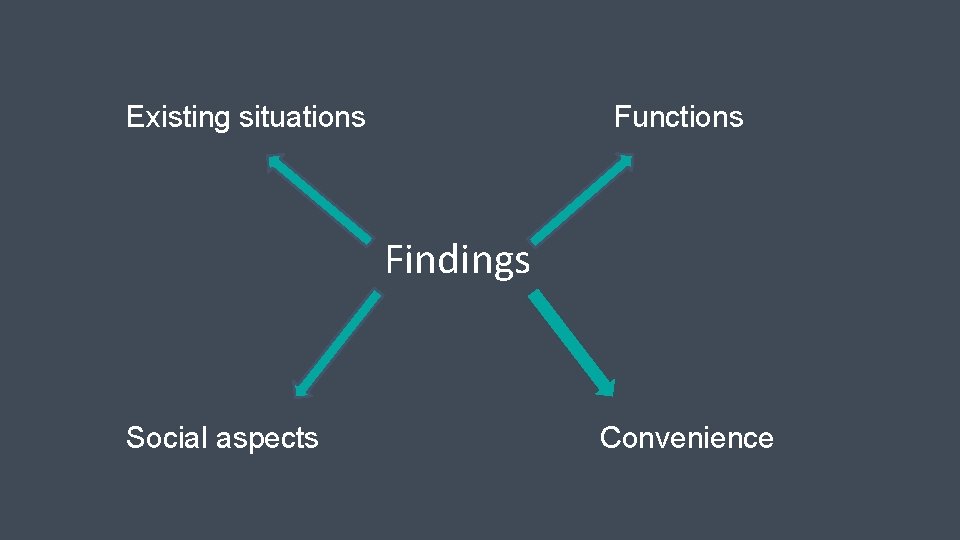
Existing situations Functions Findings Social aspects Convenience
Existing situation A. Instances when they find themselves lost: “ I always get lost in Engineering is like a maze” - Local student “ When I’m at unfamiliar buildings and areas around the school and do not know the names of the building or place” - Local student “When the layout of the building is confusing especially like engineering where the levels you are at can change when you go to another part of the building” - Local student
Existing situation Design Implication of instances when people find themselves lost: - Debunks the assumption that people are unlikely to get lost after the first few weeks of the sem - App should show layout indoor and current location
Existing situation B. Exisiting Methods to find direction: 1. NUS map “But because it is not interactive, I will always need to find buildings that I already know to serve as a guide to the surroundings” - Local student “The map is still ok, but it doesn’t indicate some places, like the CAPT auditorium 3, which is already an unfamiliar place to find” - Local student
Existing situation Design Implication of existing methods: - The need to provide users with familiar landmarks - Include all locations within the compounds of NUS
Existing situation Exisiting Methods to find direction: 2. Existing apps “I use Around Nus. It has a map. It will know where I am. At first I will use the maps, but when I get there I will use the signs. ” - Exchange Student “It combines IVLE and Around NUS. I don’t know if the route can work because it doesn’t when I tried it just now. If it works it will be very good, so I don’t have to search for the buses and bus stops. At first, when walking around NUS, I have to identify the bus stop. ” - Exchange student
Existing situation Design Implication of existing methods: - Track user’s current location and provide directions from there - Indoor GPS routing - Enables user to key in module codes to get to the respective venues
Functions A. Preferred type of direction: “ A map showing if you are going up the floors. Having that in a map would be great. ” - Exchange Student “ Need to know which bus goes to that place first” - Local Student “GPS routing. Straightforward and can just follow the route” - Local Student
Functions Design Implication of Preferred Type of Direction: - Indoor maps and GPS routing - Textual directions should include buses to take
Functions B. Booking facilities: “Usually need to Google to find the website for booking cause cannot remember all the exact sites to book different facilities” - Local NUS Student “Booking of discussion rooms currently filtered by the rooms, but availability by the dates would be more useful as they would be more important to me if I really need to book on that particular date” - Local NUS Student
Functions Design Implication of Booking Facilities: - Allow users to select venue and make bookings through the app
Social Aspects Willingness to Ask Directions From Others: “I do ask directions from others, it’s how I get to places in Science, especially!” Local NUS Student “I think it’s faster to ask people than to having check it myself, unless it is a ulu place with nobody” - Exchange Student “Yes I would. But nobody knows where it is either” - Local NUS Student
Social Aspects Design Implication of Willingness to Ask Direction from Others: - “Call for Help” function in our app - Crowdsourcing of routes for our directory
Convenience A. Usefulness of downloadable directions: “Maybe even more useful than GPS because I would rather check it beforehand (the location). ” -Local NUS Student
Convenience Design Implication of the usefulness of downloadable directions: - Allow Downloadable directions
Convenience B. Usefulness of access via other platforms: “Easier than explaining how to get there through texting descriptions, especially if some of them cannot explain clearly” - Exchange Student
Convenience Design Implication of the usefulness of access via other platforms : - Able to share routes through SMS and Whatsapp
Opportunity Statement
Opportunity Statement • A mobile application which can improve navigation around the NUS campus to help staff and students, so that they can locate their specific venues and book venues at a user-friendly site
Thank you!