
Loops Notes adapted from Dr Flores while structures
![char[ ] word = new char[4]; two parts to an array: index -- integer](https://slidetodoc.com/presentation_image/5c2f721f39063b614e507ccd54a98bb0/image-14.jpg "char[ ] word = new char[4]; two parts to an array: index -- integer")
![arrays and new char[ ] word; • creates word that is of type char](https://slidetodoc.com/presentation_image/5c2f721f39063b614e507ccd54a98bb0/image-16.jpg "arrays and new char[ ] word; • creates word that is of type char")
![Myarray example public class Myarray { private static Circle[ ] circles; private static double[](https://slidetodoc.com/presentation_image/5c2f721f39063b614e507ccd54a98bb0/image-17.jpg "Myarray example public class Myarray { private static Circle[ ] circles; private static double[")
![Myarray gets elements allocated • Create an object circles = new Circle[4]; area =](https://slidetodoc.com/presentation_image/5c2f721f39063b614e507ccd54a98bb0/image-18.jpg "Myarray gets elements allocated • Create an object circles = new Circle[4]; area =")
![createcircles() • createcircles() circles[0] = new Circle();](https://slidetodoc.com/presentation_image/5c2f721f39063b614e507ccd54a98bb0/image-19.jpg "createcircles() • createcircles() circles[0] = new Circle();")
![array creation summary • char[ ] word; creates a space named word that contains](https://slidetodoc.com/presentation_image/5c2f721f39063b614e507ccd54a98bb0/image-20.jpg "array creation summary • char[ ] word; creates a space named word that contains")
![“while” structures • Adding the values of an array of integers int grades[] =](https://slidetodoc.com/presentation_image/5c2f721f39063b614e507ccd54a98bb0/image-23.jpg "“while” structures • Adding the values of an array of integers int grades[] =")

- Slides: 36
Loops Notes adapted from Dr. Flores
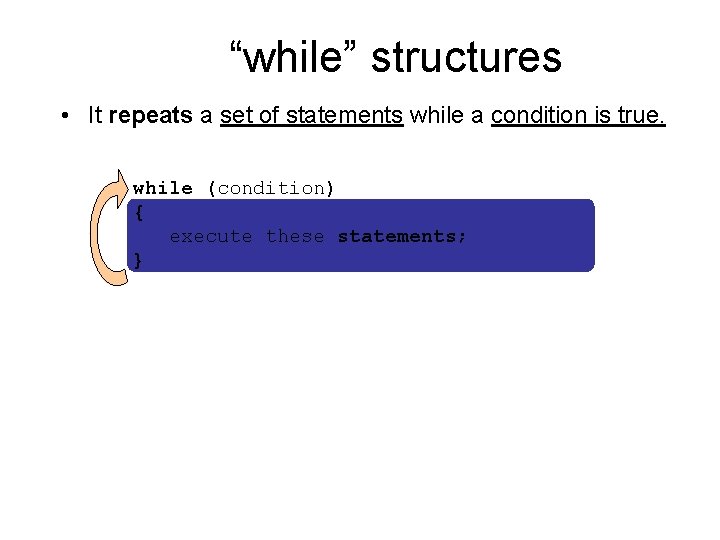
“while” structures • It repeats a set of statements while a condition is true. while (condition) { execute these statements; }
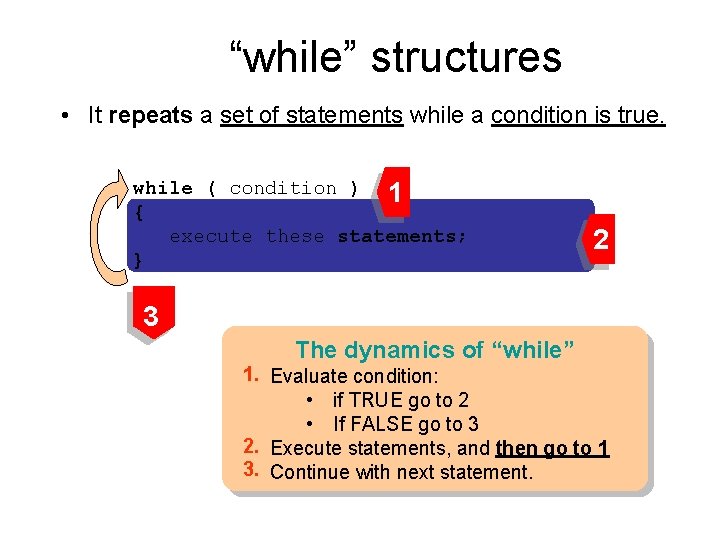
“while” structures • It repeats a set of statements while a condition is true. while ( condition ) 1 { execute these statements; } 2 3 The dynamics of “while” 1. Evaluate condition: • if TRUE go to 2 • If FALSE go to 3 2. Execute statements, and then go to 1 3. Continue with next statement.
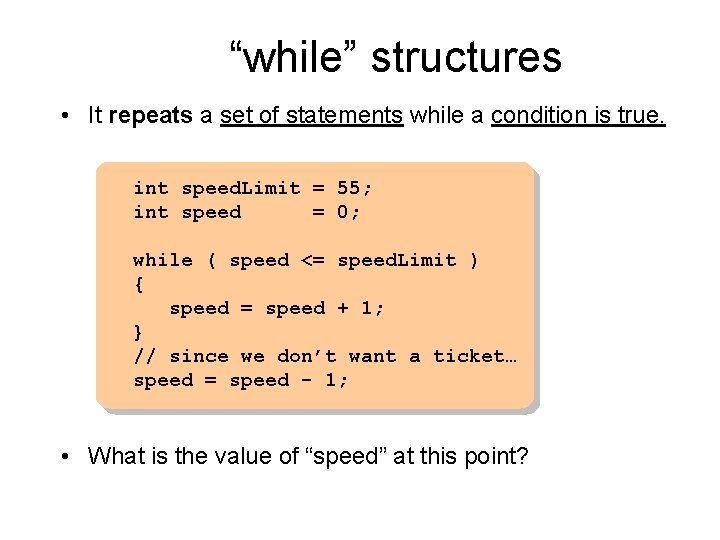
“while” structures • It repeats a set of statements while a condition is true. int speed. Limit = 55; int speed = 0; while ( speed <= speed. Limit ) { speed = speed + 1; } // since we don’t want a ticket… speed = speed - 1; • What is the value of “speed” at this point?
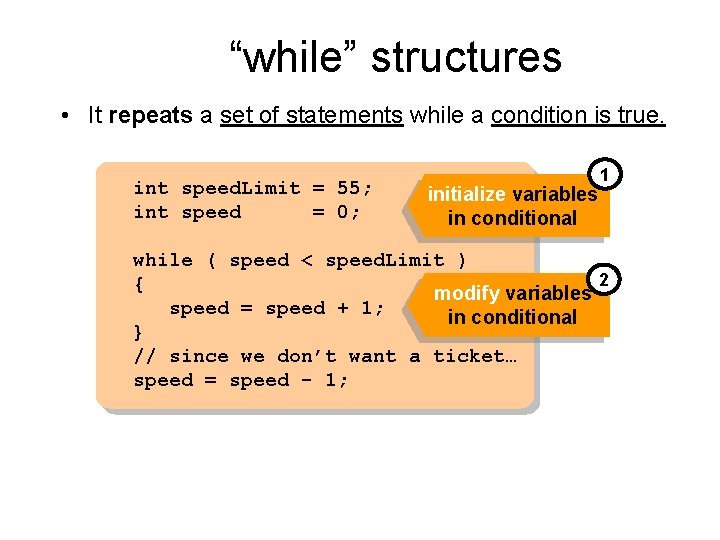
“while” structures • It repeats a set of statements while a condition is true. int speed. Limit = 55; int speed = 0; initialize variables in conditional 1 while ( speed < speed. Limit ) 2 { modify variables speed = speed + 1; in conditional } // since we don’t want a ticket… speed = speed - 1;
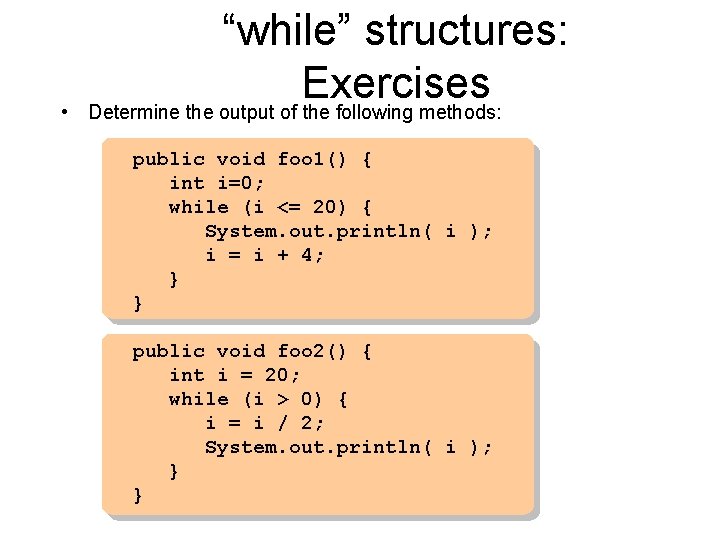
• “while” structures: Exercises Determine the output of the following methods: public void foo 1() { int i=0; while (i <= 20) { System. out. println( i ); i = i + 4; } } public void foo 2() { int i = 20; while (i > 0) { i = i / 2; System. out. println( i ); } }
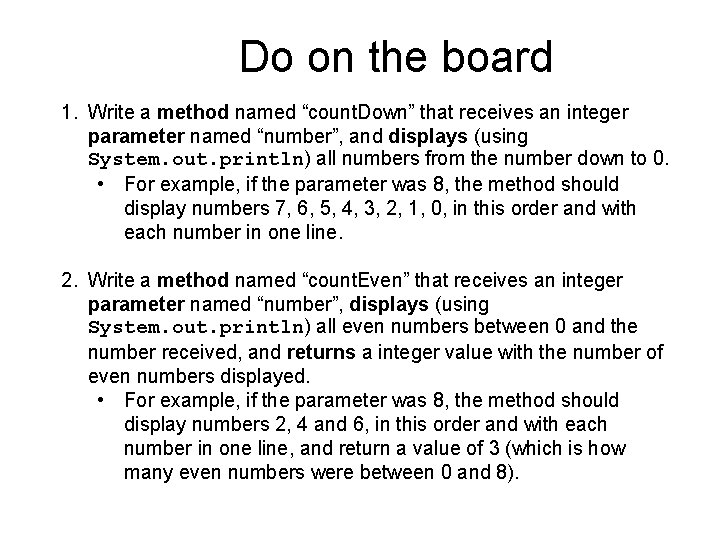
Do on the board 1. Write a method named “count. Down” that receives an integer parameter named “number”, and displays (using System. out. println) all numbers from the number down to 0. • For example, if the parameter was 8, the method should display numbers 7, 6, 5, 4, 3, 2, 1, 0, in this order and with each number in one line. 2. Write a method named “count. Even” that receives an integer parameter named “number”, displays (using System. out. println) all even numbers between 0 and the number received, and returns a integer value with the number of even numbers displayed. • For example, if the parameter was 8, the method should display numbers 2, 4 and 6, in this order and with each number in one line, and return a value of 3 (which is how many even numbers were between 0 and 8).
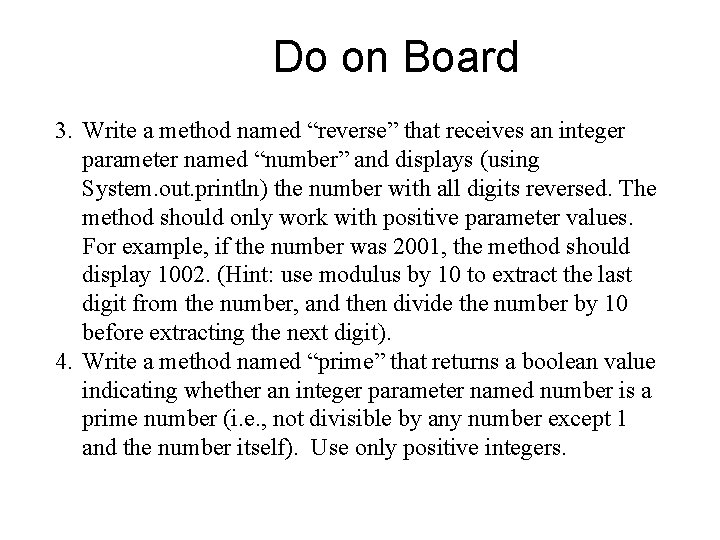
Do on Board 3. Write a method named “reverse” that receives an integer parameter named “number” and displays (using System. out. println) the number with all digits reversed. The method should only work with positive parameter values. For example, if the number was 2001, the method should display 1002. (Hint: use modulus by 10 to extract the last digit from the number, and then divide the number by 10 before extracting the next digit). 4. Write a method named “prime” that returns a boolean value indicating whether an integer parameter named number is a prime number (i. e. , not divisible by any number except 1 and the number itself). Use only positive integers.
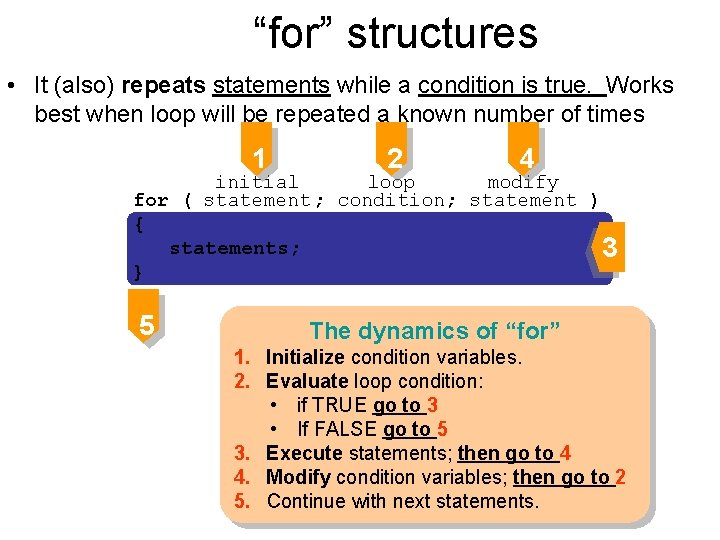
“for” structures • It (also) repeats statements while a condition is true. Works best when loop will be repeated a known number of times 1 2 4 loop initial modify for ( statement ; condition; statement ) { statements; 3 } 5 The dynamics of “for” 1. Initialize condition variables. 2. Evaluate loop condition: • if TRUE go to 3 • If FALSE go to 5 3. Execute statements; then go to 4 4. Modify condition variables; then go to 2 5. Continue with next statements.
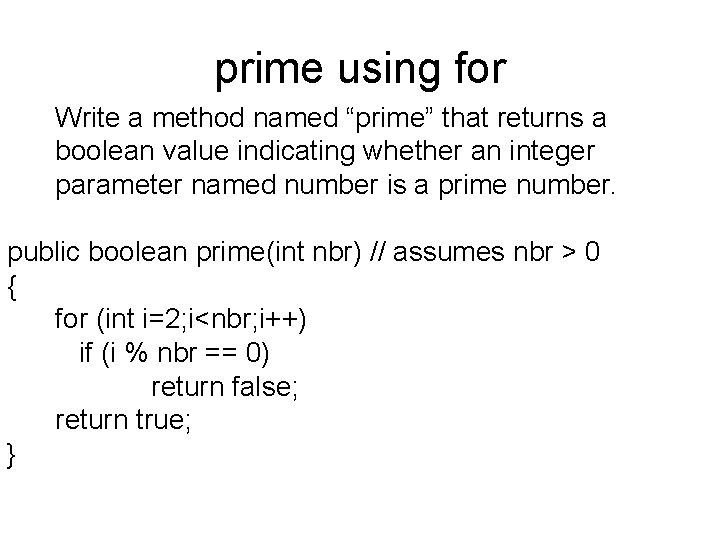
prime using for Write a method named “prime” that returns a boolean value indicating whether an integer parameter named number is a prime number. public boolean prime(int nbr) // assumes nbr > 0 { for (int i=2; i<nbr; i++) if (i % nbr == 0) return false; return true; }
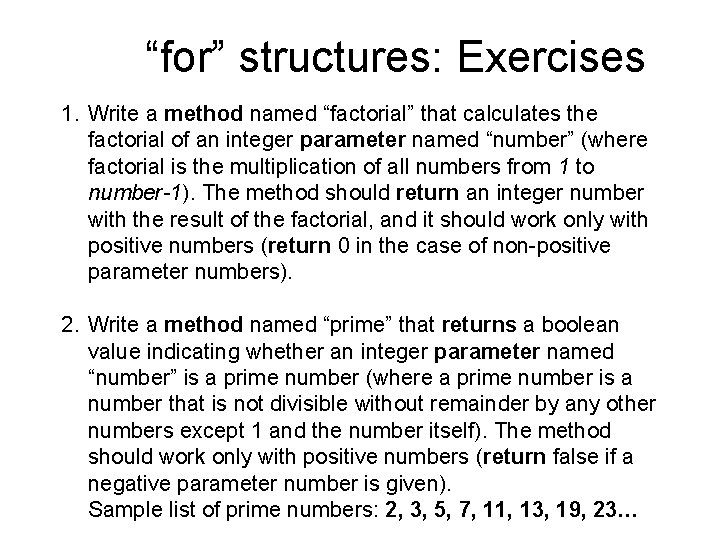
“for” structures: Exercises 1. Write a method named “factorial” that calculates the factorial of an integer parameter named “number” (where factorial is the multiplication of all numbers from 1 to number-1). The method should return an integer number with the result of the factorial, and it should work only with positive numbers (return 0 in the case of non-positive parameter numbers). 2. Write a method named “prime” that returns a boolean value indicating whether an integer parameter named “number” is a prime number (where a prime number is a number that is not divisible without remainder by any other numbers except 1 and the number itself). The method should work only with positive numbers (return false if a negative parameter number is given). Sample list of prime numbers: 2, 3, 5, 7, 11, 13, 19, 23…
Arrays Chapter 4
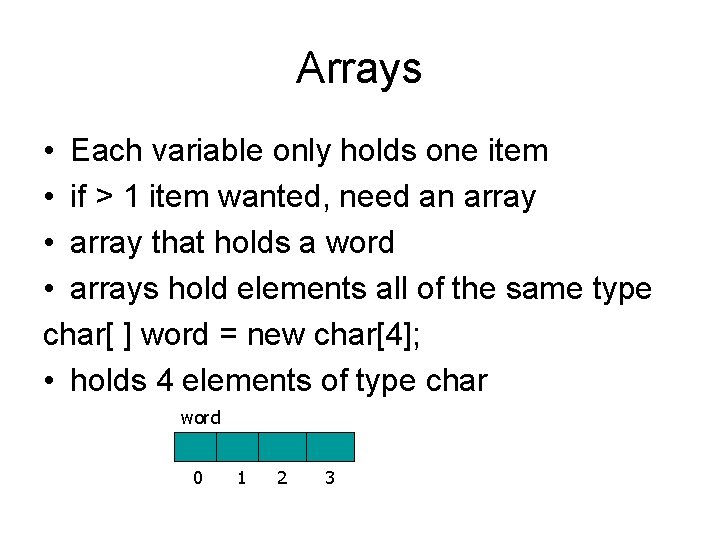
Arrays • Each variable only holds one item • if > 1 item wanted, need an array • array that holds a word • arrays hold elements all of the same type char[ ] word = new char[4]; • holds 4 elements of type char word 0 1 2 3
char[ ] word = new char[4]; two parts to an array: index -- integer element – type inside array word[3] = 'o'; word[0] = 'h'; 'h' 0 1 2 3 two parts to an array: index -- integer word[1] = 'e'; 'h' 'e' 0 1 'h' 'e' 'o' 0 1 2 3 'h' 'e' 'r' 'o' 0 1 2 3 word[2] = 'r'; 2 3
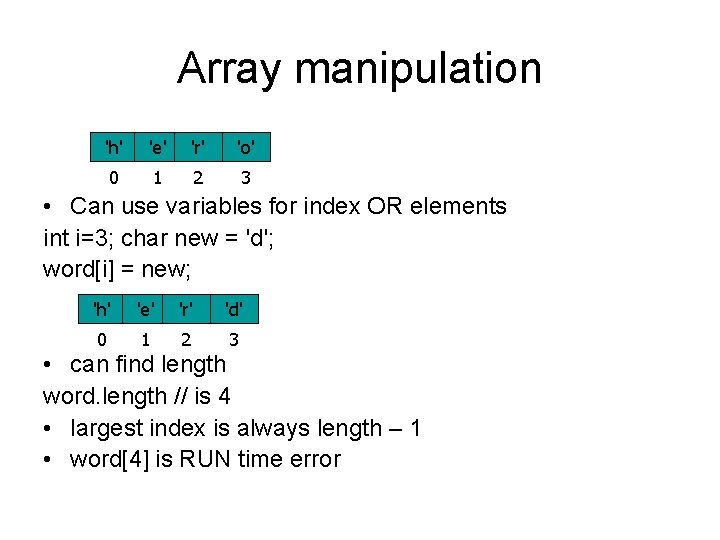
Array manipulation 'h' 'e' 'r' 'o' 0 1 2 3 • Can use variables for index OR elements int i=3; char new = 'd'; word[i] = new; 'h' 'e' 'r' 'd' 0 1 2 3 • can find length word. length // is 4 • largest index is always length – 1 • word[4] is RUN time error
arrays and new char[ ] word; • creates word that is of type char array that points to nothing word = new word[4]; • creates array of 4 elements initialized to u 0000 (Java always initializes primitives to 0)
Myarray example public class Myarray { private static Circle[ ] circles; private static double[ ] area; // other stuff in the class }
Myarray gets elements allocated • Create an object circles = new Circle[4]; area = new double[4];
createcircles() • createcircles() circles[0] = new Circle();
array creation summary • char[ ] word; creates a space named word that contains null • word = new char [4]; allocates 4 chars, initialized, word points to them • classes: Circle[ ] mycircles; same as word • mycircles = new Circle[4]; allocates 4 spaces that contain null • mycircles[0] = new Circle( );
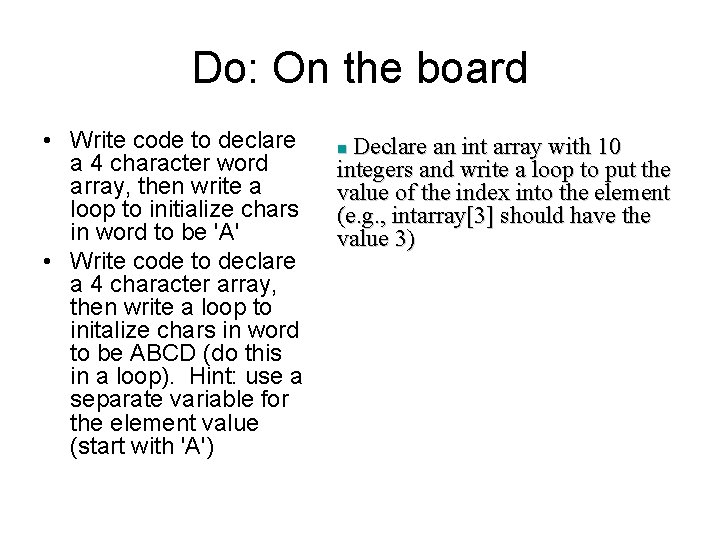
Do: On the board • Write code to declare a 4 character word array, then write a loop to initialize chars in word to be 'A' • Write code to declare a 4 character array, then write a loop to initalize chars in word to be ABCD (do this in a loop). Hint: use a separate variable for the element value (start with 'A') Declare an int array with 10 integers and write a loop to put the value of the index into the element (e. g. , intarray[3] should have the value 3) n
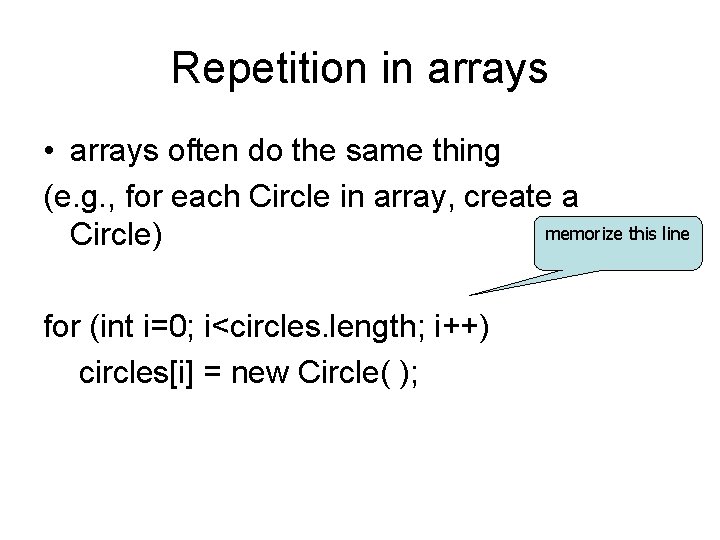
Repetition in arrays • arrays often do the same thing (e. g. , for each Circle in array, create a memorize this line Circle) for (int i=0; i<circles. length; i++) circles[i] = new Circle( );
“while” structures • Adding the values of an array of integers int grades[] = new int[1000]; /* the values of the elements are somehow initialized here. */ int i = 0; int sum = 0; while ( i < grades. length ) { sum += grades[i]; i++; } System. out. println(“The sum is ” + sum);
“for” structures: Exercises 3. Write a method named “digits” that displays (using System. out. println) the digits of an integer parameter named “number” separated by dashes (“-”). For example, when receiving the number 1234 as a parameter, the method should display “ 1 -2 -3 -4”. • Hints: use an array to store each digit as you extract them using the modulus operator. Since these digits are stored in the array in the inverse order as they are found in the number, you will need to print them backwards. Also, note that the last digit does not have a trailing dash!
Containers (Array. List) Chapter 4
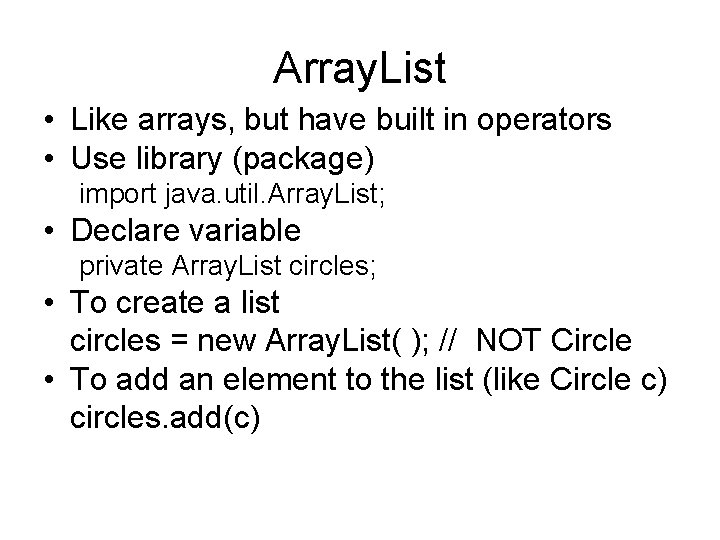
Array. List • Like arrays, but have built in operators • Use library (package) import java. util. Array. List; • Declare variable private Array. List circles; • To create a list circles = new Array. List( ); // NOT Circle • To add an element to the list (like Circle c) circles. add(c)
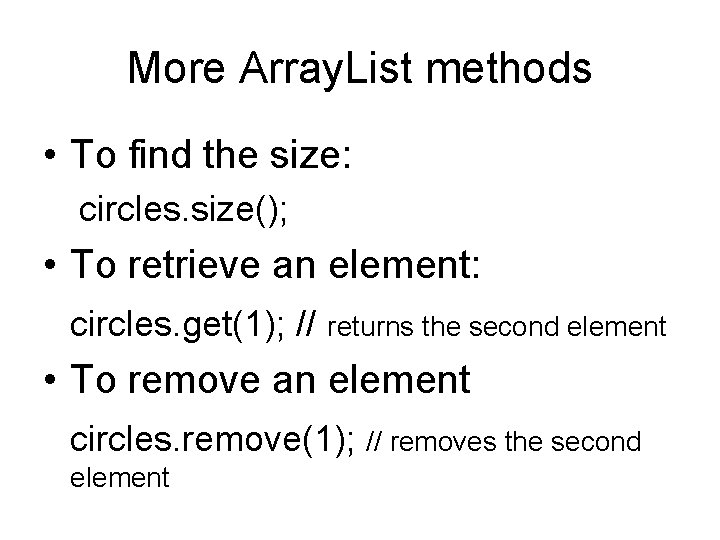
More Array. List methods • To find the size: circles. size(); • To retrieve an element: circles. get(1); // returns the second element • To remove an element circles. remove(1); // removes the second element
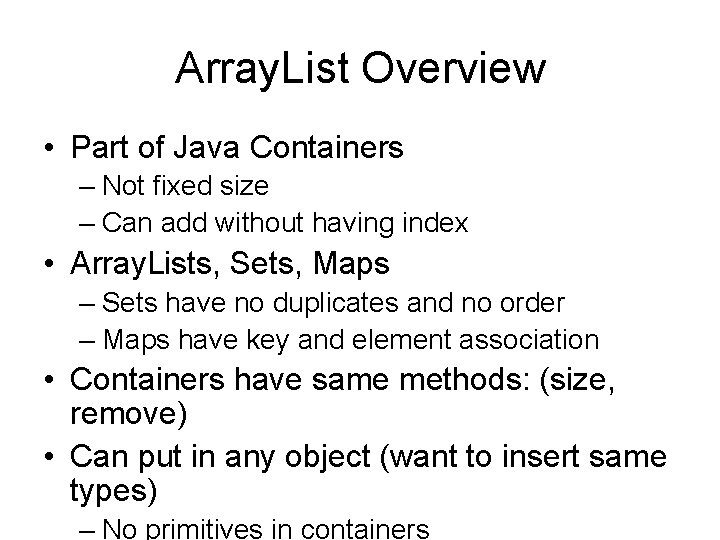
Array. List Overview • Part of Java Containers – Not fixed size – Can add without having index • Array. Lists, Sets, Maps – Sets have no duplicates and no order – Maps have key and element association • Containers have same methods: (size, remove) • Can put in any object (want to insert same types) – No primitives in containers
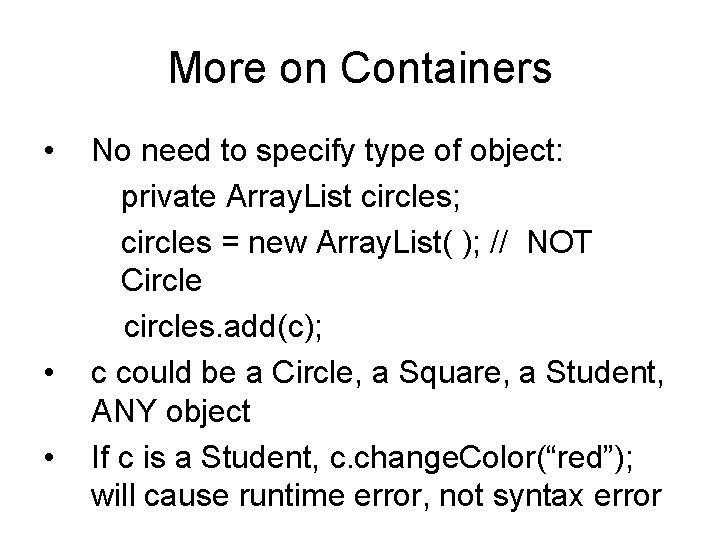
More on Containers • • • No need to specify type of object: private Array. List circles; circles = new Array. List( ); // NOT Circle circles. add(c); c could be a Circle, a Square, a Student, ANY object If c is a Student, c. change. Color(“red”); will cause runtime error, not syntax error
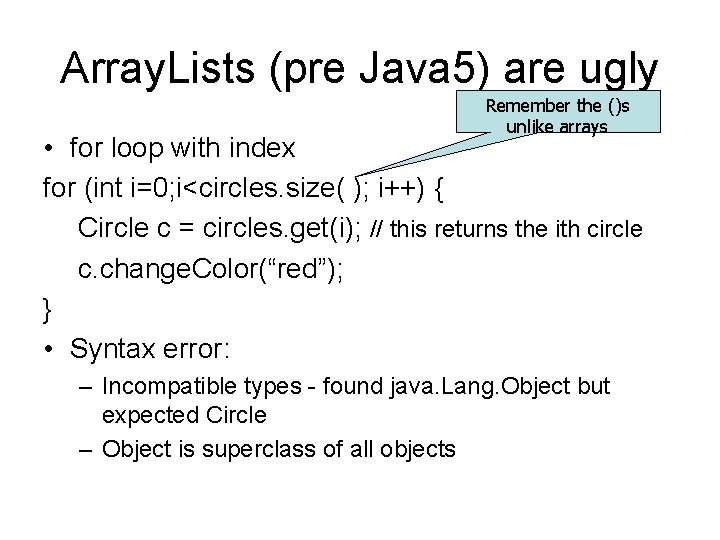
Array. Lists (pre Java 5) are ugly Remember the ()s unlike arrays • for loop with index for (int i=0; i<circles. size( ); i++) { Circle c = circles. get(i); // this returns the ith circle c. change. Color(“red”); } • Syntax error: – Incompatible types - found java. Lang. Object but expected Circle – Object is superclass of all objects
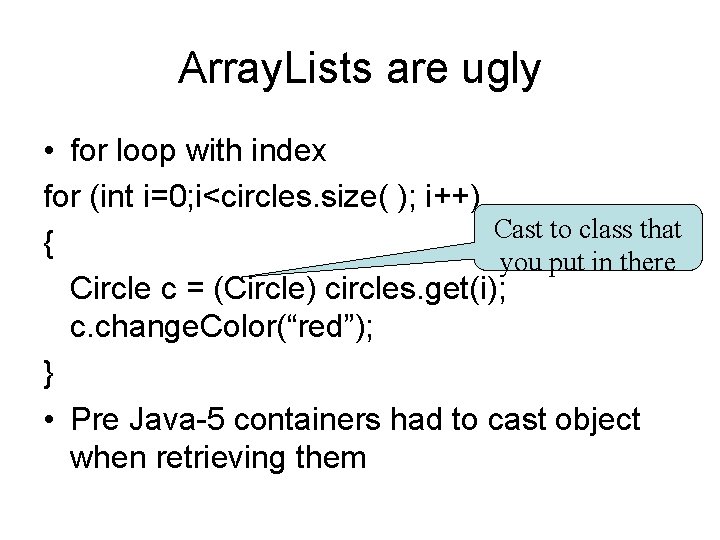
Array. Lists are ugly • for loop with index for (int i=0; i<circles. size( ); i++) Cast to class that { you put in there Circle c = (Circle) circles. get(i); c. change. Color(“red”); } • Pre Java-5 containers had to cast object when retrieving them
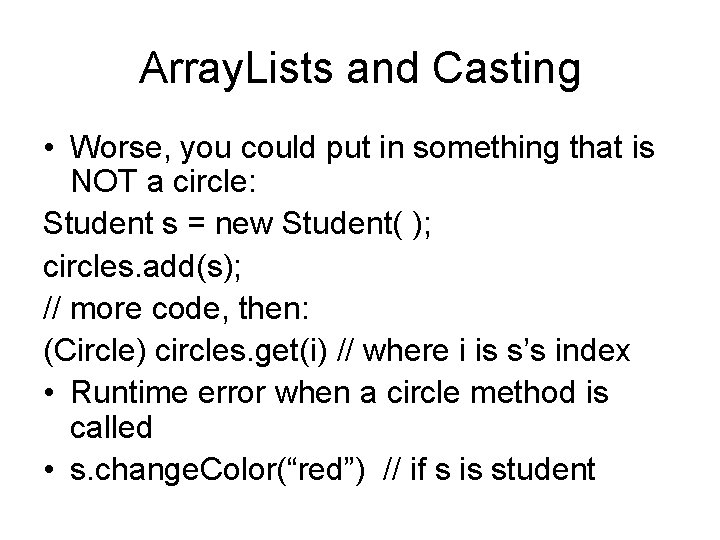
Array. Lists and Casting • Worse, you could put in something that is NOT a circle: Student s = new Student( ); circles. add(s); // more code, then: (Circle) circles. get(i) // where i is s’s index • Runtime error when a circle method is called • s. change. Color(“red”) // if s is student
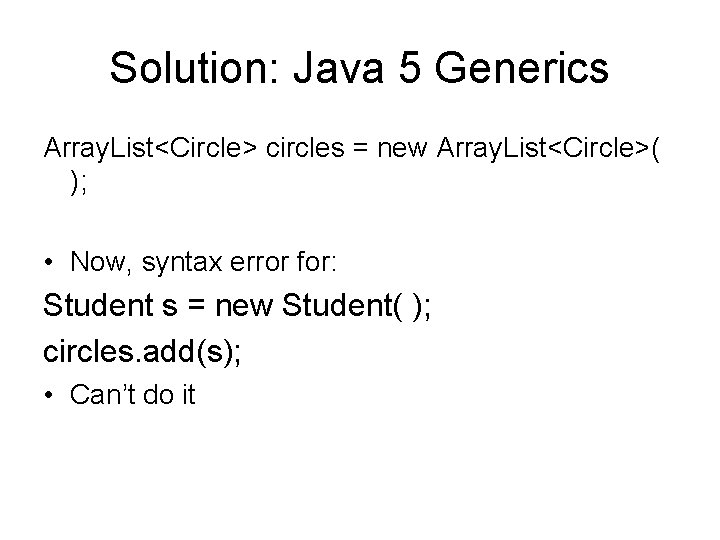
Solution: Java 5 Generics Array. List<Circle> circles = new Array. List<Circle>( ); • Now, syntax error for: Student s = new Student( ); circles. add(s); • Can’t do it
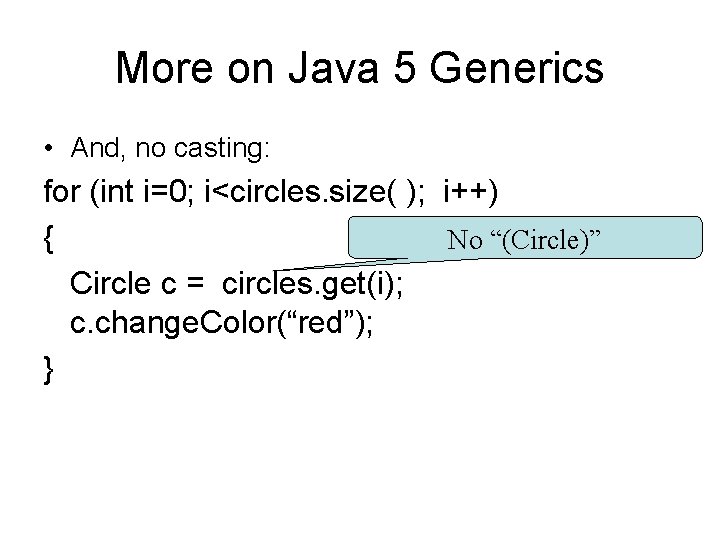
More on Java 5 Generics • And, no casting: for (int i=0; i<circles. size( ); i++) { No “(Circle)” Circle c = circles. get(i); c. change. Color(“red”); }
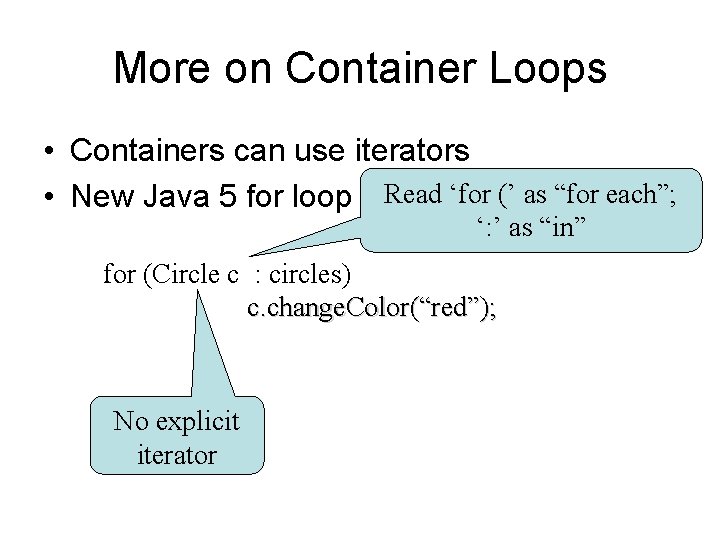
More on Container Loops • Containers can use iterators • New Java 5 for loop Read ‘for (’ as “for each”; ‘: ’ as “in” for (Circle c : circles) c. change. Color(“red”); No explicit iterator
Array. List Summary • Declare Arraylist<Class> my. Name = new Array. List<Class> ( ); • Methods – – • • get(i) // returns ith object add(obj) // inserts obj at end of list size( ) // returns nbr of elements in list remove(i) // removes the ith element Loops: with iterators (in text), indexes or foreach loop. No casting needed for “generics” (<> s used)