
Loops A loop is a repetition control structure
- Slides: 43
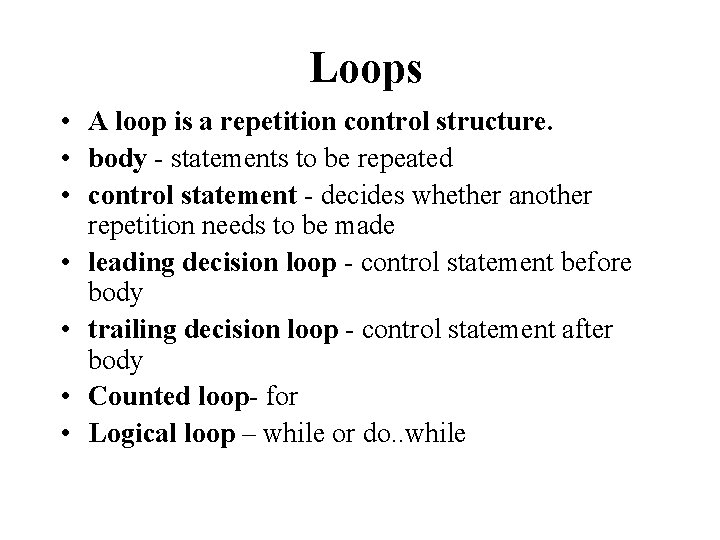
Loops • A loop is a repetition control structure. • body - statements to be repeated • control statement - decides whether another repetition needs to be made • leading decision loop - control statement before body • trailing decision loop - control statement after body • Counted loop- for • Logical loop – while or do. . while
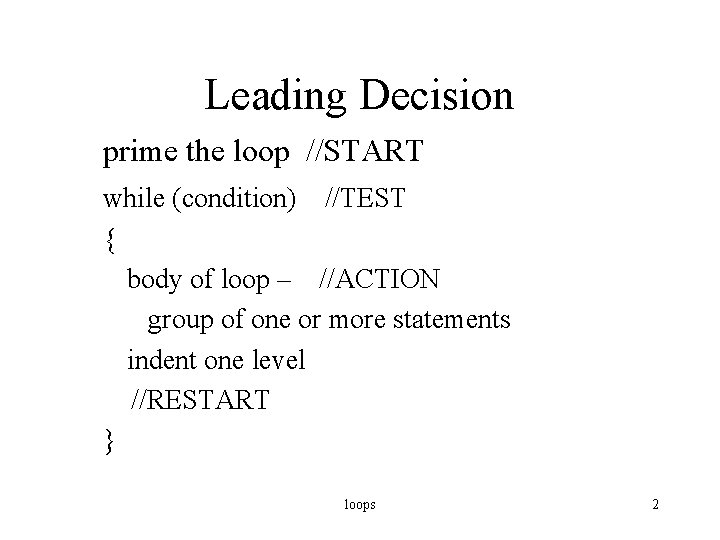
Leading Decision prime the loop //START while (condition) //TEST { body of loop – //ACTION group of one or more statements indent one level //RESTART } loops 2
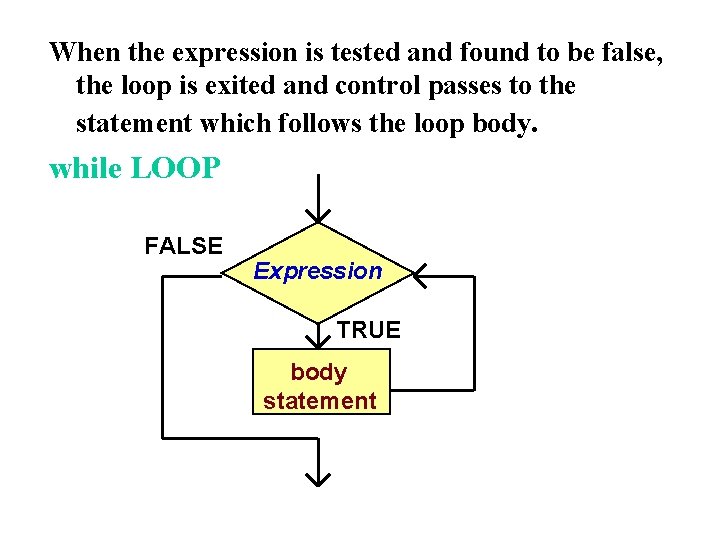
When the expression is tested and found to be false, the loop is exited and control passes to the statement which follows the loop body. while LOOP FALSE Expression TRUE body statement
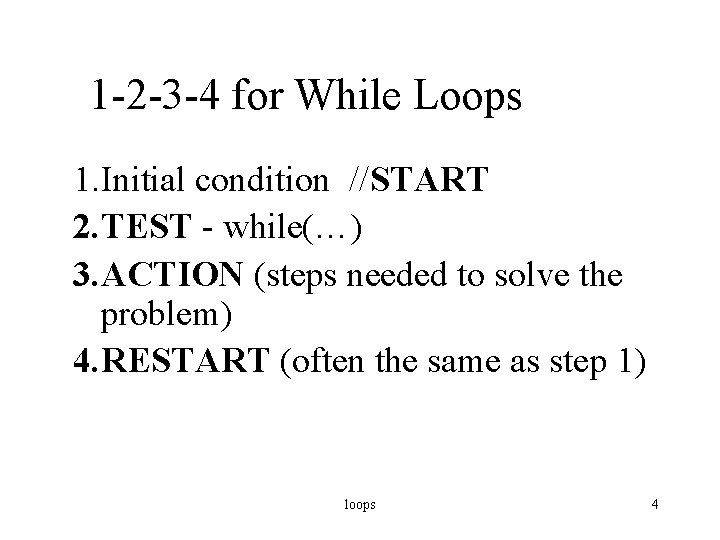
1 -2 -3 -4 for While Loops 1. Initial condition //START 2. TEST - while(…) 3. ACTION (steps needed to solve the problem) 4. RESTART (often the same as step 1) loops 4
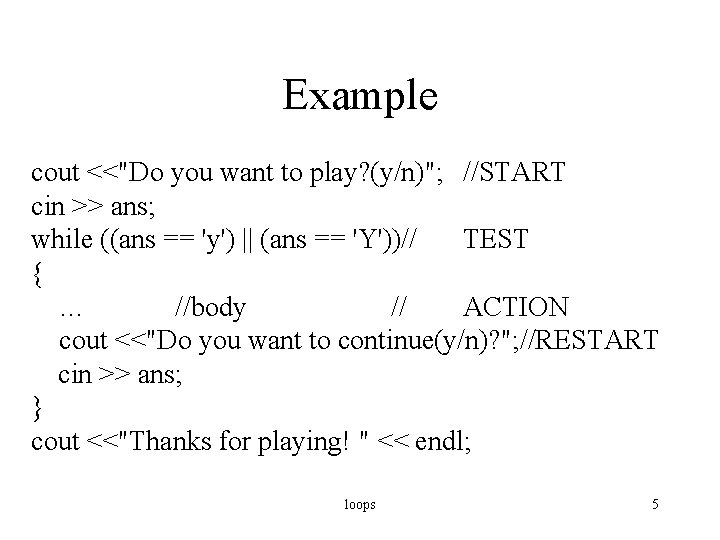
Example cout <<"Do you want to play? (y/n)"; //START cin >> ans; while ((ans == 'y') || (ans == 'Y'))// TEST { … //body // ACTION cout <<"Do you want to continue(y/n)? "; //RESTART cin >> ans; } cout <<"Thanks for playing! " << endl; loops 5
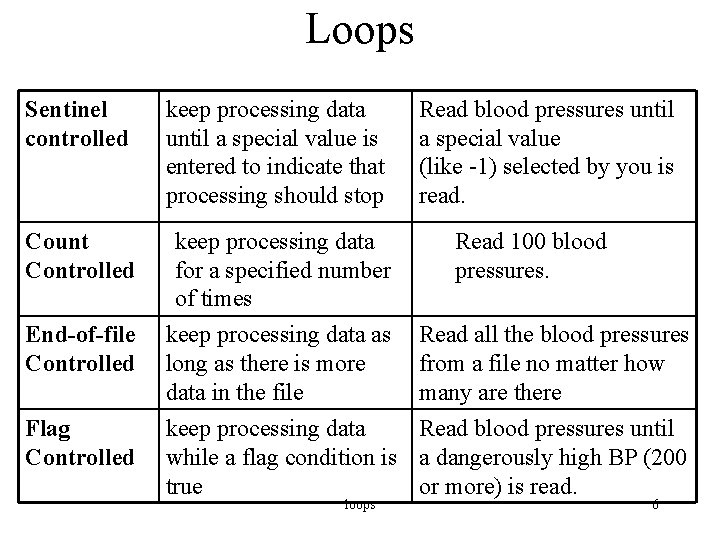
Loops Sentinel controlled keep processing data until a special value is entered to indicate that processing should stop Count Controlled keep processing data for a specified number of times Read blood pressures until a special value (like -1) selected by you is read. Read 100 blood pressures. End-of-file keep processing data as Read all the blood pressures Controlled long as there is more from a file no matter how data in the file many are there Flag Controlled keep processing data Read blood pressures until while a flag condition is a dangerously high BP (200 true or more) is read. loops 6
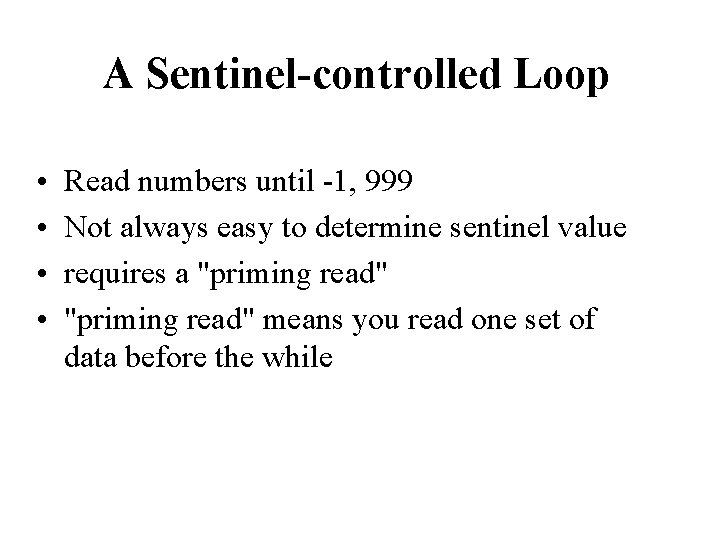
A Sentinel-controlled Loop • • Read numbers until -1, 999 Not always easy to determine sentinel value requires a "priming read" means you read one set of data before the while
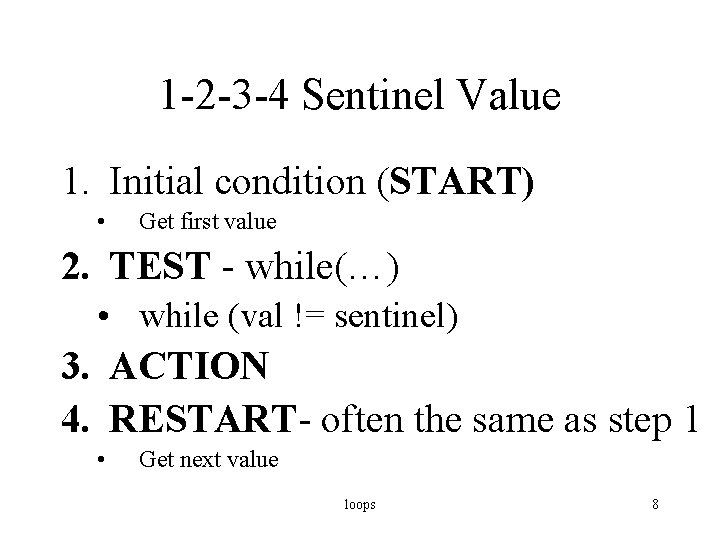
1 -2 -3 -4 Sentinel Value 1. Initial condition (START) • Get first value 2. TEST - while(…) • while (val != sentinel) 3. ACTION 4. RESTART- often the same as step 1 • Get next value loops 8
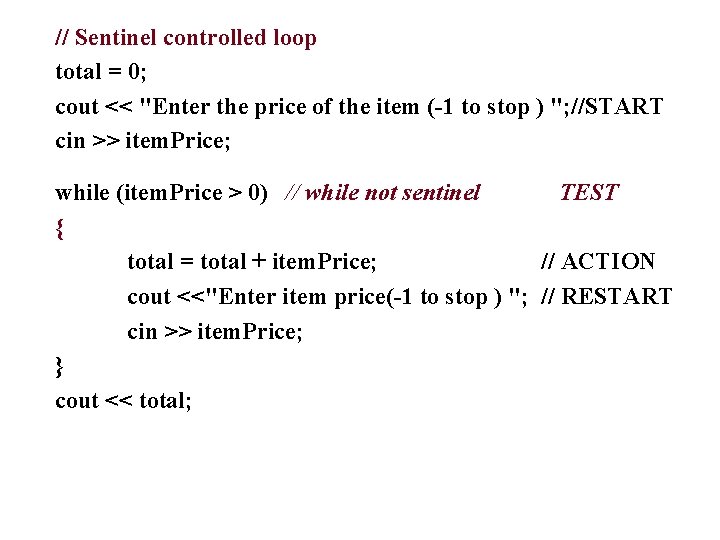
// Sentinel controlled loop total = 0; cout << "Enter the price of the item (-1 to stop ) "; //START cin >> item. Price; while (item. Price > 0) // while not sentinel TEST { total = total + item. Price; // ACTION cout <<"Enter item price(-1 to stop ) "; // RESTART cin >> item. Price; } cout << total;
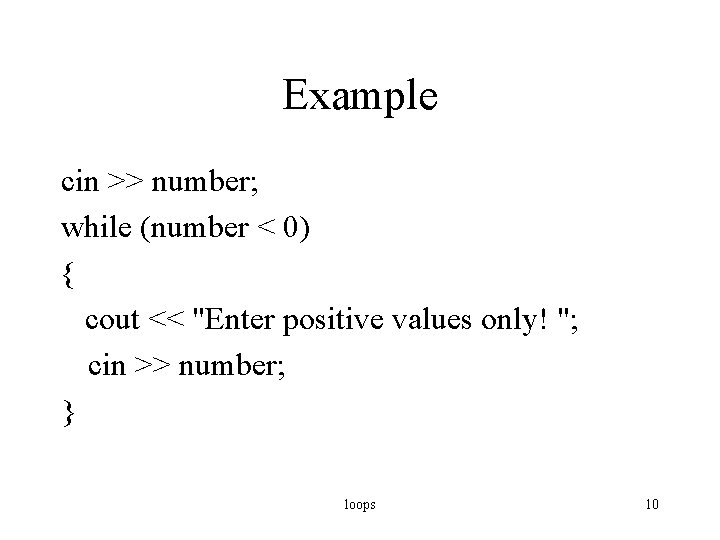
Example cin >> number; while (number < 0) { cout << "Enter positive values only! "; cin >> number; } loops 10
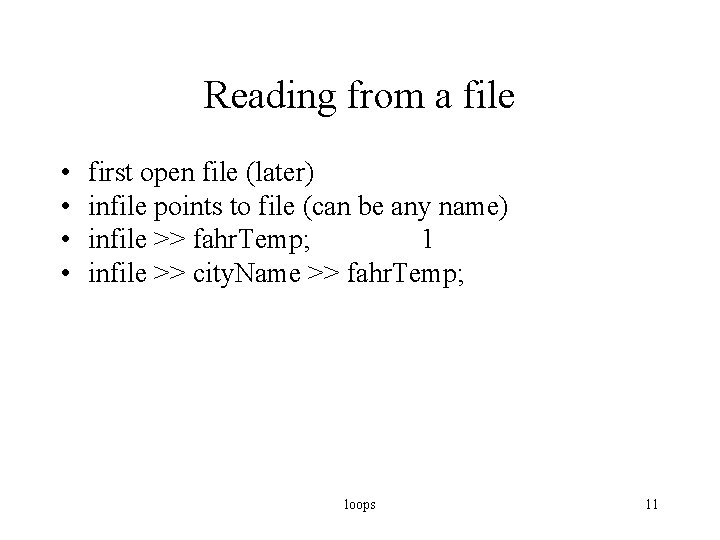
Reading from a file • • first open file (later) infile points to file (can be any name) infile >> fahr. Temp; 1 infile >> city. Name >> fahr. Temp; loops 11
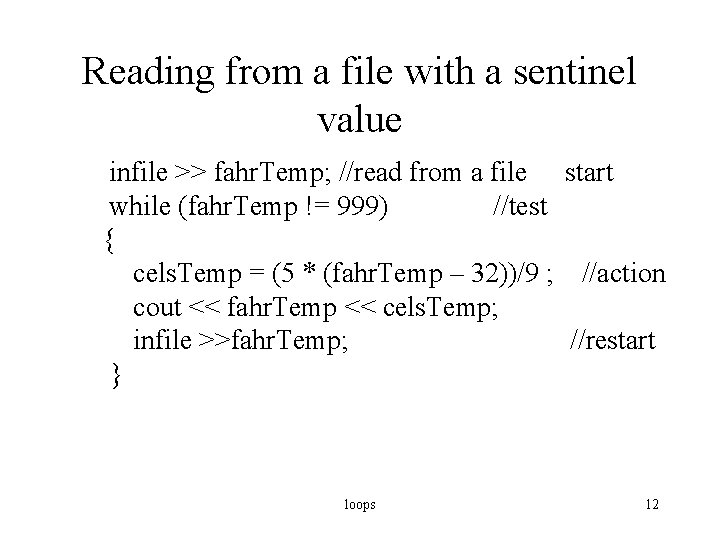
Reading from a file with a sentinel value infile >> fahr. Temp; //read from a file start while (fahr. Temp != 999) //test { cels. Temp = (5 * (fahr. Temp – 32))/9 ; //action cout << fahr. Temp << cels. Temp; infile >>fahr. Temp; //restart } loops 12
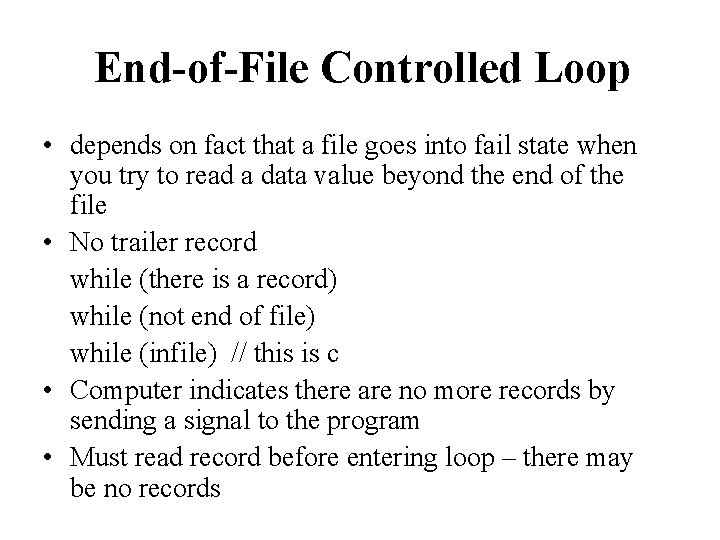
End-of-File Controlled Loop • depends on fact that a file goes into fail state when you try to read a data value beyond the end of the file • No trailer record while (there is a record) while (not end of file) while (infile) // this is c • Computer indicates there are no more records by sending a signal to the program • Must read record before entering loop – there may be no records
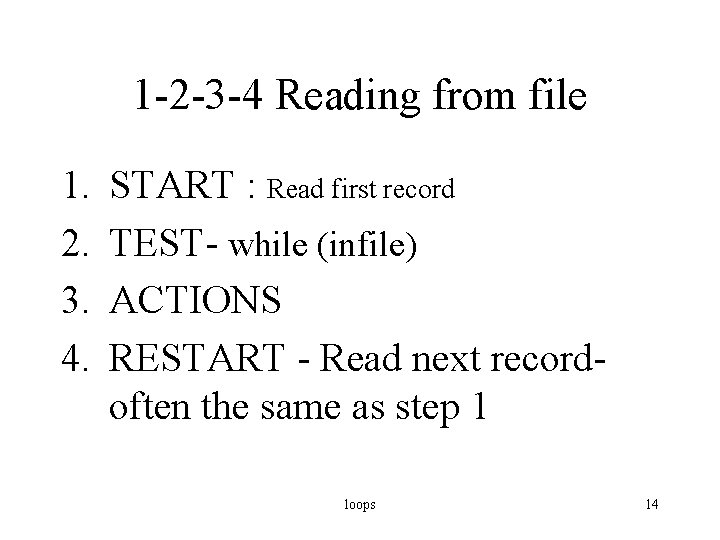
1 -2 -3 -4 Reading from file 1. 2. 3. 4. START : Read first record TEST- while (infile) ACTIONS RESTART - Read next record- often the same as step 1 loops 14
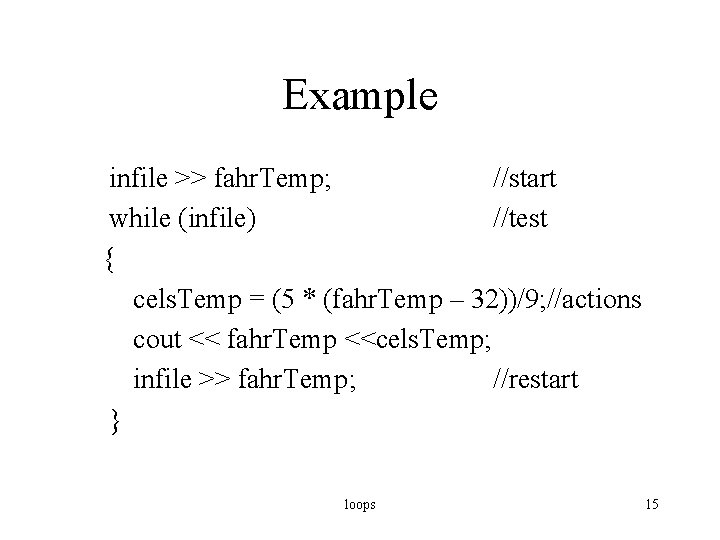
Example infile >> fahr. Temp; //start while (infile) //test { cels. Temp = (5 * (fahr. Temp – 32))/9; //actions cout << fahr. Temp <<cels. Temp; infile >> fahr. Temp; //restart } loops 15
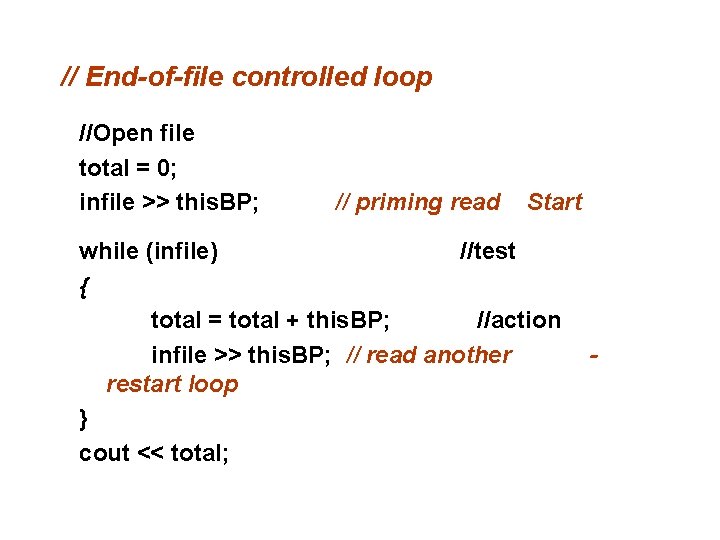
// End-of-file controlled loop //Open file total = 0; infile >> this. BP; // priming read Start while (infile) //test { total = total + this. BP; //action infile >> this. BP; // read another restart loop } cout << total; -
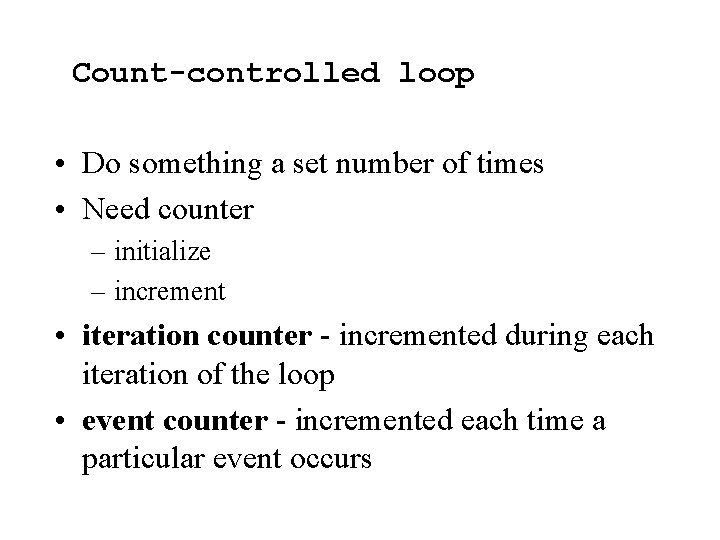
Count-controlled loop • Do something a set number of times • Need counter – initialize – increment • iteration counter - incremented during each iteration of the loop • event counter - incremented each time a particular event occurs
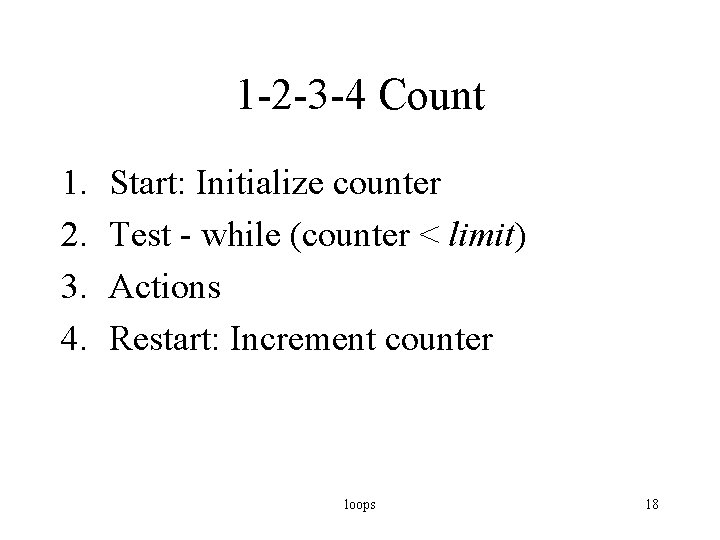
1 -2 -3 -4 Count 1. 2. 3. 4. Start: Initialize counter Test - while (counter < limit) Actions Restart: Increment counter loops 18
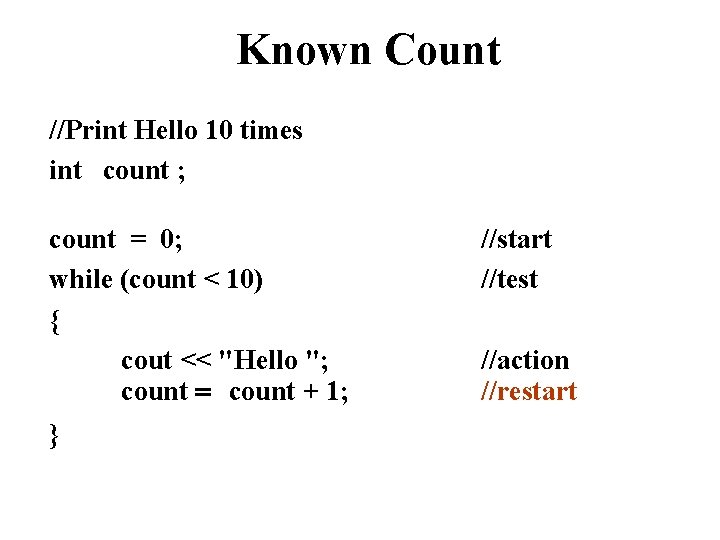
Known Count //Print Hello 10 times int count ; count = 0; while (count < 10) { cout << "Hello "; count = count + 1; } //start //test //action //restart
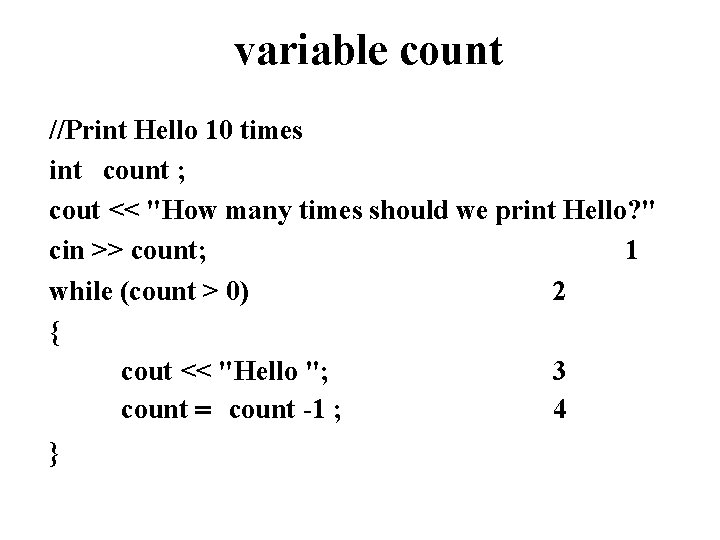
variable count //Print Hello 10 times int count ; cout << "How many times should we print Hello? " cin >> count; 1 while (count > 0) 2 { cout << "Hello "; 3 count = count -1 ; 4 }
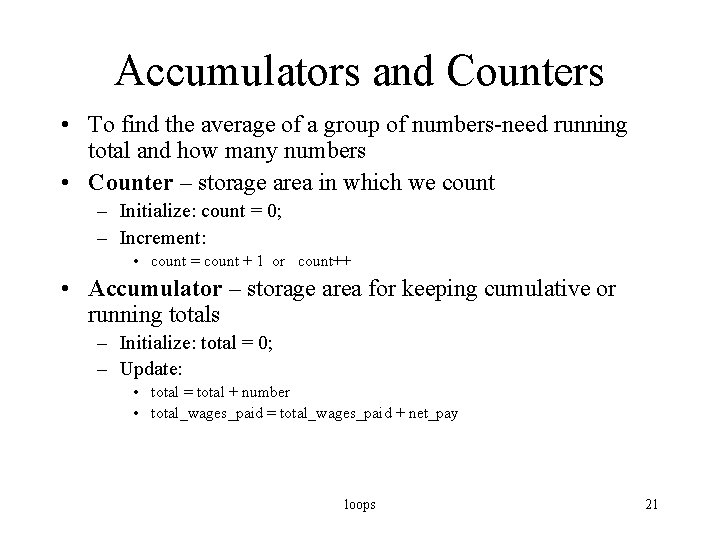
Accumulators and Counters • To find the average of a group of numbers-need running total and how many numbers • Counter – storage area in which we count – Initialize: count = 0; – Increment: • count = count + 1 or count++ • Accumulator – storage area for keeping cumulative or running totals – Initialize: total = 0; – Update: • total = total + number • total_wages_paid = total_wages_paid + net_pay loops 21
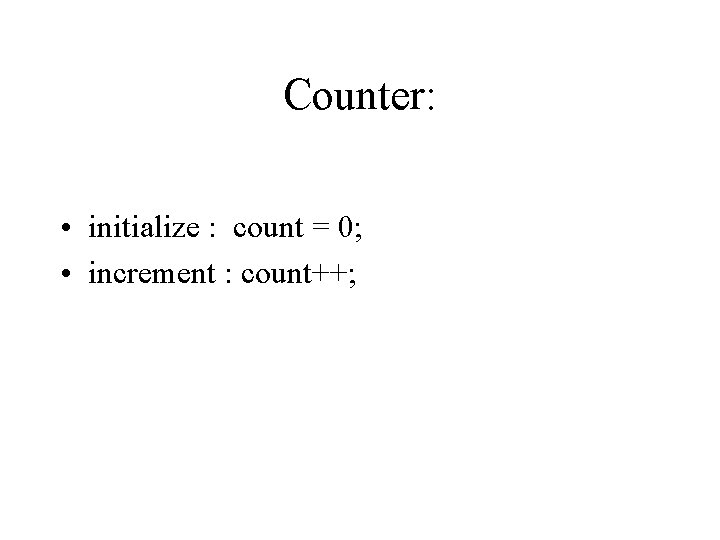
Counter: • initialize : count = 0; • increment : count++;
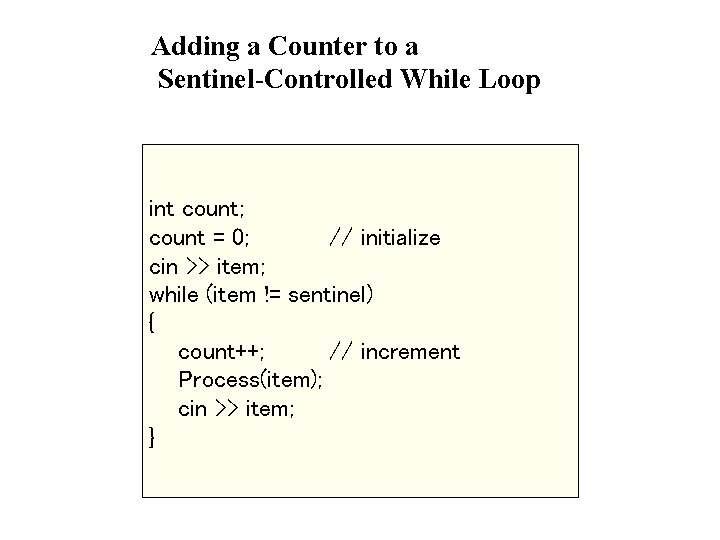
Adding a Counter to a Sentinel-Controlled While Loop int count; count = 0; // initialize cin >> item; while (item != sentinel) { count++; // increment Process(item); cin >> item; }
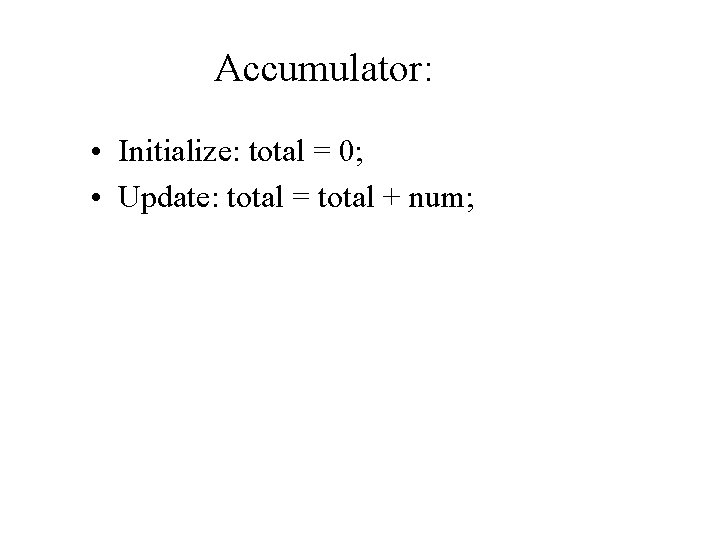
Accumulator: • Initialize: total = 0; • Update: total = total + num;
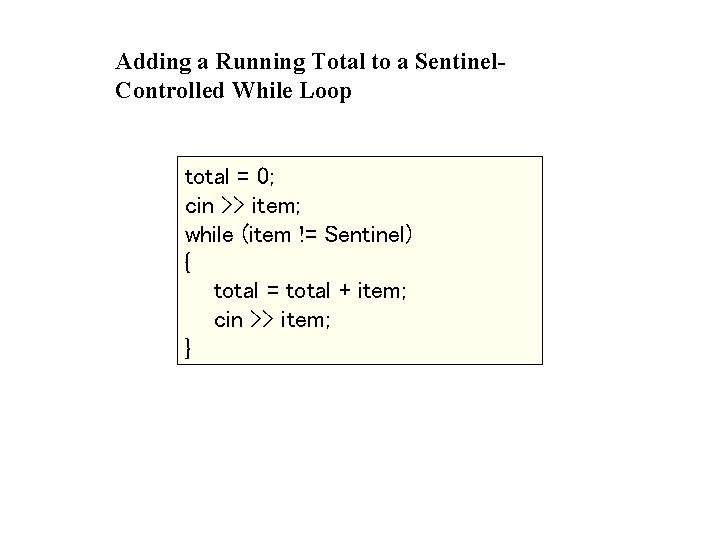
Adding a Running Total to a Sentinel. Controlled While Loop total = 0; cin >> item; while (item != Sentinel) { total = total + item; cin >> item; }
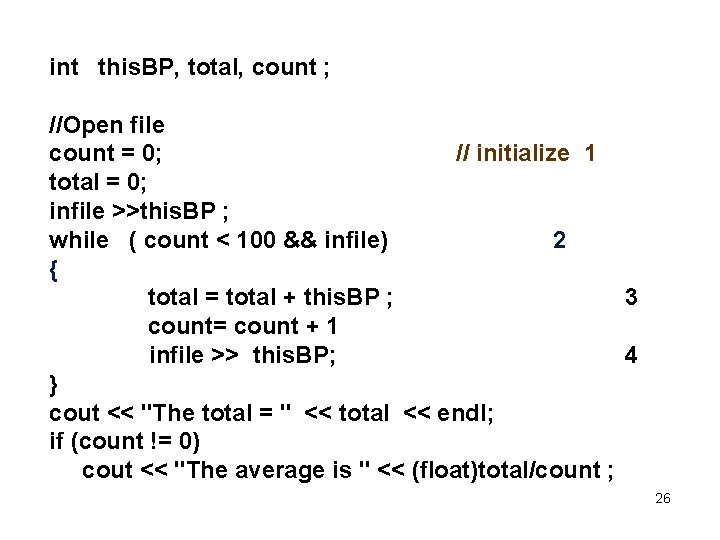
int this. BP, total, count ; //Open file count = 0; // initialize 1 total = 0; infile >>this. BP ; while ( count < 100 && infile) 2 { total = total + this. BP ; 3 count= count + 1 infile >> this. BP; 4 } cout << "The total = " << total << endl; if (count != 0) cout << "The average is " << (float)total/count ; 26
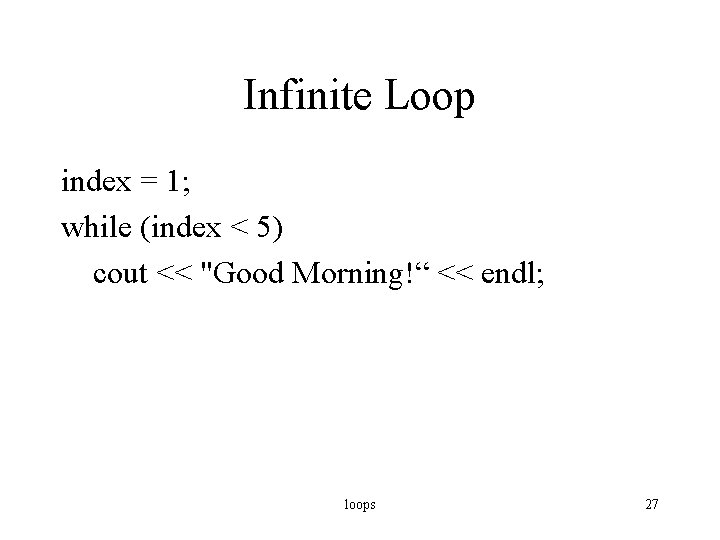
Infinite Loop index = 1; while (index < 5) cout << "Good Morning!“ << endl; loops 27
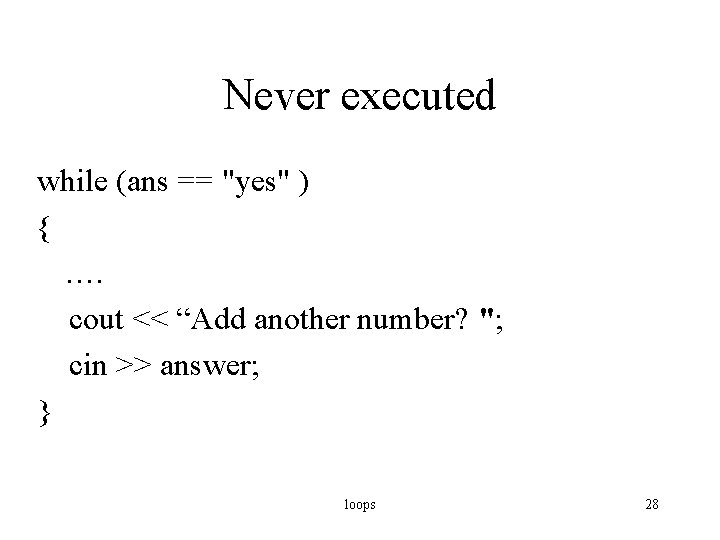
Never executed while (ans == "yes" ) { …. cout << “Add another number? "; cin >> answer; } loops 28
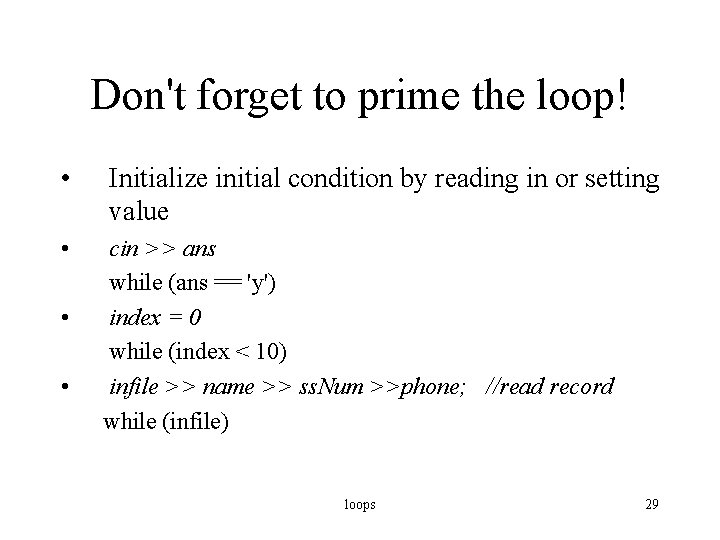
Don't forget to prime the loop! • • Initialize initial condition by reading in or setting value cin >> ans while (ans == 'y') index = 0 while (index < 10) infile >> name >> ss. Num >>phone; //read record while (infile) loops 29
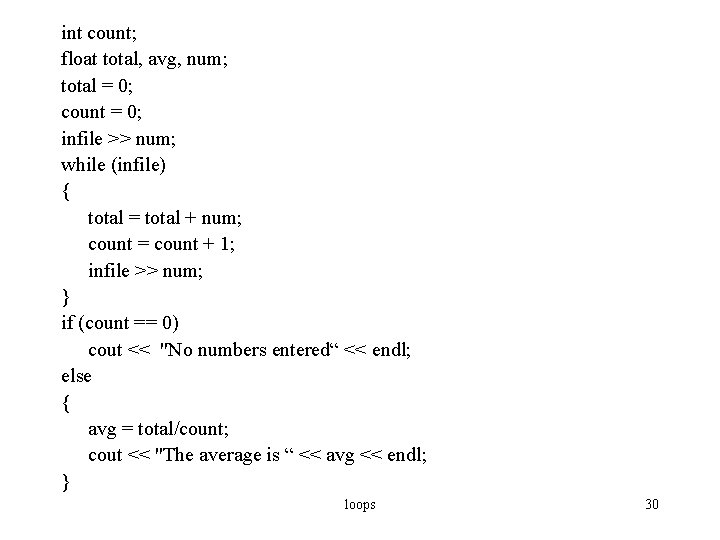
int count; float total, avg, num; total = 0; count = 0; infile >> num; while (infile) { total = total + num; count = count + 1; infile >> num; } if (count == 0) cout << "No numbers entered“ << endl; else { avg = total/count; cout << "The average is “ << avg << endl; } loops 30
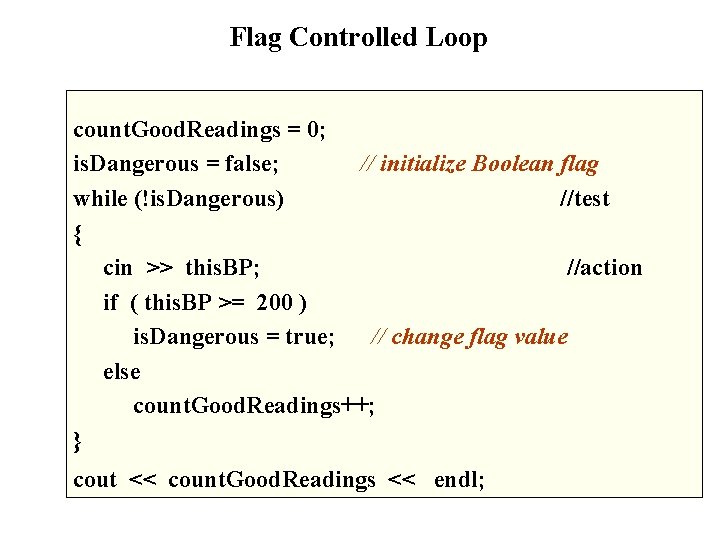
Flag Controlled Loop count. Good. Readings = 0; is. Dangerous = false; // initialize Boolean flag while (!is. Dangerous) //test { cin >> this. BP; //action if ( this. BP >= 200 ) is. Dangerous = true; // change flag value else count. Good. Readings++; } cout << count. Good. Readings << endl;
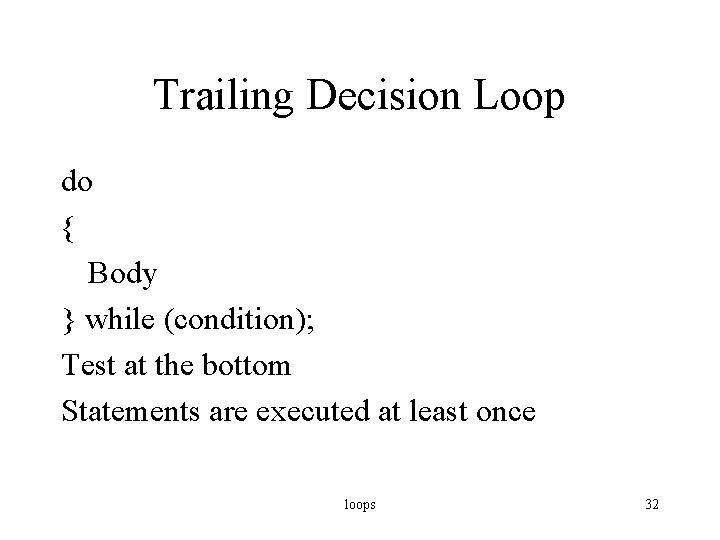
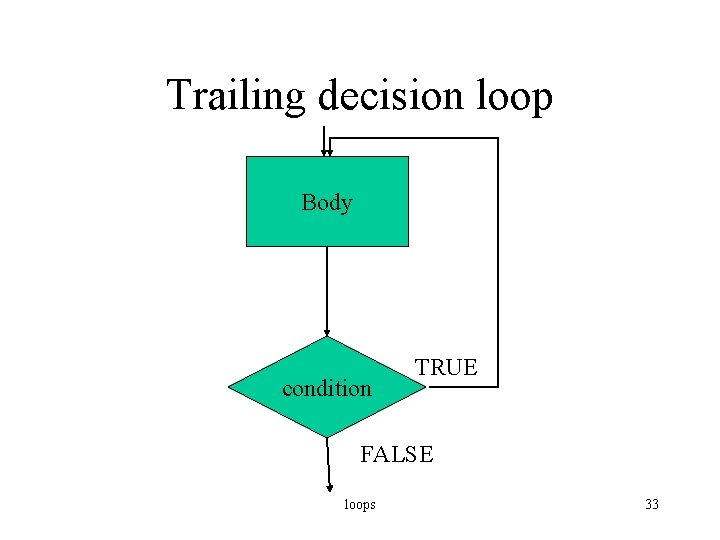
Trailing Decision Loop do { Body } while (condition); Test at the bottom Statements are executed at least once loops 32
Trailing decision loop Body condition TRUE FALSE loops 33
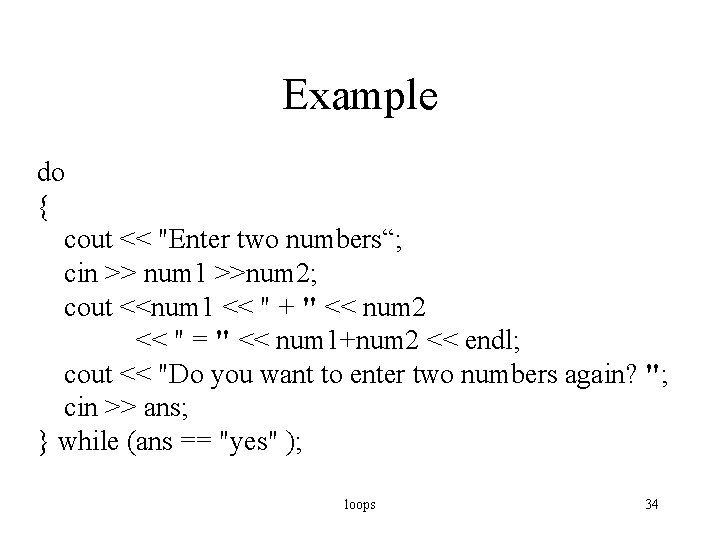
Example do { cout << "Enter two numbers“; cin >> num 1 >>num 2; cout <<num 1 << " + " << num 2 << " = " << num 1+num 2 << endl; cout << "Do you want to enter two numbers again? "; cin >> ans; } while (ans == "yes" ); loops 34
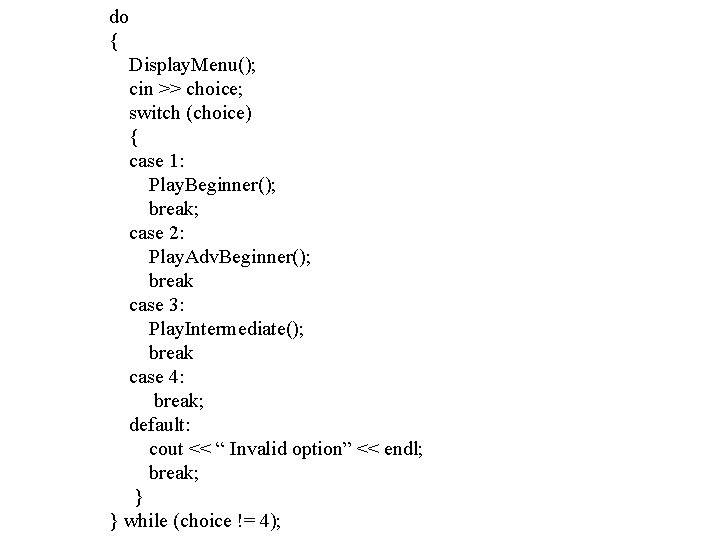
do { Display. Menu(); cin >> choice; switch (choice) { case 1: Play. Beginner(); break; case 2: Play. Adv. Beginner(); break case 3: Play. Intermediate(); break case 4: break; default: cout << “ Invalid option” << endl; break; } } while (choice != 4);
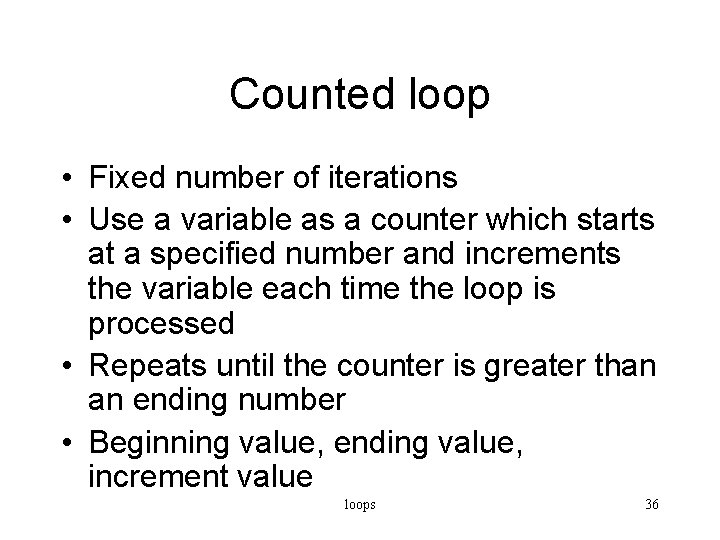
Counted loop • Fixed number of iterations • Use a variable as a counter which starts at a specified number and increments the variable each time the loop is processed • Repeats until the counter is greater than an ending number • Beginning value, ending value, increment value loops 36
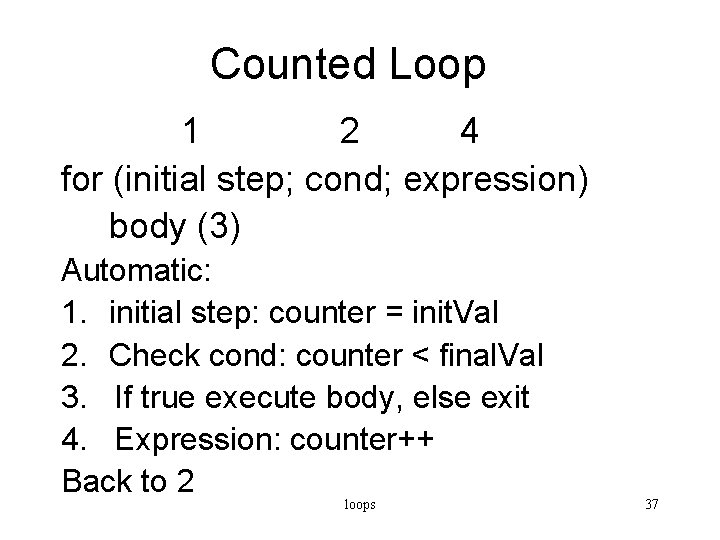
Counted Loop 1 2 4 for (initial step; cond; expression) body (3) Automatic: 1. initial step: counter = init. Val 2. Check cond: counter < final. Val 3. If true execute body, else exit 4. Expression: counter++ Back to 2 loops 37
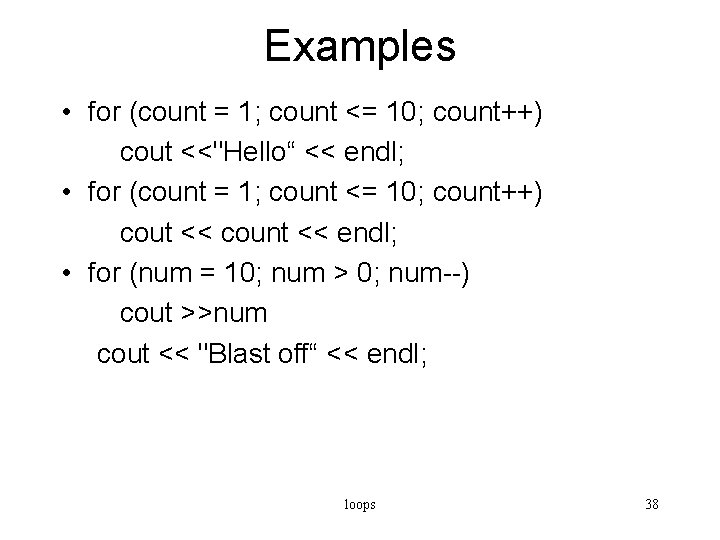
Examples • for (count = 1; count <= 10; count++) cout <<"Hello“ << endl; • for (count = 1; count <= 10; count++) cout << count << endl; • for (num = 10; num > 0; num--) cout >>num cout << "Blast off“ << endl; loops 38
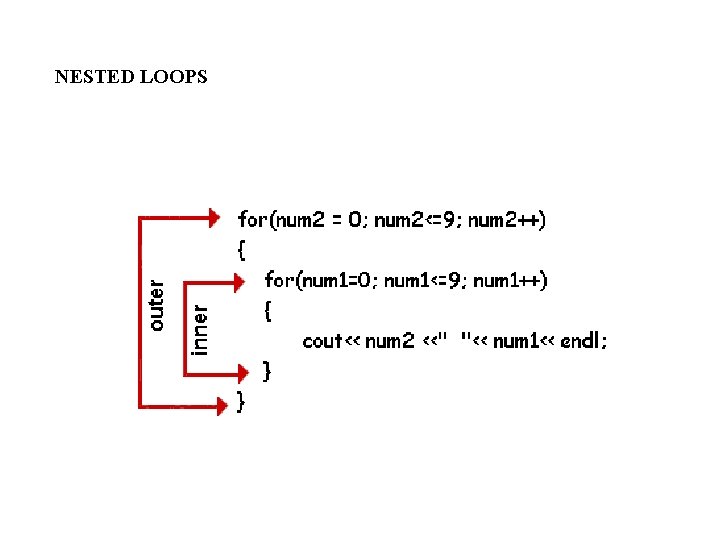
Nested Loops • placing of one loop inside the body of another loop is called nesting. • When you "nest" two loops, the outer loop takes control of the number of complete repetitions of the inner loop. • All types of loops may be nested, the most commonly nested loops are for loops. • When working with nested loops, the outer loop changes only after the inner loop is completely finished
NESTED LOOPS
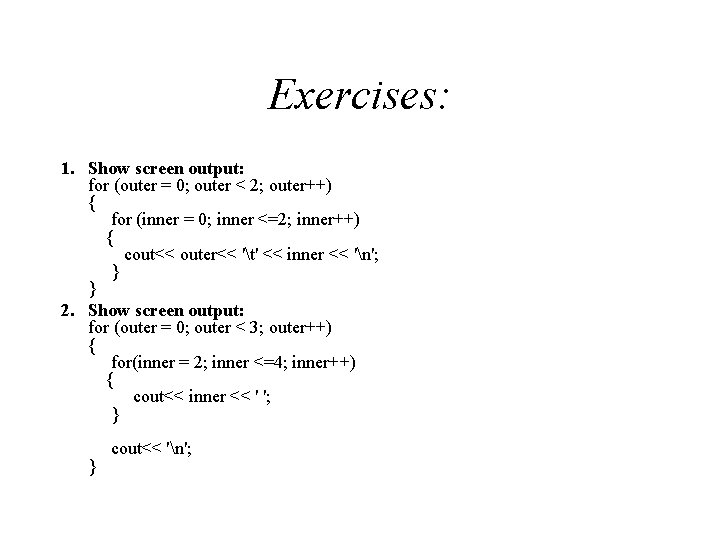
Exercises: 1. Show screen output: for (outer = 0; outer < 2; outer++) { for (inner = 0; inner <=2; inner++) { cout<< outer<< 't' << inner << 'n'; } } 2. Show screen output: for (outer = 0; outer < 3; outer++) { for(inner = 2; inner <=4; inner++) { cout<< inner << ' '; } cout<< 'n'; }
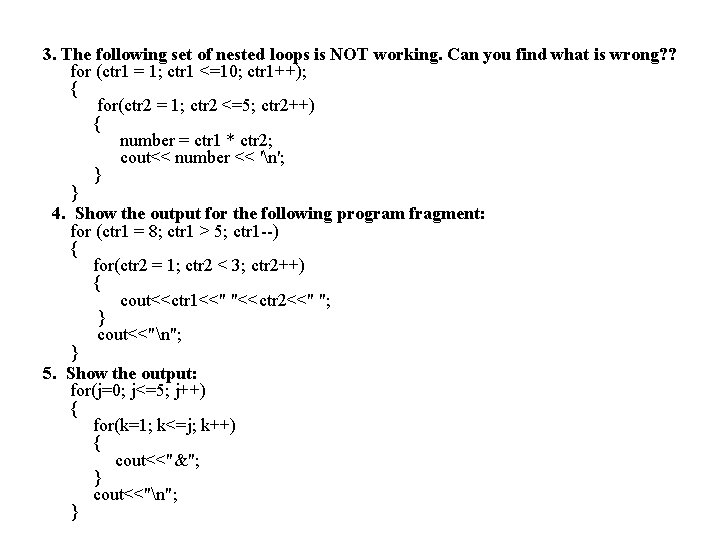
3. The following set of nested loops is NOT working. Can you find what is wrong? ? for (ctr 1 = 1; ctr 1 <=10; ctr 1++); { for(ctr 2 = 1; ctr 2 <=5; ctr 2++) { number = ctr 1 * ctr 2; cout<< number << 'n'; } } 4. Show the output for the following program fragment: for (ctr 1 = 8; ctr 1 > 5; ctr 1 --) { for(ctr 2 = 1; ctr 2 < 3; ctr 2++) { cout<<ctr 1<<" "<<ctr 2<<" "; } cout<<"n"; } 5. Show the output: for(j=0; j<=5; j++) { for(k=1; k<=j; k++) { cout<<"&"; } cout<<"n"; }
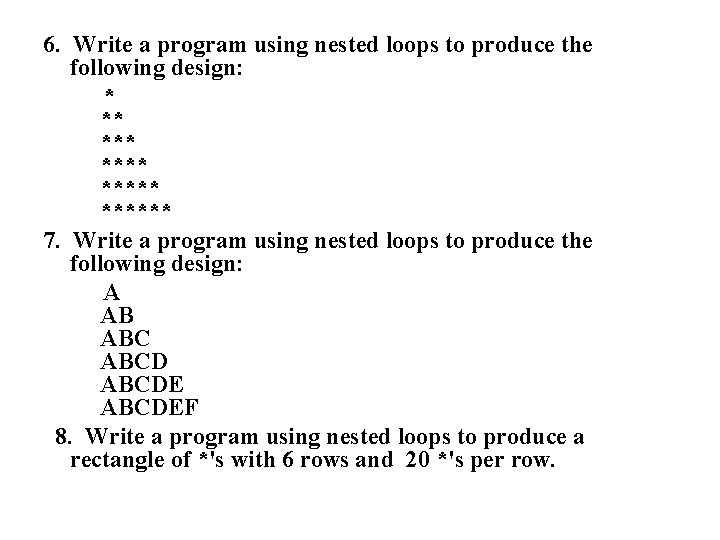
6. Write a program using nested loops to produce the following design: * ** ****** 7. Write a program using nested loops to produce the following design: A AB ABCDEF 8. Write a program using nested loops to produce a rectangle of *'s with 6 rows and 20 *'s per row.