
Looping Structures Iteration 1 The Plan While not
![class Model. Test Attributes • none Behavior • public static void main(String[] args) Iteration](https://slidetodoc.com/presentation_image/298f376d1855992fe6eb28c8d5a46538/image-41.jpg "class Model. Test Attributes • none Behavior • public static void main(String[] args) Iteration")

- Slides: 42
Looping Structures Iteration 1
The Plan While not everyone understands: 1. Motivate loops 2. For loops 3. While loops 4. Do-while loops 5. Equivalence 6. Application of Simulated Collision 7. Practice Problems Iteration 2
Motivation Why loop? Sometimes you need to do things again, and again, and again, and again, and again, and again, and again, and again, and again. . . and finally you get tired of typing. Iteration 3
Motivation Okay, so that's not all. You also loop in order to: ● Group repeatedly executed code for uniformity ● Make the number of repetitions easily changeable ● ● Repeat events which the number of exectutions is known only dynamically Combine with selection statements to make more complex algorithms Iteration 4
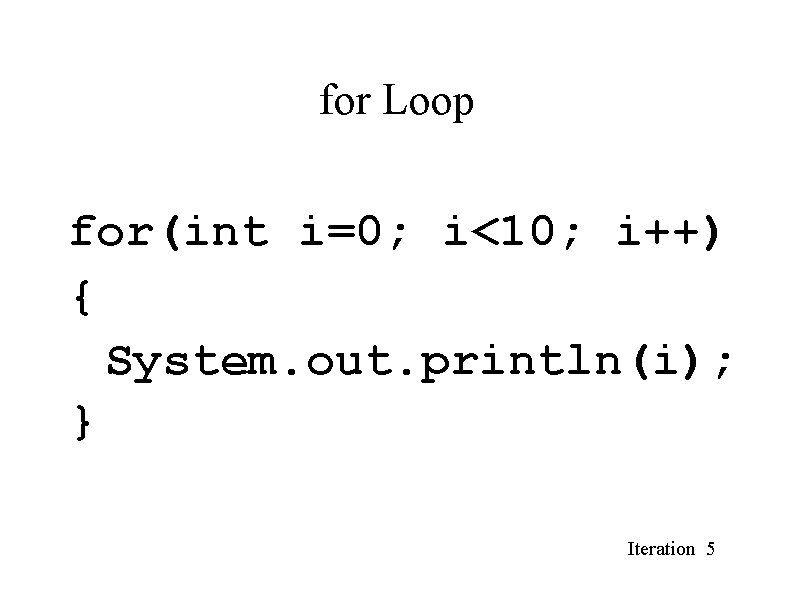
for Loop for(int i=0; i<10; i++) { System. out. println(i); } Iteration 5
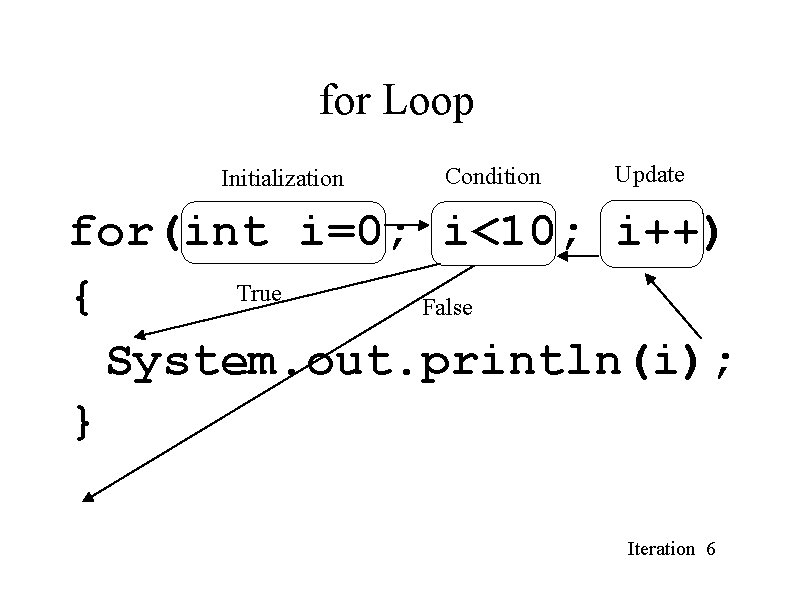
for Loop Initialization Condition Update for(int i=0; i<10; i++) True { False System. out. println(i); } Iteration 6
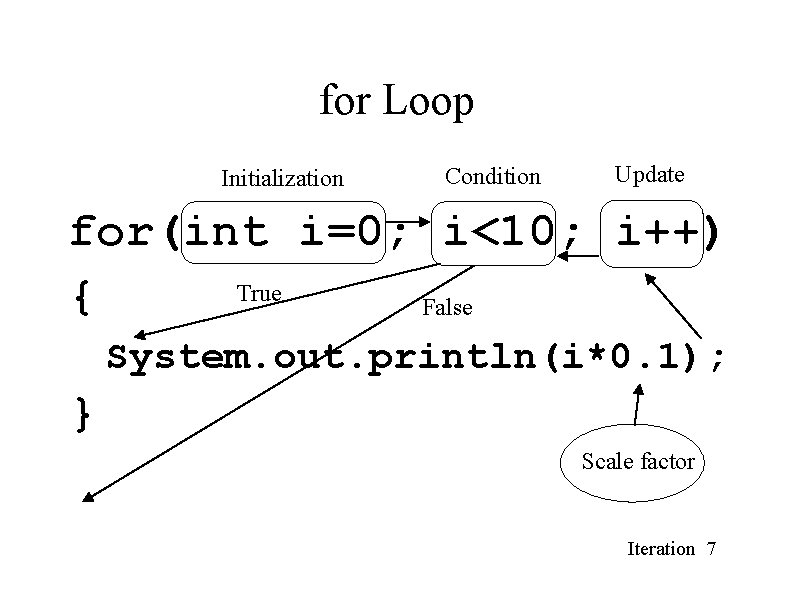
for Loop Initialization Condition Update for(int i=0; i<10; i++) True { False System. out. println(i*0. 1); } Scale factor Iteration 7
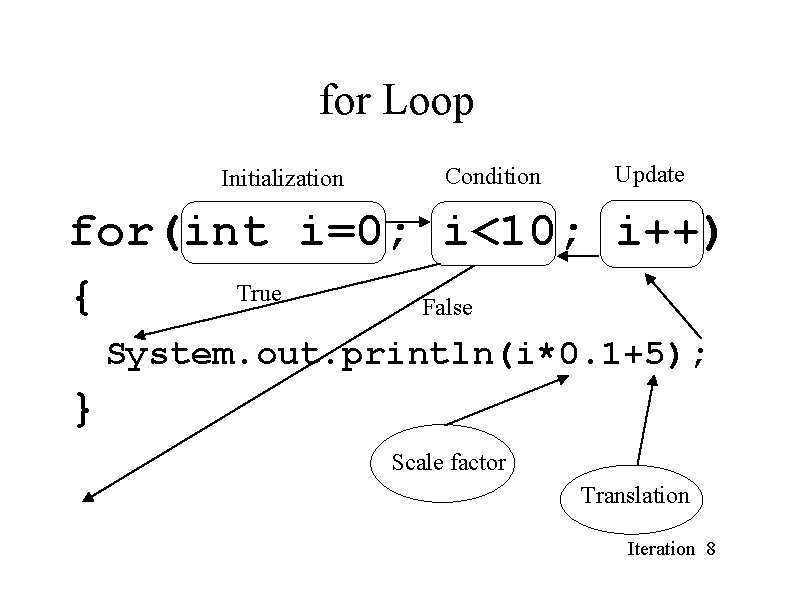
for Loop Initialization Condition Update for(int i=0; i<10; i++) True { False System. out. println(i*0. 1+5); } Scale factor Translation Iteration 8
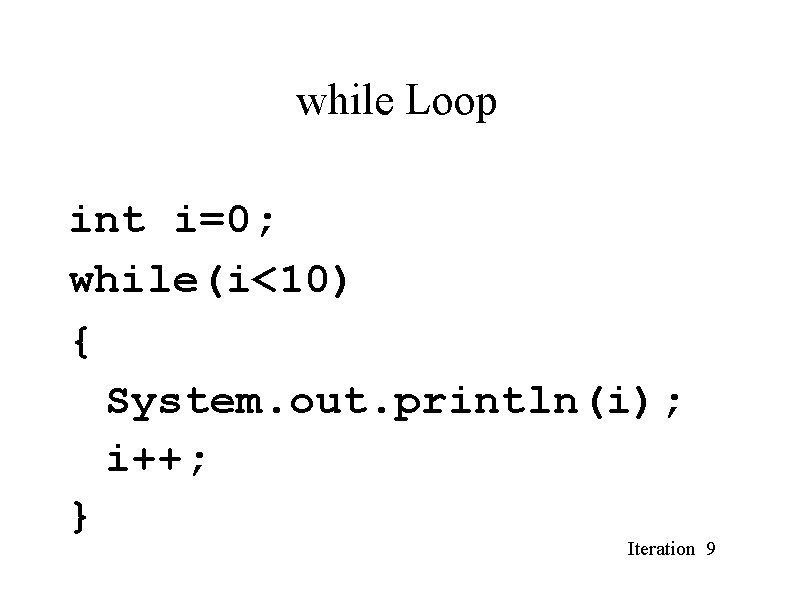
while Loop int i=0; while(i<10) { System. out. println(i); i++; } Iteration 9
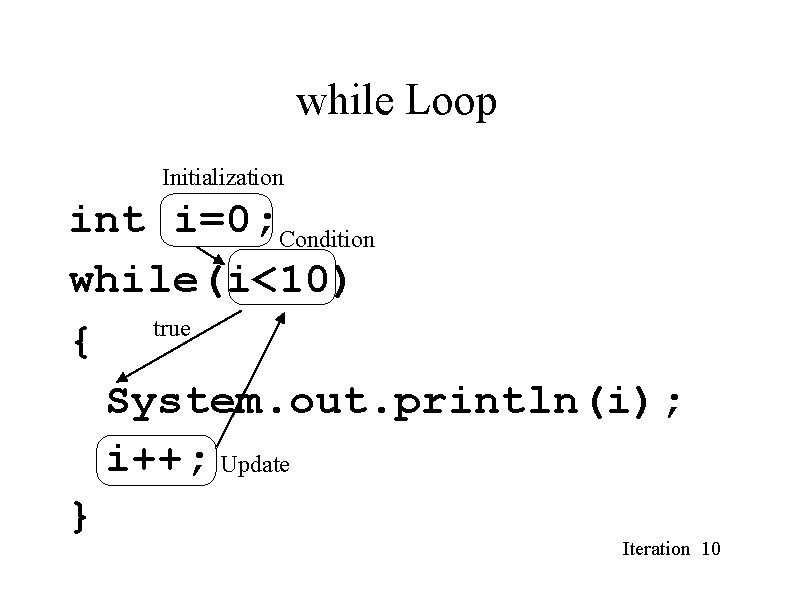
while Loop Initialization int i=0; Condition while(i<10) true { System. out. println(i); i++; Update } Iteration 10
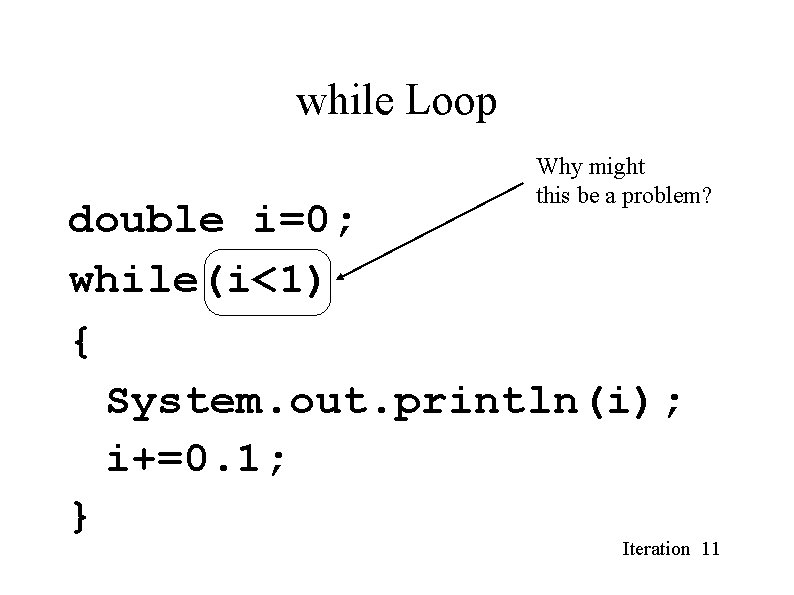
while Loop Why might this be a problem? double i=0; while(i<1) { System. out. println(i); i+=0. 1; } Iteration 11
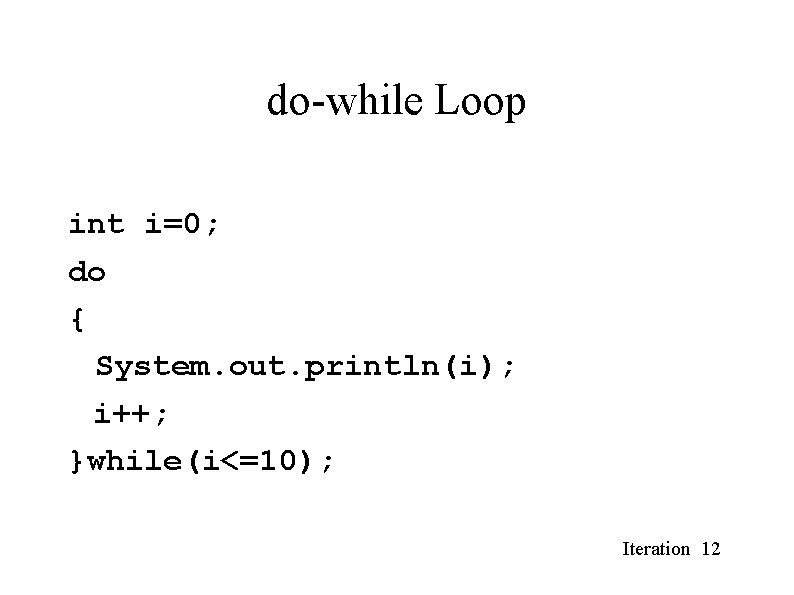
do-while Loop int i=0; do { System. out. println(i); i++; }while(i<=10); Iteration 12
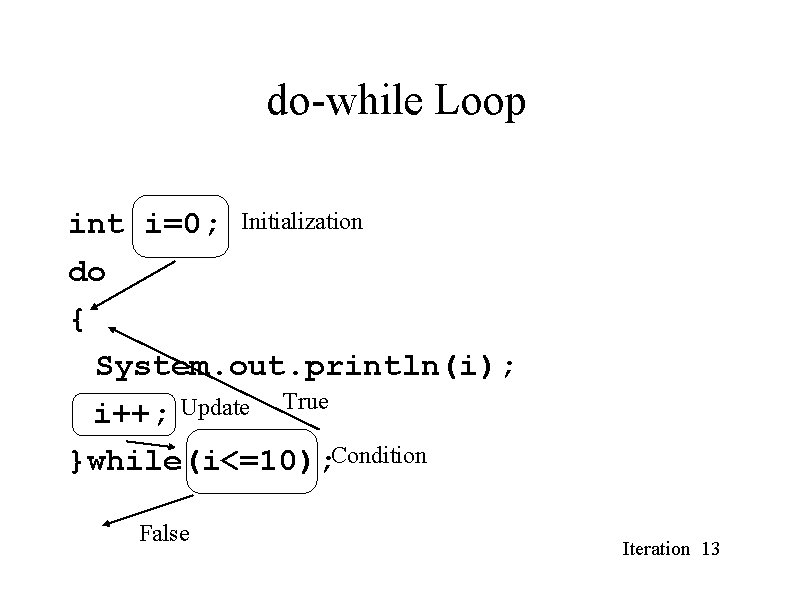
do-while Loop int i=0; Initialization do { System. out. println(i); i++; Update True }while(i<=10); Condition False Iteration 13
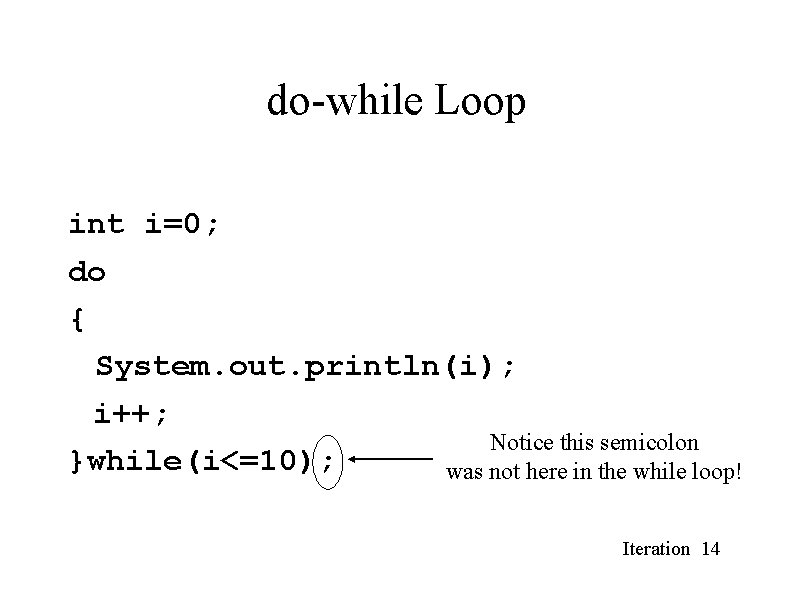
do-while Loop int i=0; do { System. out. println(i); i++; Notice this semicolon }while(i<=10); was not here in the while loop! Iteration 14
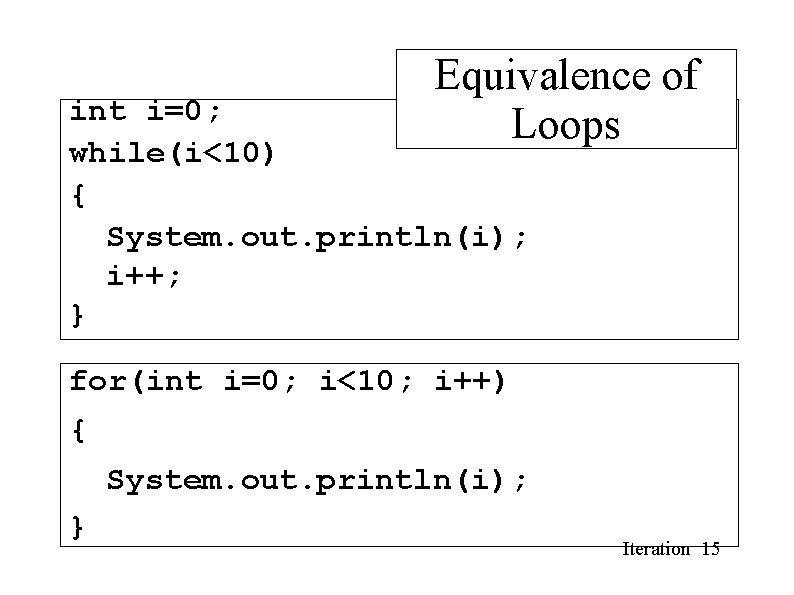
Equivalence of Loops int i=0; while(i<10) { System. out. println(i); i++; } for(int i=0; i<10; i++) { System. out. println(i); } Iteration 15
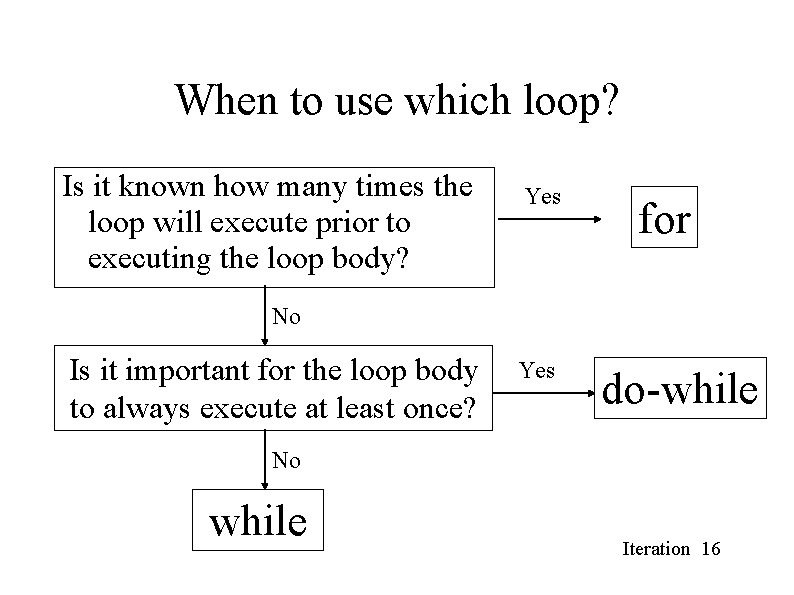
When to use which loop? Is it known how many times the loop will execute prior to executing the loop body? Yes for No Is it important for the loop body to always execute at least once? Yes do-while No while Iteration 16
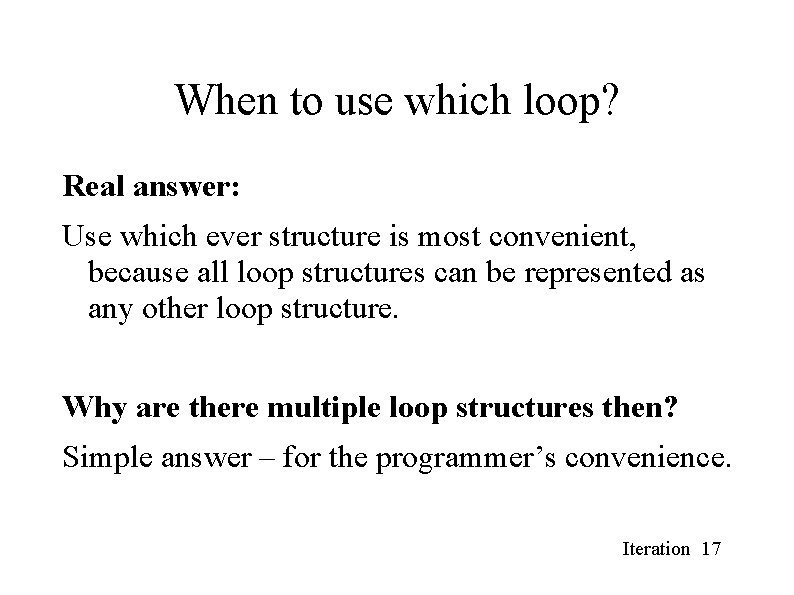
When to use which loop? Real answer: Use which ever structure is most convenient, because all loop structures can be represented as any other loop structure. Why are there multiple loop structures then? Simple answer – for the programmer’s convenience. Iteration 17
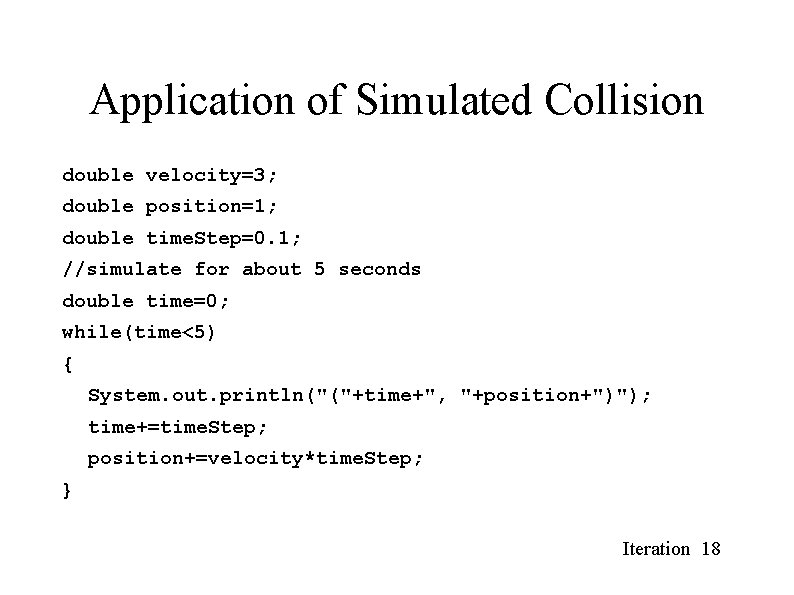
Application of Simulated Collision double velocity=3; double position=1; double time. Step=0. 1; //simulate for about 5 seconds double time=0; while(time<5) { System. out. println("("+time+", "+position+")"); time+=time. Step; position+=velocity*time. Step; } Iteration 18
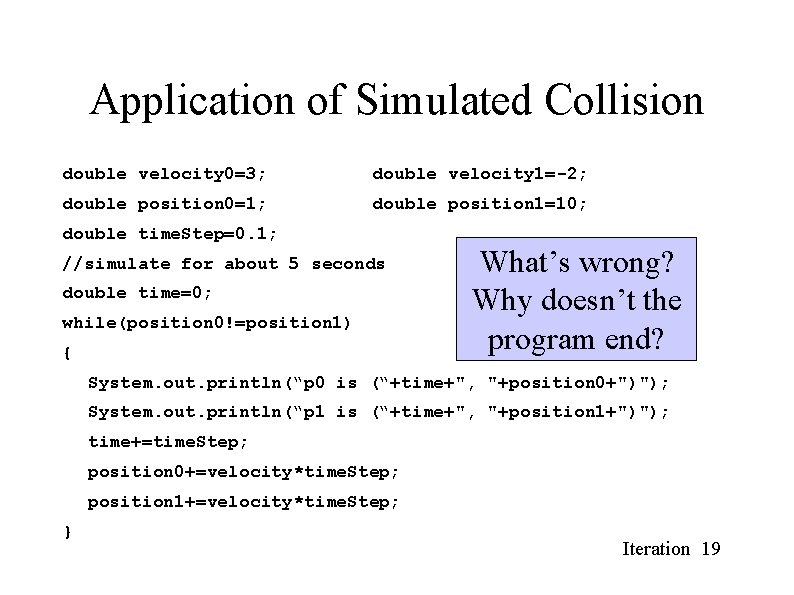
Application of Simulated Collision double velocity 0=3; double velocity 1=-2; double position 0=1; double position 1=10; double time. Step=0. 1; //simulate for about 5 seconds double time=0; while(position 0!=position 1) { What’s wrong? Why doesn’t the program end? System. out. println(“p 0 is (“+time+", "+position 0+")"); System. out. println(“p 1 is (“+time+", "+position 1+")"); time+=time. Step; position 0+=velocity*time. Step; position 1+=velocity*time. Step; } Iteration 19
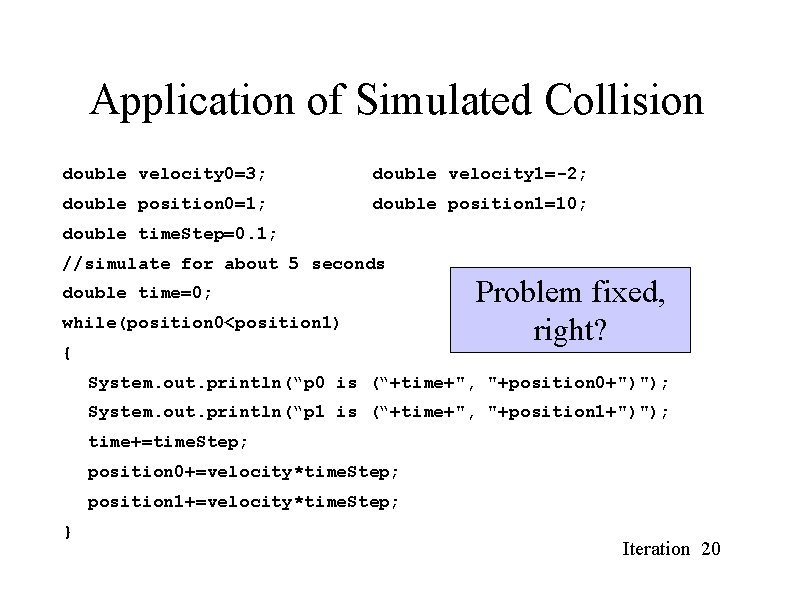
Application of Simulated Collision double velocity 0=3; double velocity 1=-2; double position 0=1; double position 1=10; double time. Step=0. 1; //simulate for about 5 seconds double time=0; while(position 0<position 1) { Problem fixed, right? System. out. println(“p 0 is (“+time+", "+position 0+")"); System. out. println(“p 1 is (“+time+", "+position 1+")"); time+=time. Step; position 0+=velocity*time. Step; position 1+=velocity*time. Step; } Iteration 20
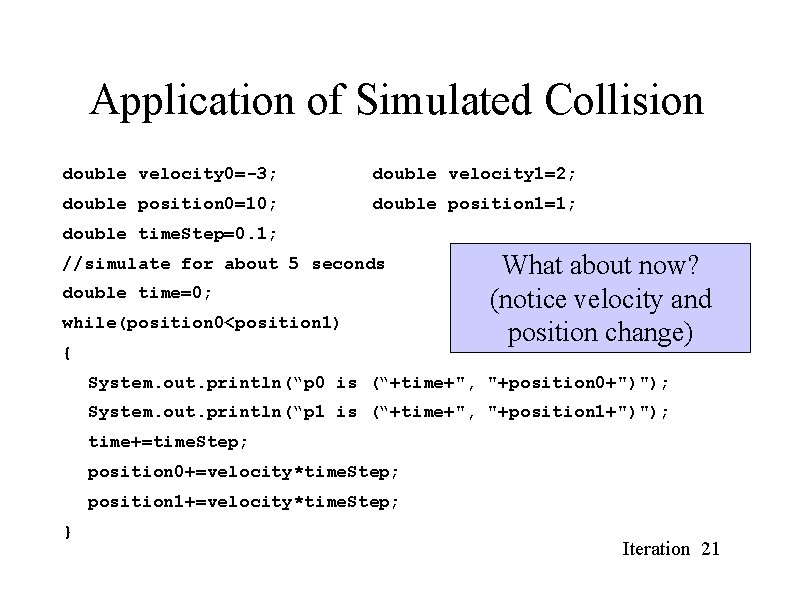
Application of Simulated Collision double velocity 0=-3; double velocity 1=2; double position 0=10; double position 1=1; double time. Step=0. 1; //simulate for about 5 seconds double time=0; while(position 0<position 1) { What about now? (notice velocity and position change) System. out. println(“p 0 is (“+time+", "+position 0+")"); System. out. println(“p 1 is (“+time+", "+position 1+")"); time+=time. Step; position 0+=velocity*time. Step; position 1+=velocity*time. Step; } Iteration 21
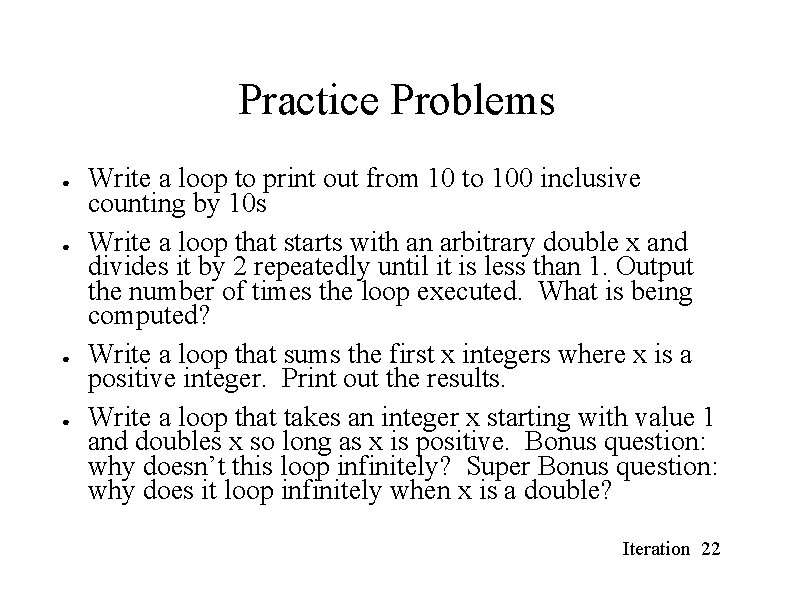
Practice Problems ● ● Write a loop to print out from 10 to 100 inclusive counting by 10 s Write a loop that starts with an arbitrary double x and divides it by 2 repeatedly until it is less than 1. Output the number of times the loop executed. What is being computed? Write a loop that sums the first x integers where x is a positive integer. Print out the results. Write a loop that takes an integer x starting with value 1 and doubles x so long as x is positive. Bonus question: why doesn’t this loop infinitely? Super Bonus question: why does it loop infinitely when x is a double? Iteration 22
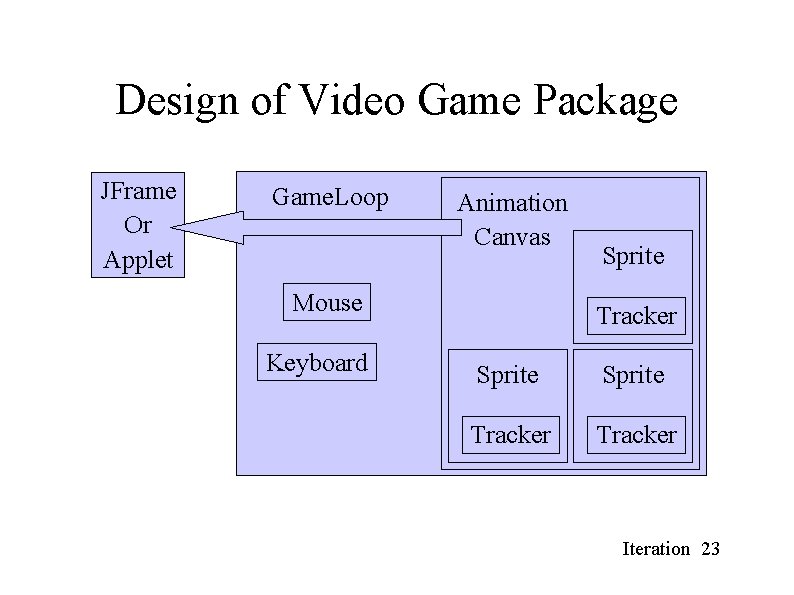
Design of Video Game Package JFrame Or Applet Game. Loop Animation Canvas Mouse Keyboard Sprite Tracker Iteration 23
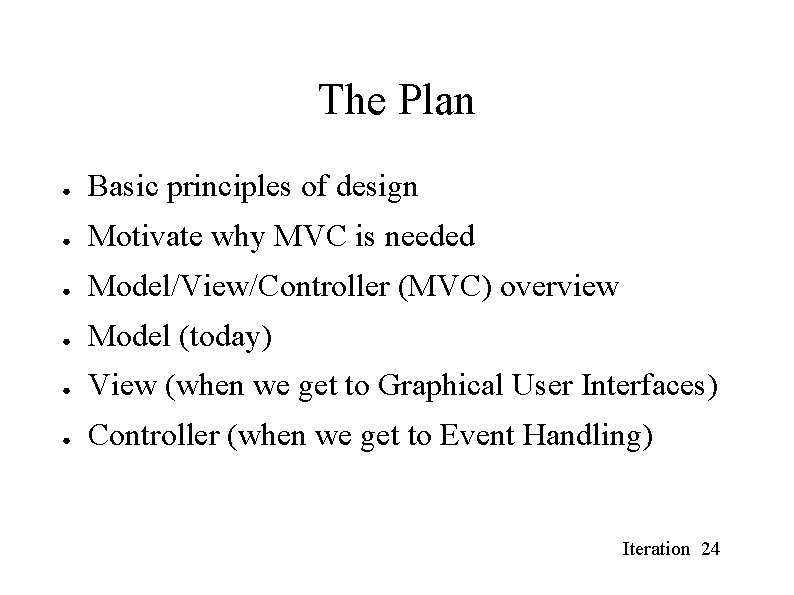
The Plan ● Basic principles of design ● Motivate why MVC is needed ● Model/View/Controller (MVC) overview ● Model (today) ● View (when we get to Graphical User Interfaces) ● Controller (when we get to Event Handling) Iteration 24
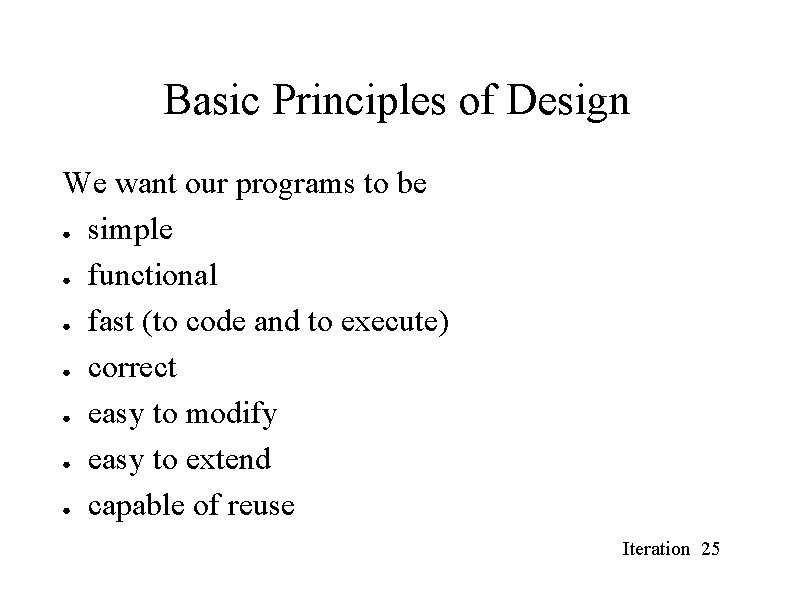
Basic Principles of Design We want our programs to be ● simple ● functional ● fast (to code and to execute) ● correct ● easy to modify ● easy to extend ● capable of reuse Iteration 25
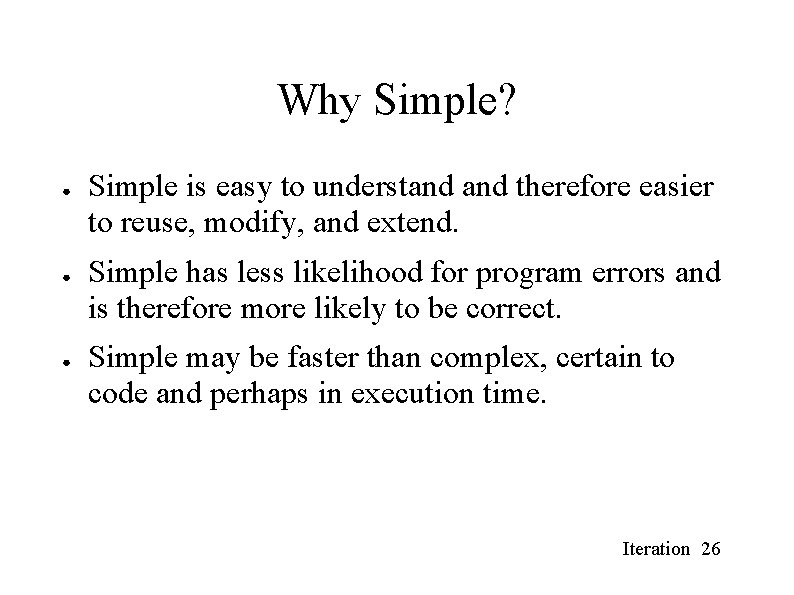
Why Simple? ● ● ● Simple is easy to understand therefore easier to reuse, modify, and extend. Simple has less likelihood for program errors and is therefore more likely to be correct. Simple may be faster than complex, certain to code and perhaps in execution time. Iteration 26
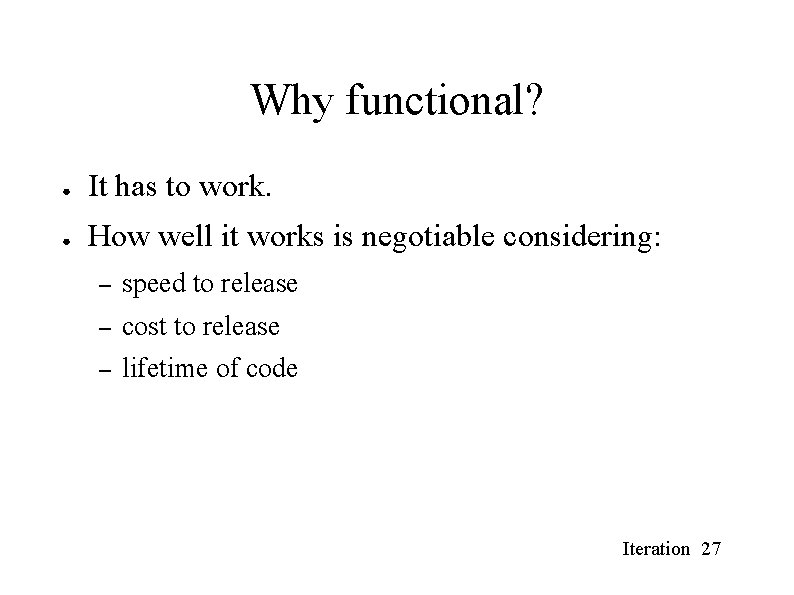
Why functional? ● It has to work. ● How well it works is negotiable considering: – speed to release – cost to release – lifetime of code Iteration 27
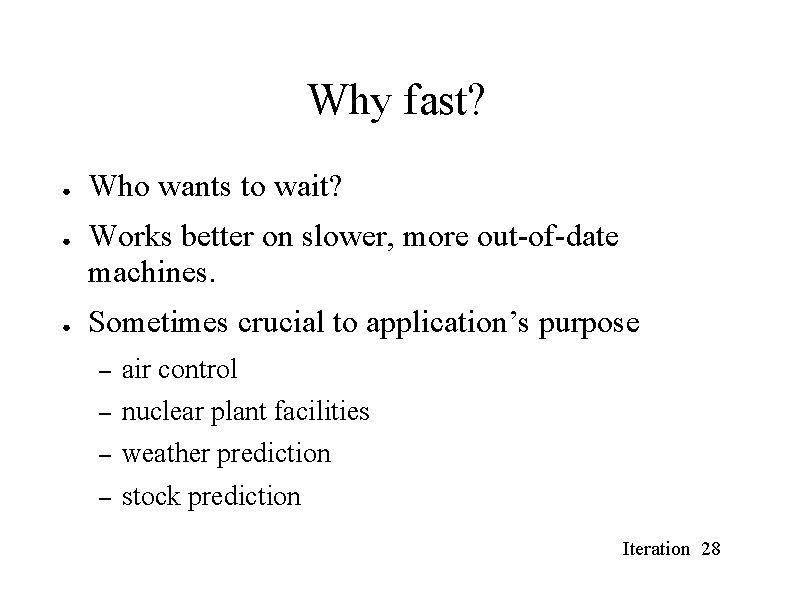
Why fast? ● ● ● Who wants to wait? Works better on slower, more out-of-date machines. Sometimes crucial to application’s purpose – air control – nuclear plant facilities – weather prediction – stock prediction Iteration 28
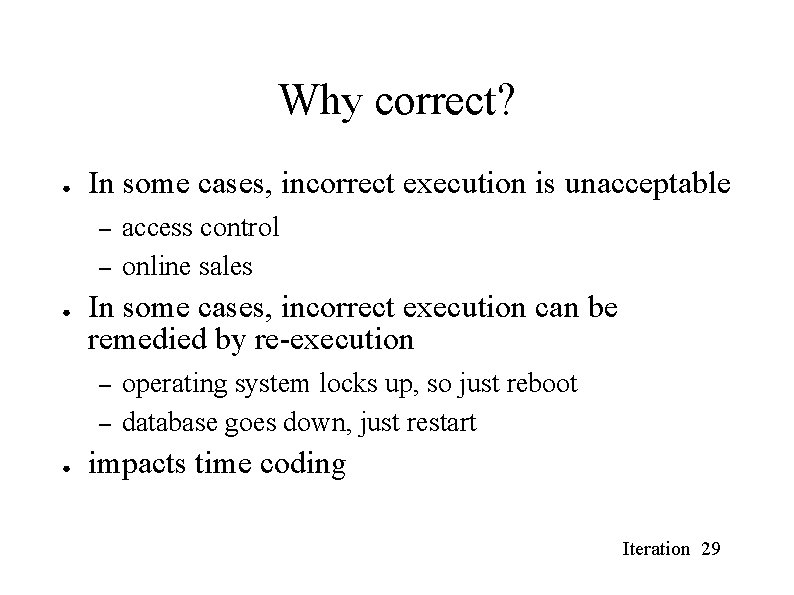
Why correct? ● In some cases, incorrect execution is unacceptable – – ● In some cases, incorrect execution can be remedied by re-execution – – ● access control online sales operating system locks up, so just reboot database goes down, just restart impacts time coding Iteration 29
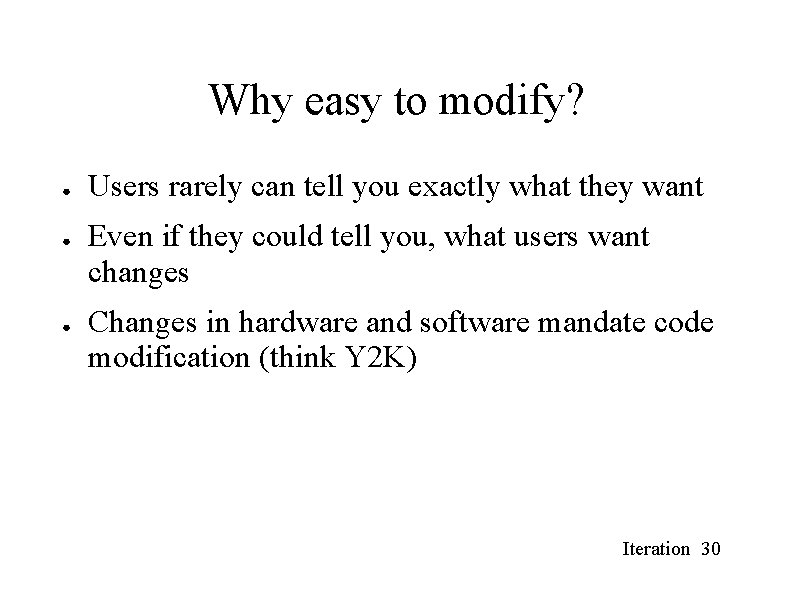
Why easy to modify? ● ● ● Users rarely can tell you exactly what they want Even if they could tell you, what users want changes Changes in hardware and software mandate code modification (think Y 2 K) Iteration 30
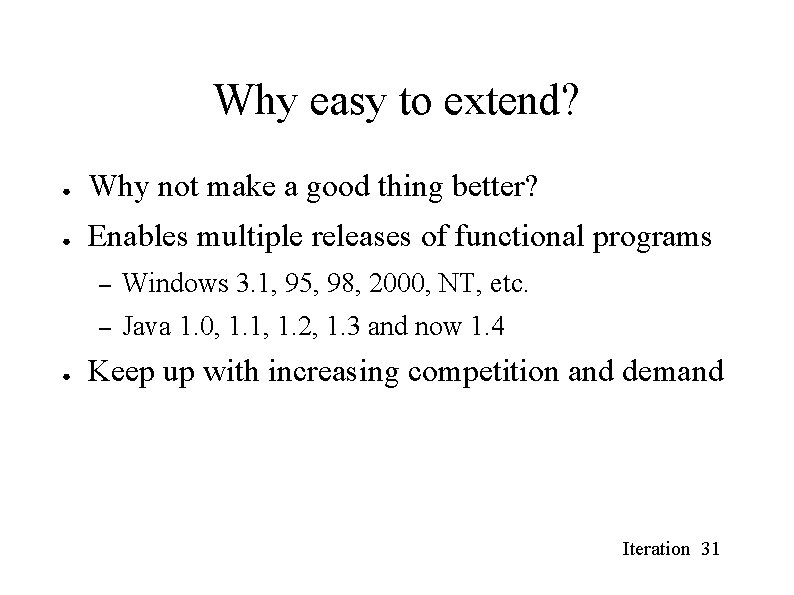
Why easy to extend? ● Why not make a good thing better? ● Enables multiple releases of functional programs ● – Windows 3. 1, 95, 98, 2000, NT, etc. – Java 1. 0, 1. 1, 1. 2, 1. 3 and now 1. 4 Keep up with increasing competition and demand Iteration 31
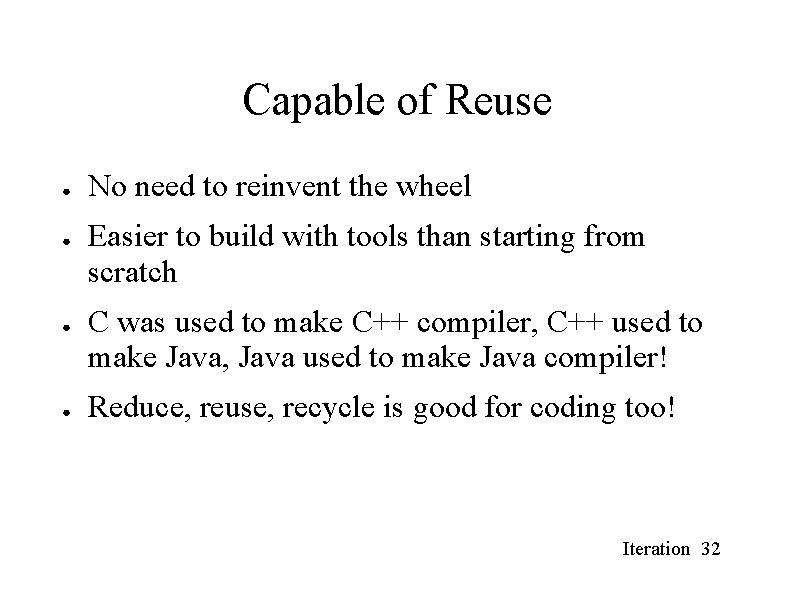
Capable of Reuse ● ● No need to reinvent the wheel Easier to build with tools than starting from scratch C was used to make C++ compiler, C++ used to make Java, Java used to make Java compiler! Reduce, reuse, recycle is good for coding too! Iteration 32
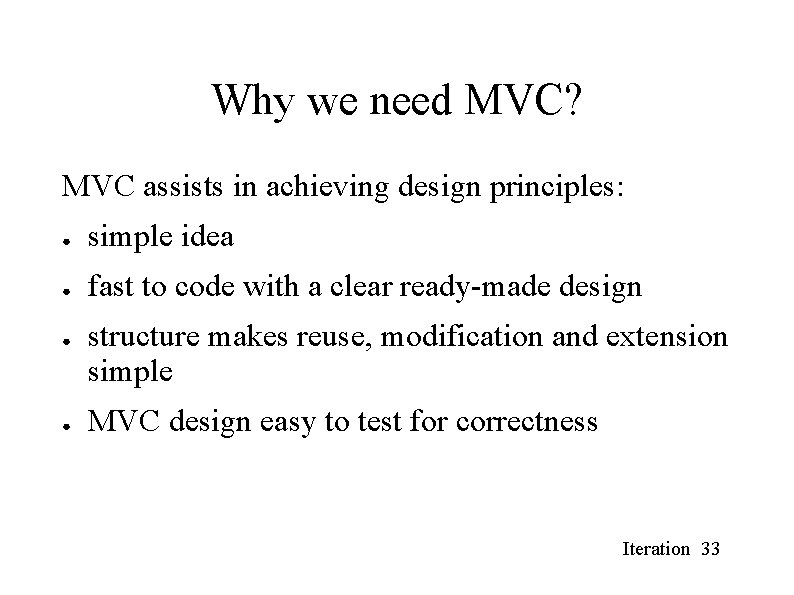
Why we need MVC? MVC assists in achieving design principles: ● simple idea ● fast to code with a clear ready-made design ● ● structure makes reuse, modification and extension simple MVC design easy to test for correctness Iteration 33
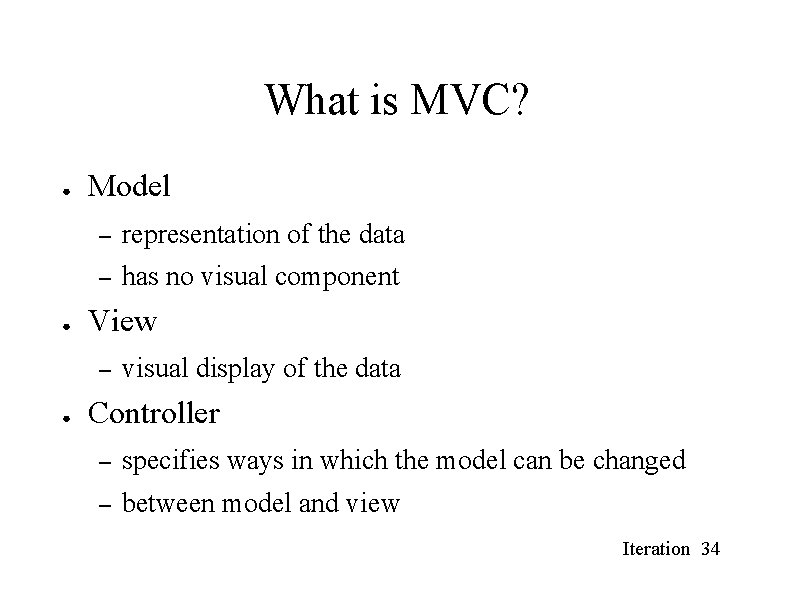
What is MVC? ● ● Model – representation of the data – has no visual component View – ● visual display of the data Controller – specifies ways in which the model can be changed – between model and view Iteration 34
Simplified 1 D Model ● ● ● Recall collision detection simulation. We’re going to apply MVC to solve the problem more generally. Were going to use Object Oriented Programming – what are the objects? – what value do they have? – how do the values change? – how are the values accessible? Iteration 35
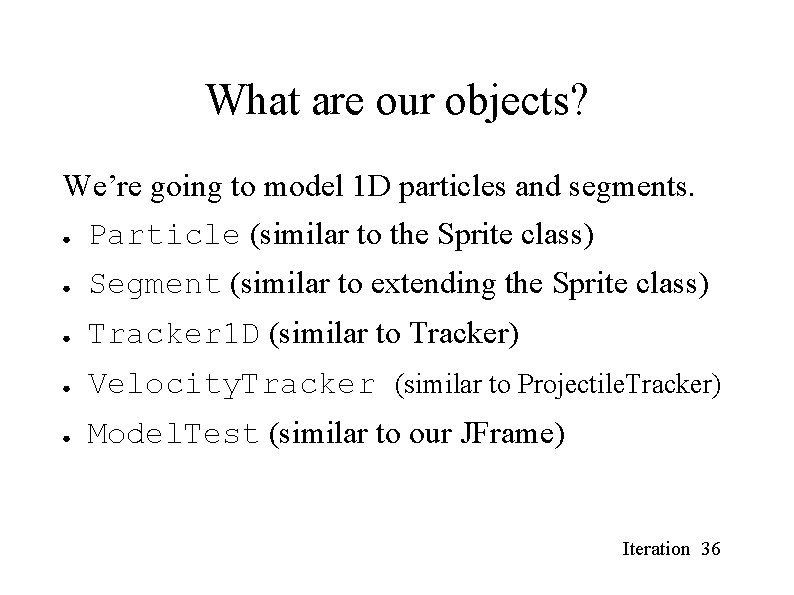
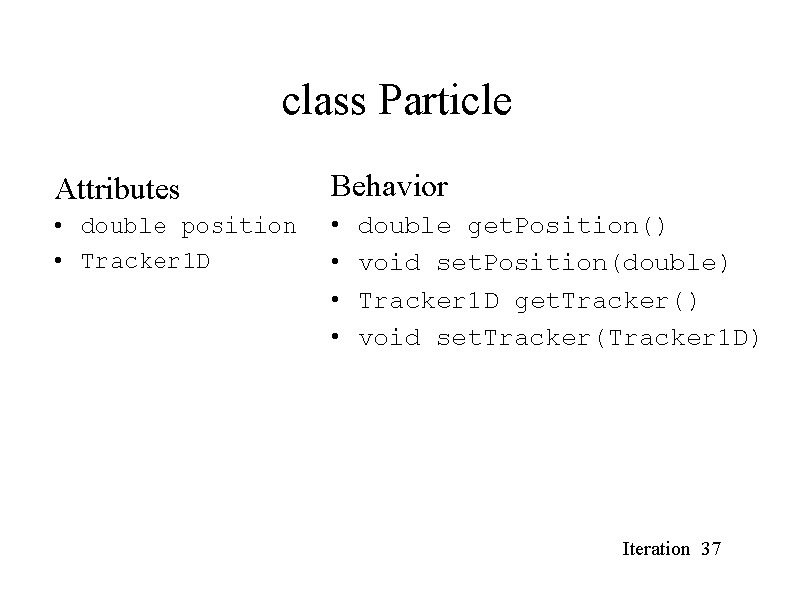
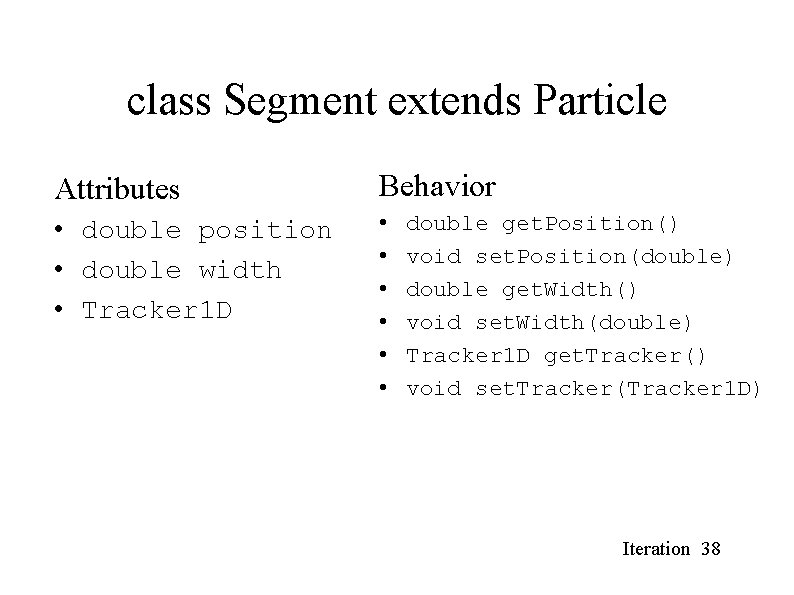
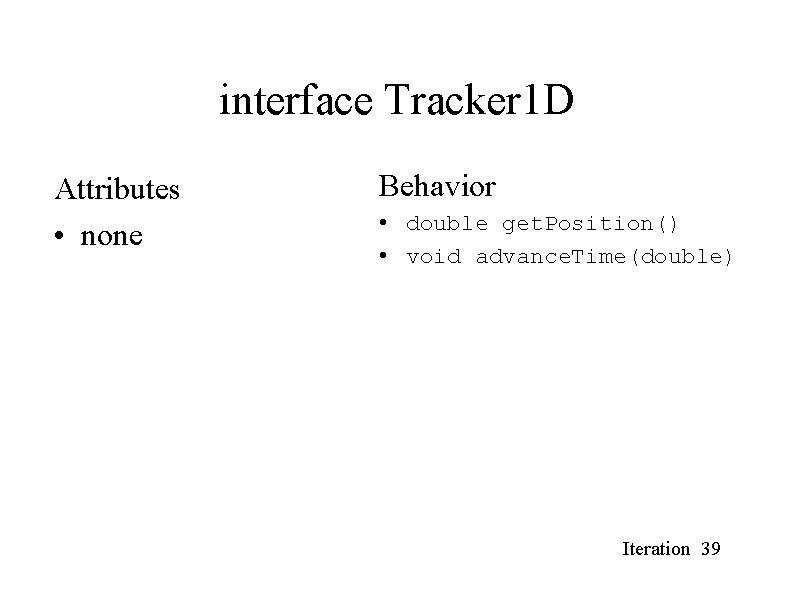
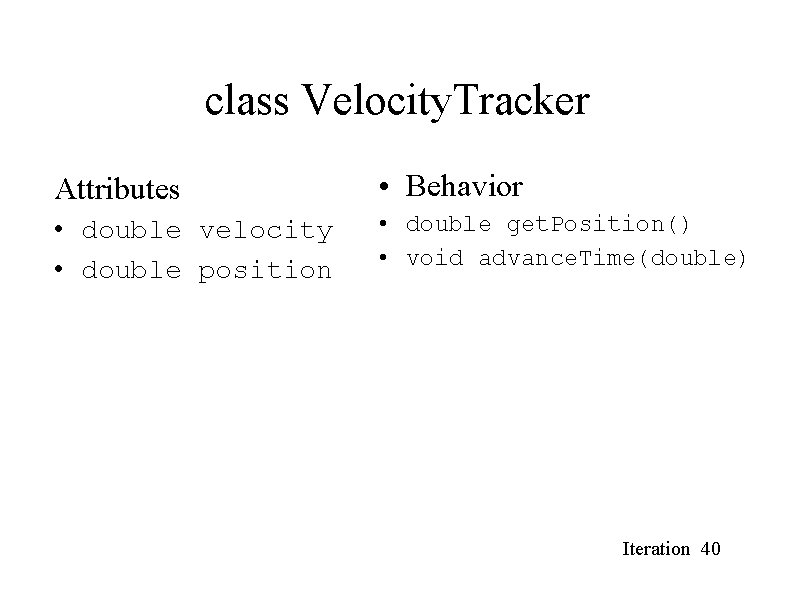
What are our objects? We’re going to model 1 D particles and segments. ● Particle (similar to the Sprite class) ● Segment (similar to extending the Sprite class) ● Tracker 1 D (similar to Tracker) ● Velocity. Tracker (similar to Projectile. Tracker) ● Model. Test (similar to our JFrame) Iteration 36
class Particle Attributes Behavior • double position • Tracker 1 D • • double get. Position() void set. Position(double) Tracker 1 D get. Tracker() void set. Tracker(Tracker 1 D) Iteration 37
class Segment extends Particle Attributes Behavior • double position • double width • Tracker 1 D • • • double get. Position() void set. Position(double) double get. Width() void set. Width(double) Tracker 1 D get. Tracker() void set. Tracker(Tracker 1 D) Iteration 38
interface Tracker 1 D Attributes • none Behavior • double get. Position() • void advance. Time(double) Iteration 39
class Velocity. Tracker Attributes • Behavior • double velocity • double position • double get. Position() • void advance. Time(double) Iteration 40
class Model. Test Attributes • none Behavior • public static void main(String[] args) Iteration 41
More to come…. Iteration 42