
Looping IncrementDecrement Switch Flow of Control IterationSwitch Statements


- Slides: 25
Looping Increment/Decrement Switch
Flow of Control Iteration/Switch Statements
Iteration Loop: A portion of a program that repeats itself a number of times Body: Repeated group of statements Iteration: Each repetition
Iteration While (logical expression) { statement(s); }
Iteration do { statement(s); } while (logical expression);
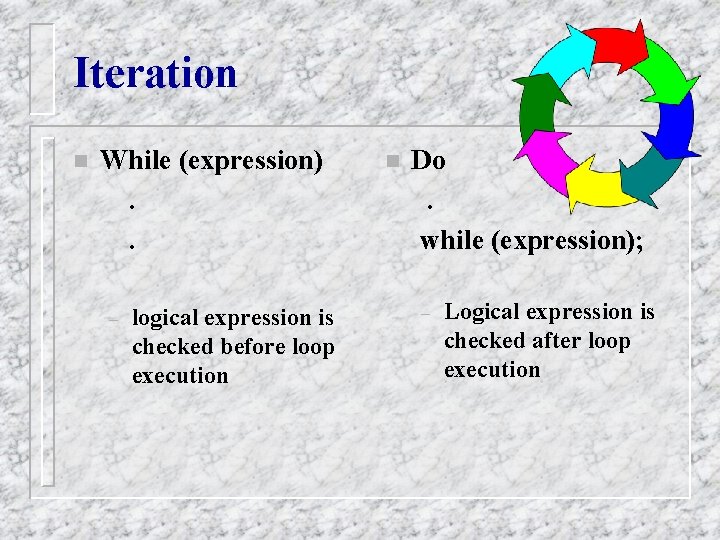
Iteration n While (expression). . – logical expression is checked before loop execution n Do. while (expression); – Logical expression is checked after loop execution
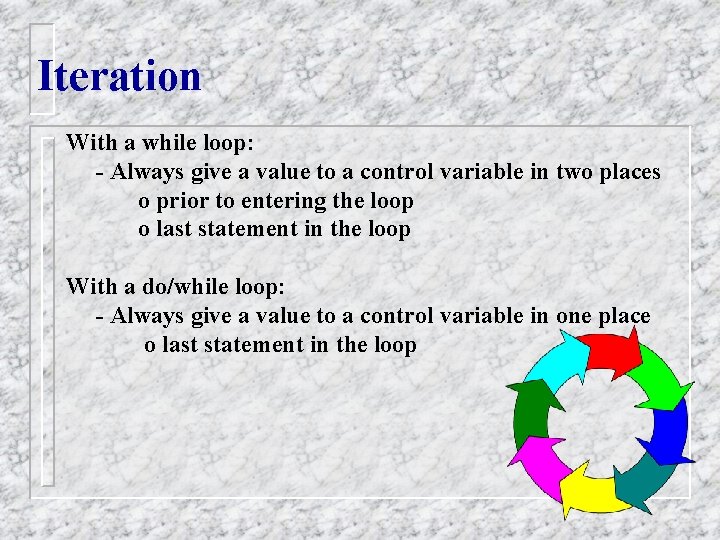
Iteration With a while loop: - Always give a value to a control variable in two places o prior to entering the loop o last statement in the loop With a do/while loop: - Always give a value to a control variable in one place o last statement in the loop
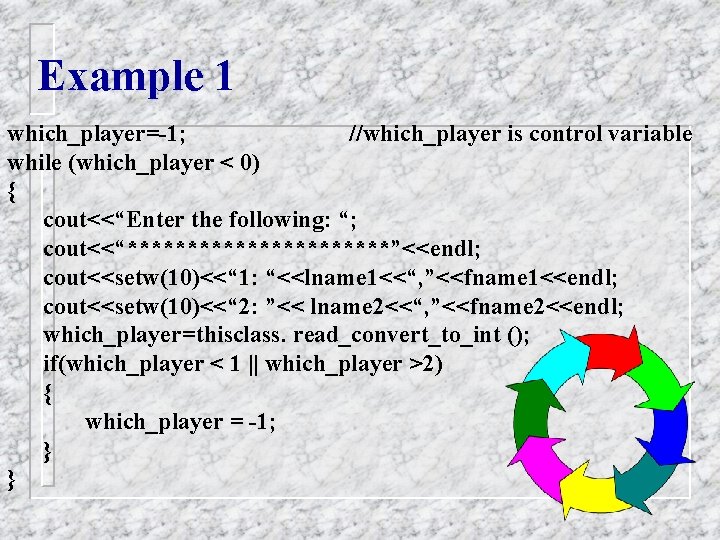
Example 1 which_player=-1; //which_player is control variable while (which_player < 0) { cout<<“Enter the following: “; cout<<“***********”<<endl; cout<<setw(10)<<“ 1: “<<lname 1<<“, ”<<fname 1<<endl; cout<<setw(10)<<“ 2: ”<< lname 2<<“, ”<<fname 2<<endl; which_player=thisclass. read_convert_to_int (); if(which_player < 1 || which_player >2) { which_player = -1; } }
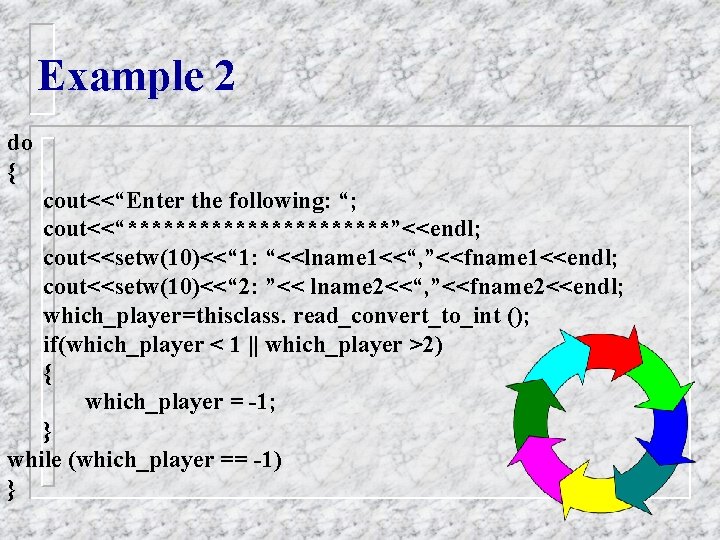
Example 2 do { cout<<“Enter the following: “; cout<<“***********”<<endl; cout<<setw(10)<<“ 1: “<<lname 1<<“, ”<<fname 1<<endl; cout<<setw(10)<<“ 2: ”<< lname 2<<“, ”<<fname 2<<endl; which_player=thisclass. read_convert_to_int (); if(which_player < 1 || which_player >2) { which_player = -1; } while (which_player == -1) }
Increment/Decrement Operators n n A variable may be incremented/decremented using a shortcut The increment/decrement takes place before or after the actual operation on a variable dependending upon placement of the operator
Increment/Decrement Operators n postincrement: when the operator is physically after the variable to be incremented • k = i ++; • if i were = 3; k would be 3 n preincrement: when the operator is physically before the variable to be incremented • k = ++i; • if i were = 3; k would be 4
Increment/Decrement Operators n postdecrement: when the operator is physically after the variable to be incremented • k = i --; • if i were = 3; k would be 3 n predecrement: when the operator is physically before the variable to be incremented • k = - - i; • if i were = 3; k would be 2
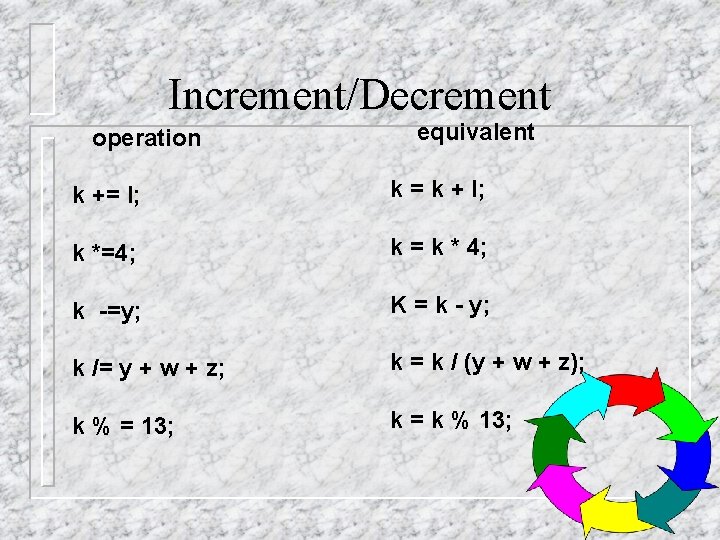
Increment/Decrement operation equivalent k += I; k = k + I; k *=4; k = k * 4; k -=y; K = k - y; k /= y + w + z; k = k / (y + w + z); k % = 13; k = k % 13;
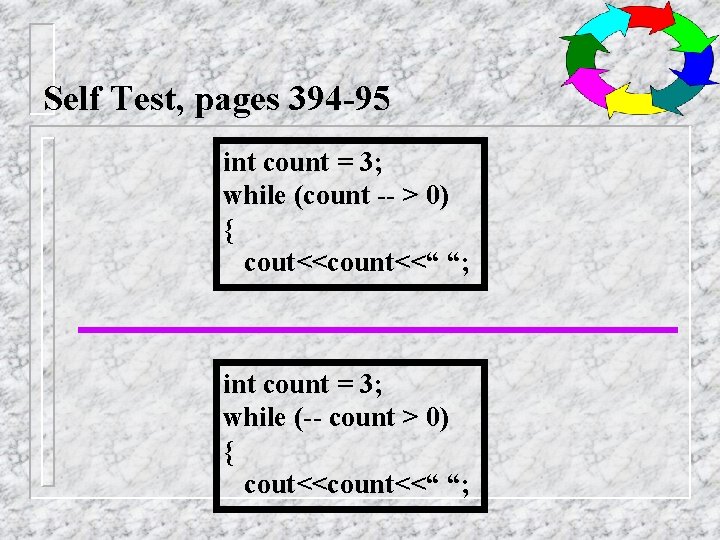
Self Test, pages 394 -95 int count = 3; while (count -- > 0) { cout<<count<<“ “; int count = 3; while (-- count > 0) { cout<<count<<“ “;
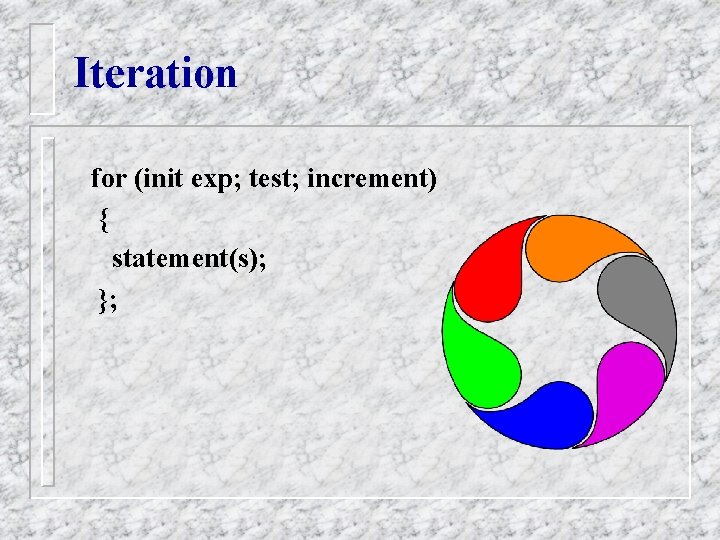
Iteration for (init exp; test; increment) { statement(s); };
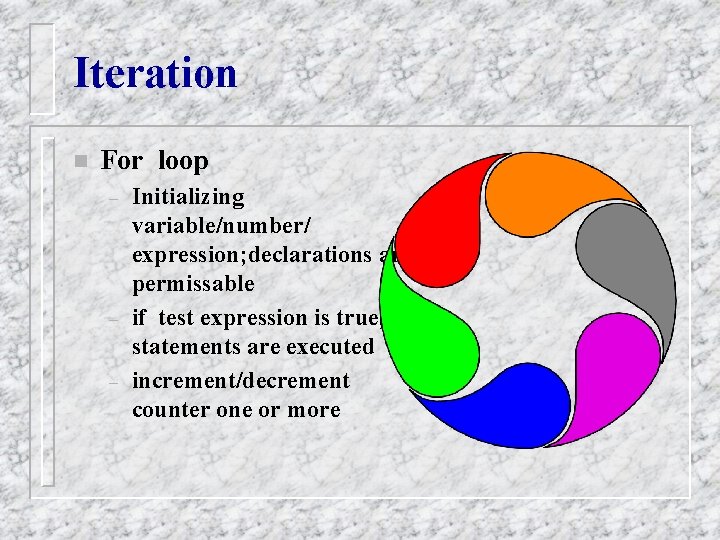
Iteration n For loop – – – Initializing variable/number/ expression; declarations are permissable if test expression is true, statements are executed increment/decrement counter one or more
For Loop Continued n n n for (<init-exp>; <test>; <increment/decrement) { stmt(s) } Initializing expression, is executed Expression evaluated for true/false; terminates if false Otherwise statements are executed Increment/decrement is executed
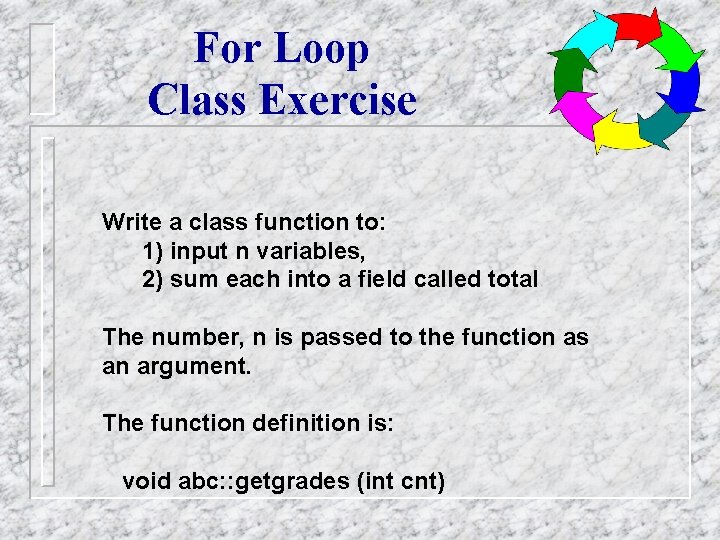
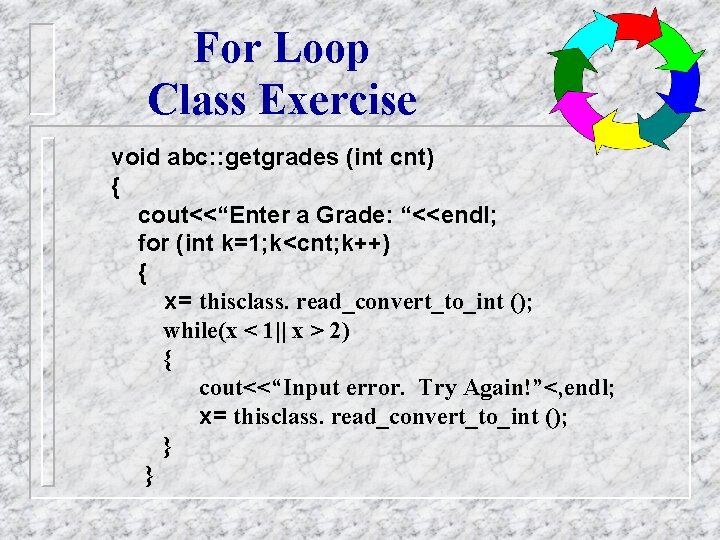
For Loop Class Exercise Write a class function to: 1) input n variables, 2) sum each into a field called total The number, n is passed to the function as an argument. The function definition is: void abc: : getgrades (int cnt)
For Loop Class Exercise void abc: : getgrades (int cnt) { cout<<“Enter a Grade: “<<endl; for (int k=1; k<cnt; k++) { x= thisclass. read_convert_to_int (); while(x < 1|| x > 2) { cout<<“Input error. Try Again!”<, endl; x= thisclass. read_convert_to_int (); } }
For or While? ? Use a for loop when there is a numerical calculation changed by an equal amount each iteration n if circumstances are such that you want the loop to be executed at least one time, use the do-while n if it is possible that the loop be skipped sometimes, use the while-loop n
Switch Statement
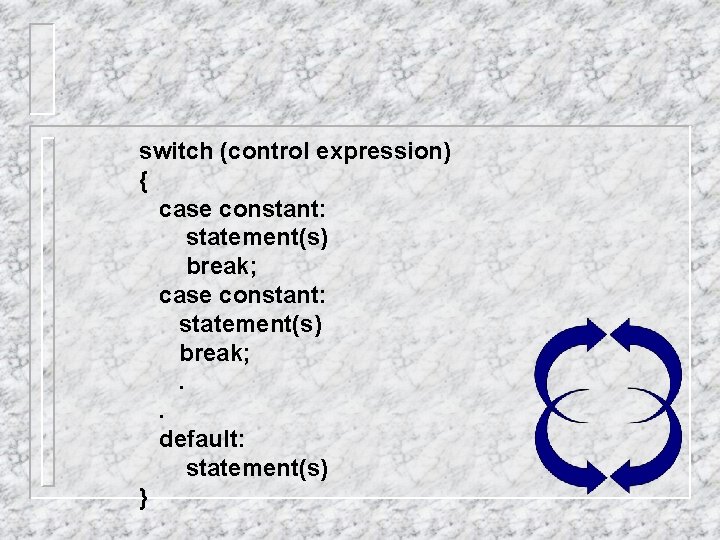
switch (control expression) { case constant: statement(s) break; . . default: statement(s) }
1. When statement is executed, one of a number of branches is determined by the control statement. 2. The control statement is in () after the switch 3. Note preferred indenting pattern 4. Control statement must always return a char or an integer
1. Upon execution, the control statement is evaluated 2. The computer then looks at the values after each case until it finds a match, I. e. constant equal to the return and executes the code until a “break” statement is encountered! 3. Note that you may not have more than one occurance of any constant
Let’s Practice n n n Write a sequence of code that will access a function, based upon the constant within a switch statement Assume that an “a” means to call a function, addit, that receives two integer values - x and y An “m” means to call a function, multit, that receives two integer values - x and y A “d” means to call a function, divit, that again receives two integer values - x and y A “r” means to call a function, modit, that again receives the same two values If the constant is not recognized, it is an error