
LONCAPA 3 0 Sneak Preview Gerd Kortemeyer April

- Slides: 40
LON-CAPA 3. 0 Sneak Preview Gerd Kortemeyer April 2011
Overview �Guiding ideas for new release �Things already (almost) working �Things to be done �Questions
Guiding ideas for new release Two design ideas: �Idea 1: Move basic course management to the foreground �Idea 2: “Flight Management”
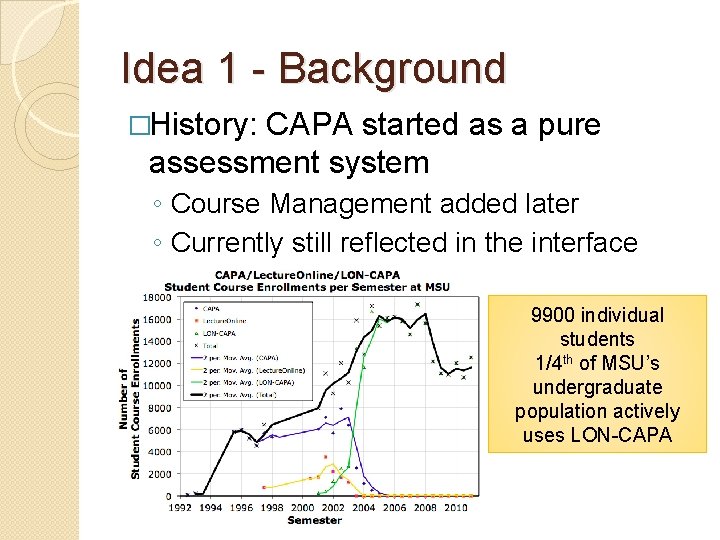
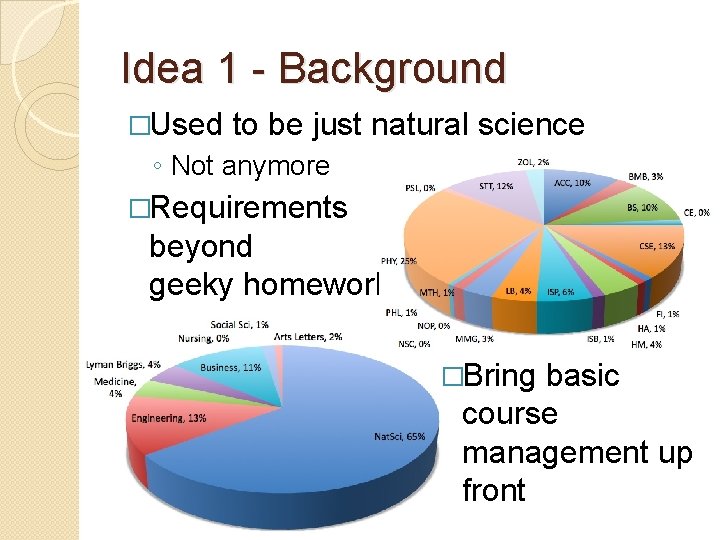
Idea 1 - Background �History: CAPA started as a pure assessment system ◦ Course Management added later ◦ Currently still reflected in the interface 9900 individual students 1/4 th of MSU’s undergraduate population actively uses LON-CAPA
Idea 1 - Background �Used to be just natural science ◦ Not anymore �Requirements beyond geeky homework �Bring basic course management up front
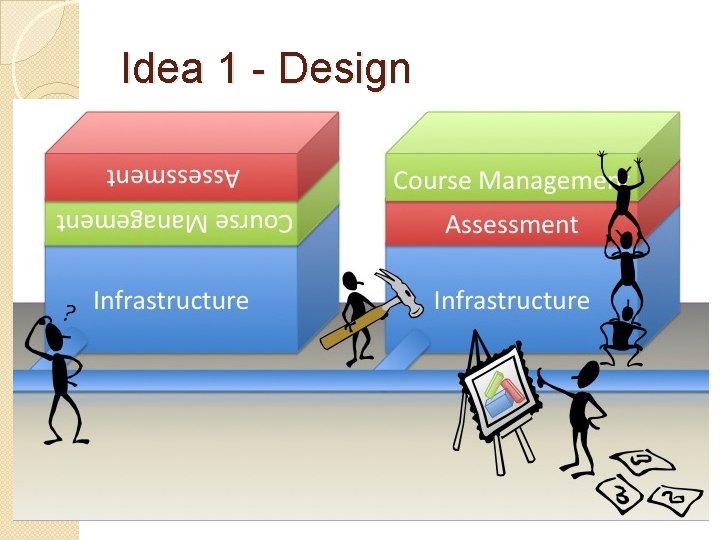
Idea 1 - Design
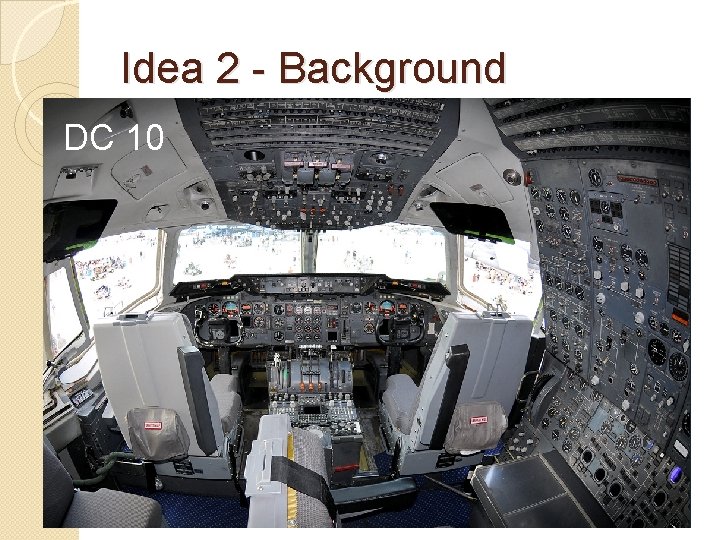
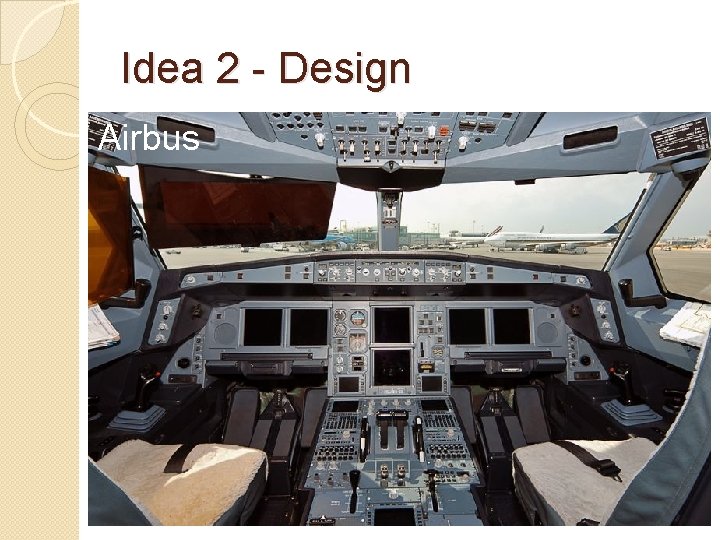
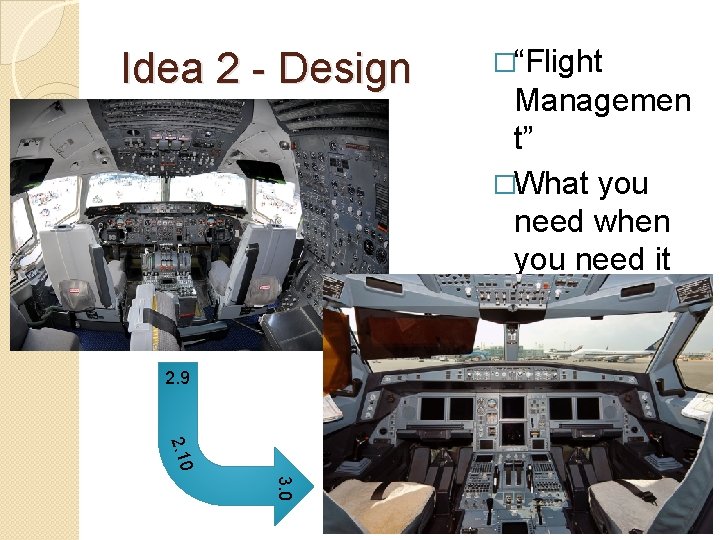
Idea 2 - Background �More features than most systems … but faculty don’t know about them ◦ Enormous number of parameters, settings, configurations … sometimes hard to keep track – “Discoverability” �Very powerful system: “We make the scissors, you do the running. ” ◦ Move to the foreground what is important at the time when it’s needed
Idea 2 - Background DC 10
Idea 2 - Design Airbus
Idea 2 - Design 2. 9 �“Flight Managemen t” �What you need when you need it 2. 10 3. 0
Who is or will be working on that? � MSU: ◦ “Flight management” ◦ Grading ◦ Overall coordination � Ostfalia/Wolfenbüttel: ◦ Design ◦ Look and feel ◦ Discoverability � MIT: ◦ Social networking ◦ Student support and signaling � Purdue: ◦ Flight management ◦ Signaling � UIUC ◦ Hiring additional programmer
… with input by
Things already (almost) working �In the developer version of LONCAPA, several of these concepts have already been implemented �Still need ◦ finishing touches ◦ testing �… but they will be in 3. 0 for sure
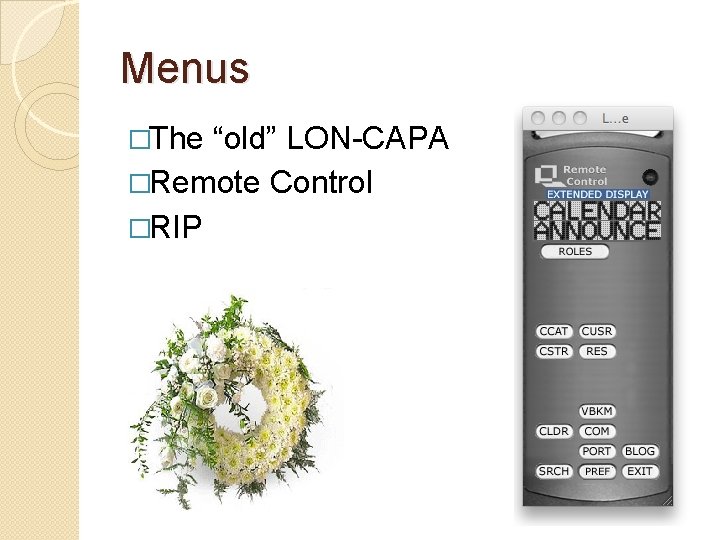
Menus �The “old” LON-CAPA �Remote Control �RIP
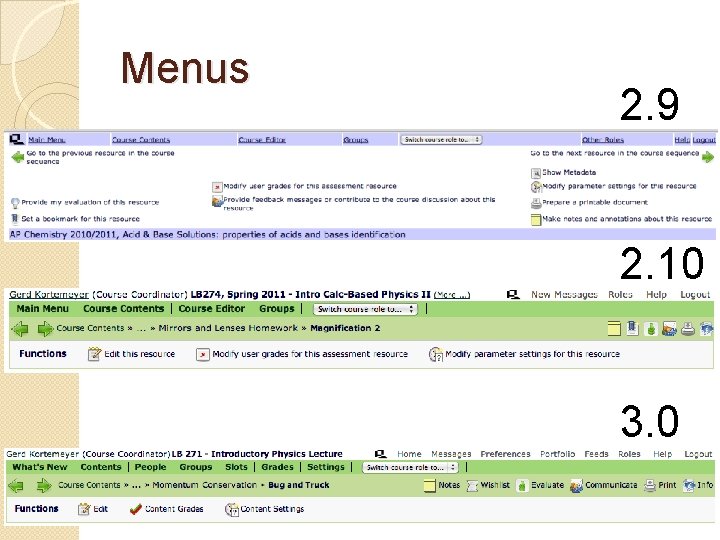
Menus 2. 9 2. 10 3. 0
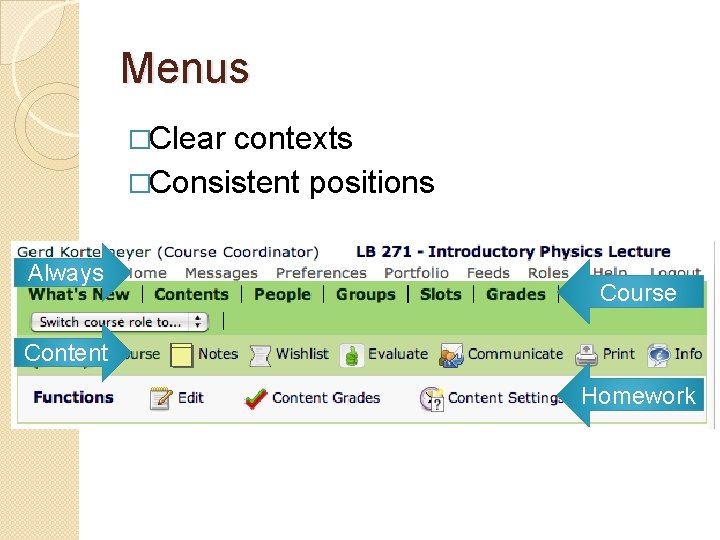
Menus �Clear contexts �Consistent positions Always Course Content Homework
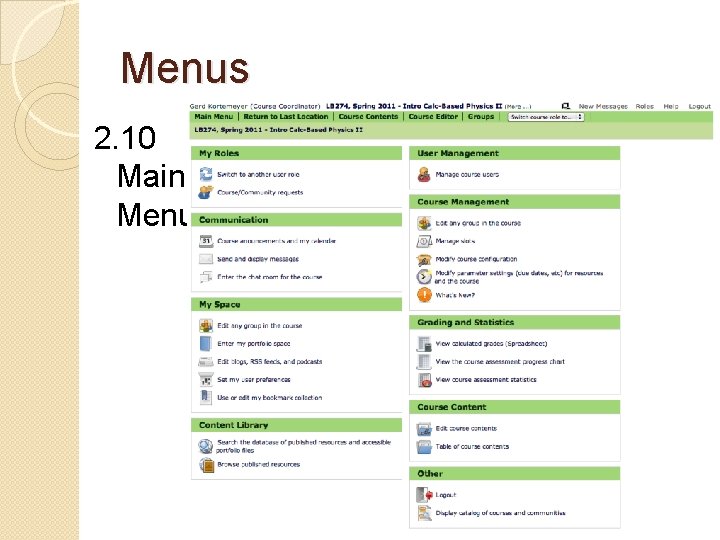
Menus 2. 10 Main Menu
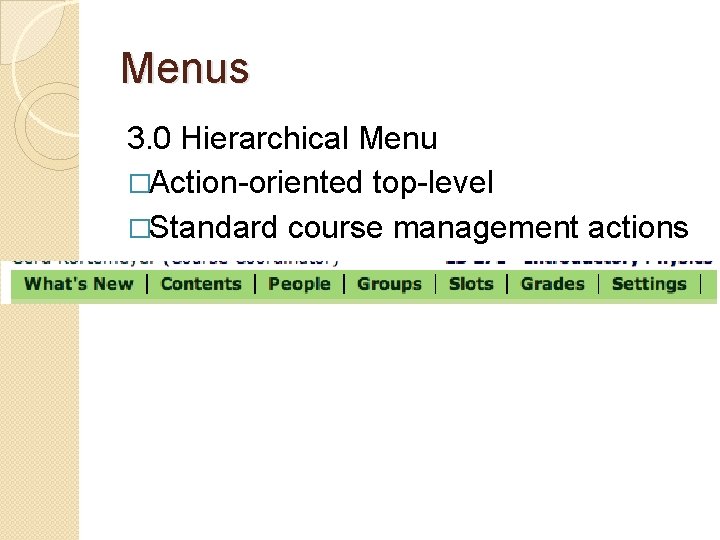
Menus 3. 0 Hierarchical Menu �Action-oriented top-level �Standard course management actions
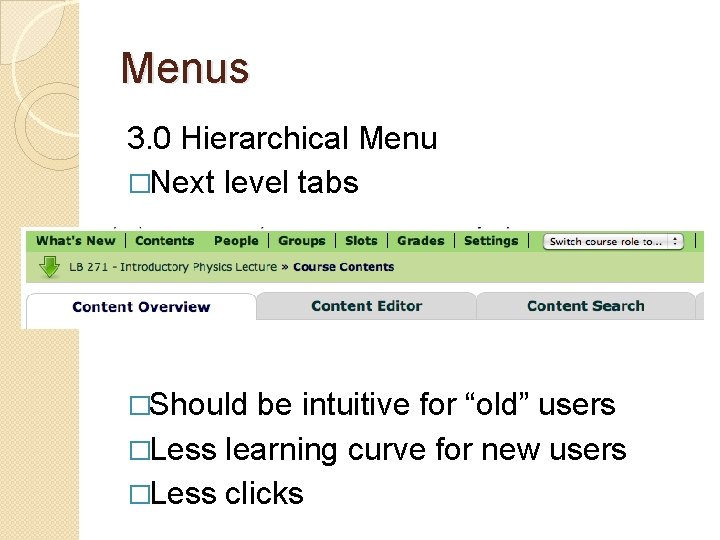
Menus 3. 0 Hierarchical Menu �Next level tabs �Should be intuitive for “old” users �Less learning curve for new users �Less clicks
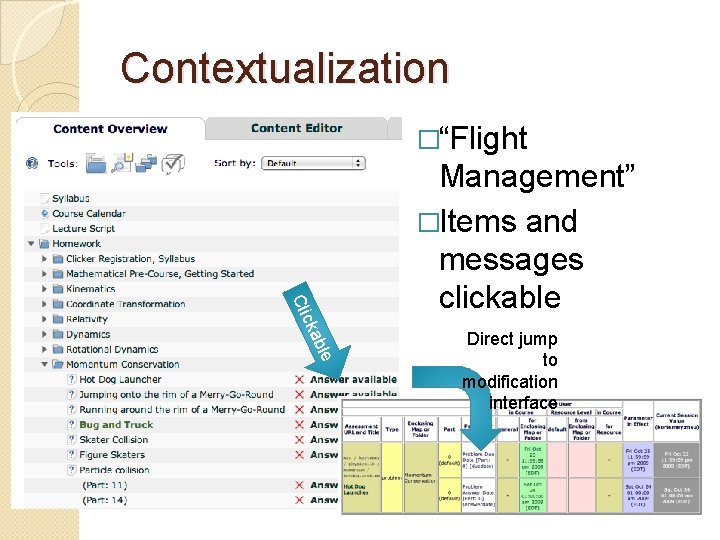
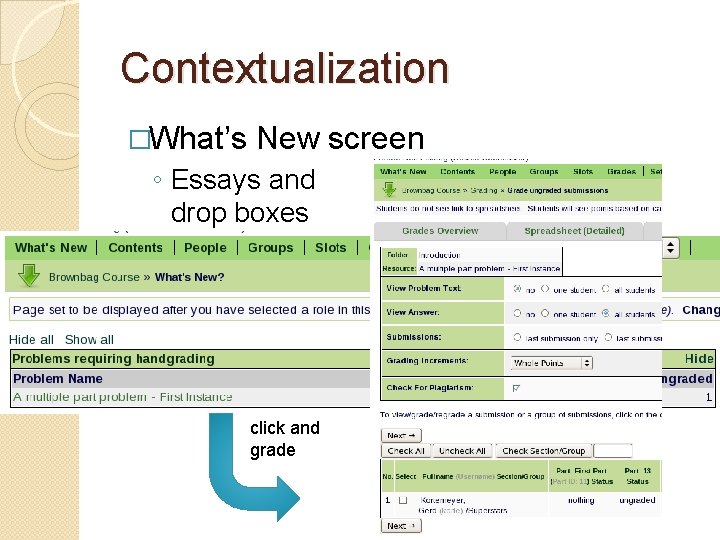
Contextualization �“Flight e bl cka Cli Management” �Items and messages clickable Direct jump to modification interface
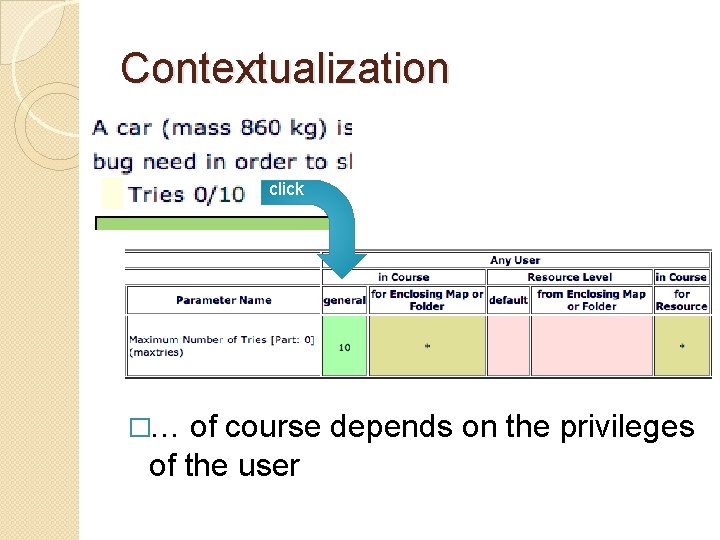
Contextualization click �… of course depends on the privileges of the user
Contextualization �What’s New screen ◦ Essays and drop boxes click and grade
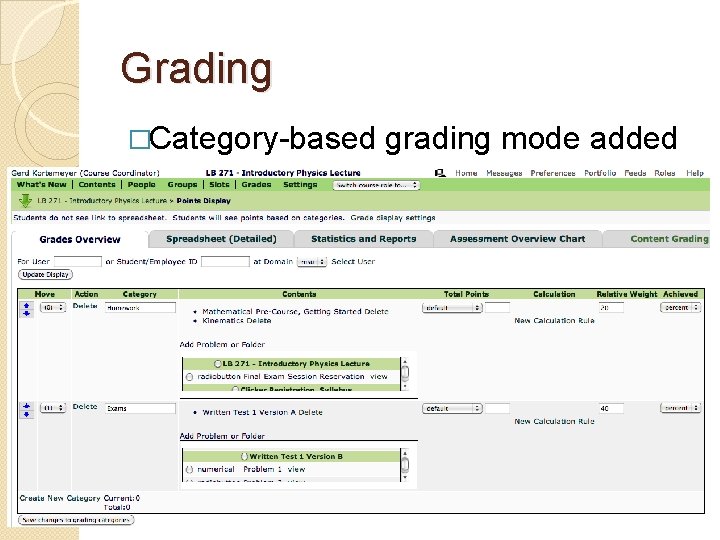
Grading �Category-based grading mode added
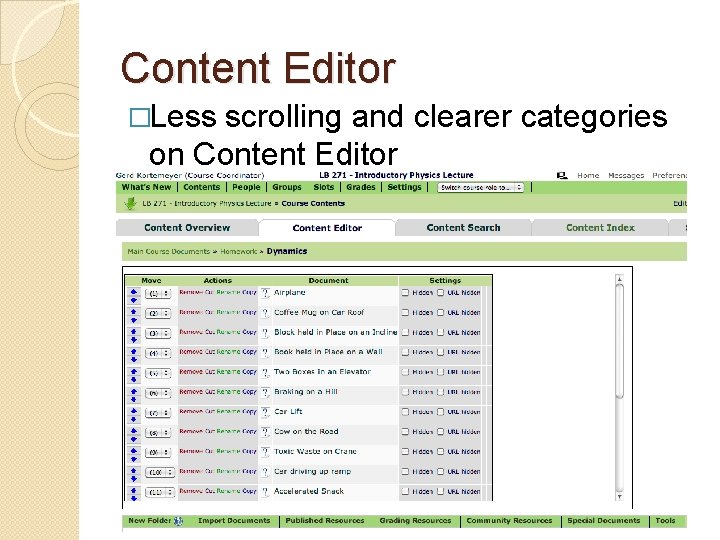
Content Editor �Less scrolling and clearer categories on Content Editor
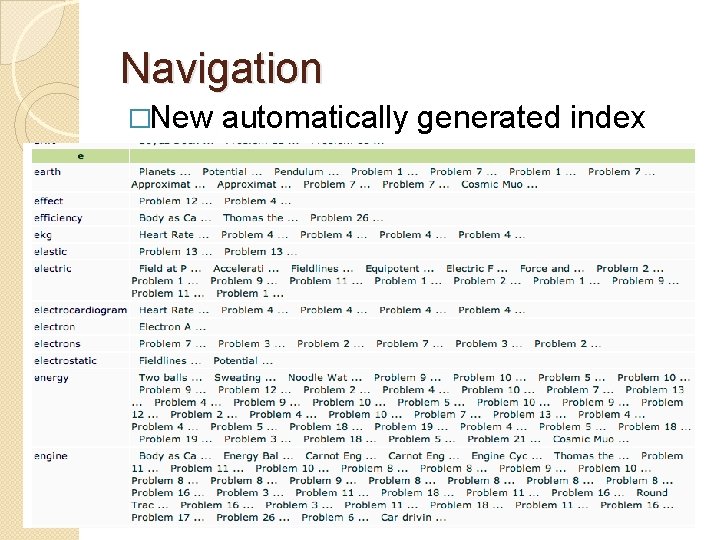
Navigation �New automatically generated index
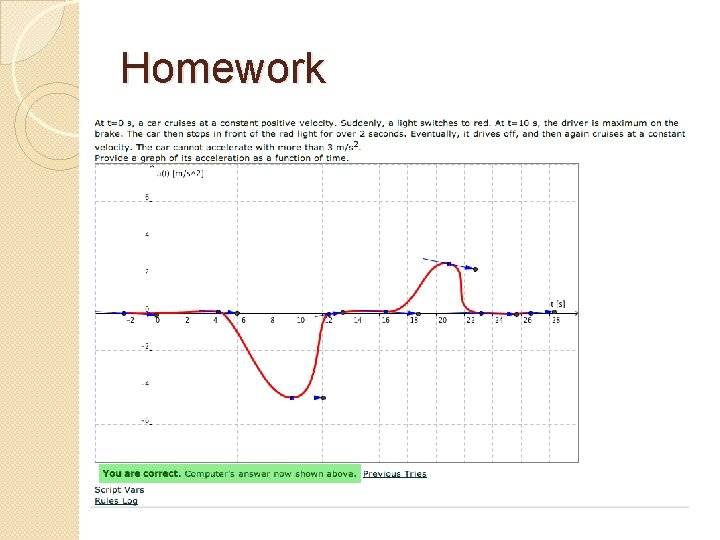
… and yes, homework … �We could not have a new release without some enhancements to homework �Dynamic graphing
Homework
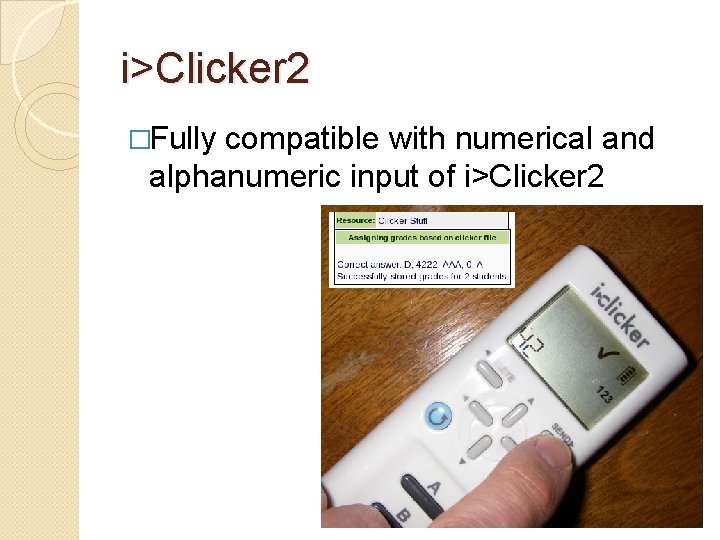
i>Clicker 2 �Fully compatible with numerical and alphanumeric input of i>Clicker 2
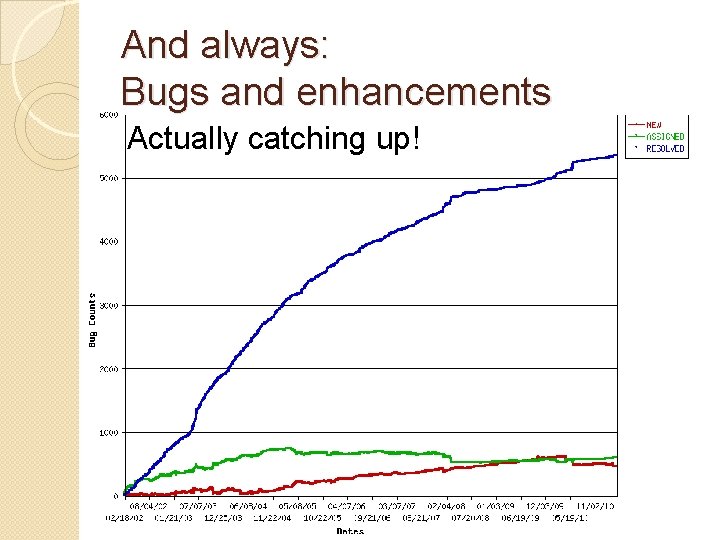
And always: Bugs and enhancements Actually catching up!
Things to be done �Things that are still left to do �Currently in concept stage �Warning: going from actual screen shots to mockups
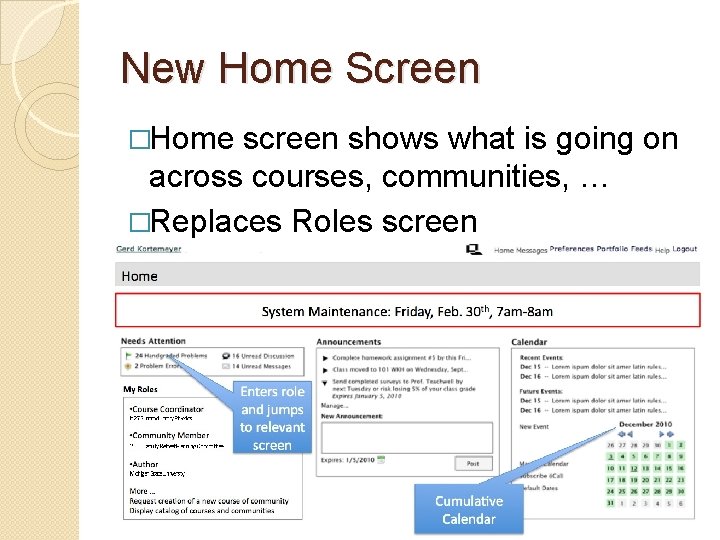
New Home Screen �Home screen shows what is going on across courses, communities, … �Replaces Roles screen
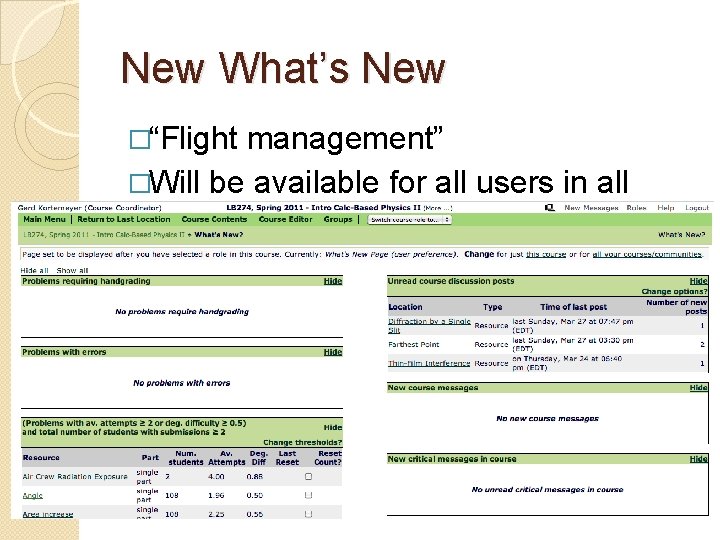
New What’s New �“Flight management” �Will be available for all users in all roles
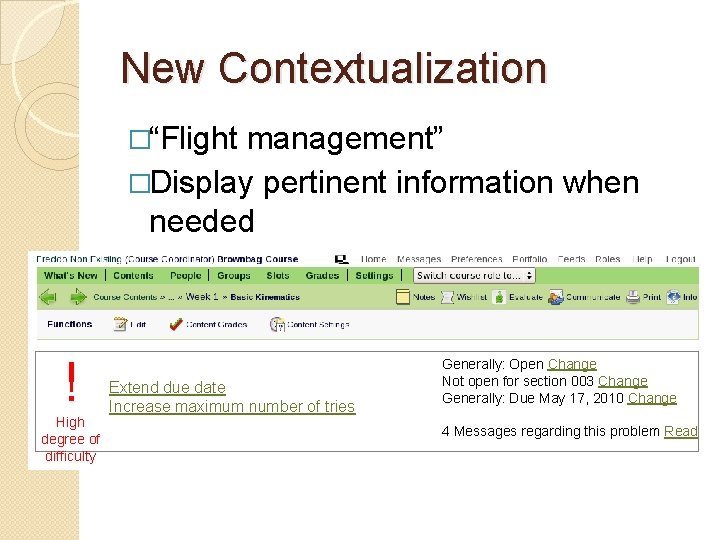
New Contextualization �“Flight management” �Display pertinent information when needed ! High degree of difficulty Extend due date Increase maximum number of tries Generally: Open Change Not open for section 003 Change Generally: Due May 17, 2010 Change 4 Messages regarding this problem Read
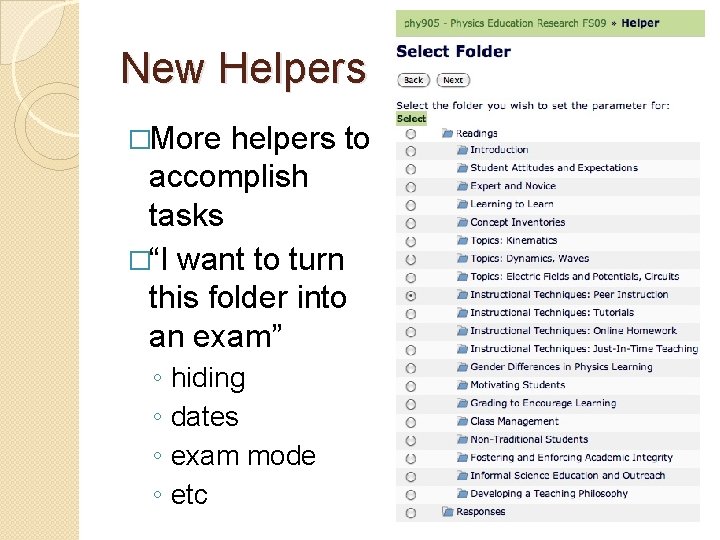
New Helpers �More helpers to accomplish tasks �“I want to turn this folder into an exam” ◦ ◦ hiding dates exam mode etc
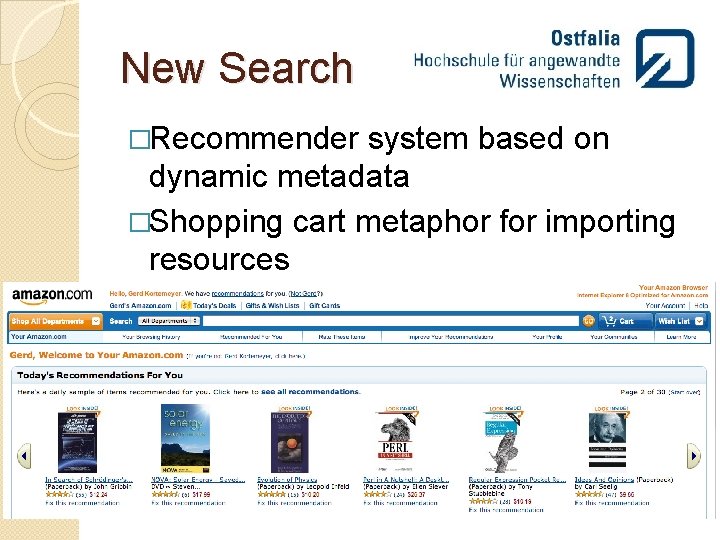
New Search �Recommender system based on dynamic metadata �Shopping cart metaphor for importing resources
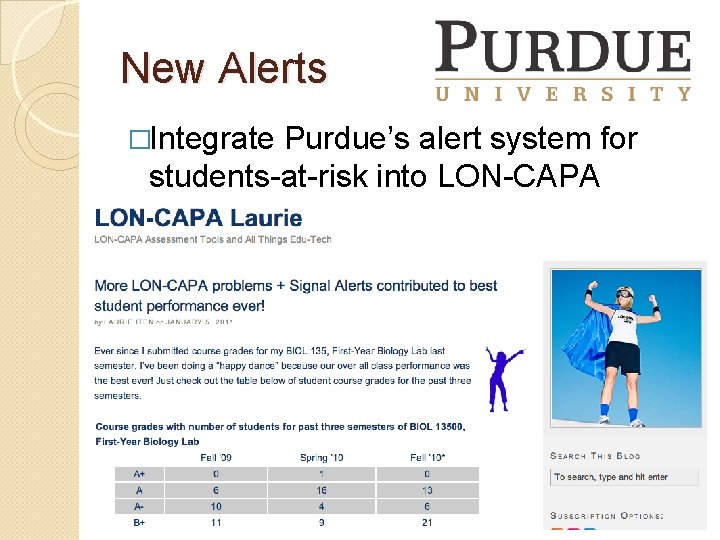
New Alerts �Integrate Purdue’s alert system for students-at-risk into LON-CAPA
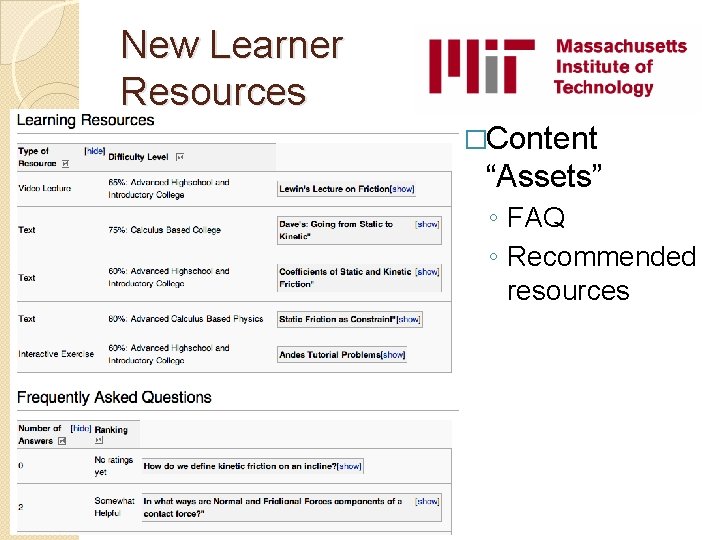
New Learner Resources �Content “Assets” ◦ FAQ ◦ Recommended resources
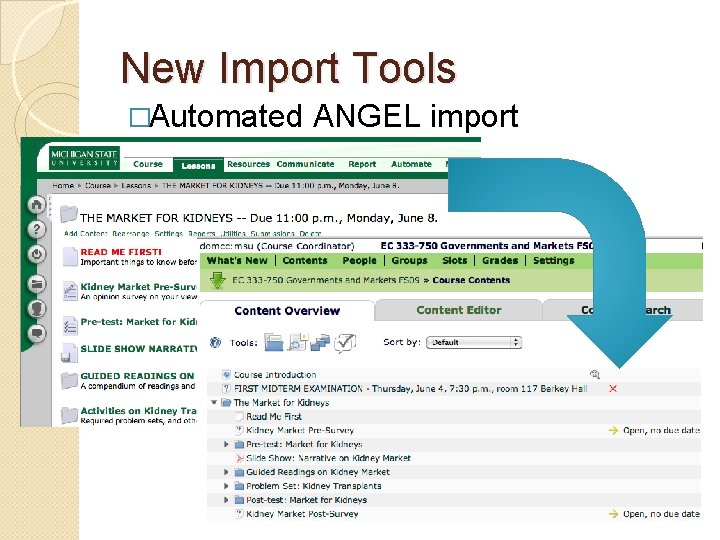
New Import Tools �Automated ANGEL import
Thank you! Questions and maybe answers? Gerd Kortemeyer kortemey@msu. edu http: //www. lon-capa. org/