
LOGO The New Your MSP Name Client Portal
![LOGO The New [Your MSP Name] Client Portal](https://slidetodoc.com/presentation_image_h2/914581426eea8f4a398b07d162fba17a/image-1.jpg "LOGO The New [Your MSP Name] Client Portal")

- Slides: 6
LOGO The New [Your MSP Name] Client Portal
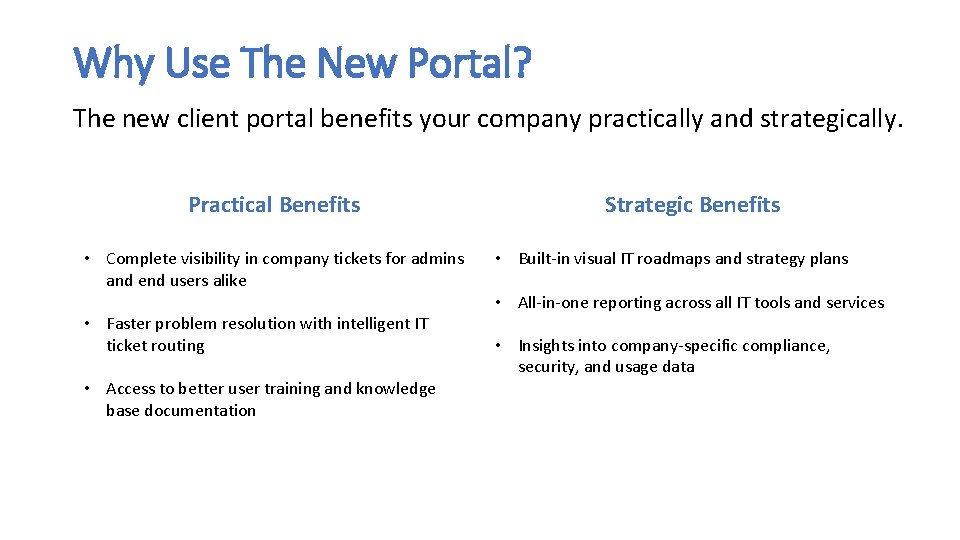
Why Use The New Portal? The new client portal benefits your company practically and strategically. Practical Benefits • Complete visibility in company tickets for admins and end users alike • Faster problem resolution with intelligent IT ticket routing • Access to better user training and knowledge base documentation Strategic Benefits • Built-in visual IT roadmaps and strategy plans • All-in-one reporting across all IT tools and services • Insights into company-specific compliance, security, and usage data
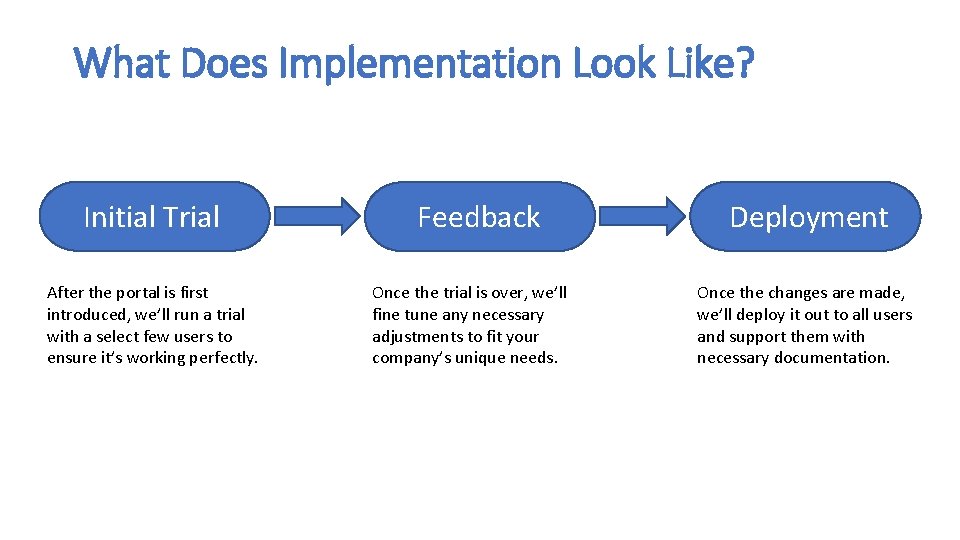
What Does Implementation Look Like? Initial Trial After the portal is first introduced, we’ll run a trial with a select few users to ensure it’s working perfectly. Feedback Once the trial is over, we’ll fine tune any necessary adjustments to fit your company’s unique needs. Deployment Once the changes are made, we’ll deploy it out to all users and support them with necessary documentation.
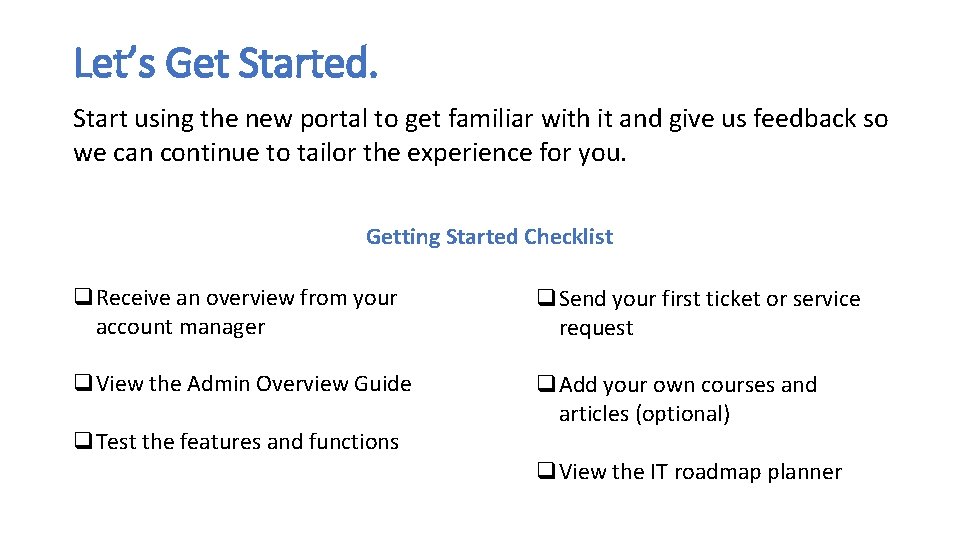
Let’s Get Started. Start using the new portal to get familiar with it and give us feedback so we can continue to tailor the experience for you. Getting Started Checklist q. Receive an overview from your account manager q. Send your first ticket or service request q. View the Admin Overview Guide q. Add your own courses and articles (optional) q. Test the features and functions q. View the IT roadmap planner
We’re here to help. Our team is here to support you during the transition to the new portal. Contact Information Website Support Email Support Phone www. Your. Website. Here. com support@example. com 555 -5555
LOGO