
LOGO On the Cutting Edge Thwarting Virtual Machine
- Slides: 31
LOGO On the Cutting Edge: Thwarting Virtual Machine Detection A Seminar For Virtual Machine Course Mojtaba Jafari
Virtual Machine Detection Contents 3 1 Virtualization Benefits 2 Virtual Machine Detection – Why? 3 Local Virtual Machine Detection 4 Remote VME Detection 2
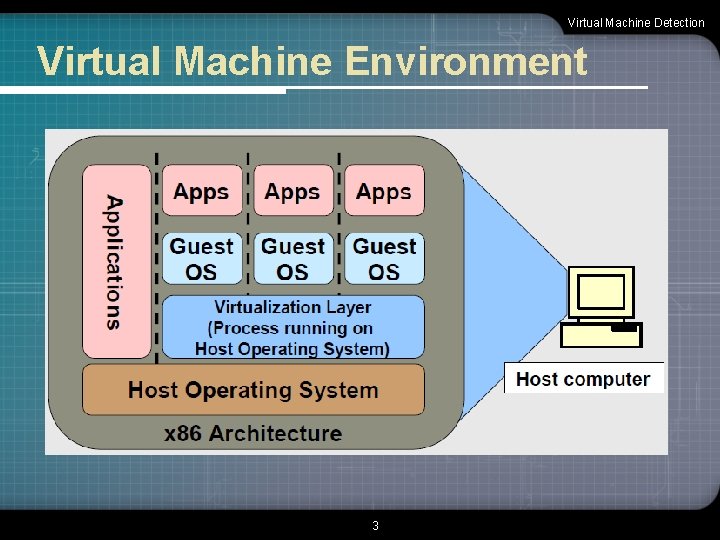
Virtual Machine Detection Virtual Machine Environment 3
Virtual Machine Detection What is Virtual Machine (VMWare) ? Movie 4
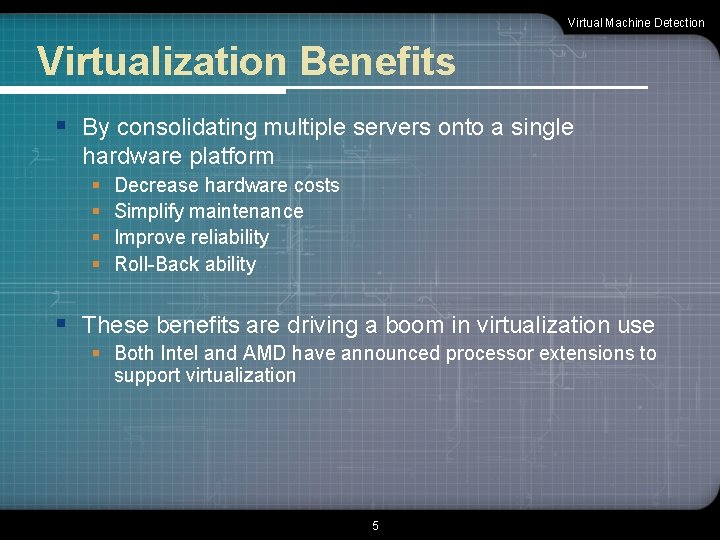
Virtual Machine Detection Virtualization Benefits § By consolidating multiple servers onto a single hardware platform § § Decrease hardware costs Simplify maintenance Improve reliability Roll-Back ability § These benefits are driving a boom in virtualization use § Both Intel and AMD have announced processor extensions to support virtualization 5
Virtual Machine Detection What is Malware? Movie 6
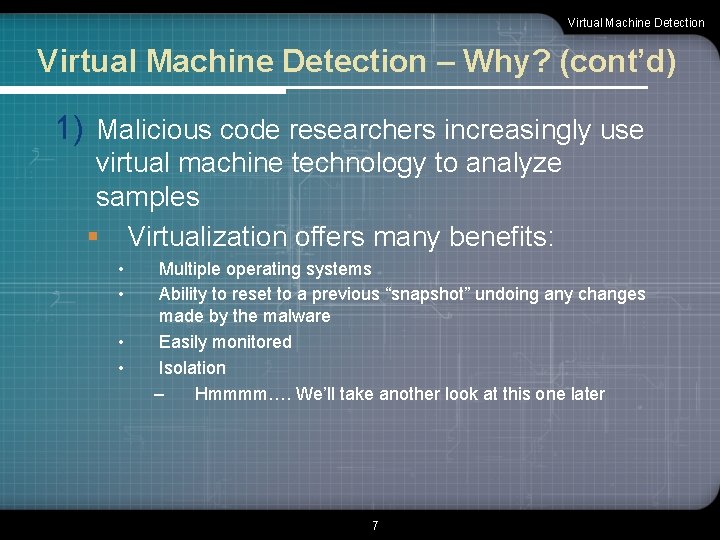
Virtual Machine Detection – Why? (cont’d) 1) Malicious code researchers increasingly use virtual machine technology to analyze samples § Virtualization offers many benefits: • • Multiple operating systems Ability to reset to a previous “snapshot” undoing any changes made by the malware Easily monitored Isolation – Hmmmm…. We’ll take another look at this one later 7
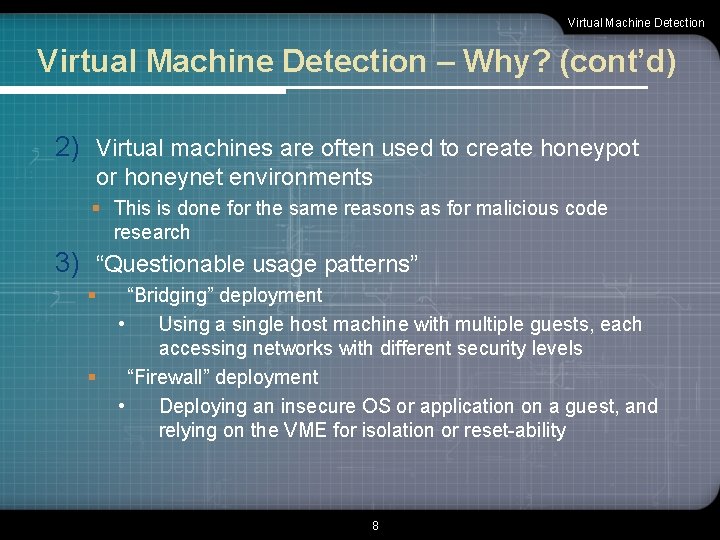
Virtual Machine Detection – Why? (cont’d) 2) Virtual machines are often used to create honeypot or honeynet environments § This is done for the same reasons as for malicious code research 3) “Questionable usage patterns” § § “Bridging” deployment • Using a single host machine with multiple guests, each accessing networks with different security levels “Firewall” deployment • Deploying an insecure OS or application on a guest, and relying on the VME for isolation or reset-ability 8
Virtual Machine Detection Local Virtual Machine Detection § Goal: Detect if you are inside a virtual machine (guest operating system) from within the machine § Am I running inside the Matrix, or in the Real World? § There are currently four categories of methods for locally detecting the presence of a virtual machine: § § Look for VME artifacts in processes, file system, and/or registry Look for VME artifacts in memory Look for VME-specific virtual hardware Look for VME-specific processor instructions and capabilities § Covers nearly all of the elements of the virtual machine 9
1) VME Artifacts in Processes, File System, and/or Registry Virtual Machine Detection § Some VMEs insert elements into the Guest that can be easily found § Running processes or services § Files and/or directories § Specific registry keys § Some Phatbot malware specimens use this technique § In a VMware Workstation Win. XP Guest: § Running “VMtools” service § Over 50 different references in the file system to “VMware” and vmx § Over 300 references in the Registry to “VMware” § This method is of limited utility, easily fooled § Rootkit-like techniques tweak the operating system to hide artifacts from users § Similar techniques could be applied to hide VME 10
Virtual Machine Detection 2) Look for VME Artifacts in Memory § The Guest system memory map has some differences from the Host memory map § Strings found in memory • In a VMware Workstation Win. XP Guest, we dumped RAM using dd We found over 1, 500 references to “VMware” in memory • Rather a heavy-weight approach, but could be refined to focus on specific regions § Some critical operating system structures located in different places • Much quicker, easier, and hard to fool without redesign of VME § One particular memory difference is the location of the Interrupt Descriptor Table (IDT) § On Host machines, it is typically low in memory § On Guest machines, it is typically higher in memory § Cannot be the same, because the processor has a register pointing to it (IDTR) § This technique is usable across different VMEs (Virtual. PC and VMware) and more difficult to fool 11
Virtual Machine Detection The Red Pill § In November 2004, Joanna Rutkowska released a simple tool called "The Red Pill" that reliably detects virtual machine usage without looking for file system artifacts § Instead, this tool runs a single machine language instruction, SIDT “Store Interrupt Descriptor Table” § This instruction, which can be run in user mode, takes the location of the Interrupt Descriptor Table Register (IDTR) and stores it in memory 12
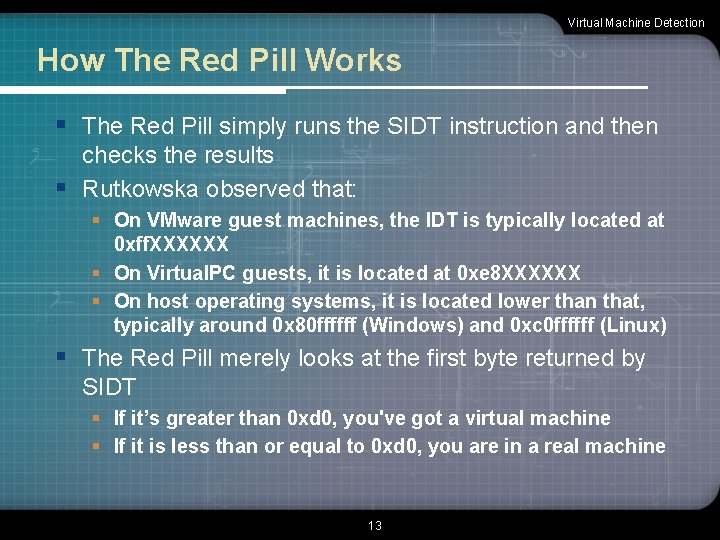
Virtual Machine Detection How The Red Pill Works § The Red Pill simply runs the SIDT instruction and then checks the results § Rutkowska observed that: § On VMware guest machines, the IDT is typically located at 0 xff. XXXXXX § On Virtual. PC guests, it is located at 0 xe 8 XXXXXX § On host operating systems, it is located lower than that, typically around 0 x 80 ffffff (Windows) and 0 xc 0 ffffff (Linux) § The Red Pill merely looks at the first byte returned by SIDT § If it’s greater than 0 xd 0, you've got a virtual machine § If it is less than or equal to 0 xd 0, you are in a real machine 13
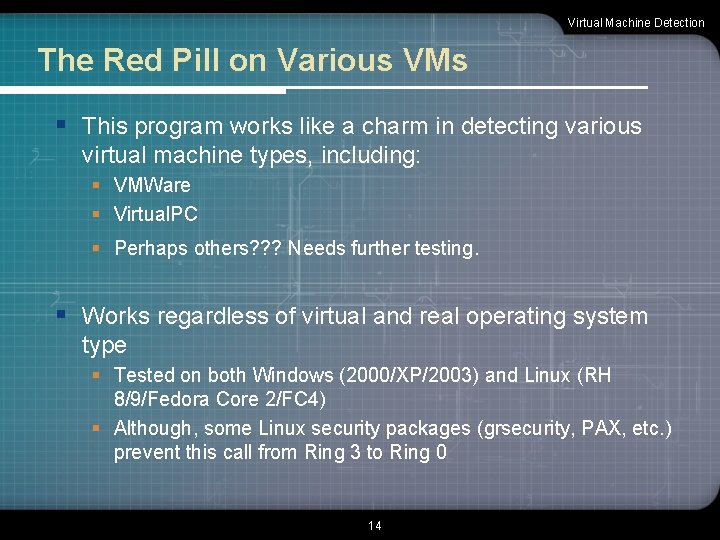
Virtual Machine Detection The Red Pill on Various VMs § This program works like a charm in detecting various virtual machine types, including: § VMWare § Virtual. PC § Perhaps others? ? ? Needs further testing. § Works regardless of virtual and real operating system type § Tested on both Windows (2000/XP/2003) and Linux (RH 8/9/Fedora Core 2/FC 4) § Although, some Linux security packages (grsecurity, PAX, etc. ) prevent this call from Ring 3 to Ring 0 14
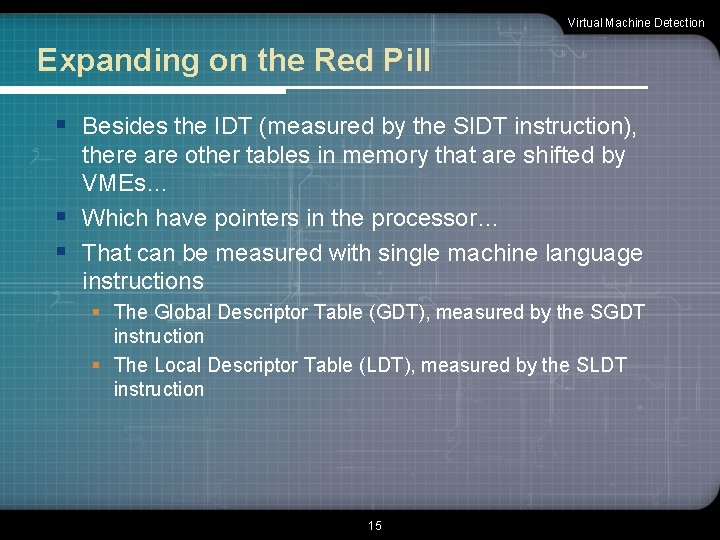
Virtual Machine Detection Expanding on the Red Pill § Besides the IDT (measured by the SIDT instruction), there are other tables in memory that are shifted by VMEs… § Which have pointers in the processor… § That can be measured with single machine language instructions § The Global Descriptor Table (GDT), measured by the SGDT instruction § The Local Descriptor Table (LDT), measured by the SLDT instruction 15
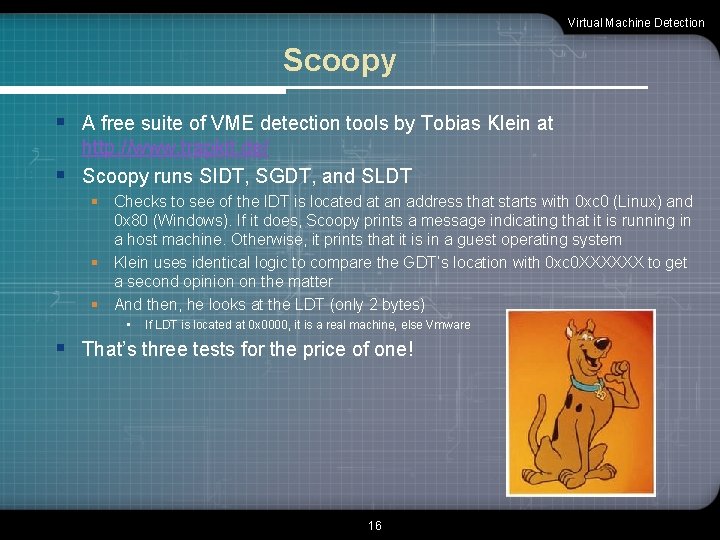
Virtual Machine Detection Scoopy § A free suite of VME detection tools by Tobias Klein at http: //www. trapkit. de/ § Scoopy runs SIDT, SGDT, and SLDT § Checks to see of the IDT is located at an address that starts with 0 xc 0 (Linux) and 0 x 80 (Windows). If it does, Scoopy prints a message indicating that it is running in a host machine. Otherwise, it prints that it is in a guest operating system § Klein uses identical logic to compare the GDT’s location with 0 xc 0 XXXXXX to get a second opinion on the matter § And then, he looks at the LDT (only 2 bytes) • If LDT is located at 0 x 0000, it is a real machine, else Vmware § That’s three tests for the price of one! 16
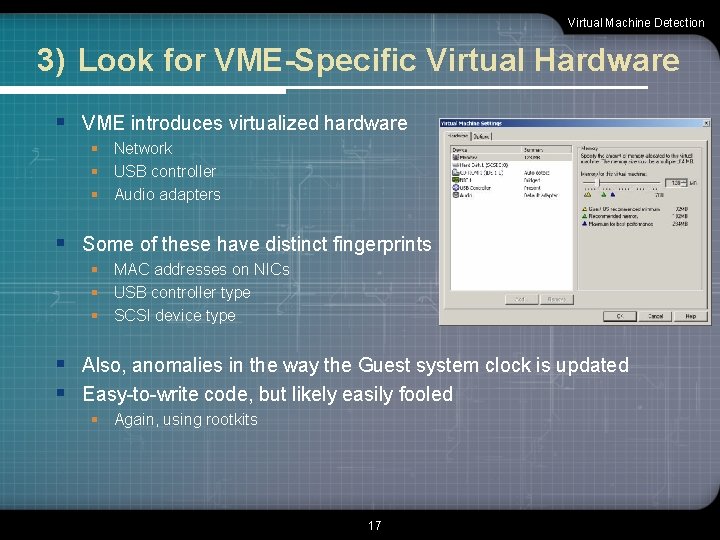
Virtual Machine Detection 3) Look for VME-Specific Virtual Hardware § VME introduces virtualized hardware § Network § USB controller § Audio adapters § Some of these have distinct fingerprints § MAC addresses on NICs § USB controller type § SCSI device type § Also, anomalies in the way the Guest system clock is updated § Easy-to-write code, but likely easily fooled § Again, using rootkits 17
Virtual Machine Detection VME-Specific Hardware Checks with Doo § Included with Scoopy, Tobias Klein has Doo § Linux version of Doo: • Simple shell script looks for “VMware” located in: – – /proc/iomem /proc/ioports /proc/scsi dmesg command (print kernel ring buffer; holds boot messages and related logs from kernel) • Also looks in dmesg output for “Bus. Logic BT-958” and “pcnet 32” - These are known VMware devices § Windows version of Doo: • Uses Windows Scripting Host to read 2 registry keys associated with SCSI to look for “VMware” • Uses WSH to read 2 other registry keys associated with specific Class ID of VMware virtualized hardware 18
4) Look for VME-Specific Processor Instructions and Capabilities Virtual Machine Detection § Some VMEs introduce “extra” machine-language instructions beyond the standard x 86 instruction set to foster Guest-to-Host communication or for other virtualization issues § For detection, code could play a non-standard x 86 instruction used by VMware, Virtual. PC, or Xen into processor to see if it rejects it or handles it • A program called VMDetect does this § Alternatively, we could look for unusual processor behavior associated with “normal” machine language instructions • A program called Jerry does this 19
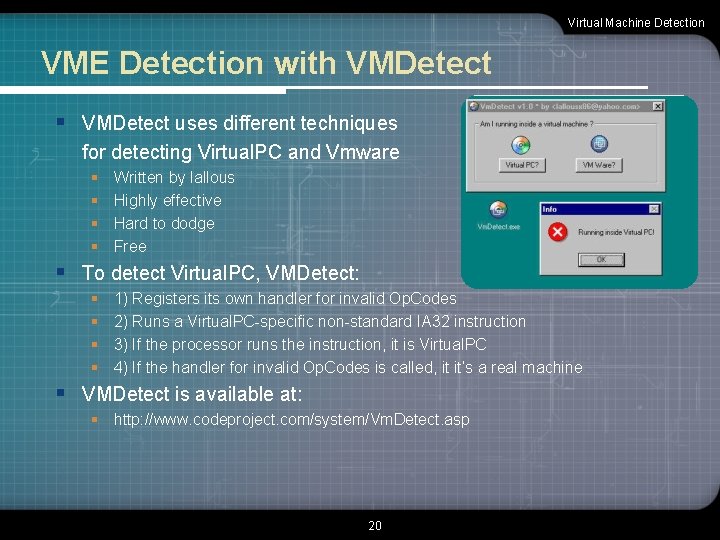
Virtual Machine Detection VME Detection with VMDetect § VMDetect uses different techniques for detecting Virtual. PC and Vmware § § Written by lallous Highly effective Hard to dodge Free § To detect Virtual. PC, VMDetect: § § 1) Registers its own handler for invalid Op. Codes 2) Runs a Virtual. PC-specific non-standard IA 32 instruction 3) If the processor runs the instruction, it is Virtual. PC 4) If the handler for invalid Op. Codes is called, it it’s a real machine § VMDetect is available at: § http: //www. codeproject. com/system/Vm. Detect. asp 20
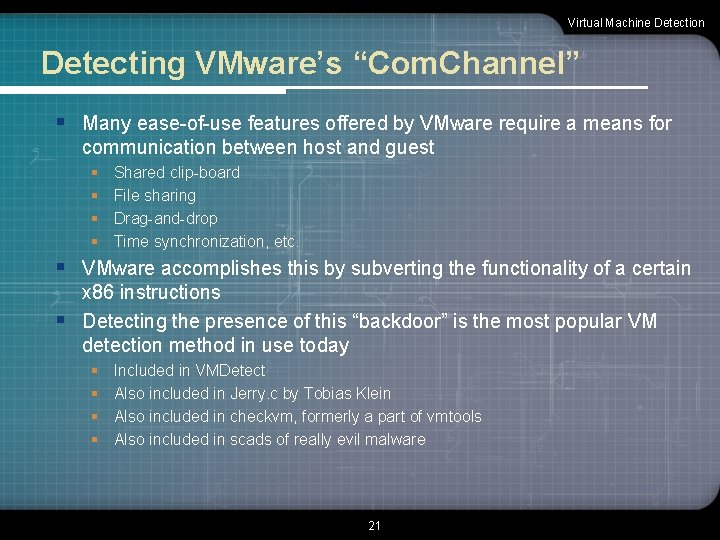
Virtual Machine Detection Detecting VMware’s “Com. Channel” § Many ease-of-use features offered by VMware require a means for communication between host and guest § § Shared clip-board File sharing Drag-and-drop Time synchronization, etc. § VMware accomplishes this by subverting the functionality of a certain x 86 instructions § Detecting the presence of this “backdoor” is the most popular VM detection method in use today § § Included in VMDetect Also included in Jerry. c by Tobias Klein Also included in checkvm, formerly a part of vmtools Also included in scads of really evil malware 21
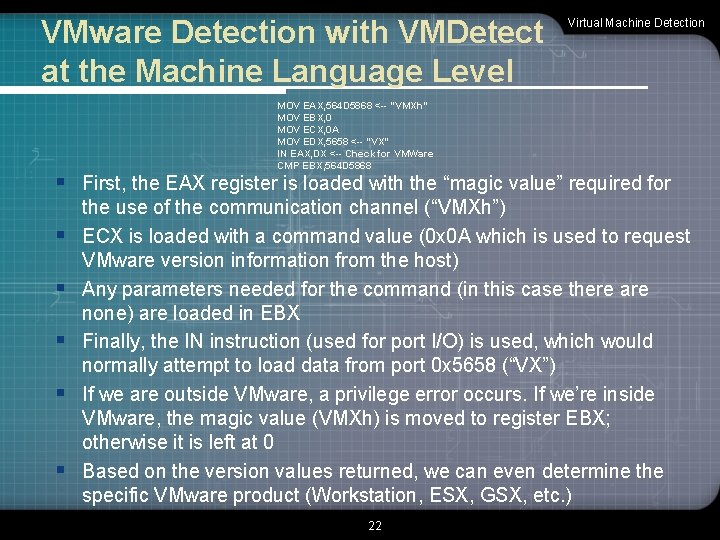
VMware Detection with VMDetect at the Machine Language Level Virtual Machine Detection MOV EAX, 564 D 5868 <-- "VMXh" MOV EBX, 0 MOV ECX, 0 A MOV EDX, 5658 <-- "VX" IN EAX, DX <-- Check for VMWare CMP EBX, 564 D 5868 § First, the EAX register is loaded with the “magic value” required for § § § the use of the communication channel (“VMXh”) ECX is loaded with a command value (0 x 0 A which is used to request VMware version information from the host) Any parameters needed for the command (in this case there are none) are loaded in EBX Finally, the IN instruction (used for port I/O) is used, which would normally attempt to load data from port 0 x 5658 (“VX”) If we are outside VMware, a privilege error occurs. If we’re inside VMware, the magic value (VMXh) is moved to register EBX; otherwise it is left at 0 Based on the version values returned, we can even determine the specific VMware product (Workstation, ESX, GSX, etc. ) 22
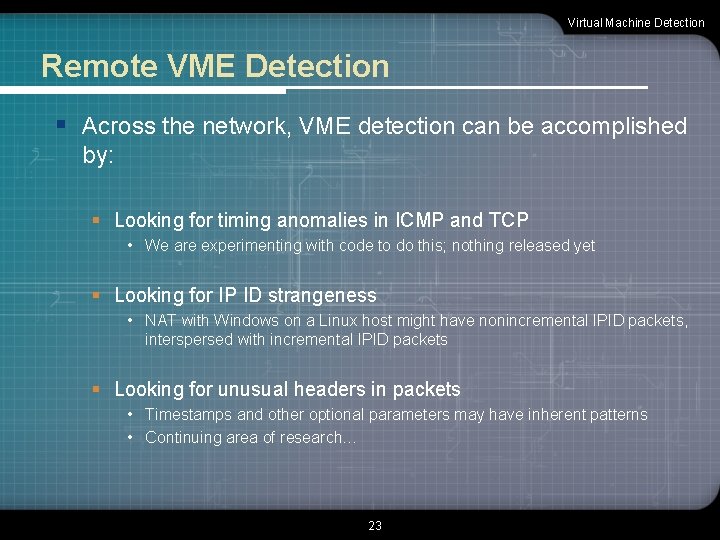
Virtual Machine Detection Remote VME Detection § Across the network, VME detection can be accomplished by: § Looking for timing anomalies in ICMP and TCP • We are experimenting with code to do this; nothing released yet § Looking for IP ID strangeness • NAT with Windows on a Linux host might have nonincremental IPID packets, interspersed with incremental IPID packets § Looking for unusual headers in packets • Timestamps and other optional parameters may have inherent patterns • Continuing area of research… 23
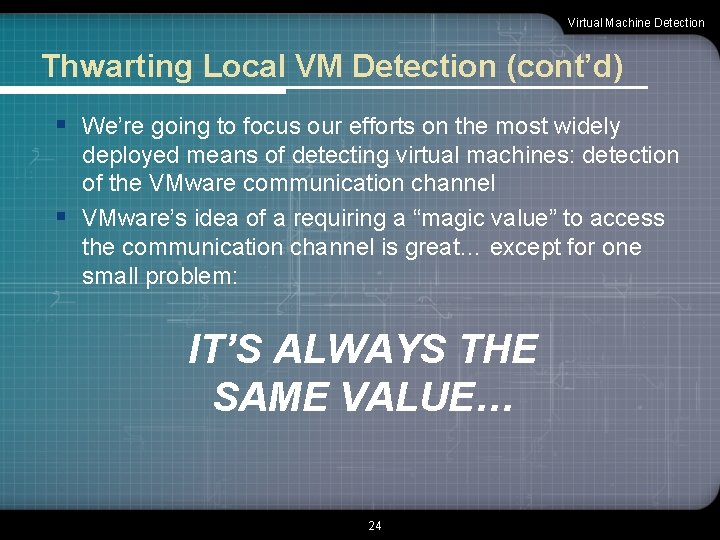
Virtual Machine Detection Thwarting Local VM Detection (cont’d) § We’re going to focus our efforts on the most widely deployed means of detecting virtual machines: detection of the VMware communication channel § VMware’s idea of a requiring a “magic value” to access the communication channel is great… except for one small problem: IT’S ALWAYS THE SAME VALUE… 24
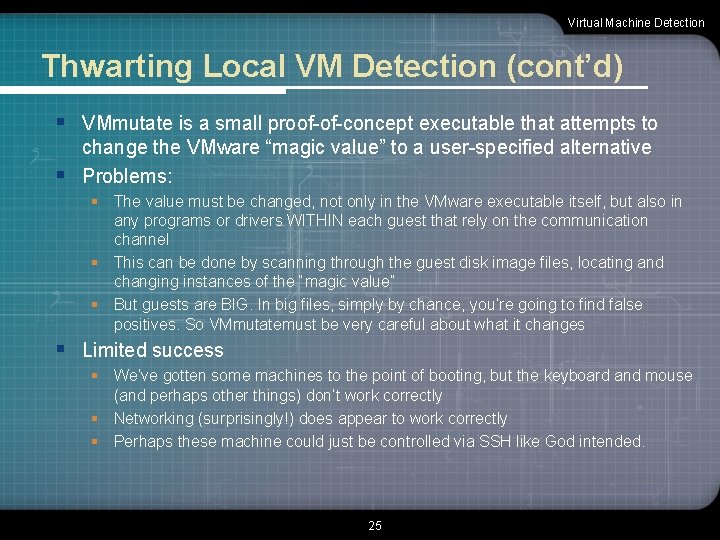
Virtual Machine Detection Thwarting Local VM Detection (cont’d) § VMmutate is a small proof-of-concept executable that attempts to change the VMware “magic value” to a user-specified alternative § Problems: § The value must be changed, not only in the VMware executable itself, but also in any programs or drivers WITHIN each guest that rely on the communication channel § This can be done by scanning through the guest disk image files, locating and changing instances of the “magic value” § But guests are BIG. In big files, simply by chance, you’re going to find false positives. So VMmutatemust be very careful about what it changes § Limited success § We’ve gotten some machines to the point of booting, but the keyboard and mouse (and perhaps other things) don’t work correctly § Networking (surprisingly!) does appear to work correctly § Perhaps these machine could just be controlled via SSH like God intended. 25
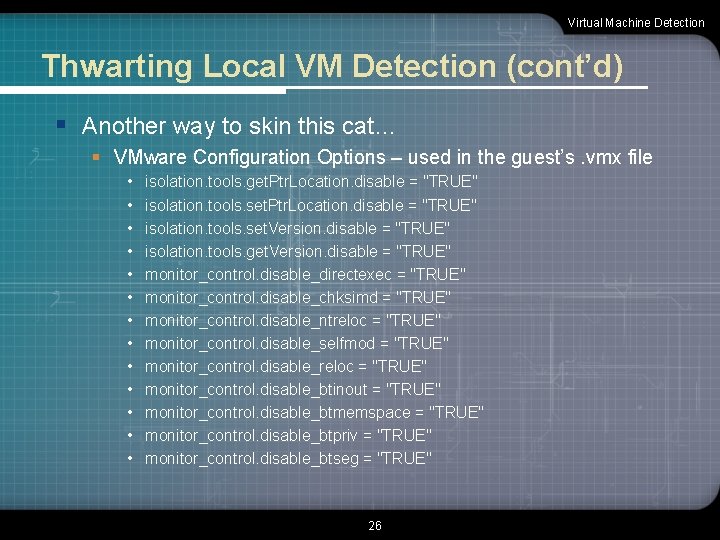
Virtual Machine Detection Thwarting Local VM Detection (cont’d) § Another way to skin this cat… § VMware Configuration Options – used in the guest’s. vmx file • • • • isolation. tools. get. Ptr. Location. disable = "TRUE" isolation. tools. set. Version. disable = "TRUE" isolation. tools. get. Version. disable = "TRUE" monitor_control. disable_directexec = "TRUE" monitor_control. disable_chksimd = "TRUE" monitor_control. disable_ntreloc = "TRUE" monitor_control. disable_selfmod = "TRUE" monitor_control. disable_reloc = "TRUE" monitor_control. disable_btinout = "TRUE" monitor_control. disable_btmemspace = "TRUE" monitor_control. disable_btpriv = "TRUE" monitor_control. disable_btseg = "TRUE" 26
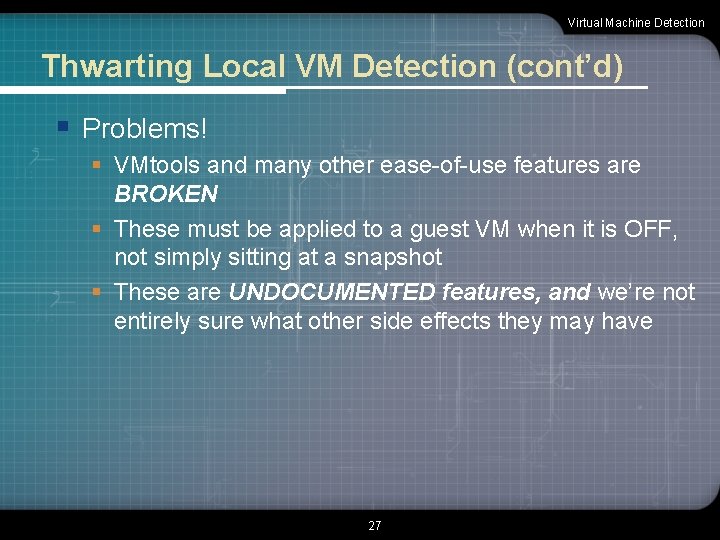
Virtual Machine Detection Thwarting Local VM Detection (cont’d) § Problems! § VMtools and many other ease-of-use features are BROKEN § These must be applied to a guest VM when it is OFF, not simply sitting at a snapshot § These are UNDOCUMENTED features, and we’re not entirely sure what other side effects they may have 27
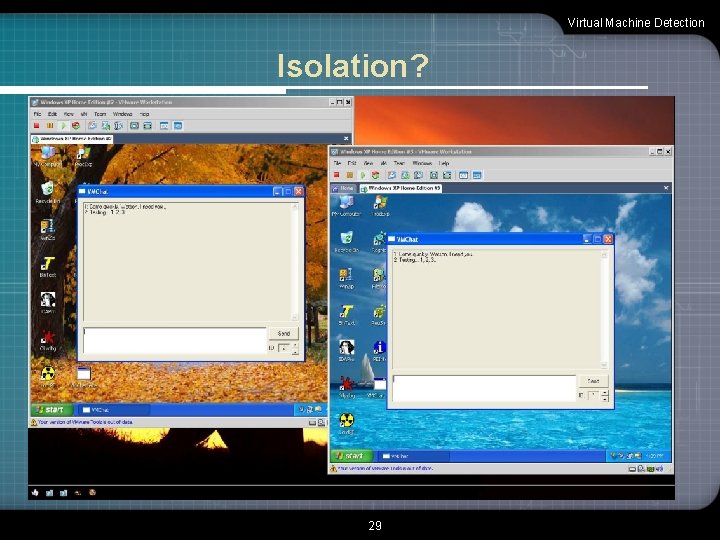
Virtual Machine Detection Finally… a teaser § We talked a bit before about what we called “questionable usage patterns” § These are VME deployments that, we believe, overly rely on the isolation of guest machines from one another § Here’s why we feel that way… 28
Virtual Machine Detection Isolation? 29
LOGO for stopping by and we hope you found the presentation worthwhile. If you didn’t, it’s all Ed & Liston's fault.
Virtual Machine Detection Movies How to Create a XP virtual Machine for Malware testing part 1 How to Create a XP virtual Machine for Malware testing part 2 Preparing to Analyze Malware – HBGray Flypaper Be. EF Respondus Lock. Down Browser 31